
Zippered Coca-Cola World Ad
A premium conceptual soda advertisement showing a cold branded can unzipping between warm sunset and icy mountain worlds.
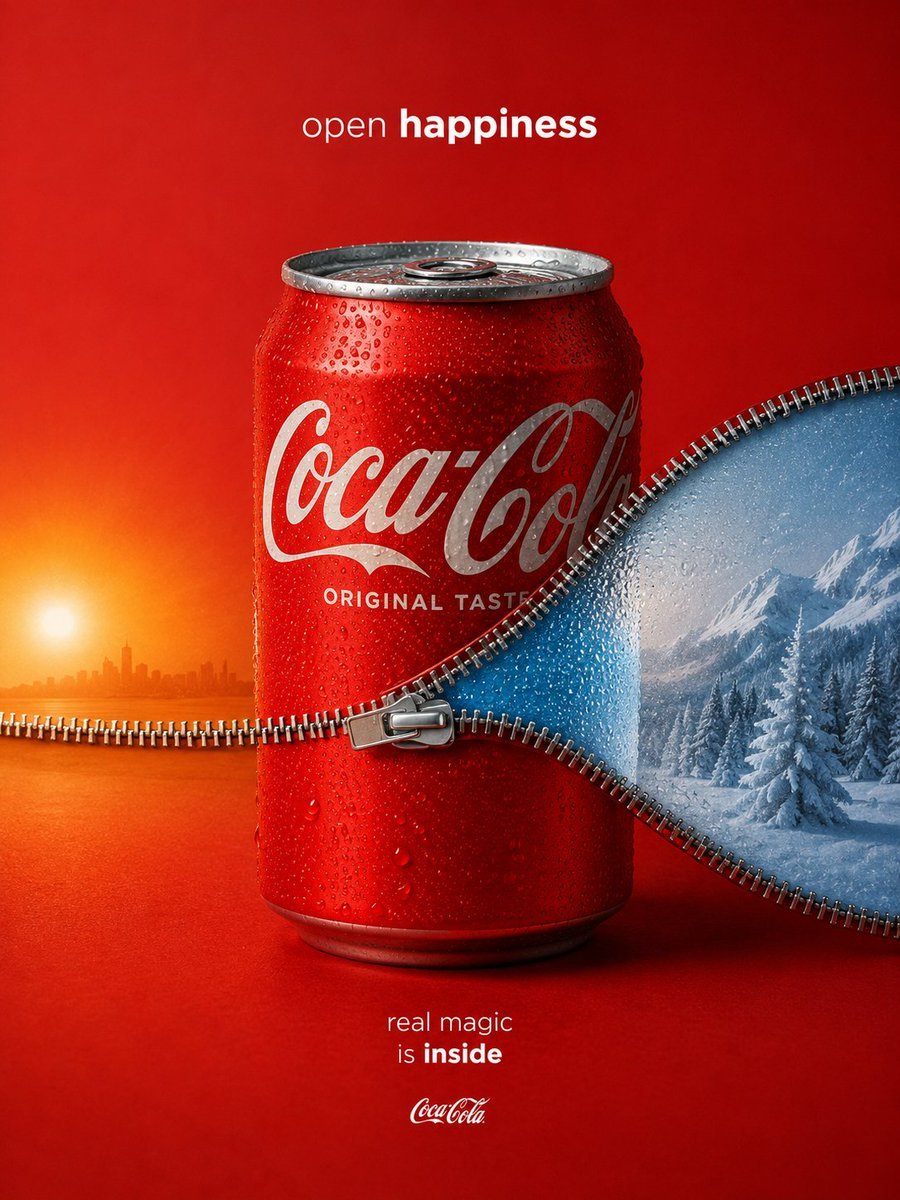
- Prompt included
- Model and format preset
- Free template
The prompt behind this image
Copy the exact prompt behind Zippered Coca-Cola World Ad, or open it in the studio and make it yours.
Create a premium conceptual beverage advertisement for {argument name="brand name" default="Coca-Cola"} on a vertical 4:5 canvas, with a deep red studio background and a cold red soda can centered in the frame. The can is covered in realistic condensation droplets, lit like a high-end FMCG product shot, with crisp metallic highlights on the rim, pull tab, and bottom edge. Place the white scripted {argument name="can logo text" default="Coca-Cola"} logo across the can, with small white text reading “ORIGINAL TASTE” below it. Add a surreal zipper opening across the middle of the composition: a shiny silver zipper runs horizontally from the left edge, crosses the front of the can, then curves upward and outward to the right, with the zipper pull positioned near the center-front of the can. The zipper divides two worlds: on the left, an orange sunset landscape with a glowing sun near the horizon, warm water or flat terrain, and a faint distant city skyline; on the right, an icy blue winter mountain scene with snow-covered pine trees, frosty mountains, mist, and cold condensation. The right zipper flap should look like a curved blue panel peeled open from the red surface, with droplets and zipper teeth along the edge. Use cinematic advertising lighting, ultra-realistic product photography, glossy condensation, shallow studio depth, and a clean Apple-level minimalist composition. Include exactly three visible text groups: top centered slogan “open happiness” with “happiness” in bold, main can logo and “ORIGINAL TASTE,” and bottom centered copy “real magic is inside” with “inside” in bold plus a tiny brand script beneath. No extra text, no people, no clutter, no watermark.
How to use Zippered Coca-Cola World Ad in 3 steps
- 1Upload ImagePNG, JPG or paste
Add your photo
Upload the photo the template builds on. The prompt, model and format are already set.
- 2…a portrait of your subject in softgolden-hour light, 85mm…
Personalize
Edit the subject and creative details for your destination.
- 3Generate
Generate
Press Generate — your image is created in PicX Studio, so you can compare it with the original and refine one variable at a time.
More like this
Templates with the same subject, style or setup. Open one to see its prompt.
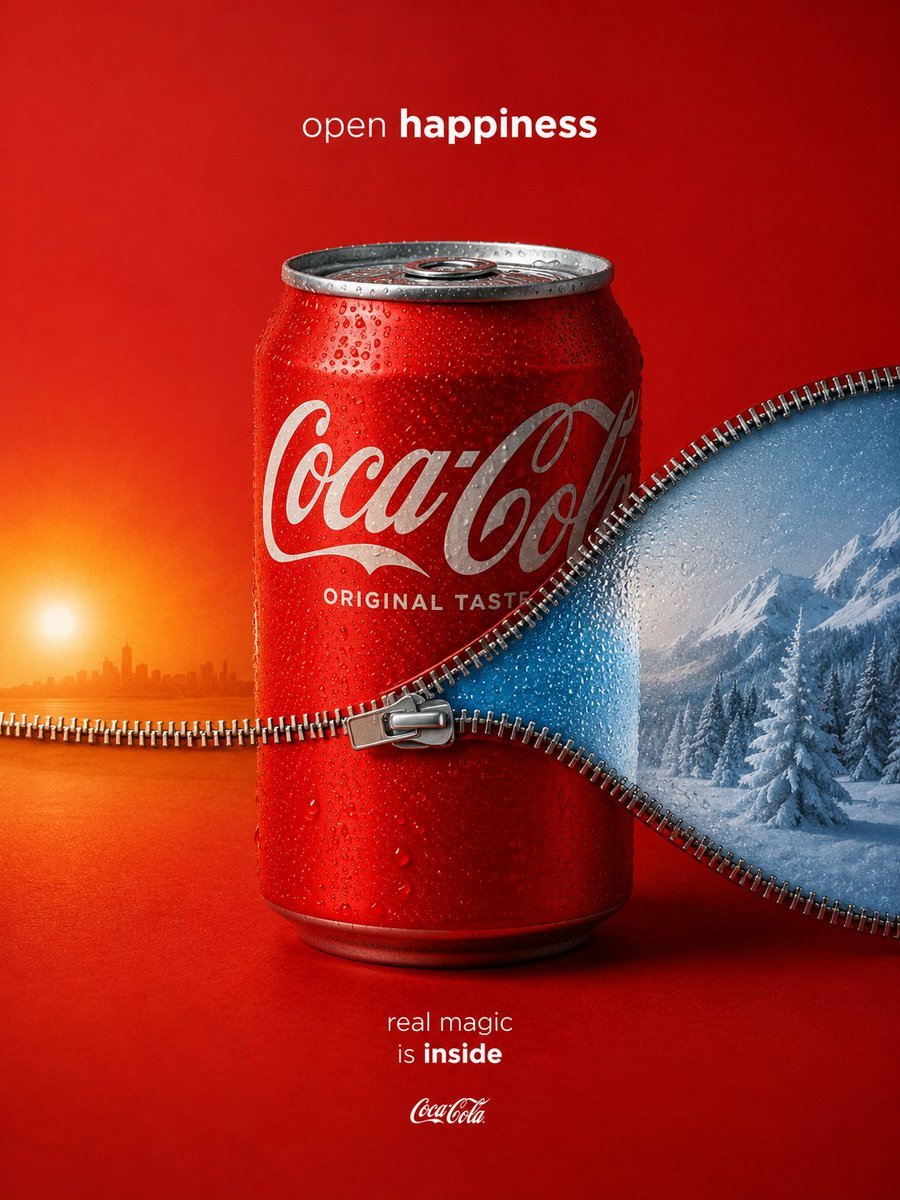
Coca-Cola Zipper Worlds Ad
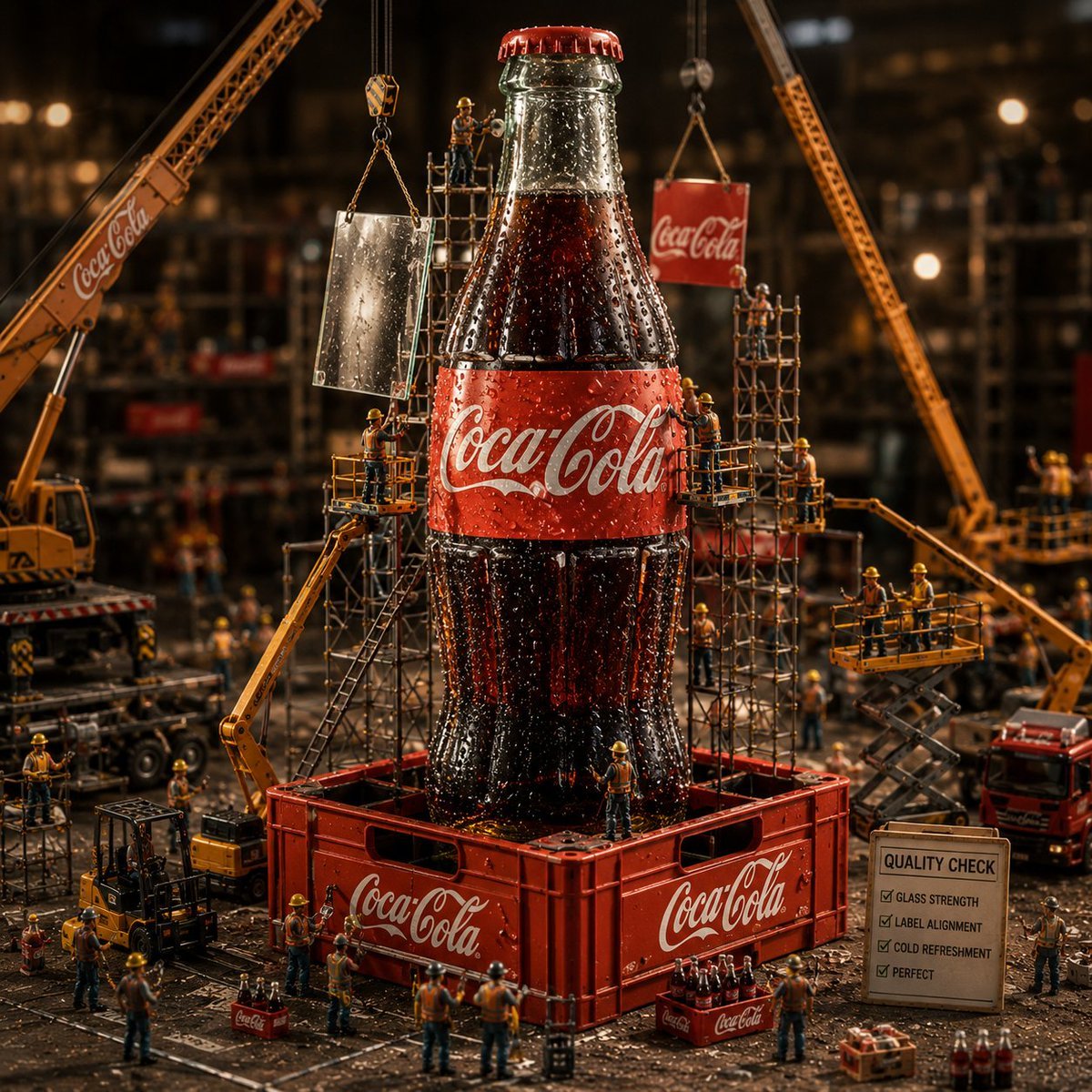
Coca-Cola Bottle Construction Macro Scene
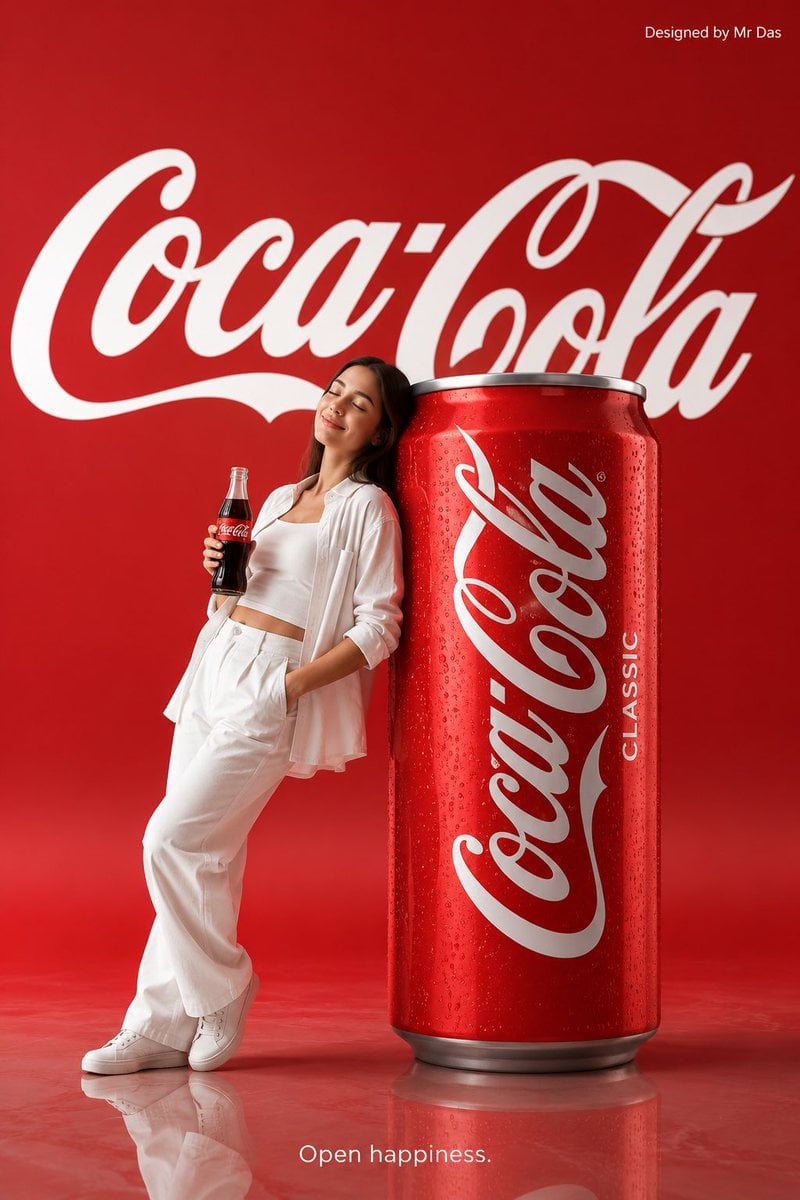
Minimalist Coca Cola Ad
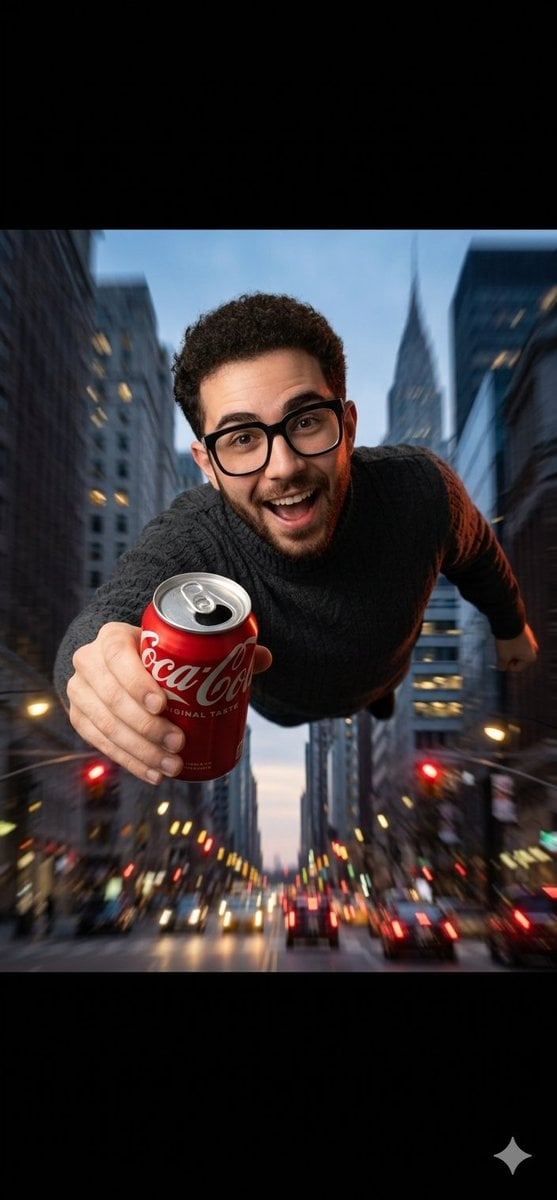
Dynamic Coca-Cola Supermen Prompt
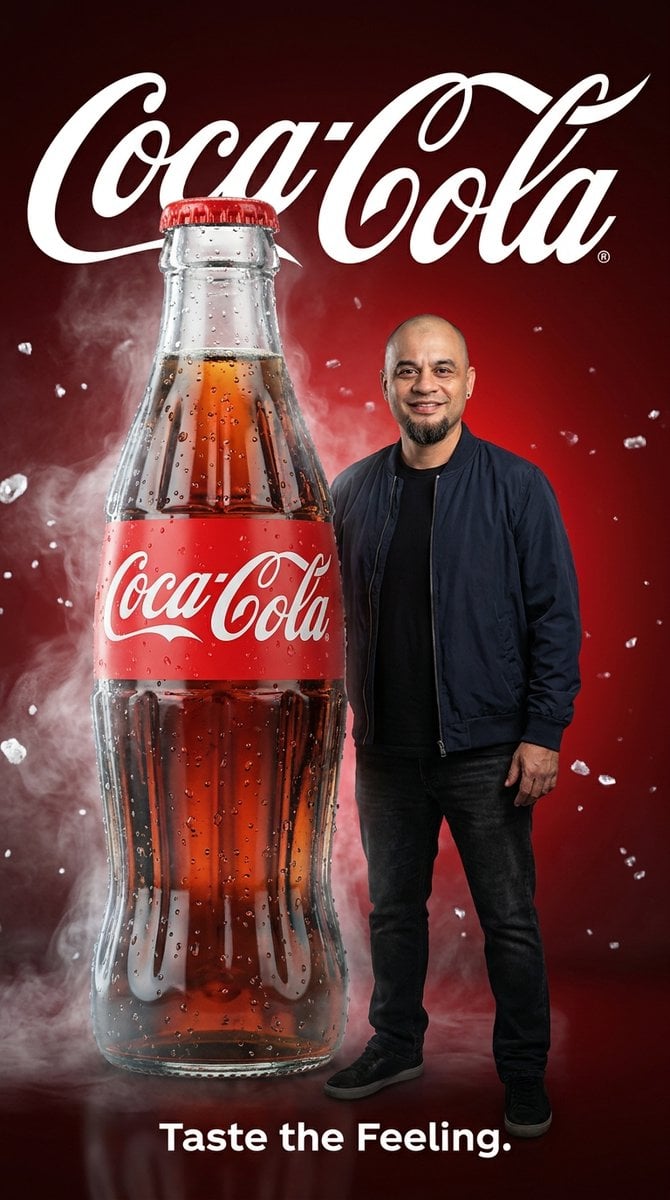
Coca-Cola Advertising Poster
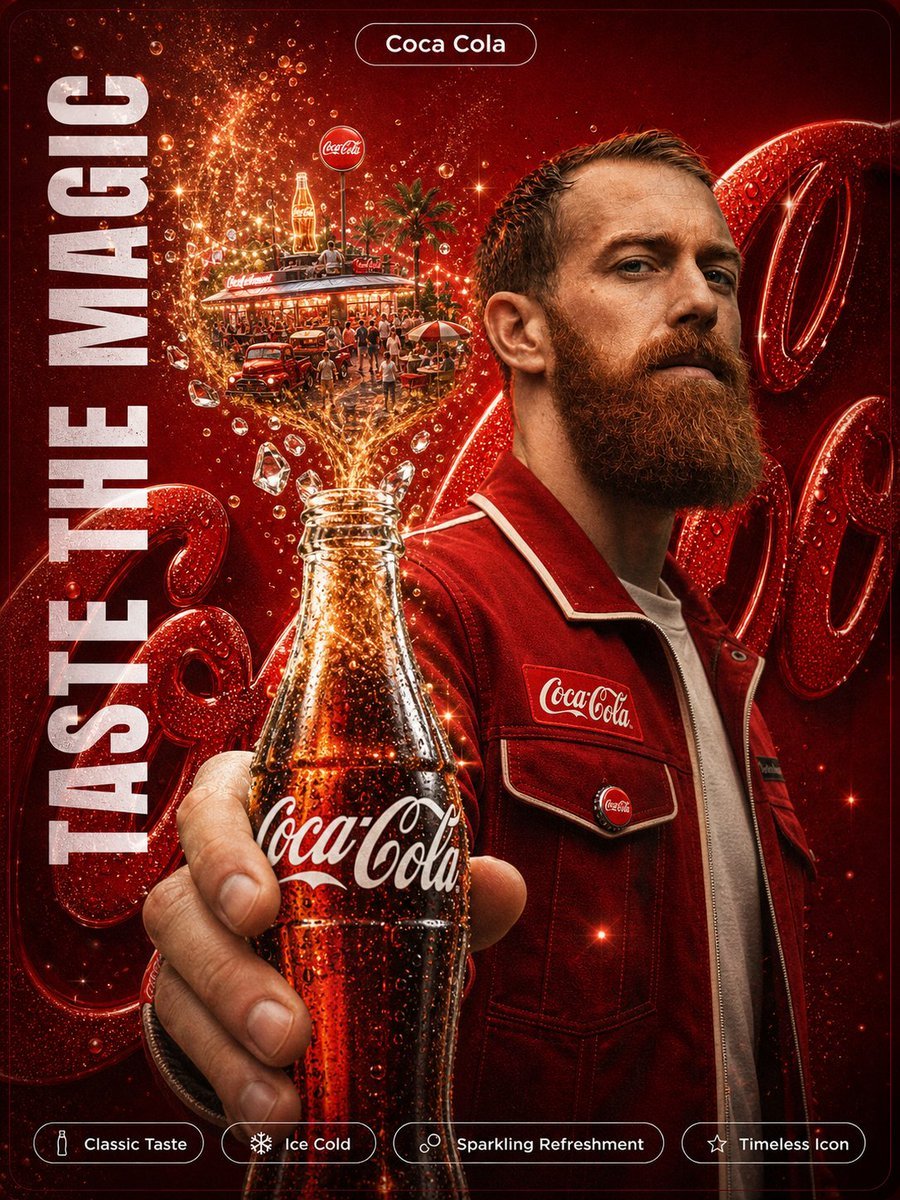
Coca-Cola Magic Poster
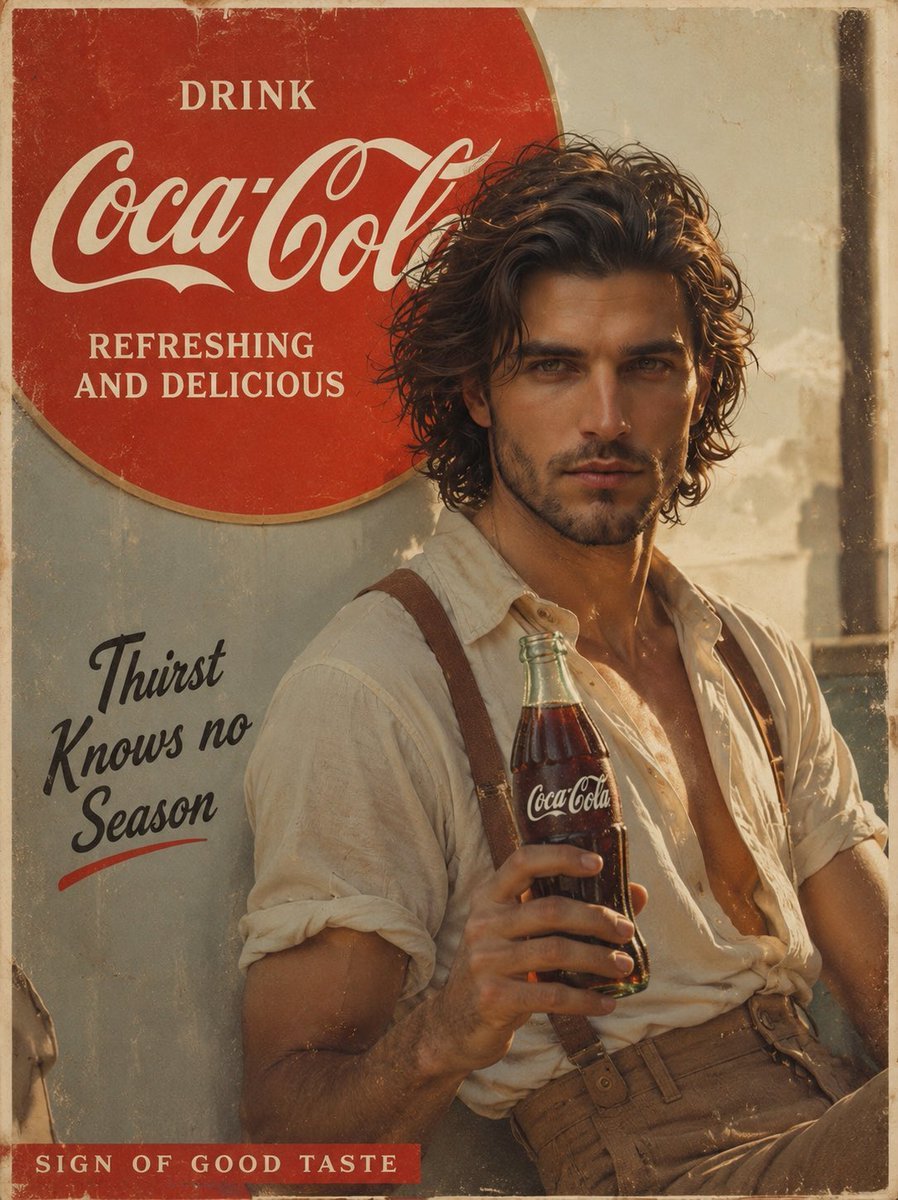
Prompt: Create a cinematic vintage Coca Cola adver
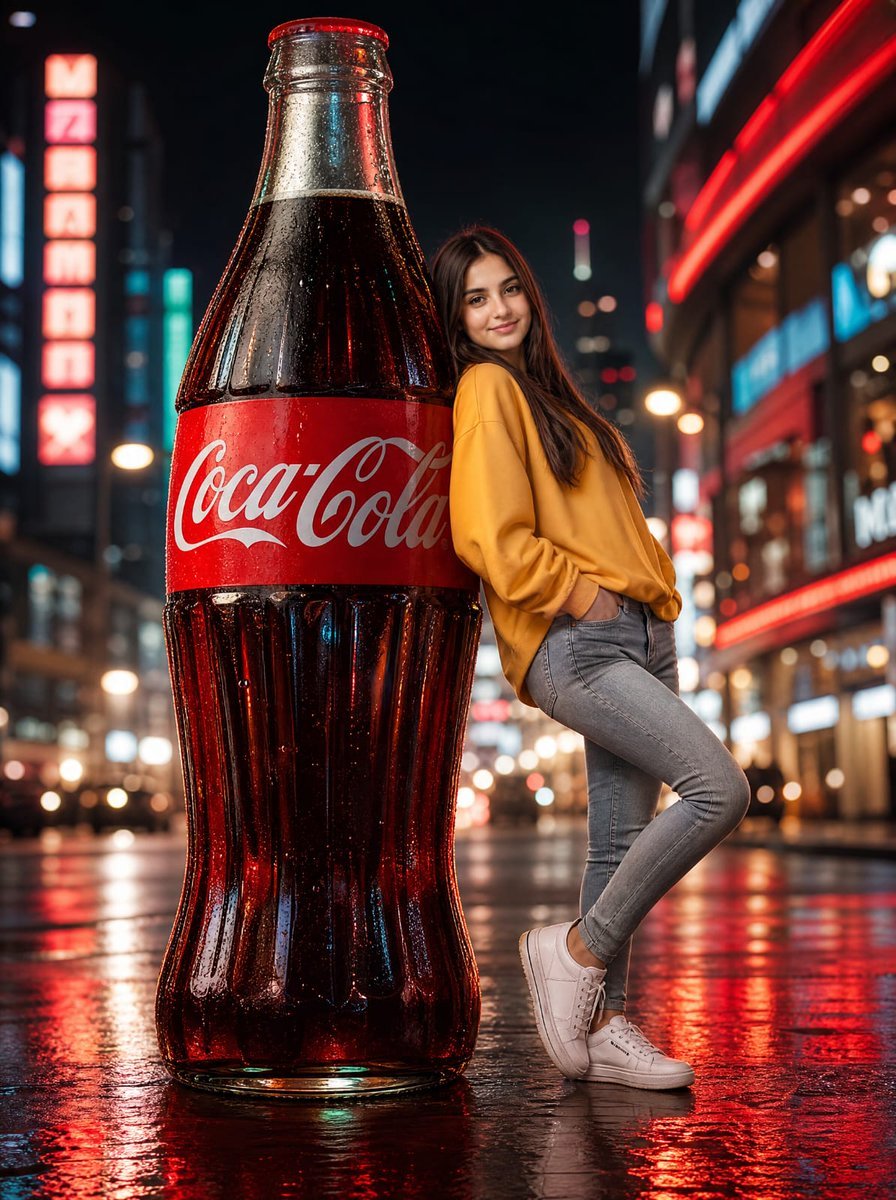
Neon Coca-Cola Street Portrait
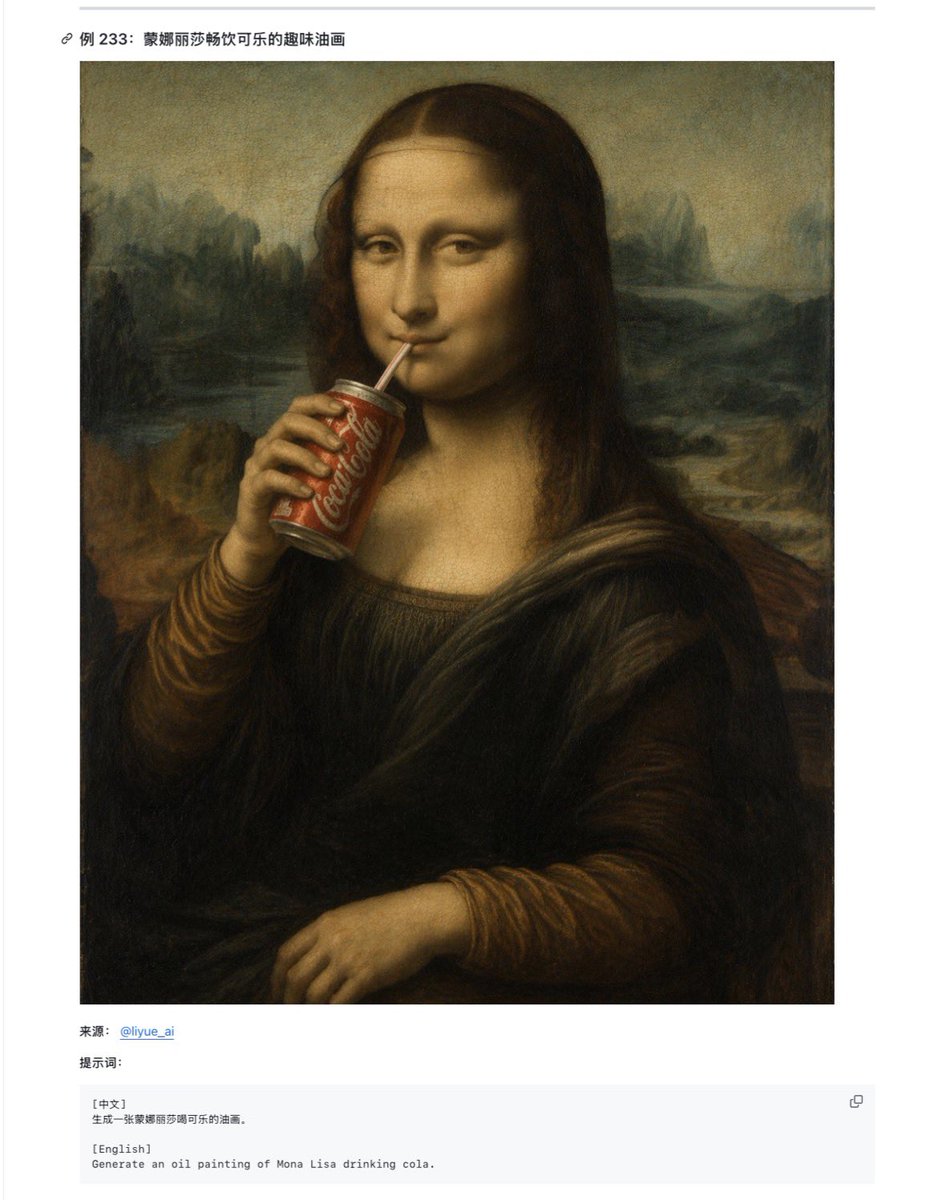
Mona Lisa Coca-Cola Web Example
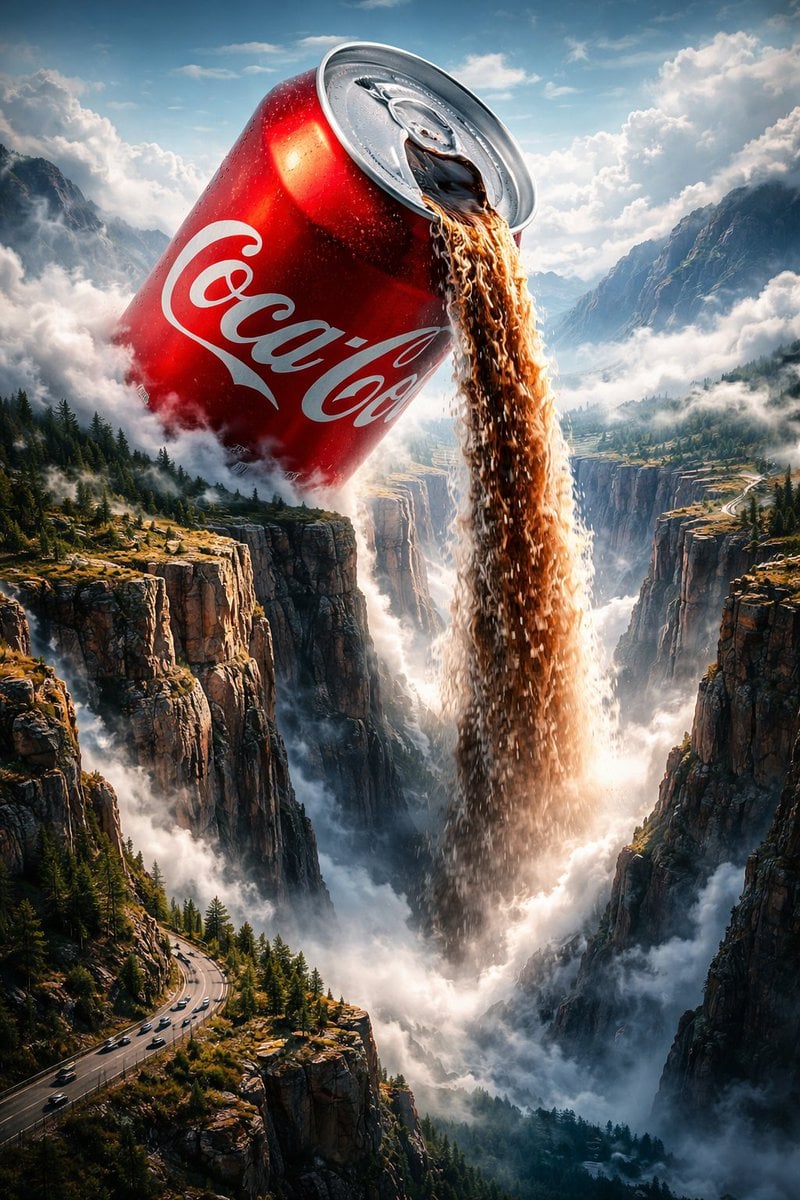
Surreal Epic Coca-Cola Waterfall Landscape
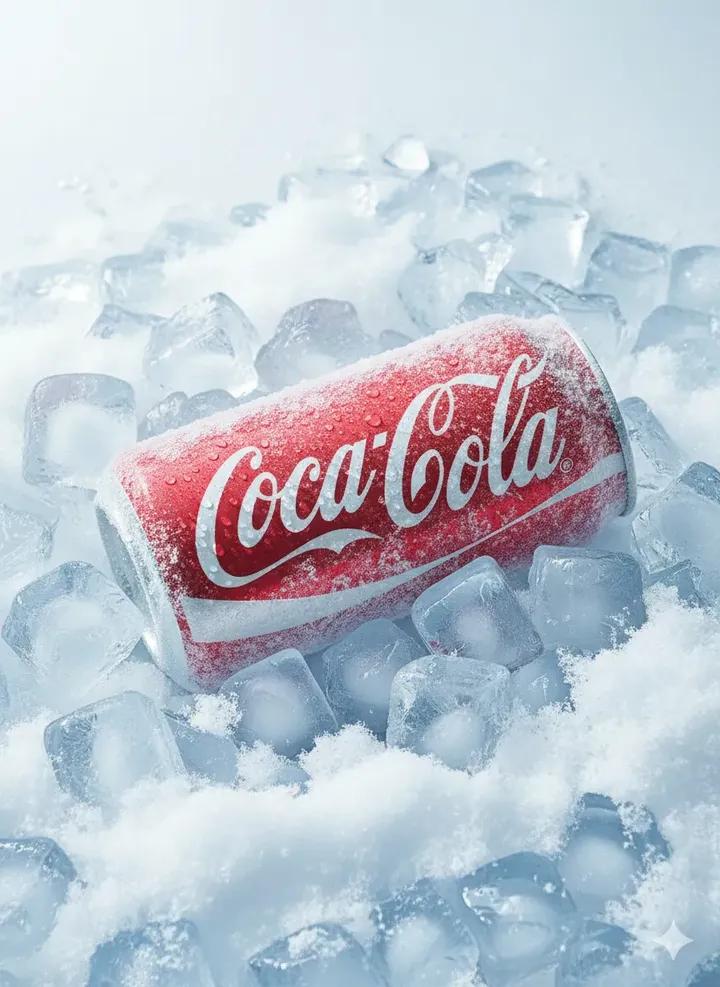
Hyper-Realistic Icy Coca-Cola Product Shot
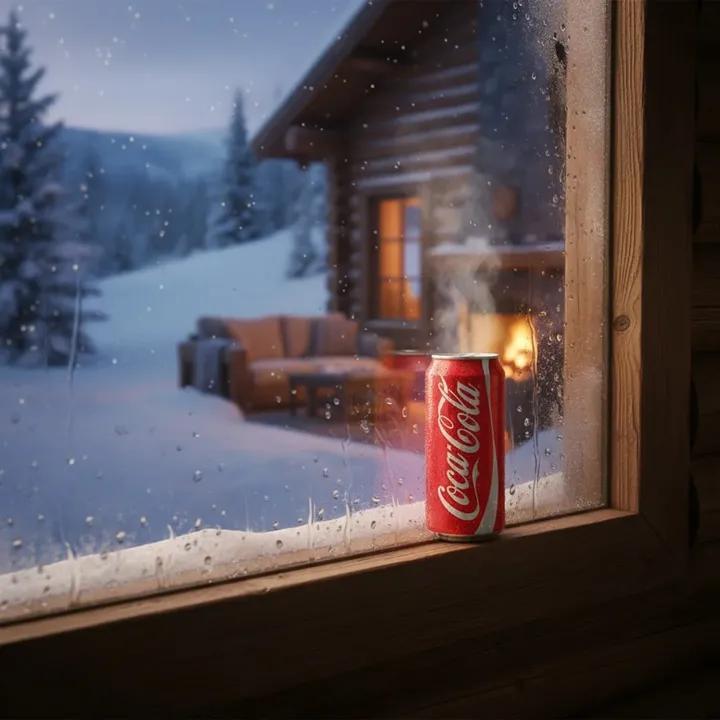
Winter Cabin Scene with Frosted Window and Coca-Cola Can
Make it yours
Zippered Coca-Cola World Ad works as-is. These are the safest ways to change it without losing the look.
Change one field
Copy a single group, rewrite it, and generate again so you can see what that field is doing.
Keep the frame, change the subject
Hold the composition and light of Zippered Coca-Cola World Ad, then swap wardrobe, props or the person for a new take.
| If the result… | Why | Fix |
|---|---|---|
| The result drifts from the preview | Too many fields changed at once. | Reuse Zippered Coca-Cola World Ad as-is first, then change one group — subject, light, or setting. |
| The model over-stylizes the scene | The prose prompt leaves finish and camera underspecified. | Add one camera or lighting sentence and stay on GPT Image 2. |
More GPT Image 2 templates
Other prompts made for GPT Image 2.

Six VTuber Japanese Logo Sheet

Realistic Portrait of Woman and Deer

The Vista Modular Condo Poster

AI Model Routing Comparison Infographic

2.5D Anime Art Board

Isometric Productivity Desk Scene

New York Double Exposure Poster

Four-Panel AI Landscape Comparison

Japanese Tatami Lifestyle Magazine Cover

NESCAFÉ Coffee Map Poster
More image prompts
Fresh picks from across the catalog.
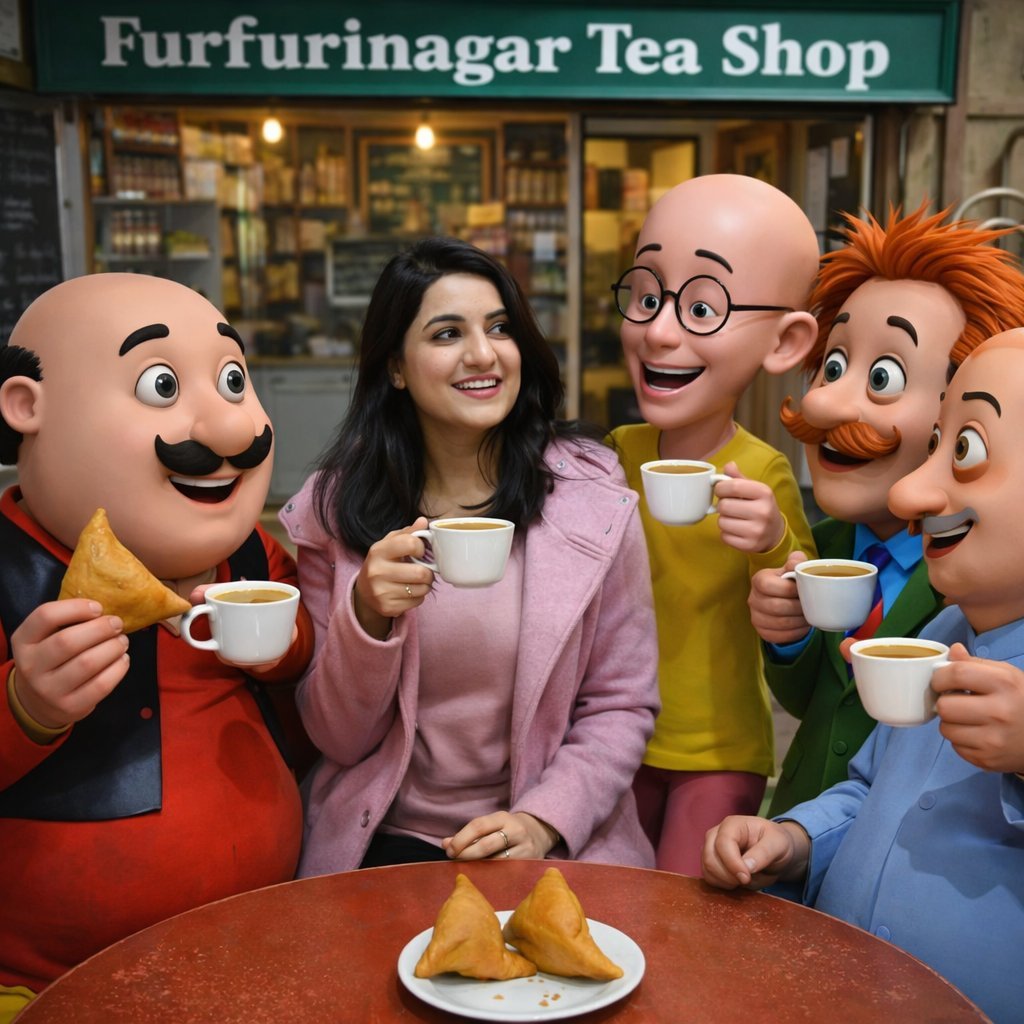
Motu Patlu Tea Shop Scene with Custom Face
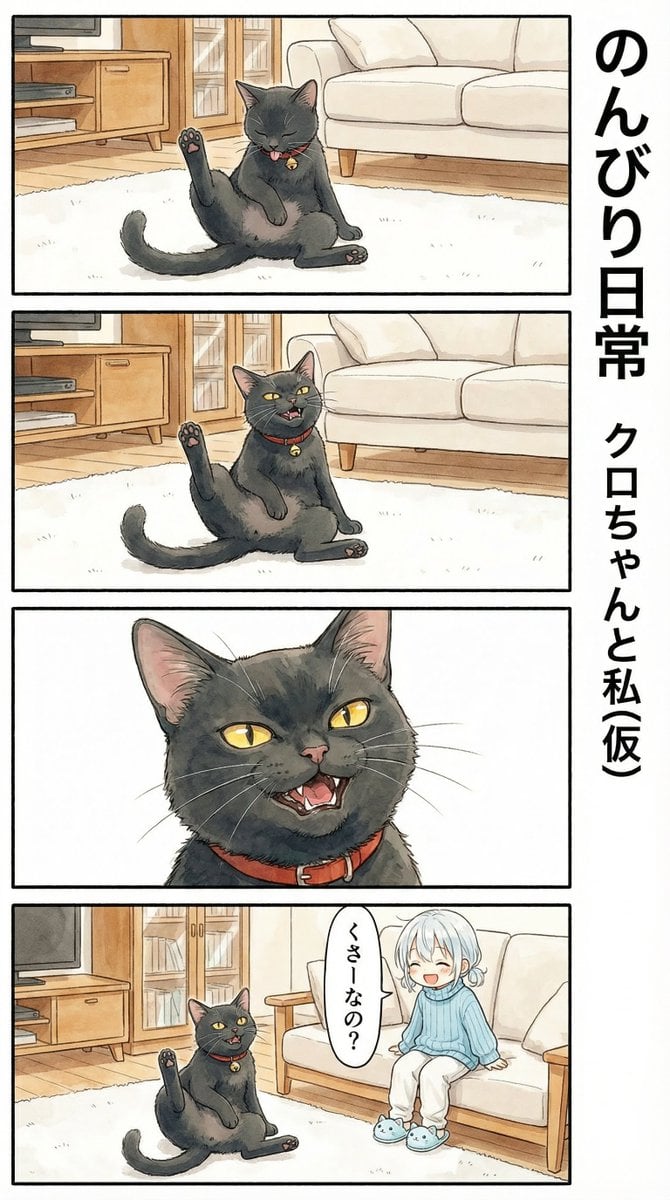
Flehmen Response AI Manga Panel Prompt

Surreal Library Armchair Generation

Close-up Portrait in Snowy Alpine Landscape

Man Holding Holographic Drone Prompt
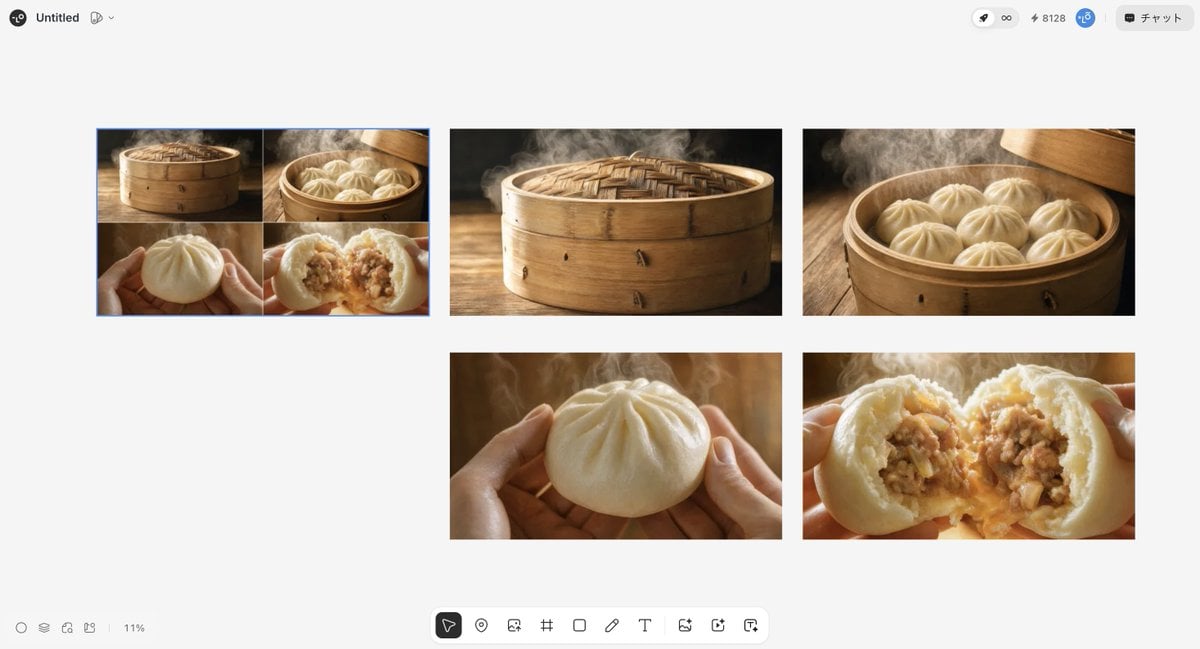
Luxury Steamed Bun Commercial Storyboard

Cinematic Night Portrait with Neon Silhouette

Cinematic Night Portrait of a Young Woman
Ultra-Realistic Candid Nighttime Smartphone Photo Prompt
Luxurious KitKat Sweet Retreat
Browse template categories
Zippered Coca-Cola World Ad questions
How do I use the Zippered Coca-Cola World Ad template?
Add your photo if the template asks for one, edit the prompt if you like — the template's model and format are already selected — and press Generate. Your version opens in PicX Studio.
Can I customize the Zippered Coca-Cola World Ad template?
Yes. You can change the subject, setting, lighting, mood, format, and available model controls before creating your image.
Is the Zippered Coca-Cola World Ad template free?
Opening and editing this template is free. Generating uses credits, shown on the Generate button when you are signed in.
Which AI model should I use?
Start with GPT Image 2, which is the model associated with this template. You can compare another compatible model for a different finish.
Looking for something else? Browse all templates.

Your photo, any look
Thousands of ready templates for every top image and video model, from one credit balance.