
Coca-Cola Zipper Worlds Ad
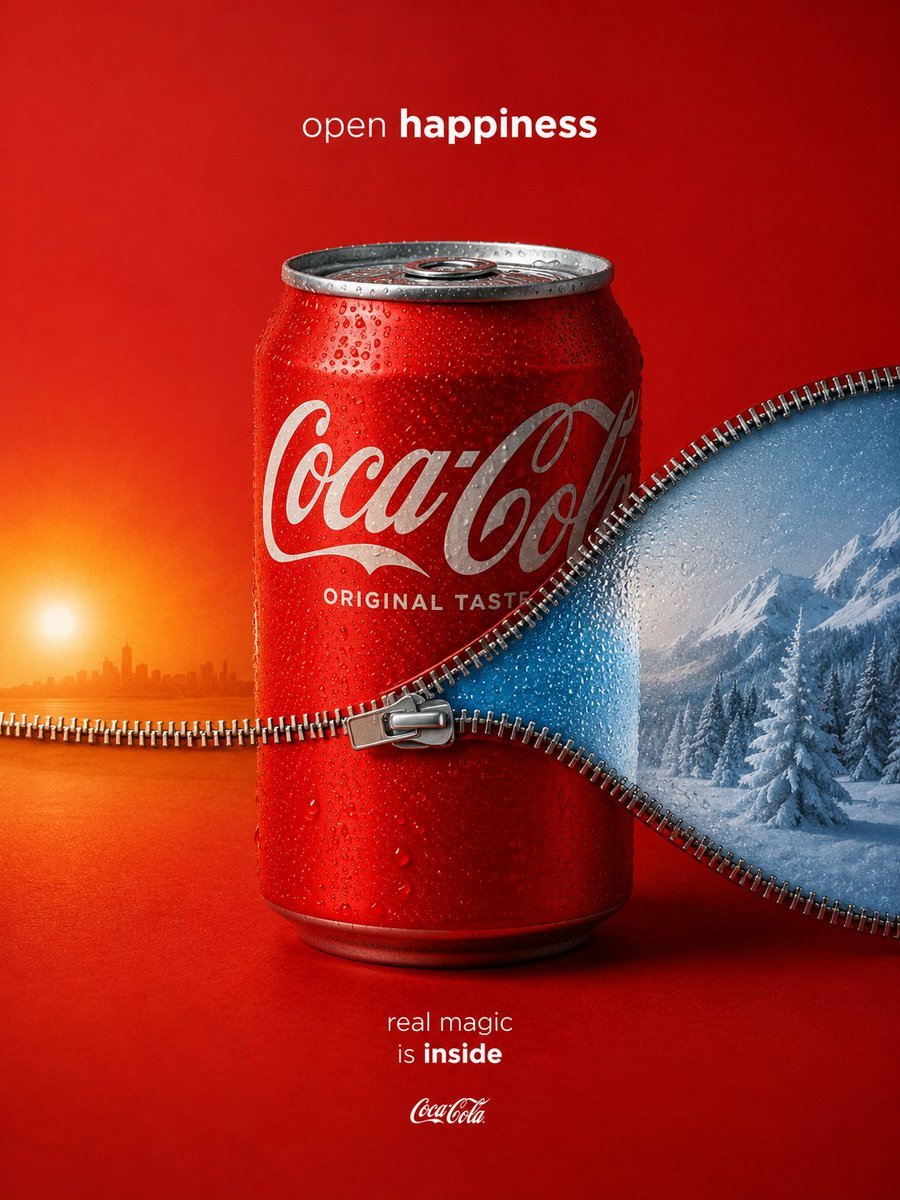
A high-end conceptual soda advertisement showing a chilled can unzipped to reveal contrasting warm and icy worlds inside.
- Prompt included
- Model and format preset
- Free template
The prompt behind this image
Copy the exact prompt behind Coca-Cola Zipper Worlds Ad, or open it in the studio and make it yours.
Create a premium conceptual beverage advertisement for {argument name="brand name" default="Coca-Cola"} on a vertical 4:5 canvas. Center a chilled red aluminum soda can, front-facing, covered in realistic condensation droplets, with a silver pull tab and rim visible at the top and the classic white script logo across the can; include the smaller can text “ORIGINAL TASTE.” The background is a seamless saturated red studio backdrop with luxury commercial lighting and a soft product shadow. A large metallic zipper runs horizontally across the image and wraps around the can at mid-height, with detailed interlocking teeth and a central zipper pull in front of the can; the zipper opens the scene into two contrasting worlds: on the left, a warm orange sunset over a calm water horizon with a small distant city skyline silhouette, and on the right, a cool blue snowy alpine landscape with frosted pine trees and mountains. The zipper seam should curve organically like a wave, visually implying the can contains magical worlds inside. Add minimal white ad copy: at the top center write {argument name="top slogan" default="open happiness"}, with “happiness” in bold; near the bottom center write {argument name="bottom slogan" default="real magic is inside"}, with “inside” in bold; place a small white Coca-Cola logo beneath it. Use hyper-realistic FMCG product photography, crisp macro details, glossy reflections, balanced red-orange-blue color contrast, Apple-level minimalist composition, Cannes Lions conceptual advertising style, no extra objects, no people, no watermark.
How to use Coca-Cola Zipper Worlds Ad in 3 steps
- 1Upload ImagePNG, JPG or paste
Add your photo
Upload the photo the template builds on. The prompt, model and format are already set.
- 2…a portrait of your subject in softgolden-hour light, 85mm…
Personalize
Edit the subject and creative details for your destination.
- 3Generate
Generate
Press Generate — your image is created in PicX Studio, so you can compare it with the original and refine one variable at a time.
More like this
Templates with the same subject, style or setup. Open one to see its prompt.
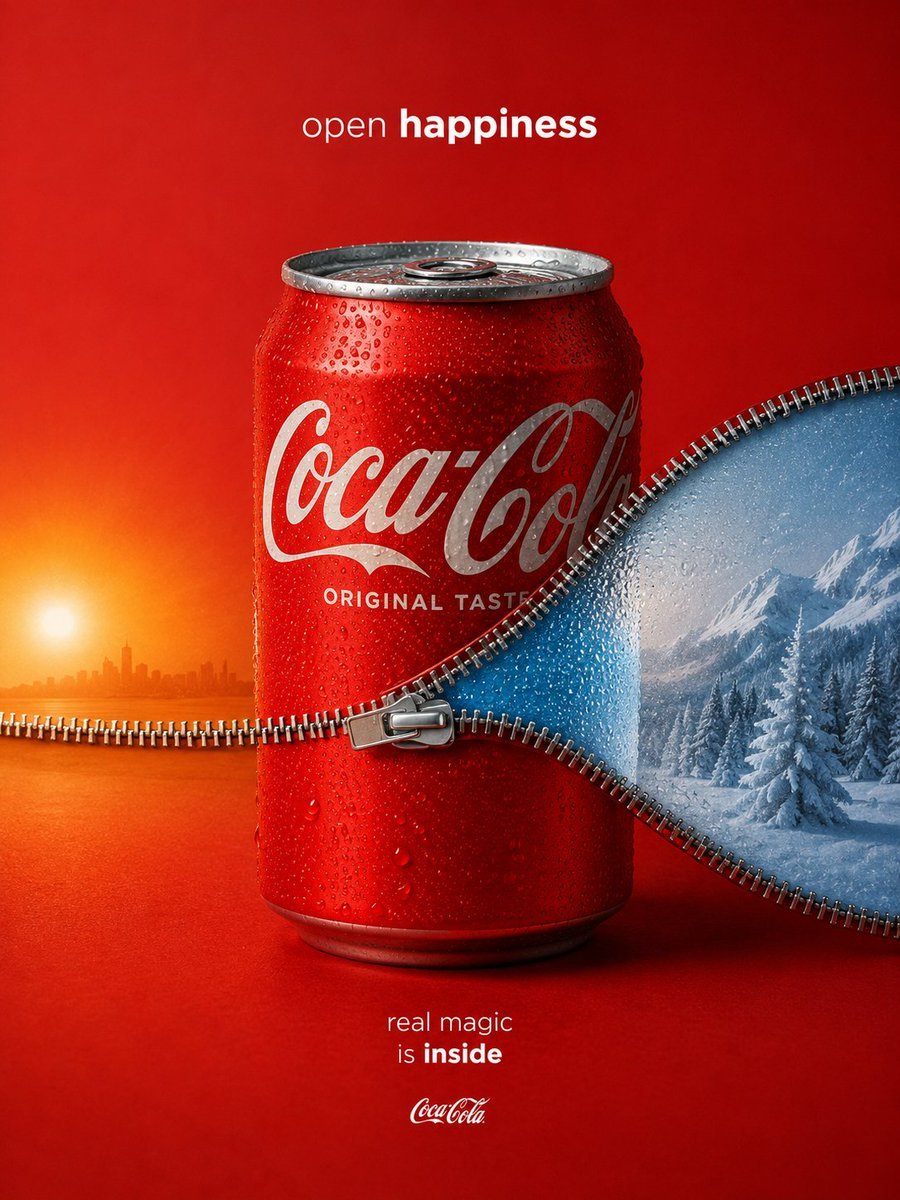
Zippered Coca-Cola World Ad
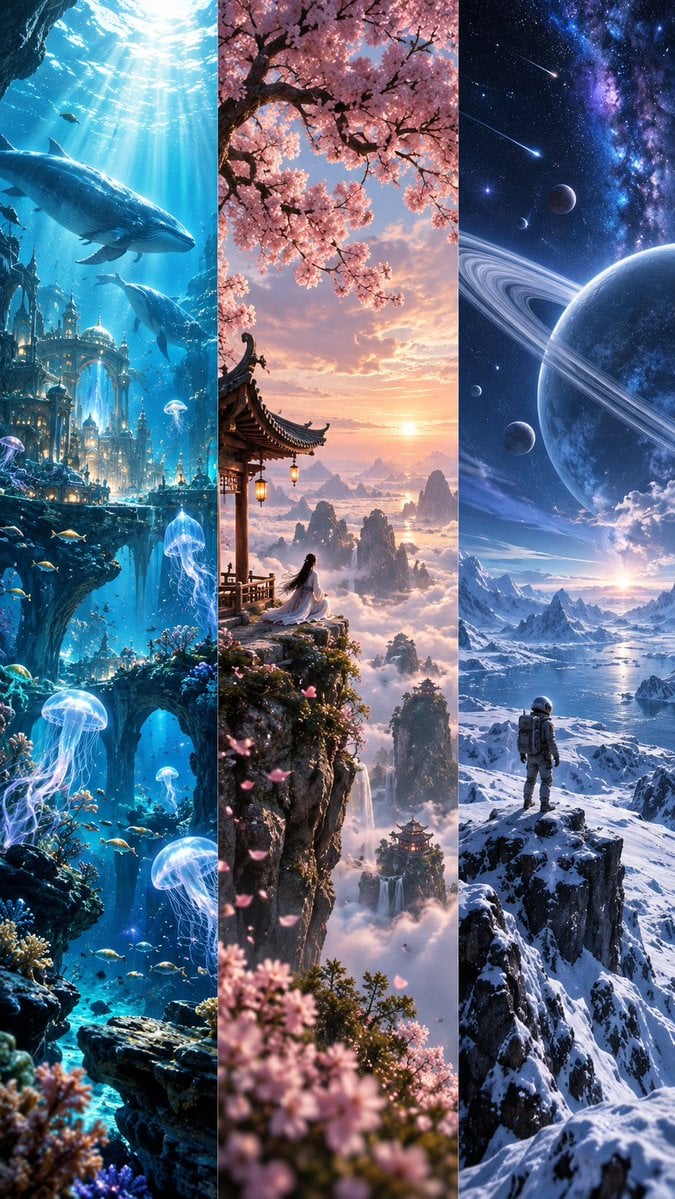
Fantasy Worlds Vertical Triptych

Giant Steel Zipper Sky Ad

Miniature City Tiny Worlds
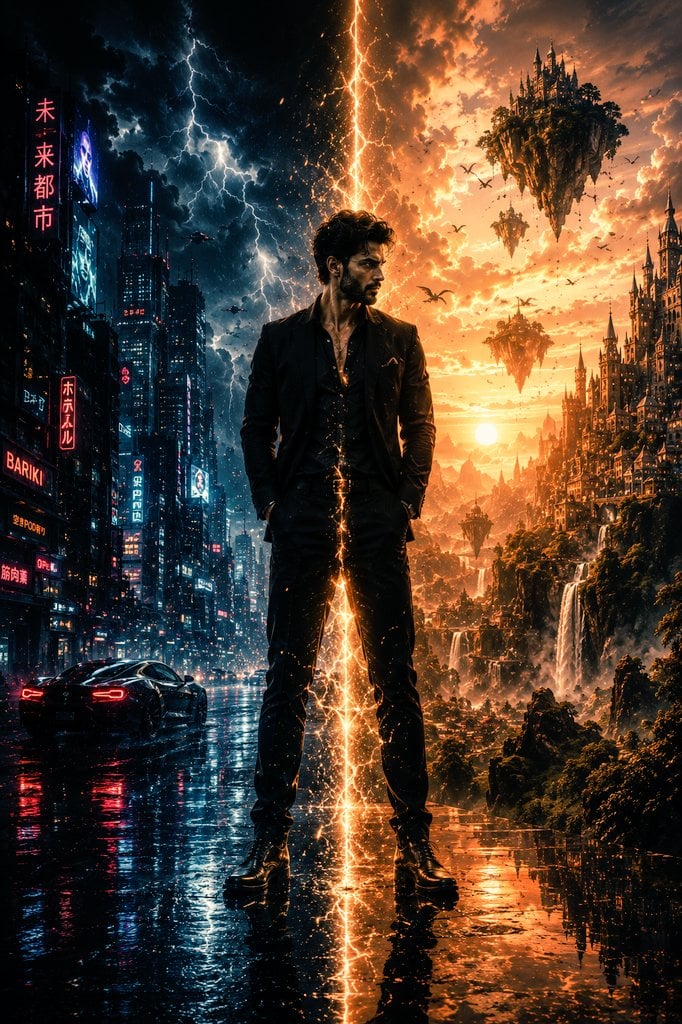
Epic Sci-Fi Parallel Worlds Artwork
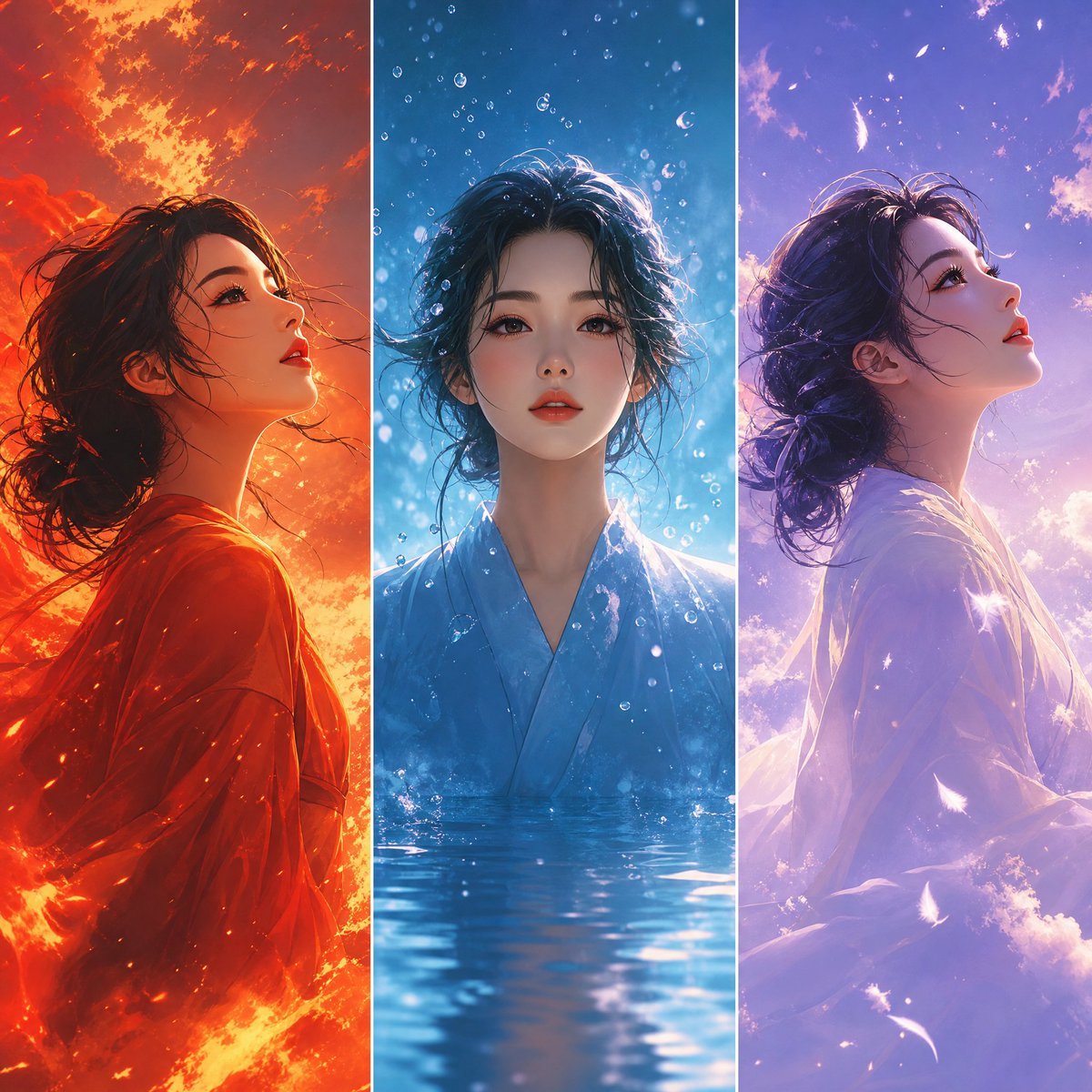
Elemental Worlds Triptych Artwork
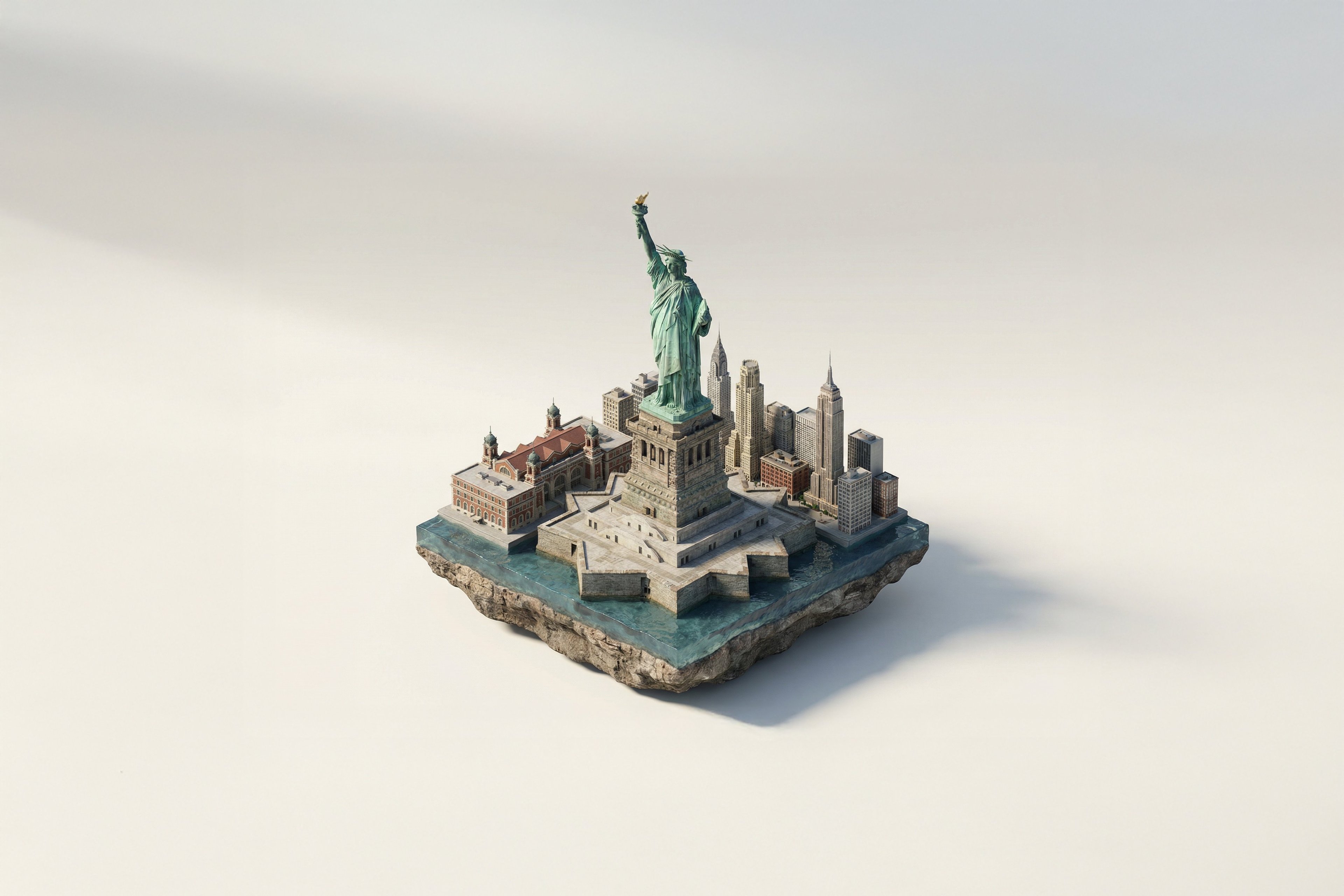
Turn Iconic Landmarks Into Tiny Worlds W
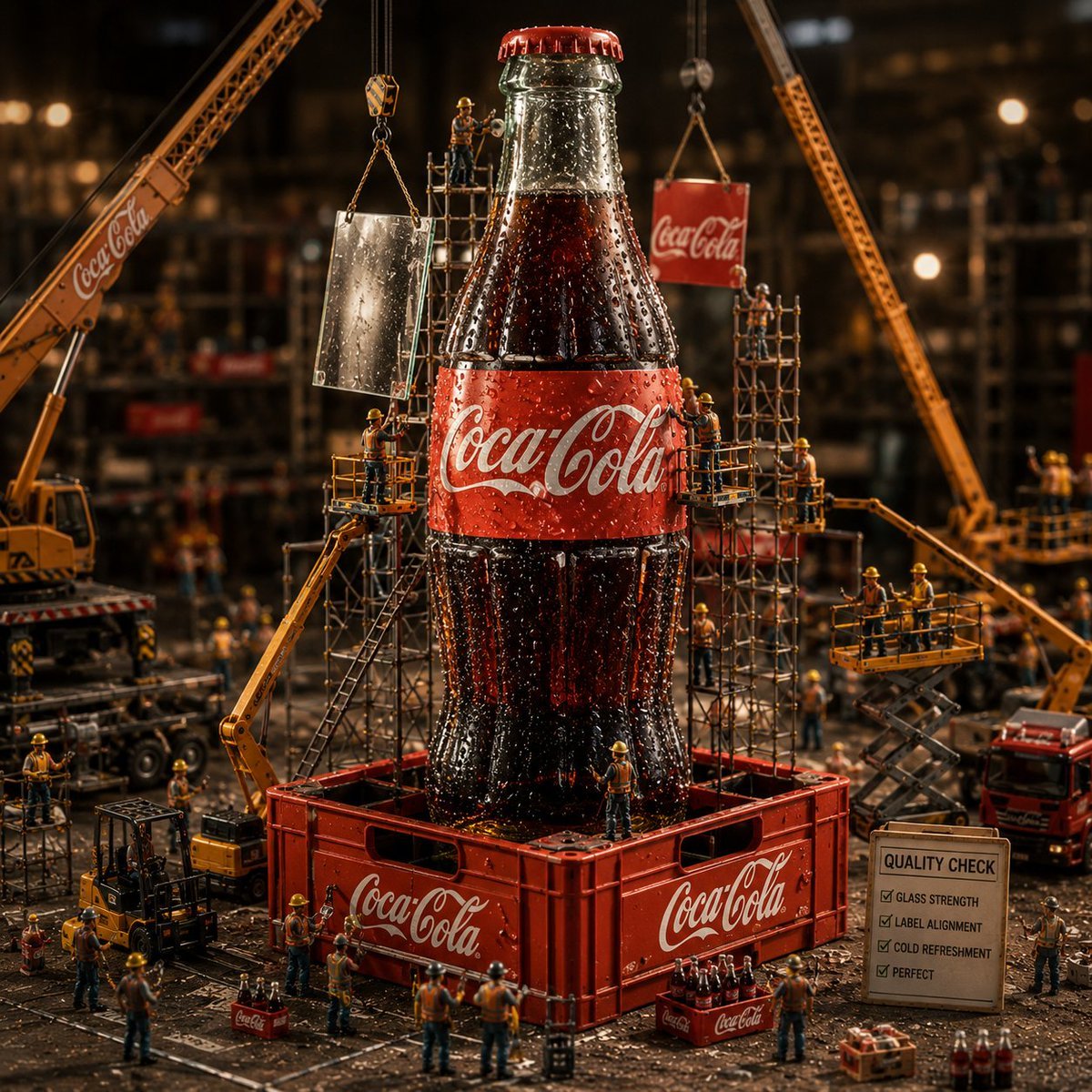
Coca-Cola Bottle Construction Macro Scene
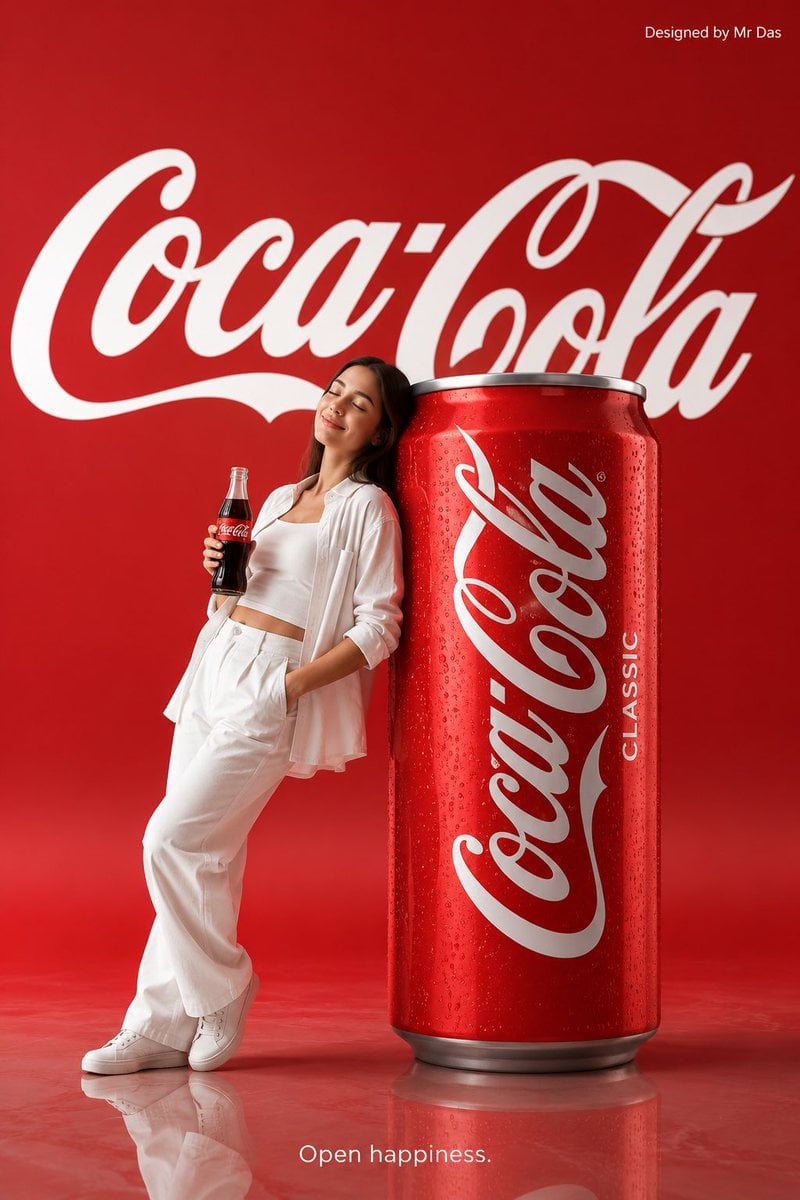
Minimalist Coca Cola Ad
Dynamic Coca-Cola Supermen Prompt
Coca-Cola Advertising Poster
Coca-Cola Magic Poster
Make it yours
Coca-Cola Zipper Worlds Ad works as-is. These are the safest ways to change it without losing the look.
Change one field
Copy a single group, rewrite it, and generate again so you can see what that field is doing.
Keep the frame, change the subject
Hold the composition and light of Coca-Cola Zipper Worlds Ad, then swap wardrobe, props or the person for a new take.
| If the result… | Why | Fix |
|---|---|---|
| The result drifts from the preview | Too many fields changed at once. | Reuse Coca-Cola Zipper Worlds Ad as-is first, then change one group — subject, light, or setting. |
| The model over-stylizes the scene | The prose prompt leaves finish and camera underspecified. | Add one camera or lighting sentence and stay on GPT Image 2. |
More GPT Image 2 templates
Other prompts made for GPT Image 2.

Six VTuber Japanese Logo Sheet

Realistic Portrait of Woman and Deer

The Vista Modular Condo Poster

AI Model Routing Comparison Infographic

2.5D Anime Art Board

Isometric Productivity Desk Scene

New York Double Exposure Poster

Four-Panel AI Landscape Comparison

Japanese Tatami Lifestyle Magazine Cover

NESCAFÉ Coffee Map Poster
More image prompts
Fresh picks from across the catalog.
Pixel-Perfect Identity Swap
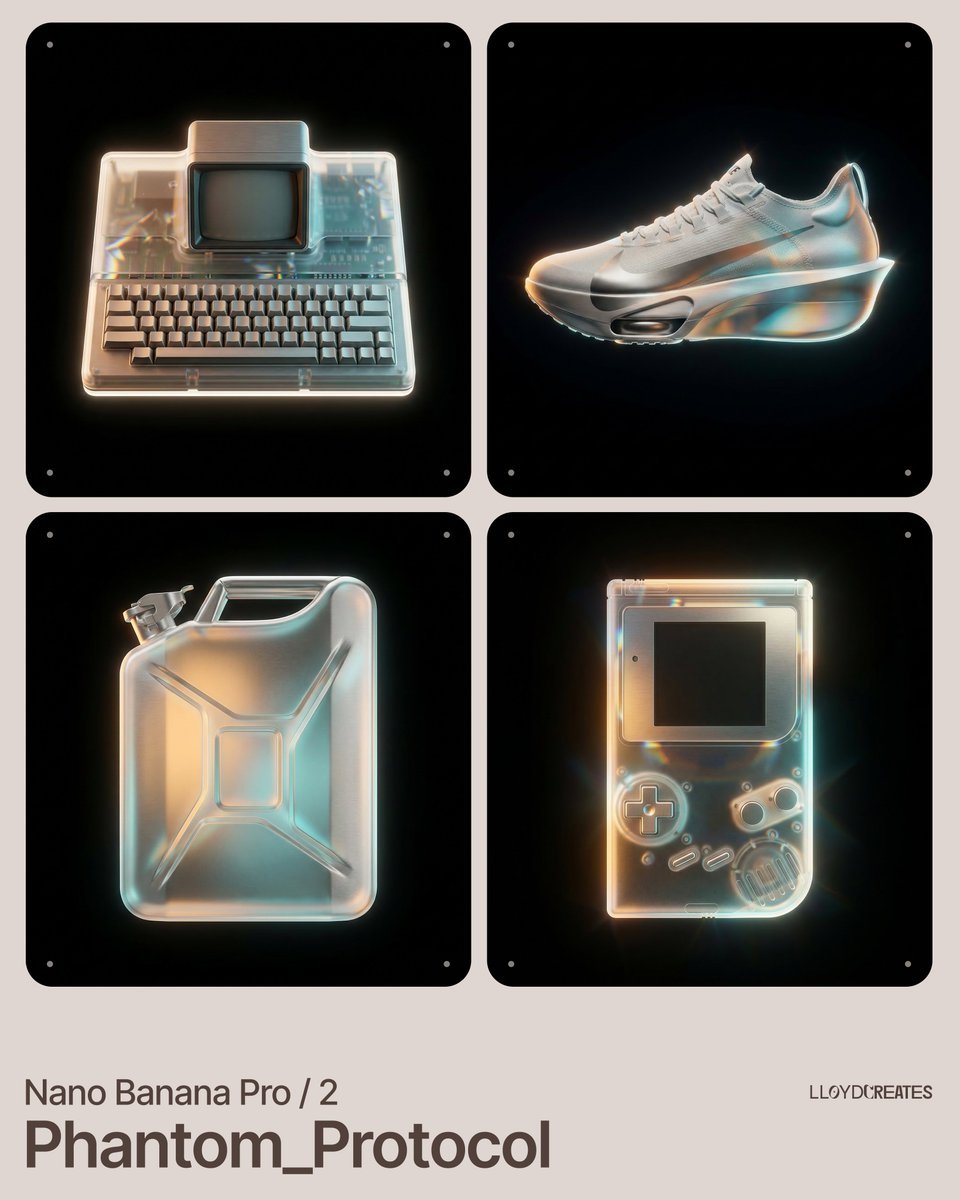
Nano Banana Pro Product Photography Prompt
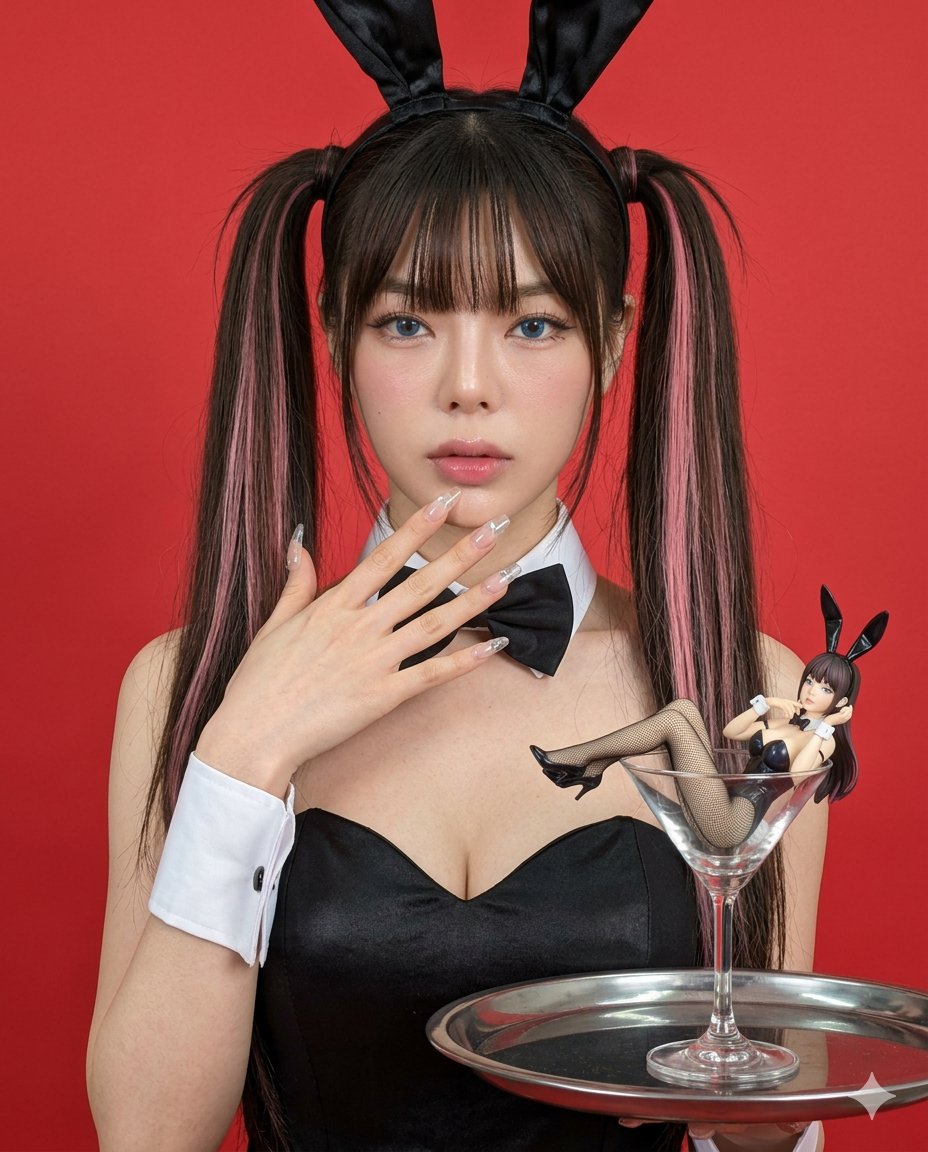
Hyper-realistic Bunny Suit Portrait
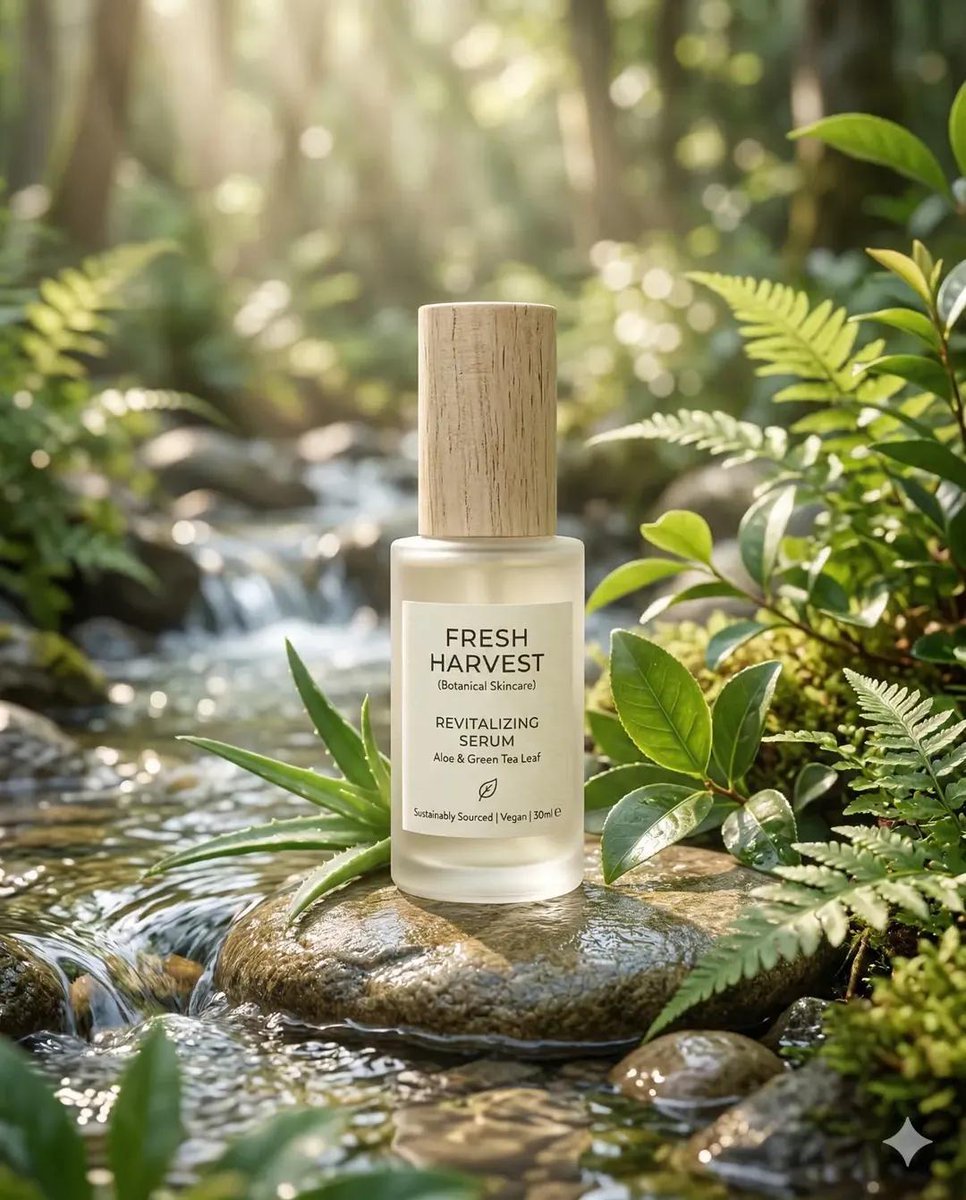
Eco-Friendly Skincare Product Photography
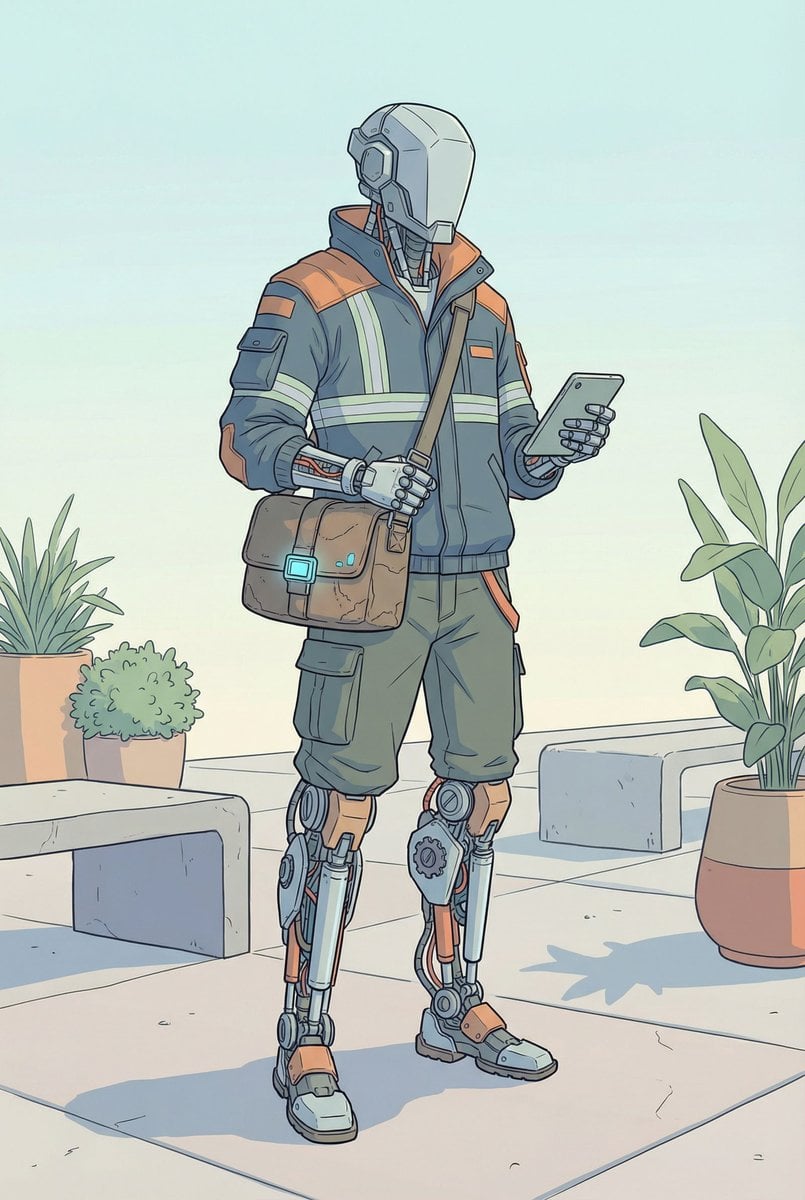
Humanoid Mech Generator for Urban Life
Candid Portrait in Football Jersey
Kijiro Cat Rider Movie Poster
Editorial Mirror Selfie Edit
Commercial Product Photography and Video Prompt for Traditional Jutti

West Bengal City View
Browse template categories
Coca-Cola Zipper Worlds Ad questions
How do I use the Coca-Cola Zipper Worlds Ad template?
Add your photo if the template asks for one, edit the prompt if you like — the template's model and format are already selected — and press Generate. Your version opens in PicX Studio.
Can I customize the Coca-Cola Zipper Worlds Ad template?
Yes. You can change the subject, setting, lighting, mood, format, and available model controls before creating your image.
Is the Coca-Cola Zipper Worlds Ad template free?
Opening and editing this template is free. Generating uses credits, shown on the Generate button when you are signed in.
Which AI model should I use?
Start with GPT Image 2, which is the model associated with this template. You can compare another compatible model for a different finish.
Looking for something else? Browse all templates.

Your photo, any look
Thousands of ready templates for every top image and video model, from one credit balance.