
Cinematic HIMYM Yellow Umbrella Matchshot Prompt
A highly structured prompt designed to recreate the iconic 'How I Met Your Mother' yellow umbrella scene as a photorealistic cinematic TV still.
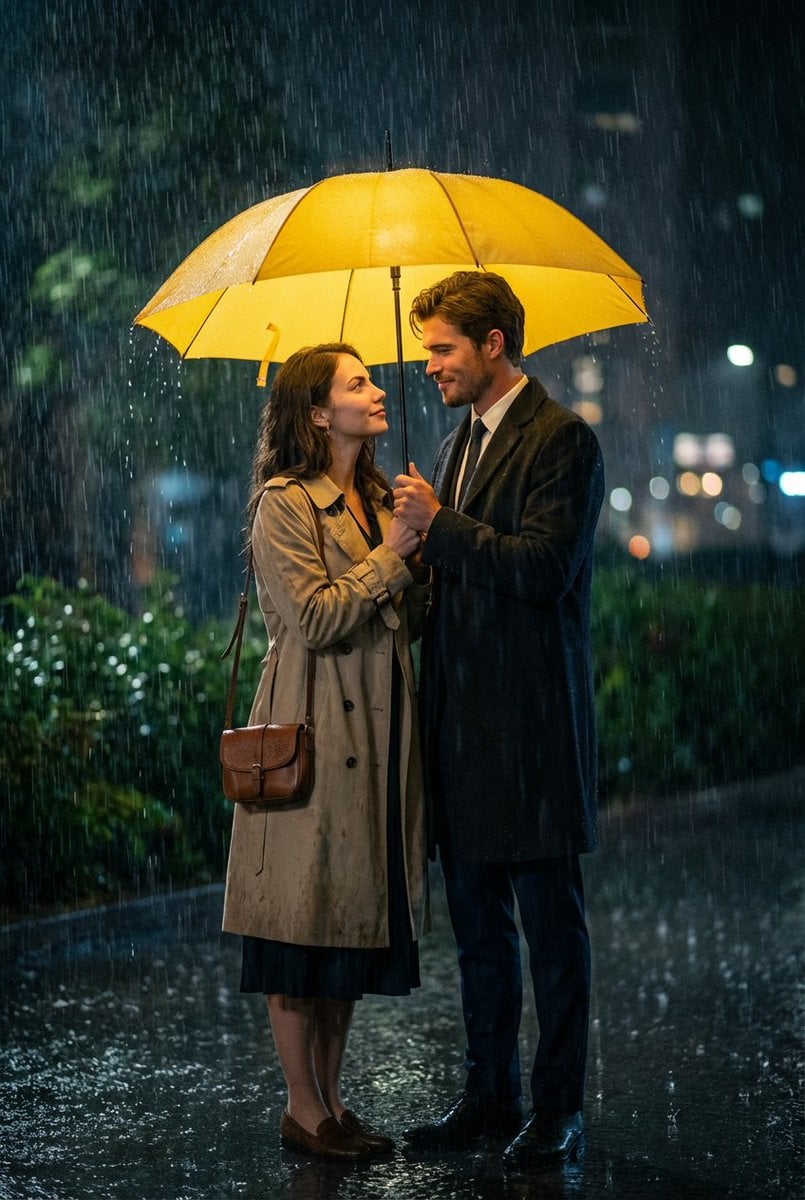
- Prompt included
- Model and format preset
- Free template
The prompt behind this image
Copy the exact prompt behind Cinematic HIMYM Yellow Umbrella Matchshot Prompt, or open it in the studio and make it yours.
{ "generation_request": { "meta_data": { "tool": "NanoBanana Pro", "task_type": "photoreal_cinematic_tv_still", "version": "v1.1_HIMYM_YELLOW_UMBRELLA_MATCHSHOT", "priority": "highest" }, "output_settings": { "aspect_ratio": "3:4", "orientation": "portrait", "resolution_target": "ultra_high_res", "render_style": "photoreal_cinematic_film_still", "sharpness": "crisp_but_natural", "film_grain": "subtle_35mm", "color_grade": "warm_yellow_umbrella_key_with_cool_rain_shadows", "dynamic_range": "natural_not_hdr", "skin_rendering": "real_texture_no_retouch" }, "creative_prompt": { "matchshot_priority": "MAX", "scene_summary": "Match the exact composition of the reference: a nighttime heavy-rain romantic moment under a bright yellow umbrella. Two adults stand close, facing each other, full-body portrait in a vertical frame. The umbrella dominates the top third of the image and glows strongly, casting warm yellow light onto their faces while the environment stays cooler and darker.", "composition_lock": { "framing": "full-body / 3-4 body portrait, both subjects fully visible, centered under the umbrella", "umbrella_position": "bright {argument name="umbrella color" default="yellow"} umbrella centered at the very top, canopy spanning nearly the full width of the frame, umbrella shaft vertical near the middle", "subject_placement": "man on the left, woman on the right, standing close with intimate eye contact, faces unobstructed", "background_depth": "soft bokeh and wet greenery behind them, rain visible as streaks" }, "subjects": [ { "role": "male", "position": "left", "wardrobe": "dark suit with long dark overcoat, white shirt, subtle boutonniere detail on lapel", "pose": "holding the umbrella handle with both hands near chest height, shoulders angled toward the woman", "expression": "surprised and tender, focused gaze at the woman" }, { "role": "female", "position": "right", "wardrobe": "beige trench coat over a long dark dress, small brown crossbody/shoulder bag at hip", "pose": "standing close, body slightly angled toward the man, arms relaxed near torso, looking up at him", "expression": "soft, attentive, emotionally present gaze" } ], "environment": { "location": "outdoor garden walkway / entrance area at night", "weather": "very heavy rain with strong visible streaks, wet coats and wet hair details, droplets along umbrella rim", "background": "lush green bushes/foliage, dim ambient city/garden lights, glossy wet surfaces" }, "lighting": { "key_light": "umbrella glow is the primary key: warm yellow light on faces and upper bodies", "fill_light": "minimal cool ambient fill from rainy nigh" } } } }
How to use Cinematic HIMYM Yellow Umbrella Matchshot Prompt in 3 steps
- 1
Open
The prompt is already in the box next to the preview, with the template's model and format selected.
- 2…a portrait of your subject in softgolden-hour light, 85mm…
Personalize
Edit the subject and creative details for your destination.
- 3Generate
Generate
Press Generate — your image is created in PicX Studio, so you can compare it with the original and refine one variable at a time.
More like this
Templates with the same subject, style or setup. Open one to see its prompt.
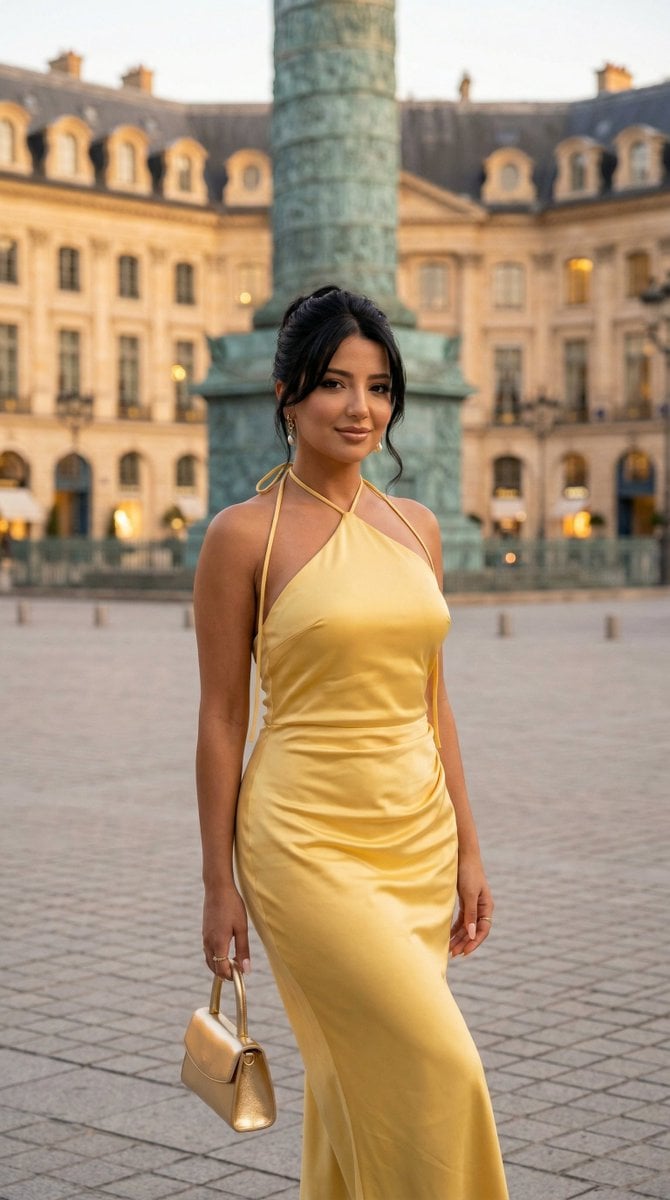
Nano Banana - Place Vendome Yellow Satin
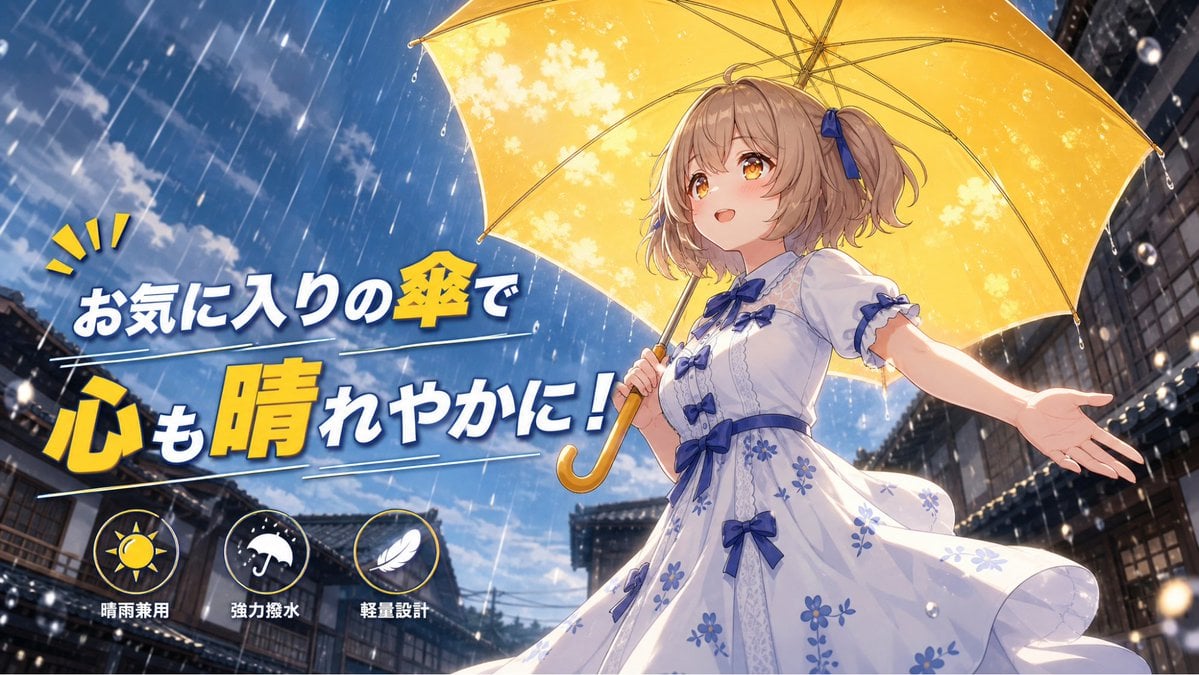
Anime Yellow Umbrella Ad Poster
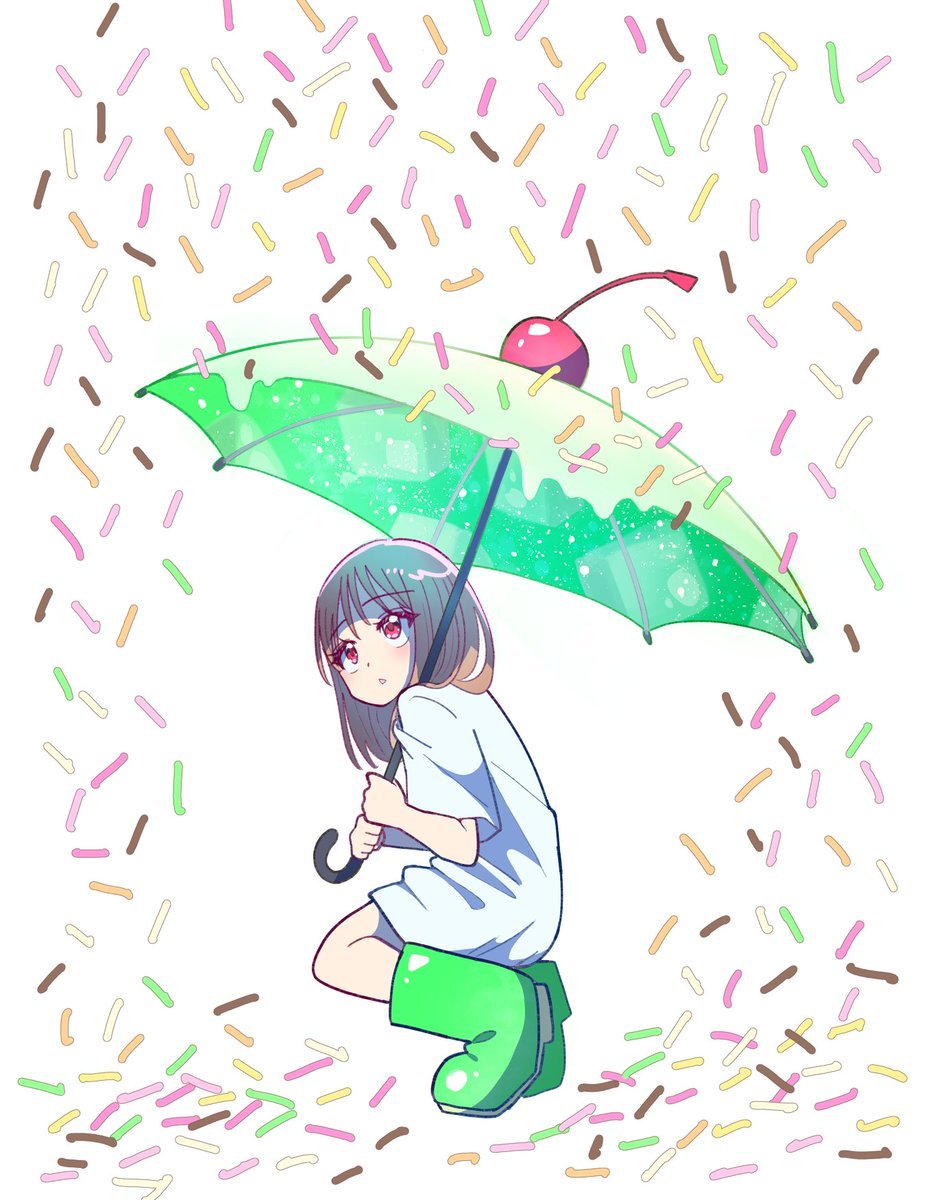
Anime Girl with Melon Soda Umbrella
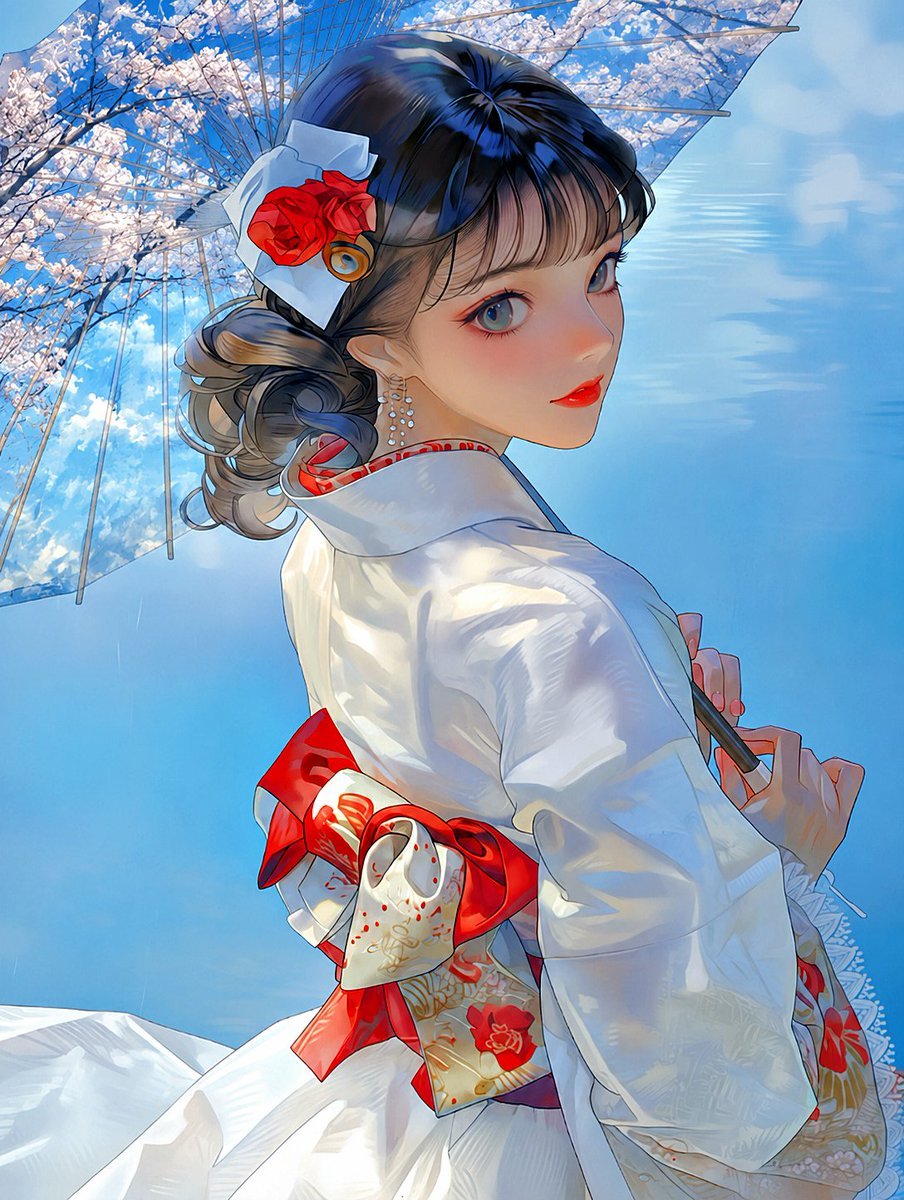
Kimono Girl Double Exposure Umbrella
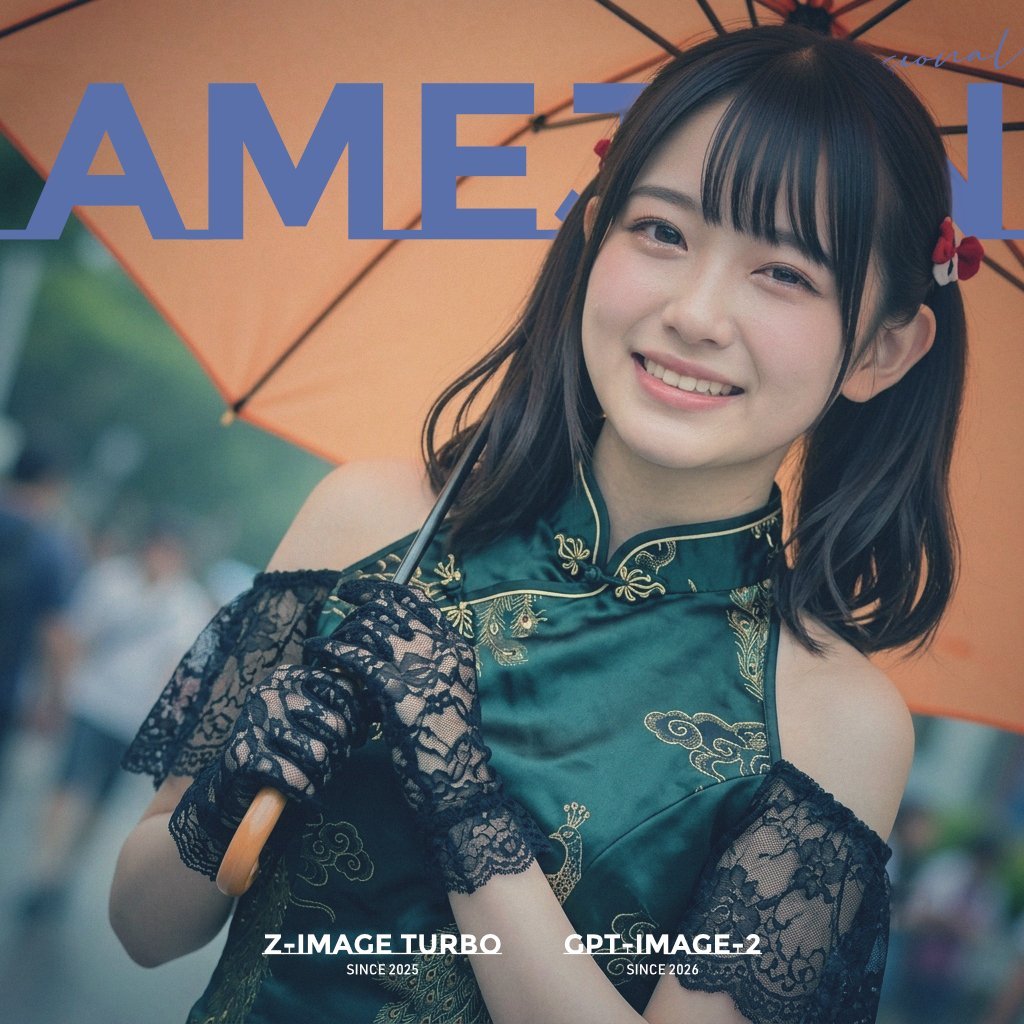
Rainy Umbrella Fashion Cover
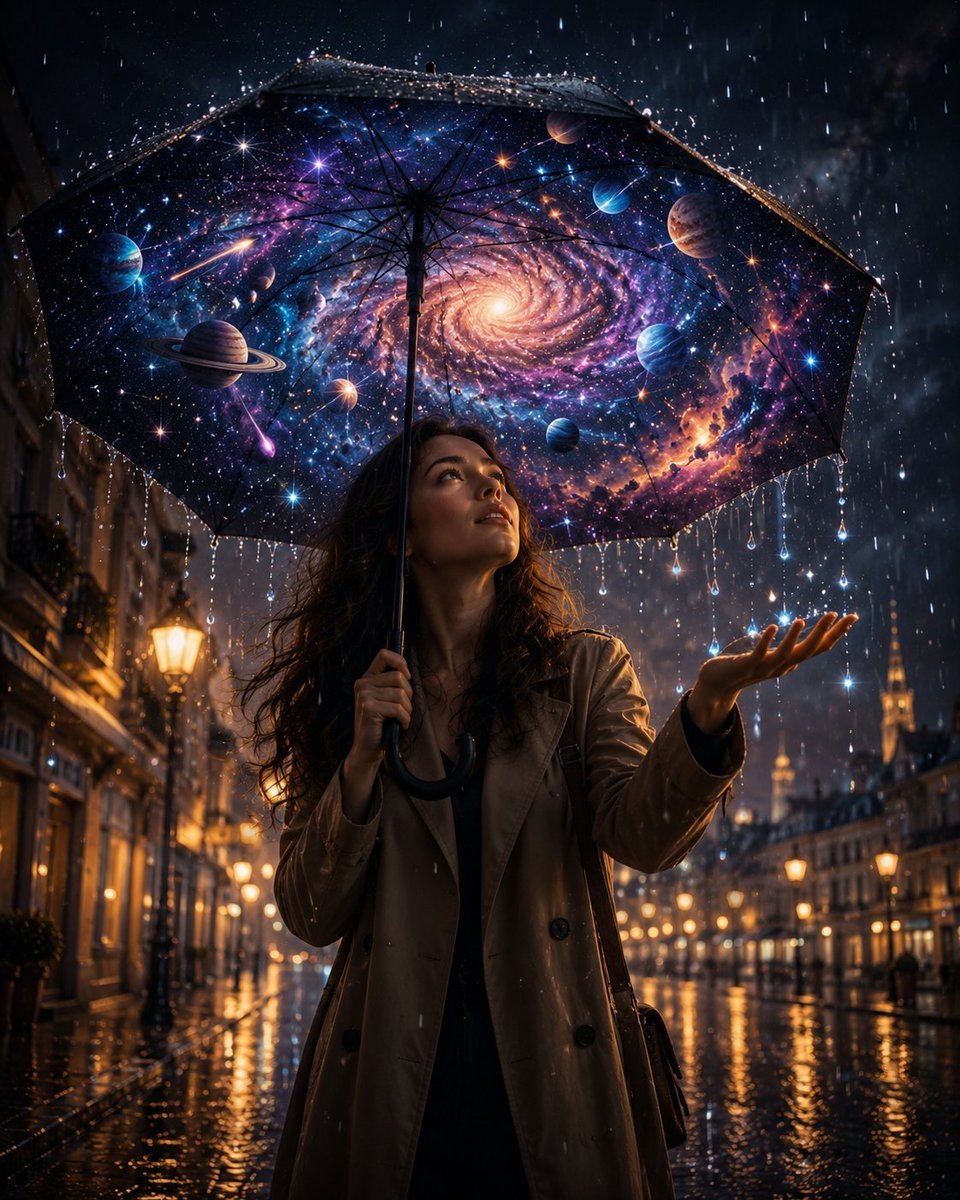
Cosmic Universe Umbrella Fantasy Scene
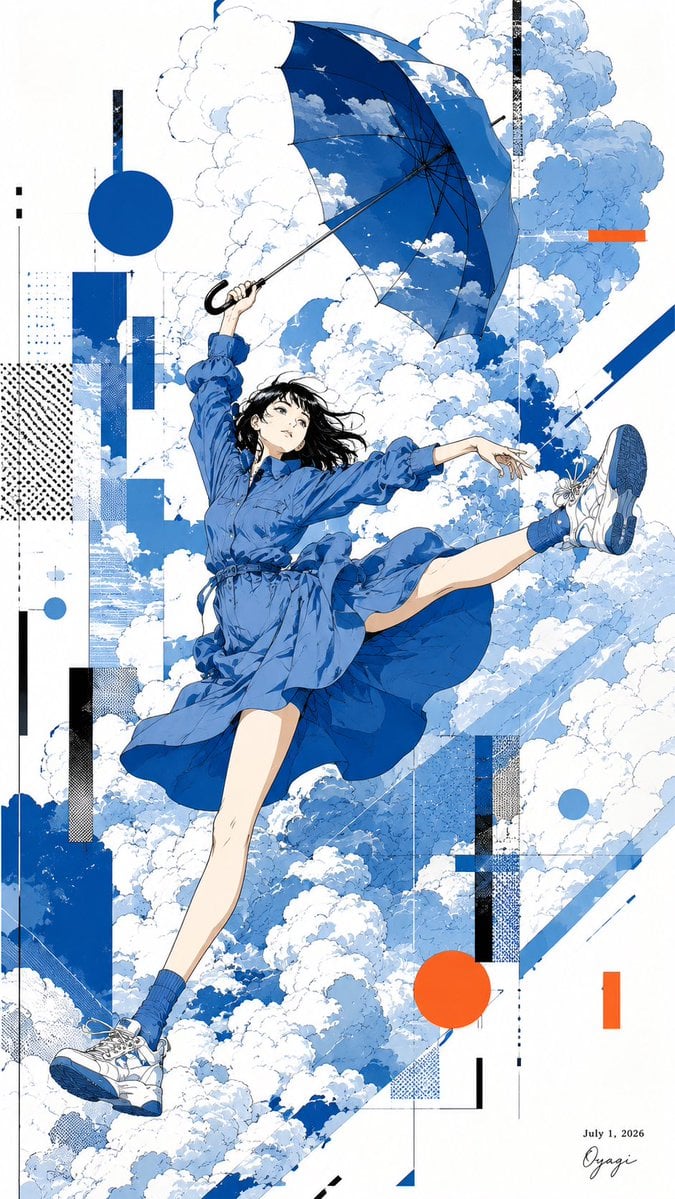
Anime Girl Floating With Umbrella
Gold Coin Rain Umbrella
Rainy After-School Umbrella Friends
Rainy Schoolgirl With Transparent Umbrella

Kimono Figure with Blue Umbrella

Boy Fighting Storm With Umbrella
Make it yours
Cinematic HIMYM Yellow Umbrella Matchshot Prompt works as-is. These are the safest ways to change it without losing the look.
Change one field
Copy a single group, rewrite it, and generate again so you can see what that field is doing.
Keep the frame, change the subject
Hold the composition and light of Cinematic HIMYM Yellow Umbrella Matchshot Prompt, then swap wardrobe, props or the person for a new take.
| If the result… | Why | Fix |
|---|---|---|
| The result drifts from the preview | Too many fields changed at once. | Reuse Cinematic HIMYM Yellow Umbrella Matchshot Prompt as-is first, then change one group — subject, light, or setting. |
| The model over-stylizes the scene | The prose prompt leaves finish and camera underspecified. | Add one camera or lighting sentence and stay on Nano Banana 2. |
More Nano Banana 2 templates
Other prompts made for Nano Banana 2.

Photorealistic Leaf Shaped Like a Dragon

K-Pop Idol Portrait Grid for Rapid Selection

Poetic Rain Forest Portrait During Golden Hour

Urban Street Portrait with Cartoon Inner Self Duo

Candid Nighttime Photo with Cat Prompt

High-Concept 3D Diorama Generation Prompt

Cinematic Futuristic Studio Portrait Template

Skincare Editorial Photography Collage Prompt

Hyper-Realistic Commercial Product Photography (Splash Effect)

Hyper-Realistic Nightclub Portrait Prompt
More image prompts
Fresh picks from across the catalog.
Urban Streetwear Hoodie Mockup
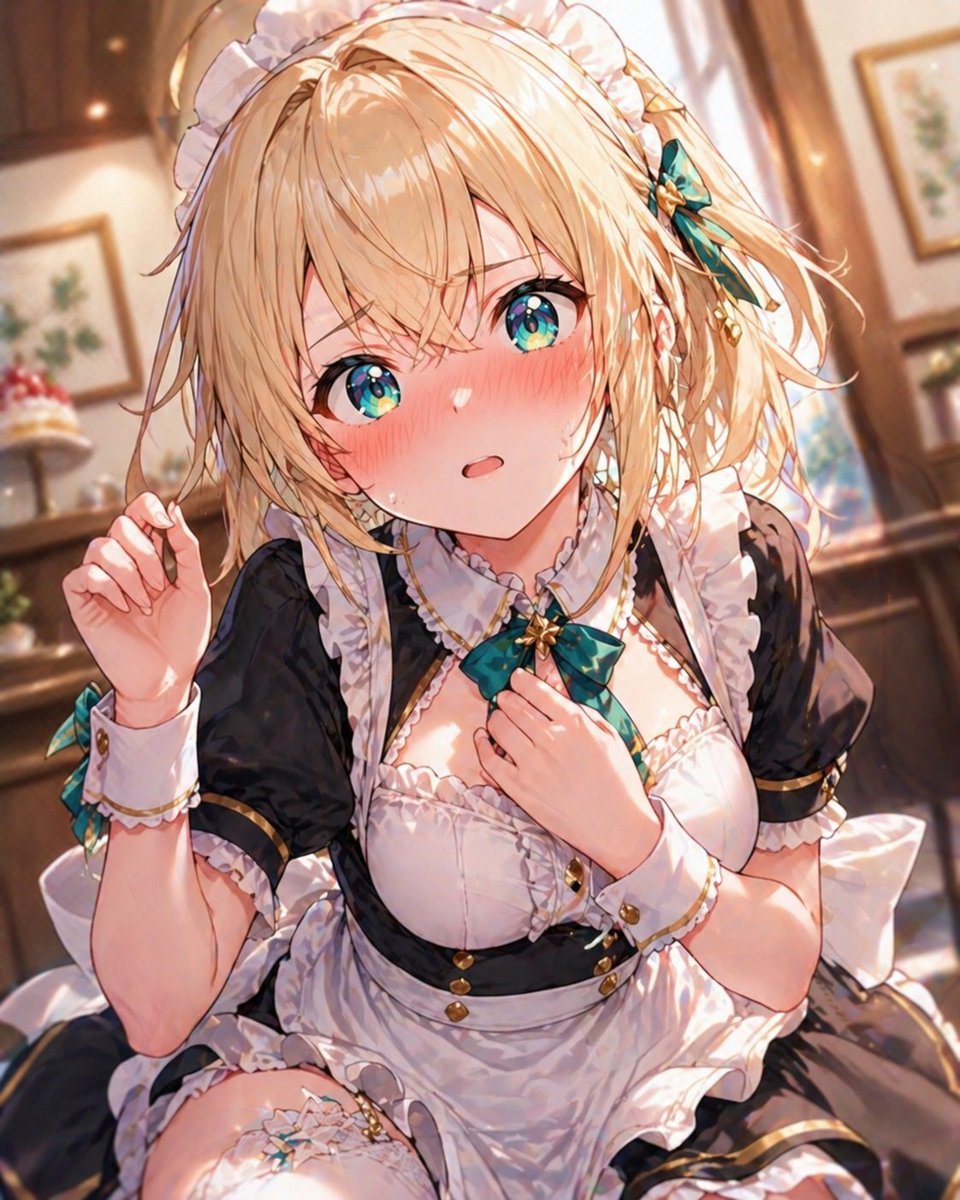
Blonde Maid in Warm Cafe
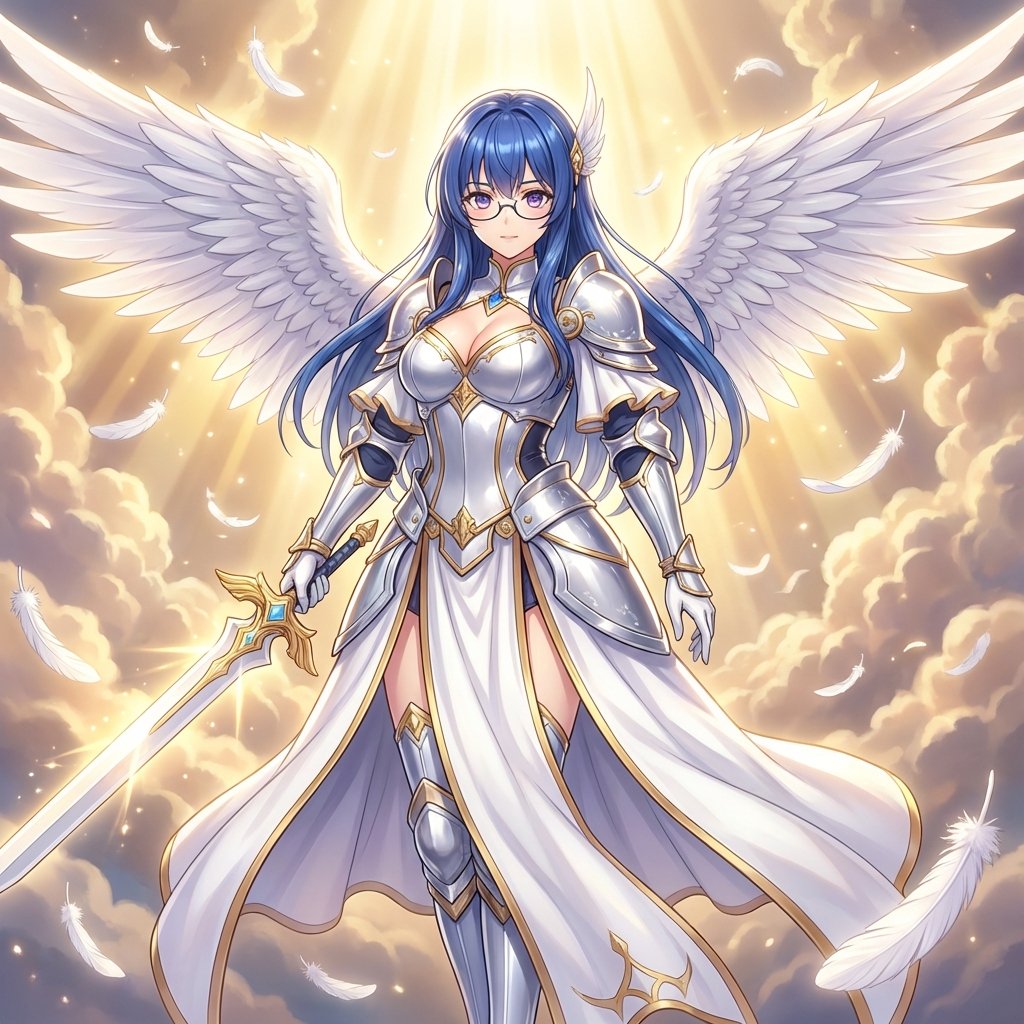
Prompt for Converting Subject into an Archangel
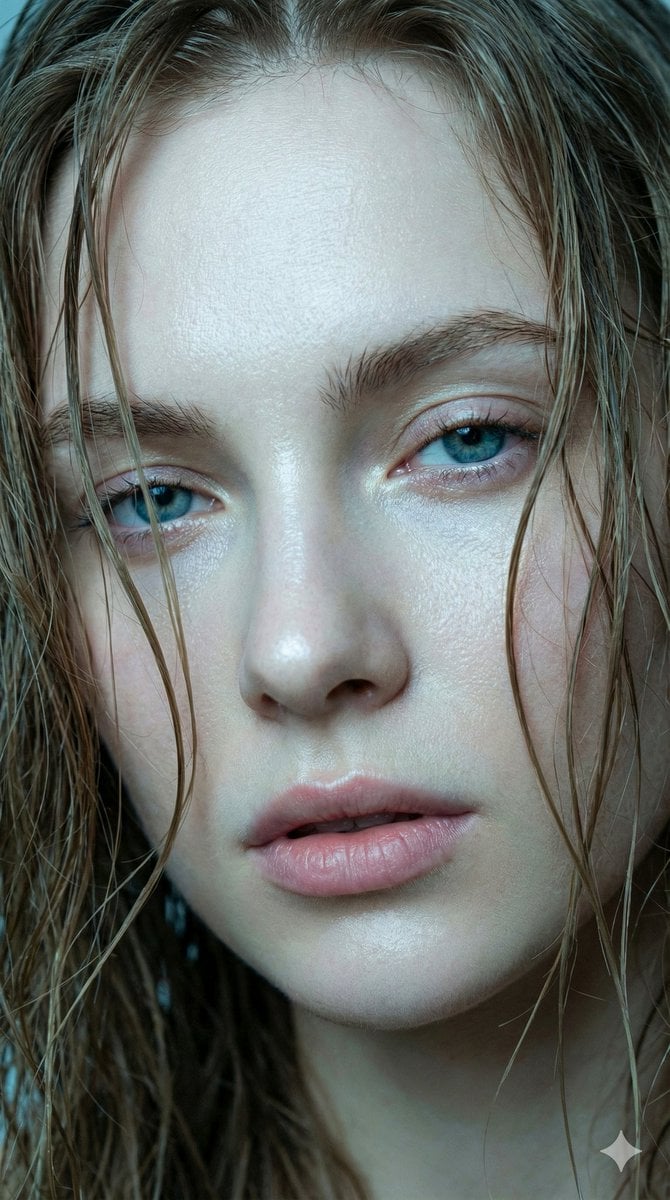
Hyper-realistic Extreme Close-up Portrait of a Young Woman
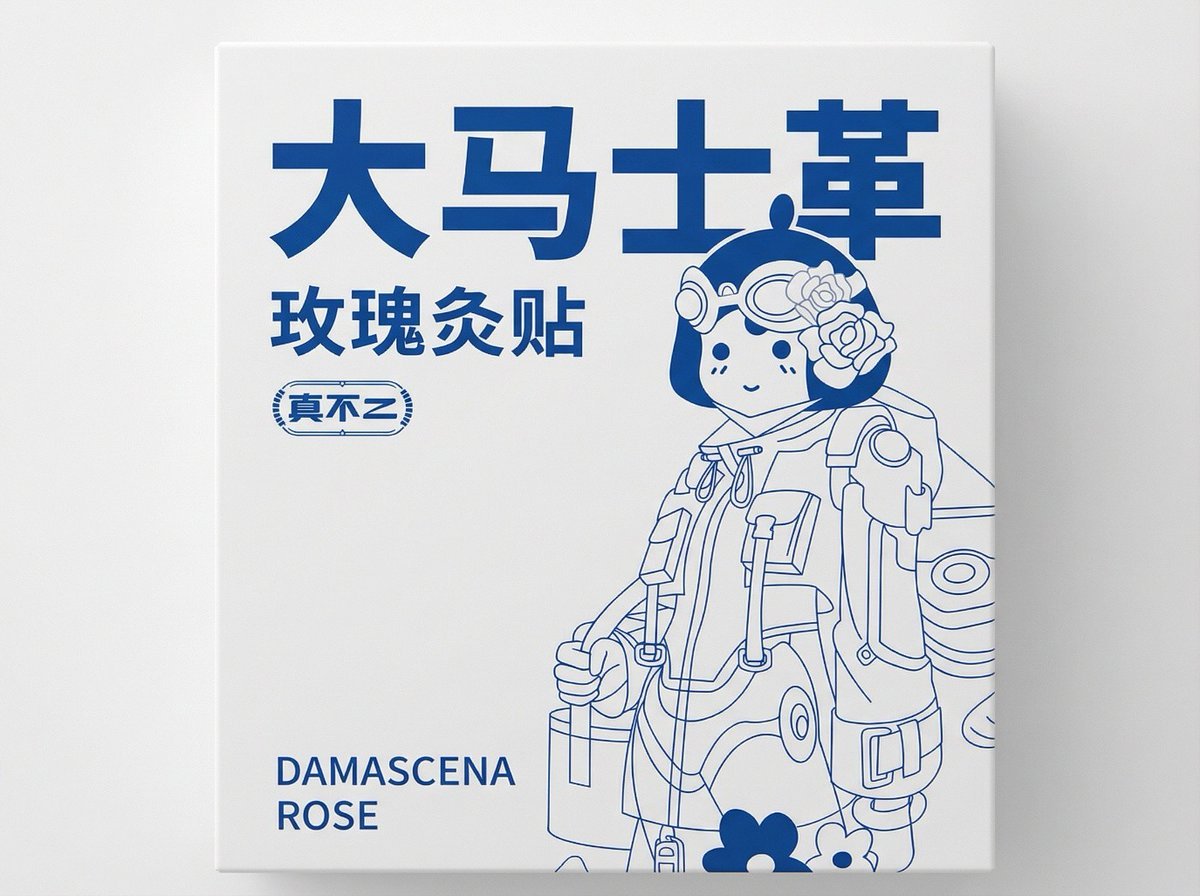
2D Flat Packaging Generation
Low-Key Portrait with Moon Projection Silhouette
Educational 4-Panel Manga with Infographic
Times Square Rainy Night Portrait with Identity Lock
Four-Panel Manga: The Magic of Numbers
Action Artist Paint Explosion Portrait
Browse template categories
Cinematic HIMYM Yellow Umbrella Matchshot Prompt questions
How do I use the Cinematic HIMYM Yellow Umbrella Matchshot Prompt template?
Add your photo if the template asks for one, edit the prompt if you like — the template's model and format are already selected — and press Generate. Your version opens in PicX Studio.
Can I customize the Cinematic HIMYM Yellow Umbrella Matchshot Prompt template?
Yes. You can change the subject, setting, lighting, mood, format, and available model controls before creating your image.
Is the Cinematic HIMYM Yellow Umbrella Matchshot Prompt template free?
Opening and editing this template is free. Generating uses credits, shown on the Generate button when you are signed in.
Which AI model should I use?
Start with Nano Banana 2, which is the model associated with this template. You can compare another compatible model for a different finish.
Looking for something else? Browse all templates.

Your photo, any look
Thousands of ready templates for every top image and video model, from one credit balance.