
Educational 4-Panel Manga with Infographic
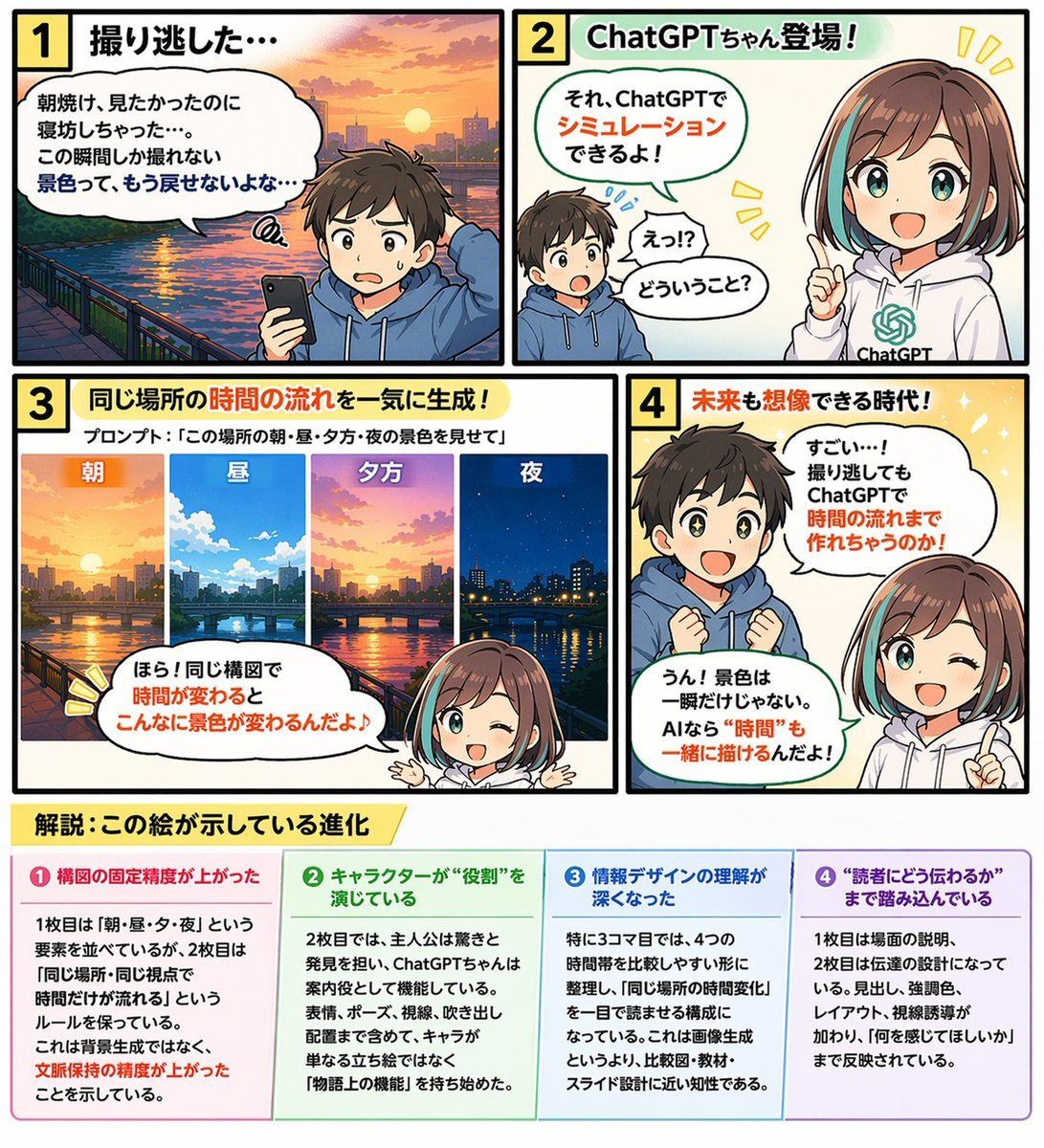
Generates a 4-panel comic strip featuring two characters discussing a topic, complete with an explanatory 4-column infographic footer.
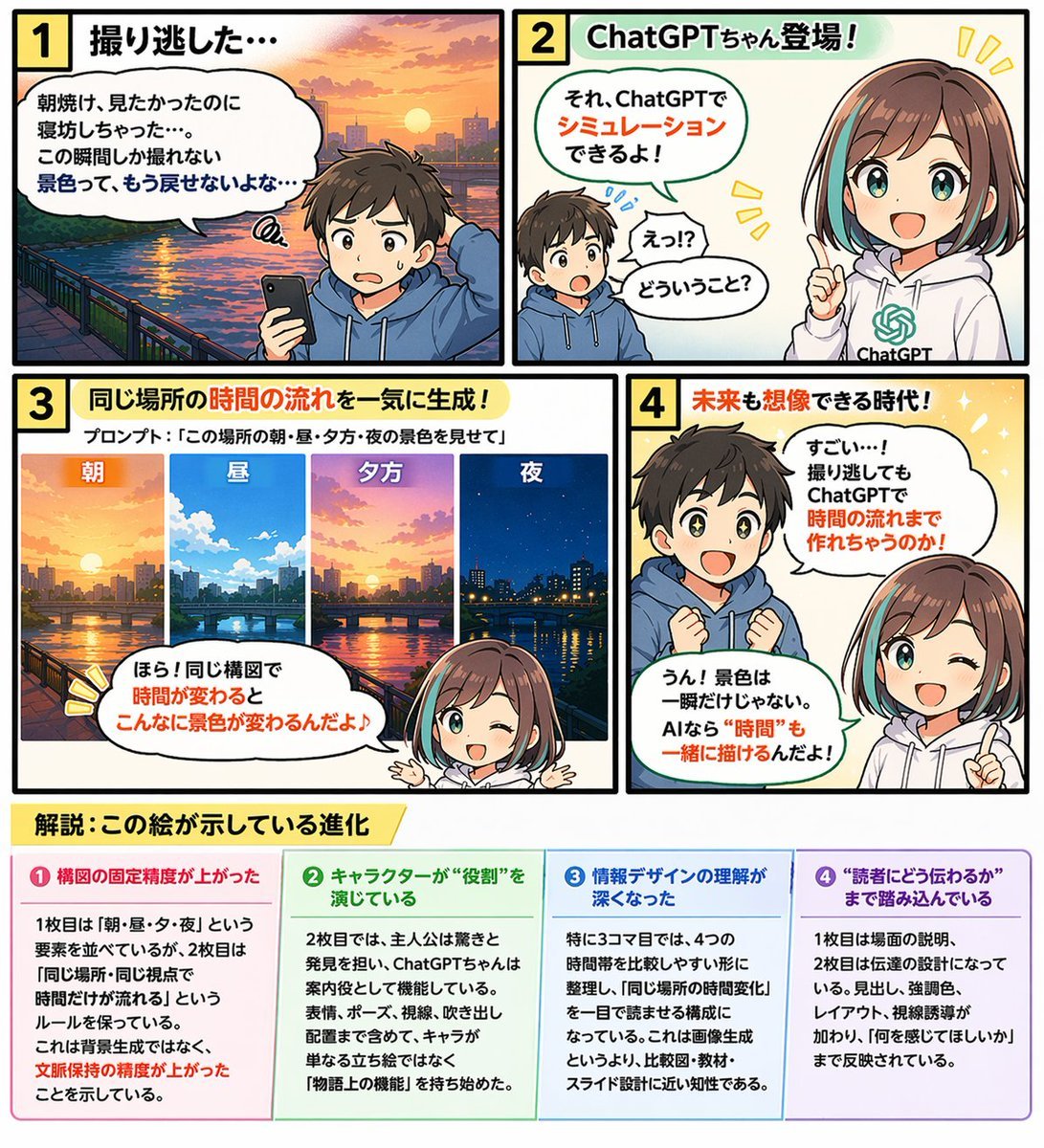
- Prompt included
- Model and format preset
- Free template
The prompt behind this image
Copy the exact prompt behind Educational 4-Panel Manga with Infographic, or open it in the studio and make it yours.
- Type
- 4-panel educational manga with infographic footer
- Theme
- {argument name="comic theme" default="ChatGPT image generation capabilities"}
- Characters › Boy
- {argument name="boy character" default="young boy with brown hair wearing a blue hoodie"}
- Characters › Girl
- anime girl with brown hair and teal streaks, wearing a white hoodie with a green logo, representing {argument name="girl character name" default="ChatGPTちゃん"}
- Layout › Panels › 0 › Number
- 1
- Layout › Panels › 0 › Title
- 1 撮り逃した…
- Layout › Panels › 0 › Scene
- Boy looking disappointed at his smartphone. Background is a sunrise over a city river.
- Layout › Panels › 0 › Dialogue
- 朝焼け、見たかったのに寝坊しちゃった…。この瞬間しか撮れない景色って、もう戻せないよな…
- Layout › Panels › 1 › Number
- 2
- Layout › Panels › 1 › Title
- 2 ChatGPTちゃん登場!
- Layout › Panels › 1 › Scene
- Girl appears smiling confidently. Boy looks surprised.
- Layout › Panels › 1 › Dialogue
- それ、ChatGPTでシミュレーションできるよ!, えっ!?どういうこと?
- Layout › Panels › 2 › Number
- 3
- Layout › Panels › 2 › Title
- 3 同じ場所の時間の流れを一気に生成!
- Layout › Panels › 2 › Subtitle
- プロンプト:「{argument name="example prompt" default="この場所の朝・昼・夕方・夜の景色を見せて"}」
- Layout › Panels › 2 › Visuals › Count
- 4
- Layout › Panels › 2 › Visuals › Labels
- 朝, 昼, 夕方, 夜
- Layout › Panels › 2 › Visuals › Description
- Four vertical slices showing the exact same city river scene transitioning from morning to noon, evening, and night.
- Layout › Panels › 2 › Scene
- Girl winking and pointing at the images.
- Layout › Panels › 2 › Dialogue
- ほら!同じ構図で時間が変わるとこんなに景色が変わるんだよ♪
- Layout › Panels › 3 › Number
- 4
- Layout › Panels › 3 › Title
- 4 未来も想像できる時代!
- Layout › Panels › 3 › Scene
- Boy looks amazed with sparkling eyes. Girl winks and points upwards.
- Layout › Panels › 3 › Dialogue
- すごい…!撮り逃してもChatGPTで時間の流れまで作れちゃうのか!, うん!景色は一瞬だけじゃない。AIなら“時間”も一緒に描けるんだよ!
Raw JSON
{
  "type": "4-panel educational manga with infographic footer",
  "theme": "{argument name=\"comic theme\" default=\"ChatGPT image generation capabilities\"}",
  "characters": {
    "boy": "{argument name=\"boy character\" default=\"young boy with brown hair wearing a blue hoodie\"}",
    "girl": "anime girl with brown hair and teal streaks, wearing a white hoodie with a green logo, representing {argument name=\"girl character name\" default=\"ChatGPTちゃん\"}"
  },
  "layout": {
    "panels": [
      {
        "number": 1,
        "title": "1 撮り逃した…",
        "scene": "Boy looking disappointed at his smartphone. Background is a sunrise over a city river.",
        "dialogue": ["朝焼け、見たかったのに寝坊しちゃった…。この瞬間しか撮れない景色って、もう戻せないよな…"]
      },
      {
        "number": 2,
        "title": "2 ChatGPTちゃん登場!",
        "scene": "Girl appears smiling confidently. Boy looks surprised.",
        "dialogue": ["それ、ChatGPTでシミュレーションできるよ!", "えっ!?どういうこと?"]
      },
      {
        "number": 3,
        "title": "3 同じ場所の時間の流れを一気に生成!",
        "subtitle": "プロンプト:「{argument name=\"example prompt\" default=\"この場所の朝・昼・夕方・夜の景色を見せて\"}」",
        "visuals": {
          "count": 4,
          "labels": ["朝", "昼", "夕方", "夜"],
          "description": "Four vertical slices showing the exact same city river scene transitioning from morning to noon, evening, and night."
        },
        "scene": "Girl winking and pointing at the images.",
        "dialogue": ["ほら!同じ構図で時間が変わるとこんなに景色が変わるんだよ♪"]
      },
      {
        "number": 4,
        "title": "4 未来も想像できる時代!",
        "scene": "Boy looks amazed with sparkling eyes. Girl winks and points upwards.",
        "dialogue": ["すごい…!撮り逃してもChatGPTで時間の流れまで作れちゃうのか!", "うん!景色は一瞬だけじゃない。AIなら“時間”も一緒に描けるんだよ!"]
      }
    ],
    "footer": {
      "title": "{argument name=\"footer title\" default=\"解説:この絵が示している進化\"}",
      "columns": {
        "count": 4,
        "items": [
          {
            "title": "❶ 構図の固定精度が上がった",
            "content": "Text explaining improved composition consistency."
          },
          {
            "title": "❷ キャラクターが“役割”を演じている",
            "content": "Text explaining characters playing specific roles."
          },
          {
            "title": "❸ 情報デザインの理解が深くなった",
            "content": "Text explaining deeper understanding of information design."
          },
          {
            "title": "❹ “読者にどう伝わるか”まで踏み込んでいる",
            "content": "Text explaining focus on reader comprehension."
          }
        ]
      }
    }
  }
}Reference images included
Educational 4-Panel Manga with Infographic needs input media to work. They load alongside the prompt when you open it in the studio.
How to use Educational 4-Panel Manga with Infographic in 3 steps
- 1Upload ImagePNG, JPG or paste
Add your photo
Upload the photo the template builds on. The prompt, model and format are already set.
- 2…a portrait of your subject in softgolden-hour light, 85mm…
Personalize
Edit the subject and creative details for your destination.
- 3Generate
Generate
Press Generate — your image is created in PicX Studio, so you can compare it with the original and refine one variable at a time.
More like this
Templates with the same subject, style or setup. Open one to see its prompt.

Isometric Process Educational Diorama
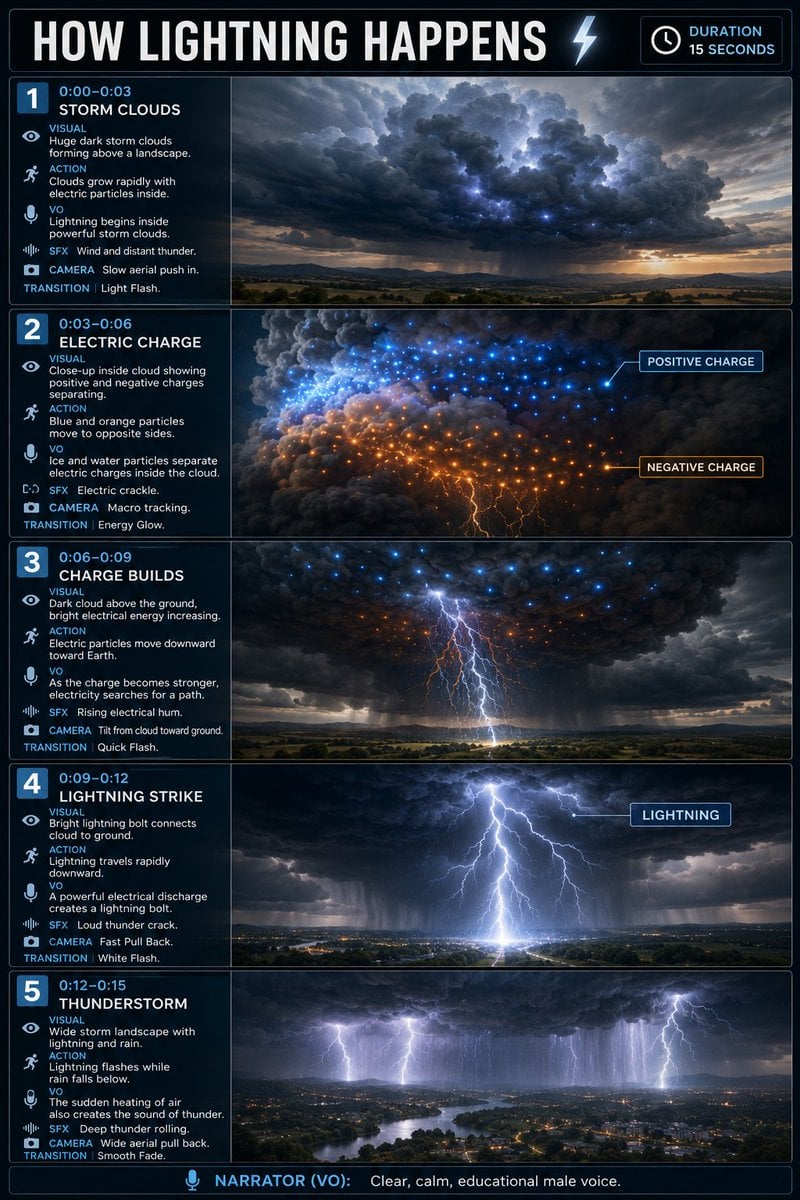
Educational Lightning Storyboard Infographic

Japan Travel Brochure Poster
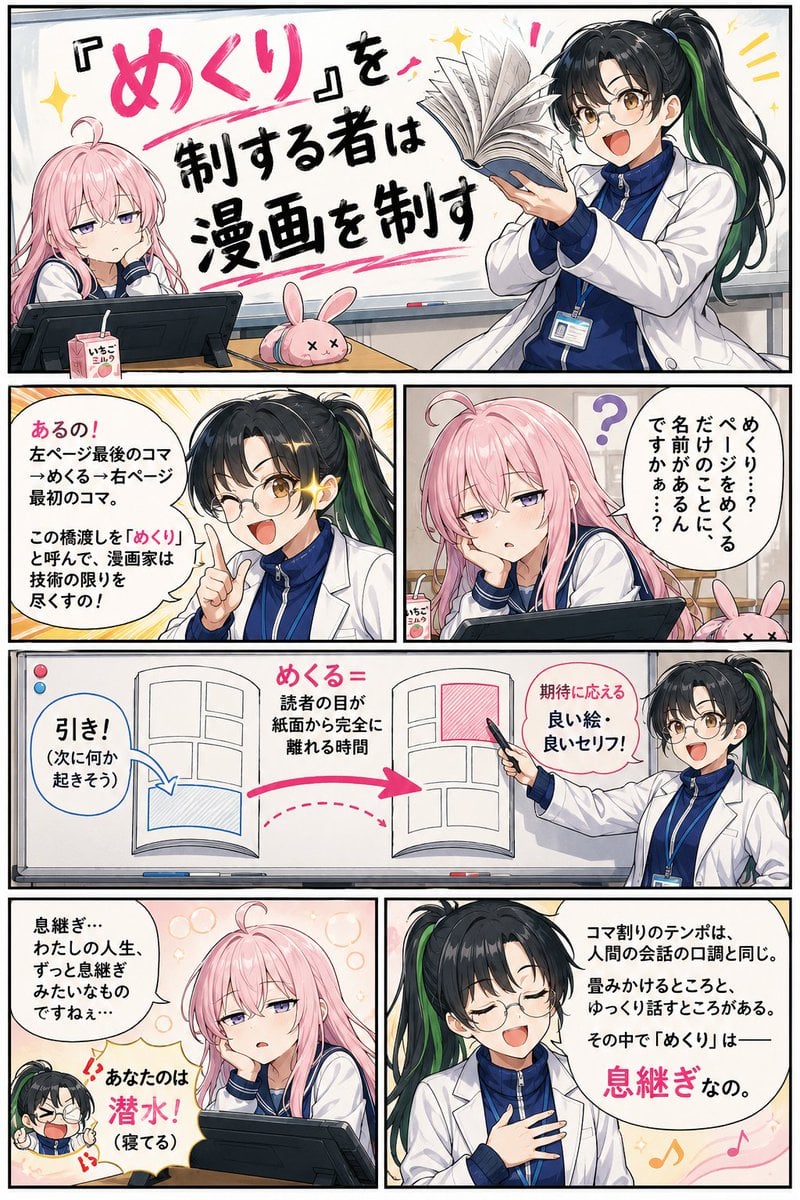
Educational Manga Generation Prompt

Seven-Panel Cyberpunk Manga Alley
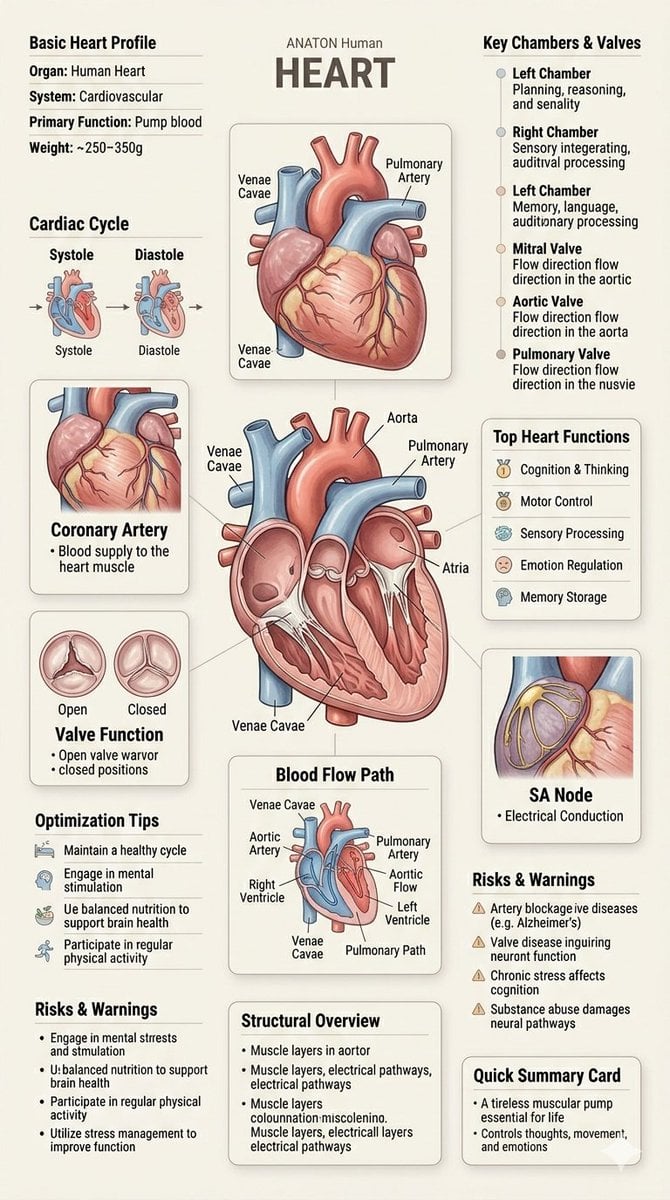
Human Anatomy Educational Infographic

Pixar 6-Panel Streethero Expression Grid

Isometric Vehicle Teardown Infographic Template
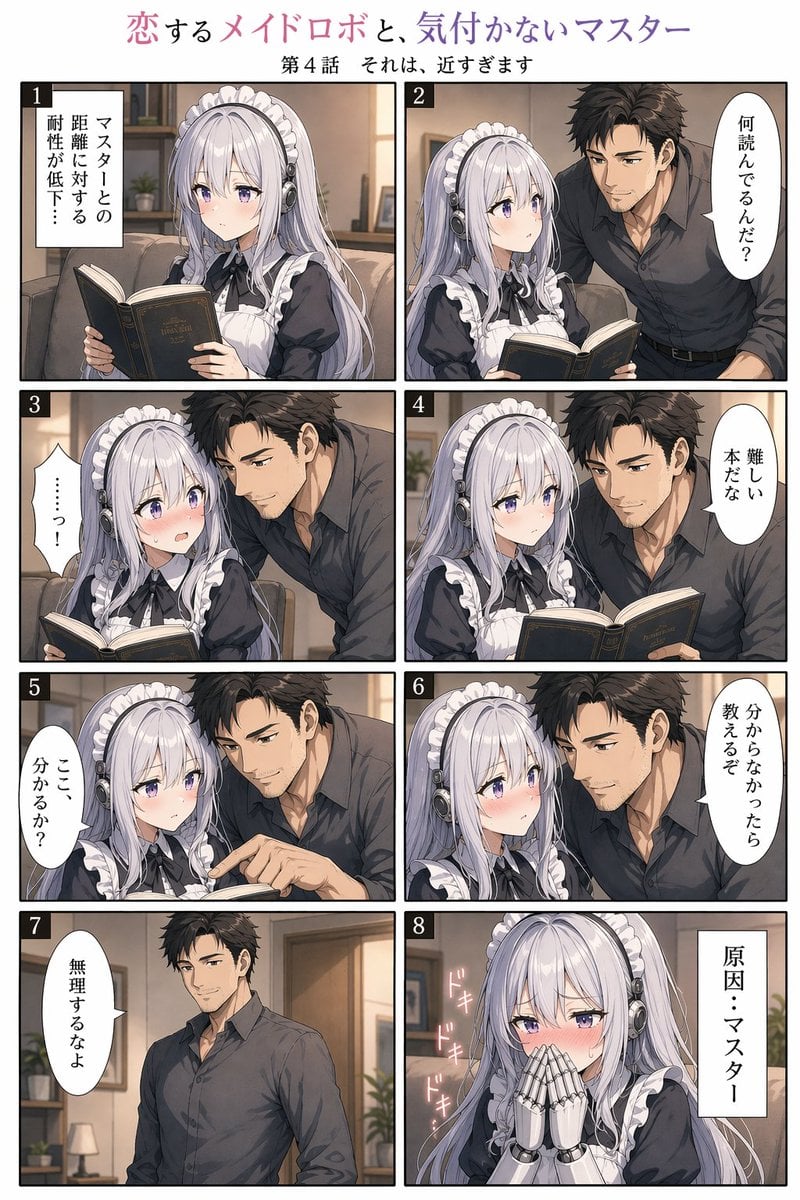
Eight-Panel Maid Robot Romance Manga
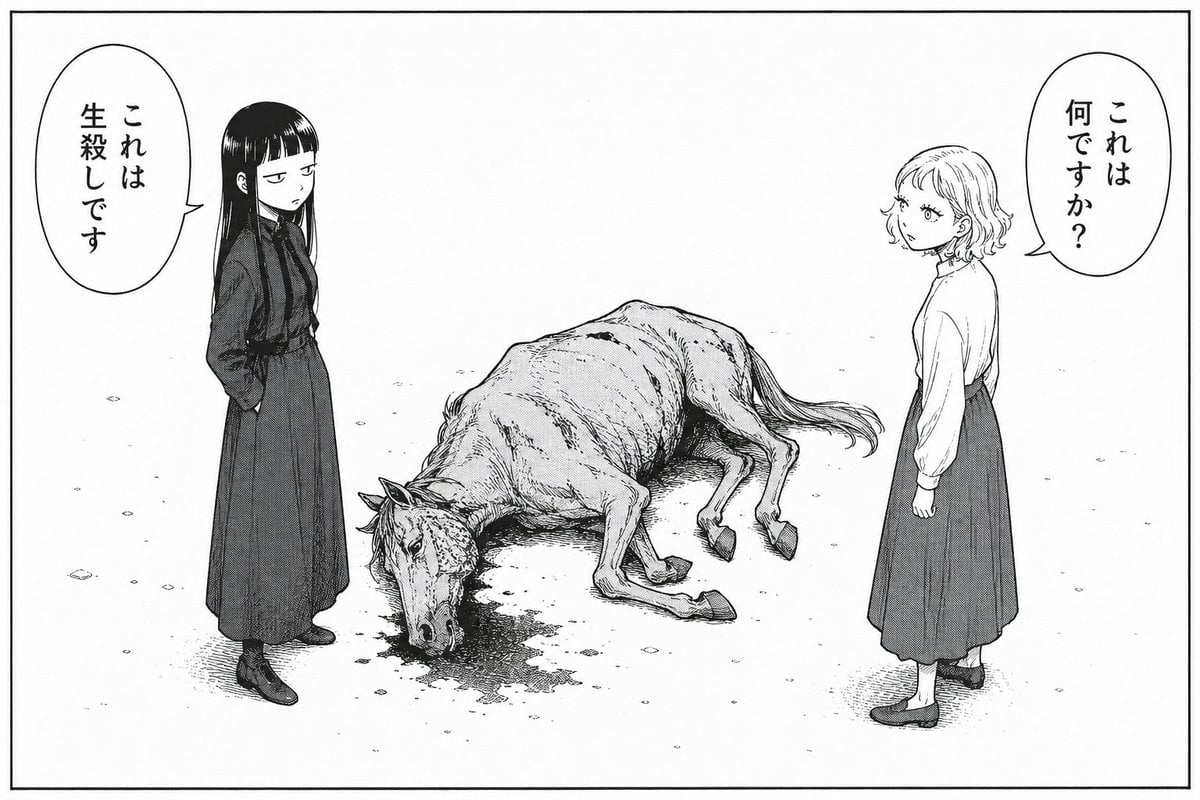
Bleak Manga Panel with Dead Horse
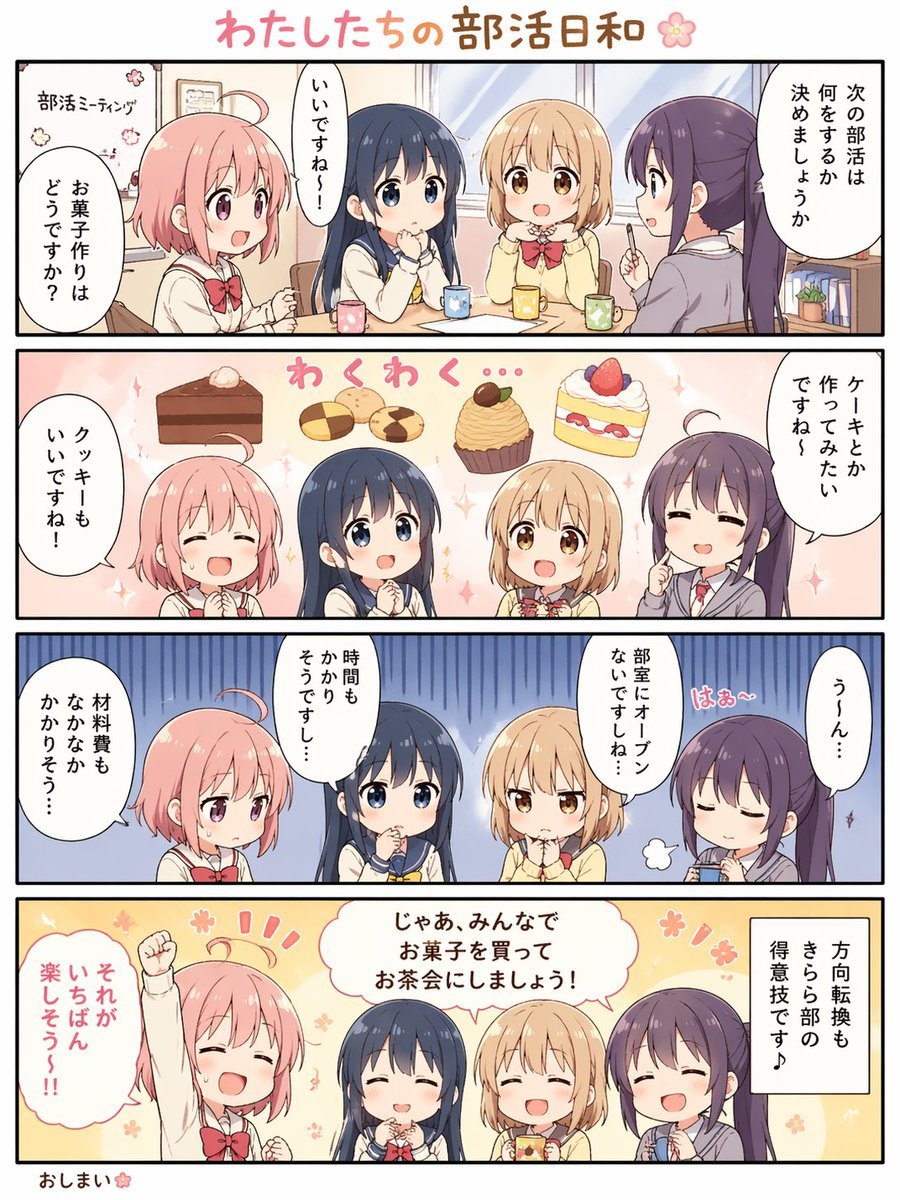
Cute 4-Panel School Club Manga
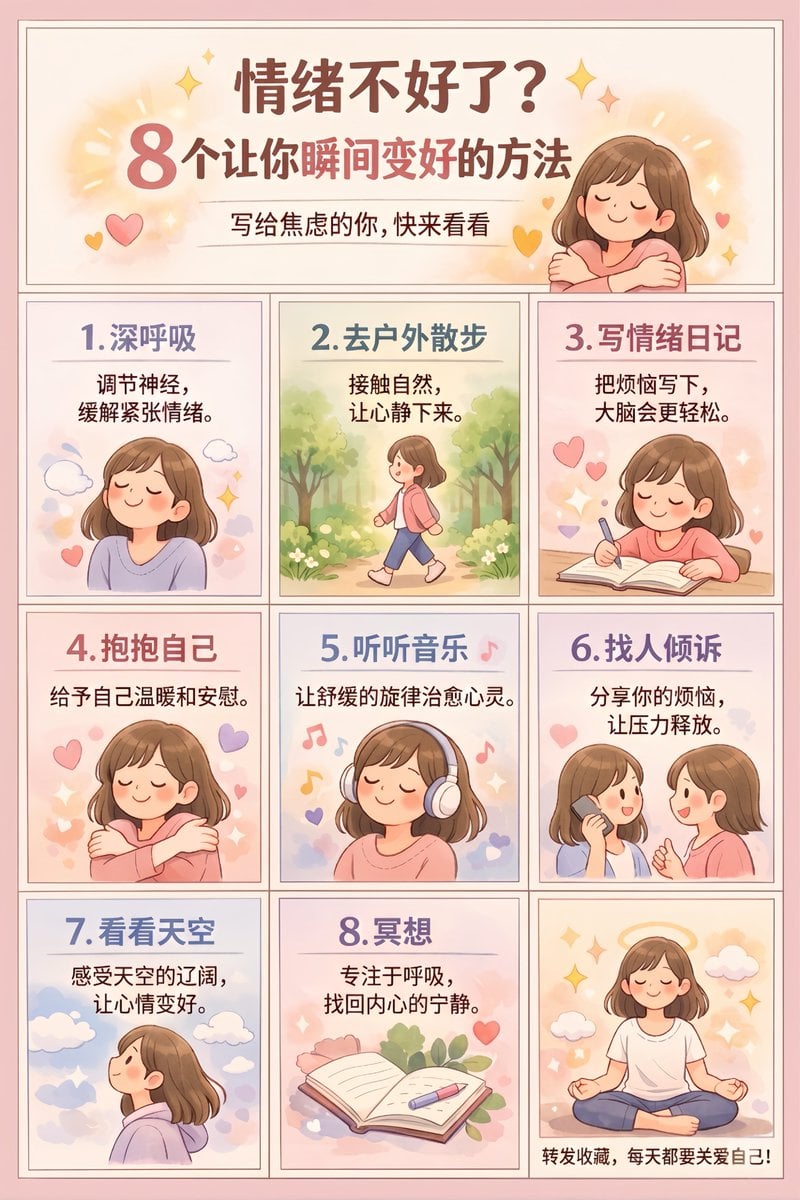
Panel Self-Care Infographic Grid
Make it yours
Educational 4-Panel Manga with Infographic works as-is. These are the safest ways to change it without losing the look.
Change one field
Copy a single group, rewrite it, and generate again so you can see what that field is doing.
Keep the frame, change the subject
Hold the composition and light of Educational 4-Panel Manga with Infographic, then swap wardrobe, props or the person for a new take.
| If the result… | Why | Fix |
|---|---|---|
| The result drifts from the preview | Too many fields changed at once. | Reuse Educational 4-Panel Manga with Infographic as-is first, then change one group — subject, light, or setting. |
| GPT Image 2 ignores part of the JSON | Some models flatten or skip nested keys. | Keep the same values and paste them as a short paragraph instead. |
More GPT Image 2 templates
Other prompts made for GPT Image 2.

Six VTuber Japanese Logo Sheet

Realistic Portrait of Woman and Deer

The Vista Modular Condo Poster

AI Model Routing Comparison Infographic

2.5D Anime Art Board

Isometric Productivity Desk Scene

New York Double Exposure Poster

Four-Panel AI Landscape Comparison

Japanese Tatami Lifestyle Magazine Cover

NESCAFÉ Coffee Map Poster
More image prompts
Fresh picks from across the catalog.
Realistic Corporate Portrait in a Modern Office at Night
Y2K Starry Night Desktop
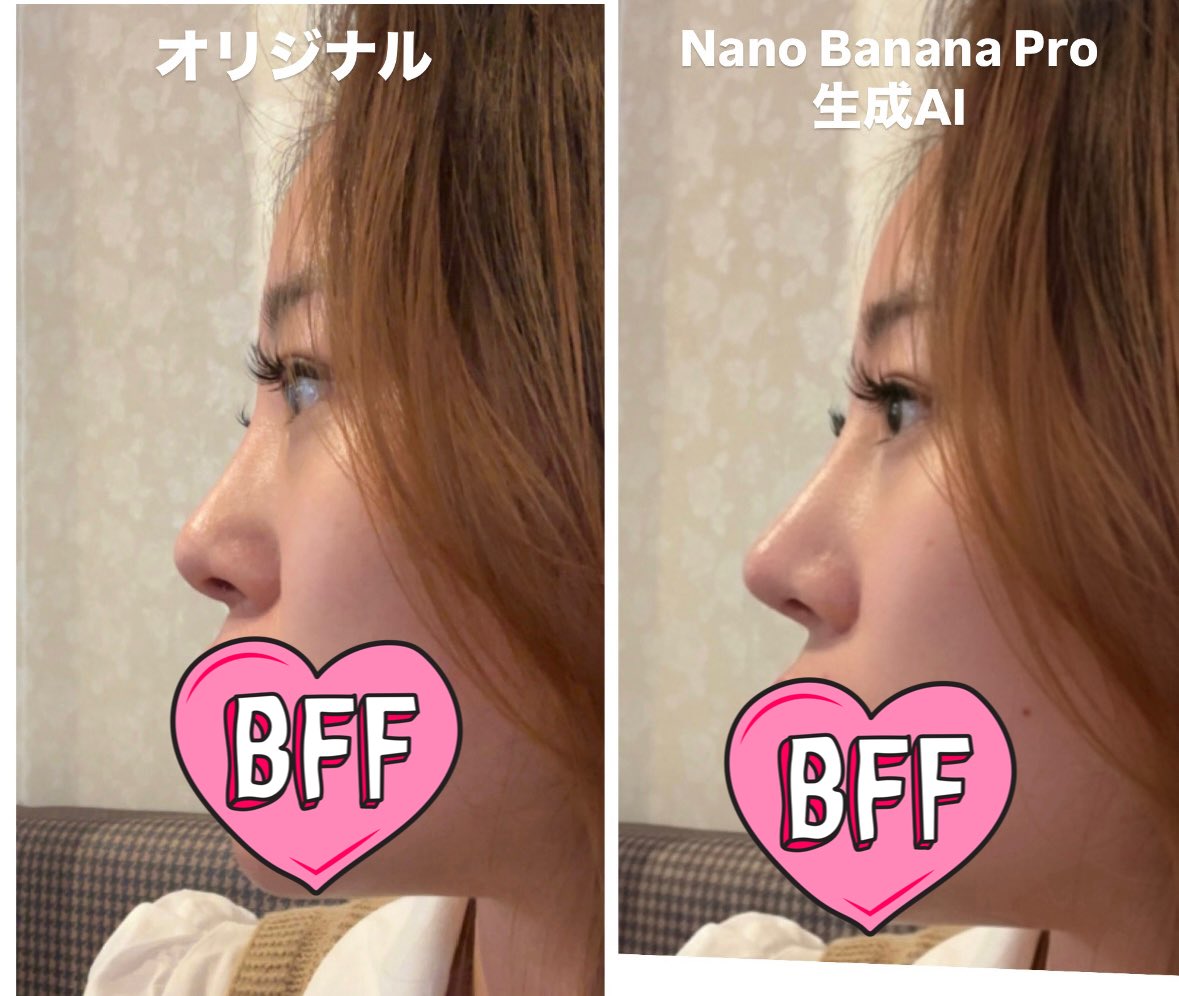
Generating Ideal Nose Shapes for Cosmetic Surgery Consultation
Nano Banana Pro Prompt for Realistic Japanese Female Character
Monumental Desert Canyon Silhouette
Chalk-Art Fantasy Logo with Mechanical Dragons
Hyper-Realistic Pet Food Ad Series Prompt
Moody Cinematic Café Scene in the Rain
Viral Chrome Pink BMW Selfie Prompt (JSON format)
Surreal Social Adaptation Character Prompt
Browse template categories
Educational 4-Panel Manga with Infographic questions
How do I use the Educational 4-Panel Manga with Infographic template?
Add your photo if the template asks for one, edit the prompt if you like — the template's model and format are already selected — and press Generate. Your version opens in PicX Studio.
Can I customize the Educational 4-Panel Manga with Infographic template?
Yes. You can change the subject, setting, lighting, mood, format, and available model controls before creating your image.
Is the Educational 4-Panel Manga with Infographic template free?
Opening and editing this template is free. Generating uses credits, shown on the Generate button when you are signed in.
Which AI model should I use?
Start with GPT Image 2, which is the model associated with this template. You can compare another compatible model for a different finish.
Looking for something else? Browse all templates.

Your photo, any look
Thousands of ready templates for every top image and video model, from one credit balance.