
Educational Manga Generation Prompt
A comprehensive prompt for creating structured educational or training manga with consistent character designs and professional panel layouts.
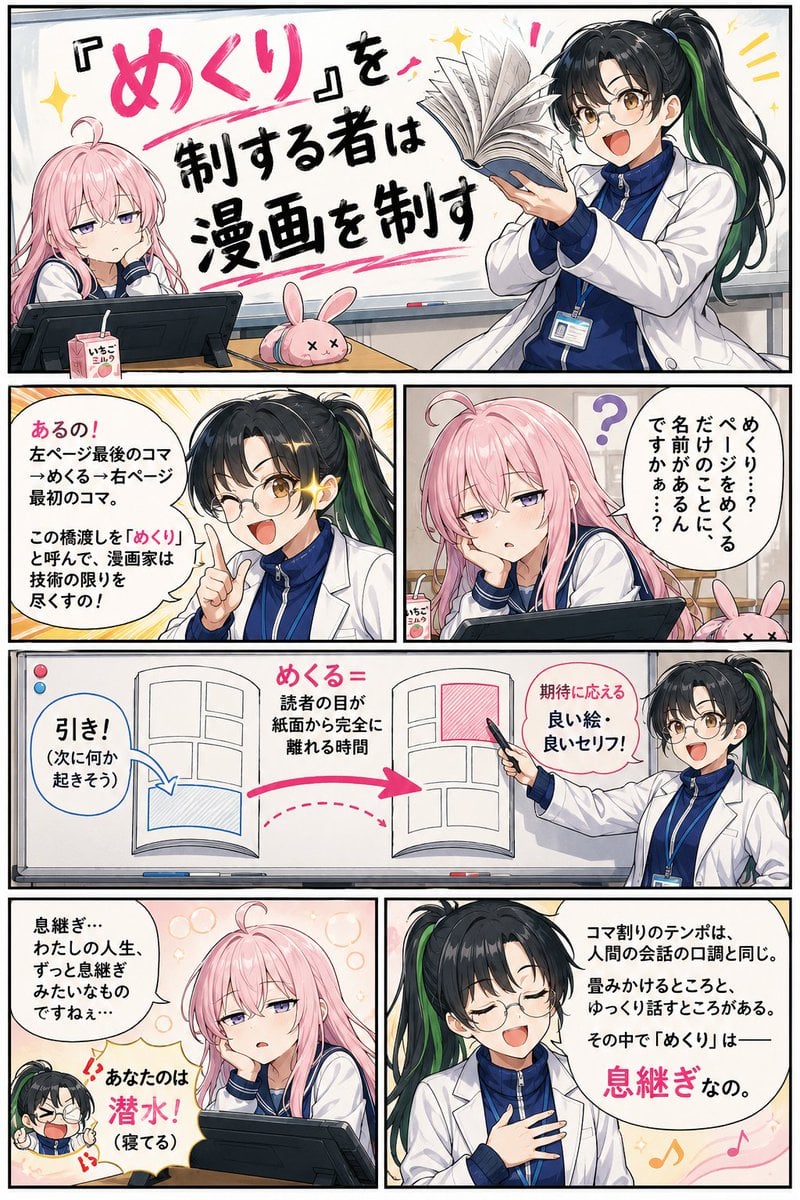
- Prompt included
- Model and format preset
- Premium template
The prompt behind this image
Copy the exact prompt behind Educational Manga Generation Prompt, or open it in the studio and make it yours.
共通キャラクター設定+描画ルール: 登場人物2名のキャラクターデザインを厳守すること。 先生({argument name="先生の名前" default="ミドリ先生"}): 黒髪ストレートのポニーテール、髪に薄い緑のメッシュが一筋。メガネ。ダボダボの体操ジャージの上に、サイズの合っていない大きめの白衣を羽織っている。表情豊かで元気、わんぱくな雰囲気だが教師としての誇りがある。動きが大きく、身振り手振りで熱く語る。 生徒({argument name="生徒の名前" default="ピンクちゃん"}): 薄いピンク色の髪、猫背、頭頂部にアホ毛が一本。常に眠そうな半目。おっとりした雰囲気で動作が遅い。机の上に液晶ペンタブレット(枕にする癖がある)、飲みかけのいちごミルク、うさぎのぬいぐるみ型ペンケースが置いてある。 画風・仕上げ指定:フルカラーで生成すること(モノクロ・グレースケール不可)。彩度はコメディ漫画らしく明るめ、ミドリ先生の髪は黒に薄い緑メッシュ、ピンクちゃんの髪は薄いピンクをはっきり発色させること。 コマ内にコマ番号(1、2、3などの数字ラベル)は一切表示しないこと。以下の「1コマ目」等の表記は指示用ラベルであり、画像内には描かない。 日本の商業漫画の正しい読み順に従い、コマ配置とキャラクターの視線・動作の向きは右から左へ流れるように厳守すること(右上のコマから開始し、右→左、上→下の順)。吹き出しの位置もこの読み順を妨げないよう配置する。 コマ枠は太めの黒線。セリフは日本語、読みやすく大きめ。舞台は漫画教室(ホワイトボード、机、液タブがある部屋)。 【1ページ目】縦長(3:4)、6コマ、右から左・上から下の順で配置: 1コマ目(右上、開始コマ・横長でページ幅いっぱい): タイトルコマ。手書き風の大きな文字で「{argument name="タイトル" default="『めくり』を制する者は漫画を制す"}」。ミドリ先生が単行本を1冊持ち、ページをめくる動作を大げさに実演している。ピンクちゃんは机で頬杖、半目。 2コマ目(2段目・右側): ピンクちゃんが気だるく質問。吹き出し「めくり…?ページをめくるだけのことに、名前があるんですかぁ…?」。頭上に「?」。 3コマ目(2段目・左側): ミドリ先生がメガネキラーンで食いつく。吹き出し「あるの!左ページ最後のコマ→めくる→右ページ最初のコマ。この橋渡しを『めくり』と呼んで、漫画家は技術の限りを尽くすの!」。背景に集中線。 4コマ目(3段目・横長、このページの主役コマとして大きく): 図解コマ。ホワイトボードに描かれた見開き構造の模式図: 開いた本の絵で、左ページの一番左下のコマに「引き!(次に何か起きそう)」のラベルと矢印、ページの間に「めくる=読者の目が紙面から完全に離れる時間」のラベル、右ページの一番右上のコマに「期待に応える良い絵・良いセリフ!」のラベルと矢印。矢印は読み順(右→左、めくって次ページ)に沿って描く。ミドリ先生がマーカーで模式図をビシッと指す。 5コマ目(4段目・右側): 比喩の解説コマ。ミドリ先生が胸に手を当てて語る。吹き出し「コマ割りのテンポは、人間の会話の口調と同じ。畳みかけるところと、ゆっくり話すところがある。その中で『めくり』は——息継ぎなの」。背景に音楽の休符のような柔らかいモチーフ。 6コマ目(4段目・左側): ピンクちゃんが半目のままぽつり。吹き出し「息継ぎ…わたしの人生、ずっと息継ぎみたいなものですねぇ…」。ミドリ先生の小さいツッコミ吹き出し「あなたのは潜水!(寝てる)」。 【2ページ目】縦長(3:4)、7コマ、右から左・上から下の順で配置: 1コマ目(右上、開始コマ・横長): ミドリ先生が解説の続き。吹き出し「めくりの間で読者の意識が離れちゃう。だから左ページの最後は『次に何か起きそうなコマ』か『自然な場面転換』を置くの!」。横に小さな例示イラスト: 漫画のコマ風に、キャラが何かに気づいてハッと振り向く「引き」のコマ。 2コマ目(2段目・横長): 続きの解説。吹き出し「そしてめくった先、右ページの最初のコマ。間があいた分、読者の期待値は上がってる。だからそれにふさわしい良いセリフ、良い絵を入れる!つまりめくりは——印象的なシーンの前の『タメ』!」。横に例示イラスト: めくった先で見開きのドーンとした決めゴマが現れるイメージ。 3コマ目(3段目・右側): ミドリ先生が実演を始める。単行本をピンクちゃんの前に置いて、わくわく顔。吹き出し「実際に体感してみて!ここ、左ページの最後のコマ…どう?めくりたくなるでしょ?」。 4コマ目(3段目・左側): ピンクちゃんが珍しく身を乗り出し、半目が少し開いて、ページに手をかける。吹き出し「あ…ほんとだ…ちょっと気になります…先が…」。瞳に小さなハイライトが一粒。 5コマ目(4段目・横長): ミドリ先生が感動と熱弁のピーク。白衣バサバサ。吹き出し「それ!!その『先が気になる』が積み重なると、"ページをめくる手が止まらない"作品になるの!!めくりは読者へのプレゼントなの!!」。背景に暖色の熱気トーン。 6コマ目(最下段・右側): ふと見ると、ピンクちゃんが開いた単行本に顔を突っ伏して熟睡している。本がそのまま枕になっている(いつもの液タブではなく)。頬ぷにっ、アホ毛ふよふよ、「すぴー…」。めくりかけのページが頬の下で少し折れている。 7コマ目(最下段・左側、締めコマ): がっくり崩れ落ちるミドリ先生。吹き出し「今日もか〜〜!!しかも本が枕!!」。倒れながら小さい吹き出し「…めくる手が、止まっちゃったわね…」。
How to use Educational Manga Generation Prompt in 3 steps
- 1
Open
The prompt is already in the box next to the preview, with the template's model and format selected.
- 2…a portrait of your subject in softgolden-hour light, 85mm…
Personalize
Edit the subject and creative details for your destination.
- 3Generate
Generate
Press Generate — your image is created in PicX Studio, so you can compare it with the original and refine one variable at a time.
More like this
Templates with the same subject, style or setup. Open one to see its prompt.

Isometric Process Educational Diorama
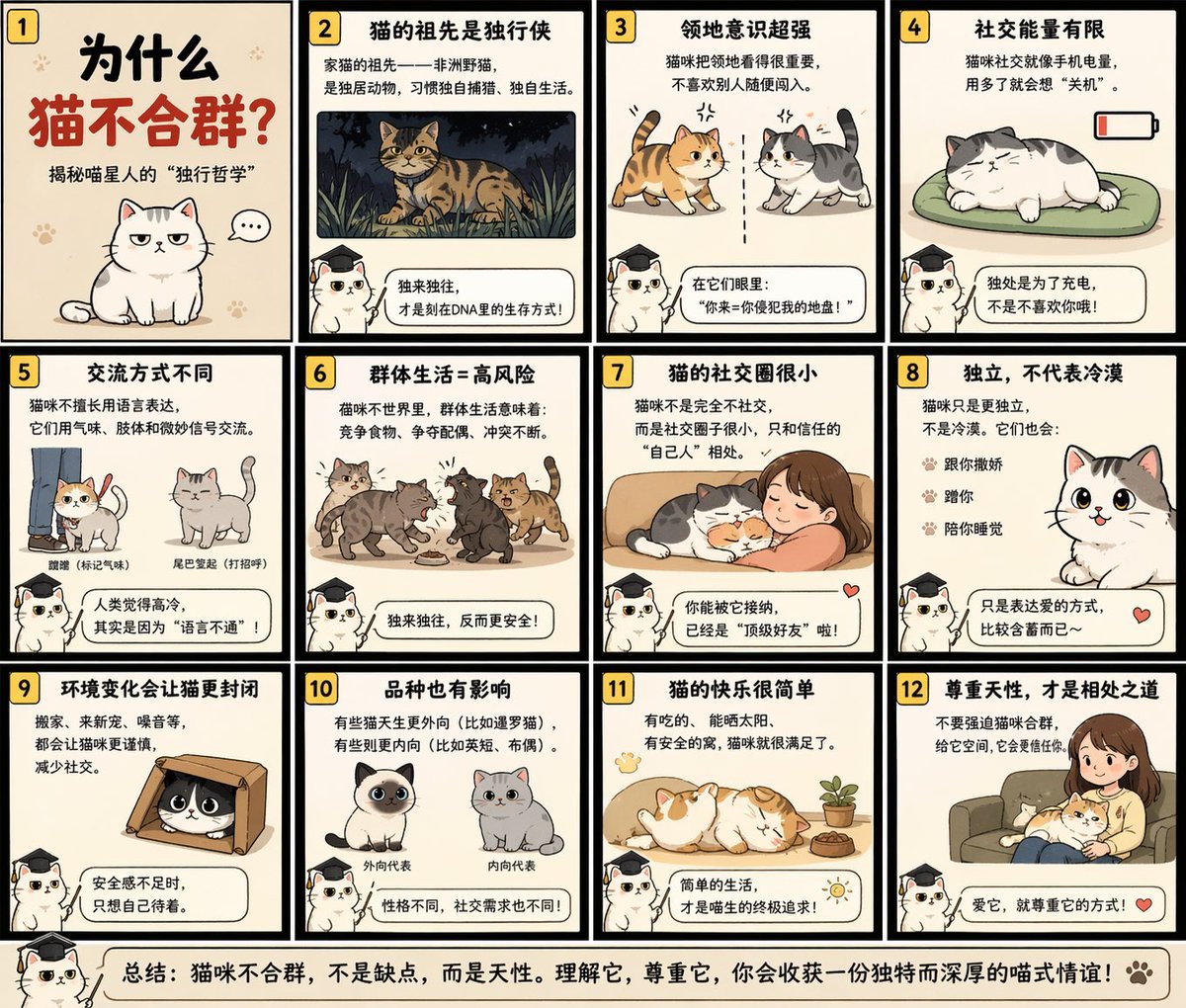
Educational Storyboard Generation
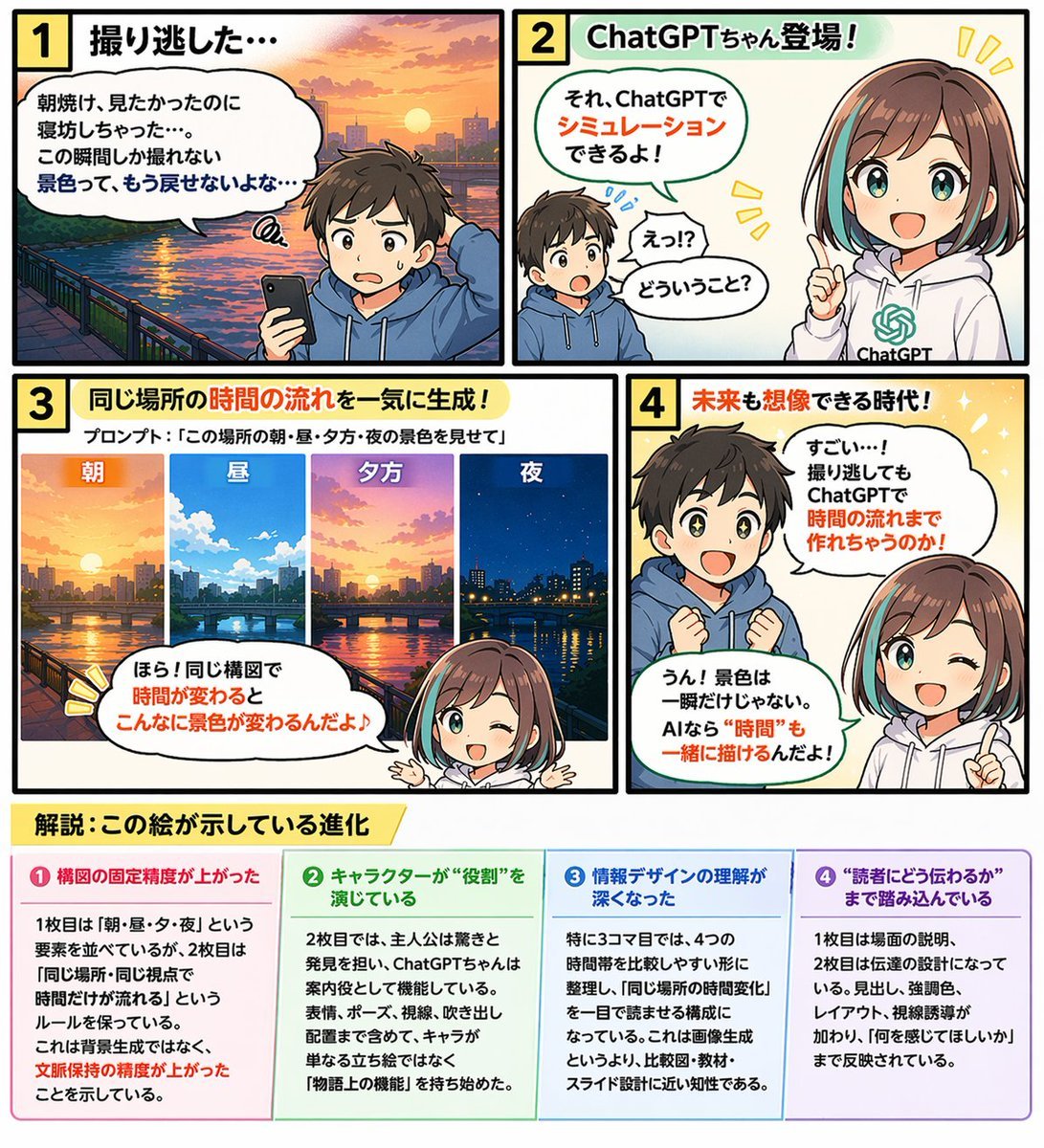
Educational 4-Panel Manga with Infographic
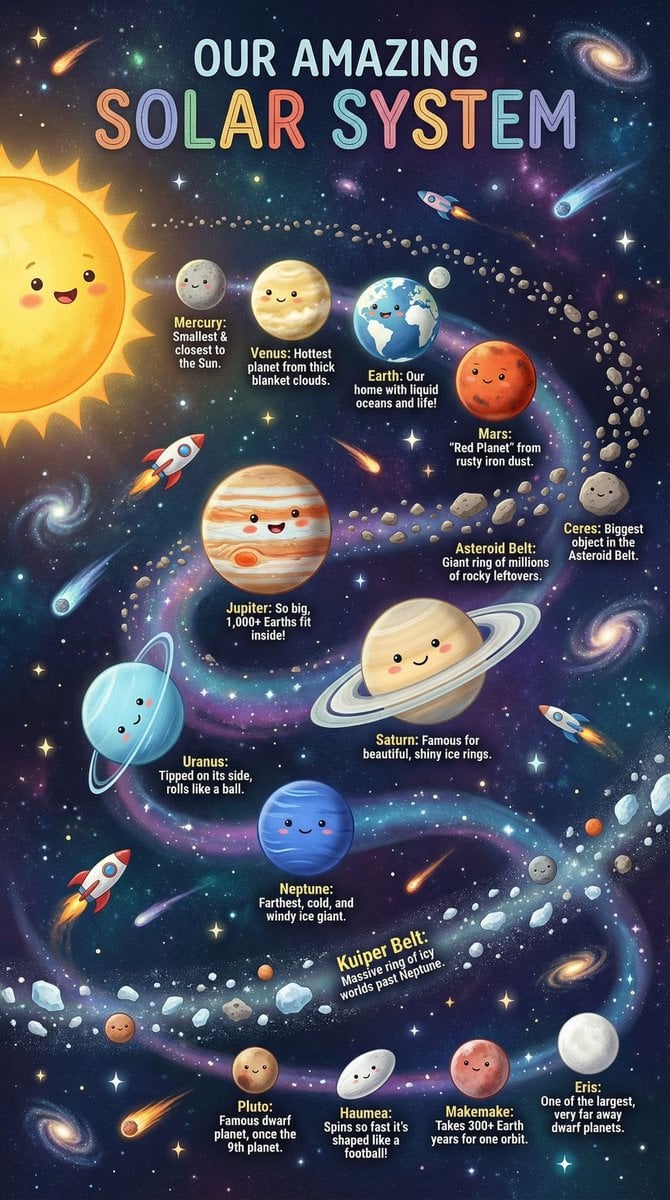
Educational Chart Generation Prompt (Solar System)
Panel Manga Generation from a Scene Description

Manga Generation Prompt Template for Nano Banana Pro
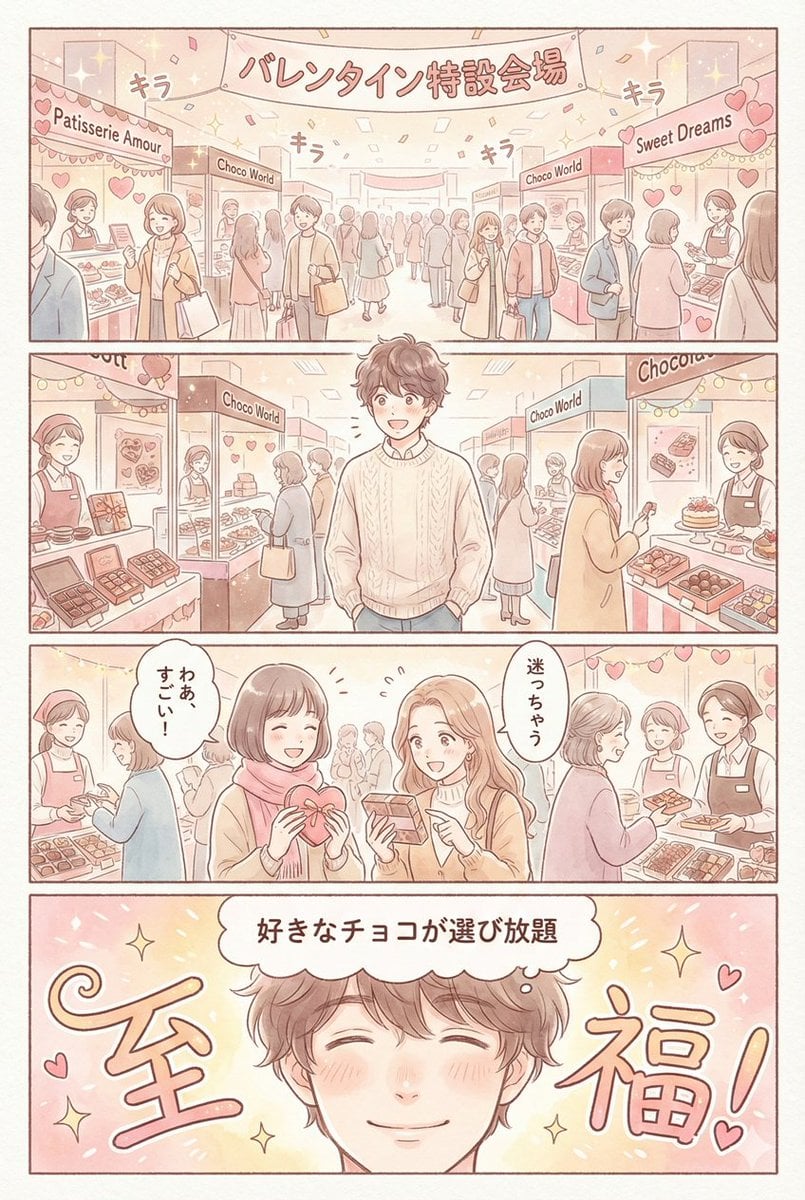
Valentine's Chocolate Shopping Manga Panel Generation

Skin Comparison Portrait — Nano Banana Pro

01 Skincare Split Portrait — Nano Banana 2
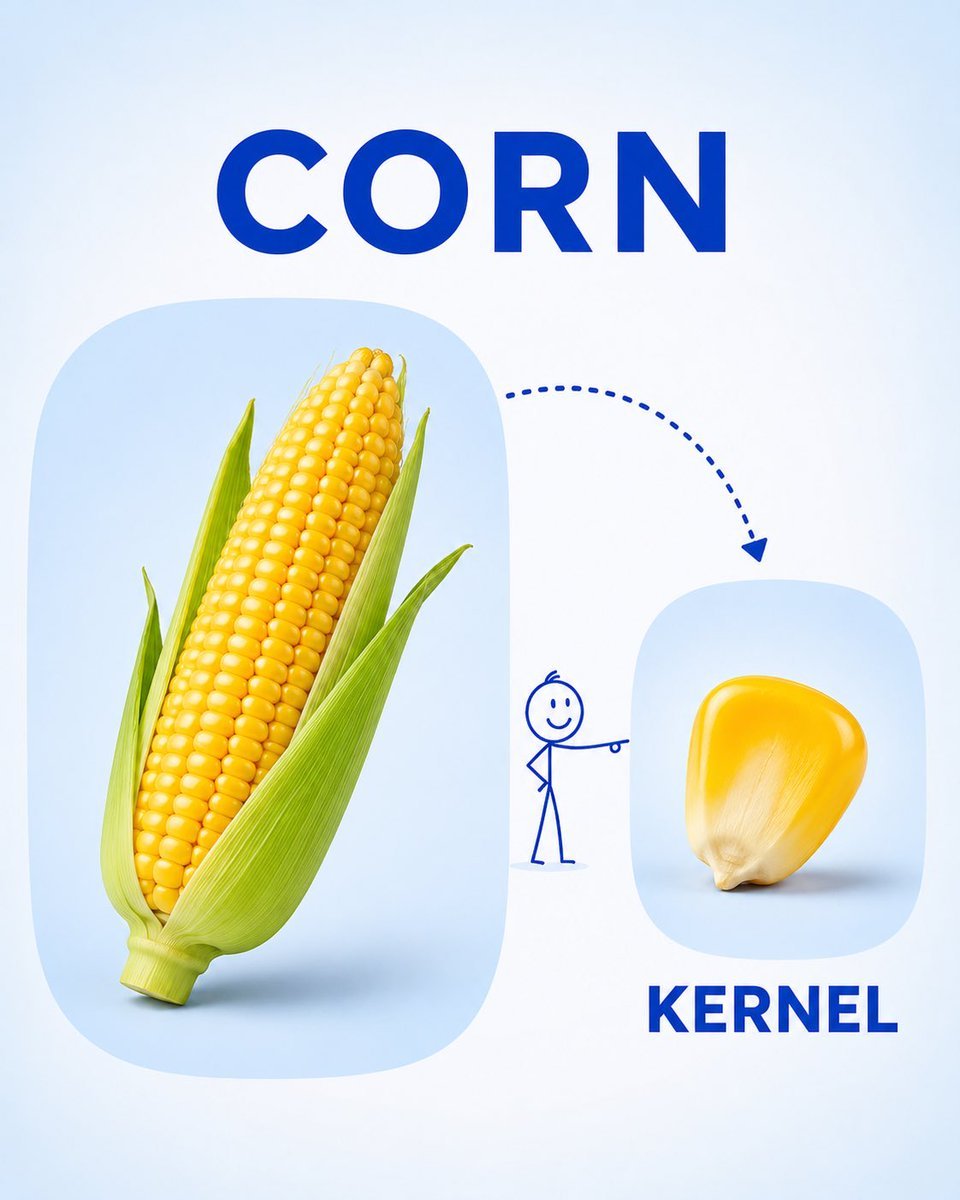
Preschool Educational Vocabulary Card
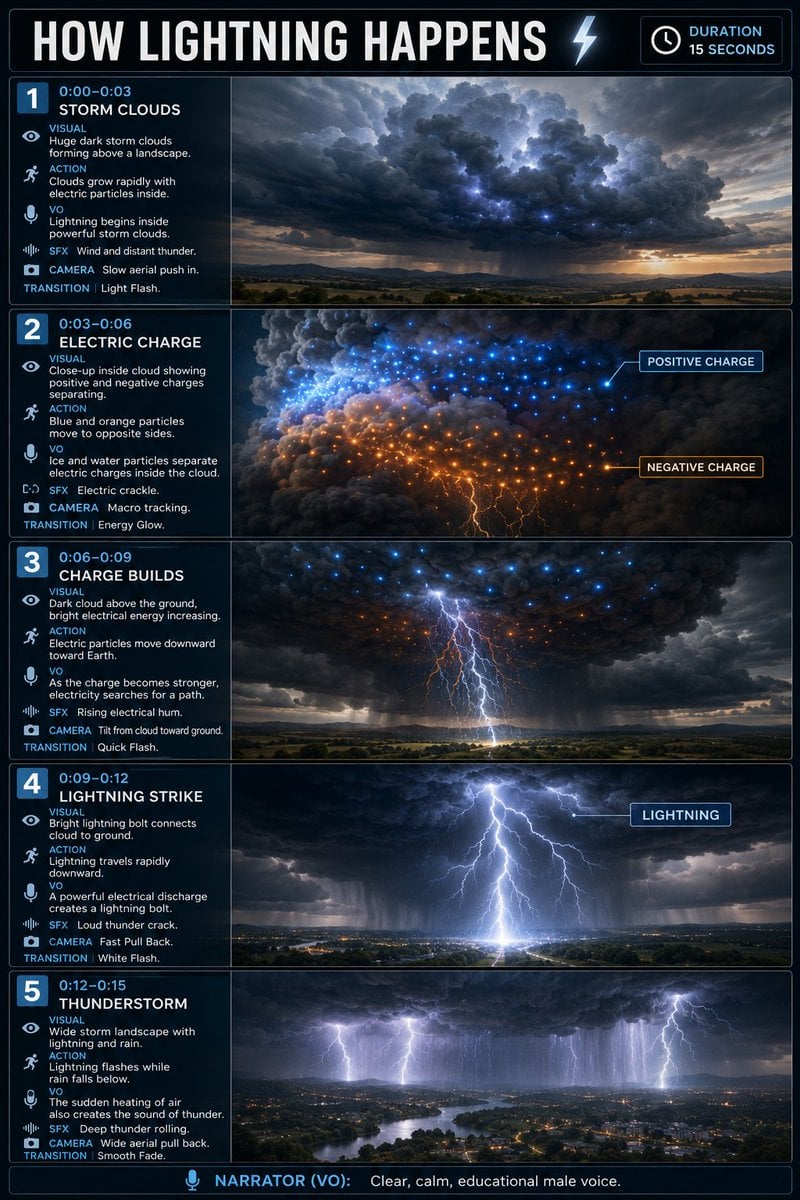
Educational Lightning Storyboard Infographic
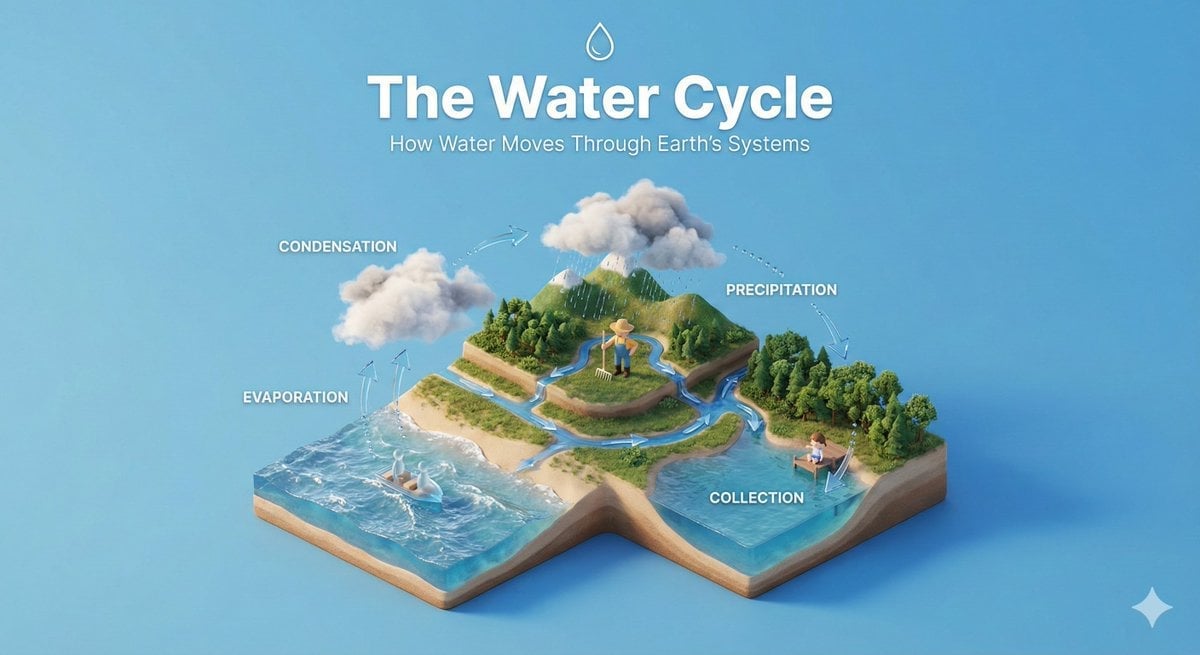
Isometric Educational Process Diorama
Make it yours
Educational Manga Generation Prompt works as-is. These are the safest ways to change it without losing the look.
Change one field
Copy a single group, rewrite it, and generate again so you can see what that field is doing.
Keep the frame, change the subject
Hold the composition and light of Educational Manga Generation Prompt, then swap wardrobe, props or the person for a new take.
| If the result… | Why | Fix |
|---|---|---|
| The result drifts from the preview | Too many fields changed at once. | Reuse Educational Manga Generation Prompt as-is first, then change one group — subject, light, or setting. |
| The model over-stylizes the scene | The prose prompt leaves finish and camera underspecified. | Add one camera or lighting sentence and stay on GPT Image 2. |
More GPT Image 2 templates
Other prompts made for GPT Image 2.

Six VTuber Japanese Logo Sheet

Realistic Portrait of Woman and Deer

The Vista Modular Condo Poster

AI Model Routing Comparison Infographic

2.5D Anime Art Board

Isometric Productivity Desk Scene

New York Double Exposure Poster

Four-Panel AI Landscape Comparison

Japanese Tatami Lifestyle Magazine Cover

NESCAFÉ Coffee Map Poster
More image prompts
Fresh picks from across the catalog.
Hyper-Realistic Miniature Food Landscapes Grid
Isometric Kawaii Baby Bears Scene Prompt
Gothic Anime Superhero Landing
Bioluminescent Mushroom Cluster in Retro Sci-Fi Style
Neon Number App Icon
Caution Tape Fashion Photography Prompt
Photorealistic Newspaper Front Page
Coquette Soft Grunge Portrait with Lollipop
Censored Teal Fashion Portrait
Dark Fantasy Girl with Bengal Tiger
Browse template categories
Educational Manga Generation Prompt questions
How do I use the Educational Manga Generation Prompt template?
Add your photo if the template asks for one, edit the prompt if you like — the template's model and format are already selected — and press Generate. Your version opens in PicX Studio.
Can I customize the Educational Manga Generation Prompt template?
Yes. You can change the subject, setting, lighting, mood, format, and available model controls before creating your image.
Is the Educational Manga Generation Prompt template free?
Opening and editing this template is free. Generating uses credits, shown on the Generate button when you are signed in.
Which AI model should I use?
Start with GPT Image 2, which is the model associated with this template. You can compare another compatible model for a different finish.
Looking for something else? Browse all templates.

Your photo, any look
Thousands of ready templates for every top image and video model, from one credit balance.