How do I use the Gothic Anime Superhero Landing template?
Choose the primary action to open PicX Studio with the available template settings. Review the model and format, personalize the creative direction, and generate when ready.
Generates a cinematic anime girl in a gothic school outfit crashing into the ground with violet energy and debris, ideal for action character art. Change the subject, setting, or lighting one variable at a time.
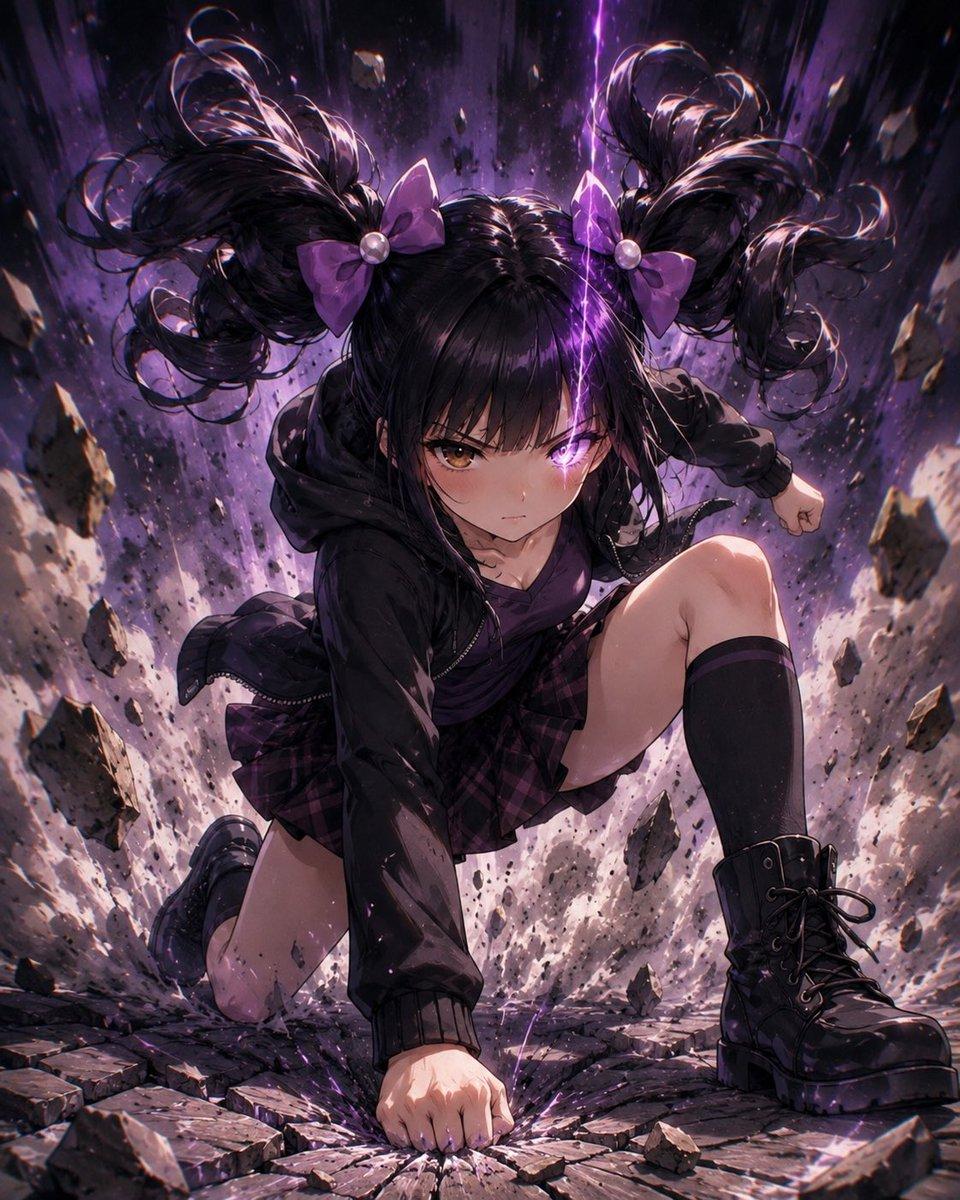
Create a dramatic vertical anime illustration of {argument name="character name" default="a gothic twin-tail schoolgirl"} performing a powerful superhero landing in a shattered urban crater. She is centered in a low-angle dynamic pose with one fist smashed into cracked pavement, one knee down, the other leg raised forward, conveying explosive impact and confidence. She has {argument name="hair color" default="black"} hair styled into two huge high curly twin-tails with glossy highlights, each tied with a {argument name="bow color" default="purple"} bow and pearl-like bead, with loose strands flying upward from the force. Her face is covered by a large soft-edged dark square censor block centered over the head, hiding all facial features. Dress her in a dark gothic street-school outfit: oversized black hooded jacket, deep purple top, purple-and-black plaid pleated skirt, black knee-high socks, and chunky black lace-up combat boots. The scene erupts with broken stone slabs, flying rocks, dust, sparks, and debris suspended around her, with a vertical surge of violet lightning and purple energy behind her. Use intense cinematic lighting, high contrast, rim light on hair and clothing, motion blur on debris, detailed rubble texture, dark purple and black color palette, dramatic manga/anime rendering, ultra-detailed digital painting, energetic composition, portrait orientation, no text.
Choose the primary action to open PicX Studio with the available template settings. Review the model and format, personalize the creative direction, and generate when ready.
Yes. You can change the subject, setting, lighting, mood, format, and available model controls before creating your image.
This template is free to open and customize. Generation usage is shown in PicX Studio before you create.
Start with GPT Image 2, which is the model associated with this template. You can compare another compatible model for a different finish.
© 2026 PicX Studio. All rights reserved.

Follow a topic to a crawlable collection of related PicX Studio templates.
43,474 public templates available. Verified via the PicX Studio public templates API; refreshed hourly.














![Minimalist Flat Vector Travel Poster — Premium minimalist flat-vector travel poster for {argument name="city name" default="[CITY_NAME]"}, 3:4 vertical format.](https://cms-assets.youmind.com/media/1787917359711_3ug846_HQX205cbMAA6F6S-300x400.jpg)



























![Object as Ecosystem / Manufactured as Wilderness Prompt — A colossal {argument name="object" default="[OBJECT]"} reimagined as a complete natural biome. Tiny {a](https://pbs.twimg.com/media/G-tq3IxbQAY3xbD.jpg)


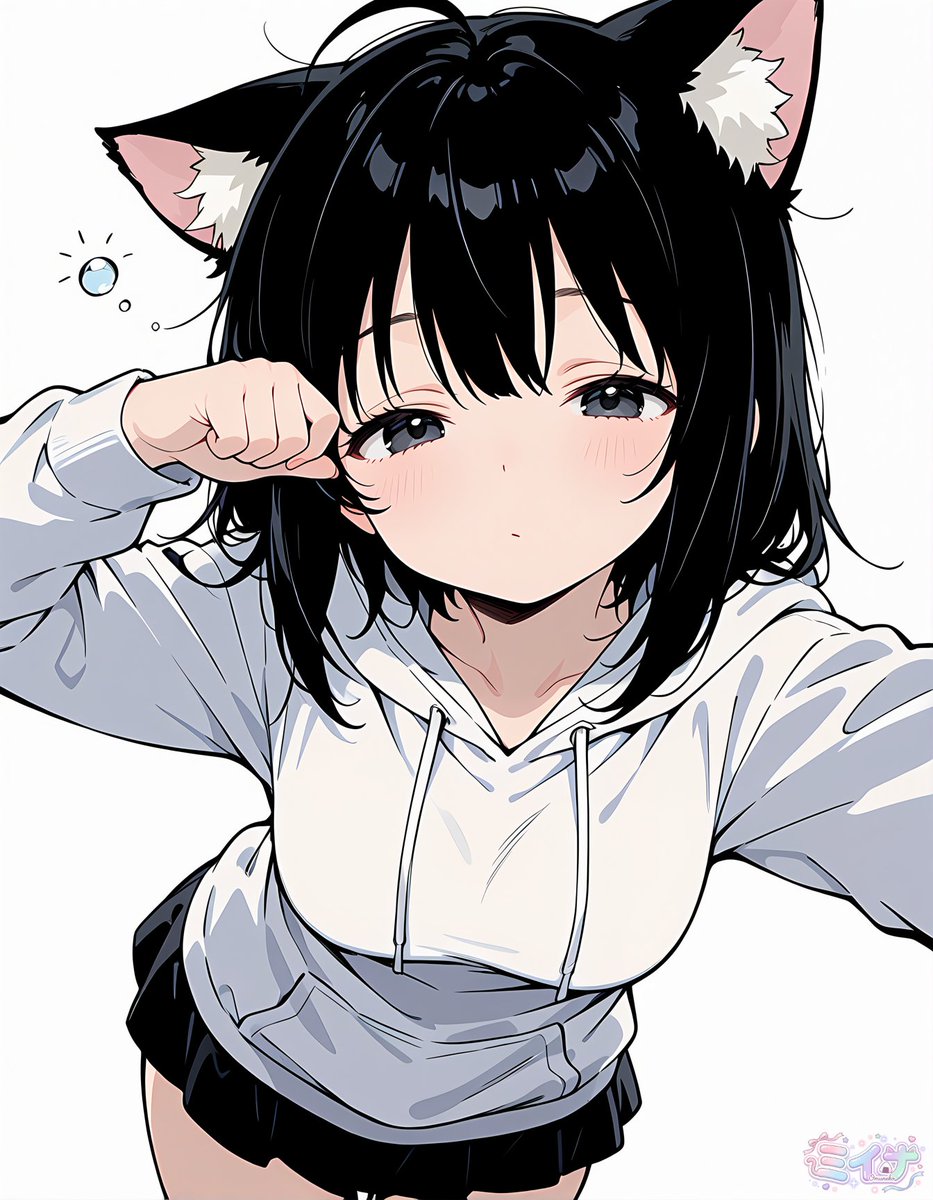
![Felt toy character prompt for Nano Banana Pro — Felt toys
Full body {argument name="subject" default="[Subject]"} toy, {argument name="attributes and accesso](https://pbs.twimg.com/media/G7ANELZWMAEfO5h.jpg)
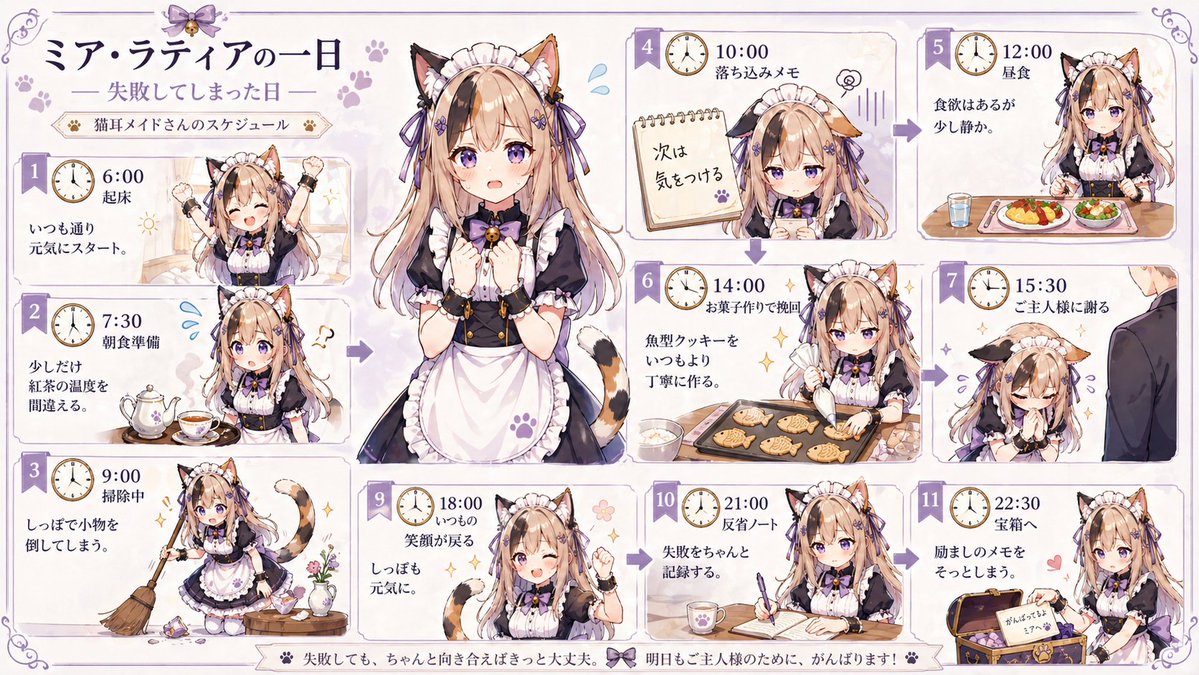
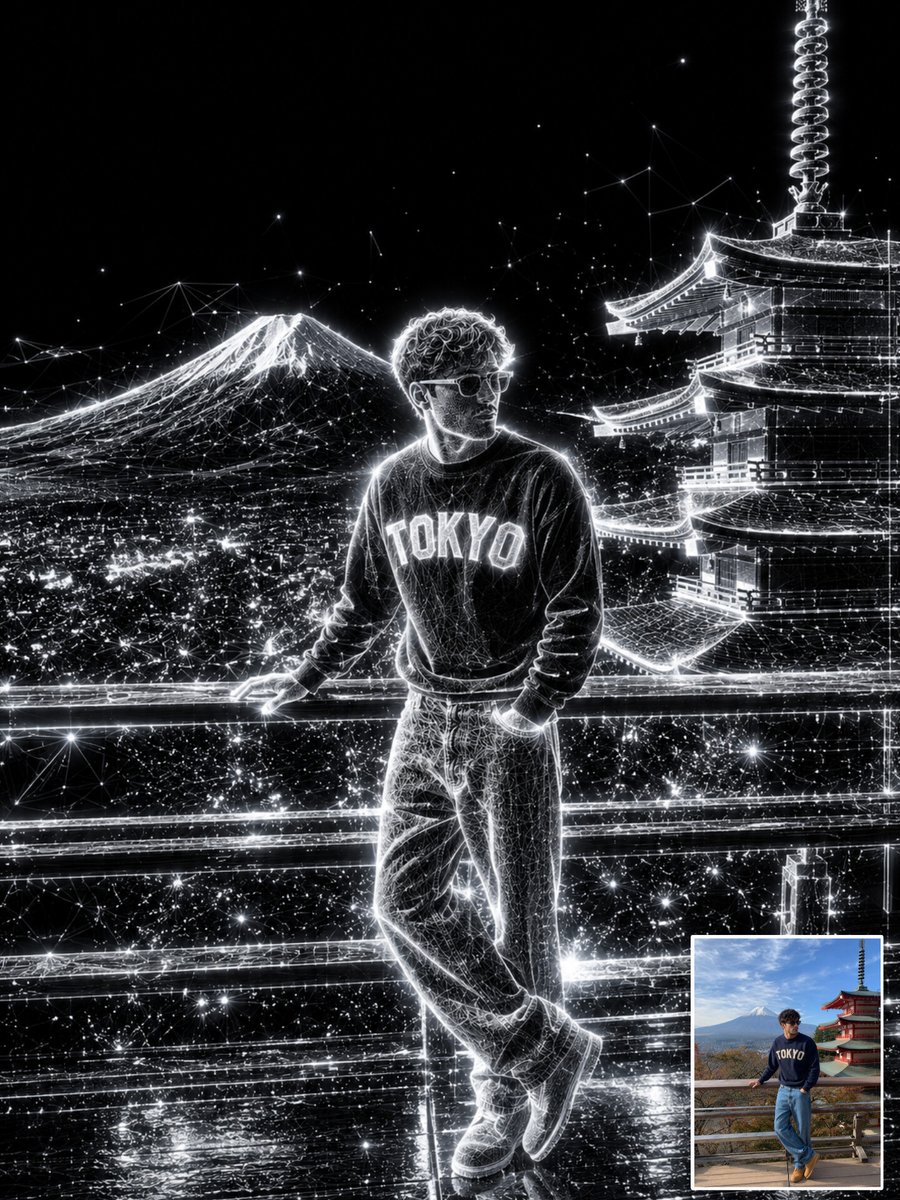

![Macro Product Photography for Floating Food — [Food] Premium food advertising, white seamless background, high key studio lighting, floating stacked composition](https://pbs.twimg.com/media/G-6l3LuXwAAcPza.jpg)