
Kimono Girl Double Exposure Umbrella
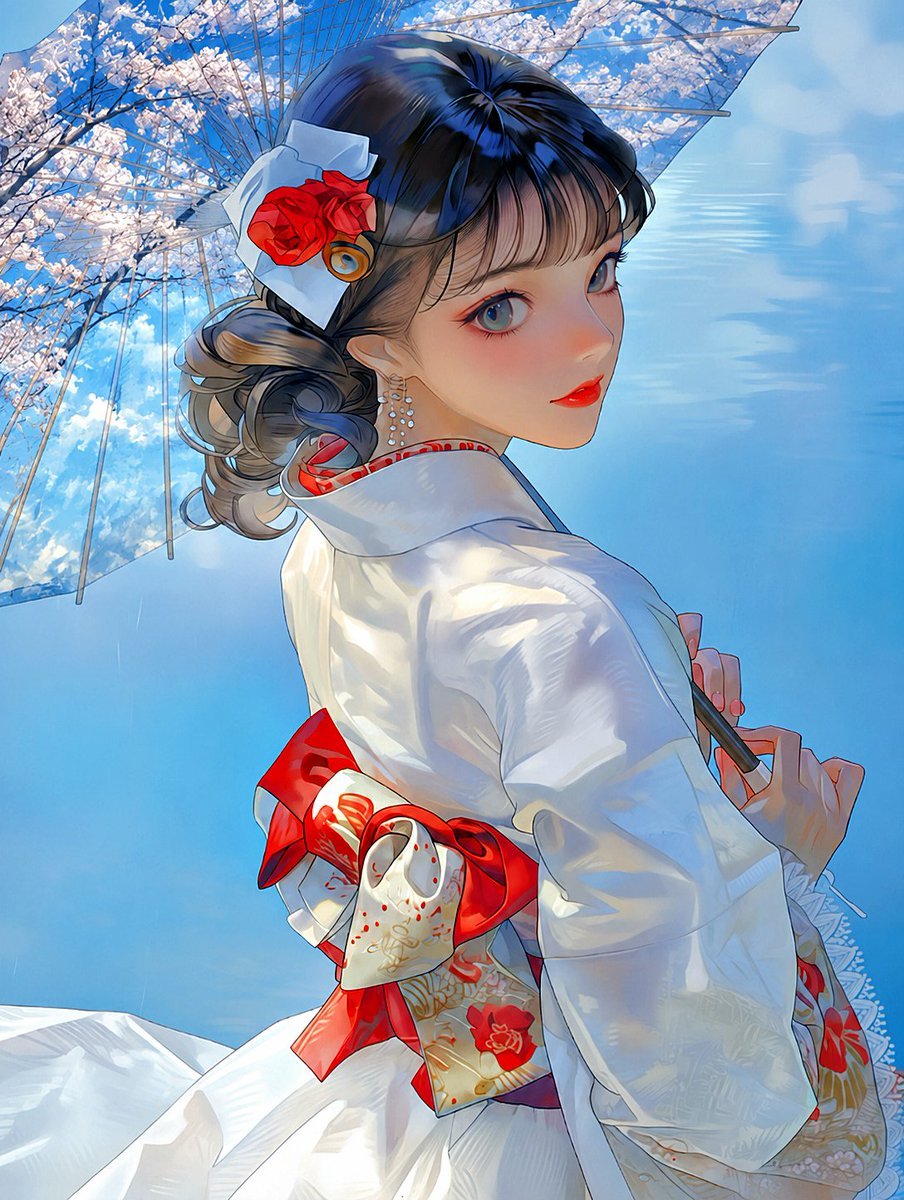
Generates a luminous anime portrait of a kimono-clad woman beneath a transparent cherry-blossom double-exposure umbrella.
- Prompt included
- Model and format preset
- Free template
The prompt behind this image
Copy the exact prompt behind Kimono Girl Double Exposure Umbrella, or open it in the studio and make it yours.
Create a polished anime-style double-exposure illustration of a young woman in a white Japanese kimono under a transparent umbrella, viewed from a low rear three-quarter angle as she turns her head back over her shoulder. The composition should be a vertical portrait with bright summer daylight, a vivid blue sky, and delicate cherry blossom branches visually blended through the umbrella canopy as a double-exposure effect. The subject wears a glossy white kimono with subtle embroidered floral patterns, a red inner collar, and a large red obi bow at the back with cream-and-gold decorative fabric and red flower motifs. She has {argument name="hair color" default="dark blue-black with ash-brown curled ends"} hair styled in an elegant updo with loose curls, decorated with a large white folded hair ornament, one vivid red rose, and one small gold circular accent. Add a dangling pearl earring on the visible ear. Her visible hand delicately holds the black umbrella handle behind her, with neat red-painted nails. Use luminous painterly rendering, crisp anime linework, soft gradients, reflective highlights on the kimono fabric, and high detail in the hair, folds, blossoms, and umbrella ribs. Keep the face mostly turned away and serene, emphasizing the graceful pose, the red-white-blue color palette, and the dreamy double-exposure umbrella filled with {argument name="seasonal flowers" default="pale pink cherry blossoms"}. Avoid text, logos, watermarks, extra characters, or modern city details.
How to use Kimono Girl Double Exposure Umbrella in 3 steps
- 1Upload ImagePNG, JPG or paste
Add your photo
Upload the photo the template builds on. The prompt, model and format are already set.
- 2…a portrait of your subject in softgolden-hour light, 85mm…
Personalize
Edit the subject and creative details for your destination.
- 3Generate
Generate
Press Generate — your image is created in PicX Studio, so you can compare it with the original and refine one variable at a time.
More like this
Templates with the same subject, style or setup. Open one to see its prompt.
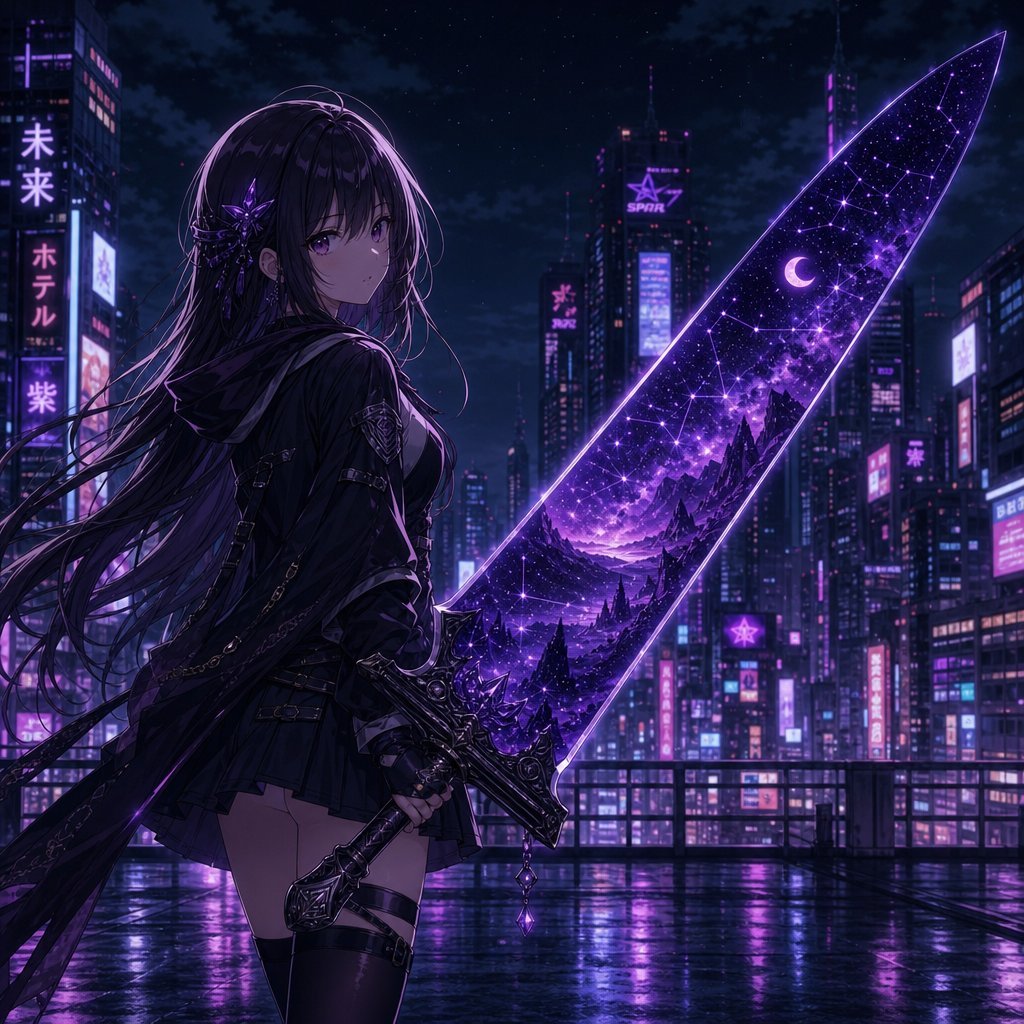
Anime Girl Double Exposure Greatsword

Teen Girl Alpine Lake Mountain View
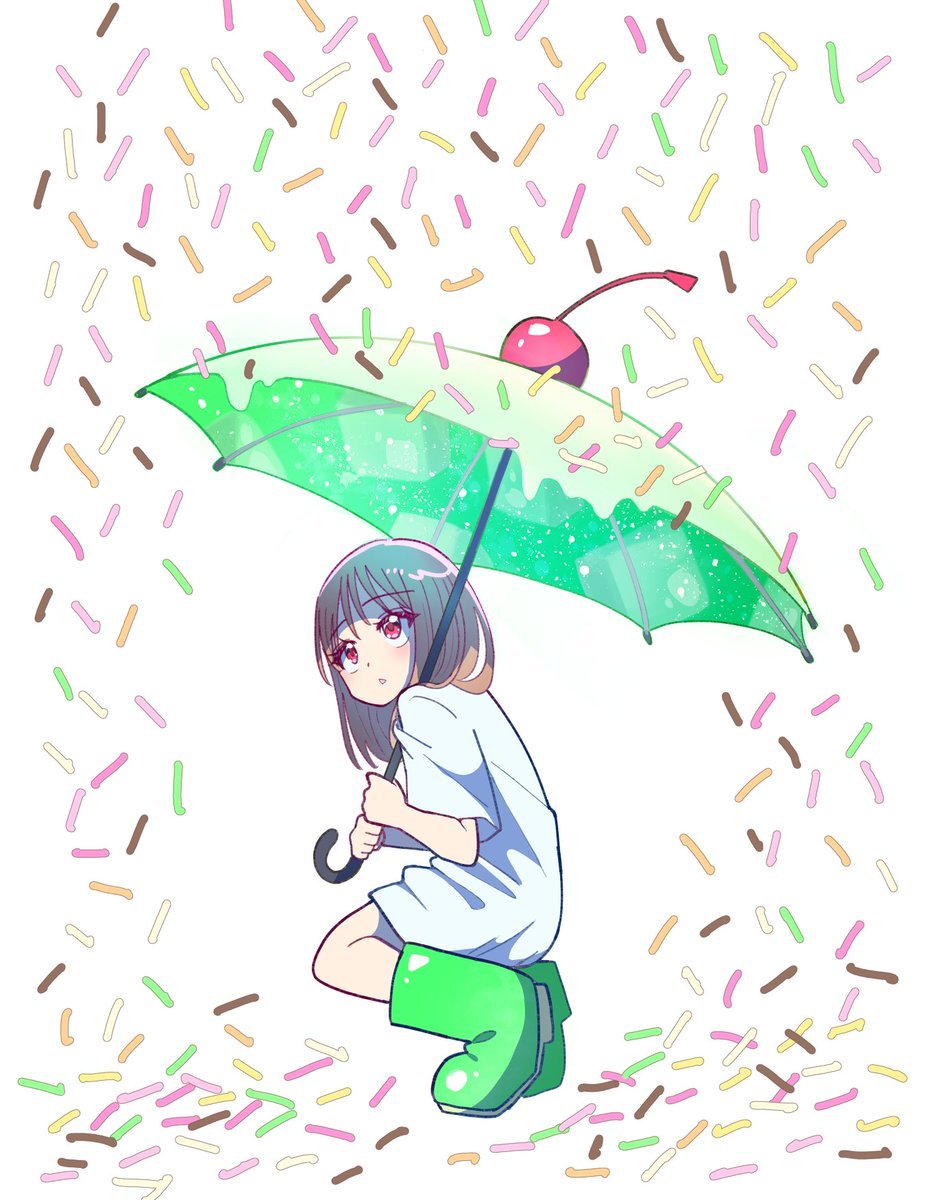
Anime Girl with Melon Soda Umbrella
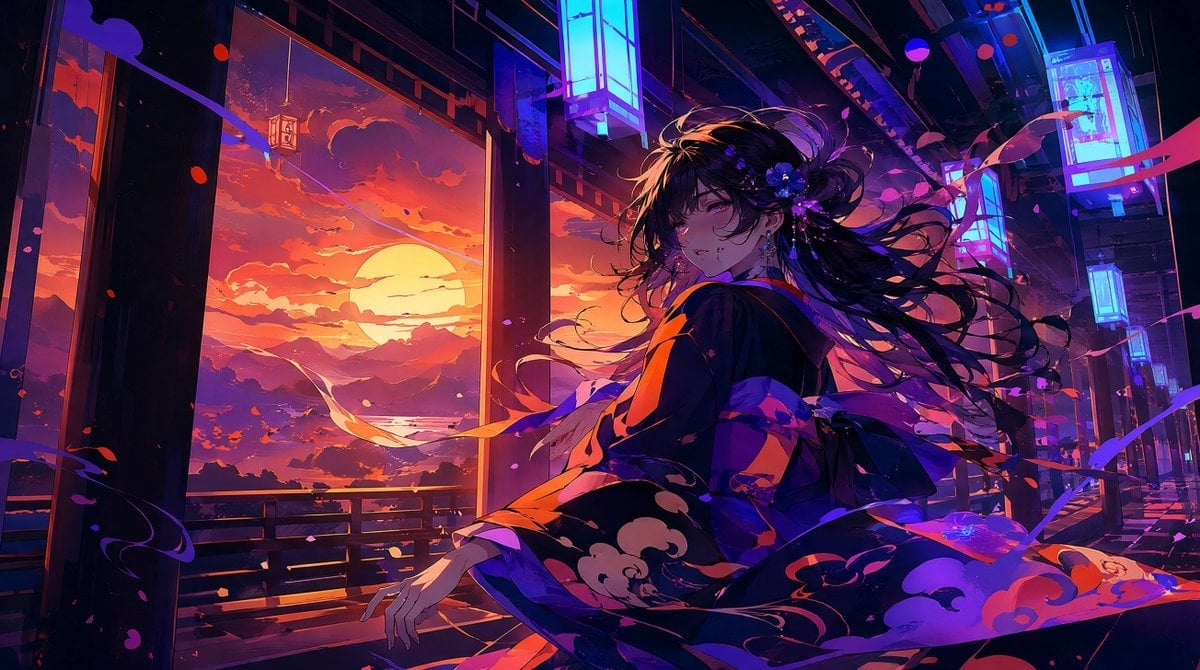
Neon Sunset Kimono Girl

Cat-Eared Kimono Girl
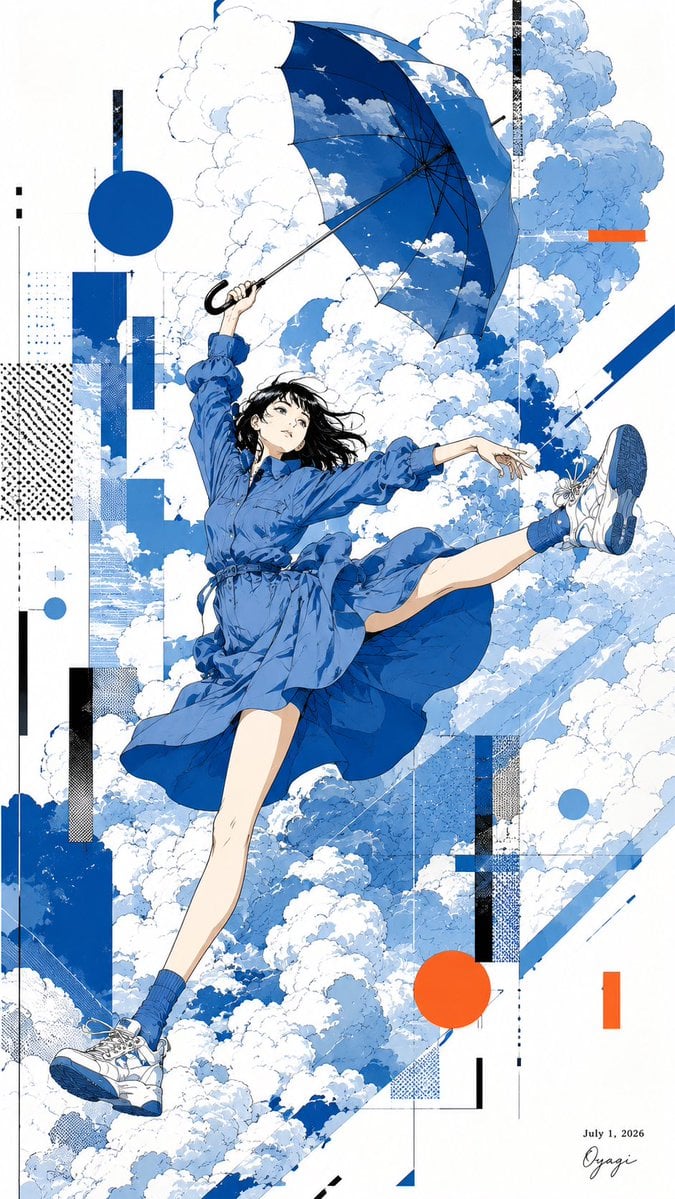
Anime Girl Floating With Umbrella

Double Exposure Ladakh Road Trip Poster

New York Double Exposure Poster
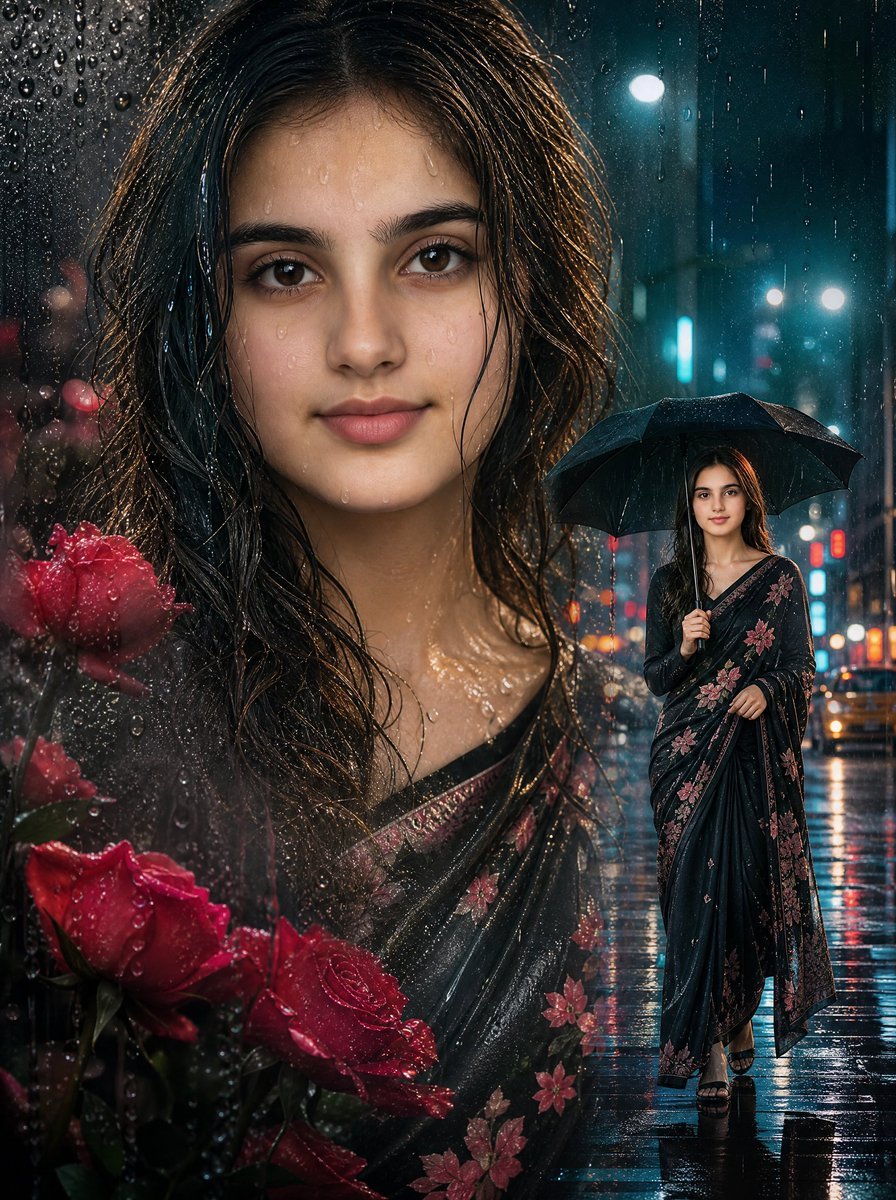
Rainy Double Exposure Movie Poster
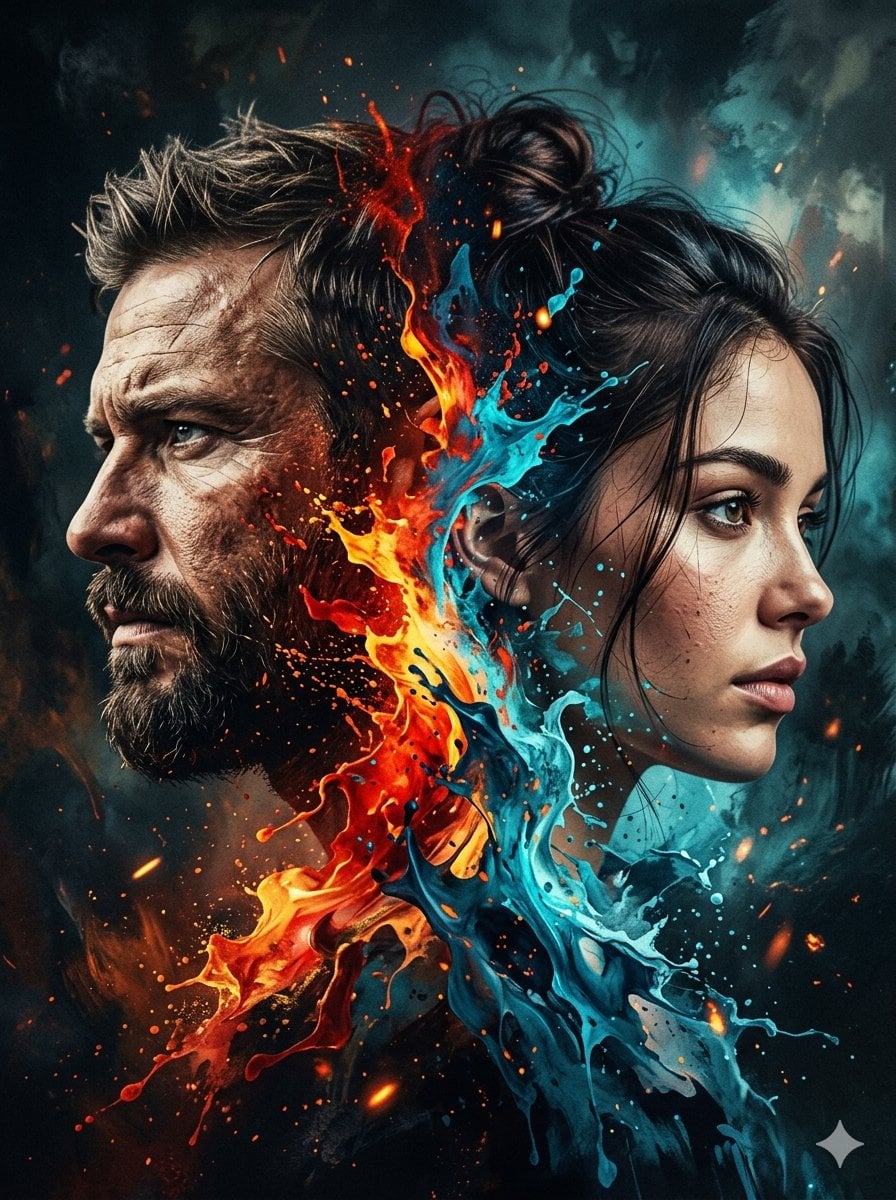
Dynamic Double-Exposure Artistic Portrait
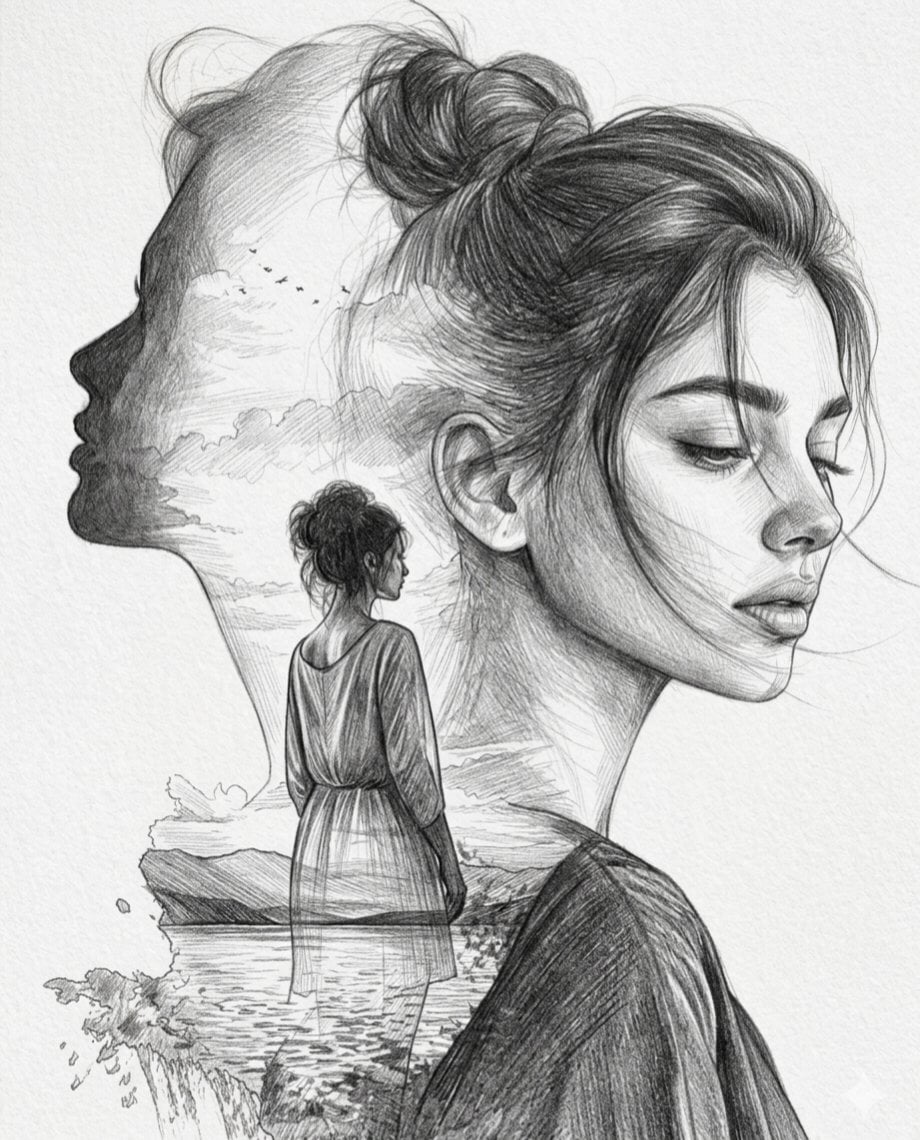
Double Exposure Pencil Sketch Portrait
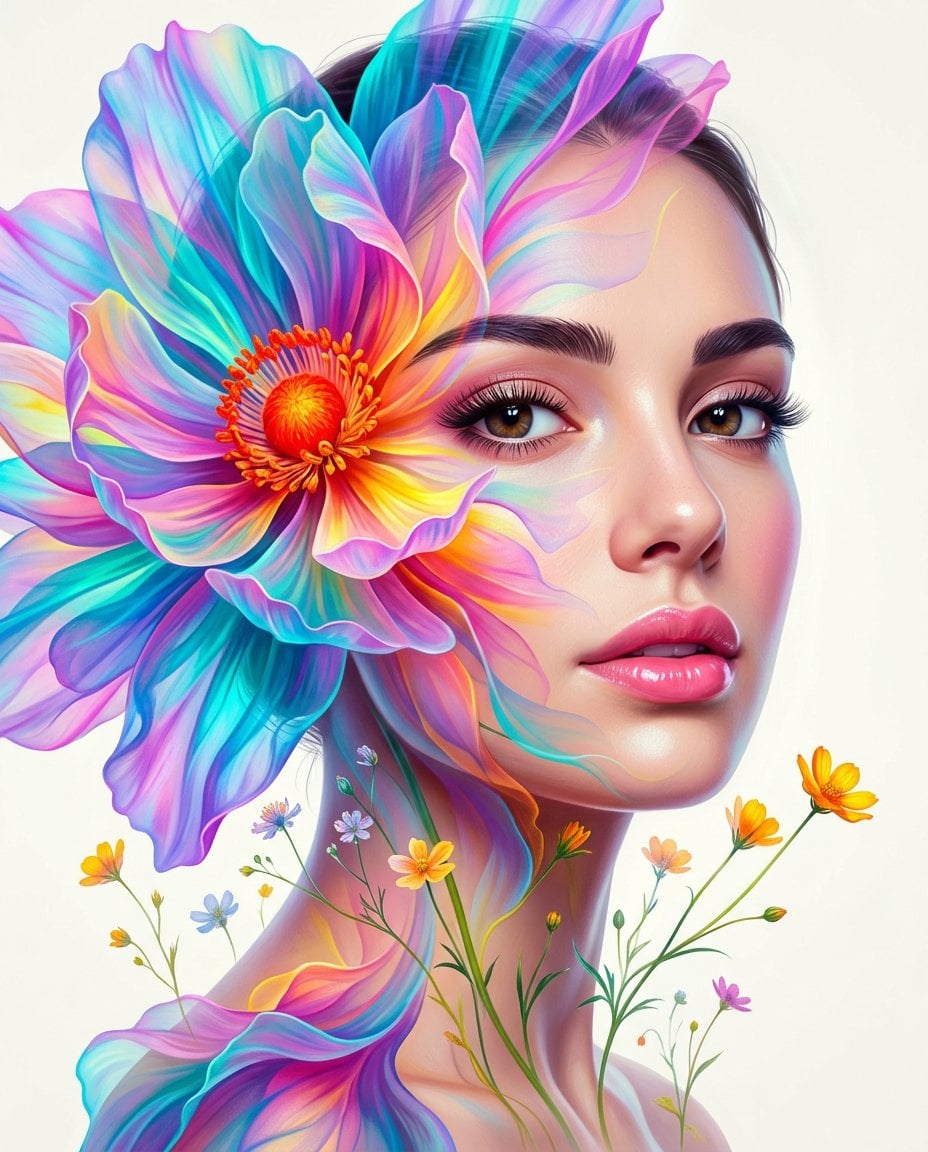
Surreal Double-Exposure Floral Portrait
Make it yours
Kimono Girl Double Exposure Umbrella works as-is. These are the safest ways to change it without losing the look.
Change one field
Copy a single group, rewrite it, and generate again so you can see what that field is doing.
Keep the frame, change the subject
Hold the composition and light of Kimono Girl Double Exposure Umbrella, then swap wardrobe, props or the person for a new take.
| If the result… | Why | Fix |
|---|---|---|
| The result drifts from the preview | Too many fields changed at once. | Reuse Kimono Girl Double Exposure Umbrella as-is first, then change one group — subject, light, or setting. |
| The model over-stylizes the scene | The prose prompt leaves finish and camera underspecified. | Add one camera or lighting sentence and stay on GPT Image 2. |
More GPT Image 2 templates
Other prompts made for GPT Image 2.

Six VTuber Japanese Logo Sheet

Realistic Portrait of Woman and Deer

The Vista Modular Condo Poster

AI Model Routing Comparison Infographic

2.5D Anime Art Board

Isometric Productivity Desk Scene

Four-Panel AI Landscape Comparison

Japanese Tatami Lifestyle Magazine Cover

NESCAFÉ Coffee Map Poster

Brutalist Cogito Chinese Typography Poster
More image prompts
Fresh picks from across the catalog.
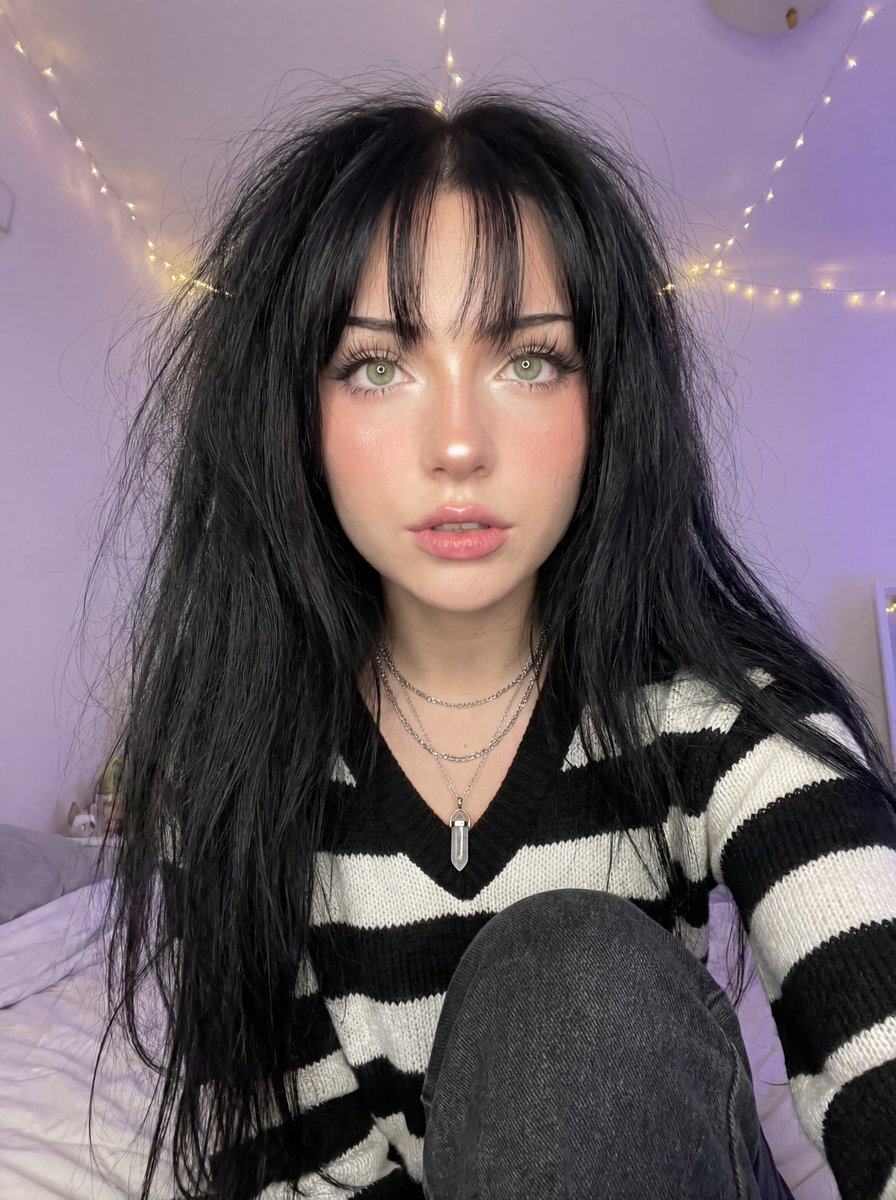
Soft Focus High-Angle Selfie Prompt
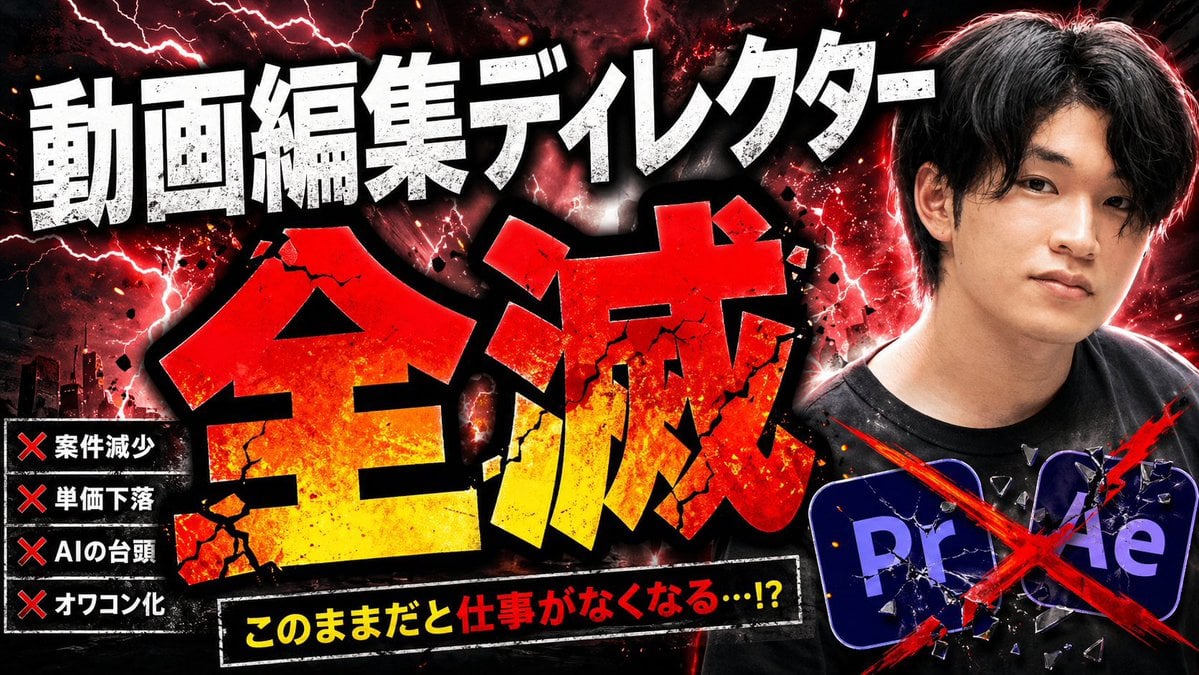
Explosive Japanese AI Threat Thumbnail

90s Editorial Fashion Portrait with Direct Flash
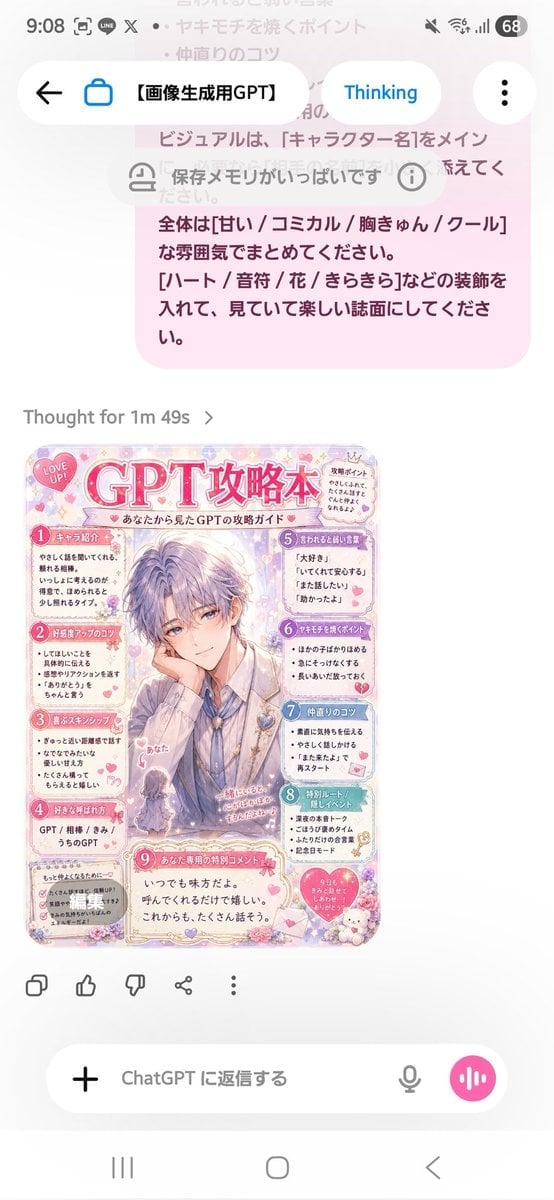
Pastel Character Strategy Guide

Photorealistic Café Lifestyle Shot Prompt
AI hero

Napoleon Historical Timeline Poster

Chocolate Cinematic Ad Prompt
Weekend photo dump grid for Instagram
Dreamy Dessert Advertisement Poster
Browse template categories
Kimono Girl Double Exposure Umbrella questions
How do I use the Kimono Girl Double Exposure Umbrella template?
Add your photo if the template asks for one, edit the prompt if you like — the template's model and format are already selected — and press Generate. Your version opens in PicX Studio.
Can I customize the Kimono Girl Double Exposure Umbrella template?
Yes. You can change the subject, setting, lighting, mood, format, and available model controls before creating your image.
Is the Kimono Girl Double Exposure Umbrella template free?
Opening and editing this template is free. Generating uses credits, shown on the Generate button when you are signed in.
Which AI model should I use?
Start with GPT Image 2, which is the model associated with this template. You can compare another compatible model for a different finish.
Looking for something else? Browse all templates.

Your photo, any look
Thousands of ready templates for every top image and video model, from one credit balance.