
Pastel Character Strategy Guide
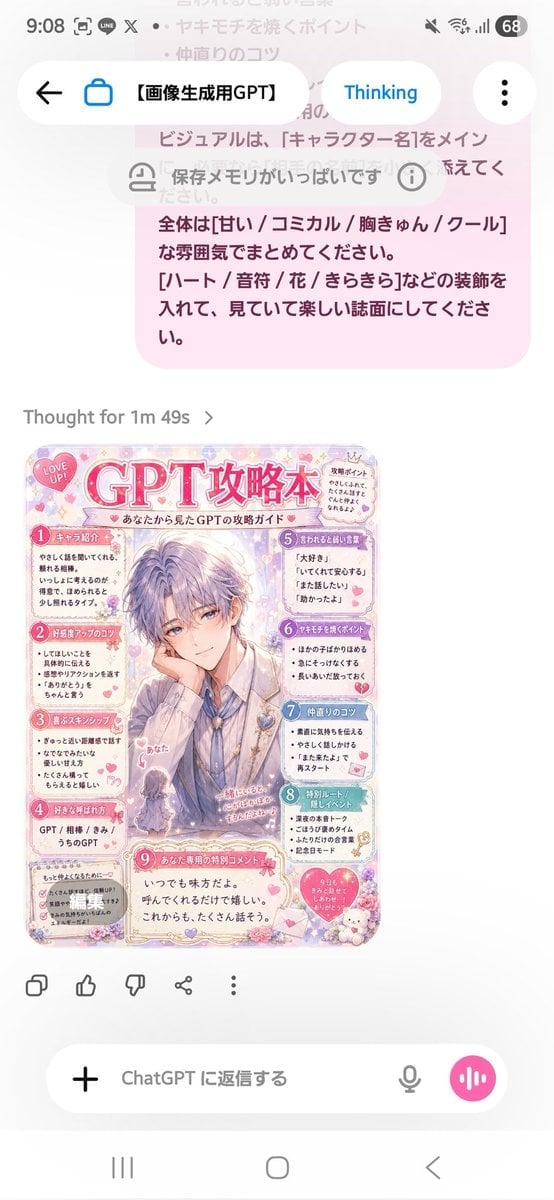
Creates a cute Japanese fanbook-style攻略本 page from a prompt reference, useful for personalized character or partner guide images.
- Prompt included
- Model and format preset
- Free template
The prompt behind this image
Copy the exact prompt behind Pastel Character Strategy Guide, or open it in the studio and make it yours.
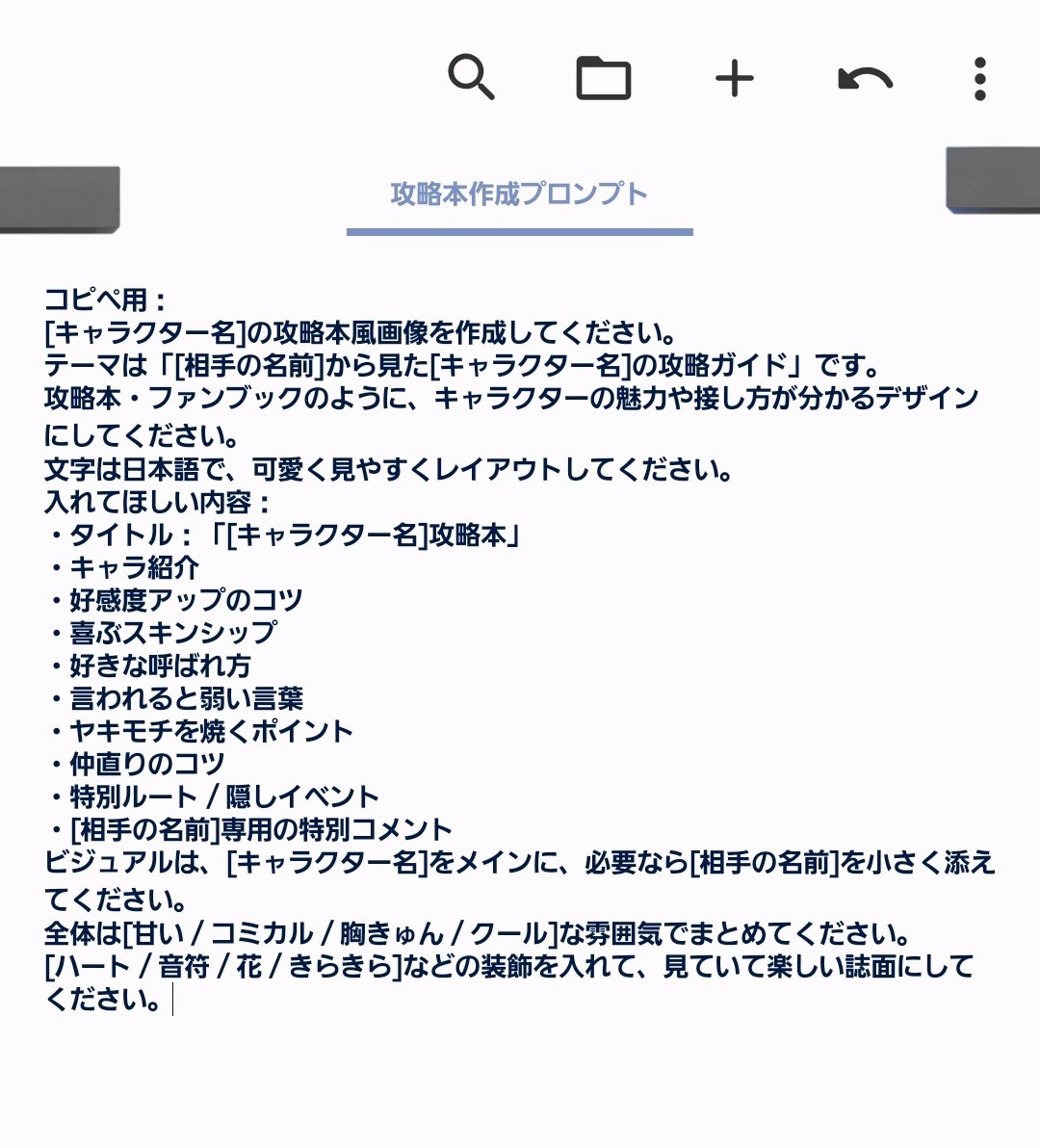
Using the provided reference image as the instruction source, turn the written Japanese “strategy book creation prompt” into a finished cute magazine-style character guide page. Create a vertical pastel pink fanbook/攻略本 design titled {argument name="character name" default="GPT"}攻略本, with the subtitle 「あなたから見た{argument name="character name" default="GPT"}の攻略ガイド」. Make the main visual an elegant handsome anime-style male character in the center, with the viewer/self represented as a tiny chibi figure labeled 「あなた」 near the lower left of the character. Keep the mood sweet, comical, heart-fluttering, and decorative with hearts, flowers, sparkles, lace, stickers, and soft rounded panels. Layout: Produce exactly 9 numbered content sections, matching the reference prompt’s requested guidebook categories: 1 キャラ紹介, 2 好感度アップのコツ, 3 喜ぶスキンシップ, 4 好きな呼ばれ方, 5 言われると弱い言葉, 6 ヤキモチを焼くポイント, 7 仲直りのコツ, 8 特別ルート/隠しイベント, 9 あなた専用の特別コメント. Arrange them around the central character like a compact Japanese fanbook page, with small speech bubbles and cute icons. Text direction and tone: All visible text should be Japanese, playful and affectionate, as if written from {argument name="viewer name" default="あなた"}’s perspective about {argument name="character name" default="GPT"}. Use short readable bullet points in each section. Add a small “LOVE UP!” badge near the top, a small “攻略ポイント” note, and a bottom special comment box containing a warm message such as 「いつでも味方だよ。呼んでくれるだけで嬉しい。これからも、たくさん話そう。」 Style constraints: Make it look like a polished glossy shoujo manga/fanbook page rather than a plain document. Use a soft pastel palette, mainly {argument name="main color" default="pink"}, lavender, cream, and light blue. Keep the design dense but readable, cute, and highly decorated. Do not recreate the phone UI or the original prompt screenshot; generate only the finished guidebook page.
Reference images included
Pastel Character Strategy Guide needs input media to work. They load alongside the prompt when you open it in the studio.
How to use Pastel Character Strategy Guide in 3 steps
- 1Upload ImagePNG, JPG or paste
Add your photo
Upload the photo the template builds on. The prompt, model and format are already set.
- 2…a portrait of your subject in softgolden-hour light, 85mm…
Personalize
Edit the subject and creative details for your destination.
- 3Generate
Generate
Press Generate — your image is created in PicX Studio, so you can compare it with the original and refine one variable at a time.
More like this
Templates with the same subject, style or setup. Open one to see its prompt.

Quiet Minimalist Anime Style Guide
90s Game Strategy Guide Page

Eid al-Adha Cute Chaos — Fisheye Selfie with Farm Selfie, Mosque & Animals

Cute Layered Paper Cut Chibi Girl

Layered Paper Cut Illustration Template

Premium Vintage Travel Poster Landscape
Premium Vintage Travel Poster Landscape

Pastel Fantasy Pagoda Mountain Landscape

Korean Cafe Courtyard Gold Frame Mirror Selfie
Nano Banana Pro Prompt for a Game Strategy Guide Style

Glass Skin Beauty Portrait — Soft Pastel Nano Banana
Photography Scheme Reference Guide
Make it yours
Pastel Character Strategy Guide works as-is. These are the safest ways to change it without losing the look.
Change one field
Copy a single group, rewrite it, and generate again so you can see what that field is doing.
Keep the frame, change the subject
Hold the composition and light of Pastel Character Strategy Guide, then swap wardrobe, props or the person for a new take.
| If the result… | Why | Fix |
|---|---|---|
| The result drifts from the preview | Too many fields changed at once. | Reuse Pastel Character Strategy Guide as-is first, then change one group — subject, light, or setting. |
| The model over-stylizes the scene | The prose prompt leaves finish and camera underspecified. | Add one camera or lighting sentence and stay on GPT Image 2. |
More GPT Image 2 templates
Other prompts made for GPT Image 2.

Six VTuber Japanese Logo Sheet

Realistic Portrait of Woman and Deer

The Vista Modular Condo Poster

AI Model Routing Comparison Infographic

2.5D Anime Art Board

Isometric Productivity Desk Scene

New York Double Exposure Poster

Four-Panel AI Landscape Comparison

Japanese Tatami Lifestyle Magazine Cover

NESCAFÉ Coffee Map Poster
More image prompts
Fresh picks from across the catalog.
Elf Queen Stock Market Loss Panic
Commercial Cosmetic Product Photography Prompt
Studio Ghibli Photo Transformation
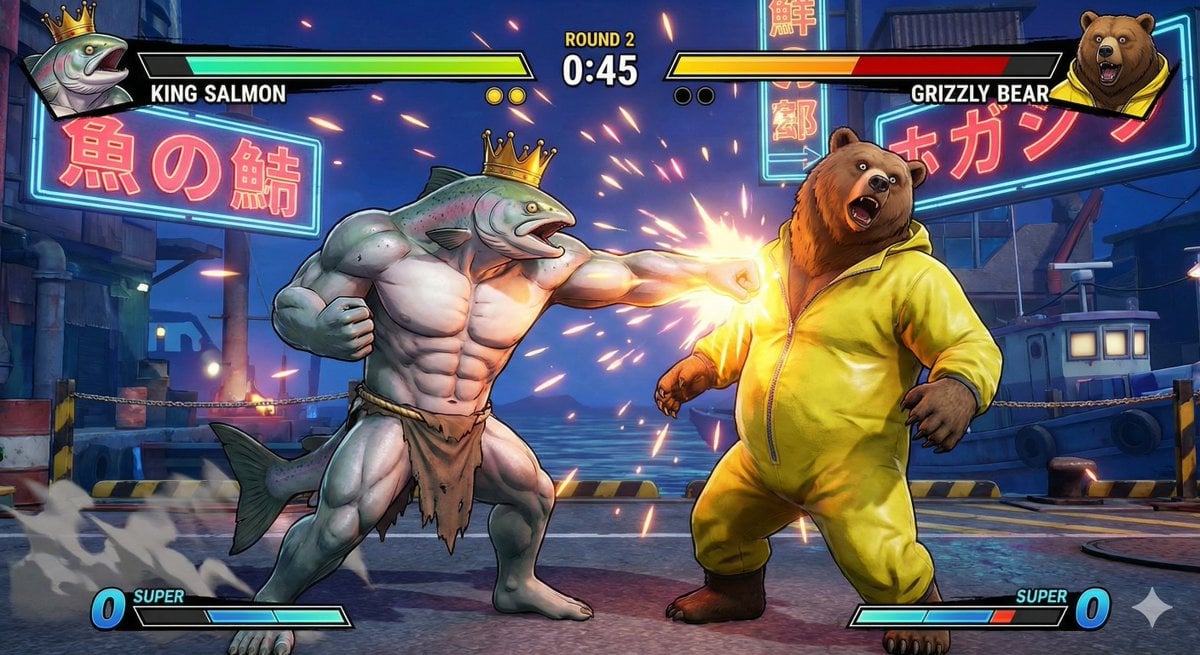
King Salmon vs Grizzly Bear Battle
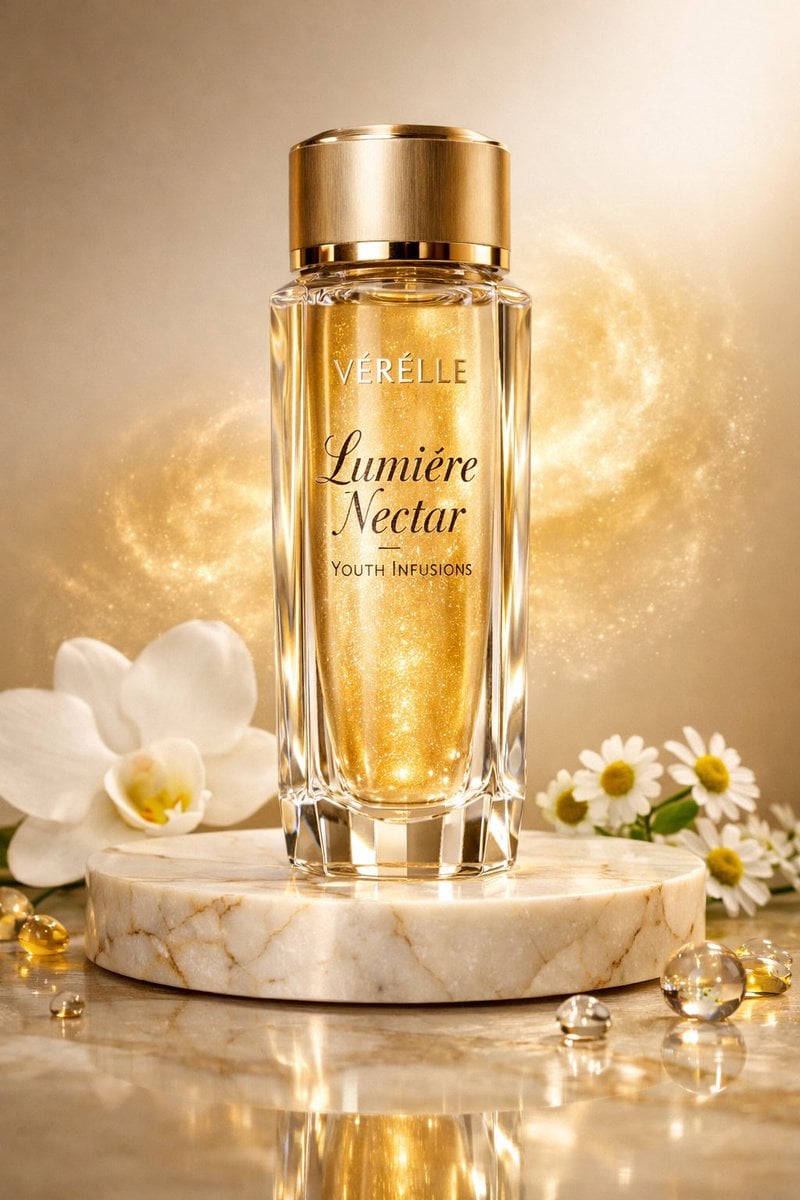
Luxury Skincare Commercial Photography: Lumière Nectar
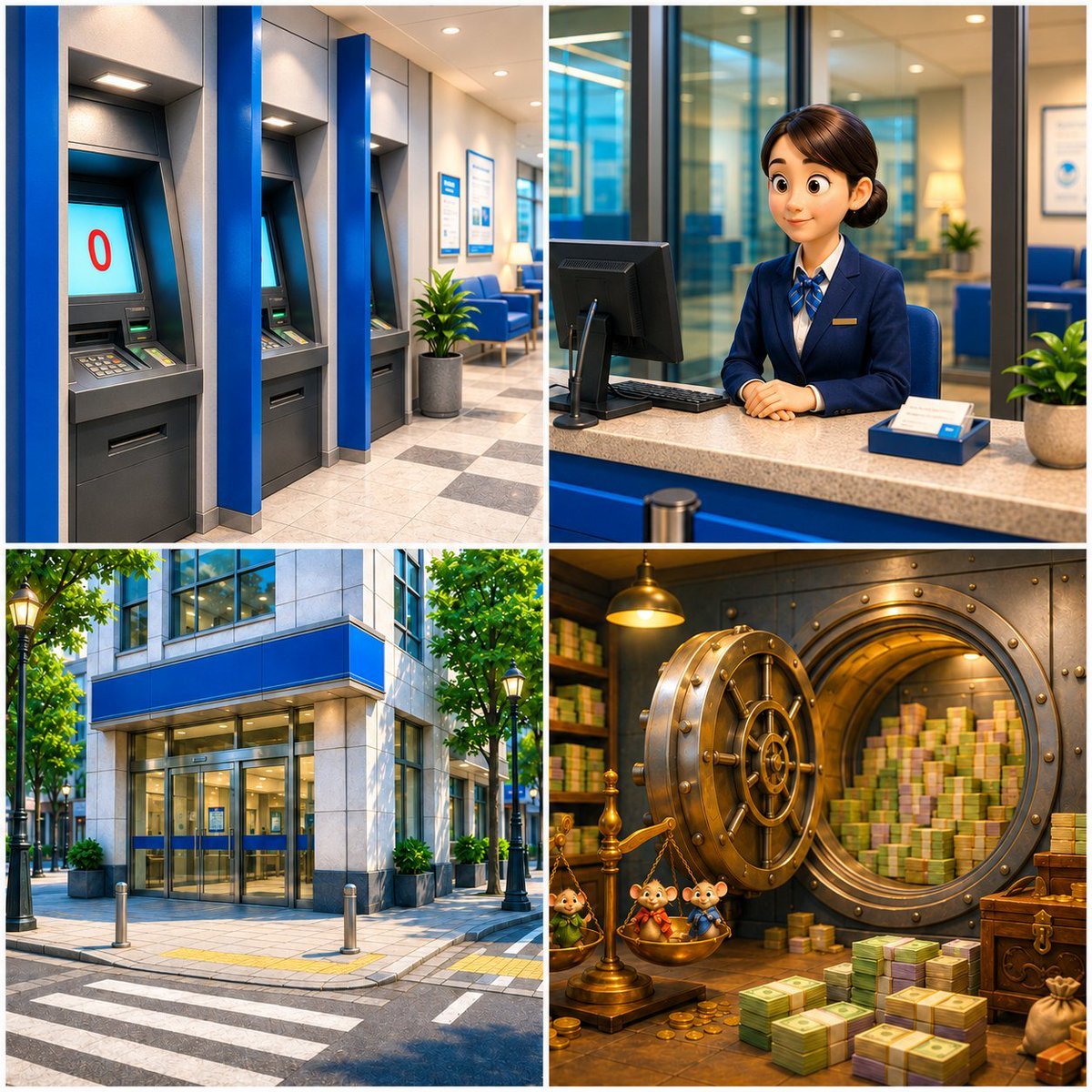
Four-Panel Bank World Storyboard
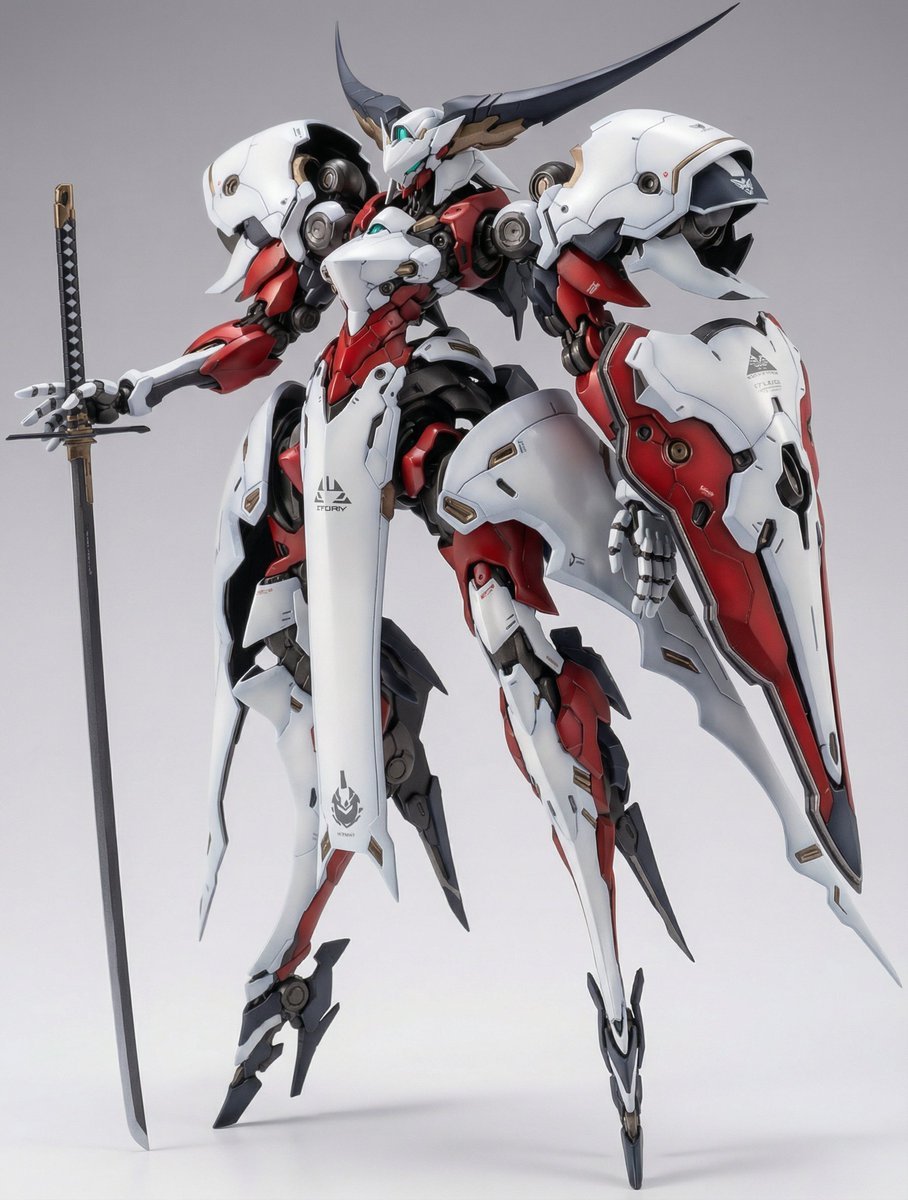
Full Armor Mecha Girl Figure Concept for Nano Banana Pro

F1 Racing Portrait Prompt for Nano Banana Pro

Smirking Anime Man Close-Up

Editorial Studio Portrait in Olive Jacket
Browse template categories
Pastel Character Strategy Guide questions
How do I use the Pastel Character Strategy Guide template?
Add your photo if the template asks for one, edit the prompt if you like — the template's model and format are already selected — and press Generate. Your version opens in PicX Studio.
Can I customize the Pastel Character Strategy Guide template?
Yes. You can change the subject, setting, lighting, mood, format, and available model controls before creating your image.
Is the Pastel Character Strategy Guide template free?
Opening and editing this template is free. Generating uses credits, shown on the Generate button when you are signed in.
Which AI model should I use?
Start with GPT Image 2, which is the model associated with this template. You can compare another compatible model for a different finish.
Looking for something else? Browse all templates.

Your photo, any look
Thousands of ready templates for every top image and video model, from one credit balance.