How do I use the Structured prompt for retro diner fashion shoot template?
Choose the primary action to open PicX Studio with the available template settings. Review the model and format, personalize the creative direction, and generate when ready.
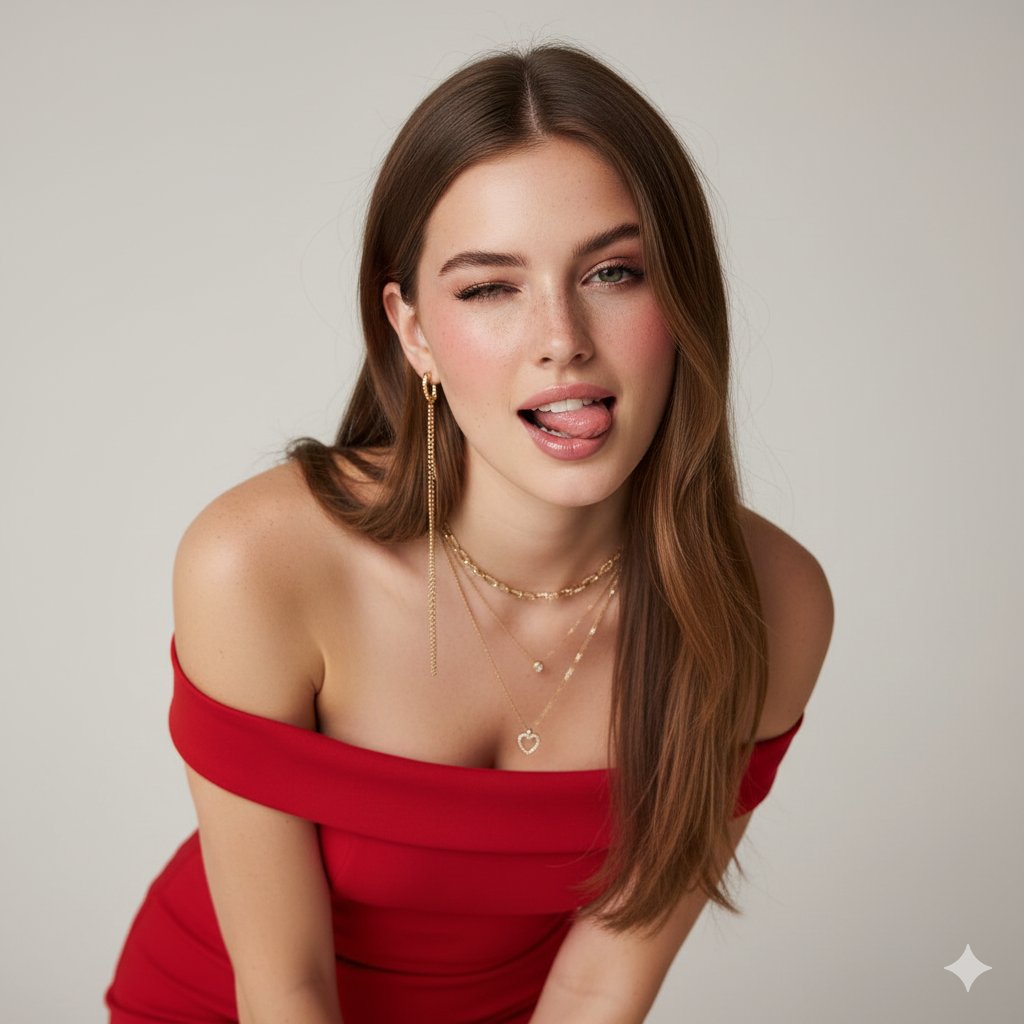
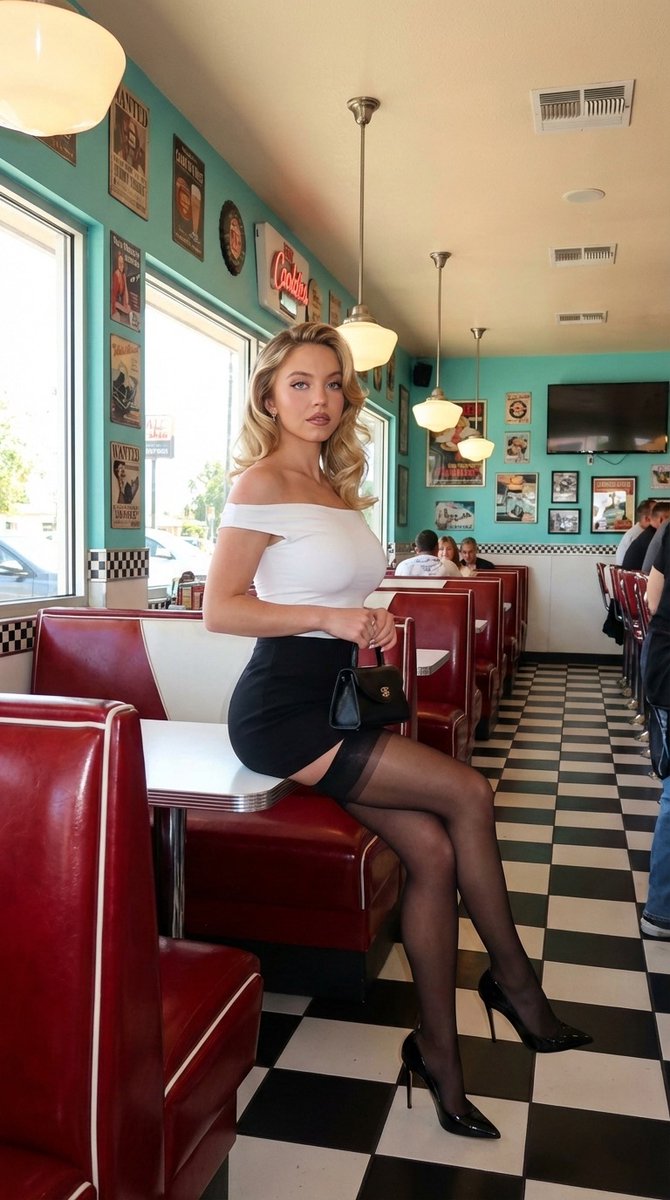
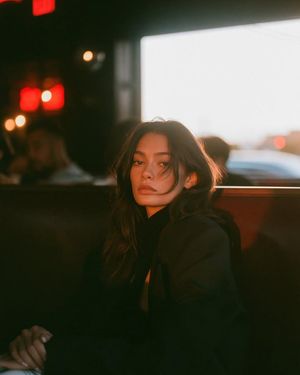
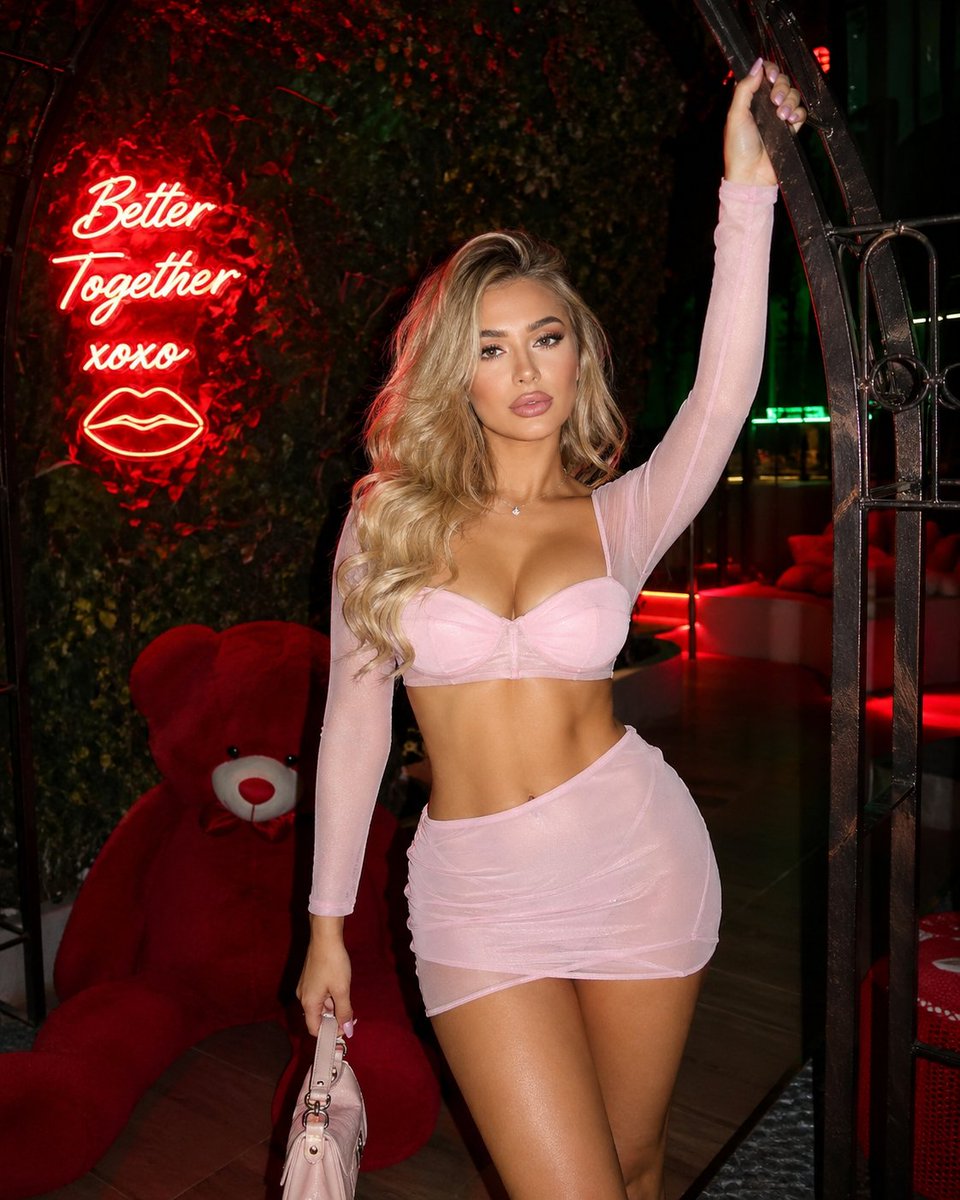
A highly structured prompt for Nano Banana 2 via Hailuo AI to generate a professional, ultra-photorealistic fashion photograph of Dua Lipa posing elegantly in a retro 1950s diner setting, detailing her physique, wardrobe (yellow top, black micro-mini skirt, high heels), and the environment's elements (red vinyl booths, checkered floor). Change the subject, setting, or lighting one variable at a time.

{ “subject”: { “description”: “A professional full-body photograph of {argument name="celebrity" default="Dua Lipa"} posing elegantly in a retro diner.”, “body”: { “physique”: “A slim, fit, and naturally curvaceous figure with well-defined, realistic proportions. An hourglass shape that is striking but biologically natural, without exaggerated extremes.”, “pose”: “Sitting elegantly on one of the red vinyl booths, body angled slightly to showcase her natural silhouette. She is posing like a high-fashion model with hands resting gracefully, looking directly at the camera with a sultry expression.”, “features”: “Unmistakable likeness of {argument name="celebrity_name" default="Dua Lipa"}, signature black hair tied back in a sleek high ponytail, striking facial features, glamorous natural makeup with defined eyes and glossy lips, realistic skin texture.” }, “wardrobe”: { “outfit”: “A yellow off-the-shoulder long-sleeved top with a folded neckline, paired with a high-waisted, ultra-short black pleated micro-mini skirt. She is wearing sheer black pantyhose and black high heels.”, “accessories”: “Holding a small black handbag elegantly.” } }, “pose_action”: “Dua Lipa sitting elegantly in a retro diner booth, posing like a fashion model for a professional photograph.”, “scene”: { “environment”: “A retro 1950s style diner, creating a bright, playful, and nostalgic aesthetic.”, “elements”: “Features red vinyl booths, turquoise and red painted walls, a black and white checkered floor, vintage hanging pendant lights, movie posters on the walls, Anya Taylor-Joy sitting with same look in one of the table in backdrop near the man uploaded in photo, a retro neon written 'KeorUnreal' and classic diner decor in the background.”, “composition”: “A vertical (9:16), professional full-body photograph framing the subject within the diner booth setting.” }, “lighting”: { “setup”: “Bright, warm retro indoor lighting mixed with natural daylight streaming in from windows.”, “details”: “Sharp focus, no filter, creating a cinematic quality that highlights textures.” }, “camera”: { “technical”: “Professional DSLR camera photograph, 8k resolution, ultra-photorealistic, raw style.”, “aspect_ratio”: “9:16” } }
Choose the primary action to open PicX Studio with the available template settings. Review the model and format, personalize the creative direction, and generate when ready.
Yes. You can change the subject, setting, lighting, mood, format, and available model controls before creating your image.
This template is free to open and customize. Generation usage is shown in PicX Studio before you create.
Start with Nano Banana 2, which is the model associated with this template. You can compare another compatible model for a different finish.
Follow a topic to a crawlable collection of related PicX Studio templates.
43,474 public templates available. Verified via the PicX Studio public templates API; refreshed hourly.










![Naive doodle-style subject illustration — A doodle-style {argument name="subject" default="[subject]"}, naive lines, humorous shape exaggeration](https://pbs.twimg.com/media/G6Wl2YxbsAARB2b.jpg)