Three-Panel Dreamy AI Posting Styles
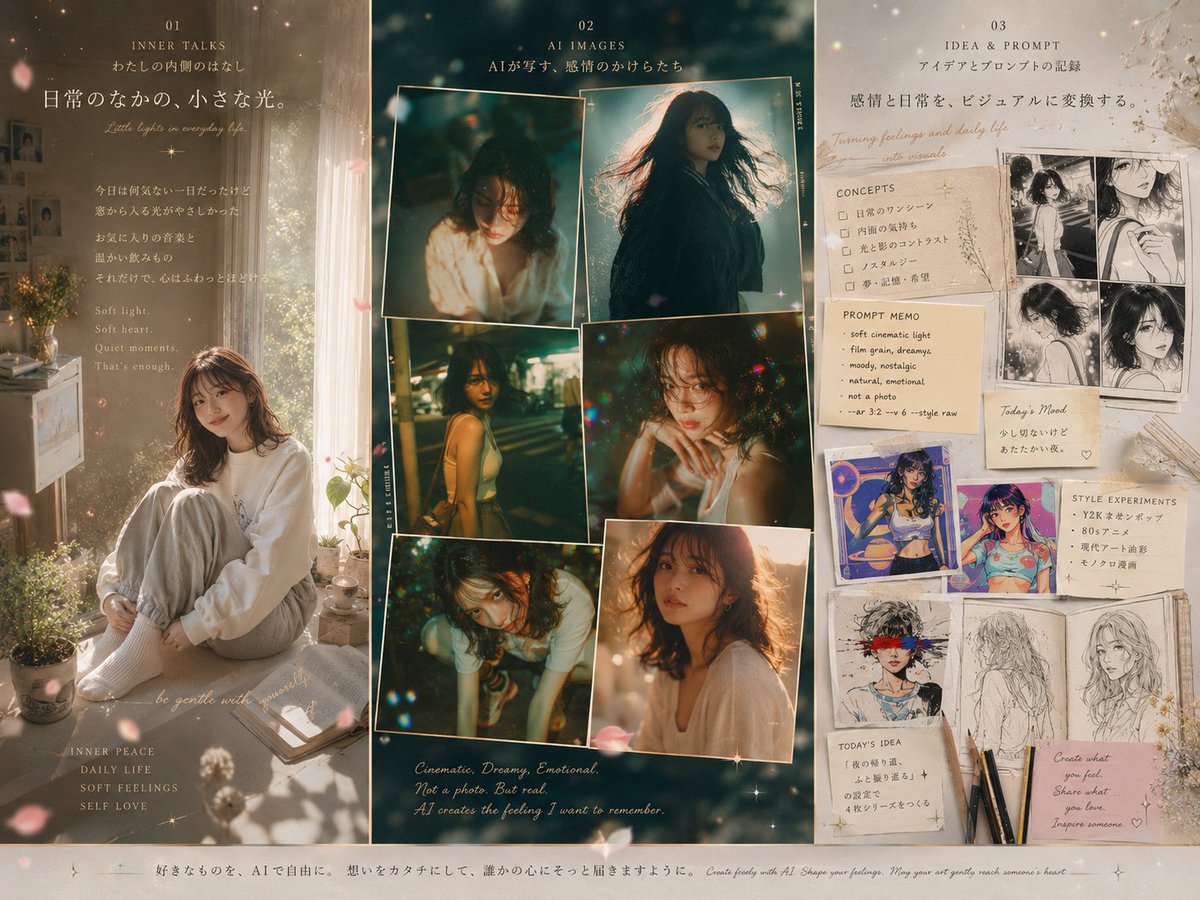
Goal: Create a warm, dreamy three-panel vertical collage poster about three posting styles for {argument name="character name" default="Nota"}, combining soft daily-life journaling, cinematic AI photo references, and idea-to-prompt visual notes.
Canvas: Landscape 4:3 poster, divided into exactly 3 tall vertical columns with thin borders. Use a beige, sepia, cream, and deep teal color palette, glowing dust particles, small sparkles, soft bokeh, flower petals drifting across the whole image, and a delicate magazine-scrapbook aesthetic. Overall mood is nostalgic, feminine, poetic, emotional, and softly lit.
Column 1: Daily life / inner talk style. Title area at the top with small number “01”, heading “INNER TALKS”, subtitle “watashi no uchigawa no hanashi”, and large Japanese headline “日常のなかの、小さな光。” Add small English cursive line “Little lights in everyday life.” The main image is a soft morning bedroom scene: a young woman with shoulder-length wavy brown hair, face softly obscured, sitting curled up by a sunlit window on a white bed or cushion, wearing an oversized white sweatshirt, pale gray sweatpants, and white socks. Surround her with potted plants, a small table or dresser, books, a cup, window curtains, warm sunbeams, and pink petals. Add Japanese paragraph text blocks and an English poem block reading “Soft light. Soft heart. Quiet moments. That’s enough.” Near the bottom add small labels: “INNER PEACE”, “DAILY LIFE”, “SOFT FEELINGS”, “SELF LOVE”, plus cursive text “be gentle with yourself”.
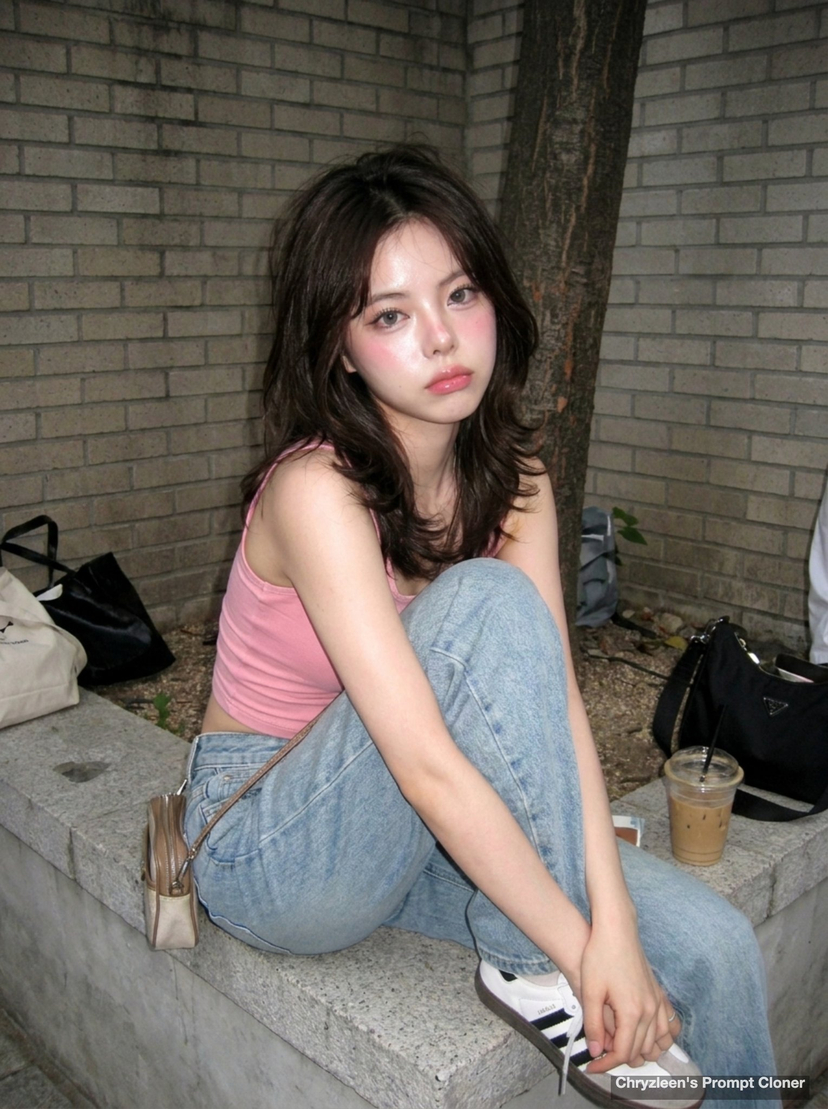
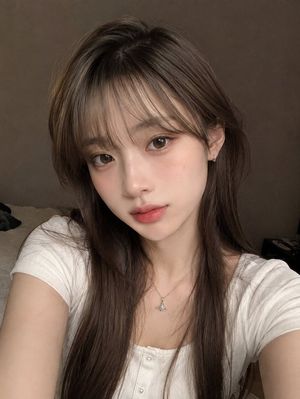
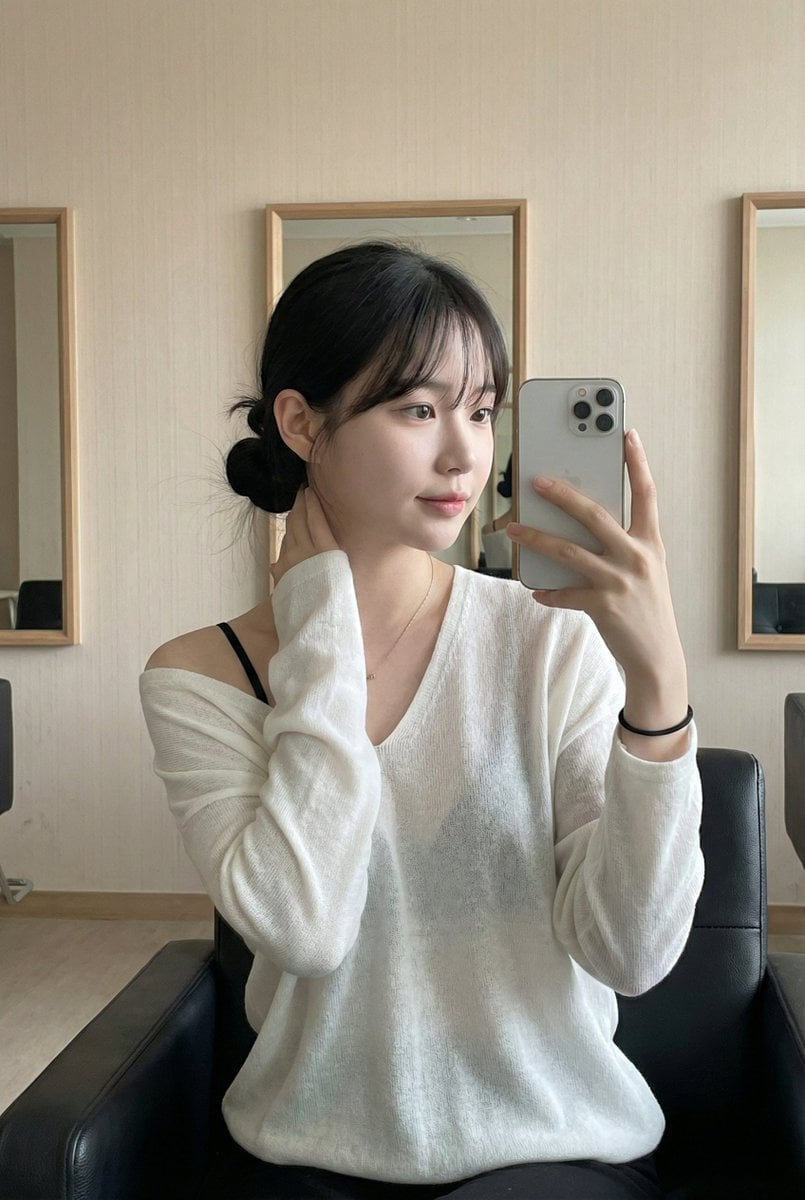
Column 2: AI Images / photo moodboard style. Title at the top with small number “02”, heading “AI IMAGES”, and Japanese subtitle “AIが写す、感情のかけらたち”. Background is dark teal-green, cinematic, grainy, and full of luminous bokeh. Place exactly 6 overlapping photo prints with thin cream borders: 1 upper-left portrait of a woman in a white sweater looking down in warm light; 2 upper-right backlit windswept silhouette portrait with long hair; 3 middle-left nighttime city or street portrait of a woman in a sleeveless top; 4 middle-right intimate close-up with hands near face and colorful bokeh; 5 lower-left low-angle emotional portrait of a woman leaning forward; 6 lower-right warm close portrait in a white top. Faces may be softly blurred or painterly. Add tiny vertical side labels on the collage edges, subtle sparkle icons, and handwritten bottom caption: “Cinematic, Dreamy, Emotional. Not a photo. But real. AI creates the feeling I want to remember.”
Column 3: Idea and prompt / creative notebook style. Title at the top with small number “03”, heading “IDEA & PROMPT”, subtitle “アイデアとプロンプトの記録”, and large Japanese sentence “感情と日常を、ビジュアルに変換する。” Add cursive English line “Turning feelings and daily life into visuals.” Background is cream paper with pressed flowers and tape marks. Make it look like a wall of pinned notes, manga sketches, prompt cards, and style experiments. Include exactly 4 black-and-white manga panels near the upper right: 1 standing girl full-body sketch, 2 close-up face, 3 seated girl, 4 profile or back-view portrait. Add a “CONCEPTS” checklist card with exactly 5 checkbox items: “日常のワンシーン”, “内面の気持ち”, “光と影のコントラスト”, “ノスタルジー”, “夢・記憶・希望”. Add a “PROMPT MEMO” card with exactly 6 bullet items: “soft cinematic light”, “film grain, dreamy”, “moody, nostalgic”, “natural, emotional”, “not a photo”, “shot 3:2 --v 6 --style raw”. Add a small “Today’s Mood” note with Japanese text “少し切ないけど あたたかい絵” and a heart. Add exactly 2 colorful anime-style image cards in the middle, exactly 3 monochrome sketch cards along the lower area, and exactly 3 pencils or pens at the bottom. Include a “STYLE EXPERIMENTS” note listing exactly 4 items: “Y2Kネオンポップ”, “80sアニメ”, “現代アート油彩”, “モノクロ漫画”. Add a small “TODAY’S IDEA” card with Japanese notes and a pink sticky note saying “Create what you feel. Share what you love. Inspire someone.”
Footer: Across the entire bottom margin, add a thin cream strip with centered Japanese sentence “好きなものを、AIで自由に。想いをカタチにして、誰かの心にそっと届きますように。” followed by small English cursive text “Create freely with AI. Shape your feelings. May your art gently reach someone’s heart.”
Visual style: Soft editorial collage, analog film grain, translucent overlays, warm sunlight, delicate handwritten typography, Japanese lifestyle magazine design, dreamy feminine scrapbook mood. Use realistic-photo textures in columns 1 and 2, and paper craft / manga sketch textures in column 3.
Constraints: Keep the 3-column layout clear and symmetrical. Include exactly 3 main columns, exactly 6 photo prints in the center column, exactly 4 manga panels, exactly 2 colorful anime cards, exactly 3 monochrome sketch cards, and exactly 3 pencils or pens. Use {argument name="headline text" default="日常のなかの、小さな光。"} as the large headline in column 1, {argument name="footer message" default="好きなものを、AIで自由に。想いをカタチにして、誰かの心にそっと届きますように。"} as the footer message, and keep the overall feeling {argument name="mood" default="soft, nostalgic, dreamy, emotional"}.


![Cinematic Glass Brand Logo Volcanic Landscape — [BRAND NAME]. A CGI cinematic hero landscape with a glass logo sculpture emerging from volcanic rock. Render the](/_next/image?url=https%3A%2F%2Fcdn.picxstudio.com%2Fuploads%2Fmeigen_a9fd468cb68d_a2e4e108-a6bc-443c-8644-48d0f477dfee.jpg&w=828&q=100)








![Naive doodle-style subject illustration — A doodle-style {argument name="subject" default="[subject]"}, naive lines, humorous shape exaggeration](https://pbs.twimg.com/media/G6Wl2YxbsAARB2b.jpg)