
High-Speed Train Filming Storyboard
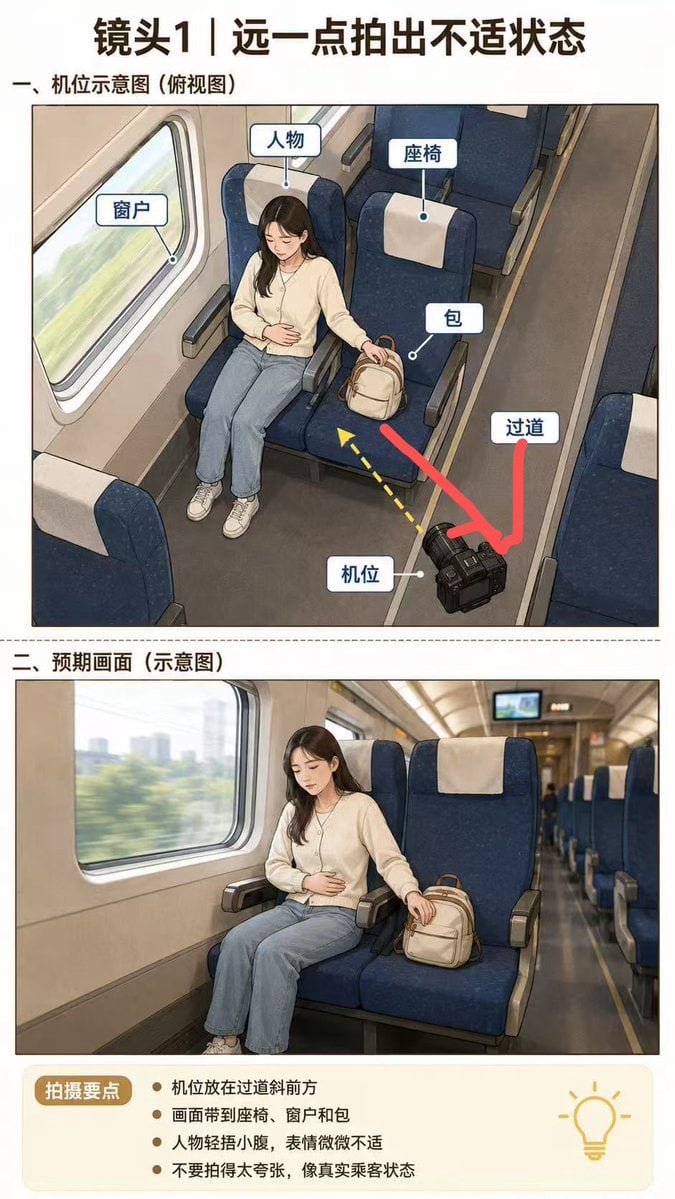
Creates a Chinese instructional storyboard showing camera placement and expected framing for filming a passenger scene inside a high-speed train.
- Prompt included
- Model and format preset
- Premium template
The prompt behind this image
Copy the exact prompt behind High-Speed Train Filming Storyboard, or open it in the studio and make it yours.
Goal: Create a vertical Chinese filming-direction storyboard infographic for a high-speed train short video, showing how to shoot a passenger in a slightly uncomfortable state from farther away. Canvas: Tall portrait layout, about 3:4 ratio, white background, black and dark-brown Chinese typography, clean documentary storyboard style. Text content: Use the visible Chinese copy from {argument name="Chinese text" default="镜头1|远一点拍出不适状态; 一、机位示意图(俯视图); 窗户; 人物; 座椅; 包; 过道; 机位; 二、预期画面(示意图); 拍摄要点; 机位放在过道斜前方; 画面带到座椅、窗户和包; 人物轻捂小腹,表情微微不适; 不要拍得太夸张,像真实乘客状态"}. Layout: At the top, place a large bold headline centered. Below it, create exactly 2 stacked image panels separated by a thin dotted horizontal divider. Panel 1 is labeled as a camera-position diagram from an overhead perspective. Panel 2 is labeled as the expected shot preview. At the bottom, add a pale cream rounded rectangle notes box with a brown pill-shaped label on the left and a simple yellow lightbulb icon on the right. Panel 1 subject and composition: Draw an illustrated overhead/three-quarter view inside a high-speed train carriage. A young woman with long dark hair and a deliberately blurred face sits by the window on a dark navy-blue train seat with a white headrest cover. She wears a cream cardigan or sweater, light blue jeans, and white sneakers. Her left hand rests over her lower abdomen to suggest mild discomfort, and her right hand reaches toward a small beige backpack placed on the adjacent seat. Show a large train window to her left with motion-blurred green scenery outside, blue paired seats around her, armrests, and the aisle on the right. Include exactly 6 white rounded callout labels with blue borders and small pointer dots: window, person, seat, bag, aisle, and camera position. Place a black DSLR-style camera on the aisle floor in the lower right foreground. Add exactly 3 directional graphics in this panel: one thick red arrow from the camera toward the seated passenger/bag area, one thick red curved arrow indicating the aisle direction, and one yellow dashed arrow pointing from the camera toward the subject. Panel 2 subject and composition: Create a realistic cinematic preview frame from the camera angle in the aisle diagonally in front of the passenger. The woman sits in the left-center by the train window, face blurred, one hand lightly holding her abdomen, the other hand near or on the beige backpack on the neighboring seat. Keep the dark blue seats, white headrest covers, beige interior wall, large window with motion-blurred city/green scenery, long aisle receding into the background, and a small monitor screen at the far end of the carriage. The mood should be natural and restrained, not melodramatic. Bottom notes box: Include exactly 4 bullet points, matching the shooting guidance text. Use a warm cream background, brown label badge, dark text, and a minimal yellow outline lightbulb icon. Visual style: Semi-realistic storyboard illustration mixed with clean instructional infographic design, soft lighting, slightly textured digital painting, precise callouts, realistic high-speed rail interior, clear teaching-diagram readability. Avoid watermarks, logos, or extra panels.
How to use High-Speed Train Filming Storyboard in 3 steps
- 1Upload ImagePNG, JPG or paste
Add your photo
Upload the photo the template builds on. The prompt, model and format are already set.
- 2…a portrait of your subject in softgolden-hour light, 85mm…
Personalize
Edit the subject and creative details for your destination.
- 3Generate
Generate
Press Generate — your image is created in PicX Studio, so you can compare it with the original and refine one variable at a time.
More like this
Templates with the same subject, style or setup. Open one to see its prompt.

Headphones Lifestyle Nine Panel Grid
Bullet Train Rooftop Fight Storyboard
Freedom in Motion — Cinematic Sprint
Seedance - Storyboard to Movie
Japanese Train Selfie Girls

Pencil Sketch Coffee Storyboard
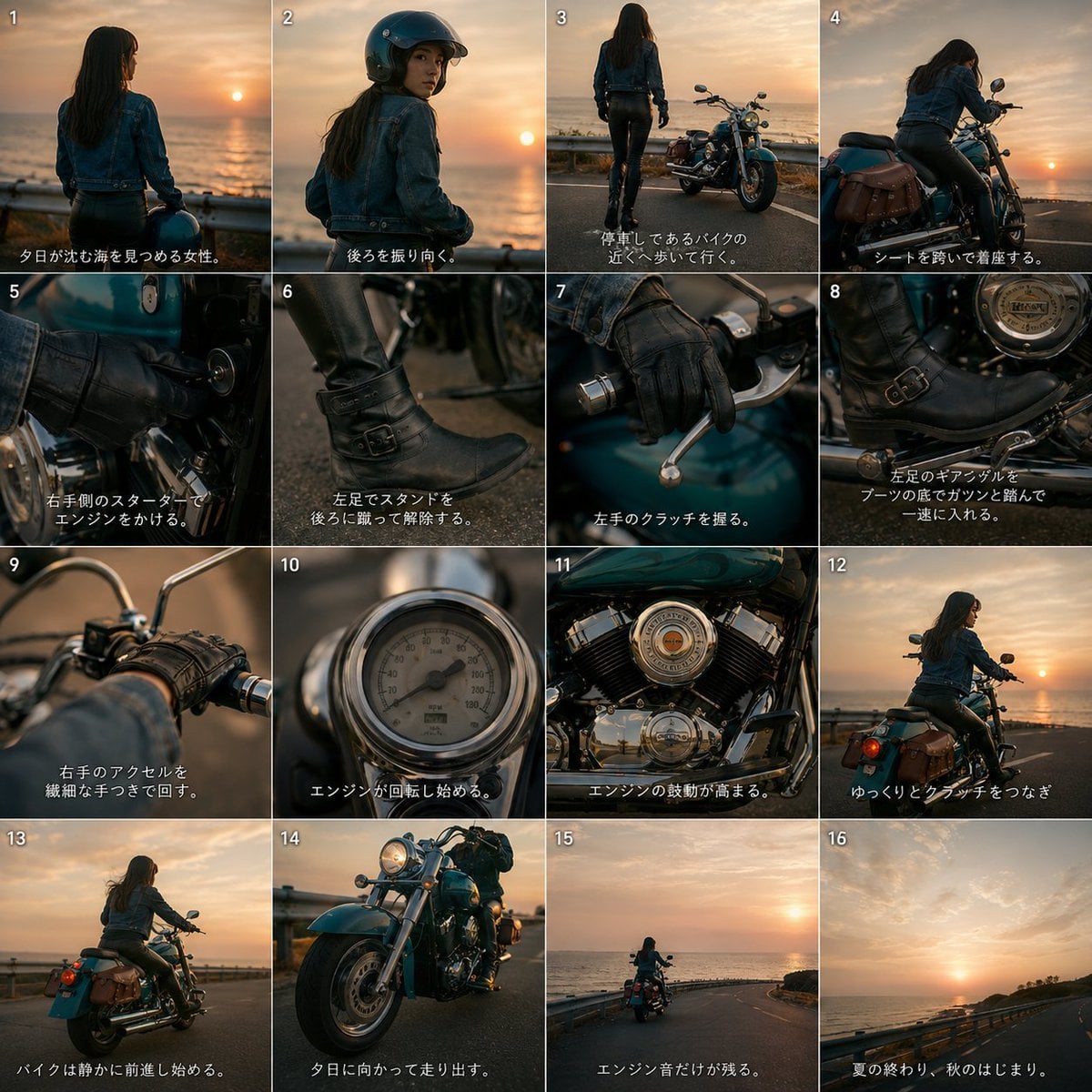
Cinematic Motorcycle Storyboard
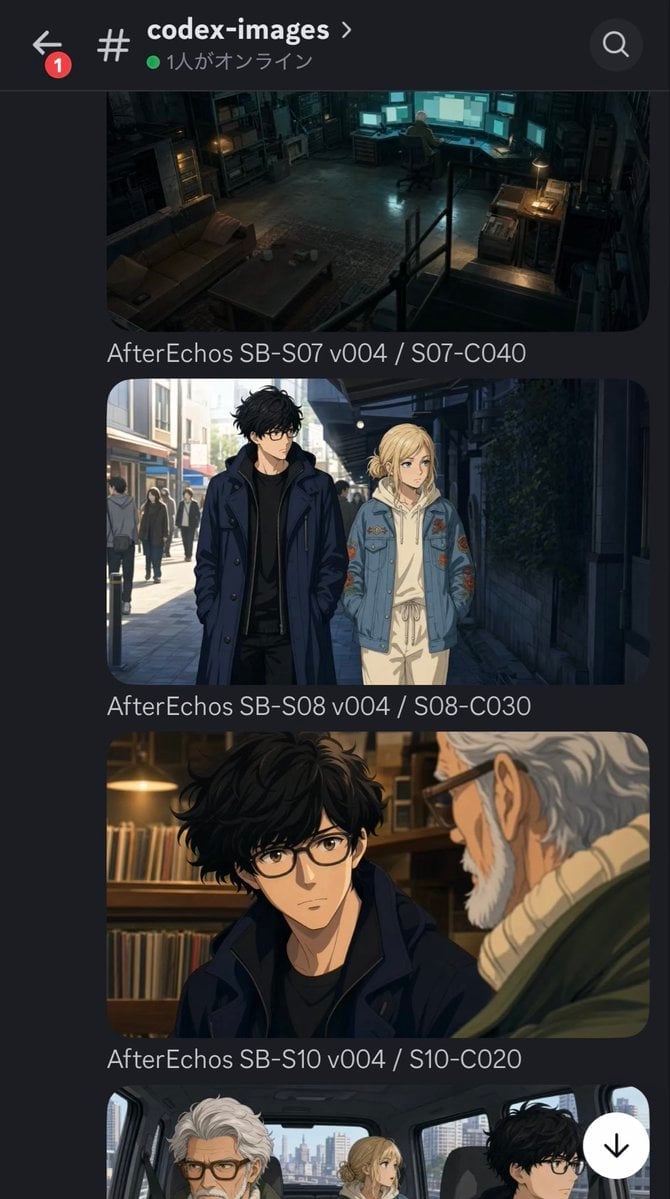
Discord Anime Storyboard Feed
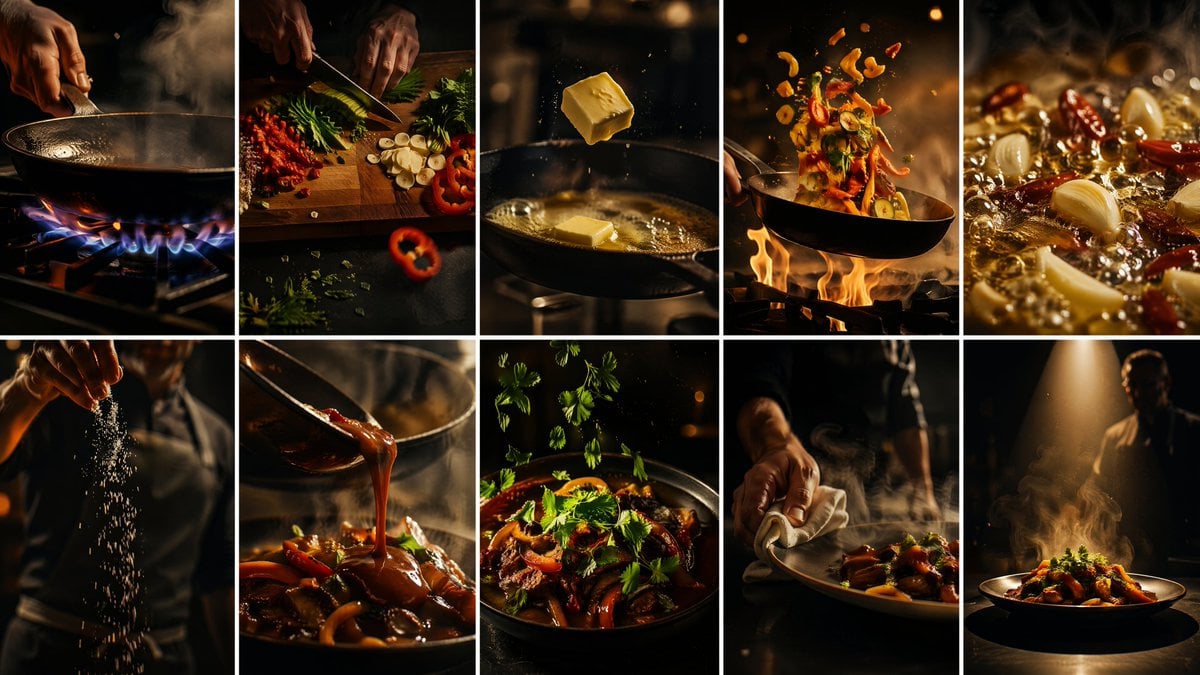
Cinematic Flame Chef Storyboard
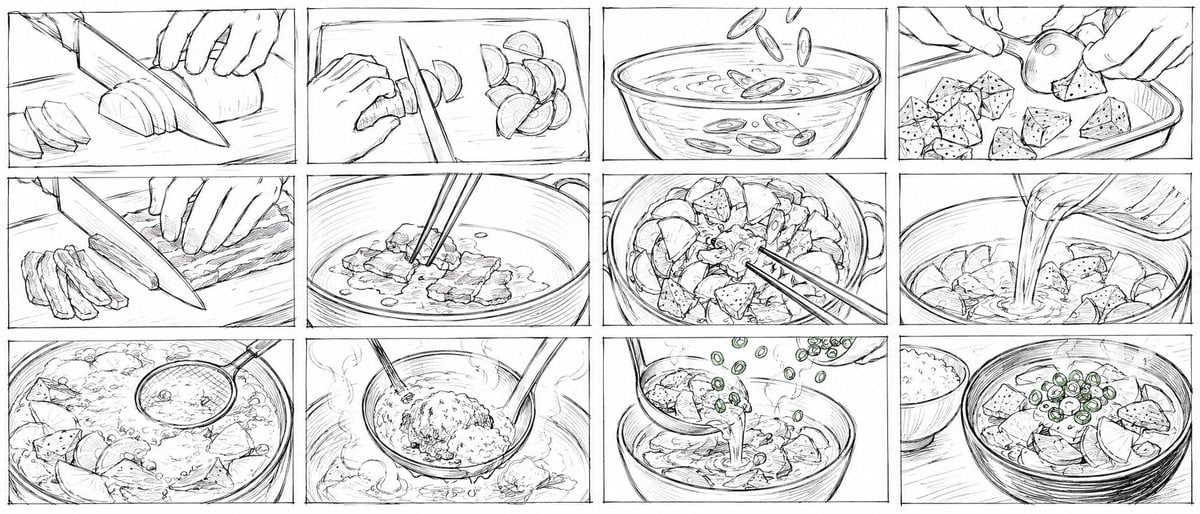
Rough Tonjiru Cooking Storyboard
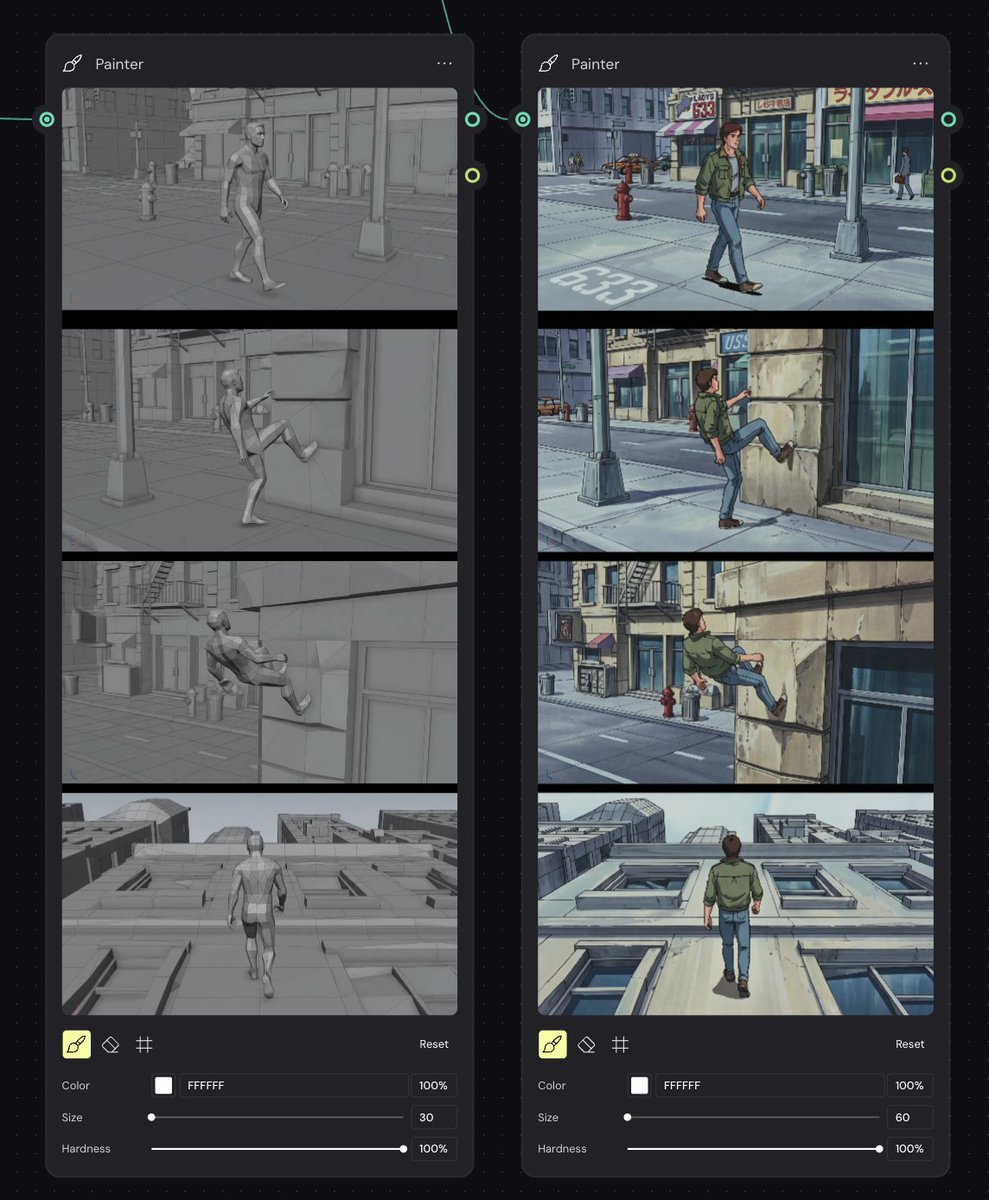
Storyboard Re-Render Workflow UI
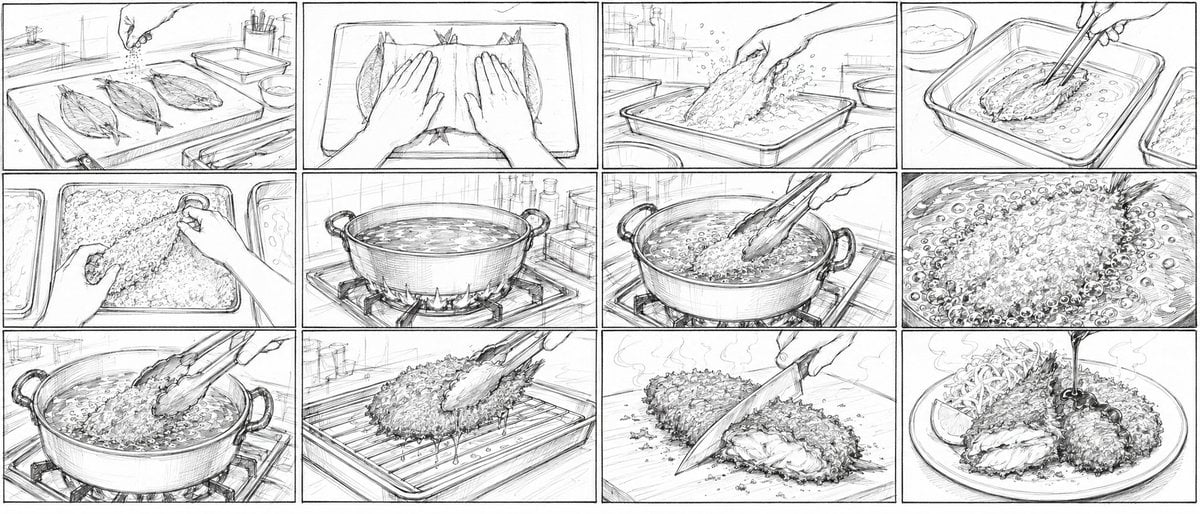
Aji Fry Anime Cooking Storyboard
Make it yours
High-Speed Train Filming Storyboard works as-is. These are the safest ways to change it without losing the look.
Change one field
Copy a single group, rewrite it, and generate again so you can see what that field is doing.
Keep the frame, change the subject
Hold the composition and light of High-Speed Train Filming Storyboard, then swap wardrobe, props or the person for a new take.
| If the result… | Why | Fix |
|---|---|---|
| The result drifts from the preview | Too many fields changed at once. | Reuse High-Speed Train Filming Storyboard as-is first, then change one group — subject, light, or setting. |
| The model over-stylizes the scene | The prose prompt leaves finish and camera underspecified. | Add one camera or lighting sentence and stay on GPT Image 2. |
More GPT Image 2 templates
Other prompts made for GPT Image 2.

Six VTuber Japanese Logo Sheet

Realistic Portrait of Woman and Deer

The Vista Modular Condo Poster

AI Model Routing Comparison Infographic

2.5D Anime Art Board

Isometric Productivity Desk Scene

New York Double Exposure Poster

Four-Panel AI Landscape Comparison

Japanese Tatami Lifestyle Magazine Cover

NESCAFÉ Coffee Map Poster
More image prompts
Fresh picks from across the catalog.
Underwater Forest Stream Photography
3D Pop-Art Comic Grid
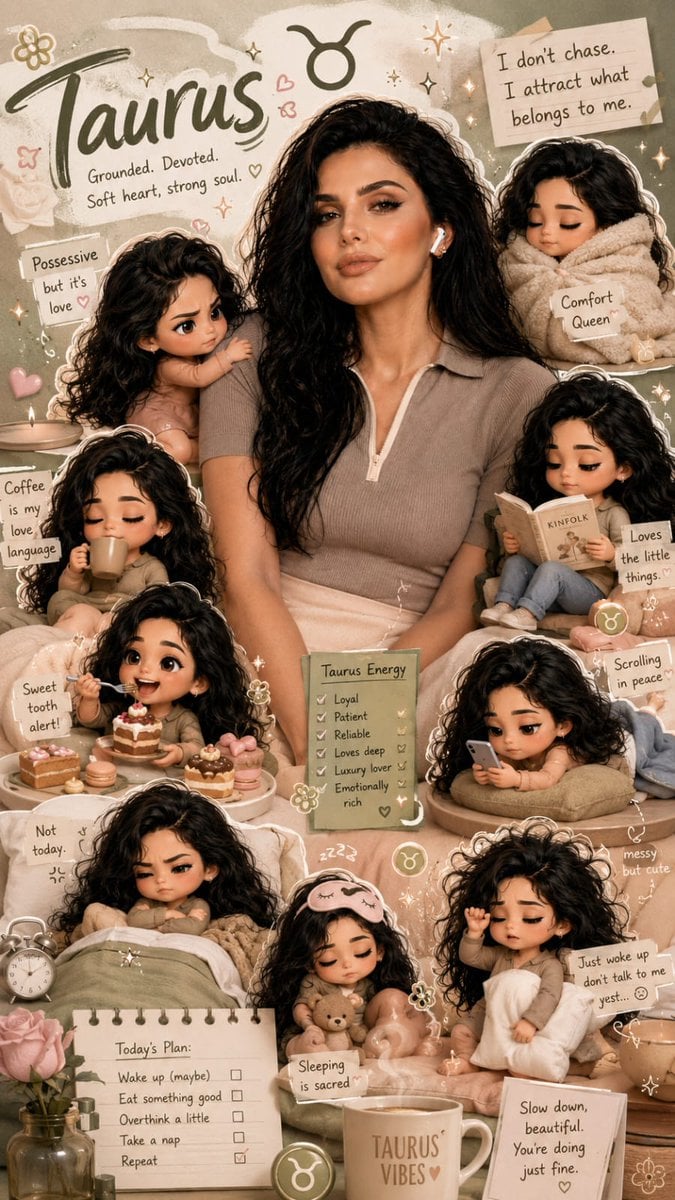
Zodiac Taurus Character Poster

Masked Wrestler Staredown
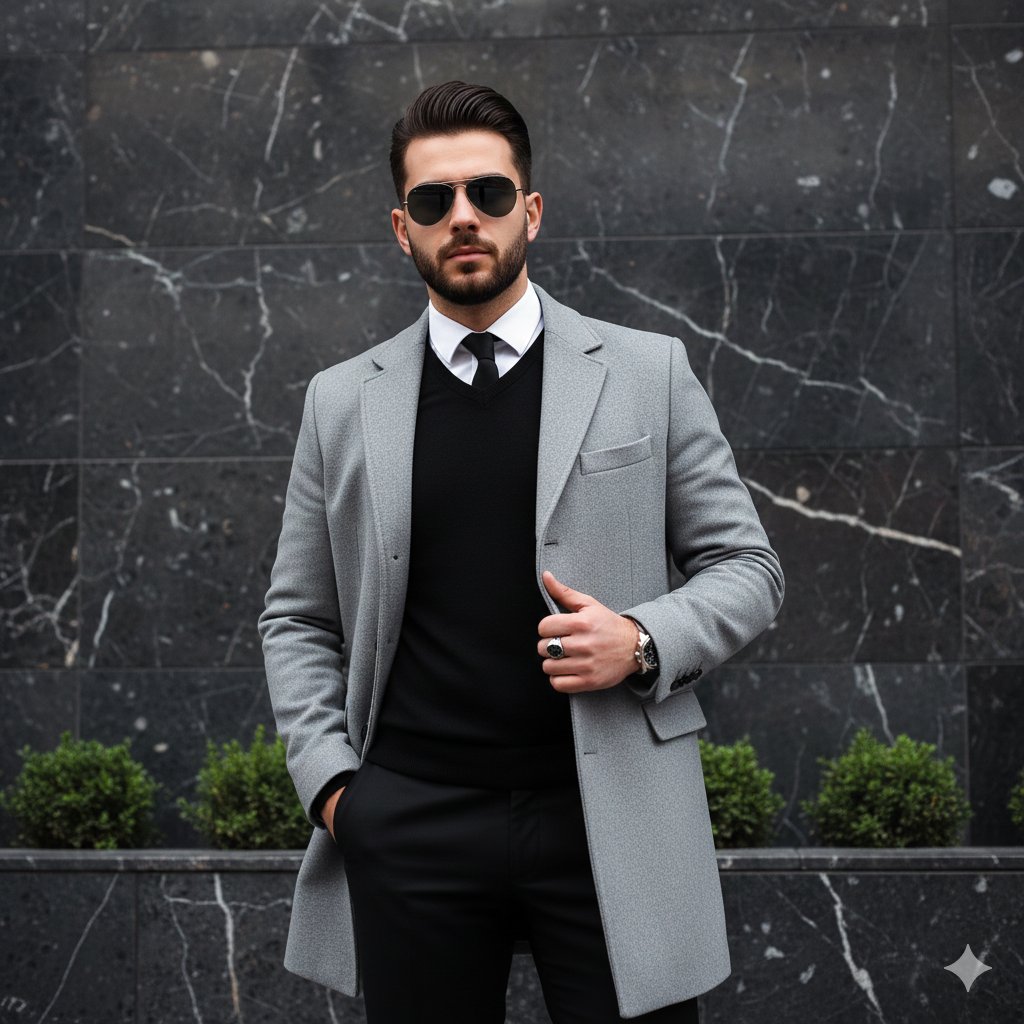
Modern Luxury Fashion Editorial Portrait Prompt
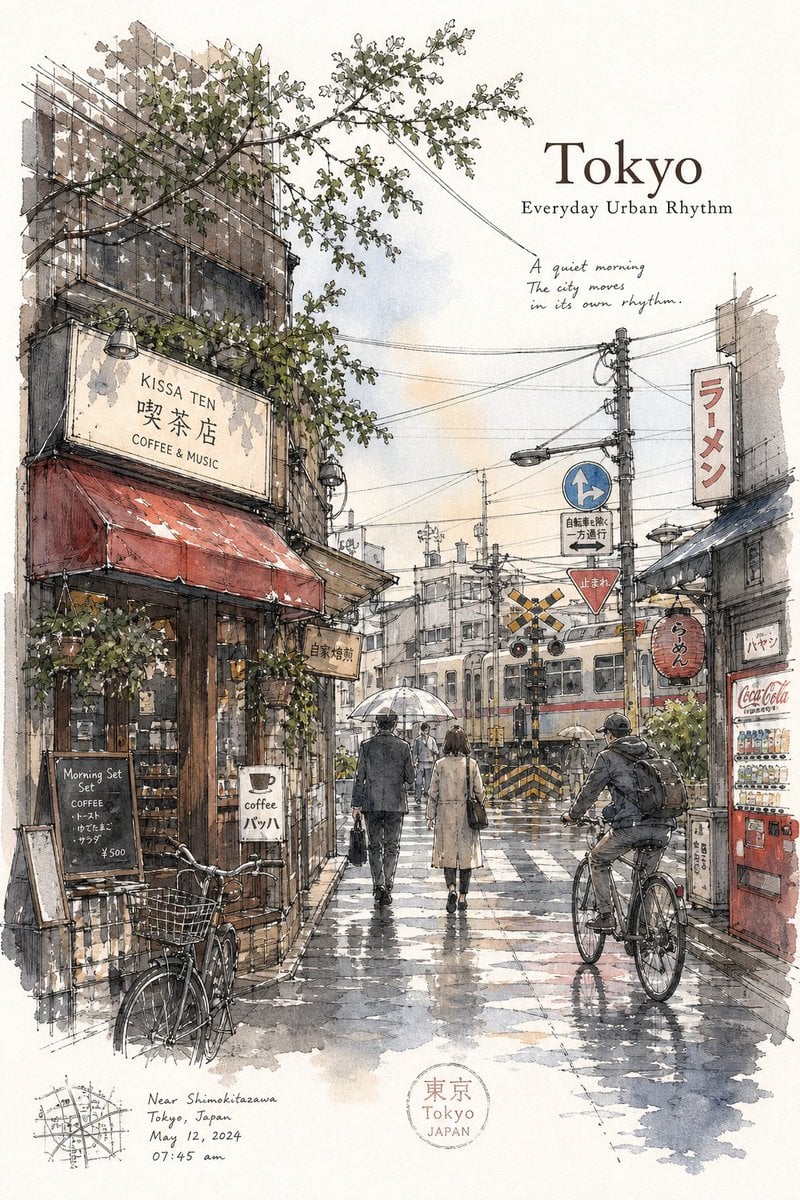
Tokyo Minimalist Urban Sketch Poster
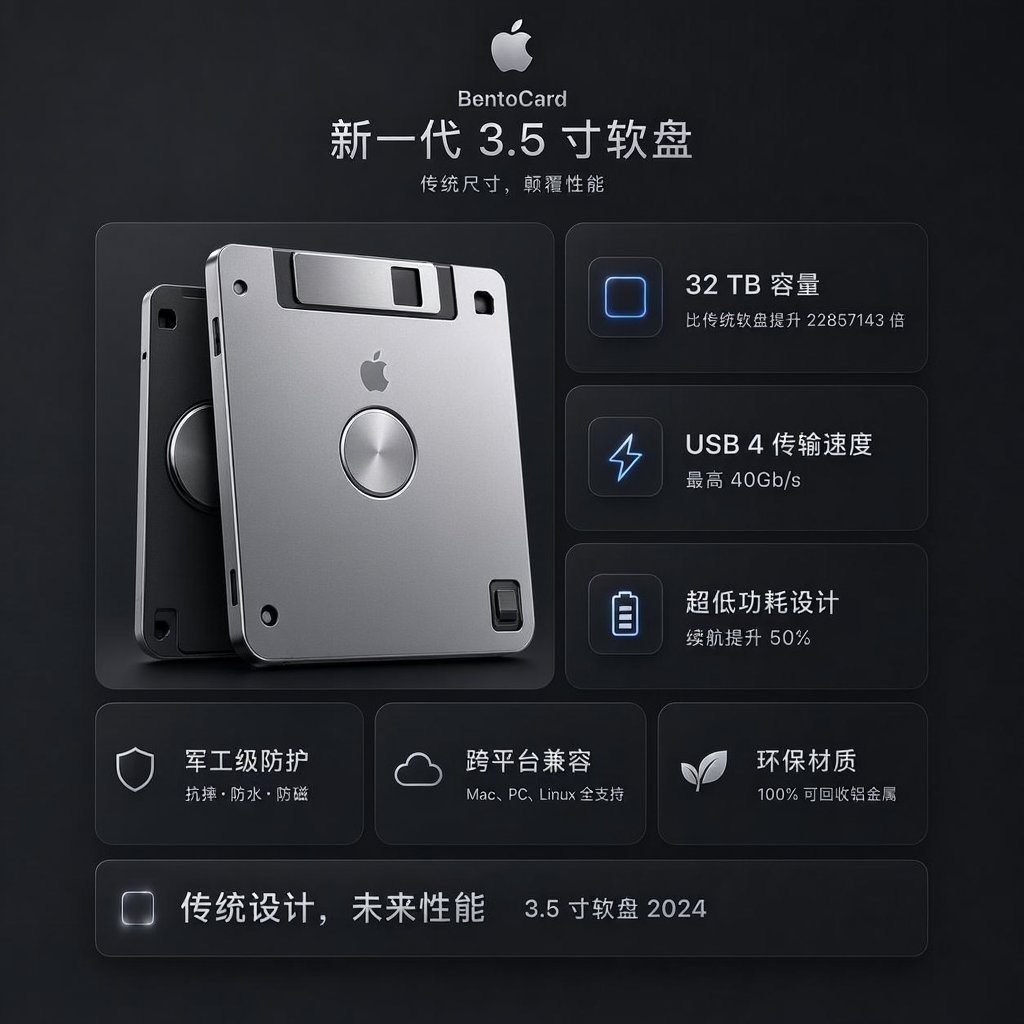
Futuristic BentoCard Floppy Ad
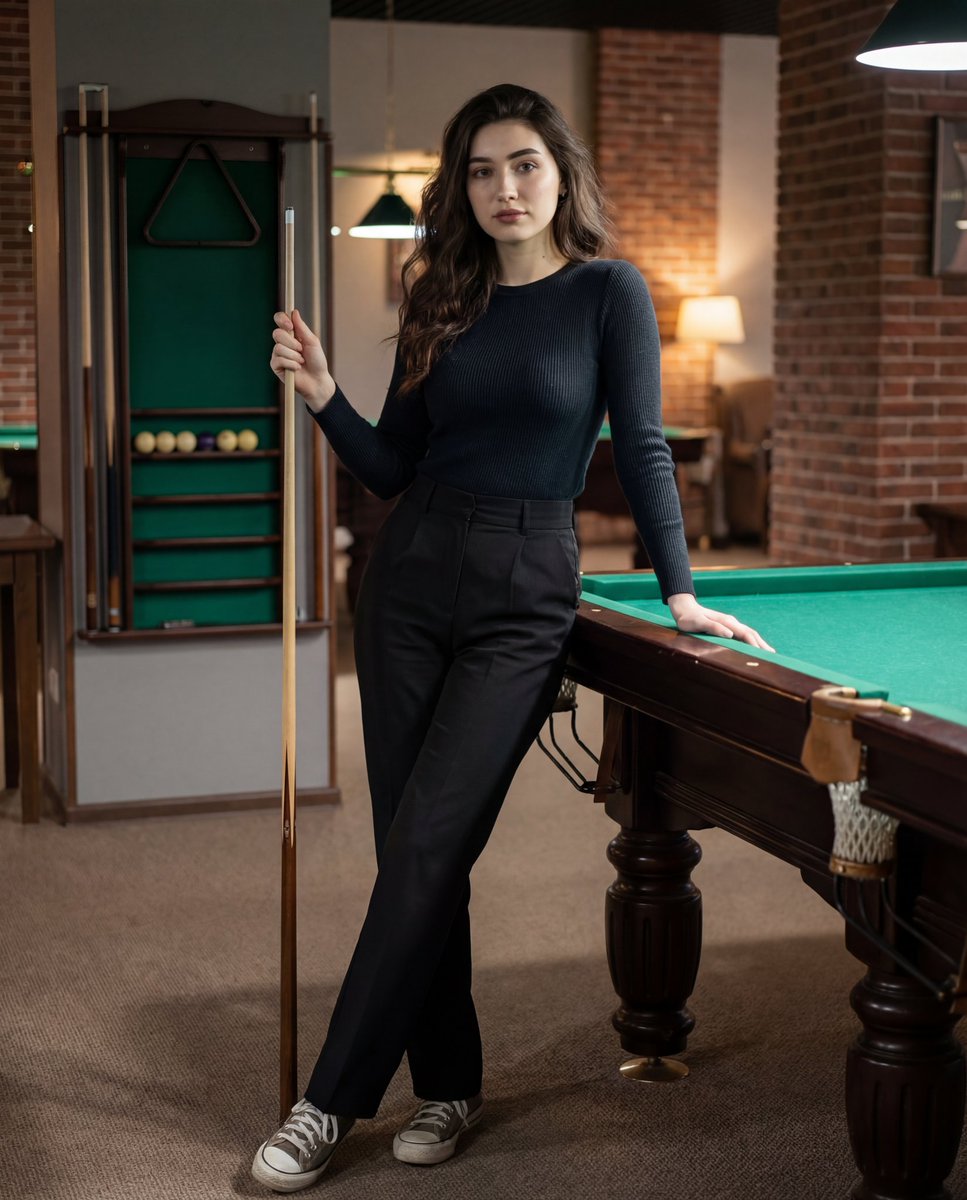
Photorealistic Lifestyle Portrait Prompt (Identity Locked)
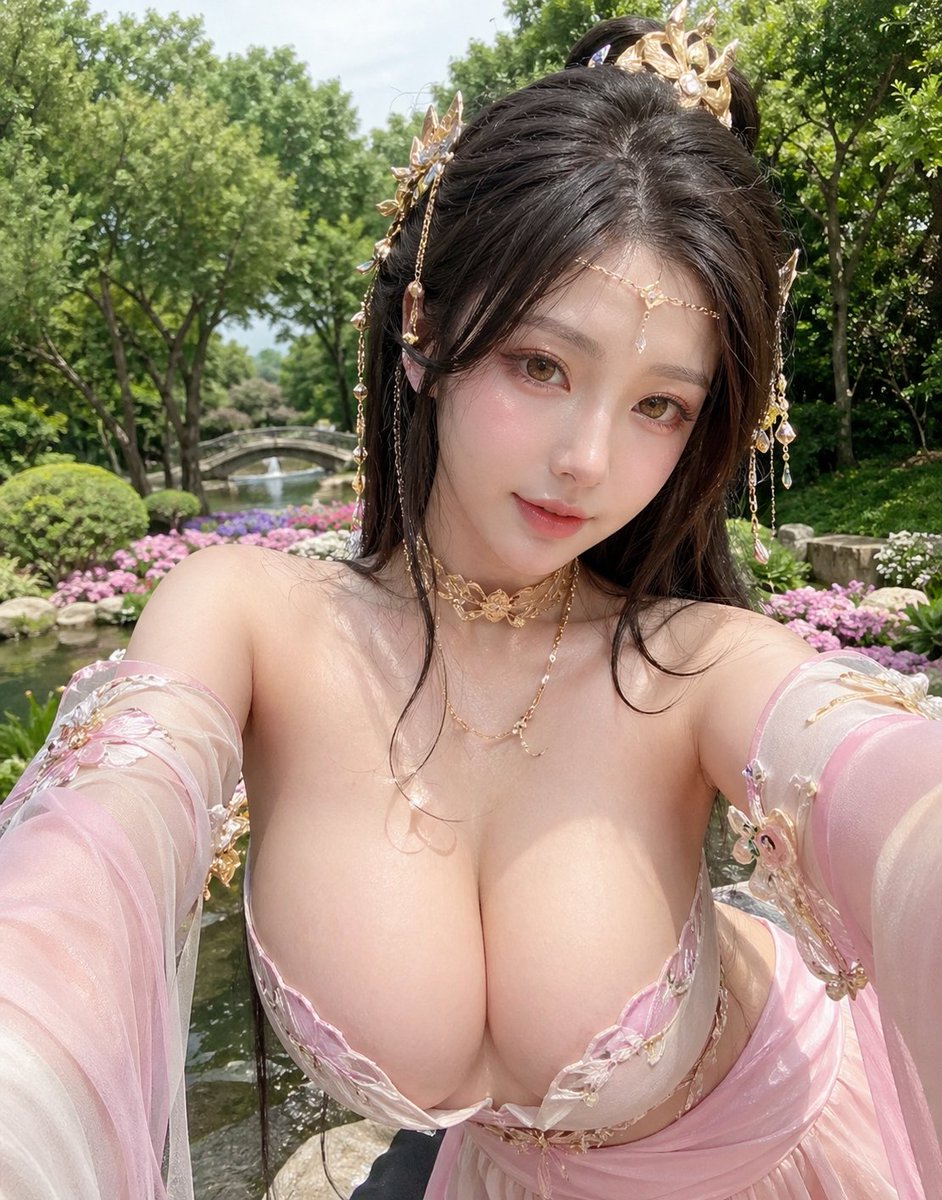
Fantasy Garden Hanfu Selfie
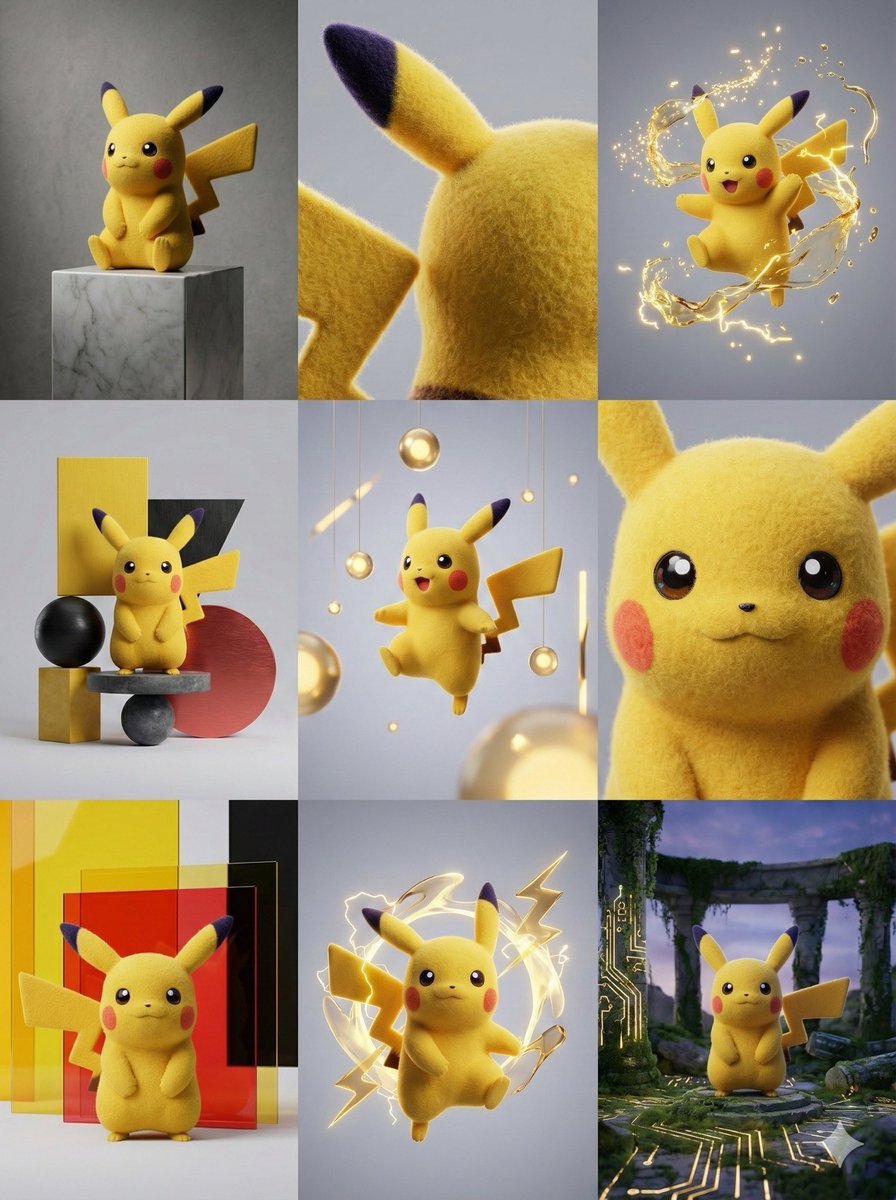
3x3 Grid Visual Concept Presentation
Browse template categories
High-Speed Train Filming Storyboard questions
How do I use the High-Speed Train Filming Storyboard template?
Add your photo if the template asks for one, edit the prompt if you like — the template's model and format are already selected — and press Generate. Your version opens in PicX Studio.
Can I customize the High-Speed Train Filming Storyboard template?
Yes. You can change the subject, setting, lighting, mood, format, and available model controls before creating your image.
Is the High-Speed Train Filming Storyboard template free?
Opening and editing this template is free. Generating uses credits, shown on the Generate button when you are signed in.
Which AI model should I use?
Start with GPT Image 2, which is the model associated with this template. You can compare another compatible model for a different finish.
Looking for something else? Browse all templates.

Your photo, any look
Thousands of ready templates for every top image and video model, from one credit balance.