How do I use the 13 LA Diner Night — California Series template?
Choose the primary action to open PicX Studio with the available template settings. Review the model and format, personalize the creative direction, and generate when ready.
Nano Banana 2 Scene 13: LA Diner Night Change the subject, setting, or lighting one variable at a time.

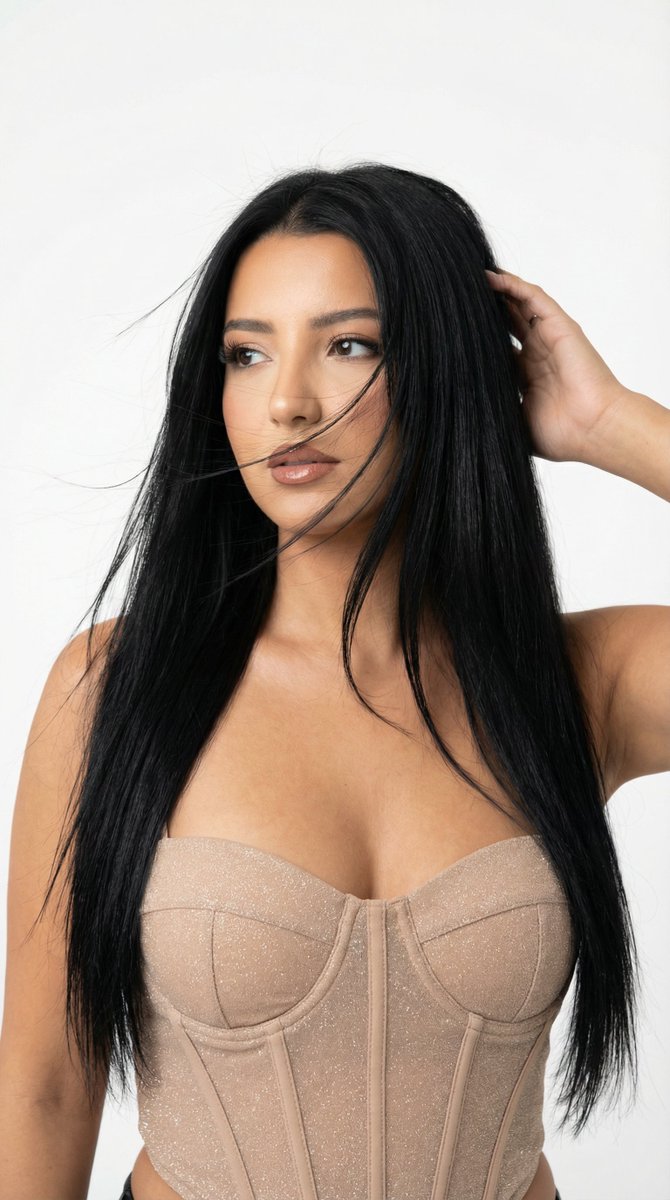
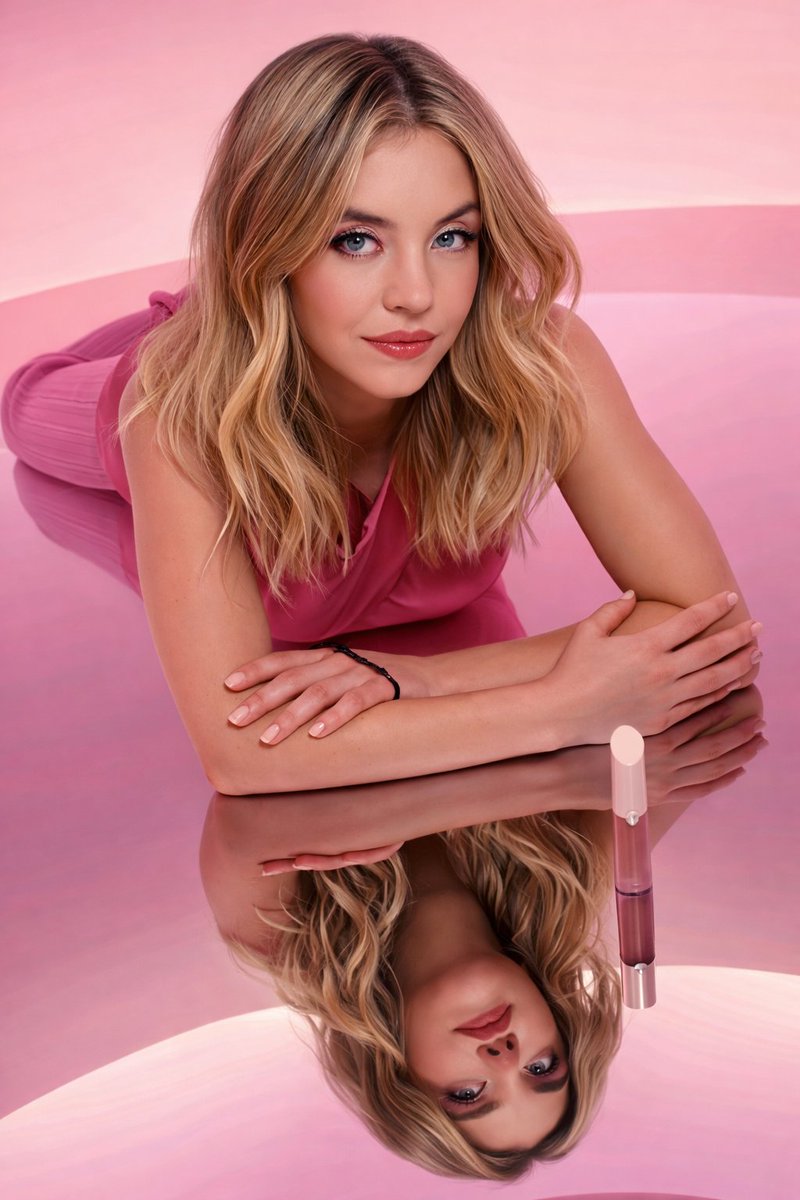
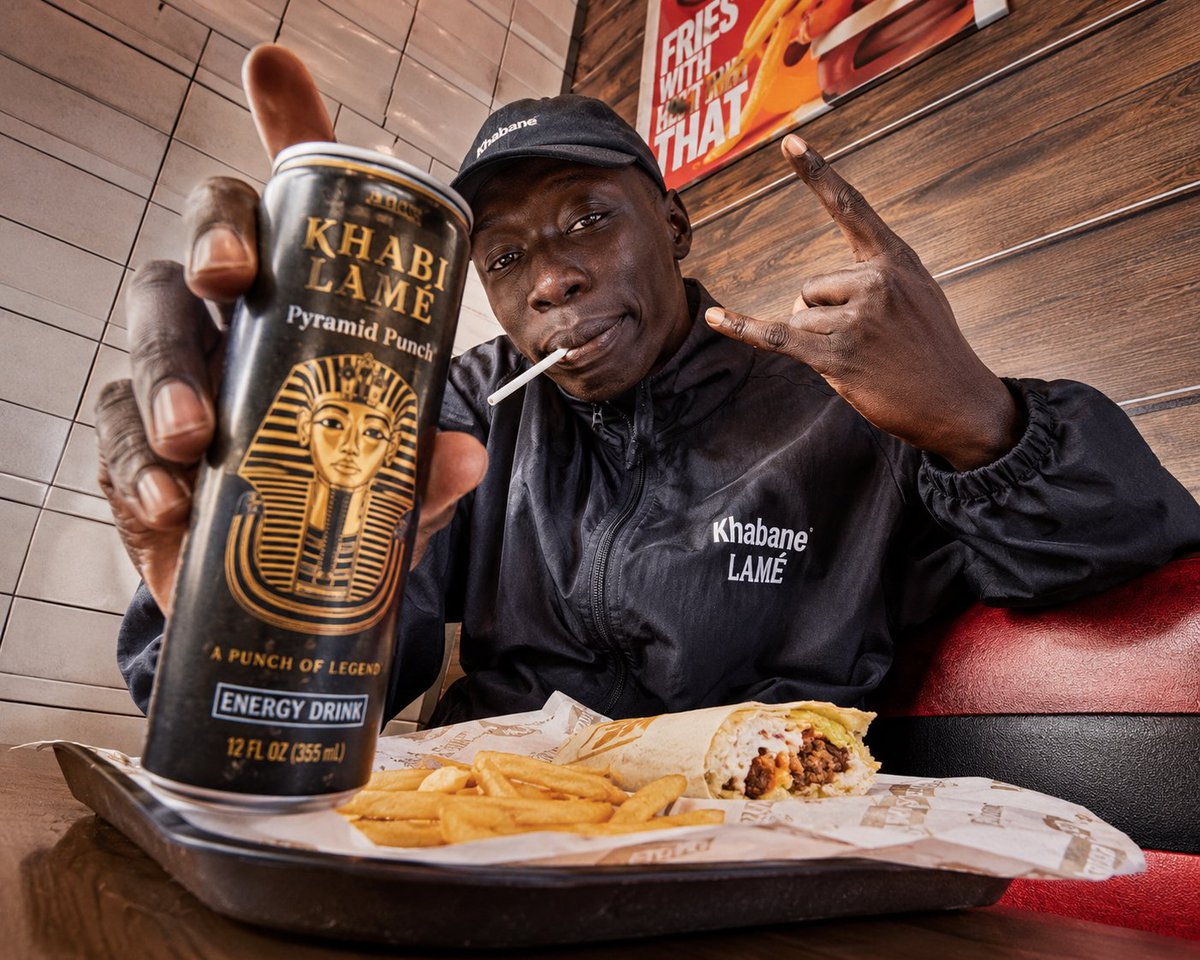
Use the reference woman. Place her inside a classic Los Angeles diner at night with glowing neon signage, chrome edges, red leather booths, polished counter surfaces, and cinematic retro atmosphere. The image must feel stylish, iconic, and natural to the diner environment, like a luxury fashion editorial inspired by old Hollywood Americana. Outfit: retro-inspired luxury dress in cherry red, black, or cream, elegant and flattering with premium fabric and subtle vintage influence. Scene: classic LA diner interior at night with chrome details, red booths, glossy counter, neon signs, warm practical lights, and cinematic reflections. Lighting: mix of warm diner light and colored neon spill, with soft red and blue reflections shaping the face, shoulders, and outfit. Mood: retro, cinematic, stylish, flirtatious, polished, iconic Los Angeles night energy. Color palette: cherry red, cream, chrome silver, neon blue, soft black. Aspect ratio: 4:5. Must-have: LA diner interior, night neon lighting, retro-luxury styling, chrome and booth details, same identity, perfect anatomy, no text. Avoid: club outfit, overly futuristic styling, cheap costume look, awkward pose, bad anatomy, extra limbs, messy background, flat lighting, text, logo, watermark.
Choose the primary action to open PicX Studio with the available template settings. Review the model and format, personalize the creative direction, and generate when ready.
Yes. You can change the subject, setting, lighting, mood, format, and available model controls before creating your image.
This template is free to open and customize. Generation usage is shown in PicX Studio before you create.
Start with nano-banana, which is the model associated with this template. You can compare another compatible model for a different finish.
© 2026 PicX Studio. All rights reserved.

Follow a topic to a crawlable collection of related PicX Studio templates.
43,474 public templates available. Verified via the PicX Studio public templates API; refreshed hourly.
Prompt stories that include this template.















![79-cinematic-sport-logo-render-in-midjourne — 3d render of [logo name/ shape,...] made out of clear glass, glowing and sparkling with light reflections, on a bl](/_next/image?url=https%3A%2F%2Fcdn.picxstudio.com%2Fuploads%2Fpost79_img0_a5057526-9cc7-4a02-805f-4faa62dd929b.jpg&w=828&q=100)
![86-hyper-realistic-ai-selfie-prompt-generat — Raw iPhone [model] photo, [shot type] of [character details: age, ethnicity, specific features], [hair with imperf](/_next/image?url=https%3A%2F%2Fcdn.picxstudio.com%2Fuploads%2Fpost86_img0_c444d40d-a07d-4013-8b75-e692799481c0.jpg&w=828&q=100)
![69-untitled — FORMAT: 15s / 145 BPM / 14 SHOTS
SUBJECT: @[image1]
WARDROBE: Clean modern outfit
ENVIRONMENT: Street / indoor transitions
MOOD: Discovery → contr](/_next/image?url=https%3A%2F%2Fcdn.picxstudio.com%2Fuploads%2Fpost69_img0_d45faecf-38c3-4bcb-81a4-f6eb1cf42bb2.jpg&w=828&q=100)

![118-google-nano-banana-pro-skincare-product- — A professional skincare shot of a [product container] with [cap/lid], labeled [brand, product, descriptor, volume](/_next/image?url=https%3A%2F%2Fcdn.picxstudio.com%2Fuploads%2Fpost118_img0_332898b8-29ea-42a9-87ab-9ed746a3f944.jpg&w=828&q=100)