How do I use the Blonde Café Selfie With Censored Face template?
Choose the primary action to open PicX Studio with the available template settings. Review the model and format, personalize the creative direction, and generate when ready.
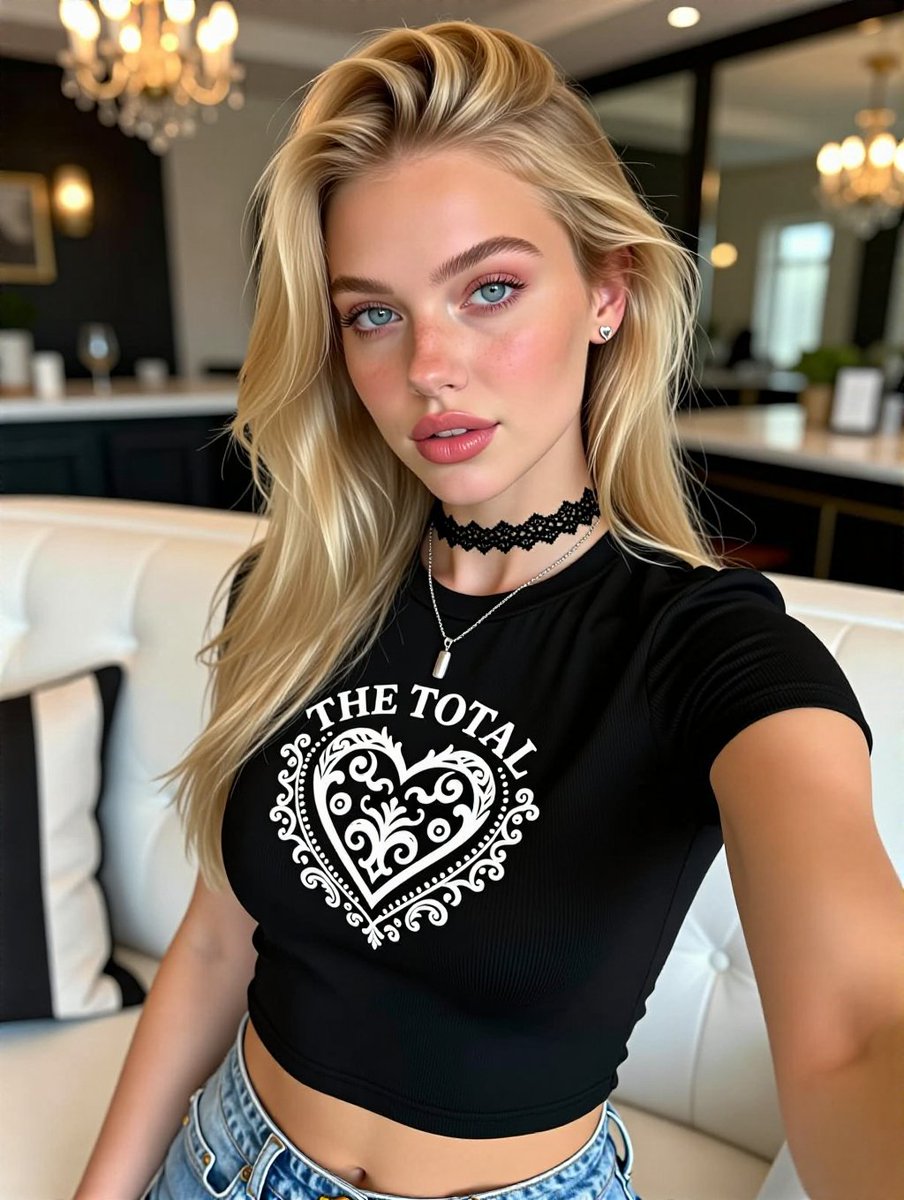
Generates a photorealistic upscale café selfie portrait with a blonde woman, black graphic crop top, and intentionally obscured face. (free to use) — Free AI image template on PicX Studio.
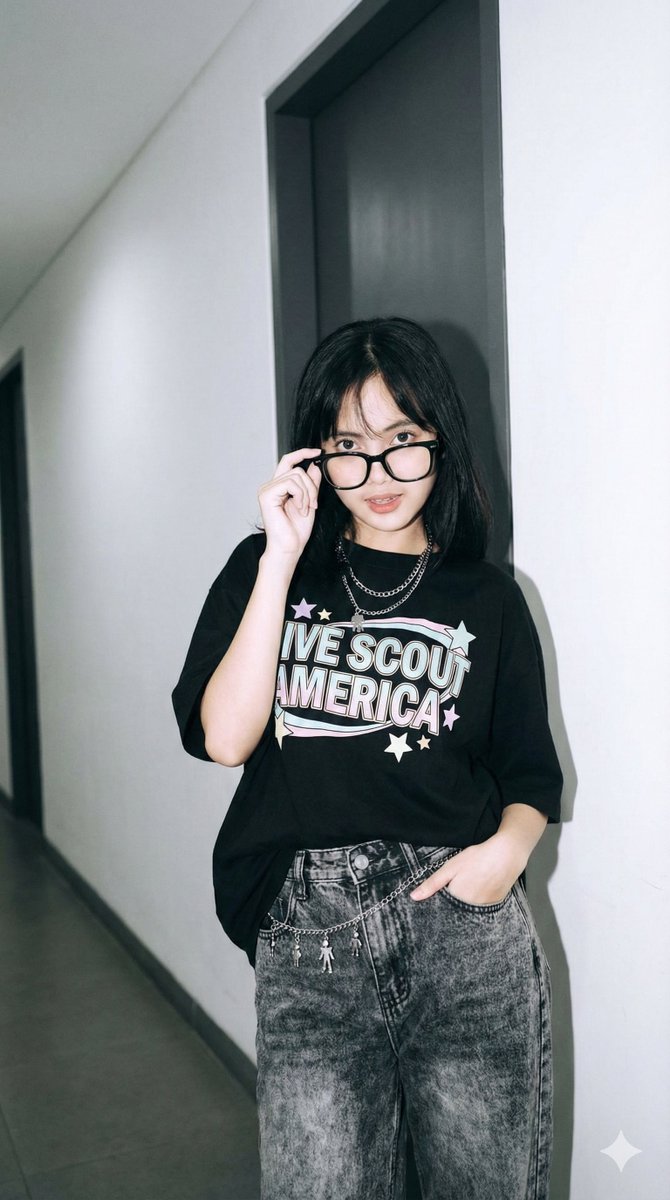
Create a realistic vertical smartphone selfie photo of a stylish young adult woman seated on a white tufted leather sofa in an upscale café or lounge. She has long voluminous wavy {argument name="hair color" default="blonde"} hair swept dramatically to one side, with loose strands and salon-like highlights. Her face is intentionally obscured by a centered matte square censor block in a warm tan skin-tone color, covering the entire facial area from forehead to chin. She wears a fitted black ribbed short-sleeve crop top with a bold white ornamental heart graphic on the chest and the visible text {argument name="shirt text" default="THE TOTAL"} arched above it, plus light blue high-waisted denim jeans. Add exactly 3 visible accessories: a black lace choker, a thin silver necklace with a small rectangular pendant, and small heart-shaped stud earrings. Pose her at arm’s length as if taking a selfie, with one arm extended toward the camera, torso angled slightly, confident casual posture. The background should be softly blurred with warm bokeh chandeliers, dark cabinetry, framed wall décor, mirrors or glossy black trim, a bar/counter area, and creamy white seating, giving a refined boutique café atmosphere. Use natural warm indoor lighting, shallow depth of field, high-detail photorealism, crisp fabric texture, glossy hair detail, and a modern social-media portrait aesthetic. No extra people, no watermark, no additional text besides the shirt graphic.
Use Blonde Café Selfie With Censored Face to plan an AI image around gpt-image-2 generation, themes such as en and gpt-image-2. Match the preview's composition first, then personalize the subject, setting, and mood for your own project.
Use the primary action to load the template settings in PicX Studio.
Adjust the subject and creative details for your destination.
Create the image, compare the result with the preview, and refine one variable at a time.
A continuous mix — similar concepts first, woven with same-model prompts and fresh picks from the catalog.
Choose the primary action to open PicX Studio with the available template settings. Review the model and format, personalize the creative direction, and generate when ready.
Yes. You can change the subject, setting, lighting, mood, format, and available model controls before creating your image.
This template is free to open and customize. Generation usage is shown in PicX Studio before you create.
Start with gpt-image-2, which is the model associated with this template. You can compare another compatible model for a different finish.
Follow a topic to a crawlable collection of related PicX Studio templates.
39,157 public templates available. Verified via the PicX Studio public templates API; refreshed hourly.
A continuous mix — similar concepts first, woven with same-model prompts and fresh picks from the catalog.