How do I use the Chaotic Manga Uniform Transformation template?
Choose the primary action to open PicX Studio with the available template settings. Review the model and format, personalize the creative direction, and generate when ready.
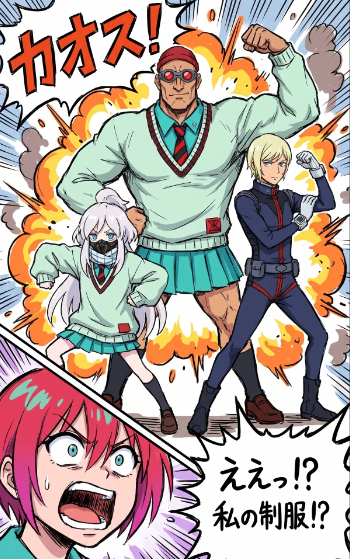
Generates a polished explosive manga scene from rough layout and character sketch references, useful for turning WIP thumbnails into finished comic-style art. (free to use) — Free AI image template on PicX Studio.
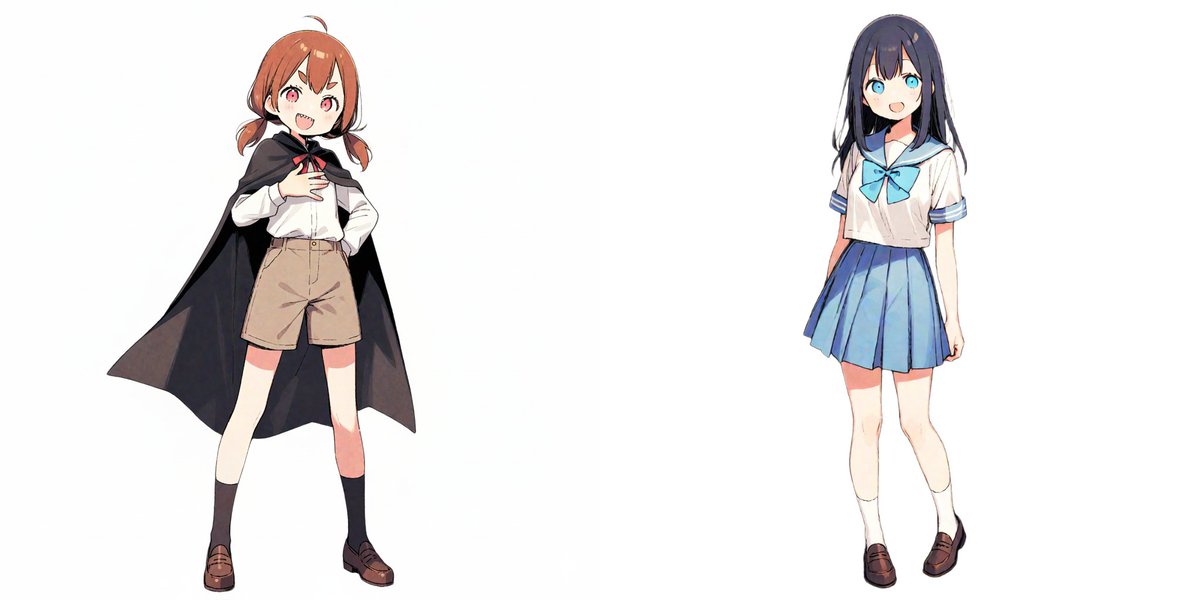
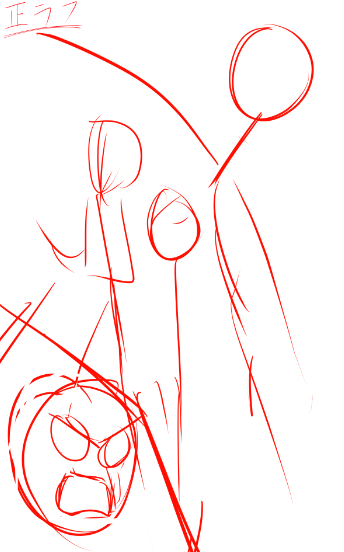
Using REFERENCE_0 as the rough composition guide and REFERENCE_1 as the character/pose guide, turn the sketch into a polished, high-energy manga/anime illustration. Keep the same 4-character arrangement: 1 huge muscular student centered in back flexing one arm, 1 small white-haired student at lower left in a crouched/action pose, 1 slim standing student at right raising a fist, and 1 shocked pink-haired close-up face cropped at the bottom left. Convert the loose colored sketch into clean inked line art with vibrant cel shading, sharp comic-panel energy, and exaggerated perspective. Add a chaotic explosion background behind the three full-body characters with orange-yellow fire bursts, smoke puffs, speed lines, impact spikes, and comic burst shapes. Add 2 visible Japanese text elements: a large top-left sound effect {argument name="sound effect text" default="カオス!"} and a jagged speech bubble at bottom right reading {argument name="speech bubble text" default="えぇっ!?\n私の制服!?"}. Preserve the school-uniform theme from REFERENCE_1 but render it as finished clothing: mint sweater and teal skirt styling for the center and left characters, a dark fitted uniform for the right character, and a close-up shocked face in the lower-left foreground. Use a dynamic shonen-comedy manga page style with thick outlines, dramatic motion lines, saturated colors, and layered comic effects.
Chaotic Manga Uniform Transformation needs input media to work. Open it in the studio and these load alongside the prompt — pick whichever ones your chosen model can take.
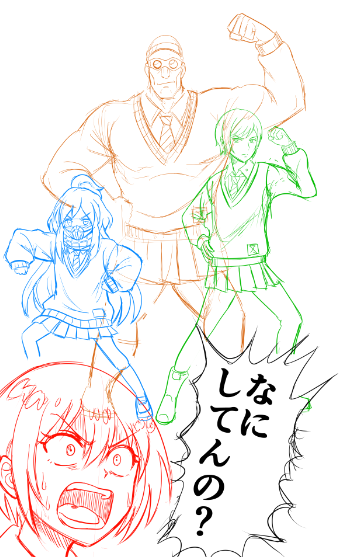
Use Chaotic Manga Uniform Transformation to plan an AI image around gpt-image-2 generation, themes such as en and gpt-image-2. Match the preview's composition first, then personalize the subject, setting, and mood for your own project.
Use the primary action to load the template settings in PicX Studio.
Adjust the subject and creative details for your destination.
Create the image, compare the result with the preview, and refine one variable at a time.
A continuous mix — similar concepts first, woven with same-model prompts and fresh picks from the catalog.
Choose the primary action to open PicX Studio with the available template settings. Review the model and format, personalize the creative direction, and generate when ready.
Yes. You can change the subject, setting, lighting, mood, format, and available model controls before creating your image.
This template is free to open and customize. Generation usage is shown in PicX Studio before you create.
Start with gpt-image-2, which is the model associated with this template. You can compare another compatible model for a different finish.
Follow a topic to a crawlable collection of related PicX Studio templates.
39,157 public templates available. Verified via the PicX Studio public templates API; refreshed hourly.
A continuous mix — similar concepts first, woven with same-model prompts and fresh picks from the catalog.