
Japanese Rainwear Catalog Layout
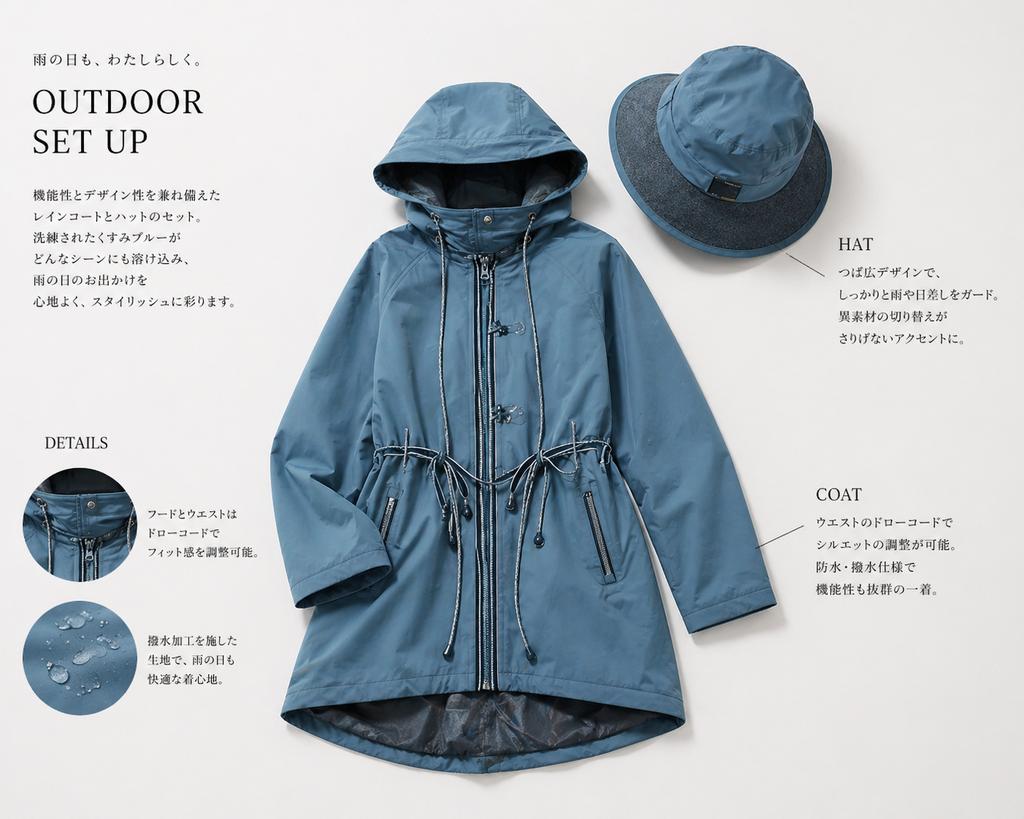
This prompt generates a polished Japanese editorial product sheet for a blue raincoat and matching hat, ideal for fashion catalog, brand lookbook, or e-commerce campaign visuals.
- Prompt included
- Model and format preset
- Free template
The prompt behind this image
Copy the exact prompt behind Japanese Rainwear Catalog Layout, or open it in the studio and make it yours.
Create a clean, high-end Japanese fashion catalog page on a soft warm light-gray background, featuring a coordinated rainwear set laid flat as a product editorial. The central focus is 1 women's hooded raincoat in a muted dusty blue tone, shown front-facing and neatly arranged with sleeves slightly bent inward. The coat is mid-thigh length with a full front zipper, snap-button storm placket details near the collar, a large structured hood, adjustable drawcords at both the hood and waist, two vertical zip pockets, subtle seam construction, and a slightly longer curved back hem with a darker inner lining visible at the bottom opening. Above and to the right, place 1 matching wide-brim rain hat in the same dusty blue, angled slightly, with a darker contrasting brim underside and a small black tag on the crown. Use soft diffused studio lighting with gentle realistic shadows to give a premium product-photography look. Add editorial typography and callouts around the products in a minimalist Japanese layout. In the upper left, place a small Japanese tagline reading "雨の日も、わたしらしく。" above a large serif English headline reading "OUTDOOR SET UP". Beneath it, add a short vertical block of Japanese body copy describing the stylish functional raincoat-and-hat set. In the lower left, add a serif subheading "DETAILS" with 2 circular inset detail photos stacked vertically: the top circle shows a close-up of the hood and front fastening area with drawcord hardware; the bottom circle shows water droplets beading on the blue waterproof fabric. To the right of each circle, place short Japanese explanatory text. On the right side of the page, add 2 product callout labels in serif English with thin leader lines: "HAT" near the upper-right hat with a short Japanese description below, and "COAT" near the lower-right side of the coat with a short Japanese description below. Keep the layout airy and balanced, with elegant negative space, refined magazine styling, realistic garment textures, and a modern outdoor-luxury aesthetic.
How to use Japanese Rainwear Catalog Layout in 3 steps
- 1Upload ImagePNG, JPG or paste
Add your photo
Upload the photo the template builds on. The prompt, model and format are already set.
- 2…a portrait of your subject in softgolden-hour light, 85mm…
Personalize
Edit the subject and creative details for your destination.
- 3Generate
Generate
Press Generate — your image is created in PicX Studio, so you can compare it with the original and refine one variable at a time.
More like this
Templates with the same subject, style or setup. Open one to see its prompt.
Fashion Collection Catalog Layout

Minecraft Japanese Research Lab Exploration
Product Design Catalog Layout

Japanese Architectural Concrete Studio Fashion Campaign

Japanese Minimalist Concrete Studio Fashion Editorial

Open Magazine Luxury Fashion Editorial Layout

Premium Fashion Editorial Cover Layout System

Blue Backdrop Luxury Fashion Portrait Campaign
Japanese Facial Beauty Report Layout
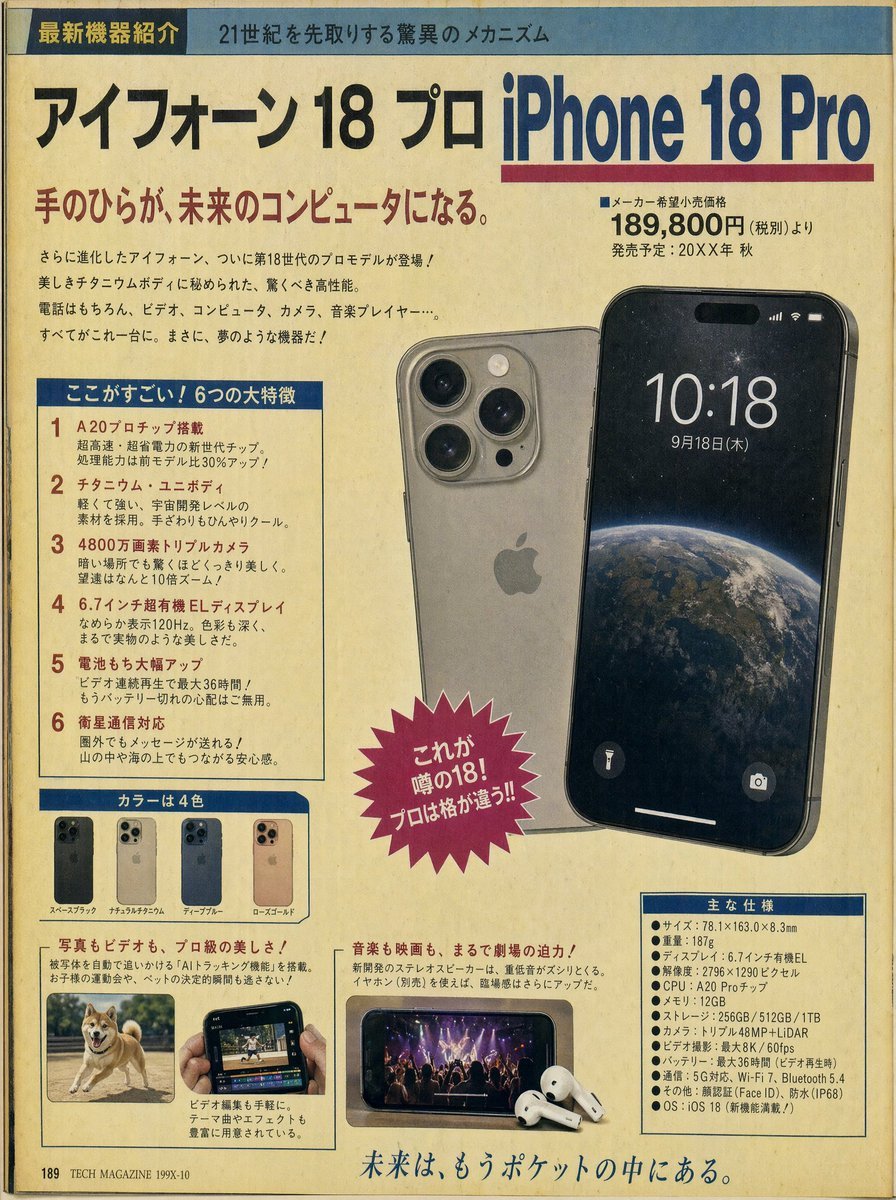
Retro Japanese Tech Magazine Layout
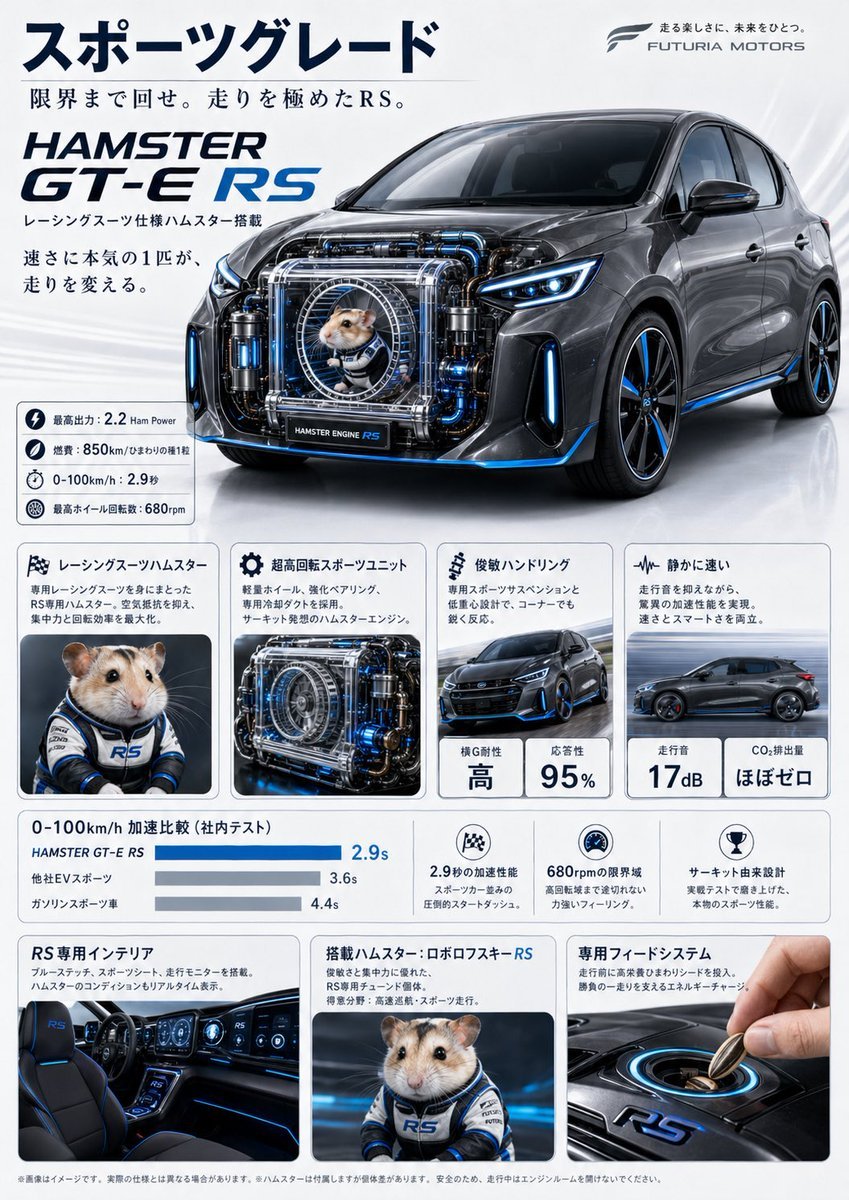
Japanese Hamster Engine Car Catalog
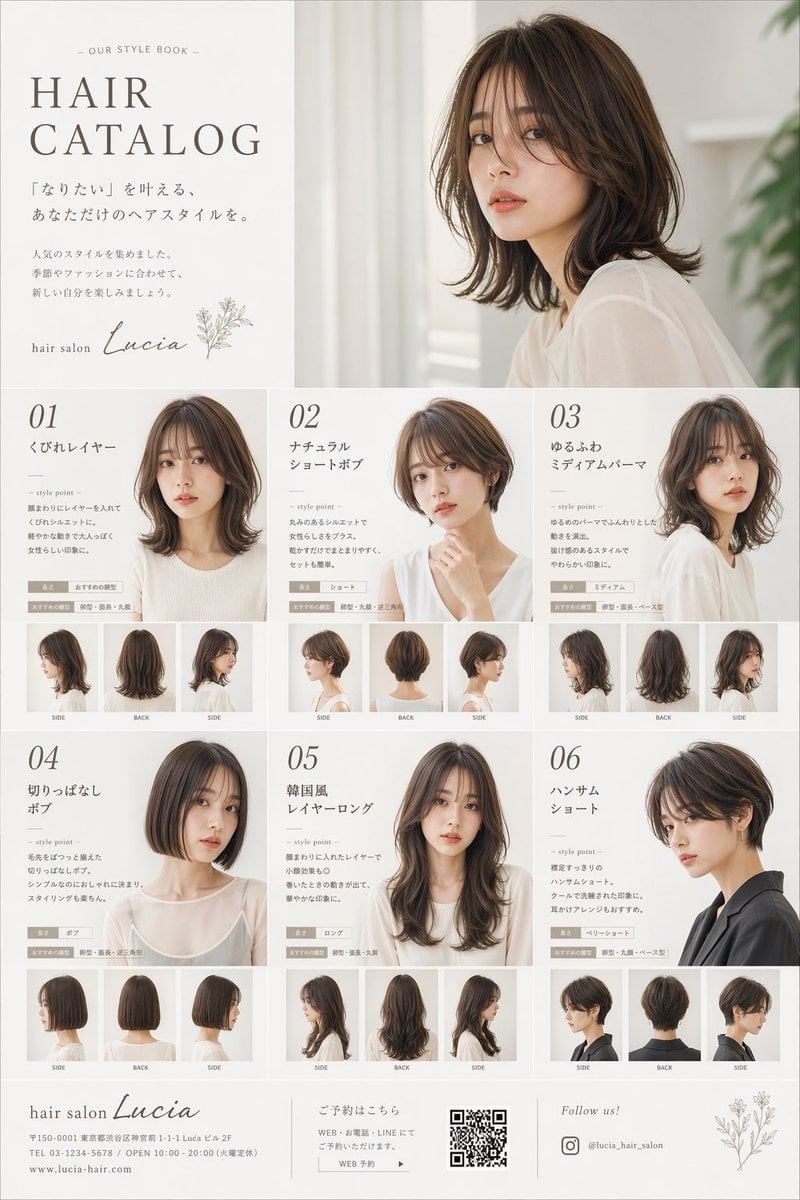
Japanese Hair Salon Catalog Poster
Make it yours
Japanese Rainwear Catalog Layout works as-is. These are the safest ways to change it without losing the look.
Change one field
Copy a single group, rewrite it, and generate again so you can see what that field is doing.
Keep the frame, change the subject
Hold the composition and light of Japanese Rainwear Catalog Layout, then swap wardrobe, props or the person for a new take.
| If the result… | Why | Fix |
|---|---|---|
| The result drifts from the preview | Too many fields changed at once. | Reuse Japanese Rainwear Catalog Layout as-is first, then change one group — subject, light, or setting. |
| The model over-stylizes the scene | The prose prompt leaves finish and camera underspecified. | Add one camera or lighting sentence and stay on GPT Image 2. |
More GPT Image 2 templates
Other prompts made for GPT Image 2.

Realistic Portrait of Woman and Deer

The Vista Modular Condo Poster

AI Model Routing Comparison Infographic

2.5D Anime Art Board

Isometric Productivity Desk Scene

New York Double Exposure Poster

Four-Panel AI Landscape Comparison

Japanese Tatami Lifestyle Magazine Cover

NESCAFÉ Coffee Map Poster

Brutalist Cogito Chinese Typography Poster
More image prompts
Fresh picks from across the catalog.

Anime Character Noodle Delivery
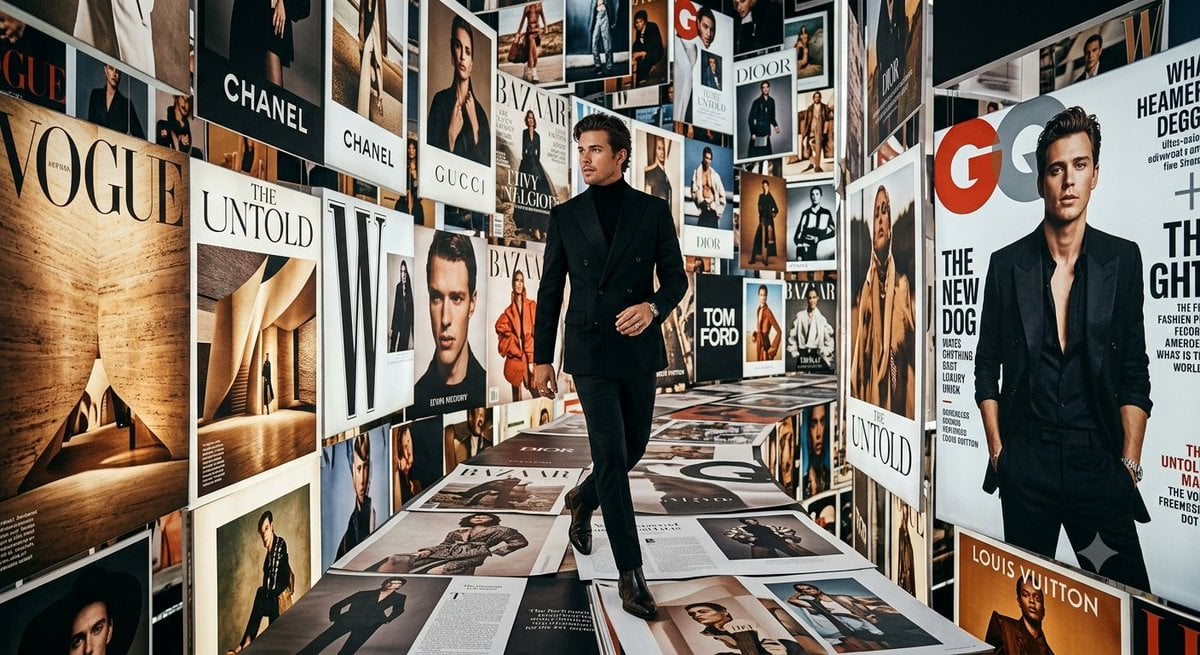
Luxury Fashion Magazine Corridor
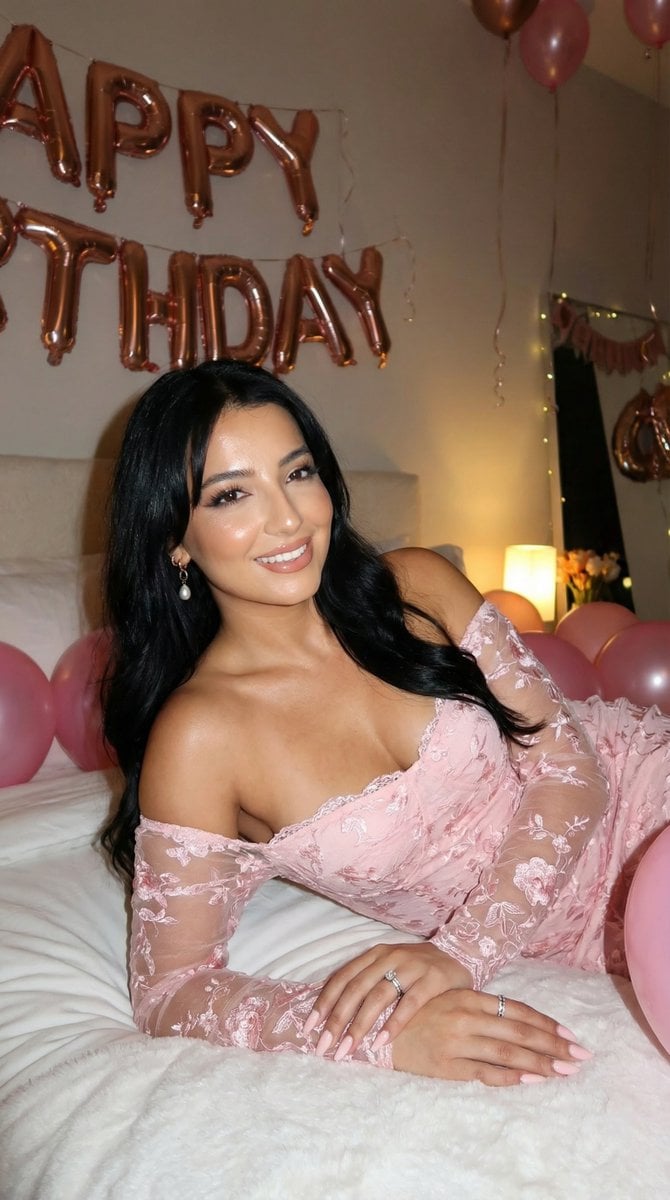
Flash Photography Birthday Portrait Prompt
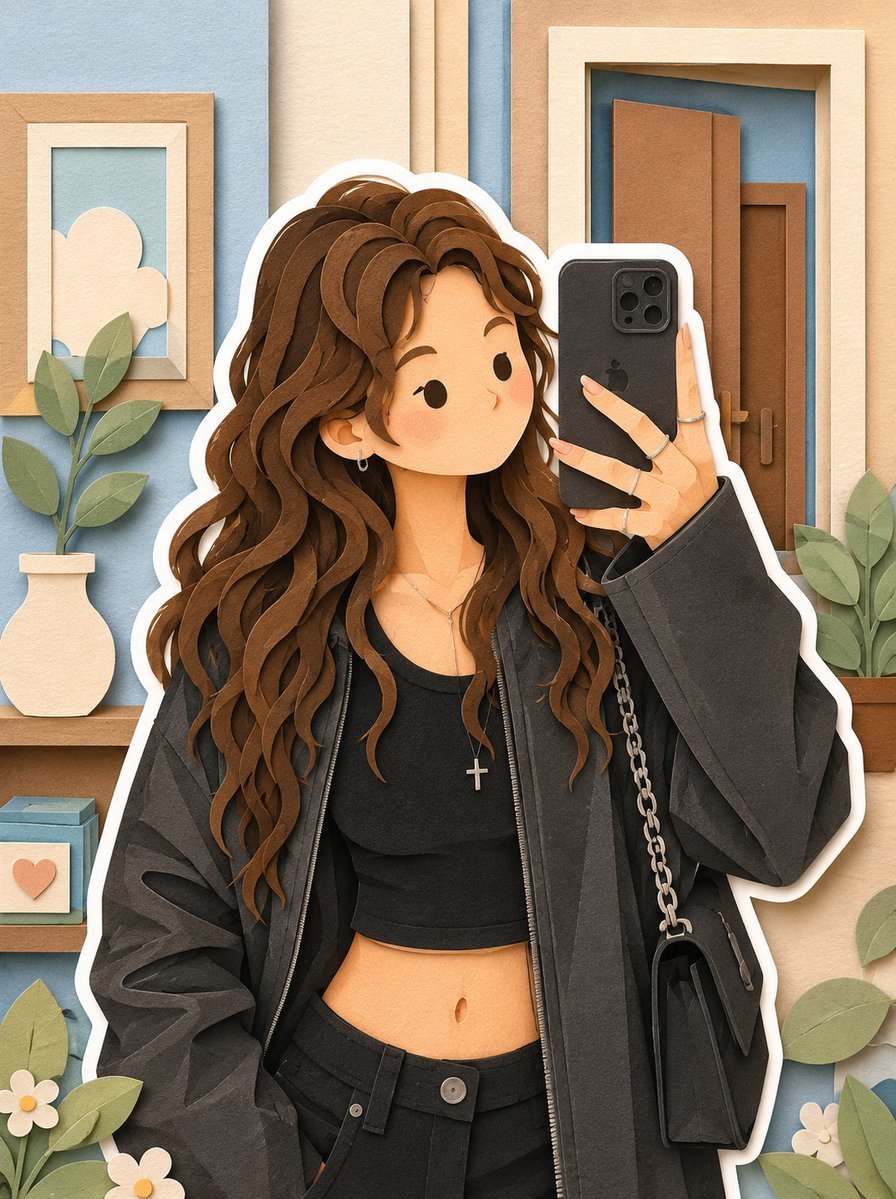
Soft Layered Papercraft Diorama
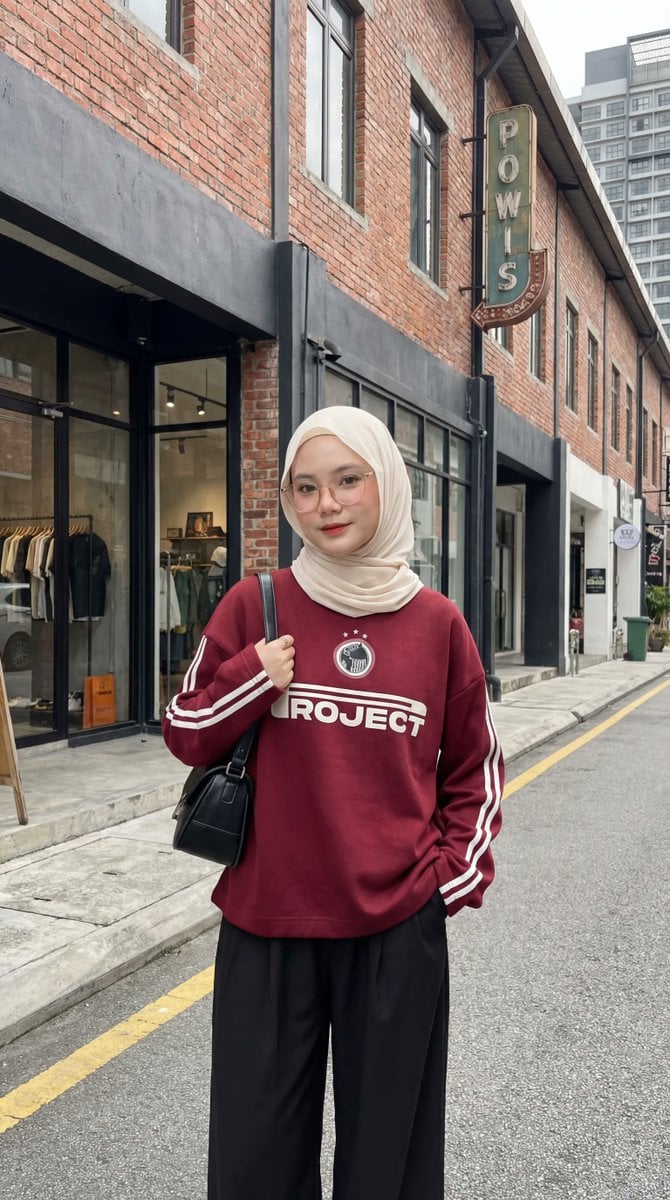
Urban Fashion Hijab Portrait
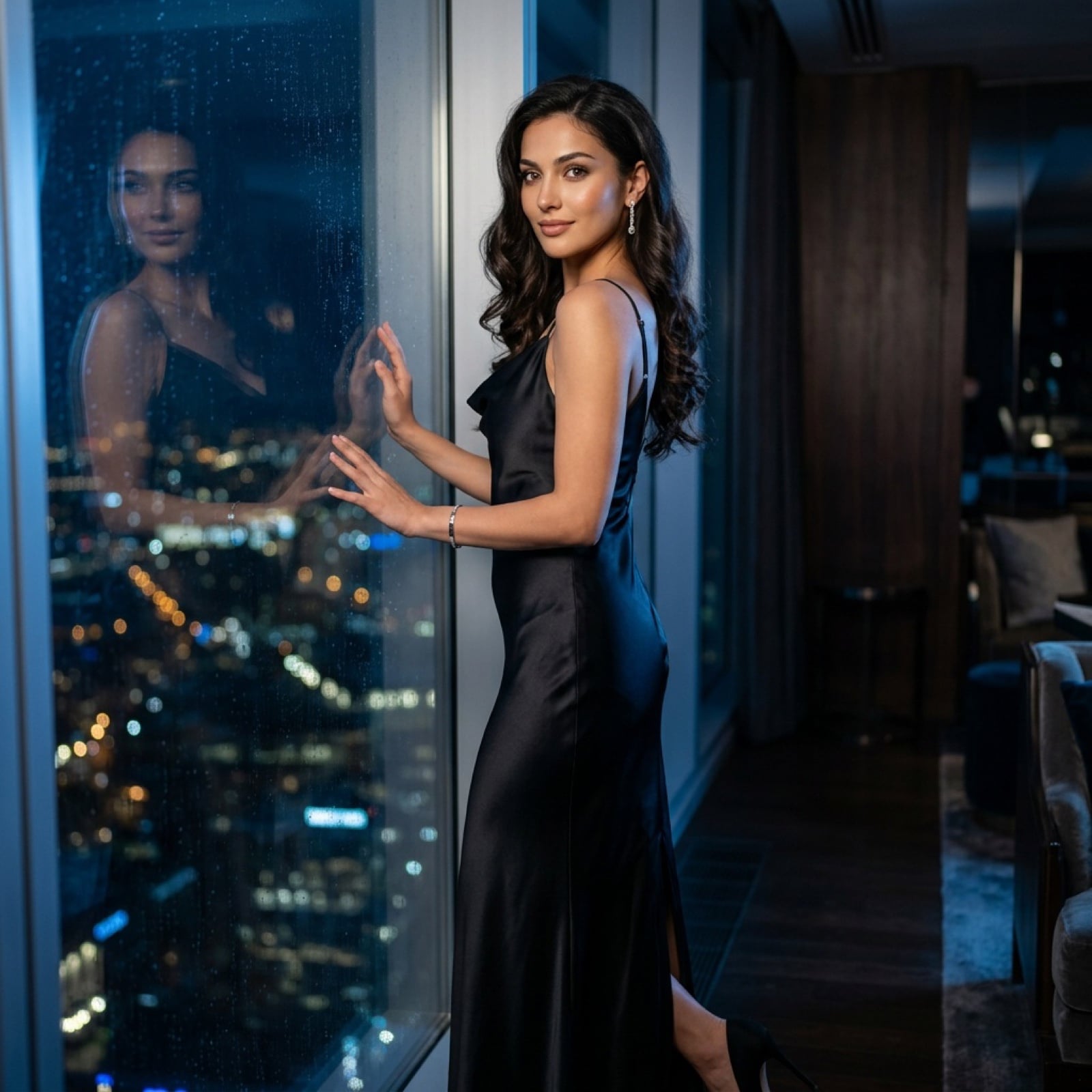
Cinematic Evening Fashion Portrait with Identity Lock
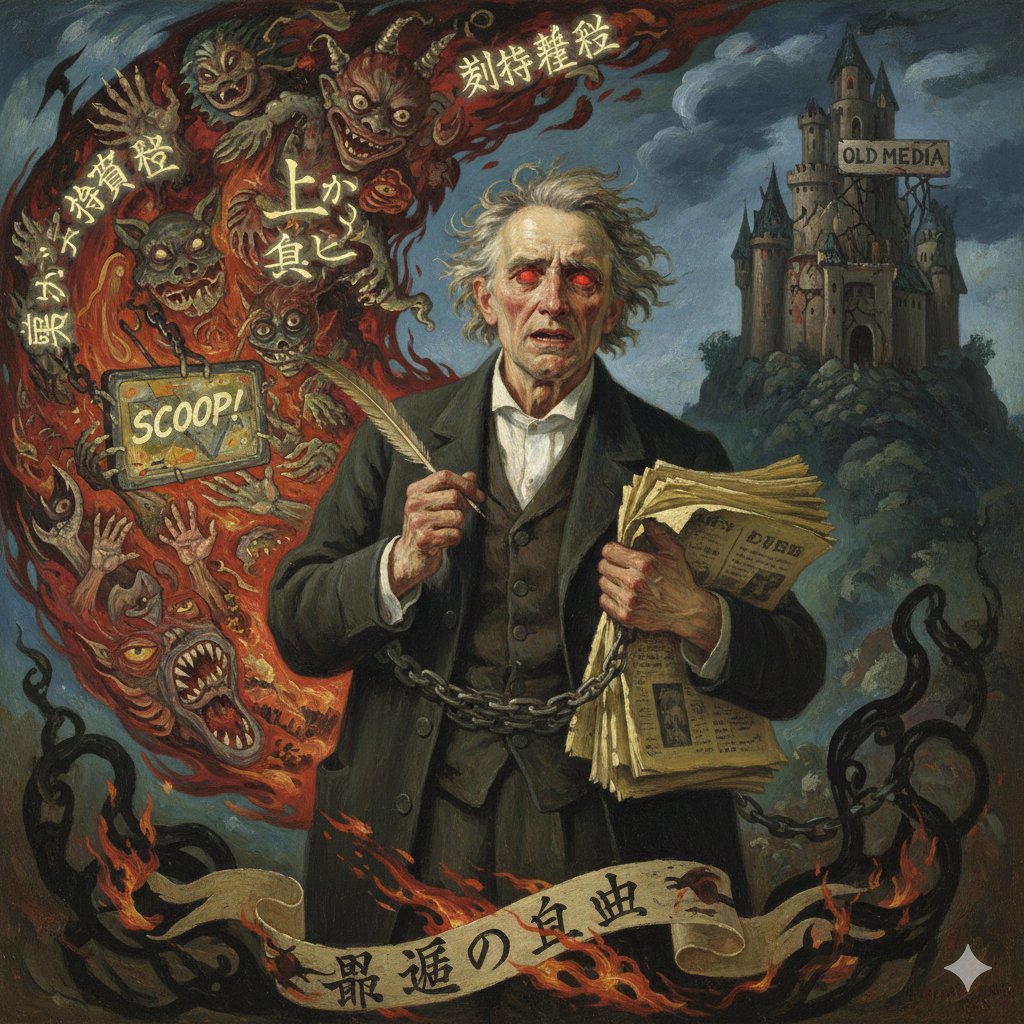
Image Generation Prompt for Chopin in Delacroix Style (Attempt 2)

Luxury Travel Fashion Editorial
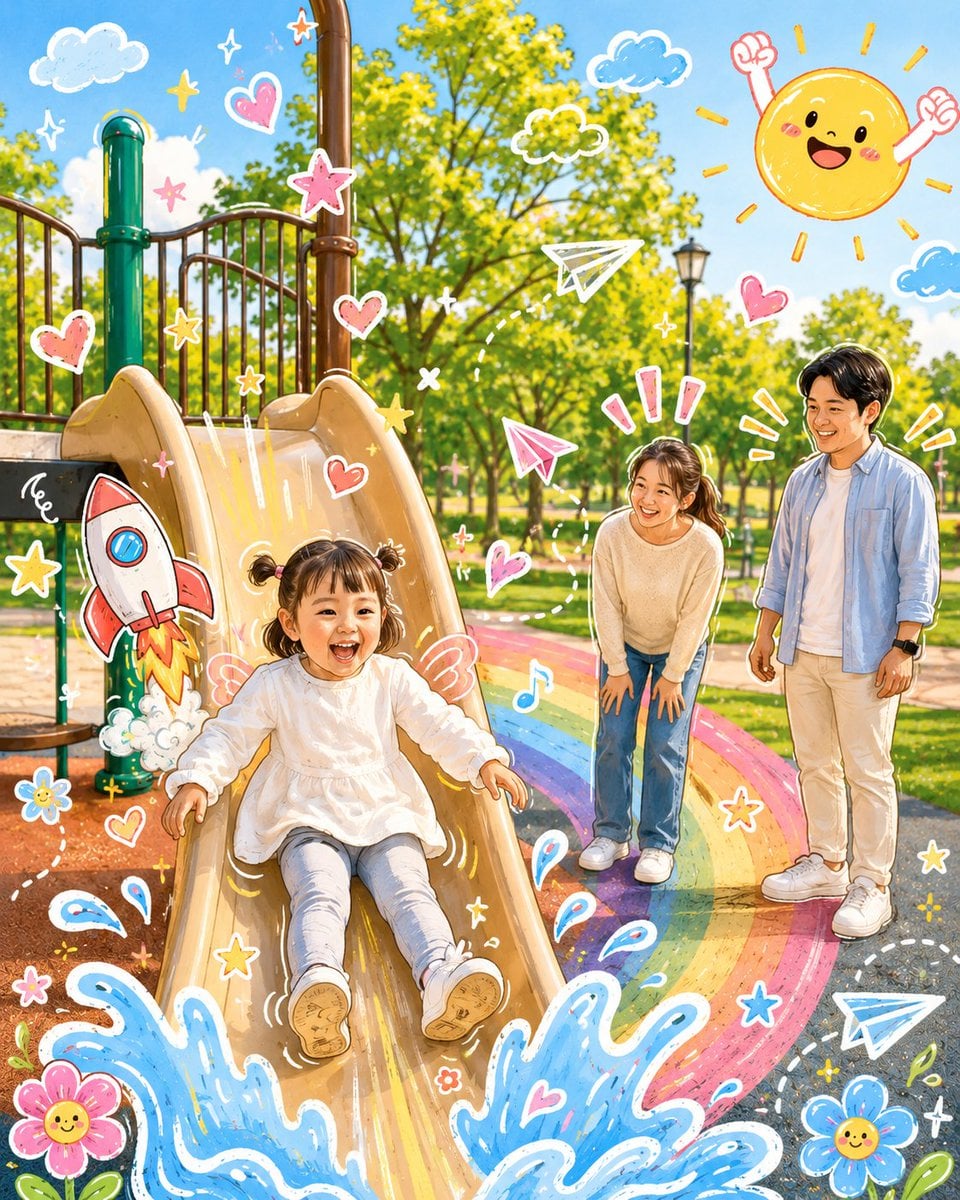
Cartoon Doodle Transformation
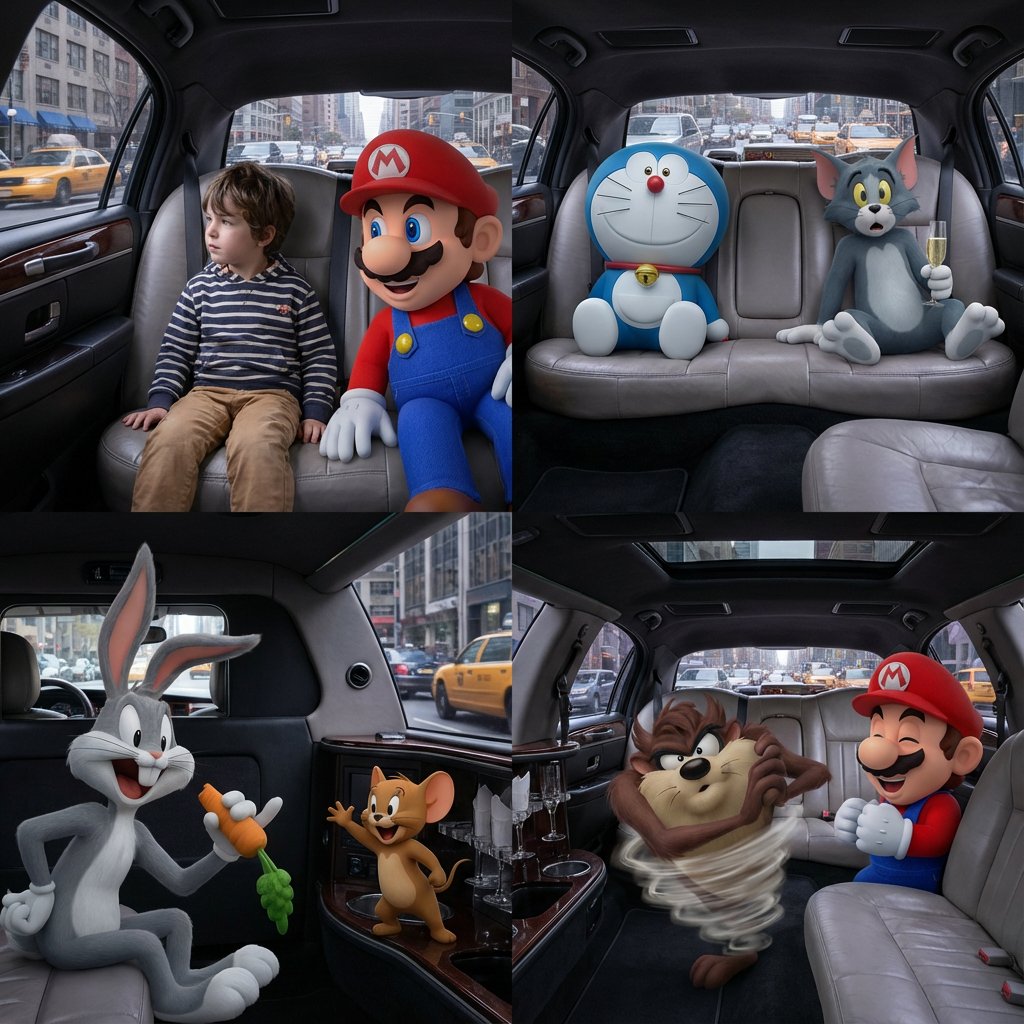
Four-Panel Composition Prompt with Location Context
Browse template categories
Japanese Rainwear Catalog Layout questions
How do I use the Japanese Rainwear Catalog Layout template?
Add your photo if the template asks for one, edit the prompt if you like — the template's model and format are already selected — and press Generate. Your version opens in PicX Studio.
Can I customize the Japanese Rainwear Catalog Layout template?
Yes. You can change the subject, setting, lighting, mood, format, and available model controls before creating your image.
Is the Japanese Rainwear Catalog Layout template free?
Opening and editing this template is free. Generating uses credits, shown on the Generate button when you are signed in.
Which AI model should I use?
Start with GPT Image 2, which is the model associated with this template. You can compare another compatible model for a different finish.
Looking for something else? Browse all templates.

Your photo, any look
Thousands of ready templates for every top image and video model, from one credit balance.