
Fashion Collection Catalog Layout
Generates a multi-panel fashion catalog showcasing different products featuring a unified pattern design.
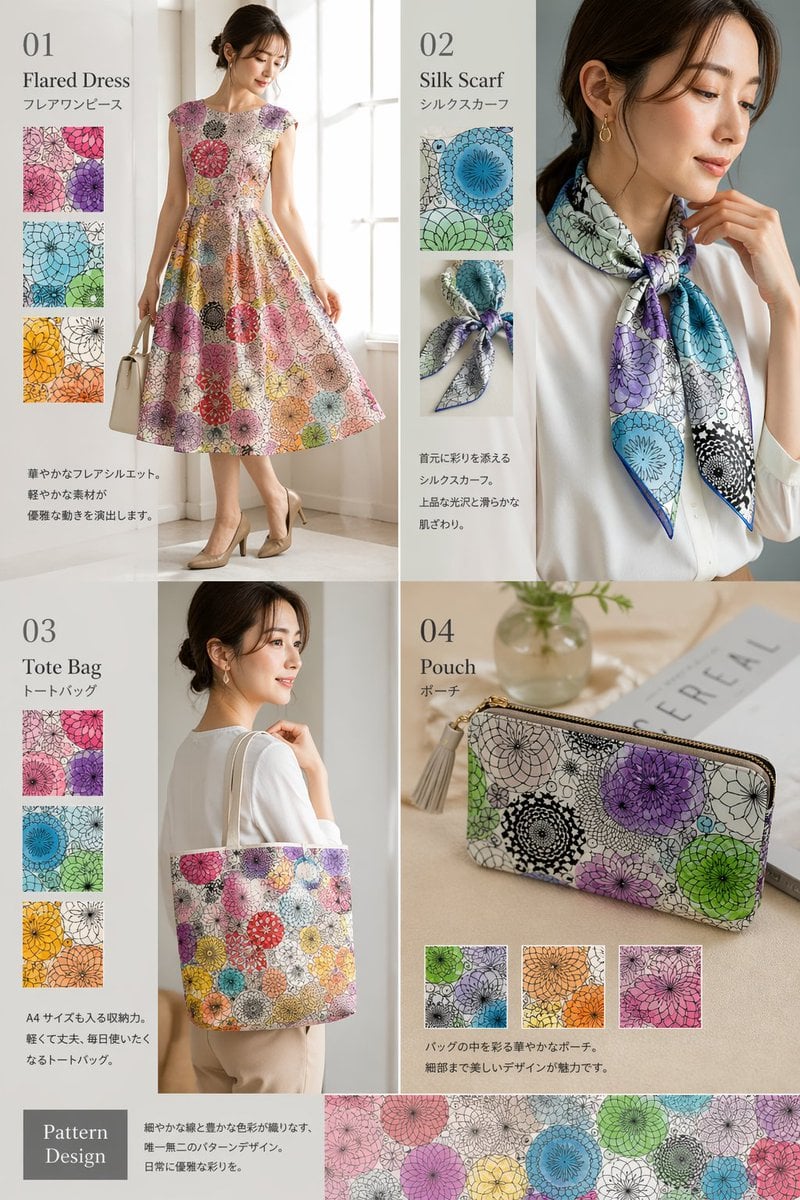
- Prompt included
- Model and format preset
- Free template
The prompt behind this image
Copy the exact prompt behind Fashion Collection Catalog Layout, or open it in the studio and make it yours.
- Type
- fashion product catalog layout
- Theme
- A cohesive fashion collection featuring a specific pattern: {argument name="pattern description" default="overlapping circular floral mandala motifs in purple, green, blue, orange, and pink"}
- Layout › Structure
- 2x2 grid with a full-width bottom banner
- Layout › Sections › 0 › Id
- 01
- Layout › Sections › 0 › Title
- {argument name="product 1" default="Flared Dress"}
- Layout › Sections › 0 › Subtitle
- フレアワンピース
- Layout › Sections › 0 › Main Image
- Woman in patterned flared dress holding white handbag.
- Layout › Sections › 0 › Swatch Count
- 3
- Layout › Sections › 0 › Swatch Descriptions
- purple variant, green/blue variant, orange/yellow variant
- Layout › Sections › 0 › Description Text
- 華やかなフレアシルエット。軽やかな素材が優雅な動きを演出します。
- Layout › Sections › 1 › Id
- 02
- Layout › Sections › 1 › Title
- {argument name="product 2" default="Silk Scarf"}
- Layout › Sections › 1 › Subtitle
- シルクスカーフ
- Layout › Sections › 1 › Main Image
- Woman in white blouse with patterned silk scarf.
- Layout › Sections › 1 › Swatch Count
- 2
- Layout › Sections › 1 › Swatch Descriptions
- flat pattern detail, tied knot detail
- Layout › Sections › 1 › Description Text
- 首元に彩りを添えるシルクスカーフ。上品な光沢と滑らかな肌ざわり。
- Layout › Sections › 2 › Id
- 03
- Layout › Sections › 2 › Title
- {argument name="product 3" default="Tote Bag"}
- Layout › Sections › 2 › Subtitle
- トートバッグ
- Layout › Sections › 2 › Main Image
- Woman carrying patterned tote bag.
- Layout › Sections › 2 › Swatch Count
- 3
- Layout › Sections › 2 › Swatch Descriptions
- purple variant, blue variant, orange/yellow variant
- Layout › Sections › 2 › Description Text
- A4サイズも入る収納力。軽くて丈夫、毎日使いたくなるトートバッグ。
Raw JSON
{
  "type": "fashion product catalog layout",
  "theme": "A cohesive fashion collection featuring a specific pattern: {argument name=\"pattern description\" default=\"overlapping circular floral mandala motifs in purple, green, blue, orange, and pink\"}",
  "layout": {
    "structure": "2x2 grid with a full-width bottom banner",
    "sections": [
      {
        "id": "01",
        "title": "{argument name=\"product 1\" default=\"Flared Dress\"}",
        "subtitle": "フレアワンピース",
        "main_image": "Woman in patterned flared dress holding white handbag.",
        "swatch_count": 3,
        "swatch_descriptions": ["purple variant", "green/blue variant", "orange/yellow variant"],
        "description_text": "華やかなフレアシルエット。軽やかな素材が優雅な動きを演出します。"
      },
      {
        "id": "02",
        "title": "{argument name=\"product 2\" default=\"Silk Scarf\"}",
        "subtitle": "シルクスカーフ",
        "main_image": "Woman in white blouse with patterned silk scarf.",
        "swatch_count": 2,
        "swatch_descriptions": ["flat pattern detail", "tied knot detail"],
        "description_text": "首元に彩りを添えるシルクスカーフ。上品な光沢と滑らかな肌ざわり。"
      },
      {
        "id": "03",
        "title": "{argument name=\"product 3\" default=\"Tote Bag\"}",
        "subtitle": "トートバッグ",
        "main_image": "Woman carrying patterned tote bag.",
        "swatch_count": 3,
        "swatch_descriptions": ["purple variant", "blue variant", "orange/yellow variant"],
        "description_text": "A4サイズも入る収納力。軽くて丈夫、毎日使いたくなるトートバッグ。"
      },
      {
        "id": "04",
        "title": "{argument name=\"product 4\" default=\"Pouch\"}",
        "subtitle": "ポーチ",
        "main_image": "Patterned zip pouch on table with magazine and vase.",
        "swatch_count": 3,
        "swatch_descriptions": ["green/purple variant", "orange variant", "pink variant"],
        "description_text": "バッグの中を彩る華やかなポーチ。細部まで美しいデザインが魅力です。"
      }
    ],
    "bottom_banner": {
      "title": "Pattern Design",
      "description_text": "細やかな線と豊かな色彩が織りなす、唯一無二のパターンデザイン。日常に優雅な彩りを。",
      "image": "Horizontal strip showing the seamless pattern."
    }
  }
}How to use Fashion Collection Catalog Layout in 3 steps
- 1Upload ImagePNG, JPG or paste
Add your photo
Upload the photo the template builds on. The prompt, model and format are already set.
- 2…a portrait of your subject in softgolden-hour light, 85mm…
Personalize
Edit the subject and creative details for your destination.
- 3Generate
Generate
Press Generate — your image is created in PicX Studio, so you can compare it with the original and refine one variable at a time.
More like this
Templates with the same subject, style or setup. Open one to see its prompt.

80s College Gate

1988 Mall Style

80s Polka Dot Saree

Premium fashion catalog flat lay on a clean soft beige studio background
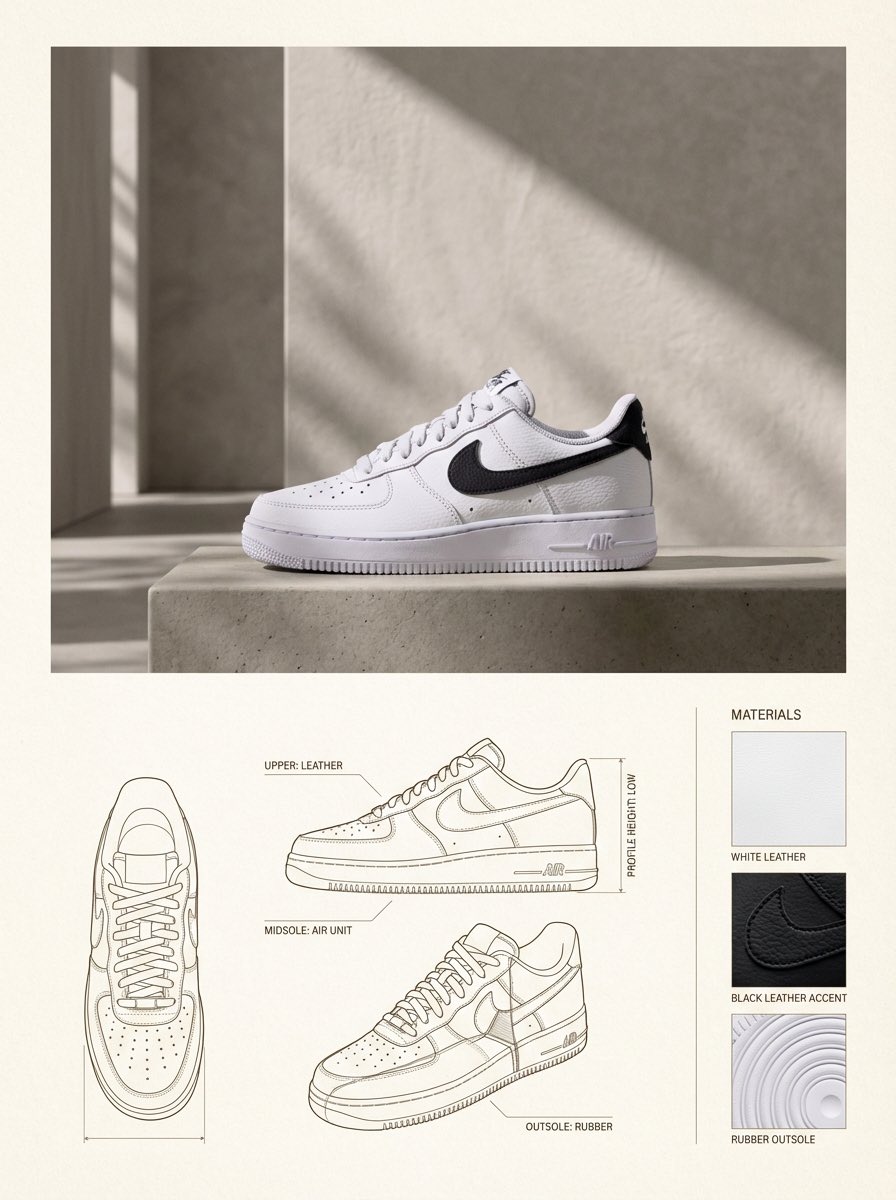
Product Design Catalog Layout

Urban Fashion Editorial Collage Streetwear Poster

Polo Ralph Lauren Luxury American Heritage Fashion Campaign

Cinematic Street Fashion Photographer Portrait

High-Fashion Editorial Magazine Cover ICON

Fine Art Monochrome Fashion Portrait

Korean Streetwear Minimalist Campaign Portrait

Cinematic Korean Streetwear Street Portrait
Make it yours
Fashion Collection Catalog Layout works as-is. These are the safest ways to change it without losing the look.
Change one field
Copy a single group, rewrite it, and generate again so you can see what that field is doing.
Keep the frame, change the subject
Hold the composition and light of Fashion Collection Catalog Layout, then swap wardrobe, props or the person for a new take.
| If the result… | Why | Fix |
|---|---|---|
| The result drifts from the preview | Too many fields changed at once. | Reuse Fashion Collection Catalog Layout as-is first, then change one group — subject, light, or setting. |
| GPT Image 2 ignores part of the JSON | Some models flatten or skip nested keys. | Keep the same values and paste them as a short paragraph instead. |
More GPT Image 2 templates
Other prompts made for GPT Image 2.

Six VTuber Japanese Logo Sheet

Realistic Portrait of Woman and Deer

The Vista Modular Condo Poster

AI Model Routing Comparison Infographic

2.5D Anime Art Board

Isometric Productivity Desk Scene

New York Double Exposure Poster

Four-Panel AI Landscape Comparison

Japanese Tatami Lifestyle Magazine Cover

NESCAFÉ Coffee Map Poster
More image prompts
Fresh picks from across the catalog.
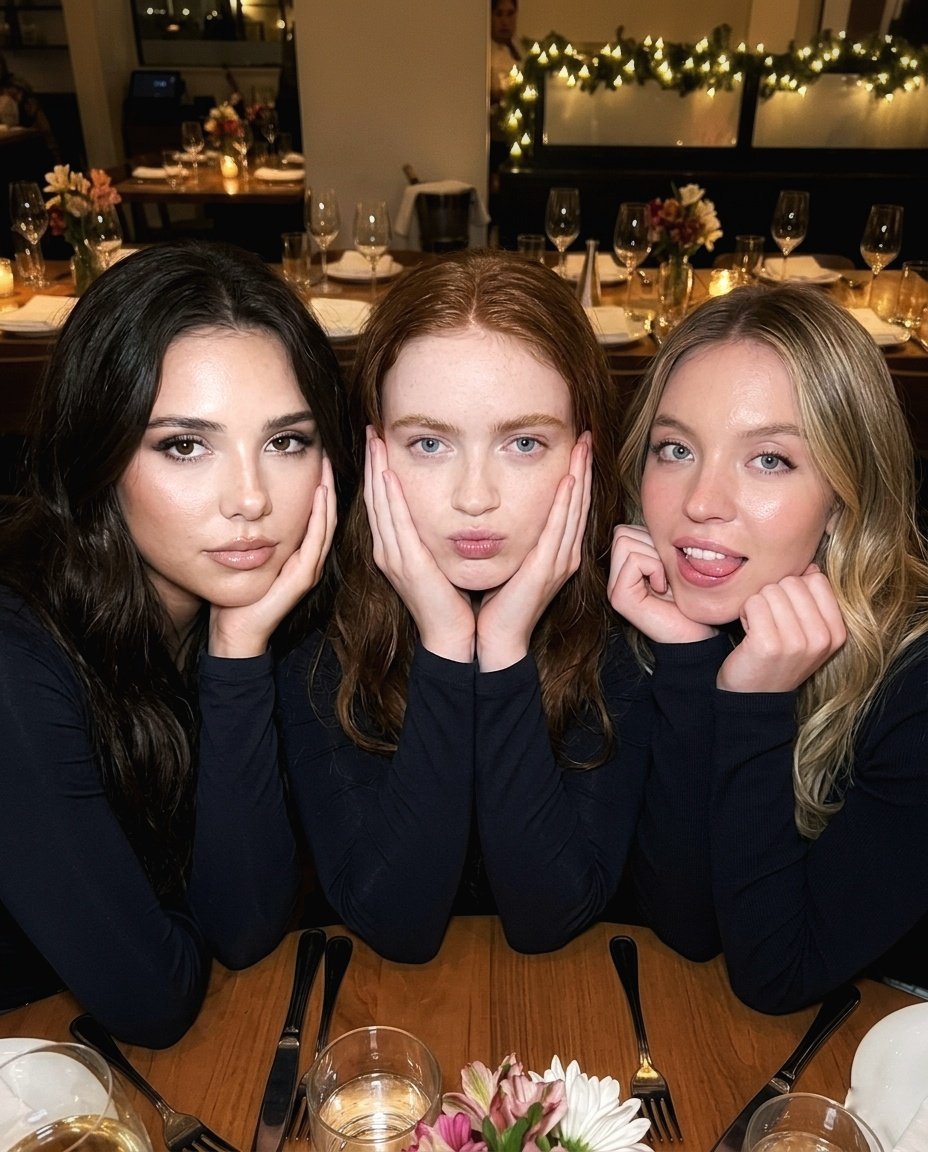
Ultra-Realistic Restaurant Table Selfie
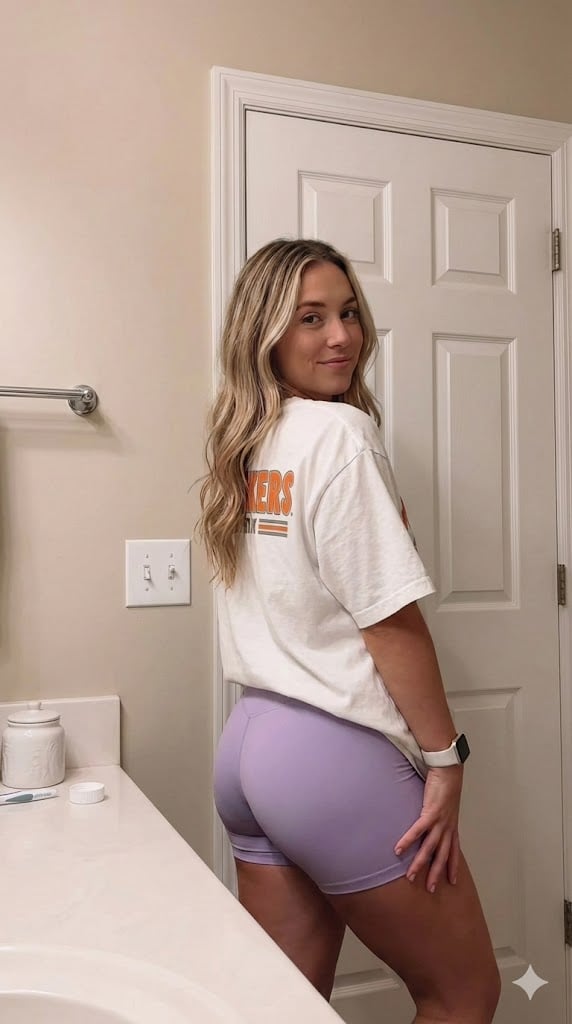
Candid Indoor Photograph (Bathroom Selfie)
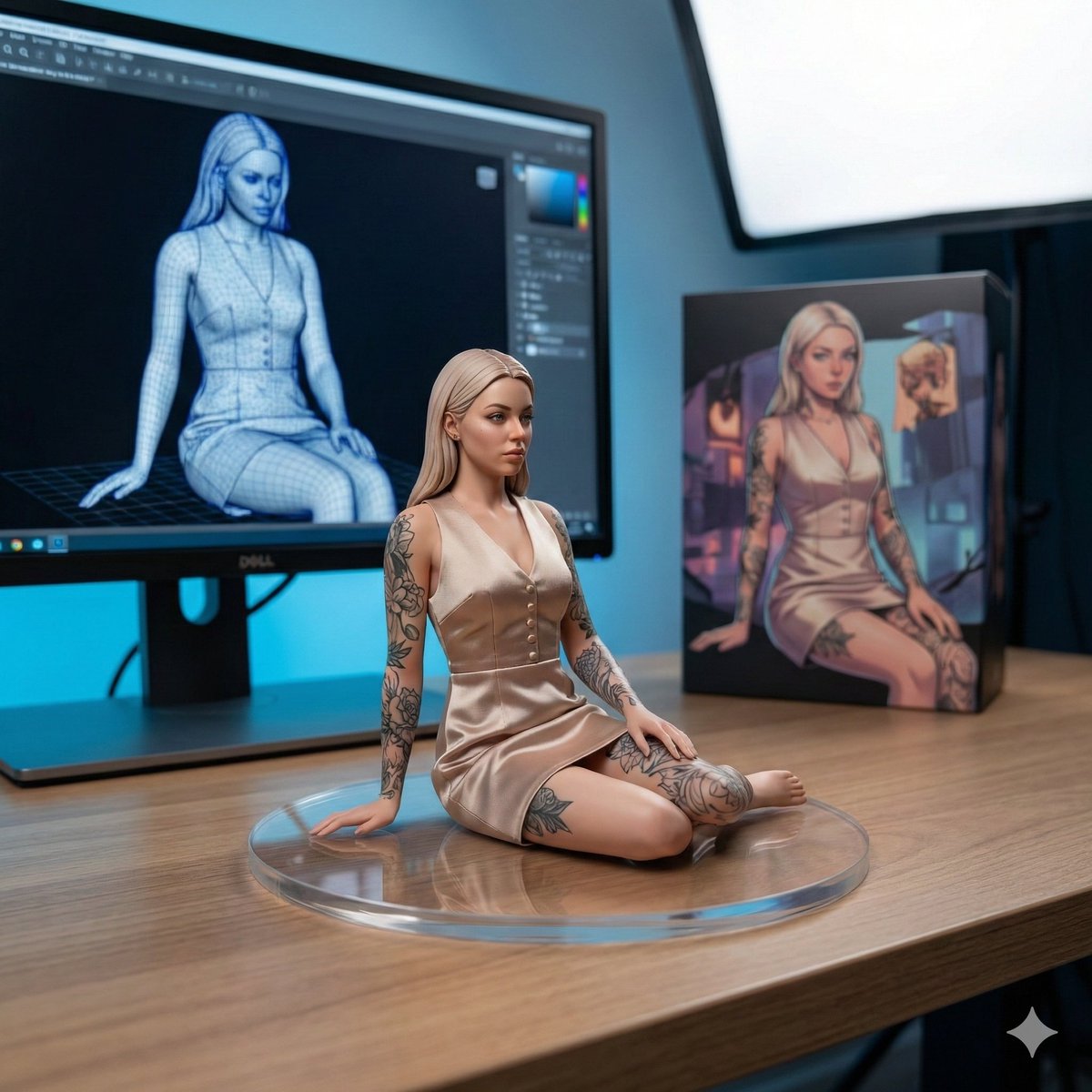
1/7 Scale Collectible Figure Product Shot
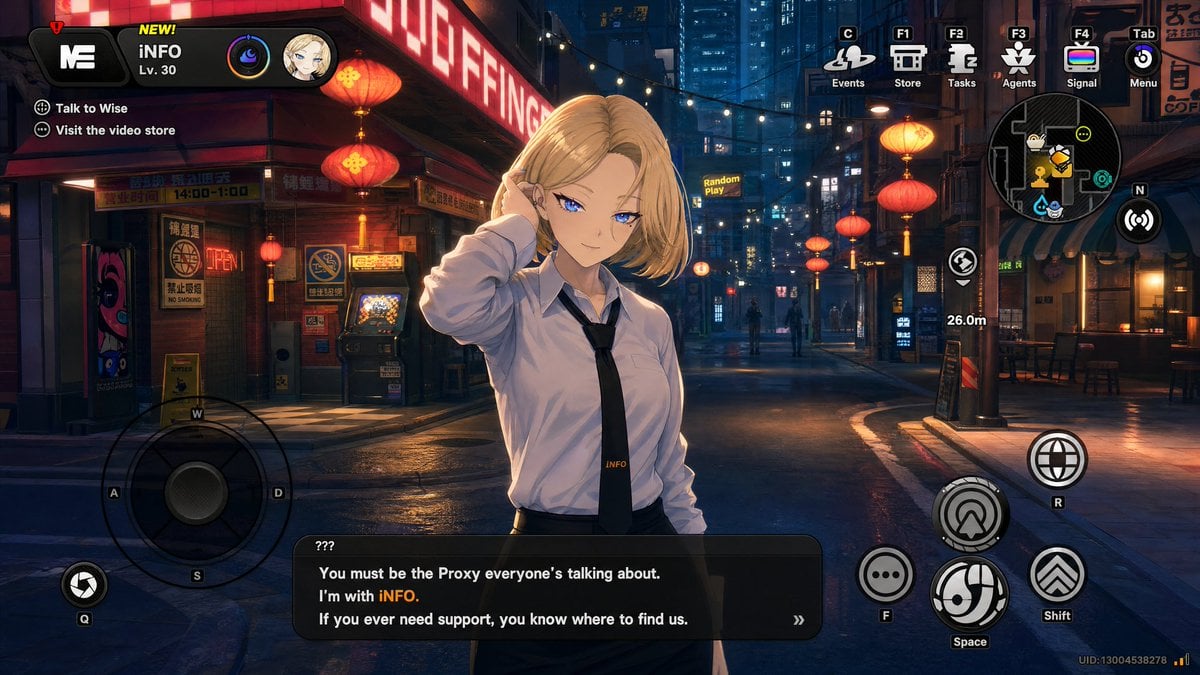
Cyberpunk Gacha Game Dialogue Screenshot
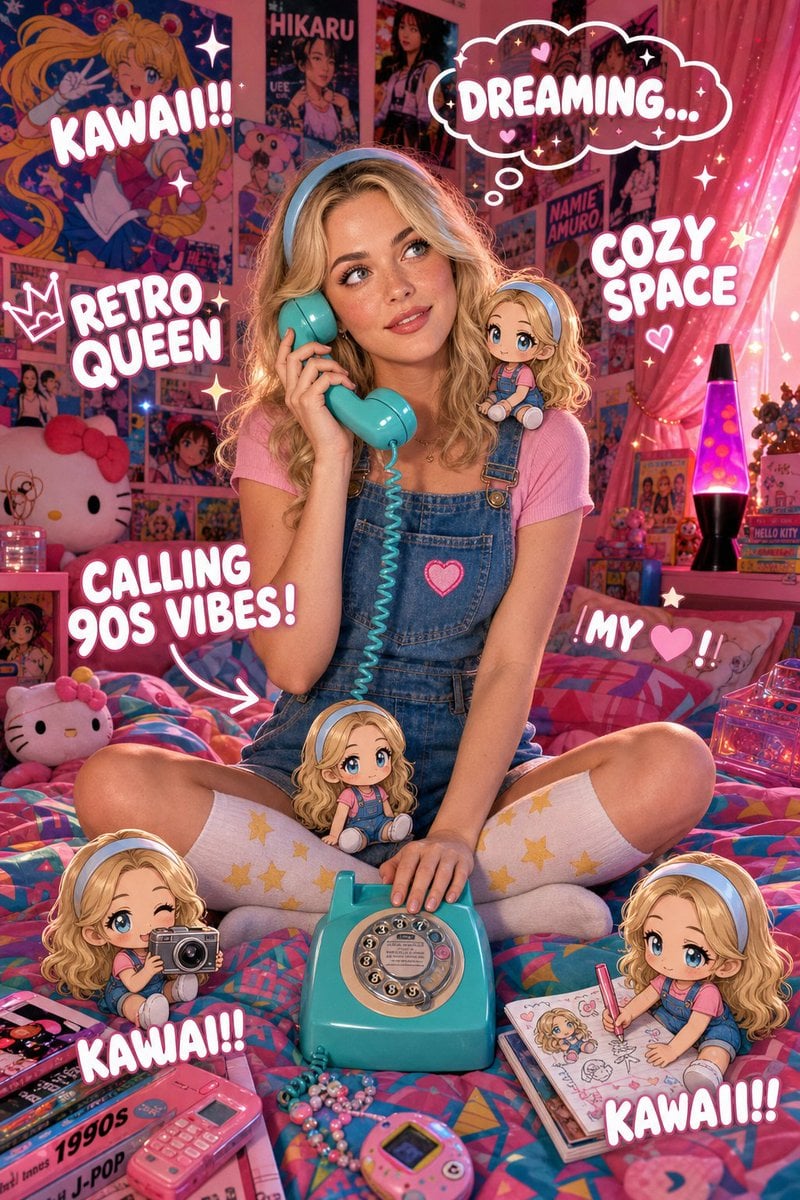
Y2K Kawaii Retro Aesthetic
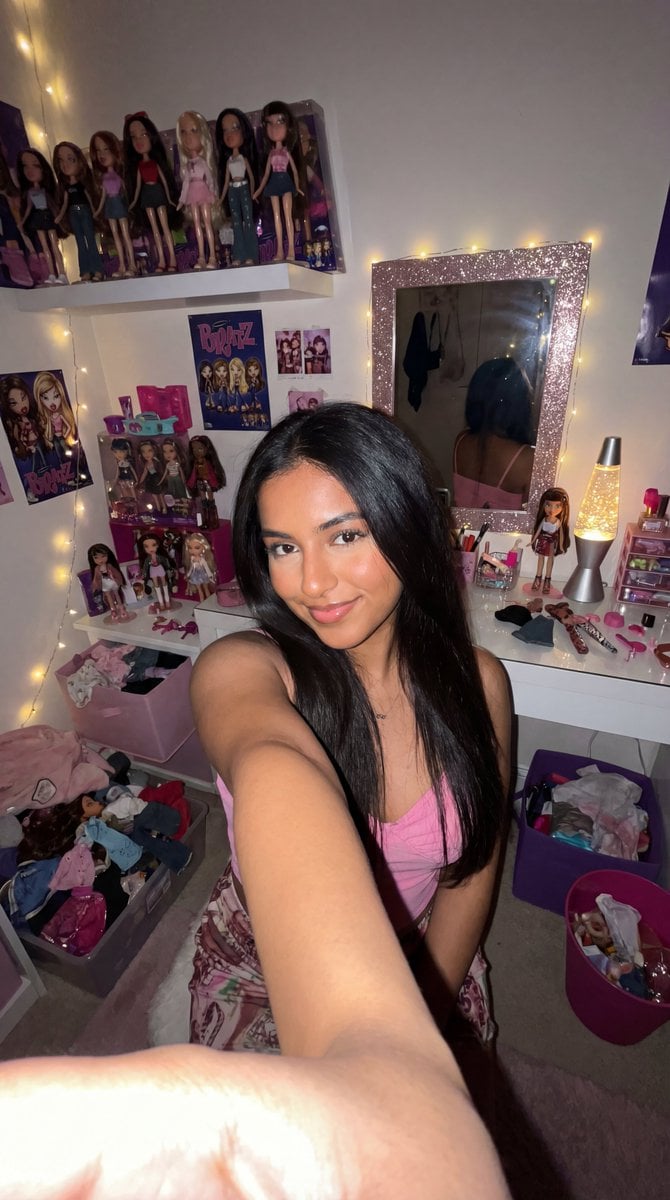
8k Ultra-Photorealistic Bratz Doll Themed Selfie
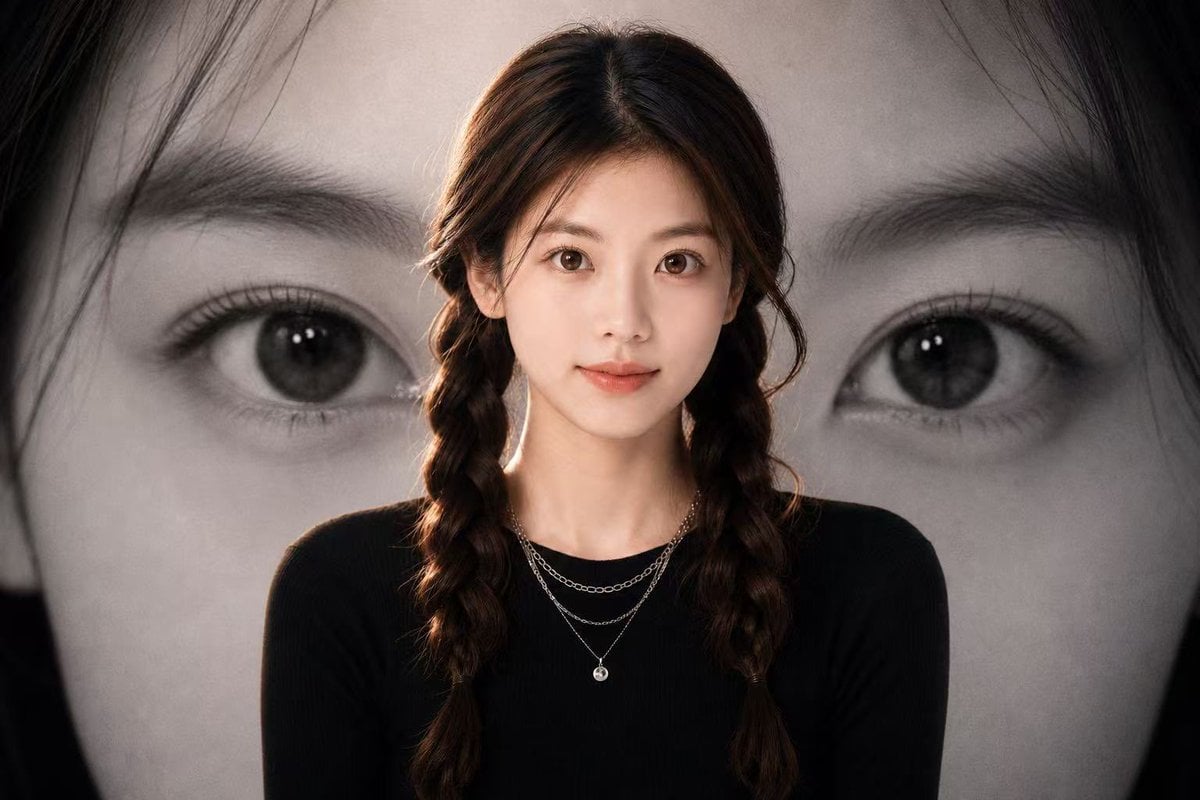
Black-and-White Eye Backdrop Portrait
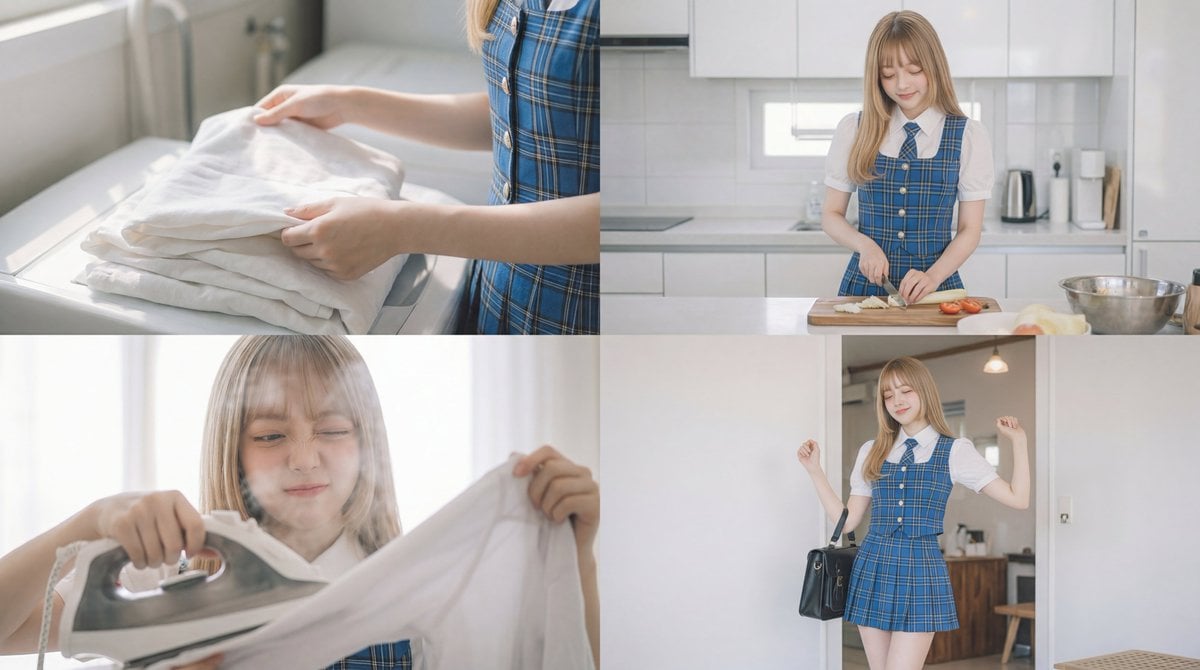
Cinematic Scene Prompt for Woman Doing Chores

Character Proportion Adjustment Prompt
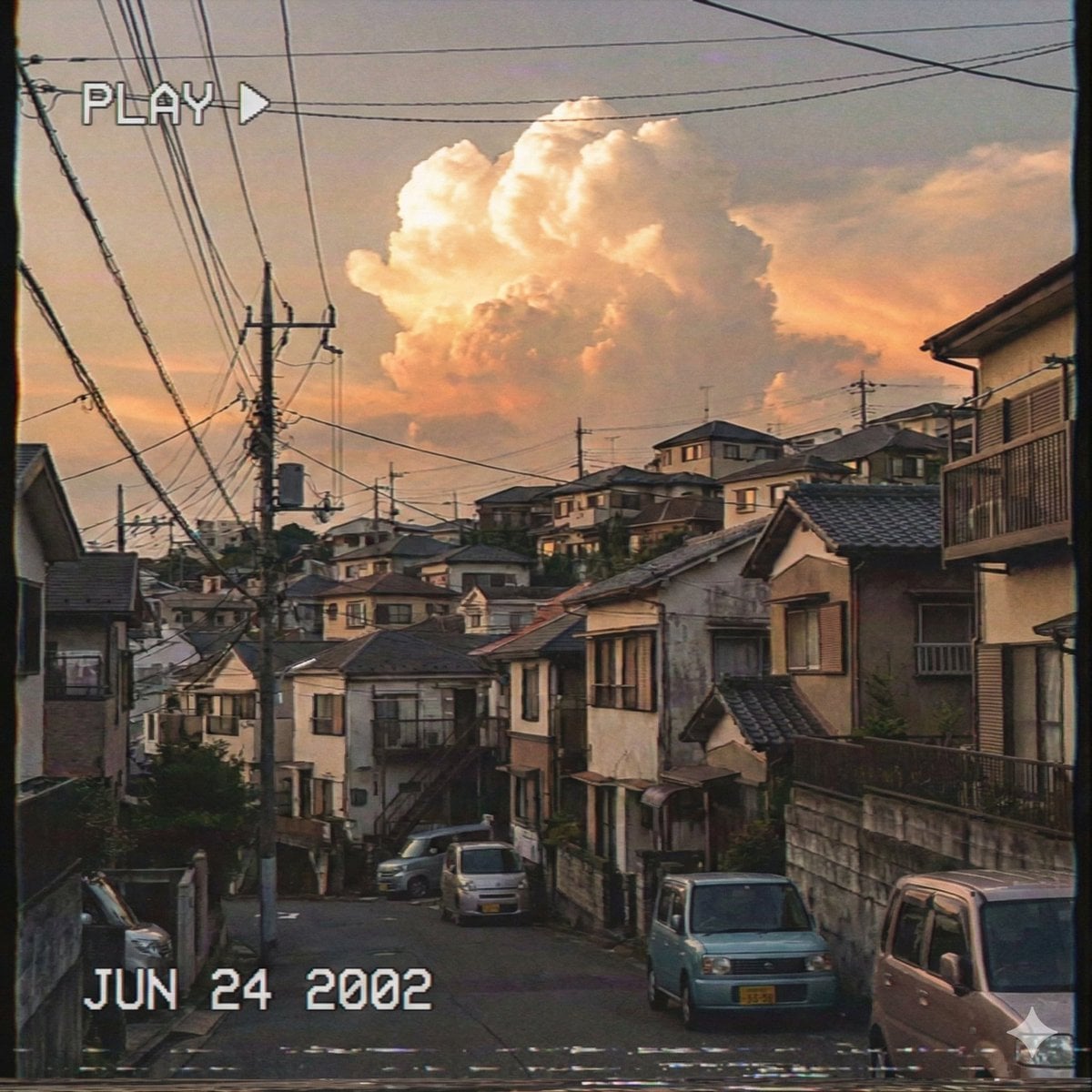
Japanese Suburb in 2000s Atmosphere (Part 2)
Browse template categories
Fashion Collection Catalog Layout questions
How do I use the Fashion Collection Catalog Layout template?
Add your photo if the template asks for one, edit the prompt if you like — the template's model and format are already selected — and press Generate. Your version opens in PicX Studio.
Can I customize the Fashion Collection Catalog Layout template?
Yes. You can change the subject, setting, lighting, mood, format, and available model controls before creating your image.
Is the Fashion Collection Catalog Layout template free?
Opening and editing this template is free. Generating uses credits, shown on the Generate button when you are signed in.
Which AI model should I use?
Start with GPT Image 2, which is the model associated with this template. You can compare another compatible model for a different finish.
Looking for something else? Browse all templates.

Your photo, any look
Thousands of ready templates for every top image and video model, from one credit balance.