How do I use the Rainbow Hair Shoujo Idol Transformation template?
Choose the primary action to open PicX Studio with the available template settings. Review the model and format, personalize the creative direction, and generate when ready.
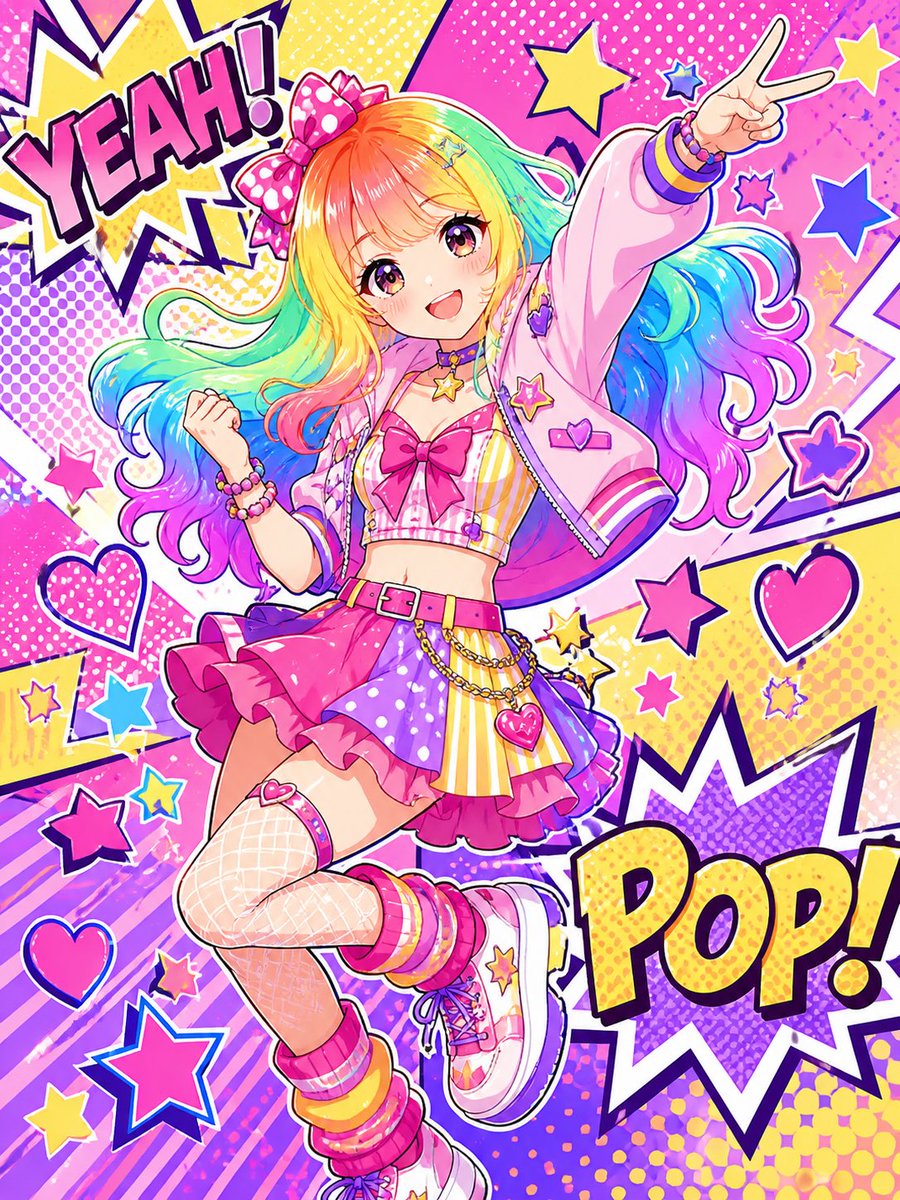
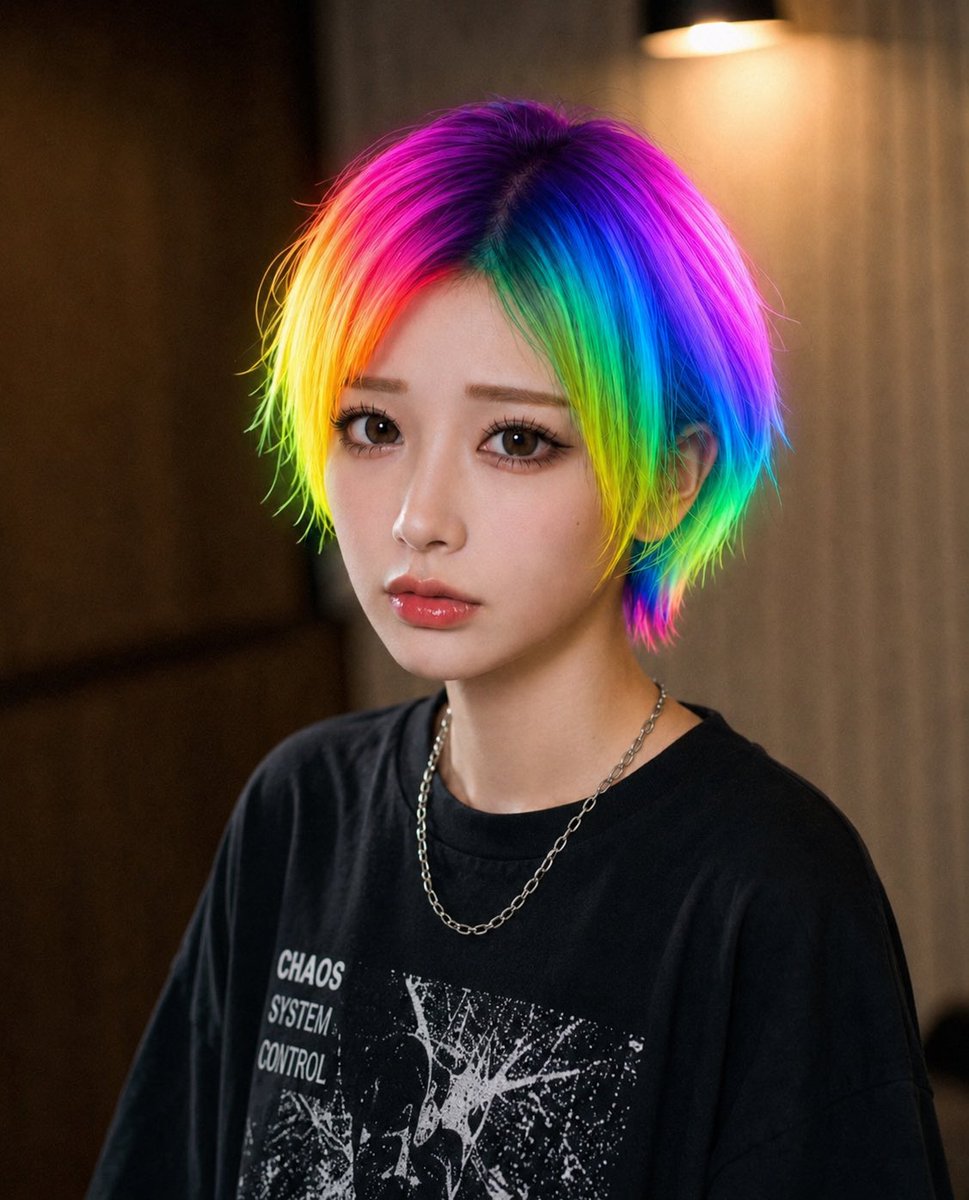
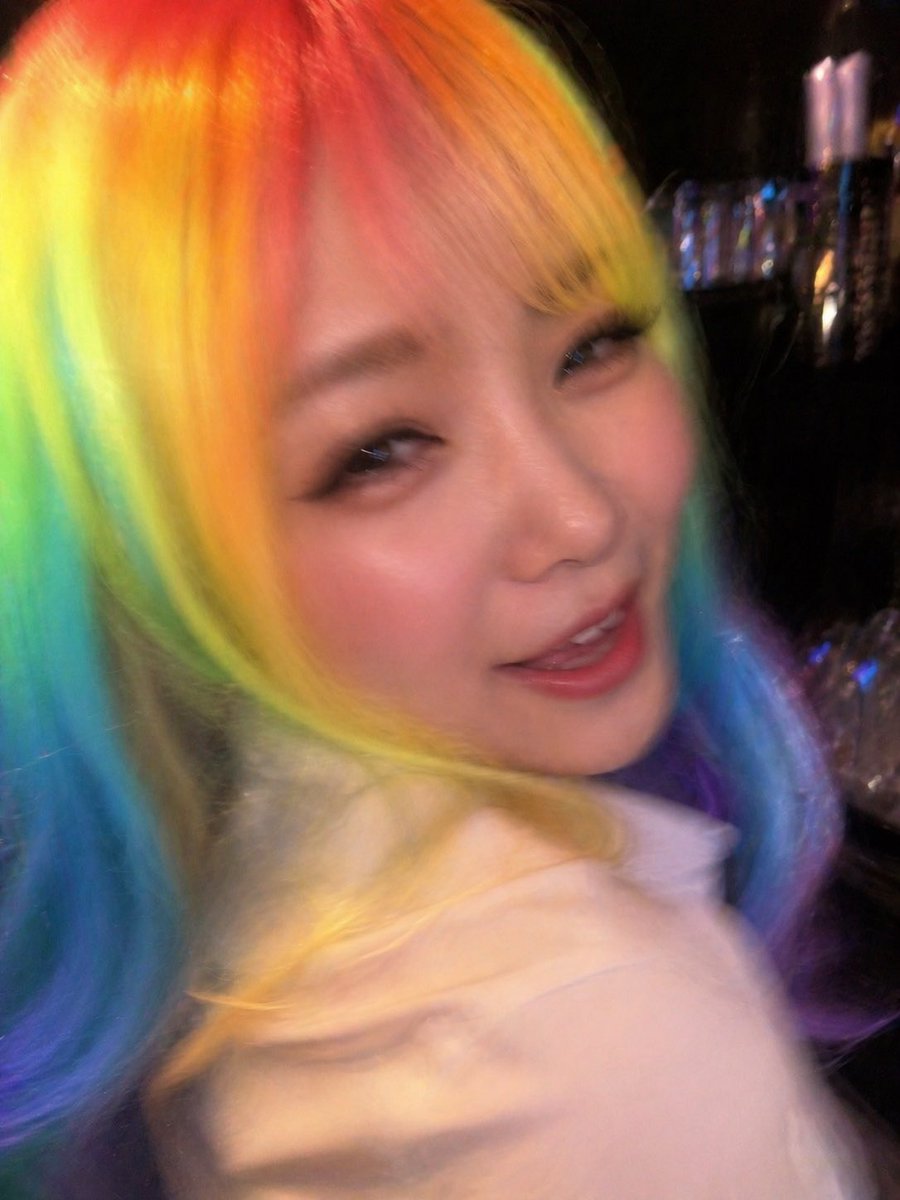
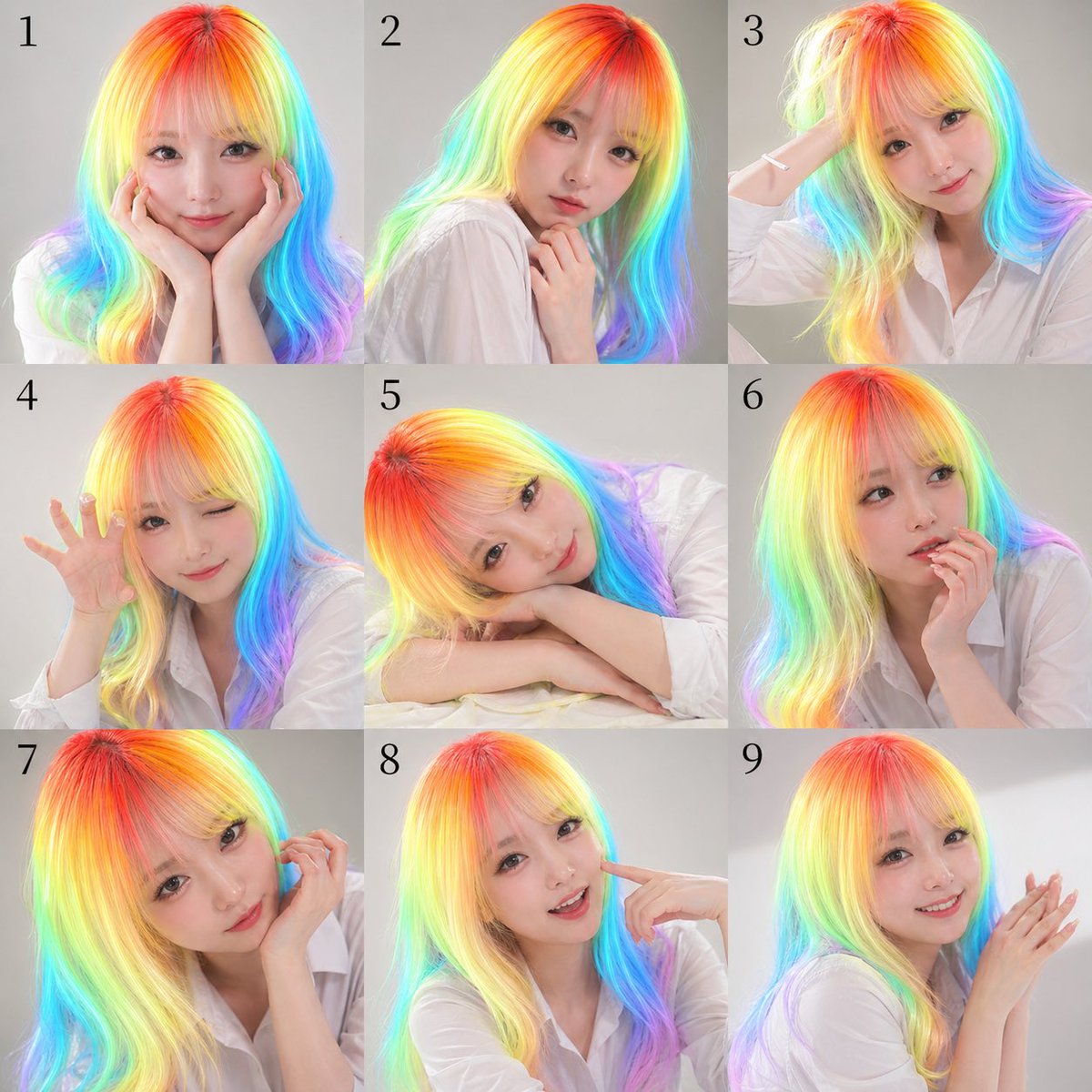
Transforms a reference photo into a colorful tall-proportioned shoujo idol illustration with comic-pop effects and preserved face censoring. Change the subject, setting, or lighting one variable at a time.
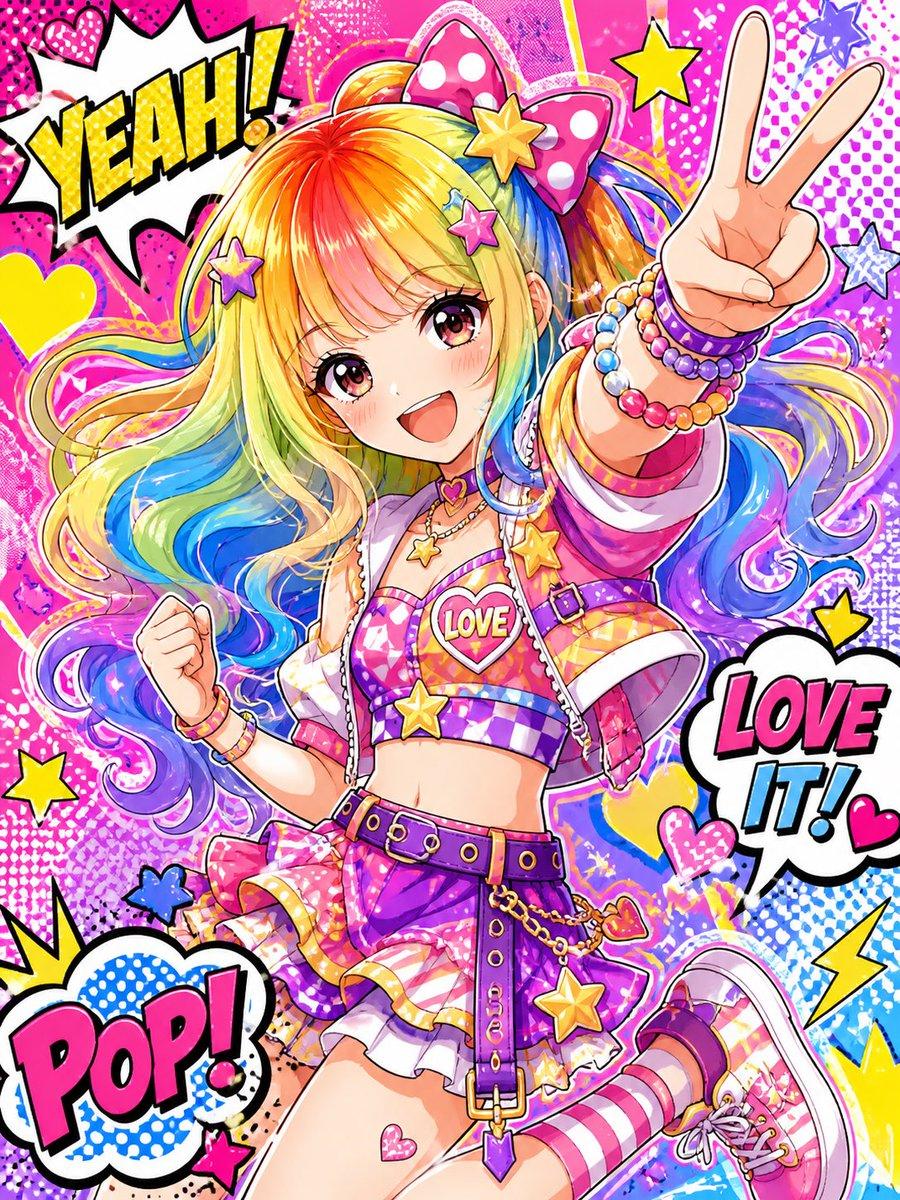
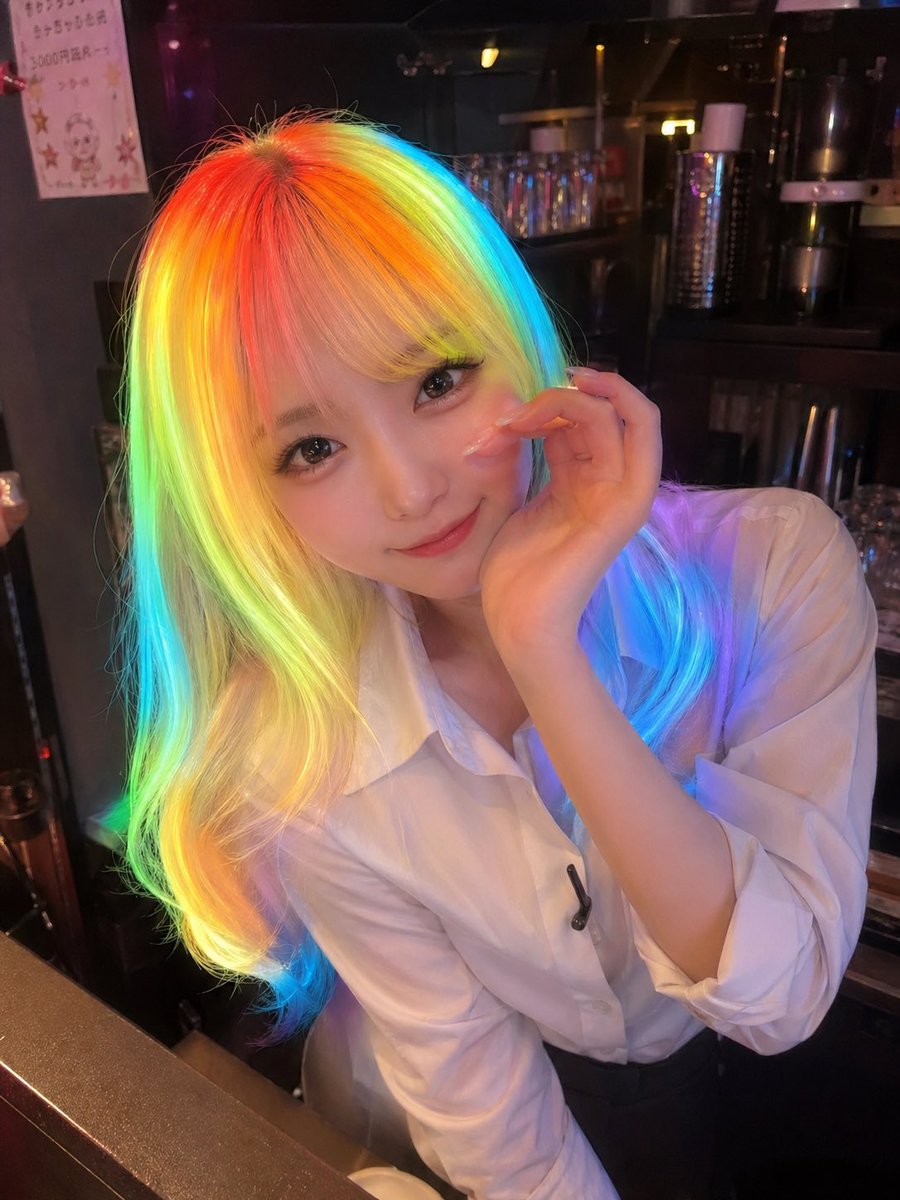
Using the provided reference image as the character base, transform it into a high-energy tall-proportioned shoujo/anime idol illustration. Preserve the rainbow hair as the key identity feature, but redraw the subject in a dynamic pop-star pose: one hand making a peace sign toward the viewer and the other clenched in a cute energetic fist. Replace the real bar setting and plain shirt with a vivid Harajuku idol outfit: pink-and-purple patterned crop top, cropped jacket, frilly mini skirt, wide belt with dangling chains and star charms, striped knee sock, pink sneaker, layered bead bracelets, heart and star jewelry, and a large pink polka-dot bow. Add a saturated comic-pop background filled with halftone dots, hearts, stars, sparkles, paint splashes, and speech-bubble typography. Include exactly 3 comic text bubbles: “YEAH!” in the upper left, “LOVE IT!” on the right, and “POP!” in the lower left. Keep the face area obscured with a plain square censor block like the reference. Use bright glossy colors, thick clean linework, dramatic manga highlights, and a cheerful magazine-cover composition.
Rainbow Hair Shoujo Idol Transformation needs input media to work. Open it in the studio and these load alongside the prompt — pick whichever ones your chosen model can take.
Choose the primary action to open PicX Studio with the available template settings. Review the model and format, personalize the creative direction, and generate when ready.
Yes. You can change the subject, setting, lighting, mood, format, and available model controls before creating your image.
This template is free to open and customize. Generation usage is shown in PicX Studio before you create.
Start with GPT Image 2, which is the model associated with this template. You can compare another compatible model for a different finish.
© 2026 PicX Studio. All rights reserved.

Follow a topic to a crawlable collection of related PicX Studio templates.
43,474 public templates available. Verified via the PicX Studio public templates API; refreshed hourly.






![Minimalist Flat Vector Travel Poster — Premium minimalist flat-vector travel poster for {argument name="city name" default="[CITY_NAME]"}, 3:4 vertical format.](https://cms-assets.youmind.com/media/1787917359711_3ug846_HQX205cbMAA6F6S-300x400.jpg)




















![Caricature Bobblehead Figurine Prompt — Highly detailed caricature figurine of {argument name="subject" default="[SUBJECT]"} as a cute but intense bobblehead-st](https://pbs.twimg.com/media/HA3fq0KboAA5tcT.jpg)





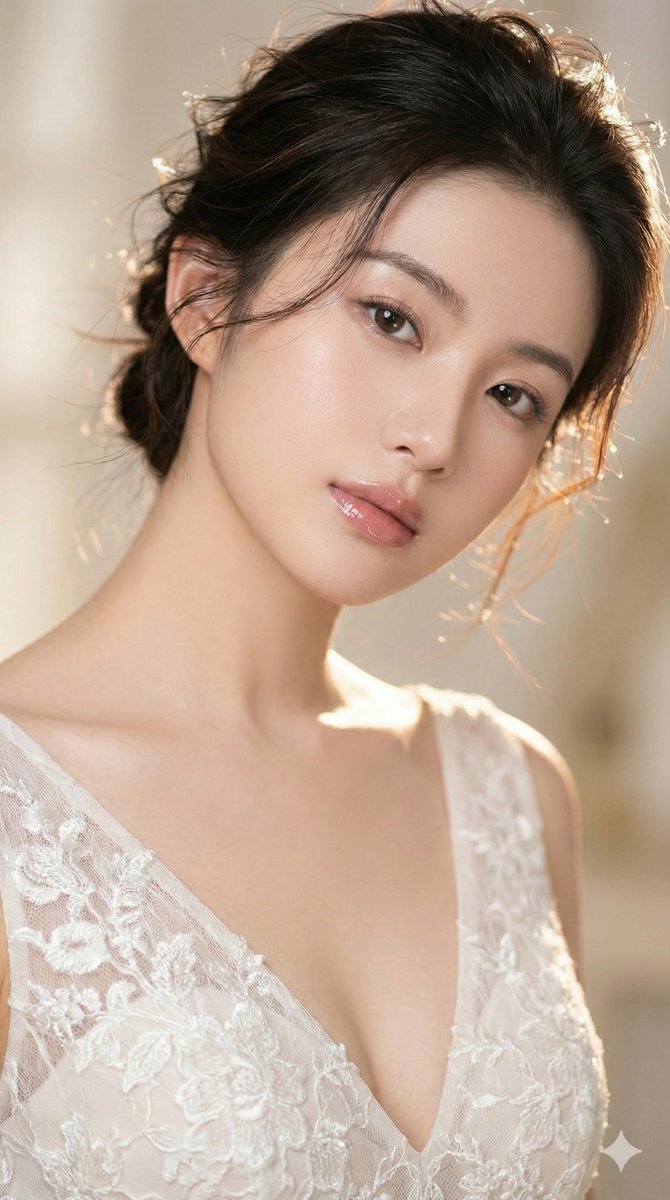

![Monochromatic Ivory Cinematic Portrait — [SUBJECT], contemplative cinematic frame, ultra-realistic film still; soft diffused window light wrapping gently around](https://pbs.twimg.com/media/G9ab356bAAAPE1n.jpg)