
Hyper-Realistic High-Fashion Portrait Prompt for Nano Banana Pro
This is a highly detailed, hierarchical descriptive prompt designed for the Nano Banana Pro model to generate ultra-high-definition, hyper-realistic AI portraits with a high-fashion, Vogue editorial aesthetic.
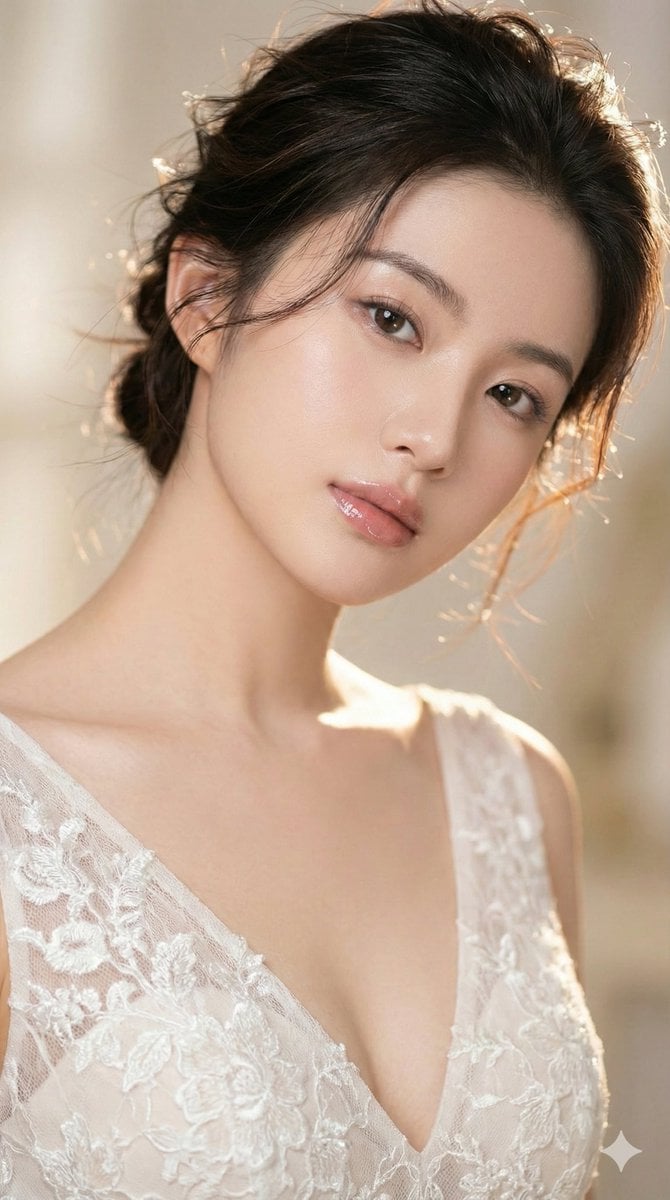
- Prompt included
- Model and format preset
- Premium template
The prompt behind this image
Copy the exact prompt behind Hyper-Realistic High-Fashion Portrait Prompt for Nano Banana Pro, or open it in the studio and make it yours.
{ "prompt_configuration": { "type": "Hierarchical Descriptive Prompt", "output_format": "Ultra-High-Definition Photography", "aspect_ratio": "9:16" }, "compositional_framework": { "camera_profile": { "lens_shot": "85mm prime lens, tight close-up", "angle": "45-degree lateral head tilt", "depth_of_field": "Shallow (f/1.8), creamy bokeh background", "focus_point": "Sharp focus on the iris and eyelashes" }, "lighting_and_atmosphere": { "primary_source": "Soft-box studio lighting, 3-point setup", "secondary_source": "Warm rim lighting highlighting hair texture", "mood": "Ethereal, dreamy, high-fashion aesthetic", "color_palette": "Muted pastels, cream, and natural skin tones" } }, "subject_profile": { "identity": "{argument name="主体身份" default="The person I uploaded"}", "facial_geometry": { "expression": "Serene, dreamy gaze, soft parted lips", "skin_render": "Hyper-realistic texture, visible pores, natural freckles, matte finish", "makeup": { "lips": "High-shine pink-nude glossy lipstick with subtle liner", "eyes": "Meticulously separated long lashes, subtle earth-tone eyeshadow" } }, "hair_physics": { "style": "Soft, elegant messy aesthetic, flowing with movement", "strands": "Individual wispy strands catching the light, overlapping the face", "color": "Signature tone with high-gloss straight highlights", "dynamics": "Windswept effect, creating a sense of motion" } }, "wardrobe_specifications": { "garment": "{argument name="服装款式" default="Avant-garde body-hugging evening gown"}", "textile_detail": "Intricate off-white lace, floral embroidery patterns", "cut": "Dramatic deep V-neckline", "fit": "Tailored, form-fitting silhouette across the shoulders" }, "technical_fidelity": { "resolution": "8k UHD", "post_processing": "Professional color grading, film grain (subtle), ray-tracing", "quality_tags": [ "Masterpiece", "Photorealistic", "Vogue editorial style", "Intricate details" ] } }
How to use Hyper-Realistic High-Fashion Portrait Prompt for Nano Banana Pro in 3 steps
- 1Upload ImagePNG, JPG or paste
Add your photo
Upload the photo the template builds on. The prompt, model and format are already set.
- 2…a portrait of your subject in softgolden-hour light, 85mm…
Personalize
Edit the subject and creative details for your destination.
- 3Generate
Generate
Press Generate — your image is created in PicX Studio, so you can compare it with the original and refine one variable at a time.
More like this
Templates with the same subject, style or setup. Open one to see its prompt.

Nano Banana 2 High Fashion Sports Campai

Nano Banana 2 Editorial Fashion Portrait

Nano Banana Is So Addictive

Nano Banana 2 Perspective Experiment

Gemini Nano Banana 2 Isometric 3d City D

Nano Banana 2

Gemini Nano Banana 2

Nano Banana 2 Gourmet Ice Cream Commerci

Nano Banana Pro Photoreal Playful Couple

Couture Fashion Editorial Woman and Drag

Ive Yujin Fashion Portrait in Blue

B&W Photobooth Expression Grid 4x4 — Nano Banana
Make it yours
Hyper-Realistic High-Fashion Portrait Prompt for Nano Banana Pro works as-is. These are the safest ways to change it without losing the look.
Change one field
Copy a single group, rewrite it, and generate again so you can see what that field is doing.
Keep the frame, change the subject
Hold the composition and light of Hyper-Realistic High-Fashion Portrait Prompt for Nano Banana Pro, then swap wardrobe, props or the person for a new take.
| If the result… | Why | Fix |
|---|---|---|
| The result drifts from the preview | Too many fields changed at once. | Reuse Hyper-Realistic High-Fashion Portrait Prompt for Nano Banana Pro as-is first, then change one group — subject, light, or setting. |
| The model over-stylizes the scene | The prose prompt leaves finish and camera underspecified. | Add one camera or lighting sentence and stay on Nano Banana 2. |
More Nano Banana 2 templates
Other prompts made for Nano Banana 2.

Photorealistic Leaf Shaped Like a Dragon

K-Pop Idol Portrait Grid for Rapid Selection

Poetic Rain Forest Portrait During Golden Hour

Urban Street Portrait with Cartoon Inner Self Duo

Candid Nighttime Photo with Cat Prompt

High-Concept 3D Diorama Generation Prompt

Cinematic Futuristic Studio Portrait Template

Skincare Editorial Photography Collage Prompt

Hyper-Realistic Commercial Product Photography (Splash Effect)

Hyper-Realistic Nightclub Portrait Prompt
More image prompts
Fresh picks from across the catalog.
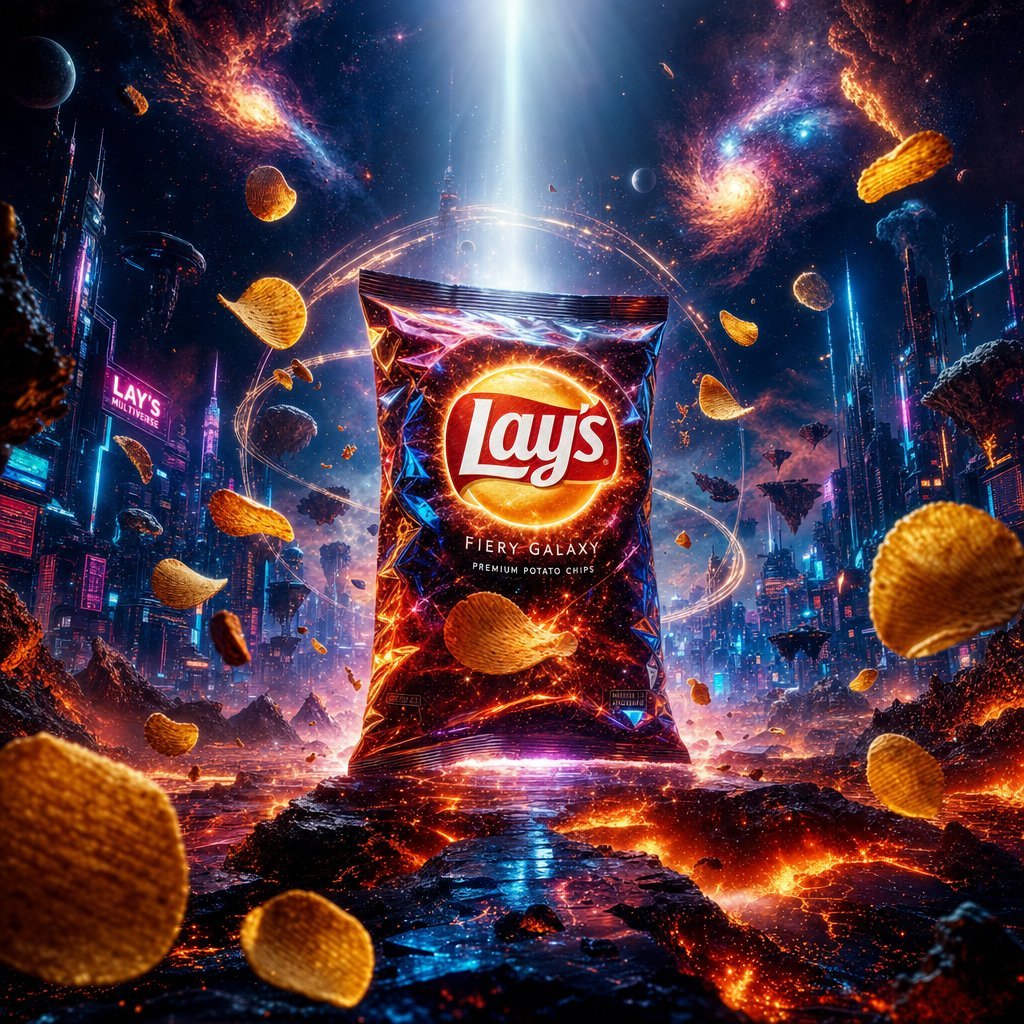
Cinematic Luxury Chip Commercial
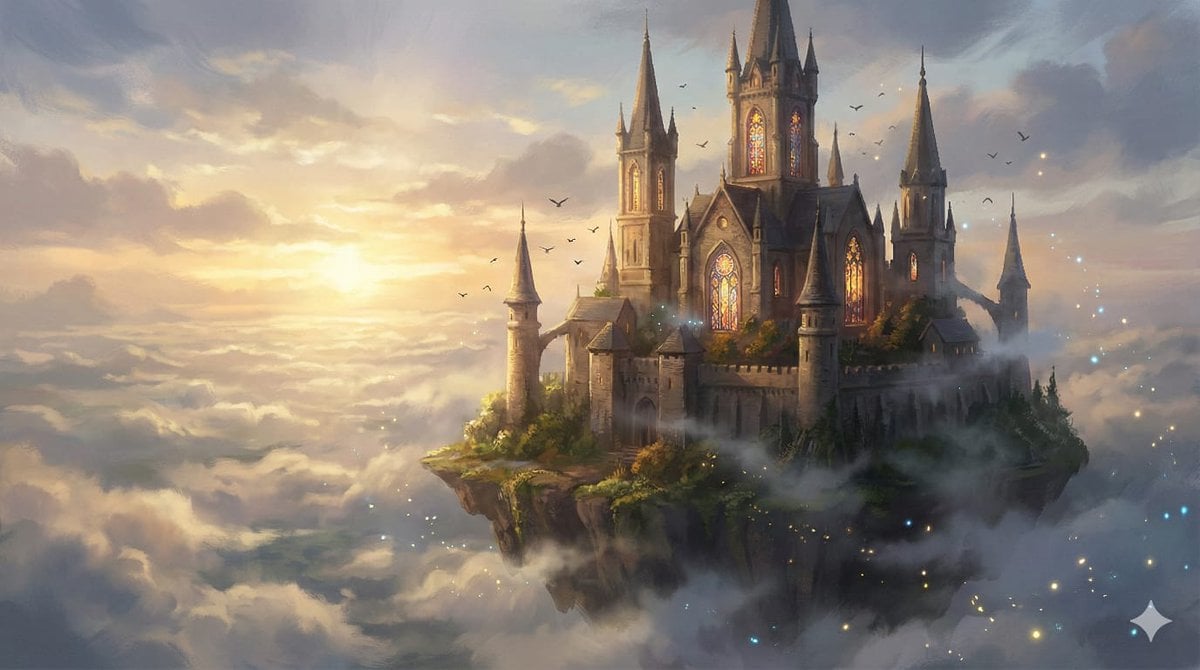
8K Fantasy Illustration of Floating Castle
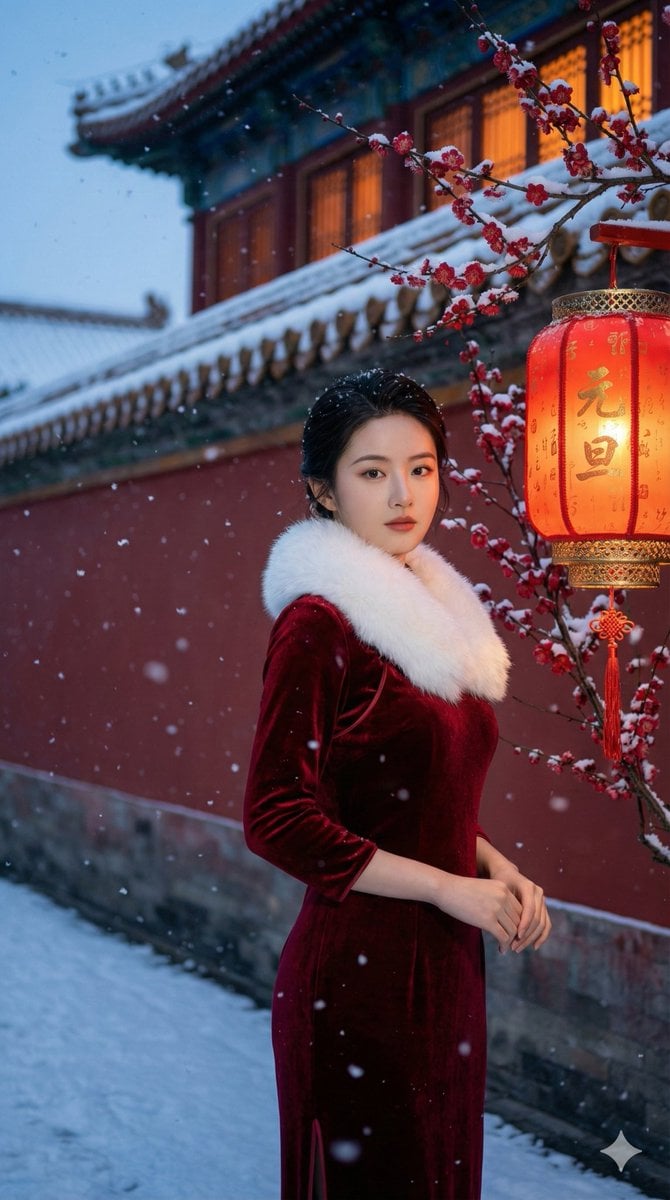
New Year's Day Special: Forbidden City in Snow
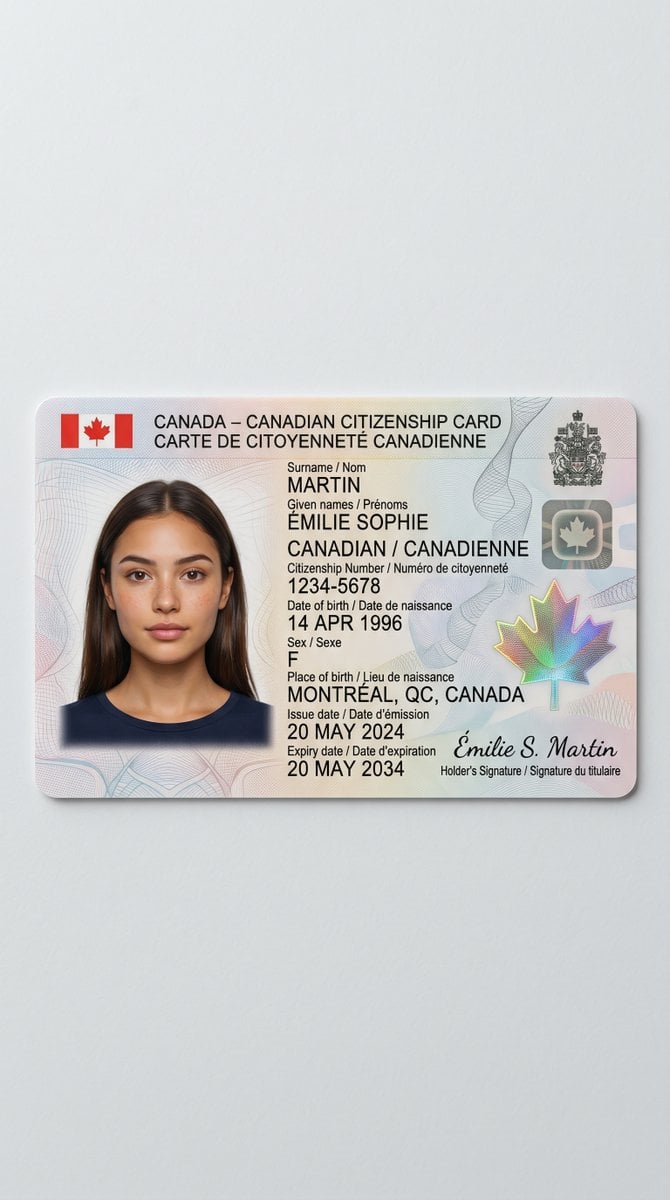
Canadian Citizenship Card Mockup Prompt
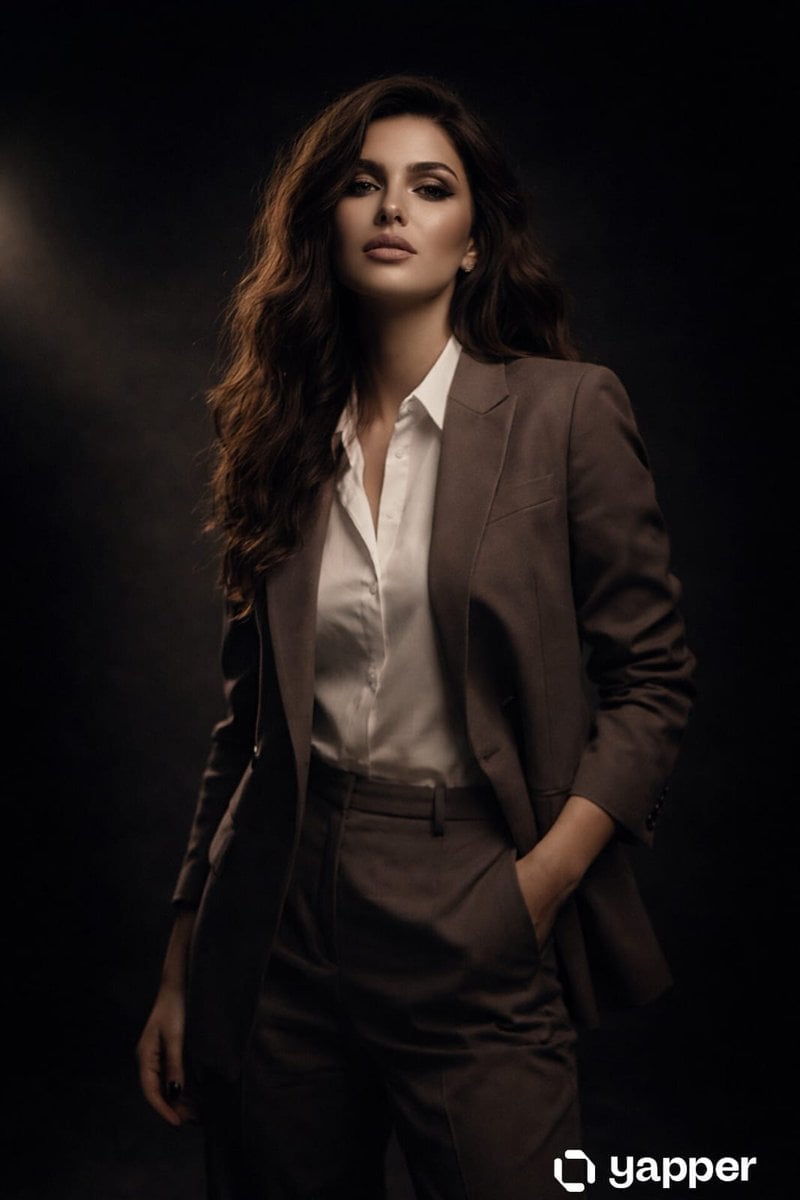
High Fashion Studio Portrait with Dramatic Lighting
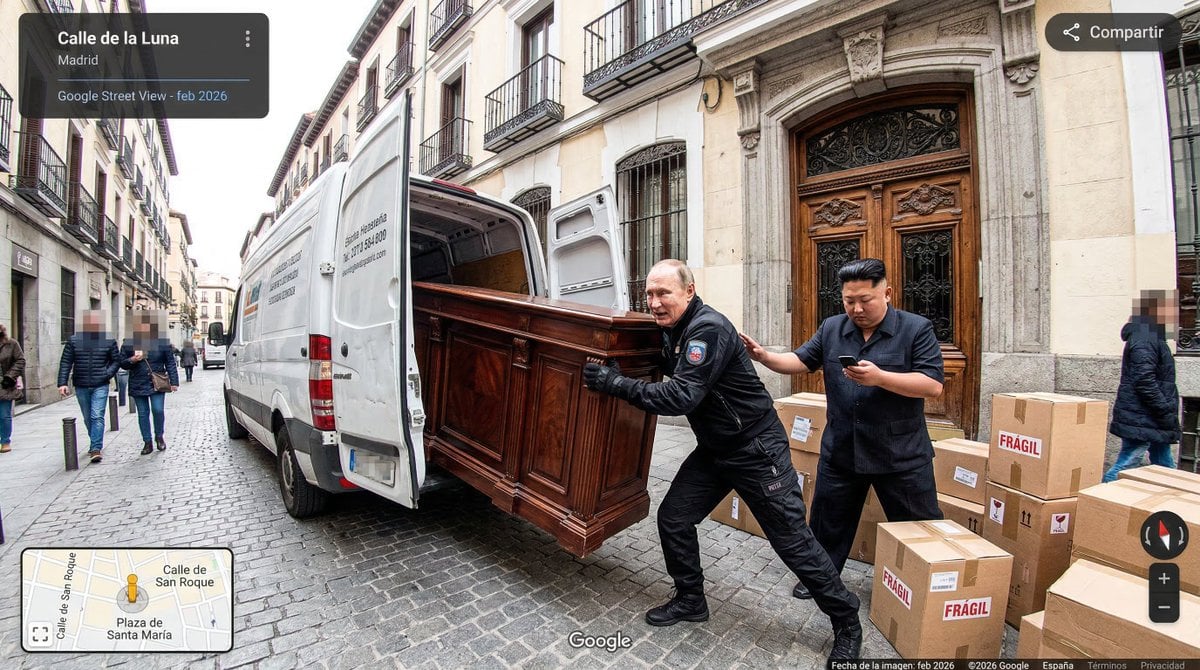
Nano Banana as Google Maps Car Prompt
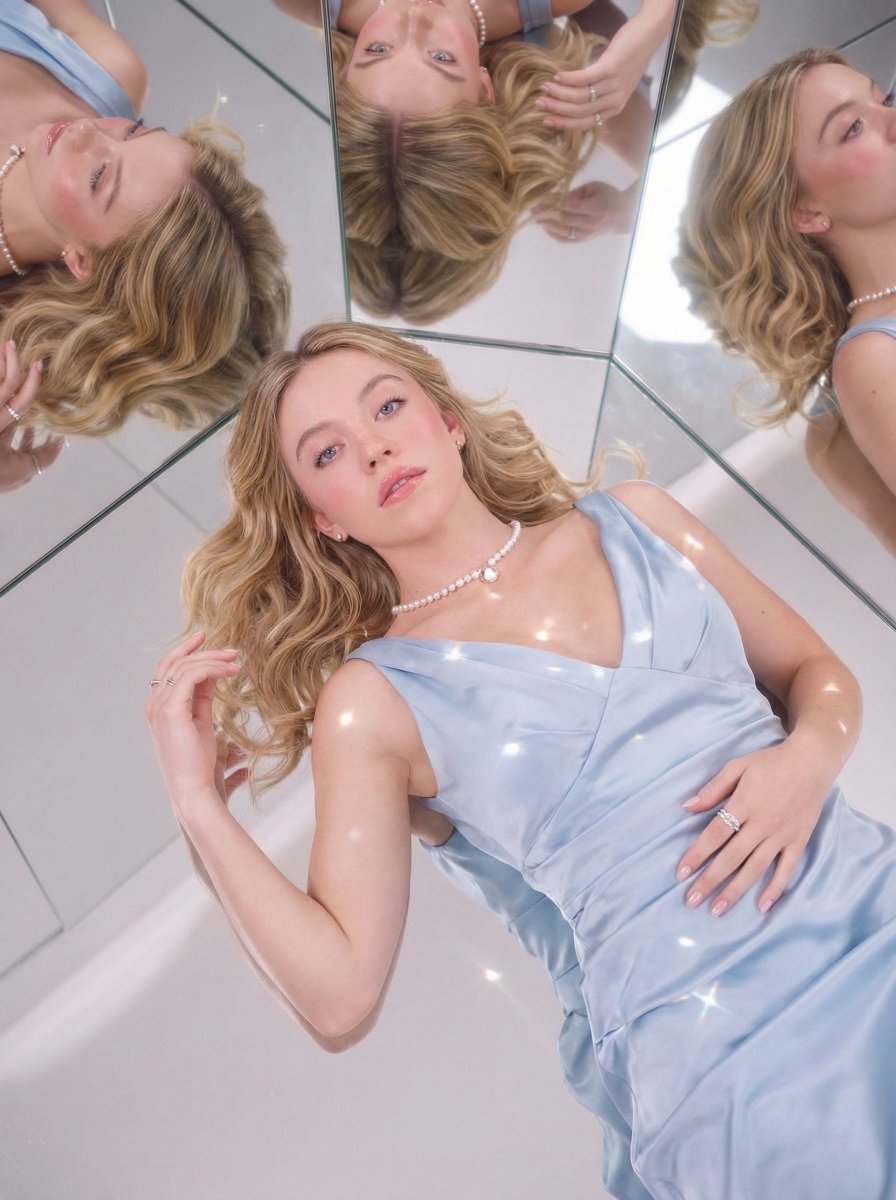
Dreamy Luxury Editorial Reflection Prompt
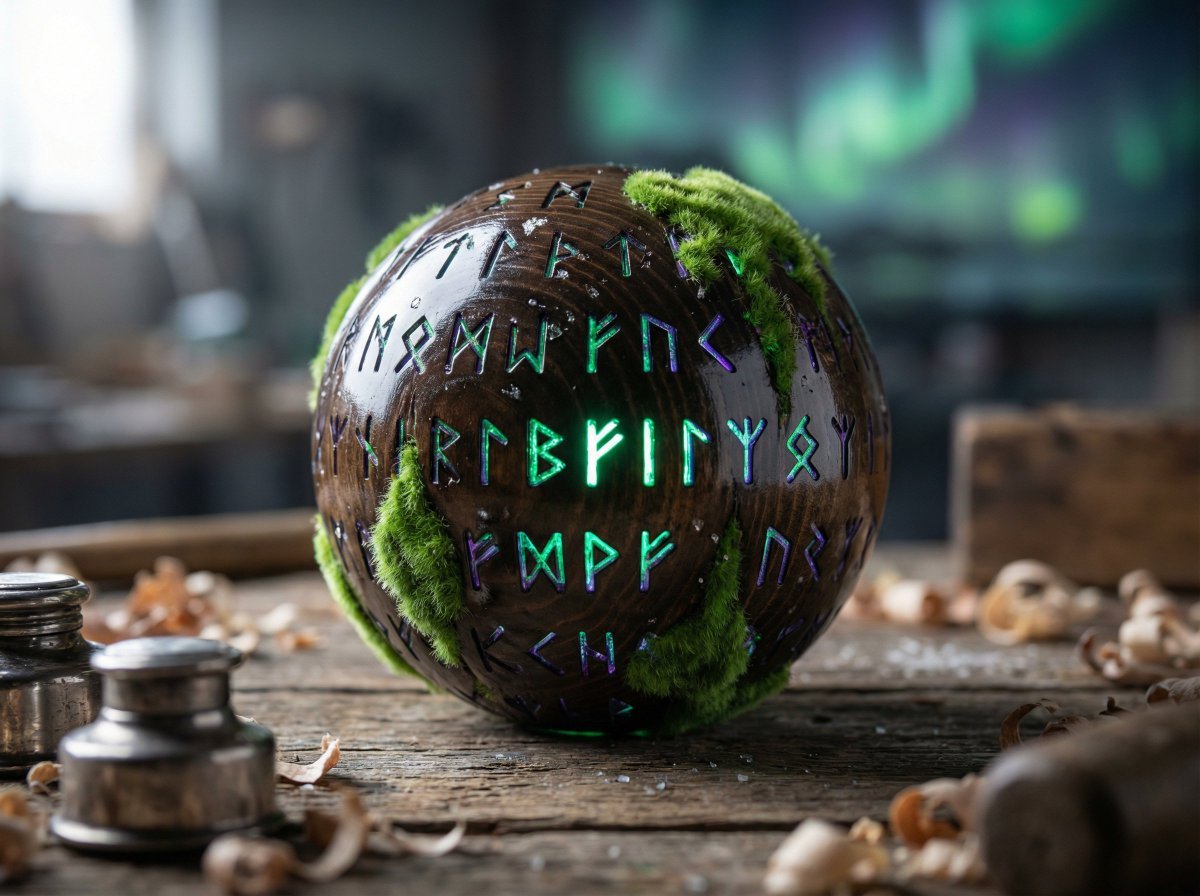
Artisan Toy Product Photography Prompt
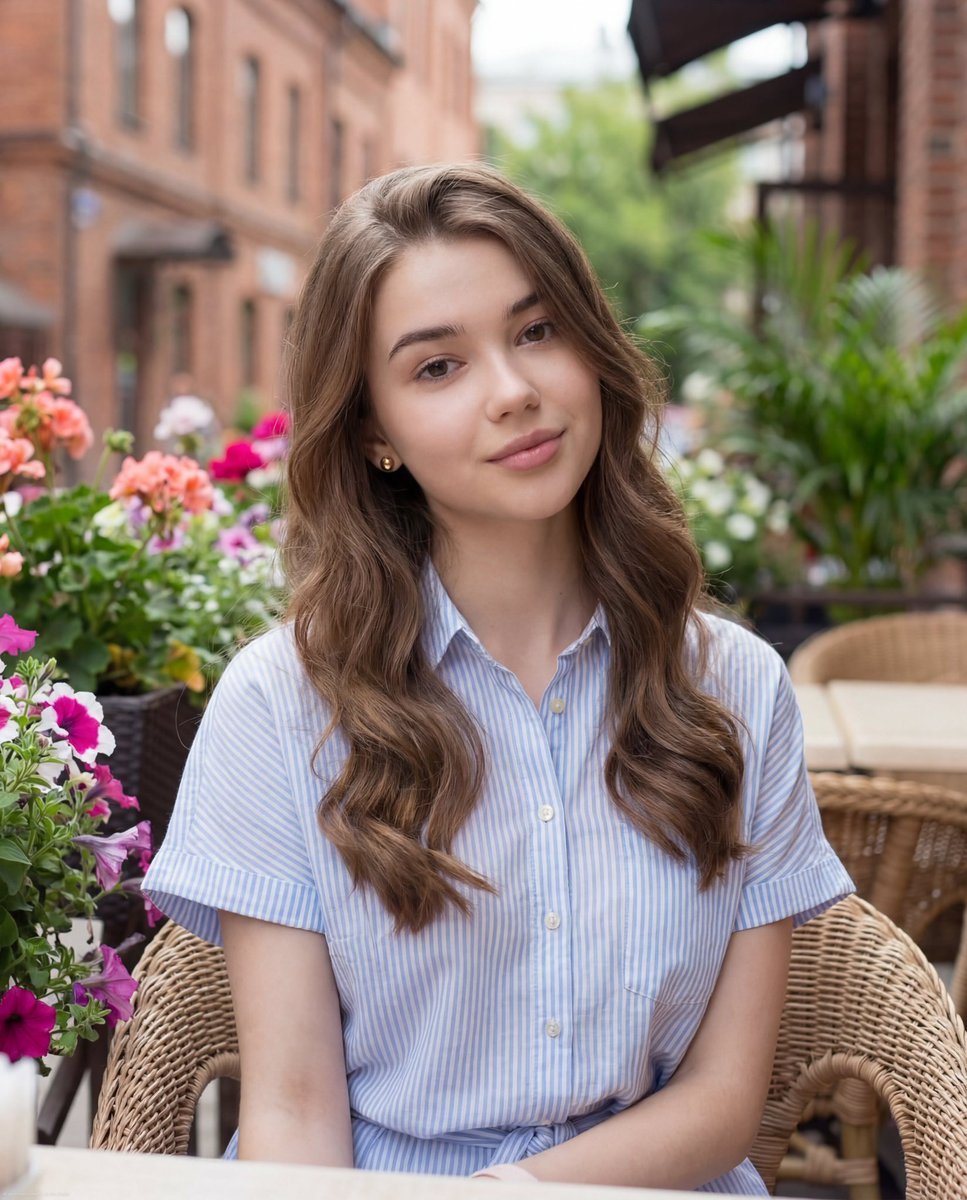
Casual Lifestyle Portrait at Outdoor Café
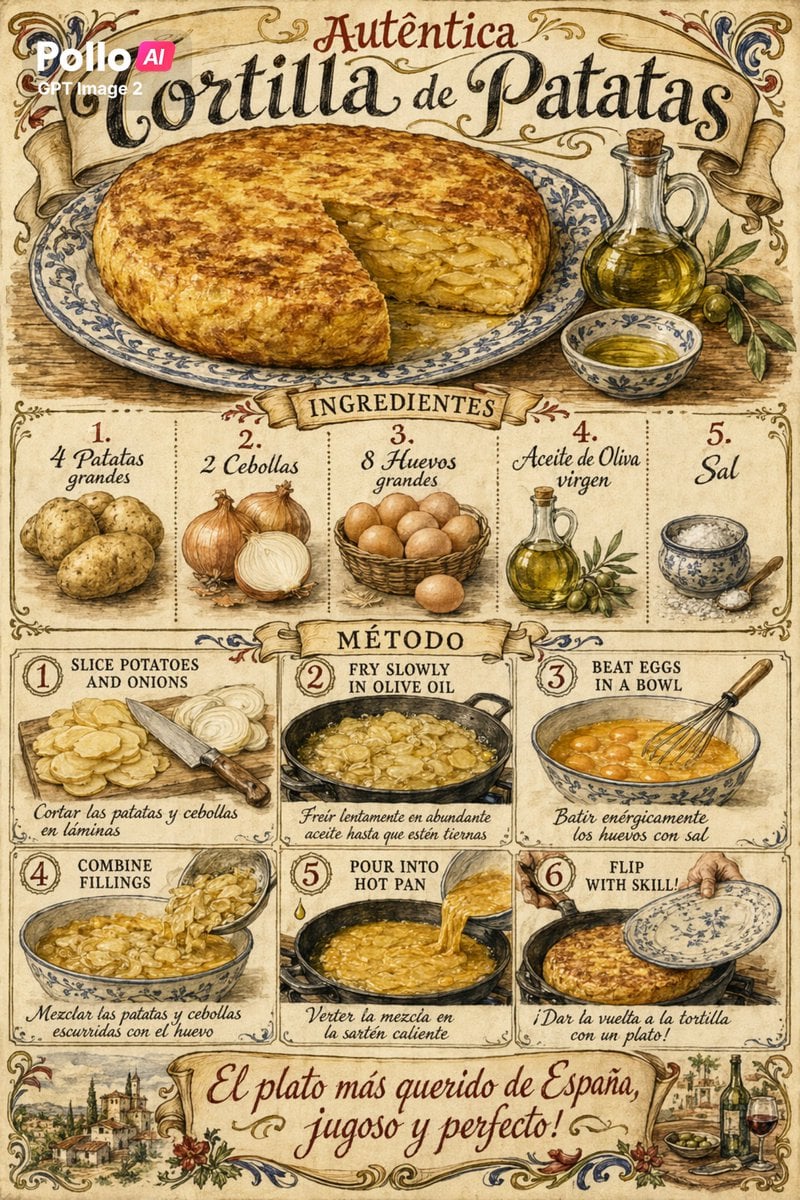
Vintage Spanish Tortilla Recipe Poster
Browse template categories
Hyper-Realistic High-Fashion Portrait Prompt for Nano Banana Pro questions
How do I use the Hyper-Realistic High-Fashion Portrait Prompt for Nano Banana Pro template?
Add your photo if the template asks for one, edit the prompt if you like — the template's model and format are already selected — and press Generate. Your version opens in PicX Studio.
Can I customize the Hyper-Realistic High-Fashion Portrait Prompt for Nano Banana Pro template?
Yes. You can change the subject, setting, lighting, mood, format, and available model controls before creating your image.
Is the Hyper-Realistic High-Fashion Portrait Prompt for Nano Banana Pro template free?
Opening and editing this template is free. Generating uses credits, shown on the Generate button when you are signed in.
Which AI model should I use?
Start with Nano Banana 2, which is the model associated with this template. You can compare another compatible model for a different finish.
Looking for something else? Browse all templates.

Your photo, any look
Thousands of ready templates for every top image and video model, from one credit balance.