
Haircut Regret Manga Page
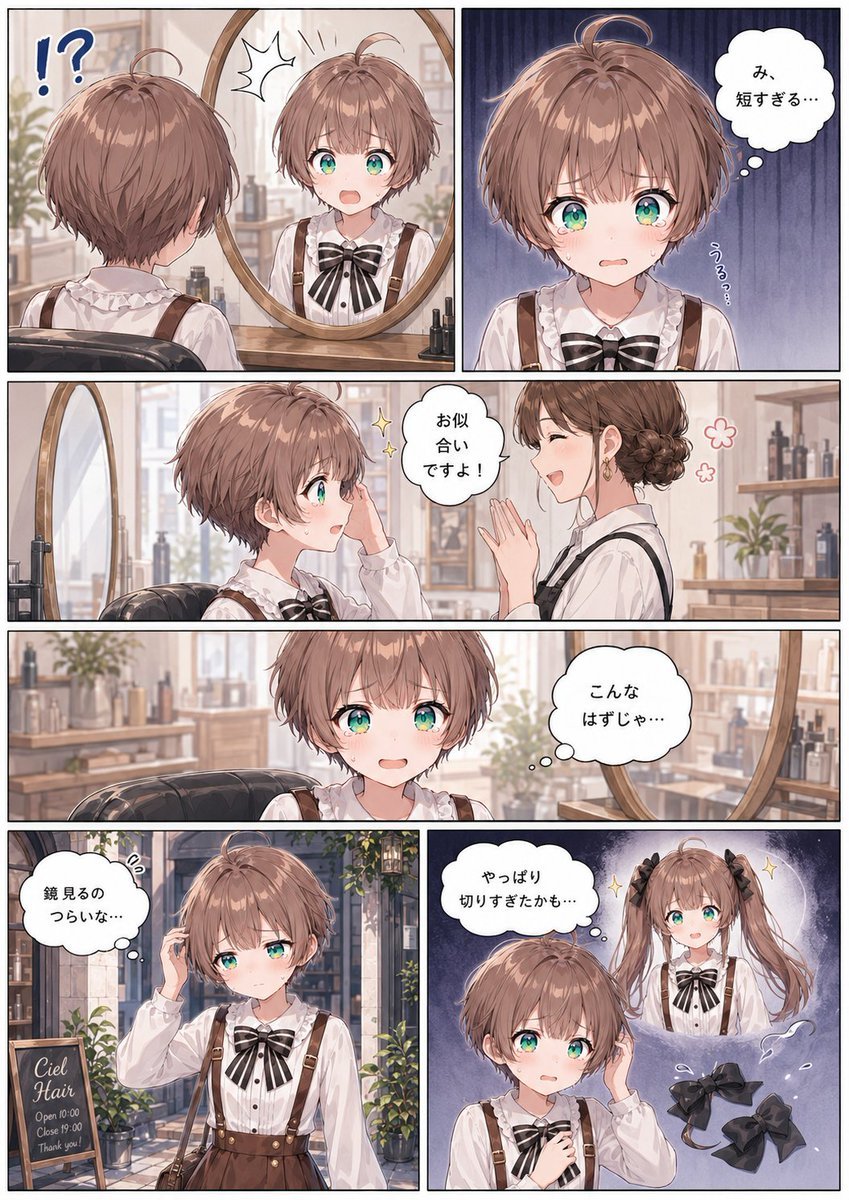
Creates a six-panel Japanese anime manga page about a girl regretting an overly short haircut, suitable for comic-style storytelling.
- Prompt included
- Model and format preset
- Free template
The prompt behind this image
Copy the exact prompt behind Haircut Regret Manga Page, or open it in the studio and make it yours.
Goal: Create a vertical Japanese manga page about a cute girl regretting an overly short haircut after visiting a hair salon, in a soft detailed anime style. Canvas: Portrait manga page, approximately 4:5 aspect ratio, with thin black gutters and clean white borders. Use exactly 6 panels: top row has 2 equal panels, middle has 2 full-width horizontal panels stacked, bottom row has 2 equal panels. Character details: Main character is {argument name="character name" default="a young girl"} with large teal-green eyes, flushed cheeks, and {argument name="hair color" default="light chestnut brown"} hair cut into a very short tousled bob/pixie cut with soft bangs and a tiny ahoge curl. She wears a white frilly blouse, a large black-and-white striped ribbon bow at the collar, brown suspender skirt/overalls, and a small brown shoulder bag in the outdoor panel. Her expressions move from shock to embarrassment, sadness, forced composure, and regret. Setting and visual style: A cozy bright hair salon with warm wooden furniture, round mirror, salon chair, shelves of bottles, plants, soft daylight, and delicate watercolor-like anime rendering. Use pastel colors, thin clean line art, expressive shoujo manga faces, gentle highlights in the hair and eyes, and subtle screentone/shading. Speech and thought bubbles are white with black outlines and Japanese text. Panel-by-panel layout and content: 1. Top-left panel: Interior salon mirror scene. Show the girl from behind sitting in a salon chair, looking into a round mirror. In the mirror her front-facing reflection is shocked with wide eyes and open mouth after seeing the very short haircut. Add large blue punctuation marks “!?” near the left side and a spiky surprise symbol above the reflection. 2. Top-right panel: Close-up front portrait against a dark bluish vertical emotional background. She looks teary and stunned, cheeks pink, lips trembling. Add one thought bubble with {argument name="short haircut thought" default="み、短すぎる…"} and small vertical trembling text “うる…”. 3. Middle first full-width panel: Side view in the salon. The girl sits looking uncertain while an adult female hairdresser with brown hair in a neat low bun smiles and claps encouragingly. The hairdresser wears a white shirt with dark suspenders/apron. Add sparkle icons and a speech bubble saying {argument name="hairdresser compliment" default="お似合いですよ!"}. 4. Middle second full-width panel: The girl alone in the salon, centered, looking embarrassed and about to cry, with the round mirror and salon shelves in the background. Add a thought bubble saying {argument name="embarrassed thought" default="こんなはずじゃ…"}. 5. Bottom-left panel: Exterior street scene outside the salon entrance with plants and warm storefront details. The girl stands with her shoulder bag, touching her short hair with one hand, eyes downcast and uncomfortable. Include a chalkboard sign that reads exactly: “Ciel Hair / Open 10:00 / Close 19:00 / Thank you!” Add a thought bubble saying “鏡見るのつらいな…”. 6. Bottom-right panel: Dreamy regret panel with dark purple-blue background. The short-haired girl in the foreground touches her head and looks worried. Behind her, show a glowing imagined version of herself with long twin tails tied with black ribbons, smiling confidently. In the lower right, show exactly 2 loose black hair bows floating/fallen as symbolic objects. Add sparkles around the imagined long-haired version and a thought bubble saying {argument name="final regret thought" default="やっぱり切りすぎたかも…"}. Constraints: Use exactly 6 panels, exactly one recurring main girl, one hairdresser, one salon sign, and 2 loose black bows in the final panel. Keep all visible dialogue in Japanese as specified. Do not add extra panels, extra characters, watermarks, logos, or narration boxes.
How to use Haircut Regret Manga Page in 3 steps
- 1Upload ImagePNG, JPG or paste
Add your photo
Upload the photo the template builds on. The prompt, model and format are already set.
- 2…a portrait of your subject in softgolden-hour light, 85mm…
Personalize
Edit the subject and creative details for your destination.
- 3Generate
Generate
Press Generate — your image is created in PicX Studio, so you can compare it with the original and refine one variable at a time.
More like this
Templates with the same subject, style or setup. Open one to see its prompt.

Person from the reference image, with a fade haircut, brown eyes
Editorial Bob Haircut Portrait
Candid Bob Haircut Lifestyle Portrait
Four Haircut Comparison Grid
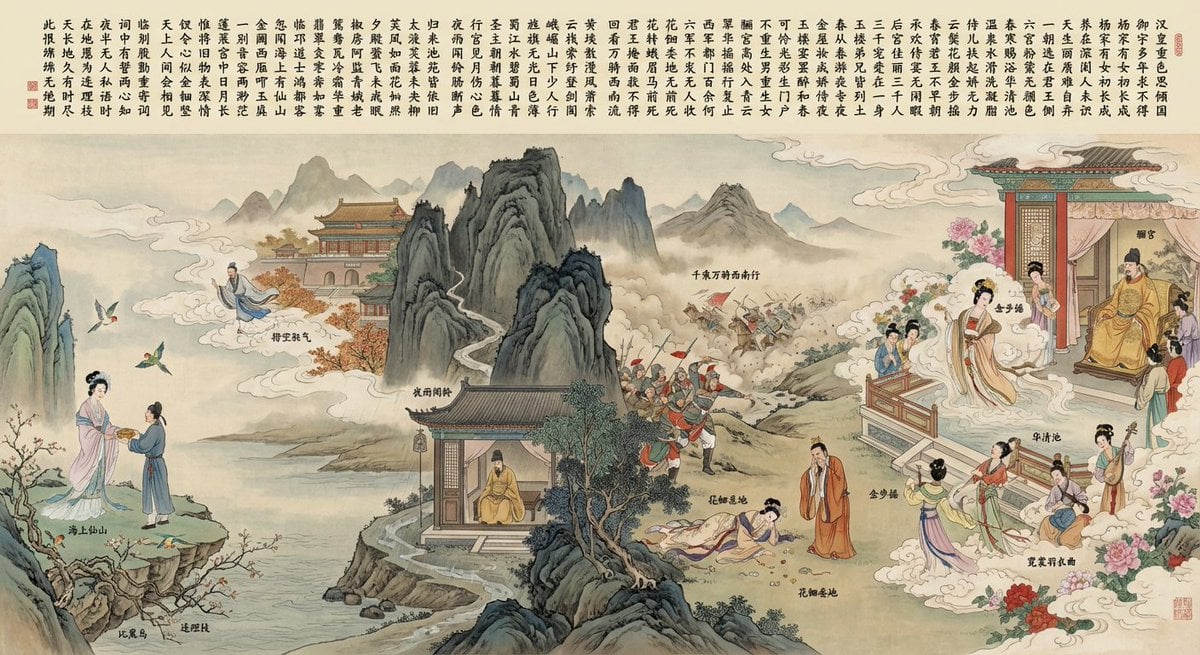
Illustration based on “Song of Everlasting Regret”
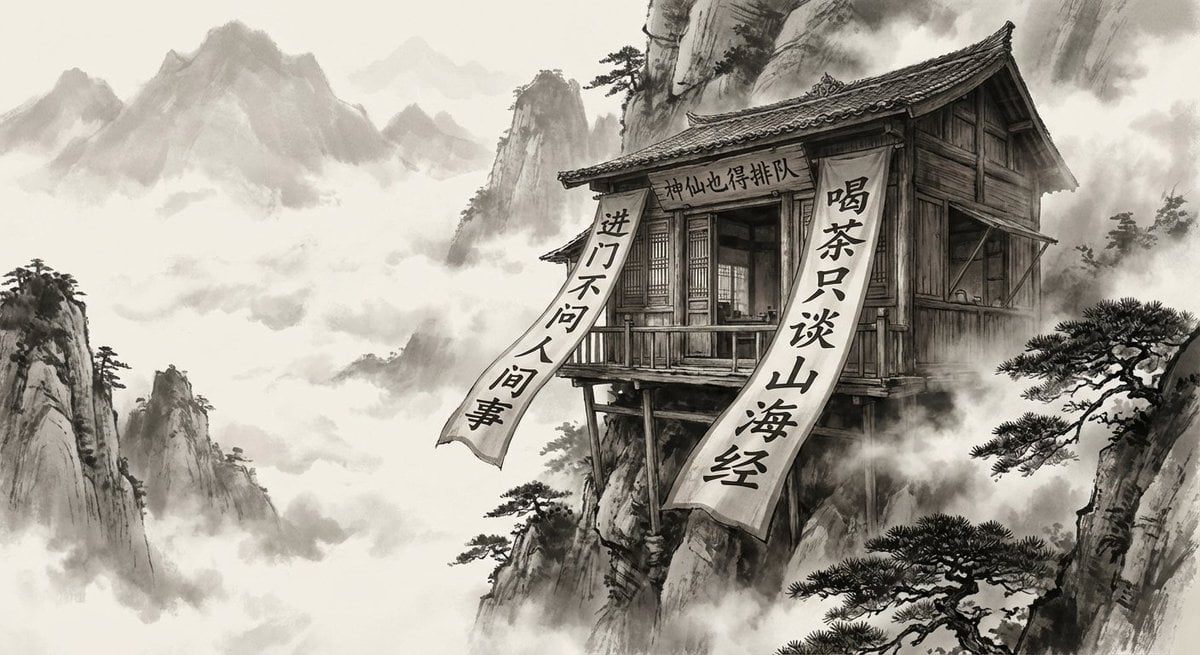
Illustration based on the poem “Song of Everlasting Regret”
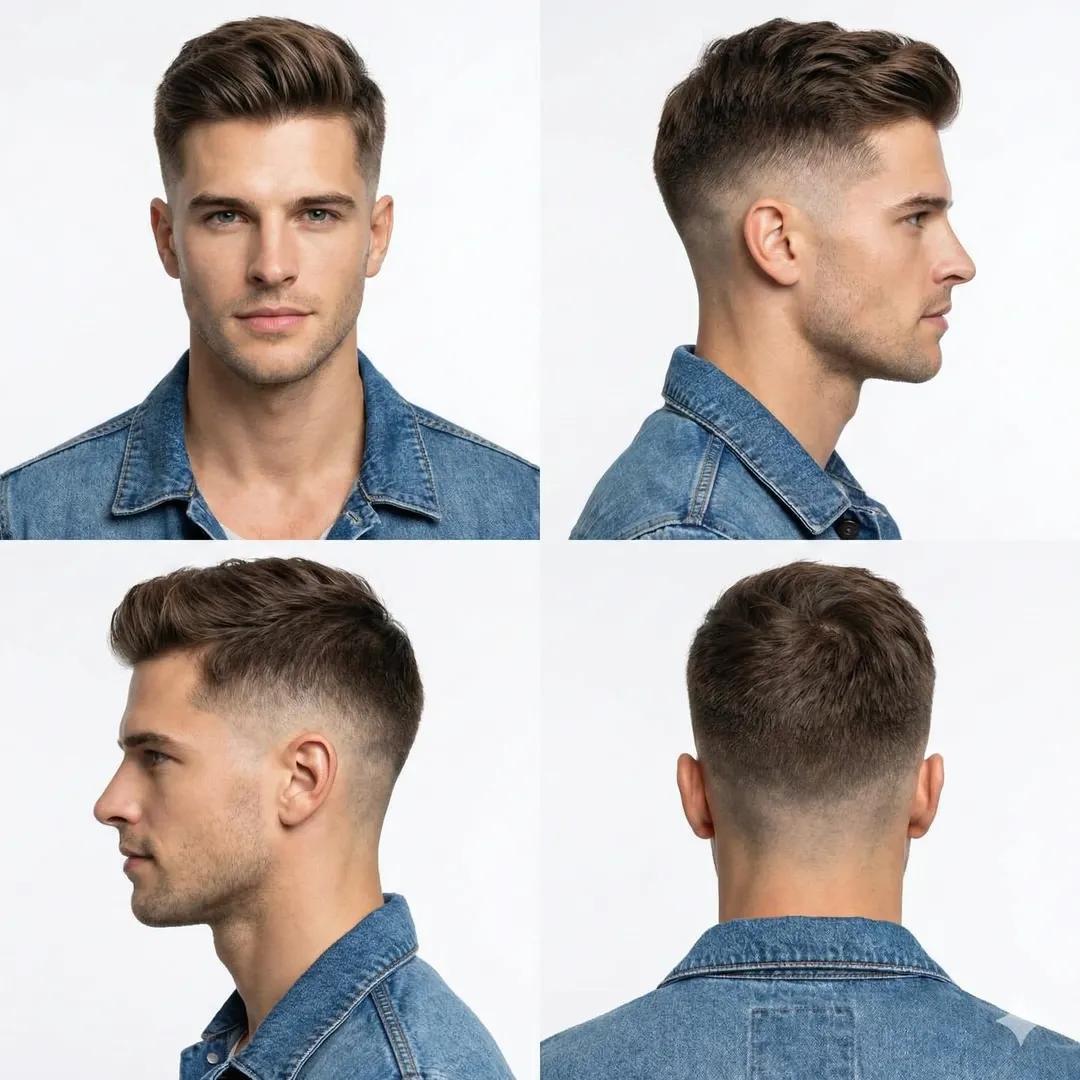
Professional Studio Portrait of a Man with a Skin Fade Haircut
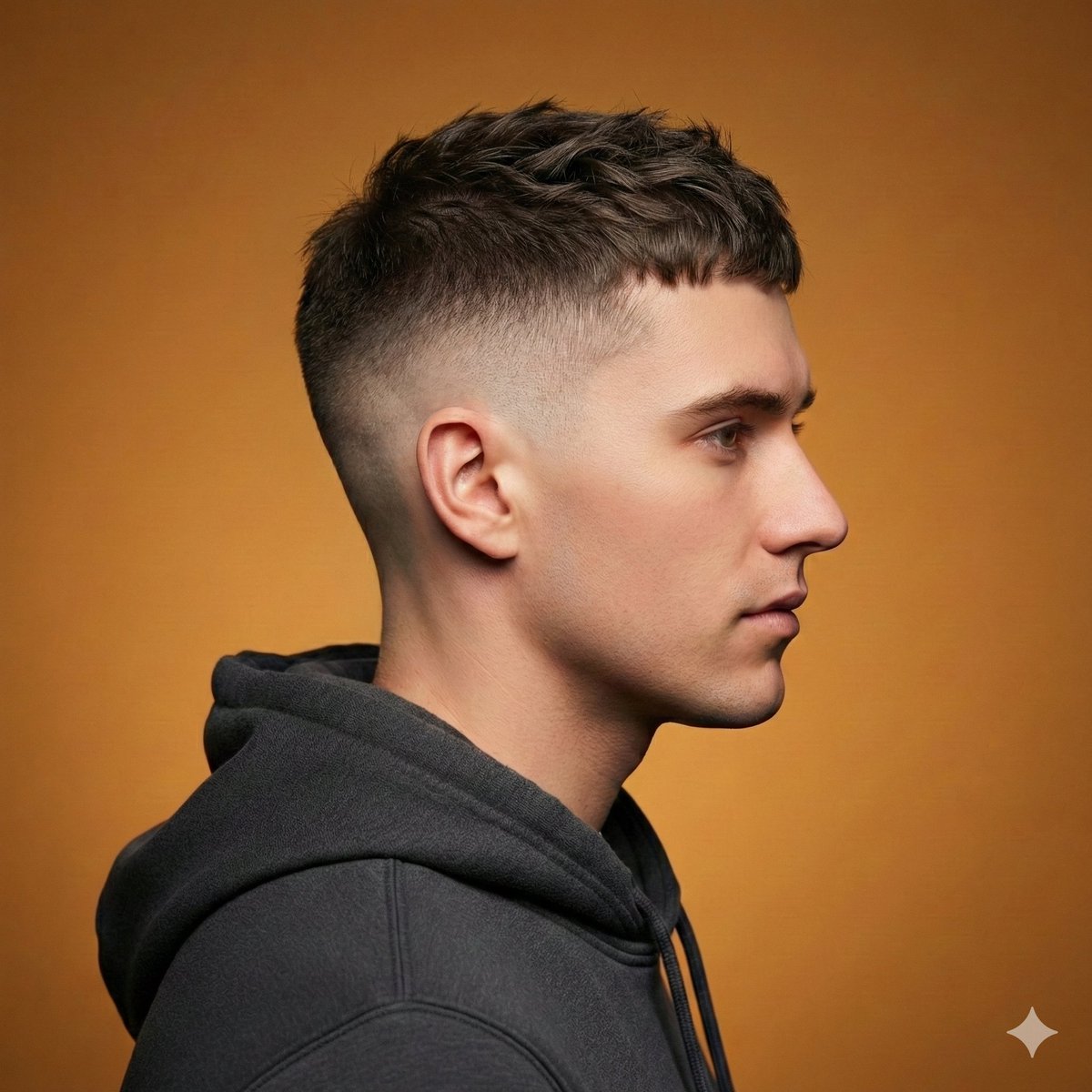
Ultra-Realistic Studio Haircut Portrait
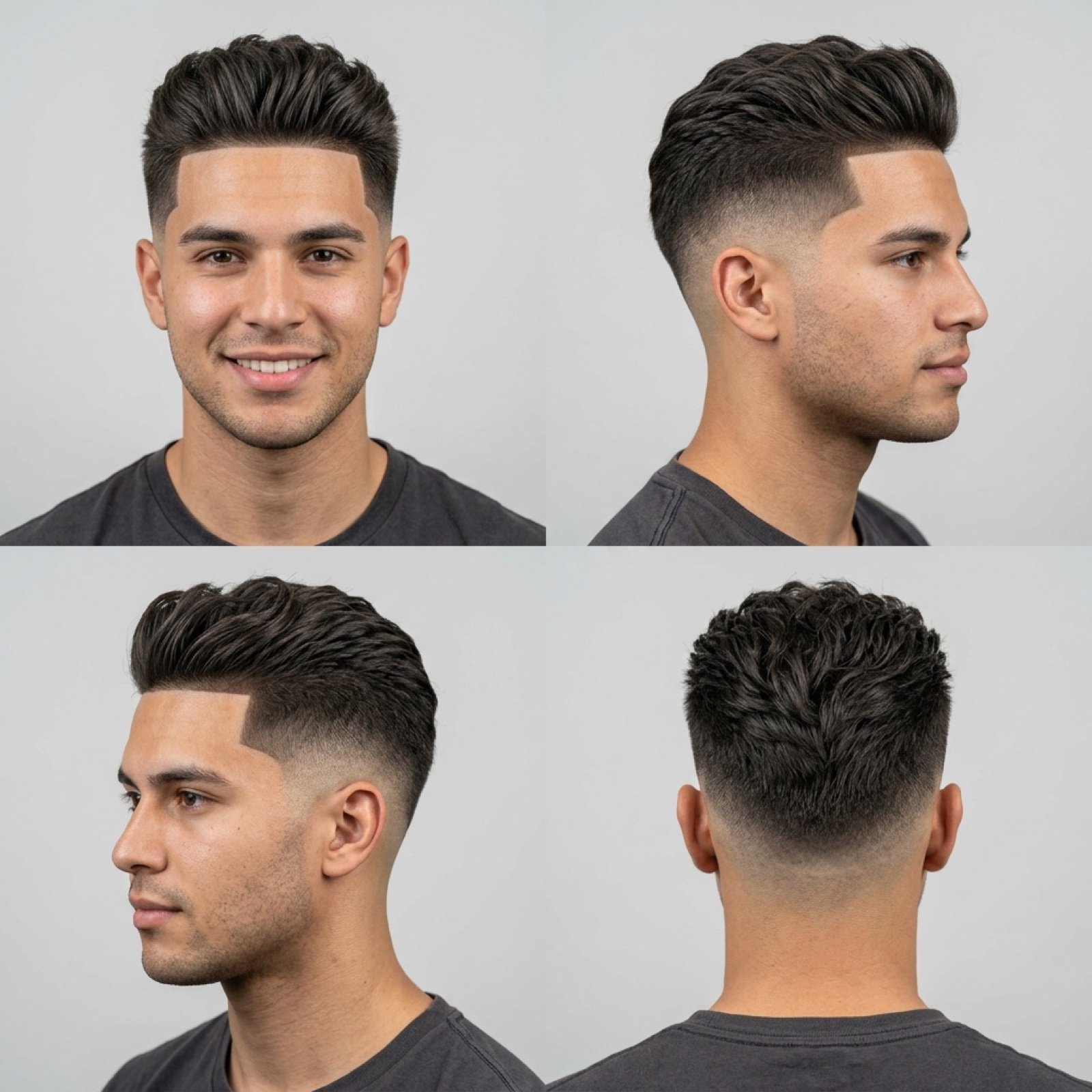
Barbershop Haircut Reference Photo Grid

Quiet Hamster Manga Page

Late-Night Hamster Manga Page

Surreal Noir Hamster Manga Page
Make it yours
Haircut Regret Manga Page works as-is. These are the safest ways to change it without losing the look.
Change one field
Copy a single group, rewrite it, and generate again so you can see what that field is doing.
Keep the frame, change the subject
Hold the composition and light of Haircut Regret Manga Page, then swap wardrobe, props or the person for a new take.
| If the result… | Why | Fix |
|---|---|---|
| The result drifts from the preview | Too many fields changed at once. | Reuse Haircut Regret Manga Page as-is first, then change one group — subject, light, or setting. |
| The model over-stylizes the scene | The prose prompt leaves finish and camera underspecified. | Add one camera or lighting sentence and stay on GPT Image 2. |
More GPT Image 2 templates
Other prompts made for GPT Image 2.

Six VTuber Japanese Logo Sheet

Realistic Portrait of Woman and Deer

The Vista Modular Condo Poster

AI Model Routing Comparison Infographic

2.5D Anime Art Board

Isometric Productivity Desk Scene

New York Double Exposure Poster

Four-Panel AI Landscape Comparison

Japanese Tatami Lifestyle Magazine Cover

NESCAFÉ Coffee Map Poster
More image prompts
Fresh picks from across the catalog.
Ultra-Realistic Portrait of Woman Hugging a Maltese Dog
Surreal Agricultural Civilization Inside a Fruit Prompt
Poetic Realism Portrait with Light and Shadow Interplay
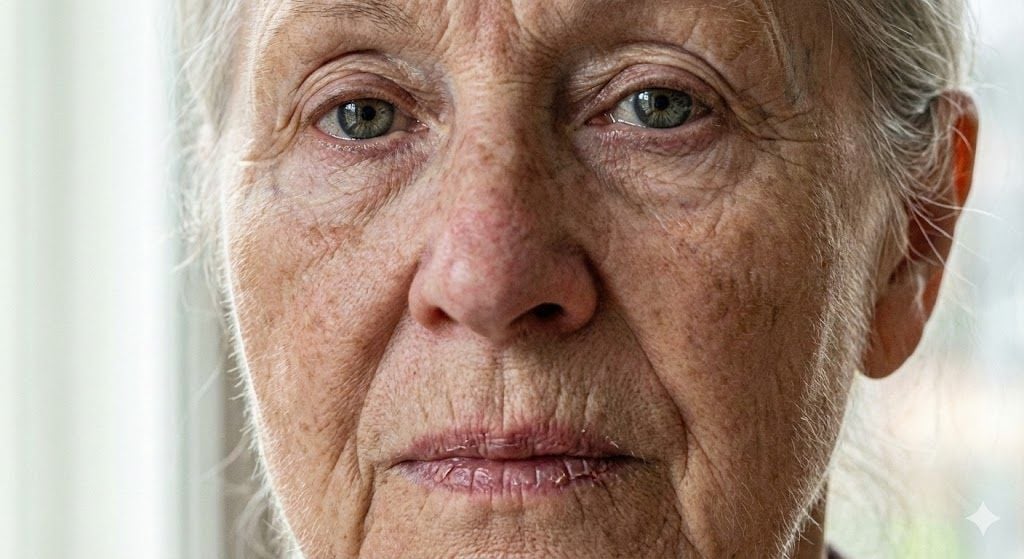
Anti-Plastic/Hyper-Realism Protocol for Human Skin Texture
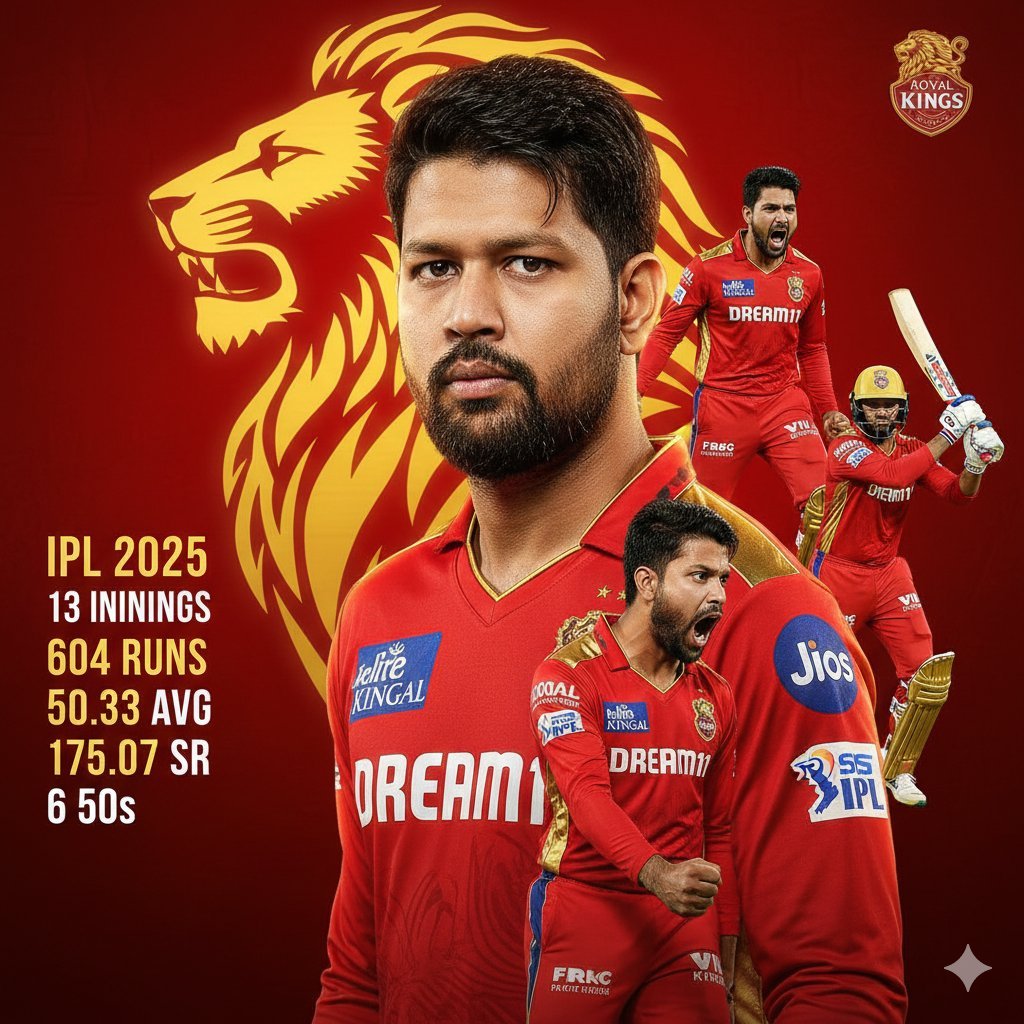
Cricketer Composite Portrait and Stats Graphic

Couple Goals from the Google Gemini Nano
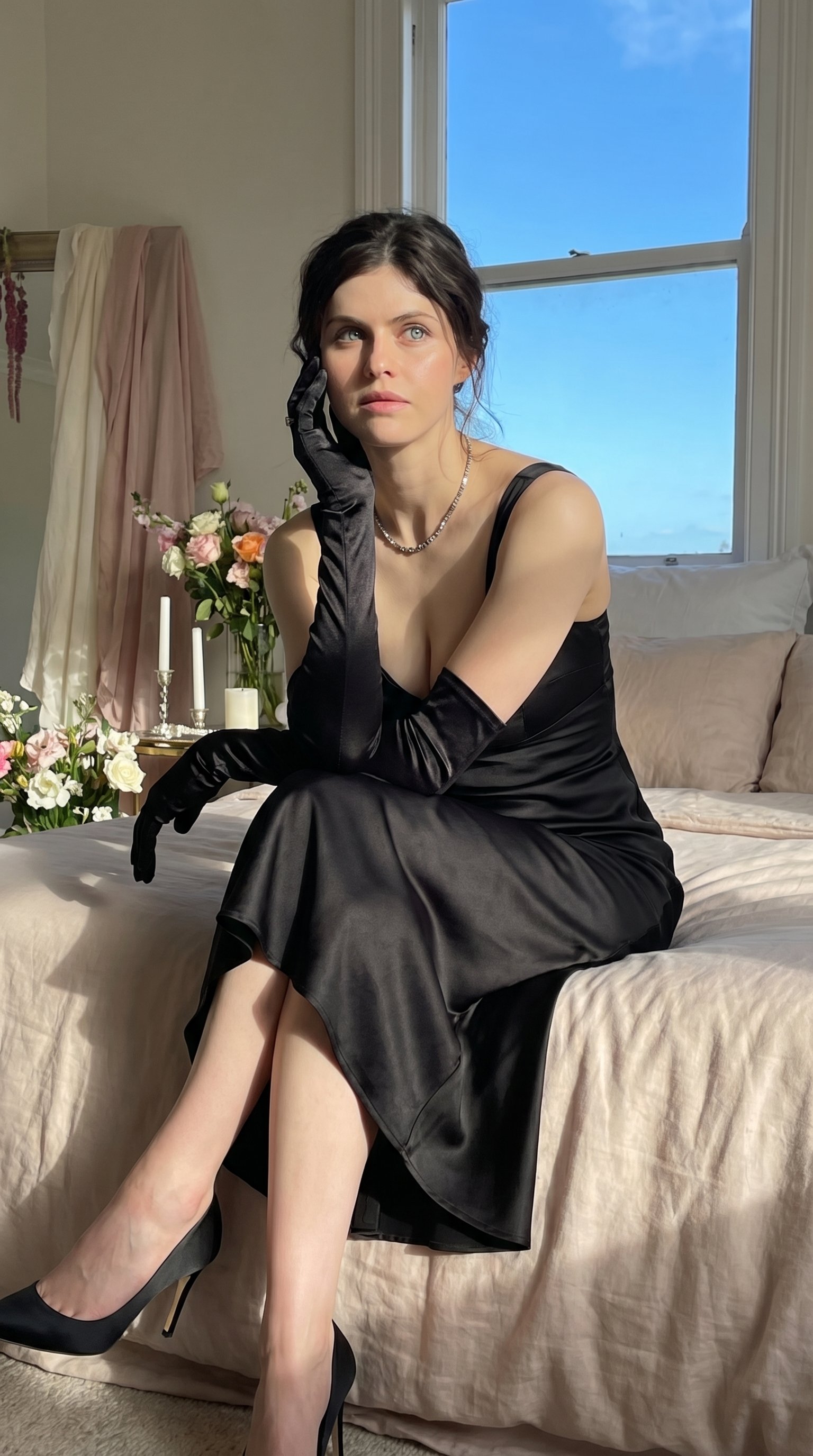
Quiet Luxury - Alexandra Daddario (Nano Banana)

Oil-on-Water Logo Design Prompt

DIY Baby Toy Concept Sheets
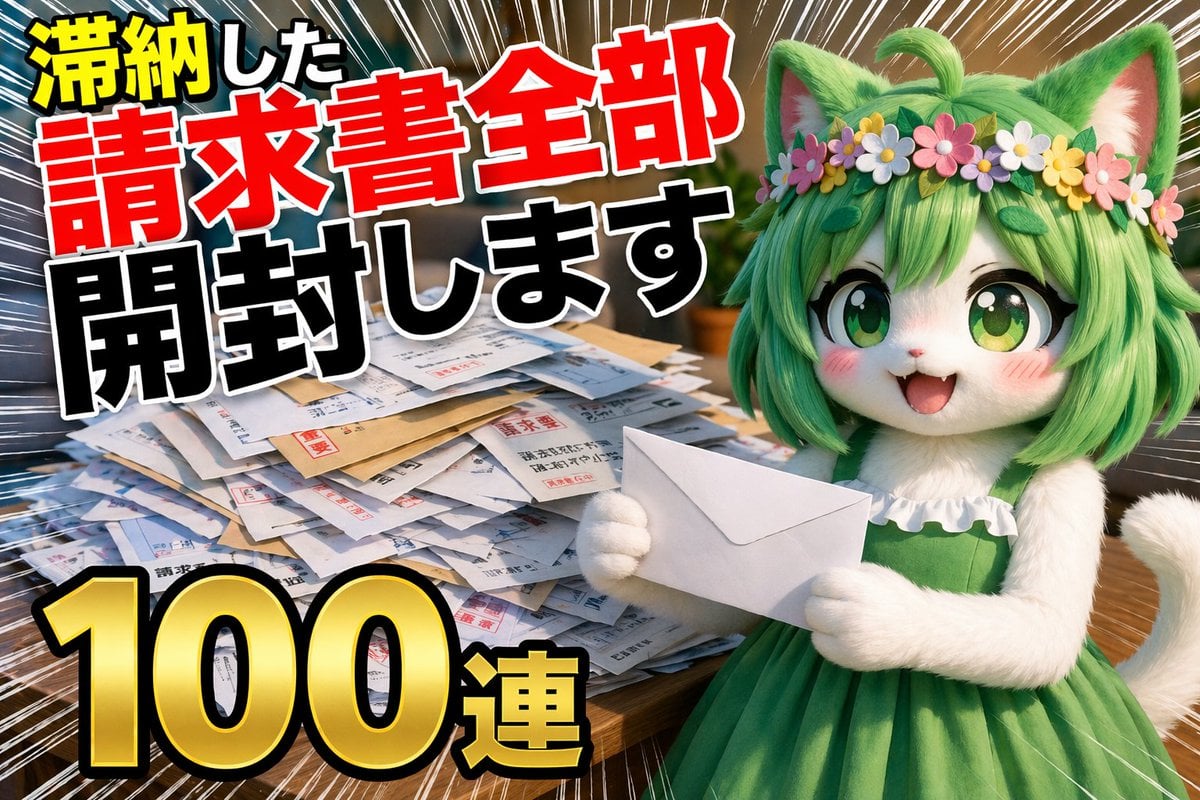
YouTube Unboxing Thumbnail Prompt
Browse template categories
Haircut Regret Manga Page questions
How do I use the Haircut Regret Manga Page template?
Add your photo if the template asks for one, edit the prompt if you like — the template's model and format are already selected — and press Generate. Your version opens in PicX Studio.
Can I customize the Haircut Regret Manga Page template?
Yes. You can change the subject, setting, lighting, mood, format, and available model controls before creating your image.
Is the Haircut Regret Manga Page template free?
Opening and editing this template is free. Generating uses credits, shown on the Generate button when you are signed in.
Which AI model should I use?
Start with GPT Image 2, which is the model associated with this template. You can compare another compatible model for a different finish.
Looking for something else? Browse all templates.

Your photo, any look
Thousands of ready templates for every top image and video model, from one credit balance.