
Person from the reference image, with a fade haircut, brown eyes
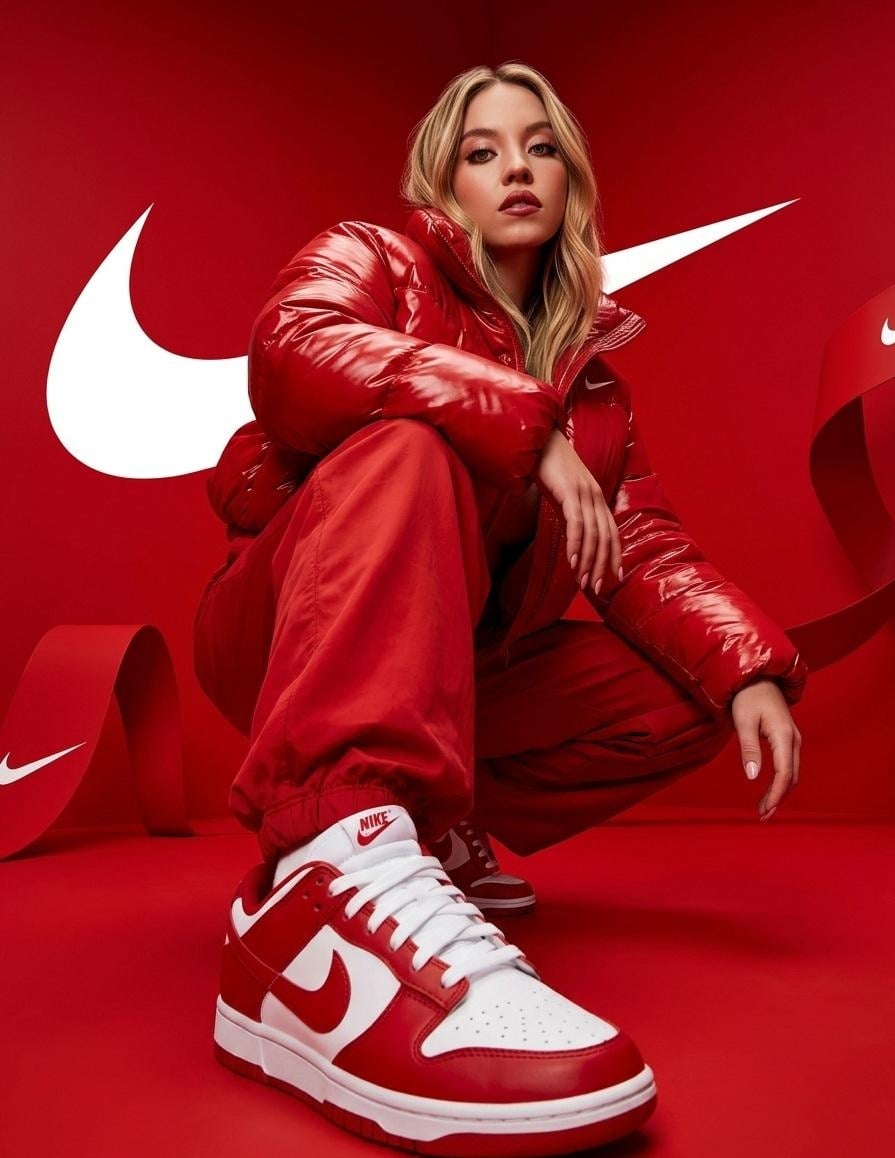
Person from the reference image, with a fade haircut, brown eyes, and a well-groomed short beard, wearing a glossy oversized red puffer jacket and loose red pants with white and red nike sneakers, crouching low with one…
- Prompt included
- Model and format preset
- Free template
The prompt behind this image
Copy the exact prompt behind Person from the reference image, with a fade haircut, brown eyes, or open it in the studio and make it yours.
Person from the reference image, with a fade haircut, brown eyes, and a well-groomed short beard, wearing a glossy oversized red puffer jacket and loose red pants with white and red nike sneakers, crouching low with one knee up and one leg forward, left arm resting casually over the raised knee and right hand relaxed near the other leg, body angled slightly to the side while head tilts forward looking directly at the camera with a confident expression, ultra wide-angle low perspective shot emphasizing the front sneaker appearing large and dominant in the foreground, set in a fully red environment with smooth floor and backdrop featuring large white nike swoosh logos behind and flowing ribbon-like red shapes around, hyper-realistic photography, extremely sharp details on fabric shine and sneaker texture, dramatic studio lighting with strong highlights and soft shadows, saturated monochromatic red color palette with white accents, modern streetwear campaign style, no blur, no distortion, no extra limbs, no artifacts
How to use Person from the reference image, with a fade haircut, brown eyes in 3 steps
- 1Upload ImagePNG, JPG or paste
Add your photo
Upload the photo the template builds on. The prompt, model and format are already set.
- 2…a portrait of your subject in softgolden-hour light, 85mm…
Personalize
Edit the subject and creative details for your destination.
- 3Generate
Generate
Press Generate — your image is created in PicX Studio, so you can compare it with the original and refine one variable at a time.
More like this
Templates with the same subject, style or setup. Open one to see its prompt.

Clean, minimalist fashion infographic from an uploaded reference photo

A hyper-realistic beauty product photograph of a pink jar placed
ChatGPT Image 1 5 Google Veo 3 1
Referenced person into a premium stylized 3D animated character, full
A premium studio product photograph of a tall, slim red aluminum
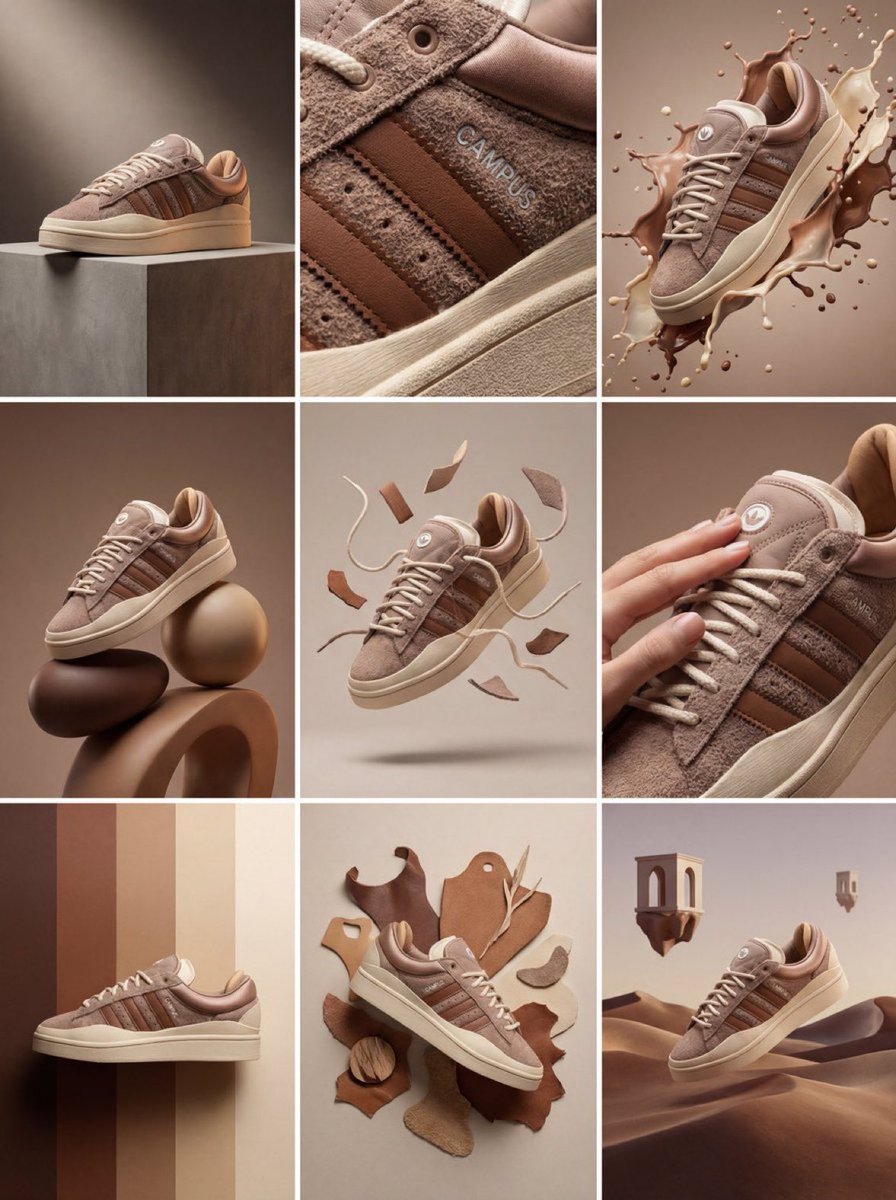
Product & Brand Prompt #1444
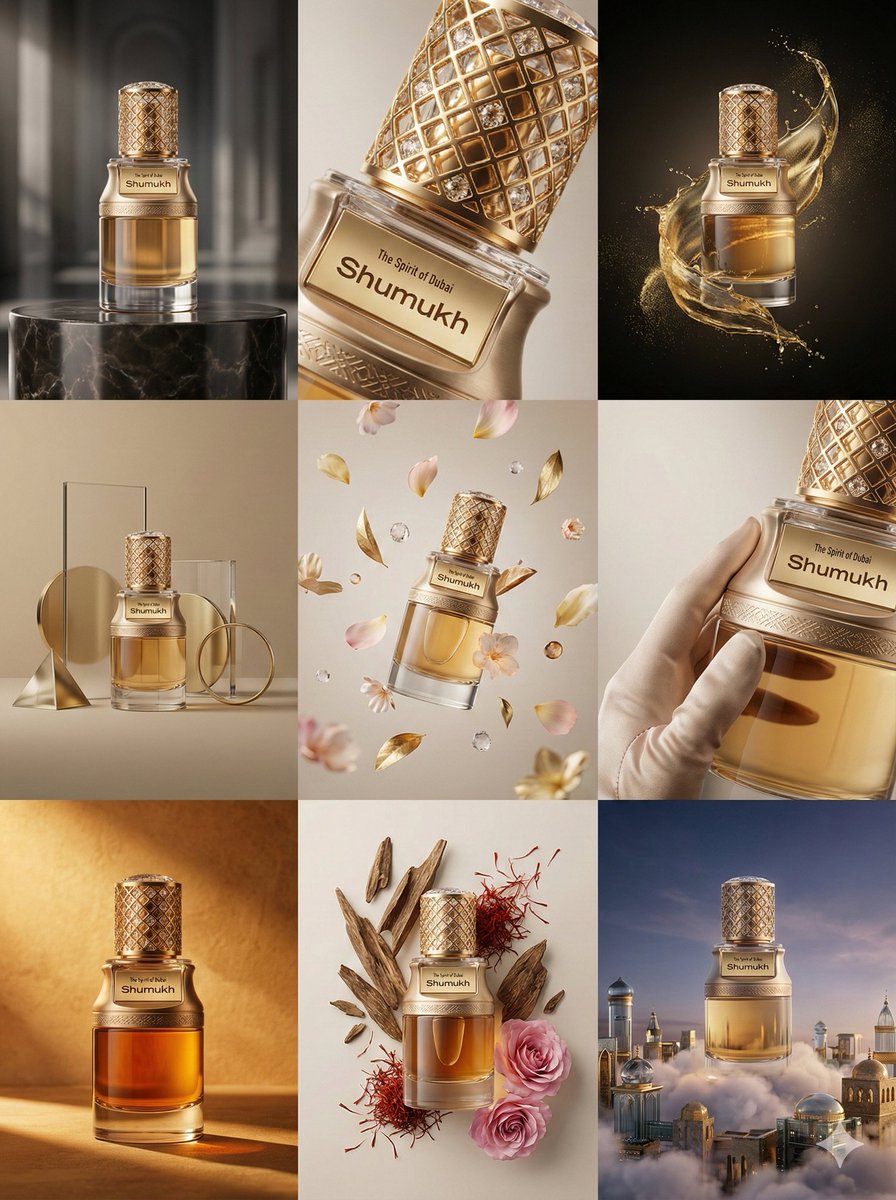
Product & Brand Prompt #569
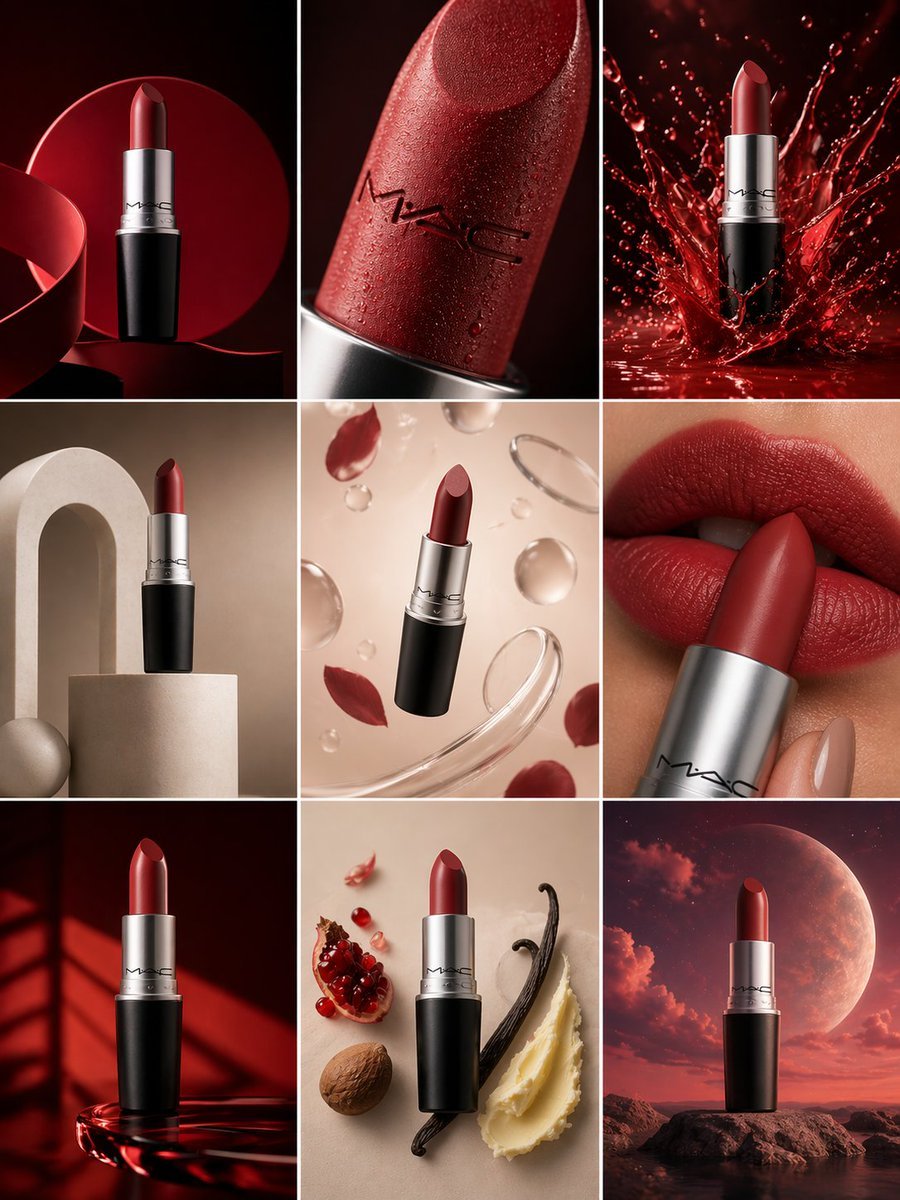
Product & Brand Prompt #285
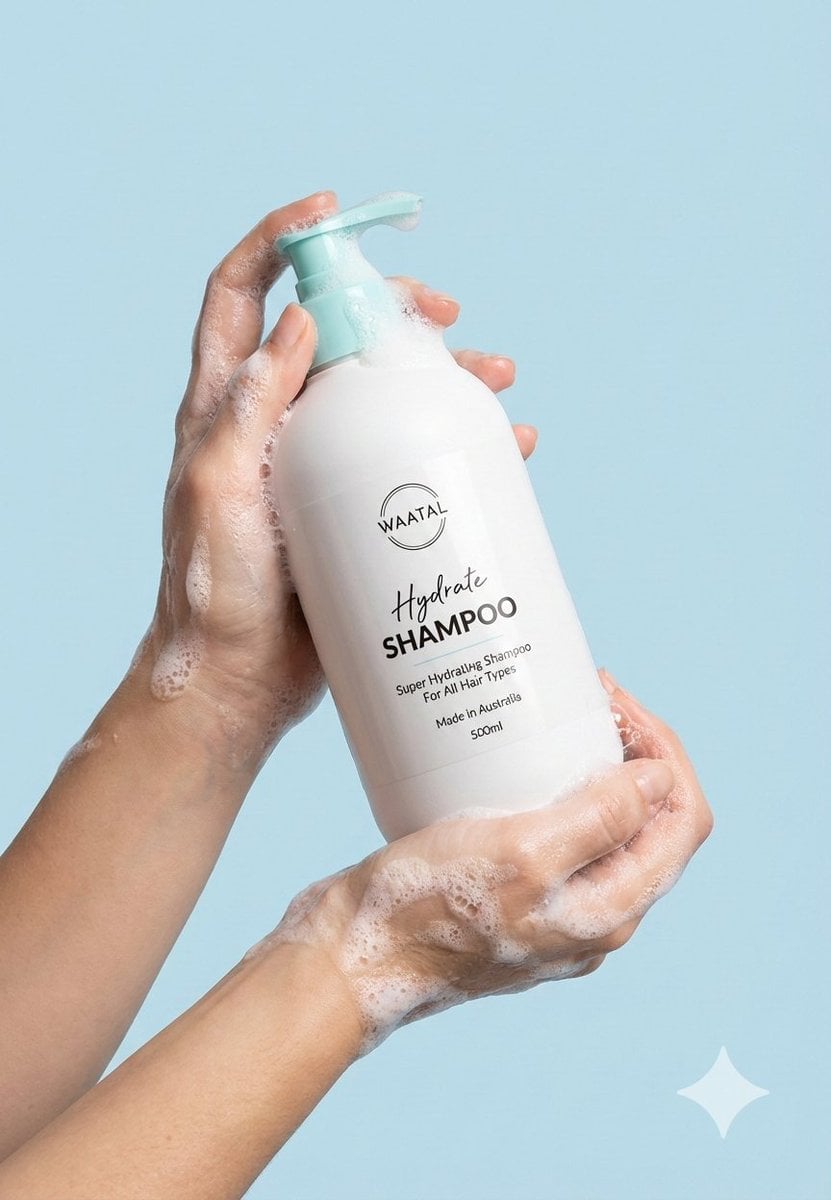
Product & Brand Prompt #953

Act as a Senior Editorial Designer and Typographer
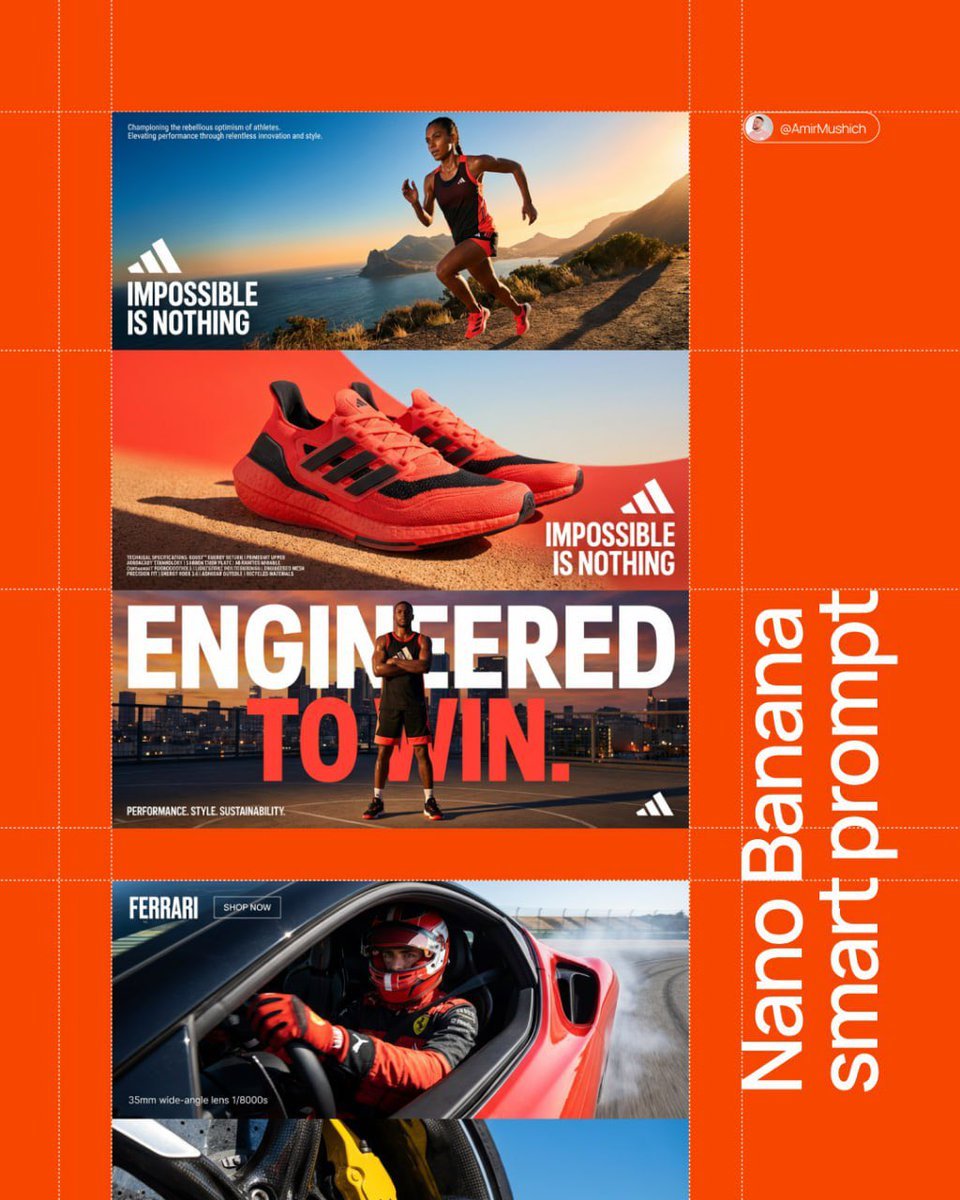
Aesthetic and fill the negative space
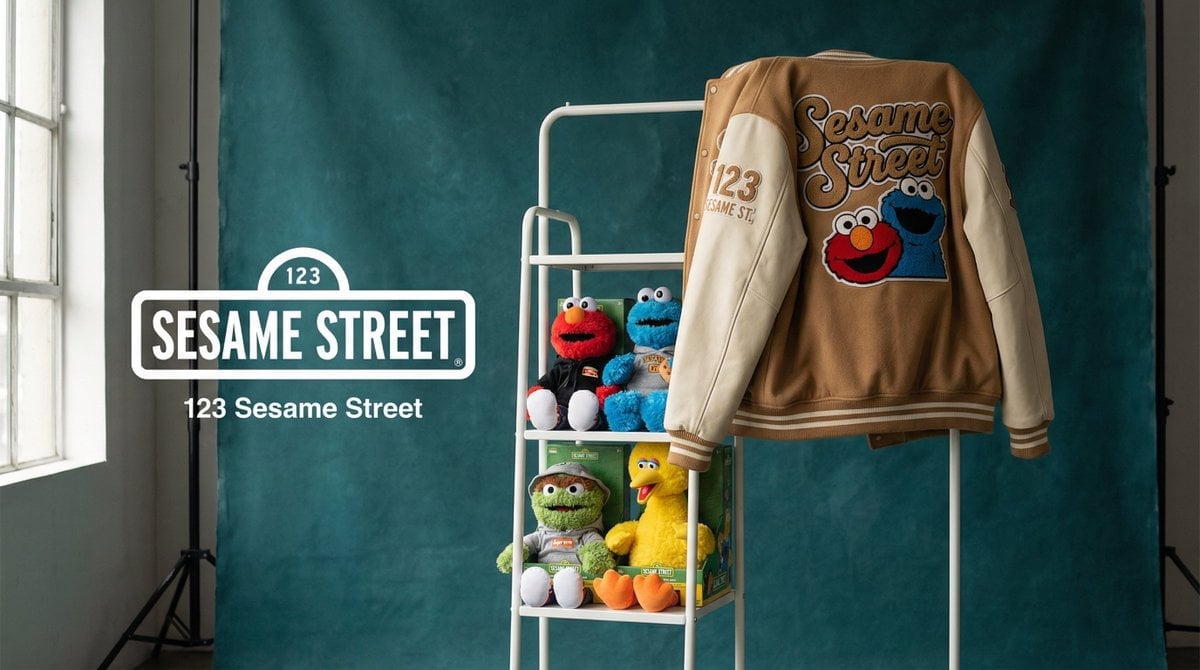
Photograph announcing a limited merchandise drop
Make it yours
Person from the reference image, with a fade haircut, brown eyes works as-is. These are the safest ways to change it without losing the look.
Change one field
Copy a single group, rewrite it, and generate again so you can see what that field is doing.
Keep the frame, change the subject
Hold the composition and light of Person from the reference image, with a fade haircut, brown eyes, then swap wardrobe, props or the person for a new take.
| If the result… | Why | Fix |
|---|---|---|
| The result drifts from the preview | Too many fields changed at once. | Reuse Person from the reference image, with a fade haircut, brown eyes as-is first, then change one group — subject, light, or setting. |
| The model over-stylizes the scene | The prose prompt leaves finish and camera underspecified. | Add one camera or lighting sentence and stay on GPT Image 2. |
More GPT Image 2 templates
Other prompts made for GPT Image 2.

Six VTuber Japanese Logo Sheet

Realistic Portrait of Woman and Deer

The Vista Modular Condo Poster

AI Model Routing Comparison Infographic

2.5D Anime Art Board

Isometric Productivity Desk Scene

New York Double Exposure Poster

Four-Panel AI Landscape Comparison

Japanese Tatami Lifestyle Magazine Cover

NESCAFÉ Coffee Map Poster
More image prompts
Fresh picks from across the catalog.
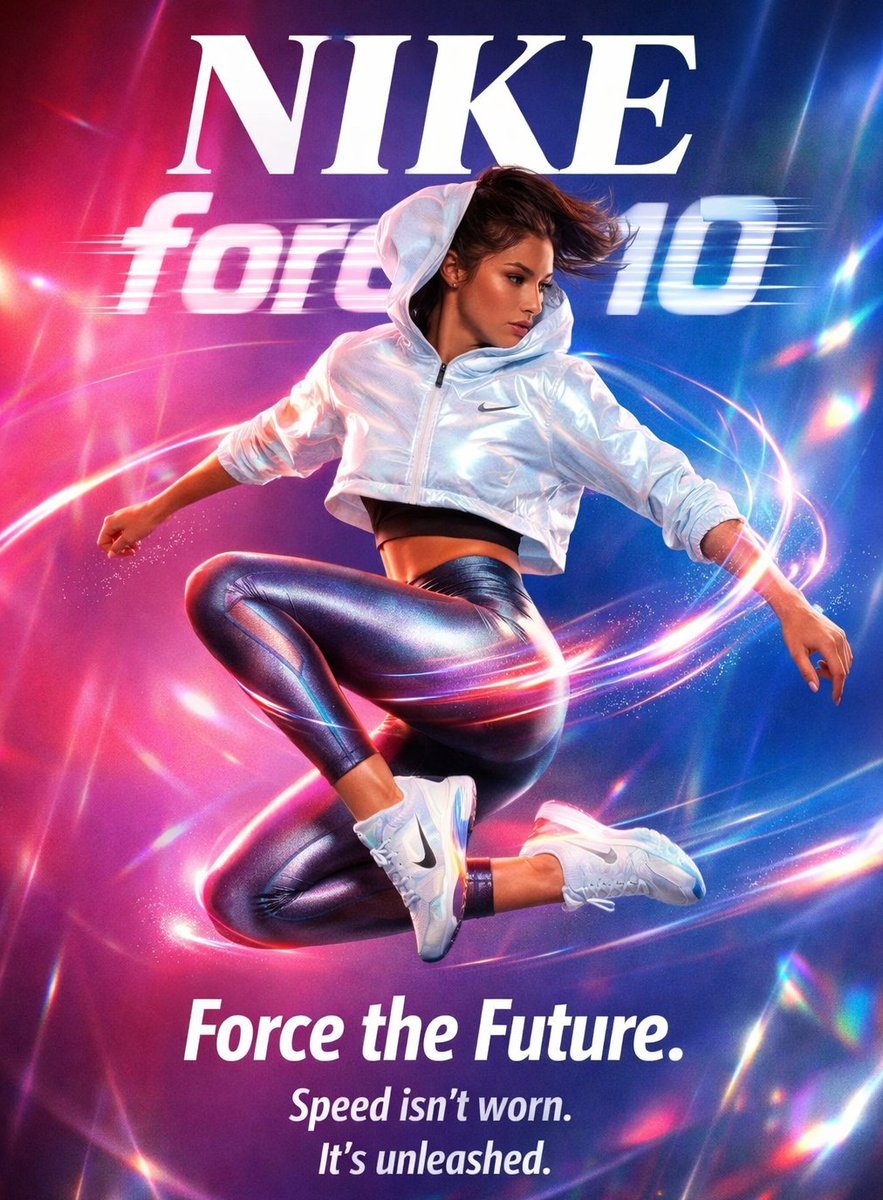
Futuristic Nike Fashion Ad with Light Trails
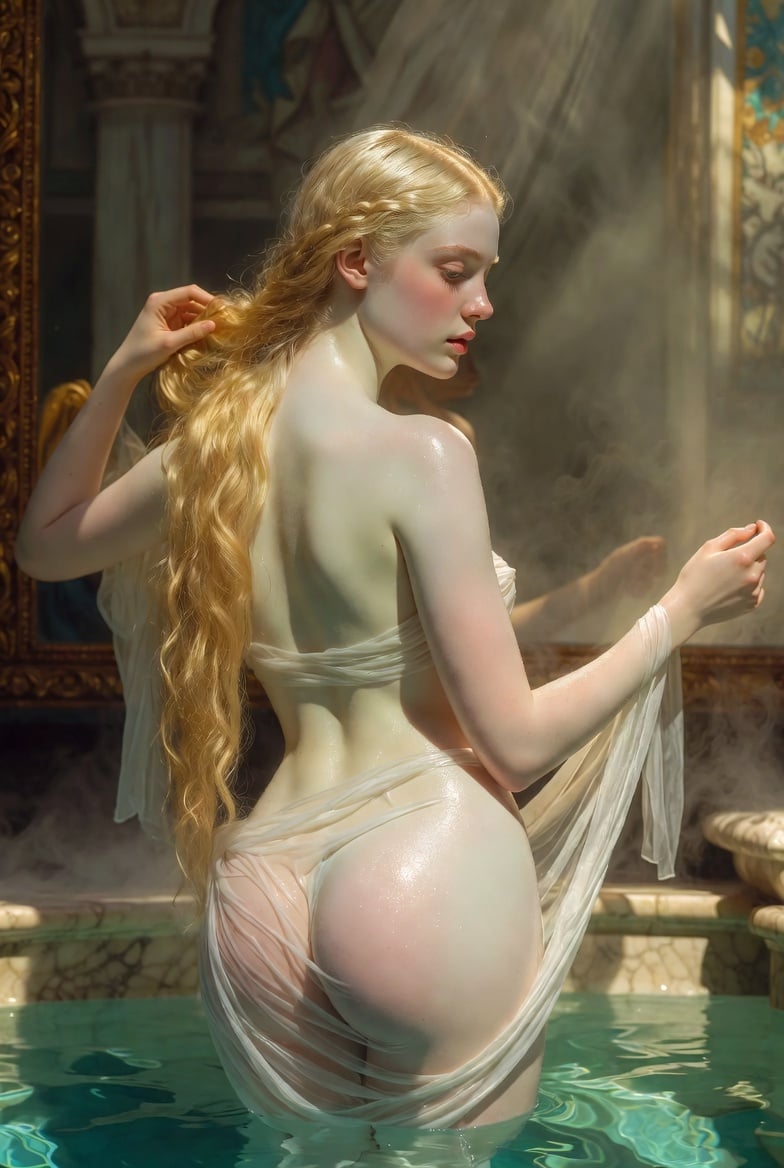
Renaissance Bathing Portrait
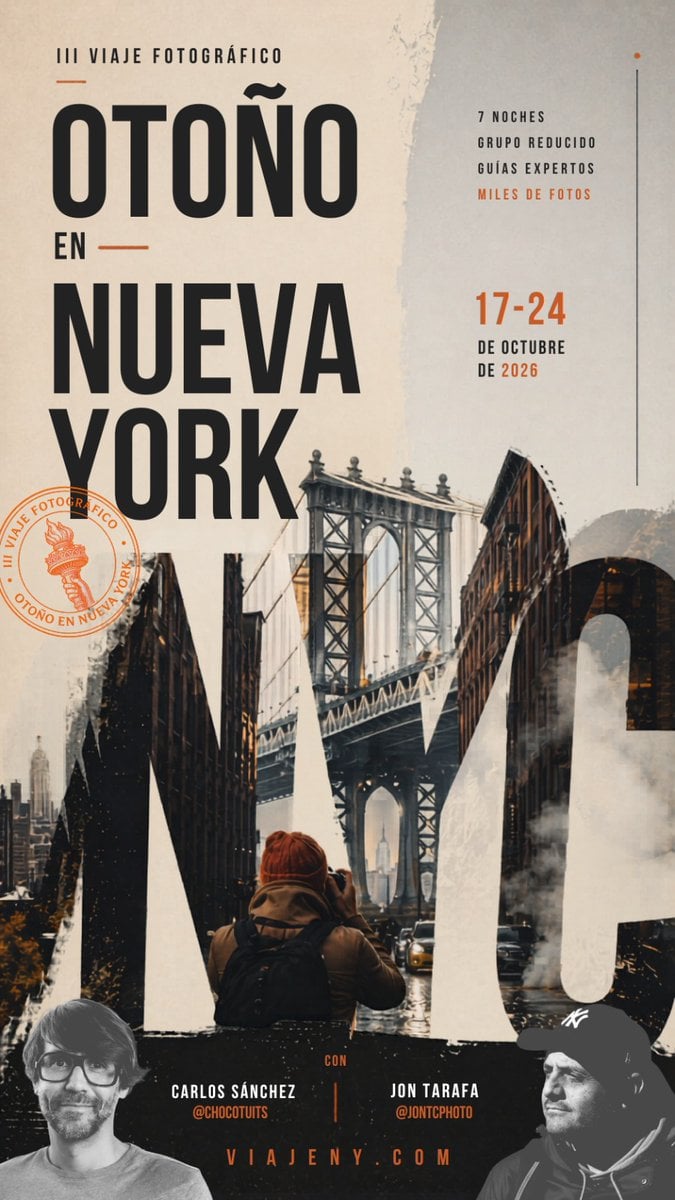
Autumn in New York Travel Poster
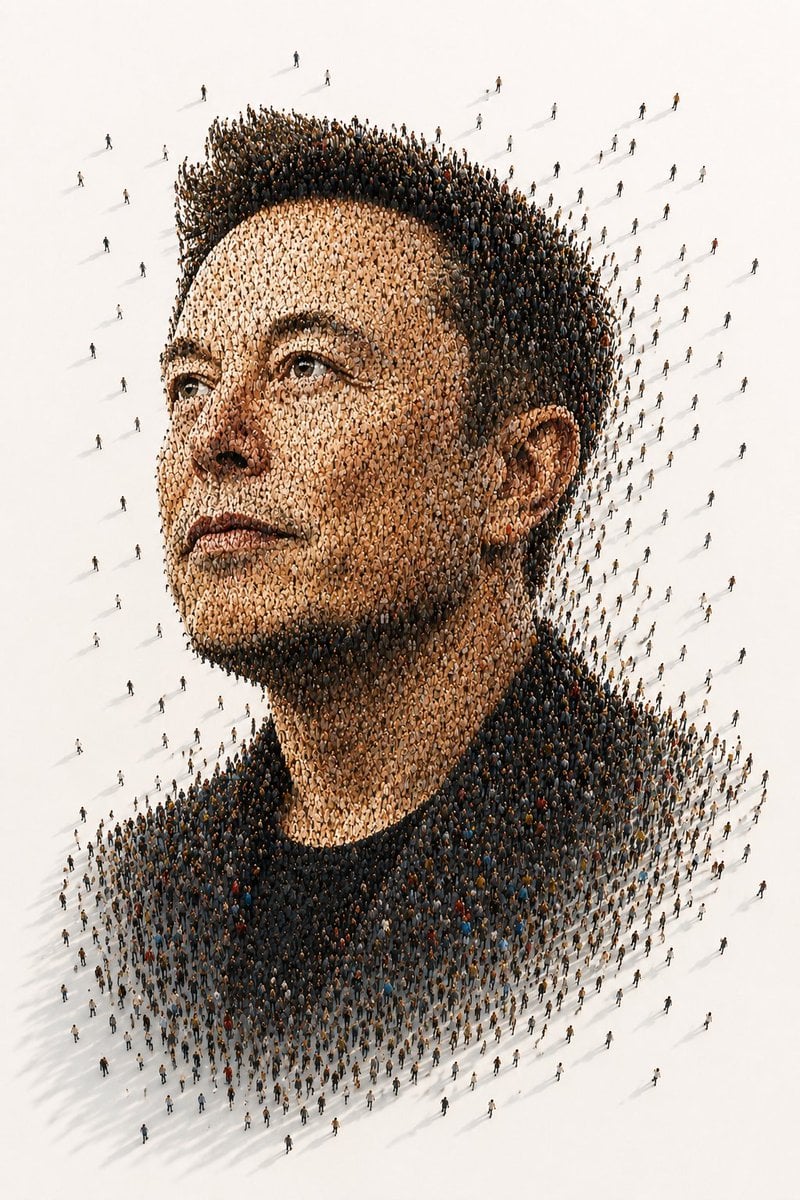
Tiny People Crowd Portrait
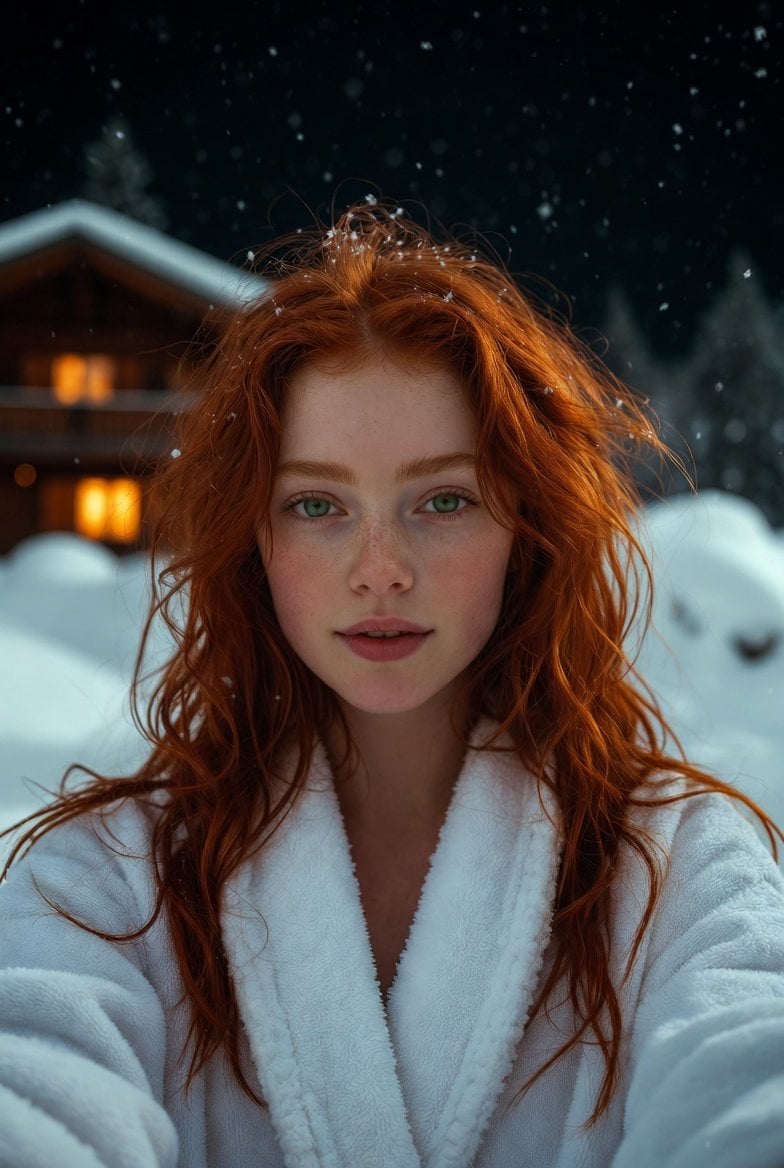
Flash Selfie in Snow at Alpine Chalet Prompt
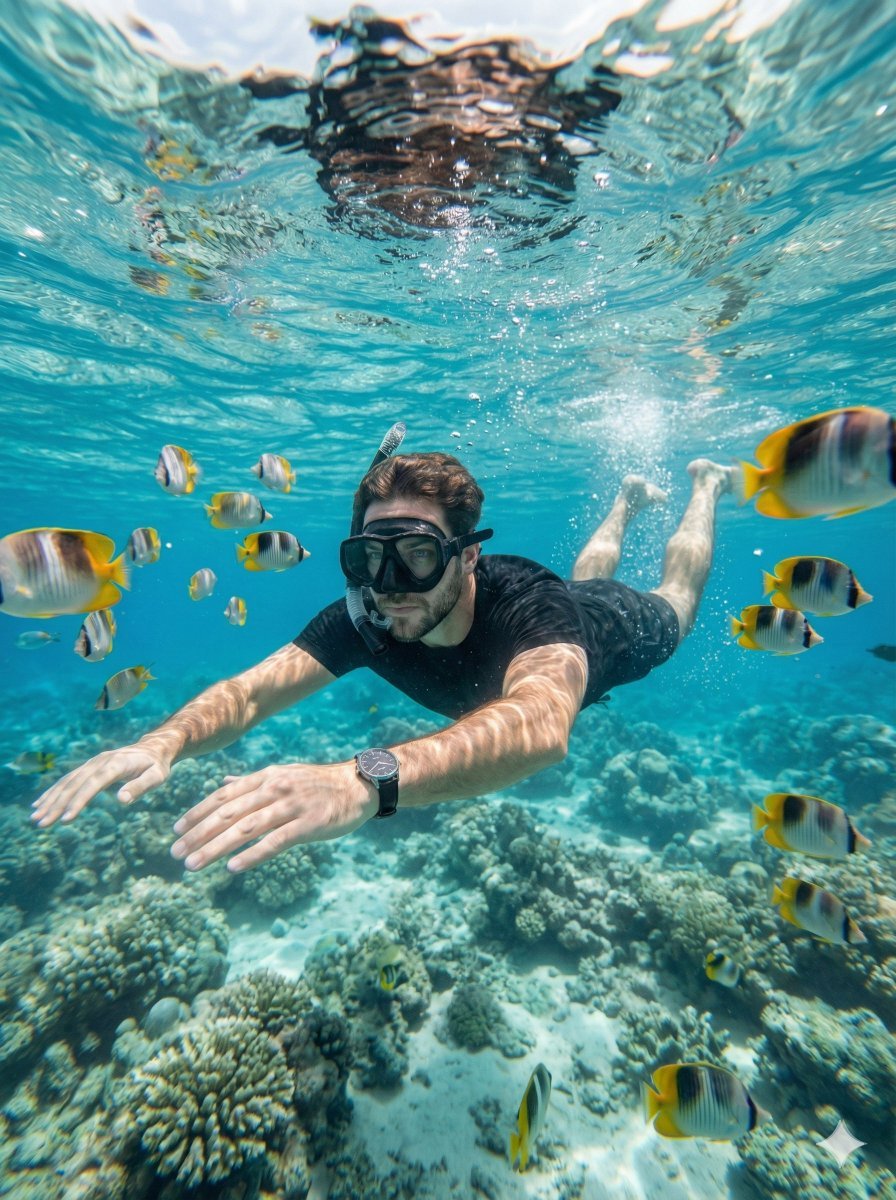
Hyper-Realistic Underwater Snorkeling Portrait
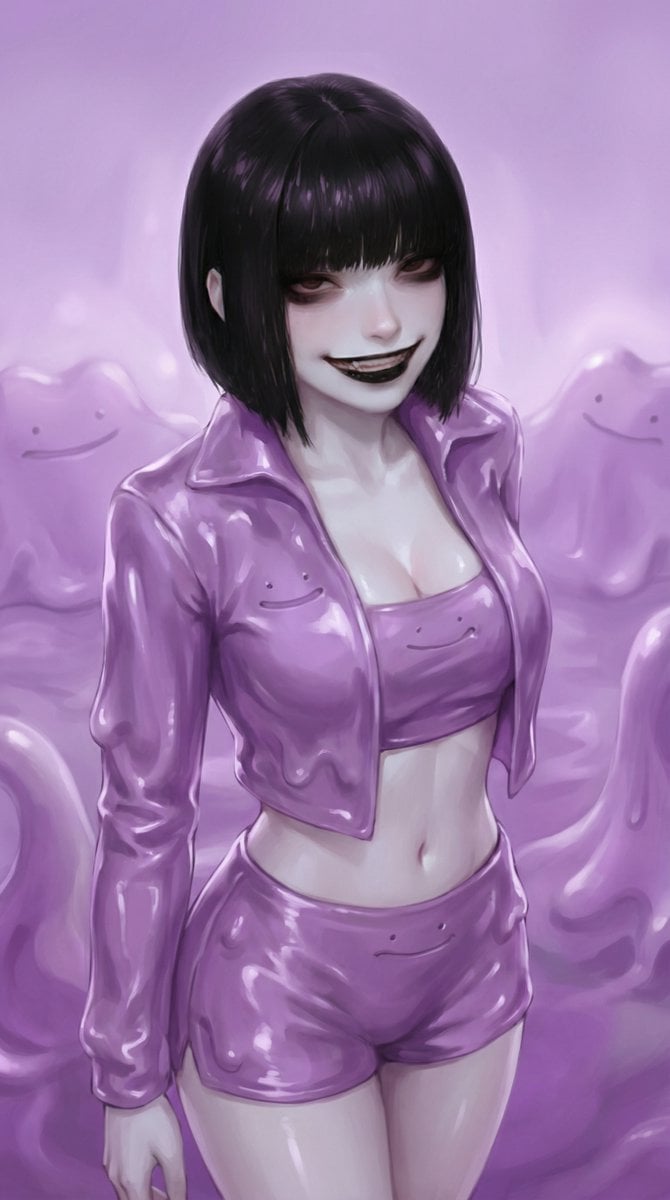
Ditto-Inspired Outfit Change with Identity Lock
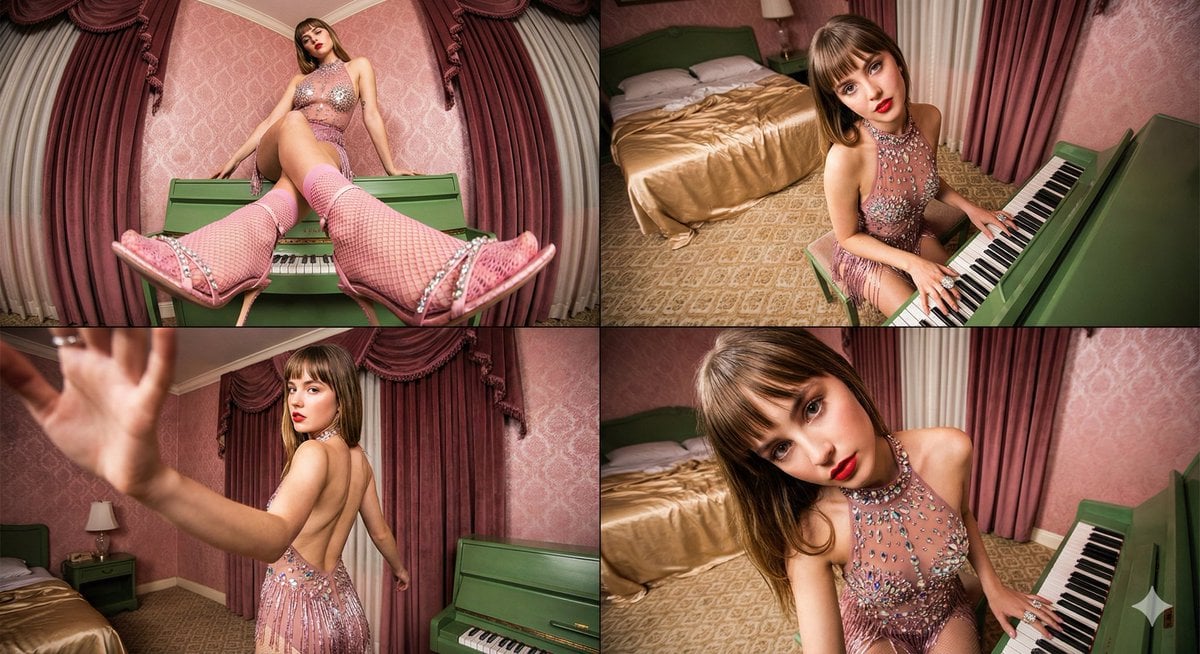
Four-frame vintage glamour collage of a woman in a crystal bodysuit at a piano
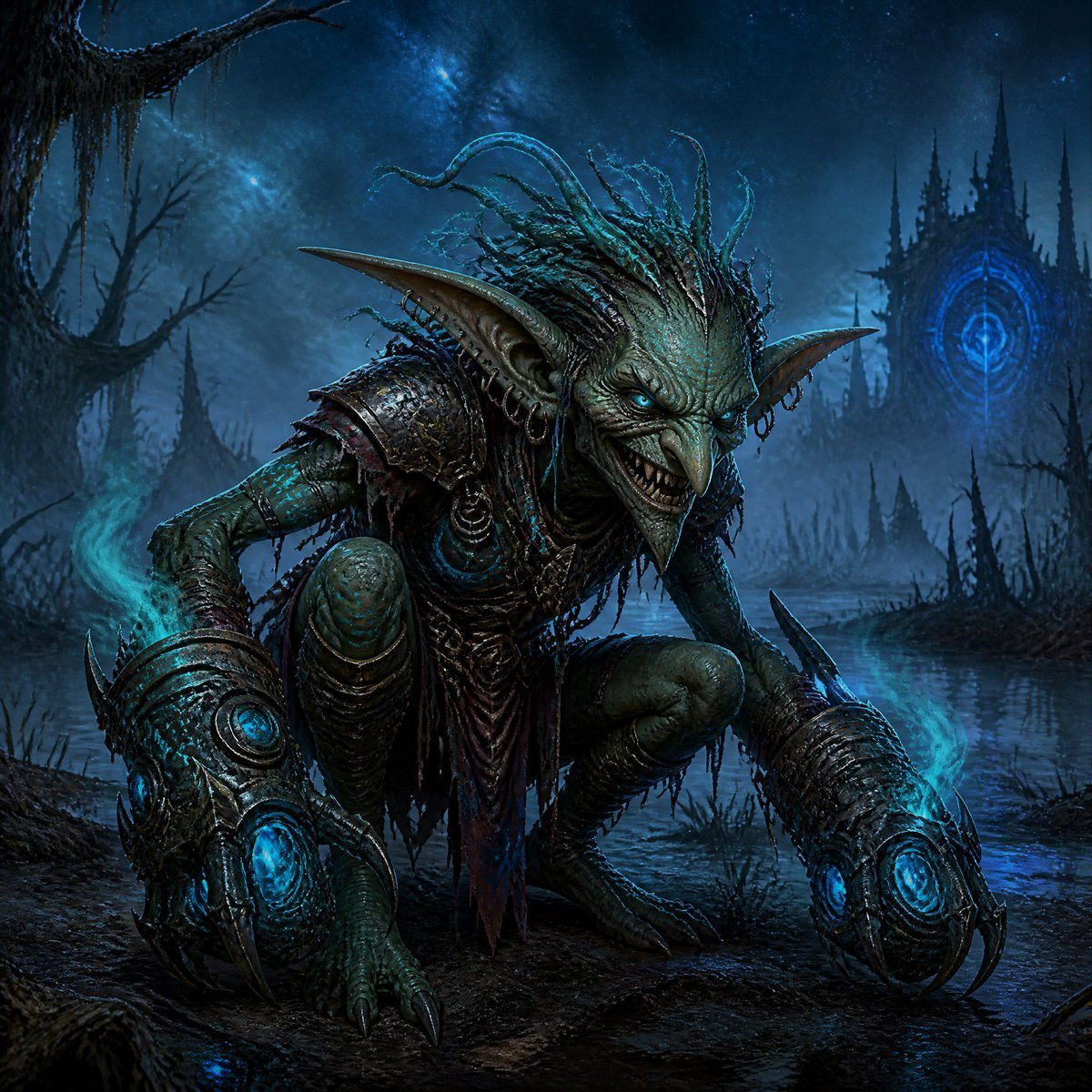
Dark Goblin Shaman in Haunted Swamp
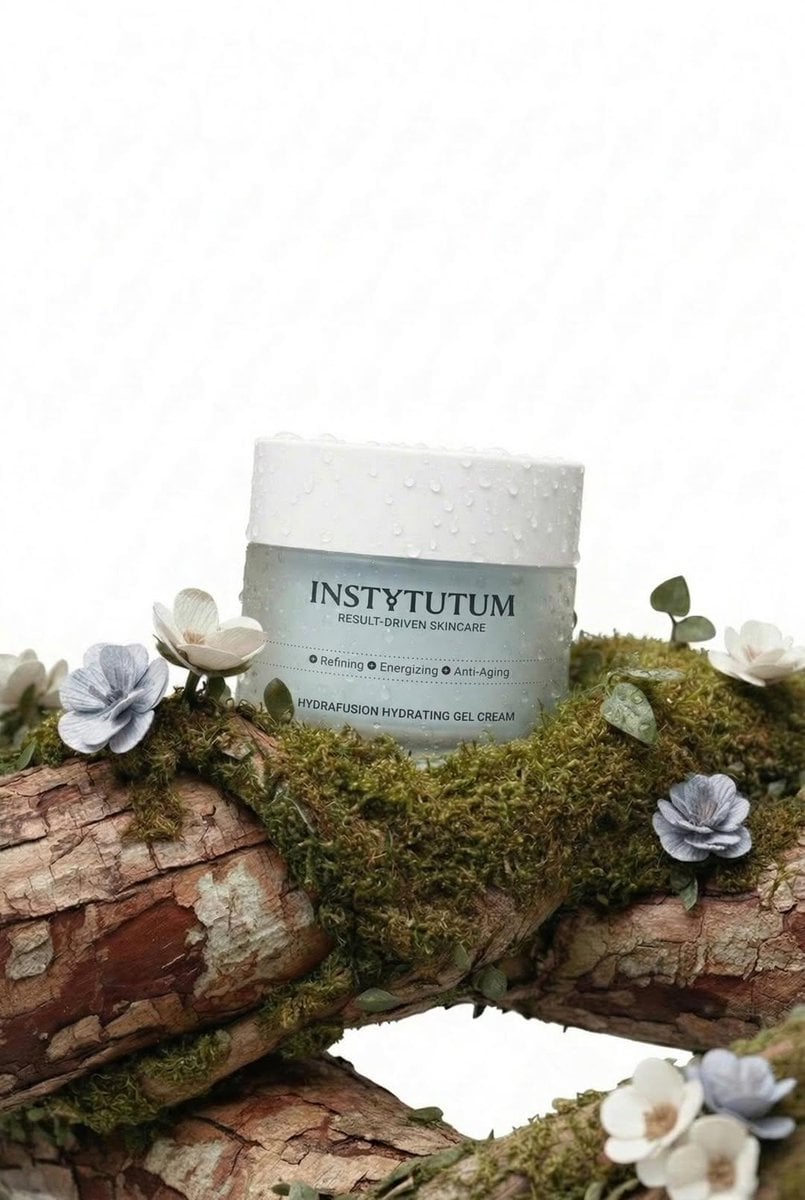
Eco-Luxury Skincare Product Photography
Browse template categories
Person from the reference image, with a fade haircut, brown eyes questions
How do I use the Person from the reference image, with a fade haircut, brown eyes template?
Add your photo if the template asks for one, edit the prompt if you like — the template's model and format are already selected — and press Generate. Your version opens in PicX Studio.
Can I customize the Person from the reference image, with a fade haircut, brown eyes template?
Yes. You can change the subject, setting, lighting, mood, format, and available model controls before creating your image.
Is the Person from the reference image, with a fade haircut, brown eyes template free?
Opening and editing this template is free. Generating uses credits, shown on the Generate button when you are signed in.
Which AI model should I use?
Start with GPT Image 2, which is the model associated with this template. You can compare another compatible model for a different finish.
Looking for something else? Browse all templates.

Your photo, any look
Thousands of ready templates for every top image and video model, from one credit balance.