
Futuristic Anime Idol Poster
Generates a colorful vertical anime promotional poster for a virtual idol with Japanese title typography, sci-fi city billboards, and pastel holographic styling.
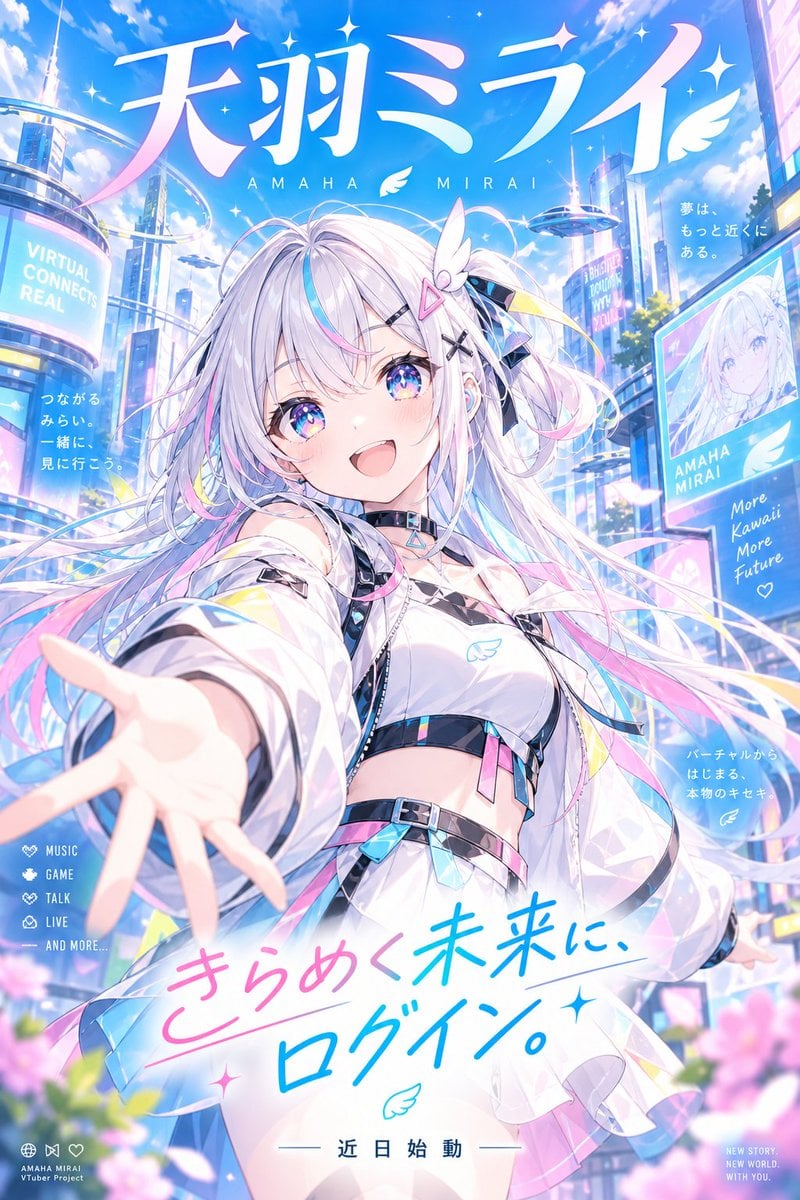
- Prompt included
- Model and format preset
- Free template
The prompt behind this image
Copy the exact prompt behind Futuristic Anime Idol Poster, or open it in the studio and make it yours.
Goal: Create a vibrant vertical anime key visual / promotional poster for a futuristic virtual idol named {argument name="character name" default="Amaha Mirai"}, blending cute idol energy, sci-fi city branding, and dreamy pastel cyber aesthetics. Canvas: Vertical 2:3 poster, full bleed, high resolution. Bright daytime sky with saturated cyan blue, fluffy clouds, sparkles, lens glow, floating feathers, flower petals, and soft bloom. Overall palette is white, sky blue, cyan, lavender, pastel pink, and iridescent holographic accents. Main subject: One central anime girl idol in a dynamic close-up perspective, reaching her left hand toward the viewer with exaggerated foreshortening. She is smiling widely with an inviting open-mouth expression, rosy cheeks, large sparkling blue-purple starry eyes, and long flowing {argument name="hair color" default="silver-white hair with cyan and pink streaks"}. Her hair streams across the image with many ribbons and strands, decorated with futuristic clips including a pink triangular hair clip, black X hairpins, a small white wing ornament, translucent blue-black ribbons, and pastel tech accessories. She wears a white futuristic idol crop top and jacket with translucent sleeves, black straps, holographic trims, wing logo, choker collar, belts, dangling crystal charms, and pink-blue iridescent panels. Make her pose joyful, open, and welcoming, as if inviting the viewer into the future. Background: A luminous futuristic city plaza with tall glass towers, curved sky rails, floating platforms, large holographic billboards, neon signage, and soft architectural curves. Include one large cylindrical billboard on the left, one rectangular character billboard on the right, and multiple smaller glowing screens integrated into buildings. Add pink flowers blurred in the foreground at the bottom edge for depth. Typography and text content: Use large Japanese title typography across the top reading {argument name="main Japanese title" default="天羽ミライ"}, with huge elegant white-to-pink gradient characters and small sparkle accents. Directly below it place spaced roman letters reading “AMAHA MIRAI” with a small feather icon between the words. Add a large handwritten slogan across the lower middle reading {argument name="main slogan" default="きらめく未来に、ログイン。"} in pink and cyan brush lettering on a white glowing swoosh, with small stars and a wing doodle. At the bottom center add “— 近日始動 —”. Count and placement of visible secondary text blocks: Include exactly 8 secondary text blocks: 1) on the left cylindrical billboard, “VIRTUAL CONNECTS REAL”; 2) left midair Japanese copy “つながる みらい。 一緒に、見に行こう。”; 3) upper right small Japanese copy “夢は、もっと近くにある。”; 4) right rectangular billboard with character portrait, “AMAHA MIRAI” and “More Kawaii More Future” plus a heart; 5) right mid-lower Japanese copy “バーチャルから はじまる、 本物のキセキ”; 6) lower left vertical icon list with four items: “MUSIC”, “GAME”, “TALK”, “LIVE”, followed by “— AND MORE...” ; 7) tiny lower-left project label “AMAHA MIRAI Vtuber Project” with small social-style icons; 8) tiny lower-right tagline “NEW STORY. NEW WORLD. WITH YOU.” Visual style: Polished high-detail anime illustration, idol poster composition, glossy gpt-image style, crisp linework, translucent fabric, holographic reflections, sparkling eyes, soft atmospheric depth, cinematic bloom, clean commercial design, cute and futuristic. Constraints: Keep exactly one main character. Keep the poster crowded but readable. Preserve all specified text placements and approximate wording. Avoid realism, dark mood, gritty textures, extra characters, distorted hands, unreadable main title, or random additional logos.
How to use Futuristic Anime Idol Poster in 3 steps
- 1Upload ImagePNG, JPG or paste
Add your photo
Upload the photo the template builds on. The prompt, model and format are already set.
- 2…a portrait of your subject in softgolden-hour light, 85mm…
Personalize
Edit the subject and creative details for your destination.
- 3Generate
Generate
Press Generate — your image is created in PicX Studio, so you can compare it with the original and refine one variable at a time.
More like this
Templates with the same subject, style or setup. Open one to see its prompt.

Captain Tsubasa Anime World Cup Poster

Gpt2 Youtube Thumbnail Anime Music Bootcamp Promo Poster
Futuristic Product Launch Poster

Japan Travel Brochure Poster

Pastel Anime Idol Concert Finale
Winking Anime Idol Festival Portrait

Futuristic AI 2026 Tech Poster
Futuristic Good Morning Beijing Poster

Nice Day Anime Poster

Cel 2D Finale Fireworks

Cel 2D Garden Maze

Cel 2D Rooftop Concert
Make it yours
Futuristic Anime Idol Poster works as-is. These are the safest ways to change it without losing the look.
Change one field
Copy a single group, rewrite it, and generate again so you can see what that field is doing.
Keep the frame, change the subject
Hold the composition and light of Futuristic Anime Idol Poster, then swap wardrobe, props or the person for a new take.
| If the result… | Why | Fix |
|---|---|---|
| The result drifts from the preview | Too many fields changed at once. | Reuse Futuristic Anime Idol Poster as-is first, then change one group — subject, light, or setting. |
| The model over-stylizes the scene | The prose prompt leaves finish and camera underspecified. | Add one camera or lighting sentence and stay on GPT Image 2. |
More GPT Image 2 templates
Other prompts made for GPT Image 2.

Six VTuber Japanese Logo Sheet

Realistic Portrait of Woman and Deer

The Vista Modular Condo Poster

AI Model Routing Comparison Infographic

2.5D Anime Art Board

Isometric Productivity Desk Scene

New York Double Exposure Poster

Four-Panel AI Landscape Comparison

Japanese Tatami Lifestyle Magazine Cover

NESCAFÉ Coffee Map Poster
More image prompts
Fresh picks from across the catalog.
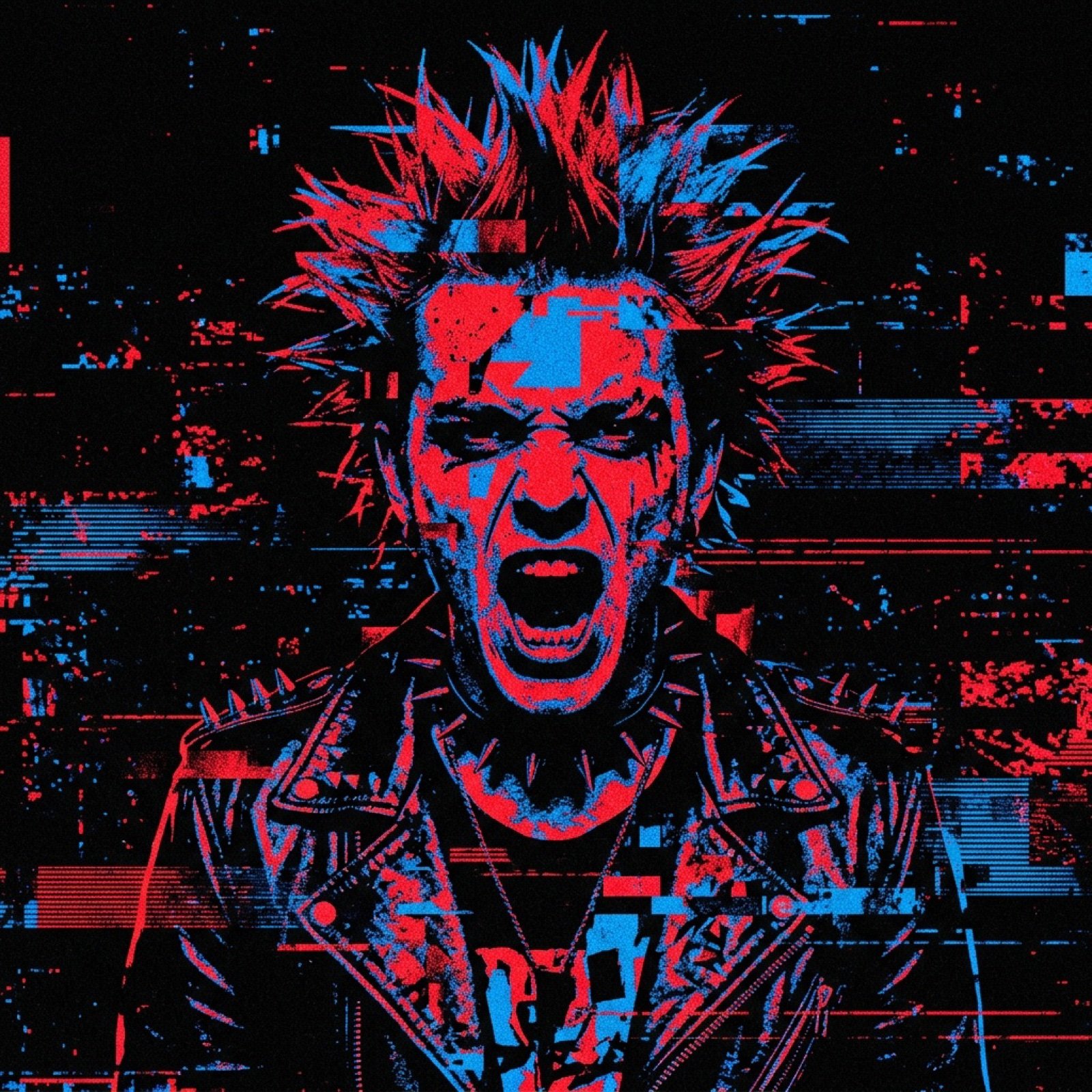
Noisy Distortion Filter for Mixed Media Effect
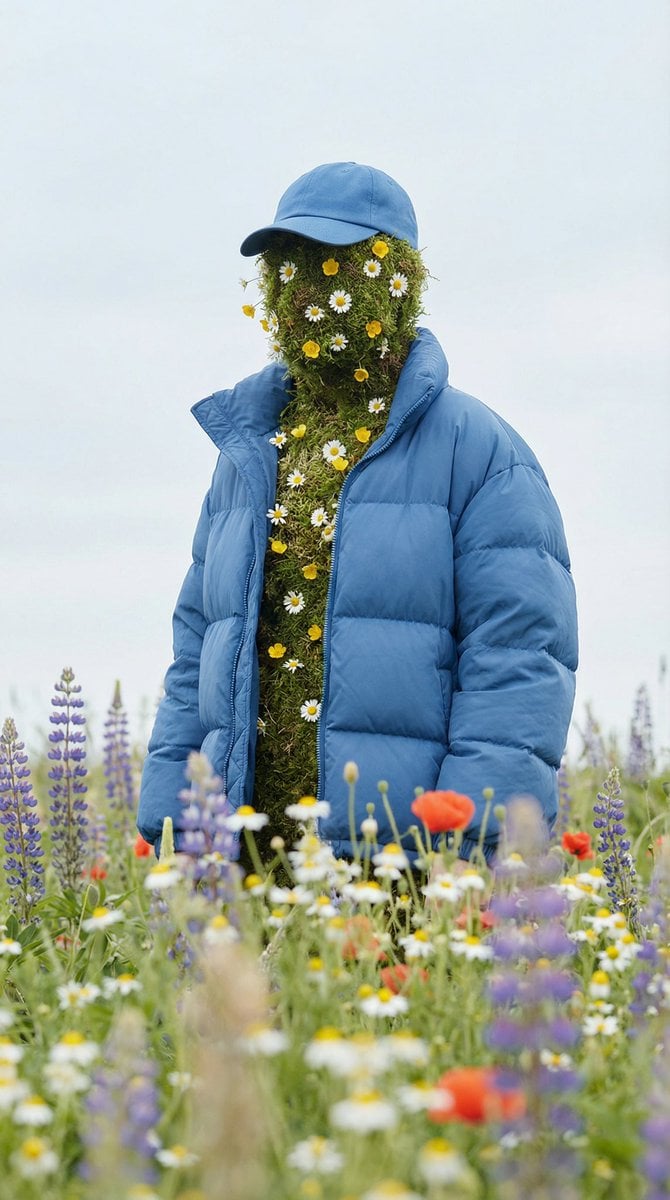
Surreal Nature Fashion Fusion Portrait

Roswell Incident Magazine Cover
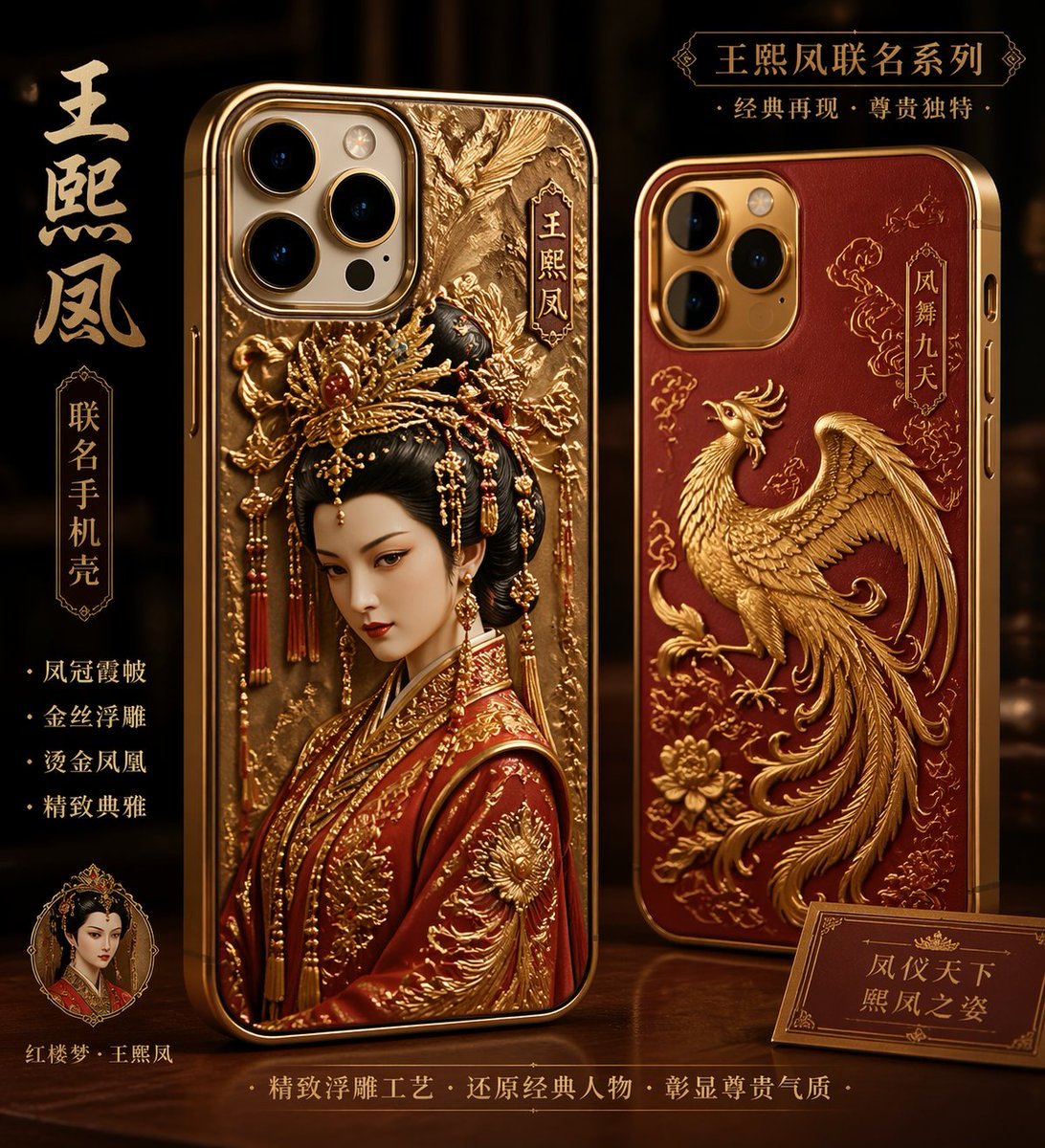
Classical Chinese Phone Case Design
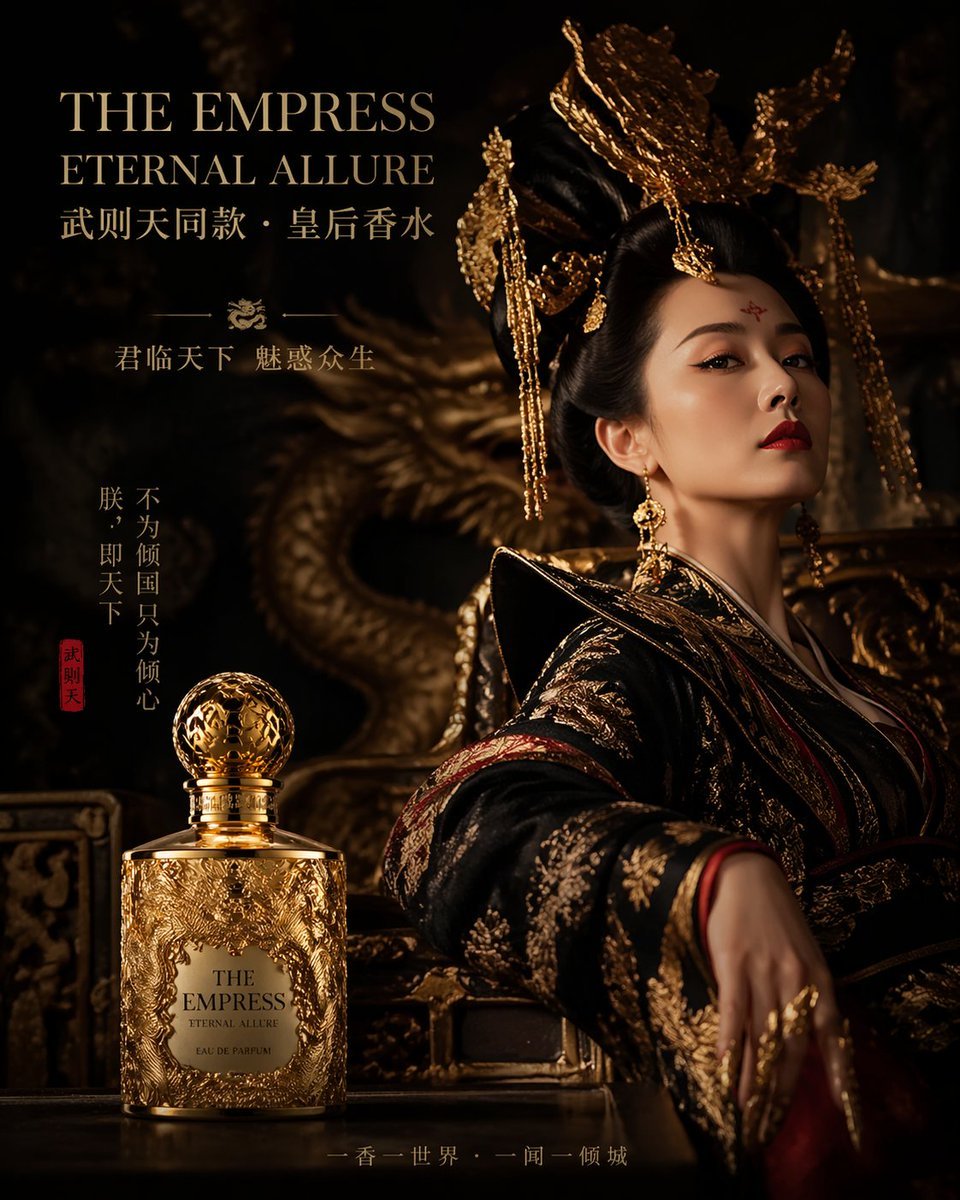
Royal Perfume Advertisement Prompt

High-Contrast Portrait with Palm Tree Shadows
Photorealistic naan bread pun image
Cinematic Vertical Movie Poster Prompt (Multi-Role)
Motion Prompt: Static Subject with Dynamic Background
Shiv/God Created by Drones in Sky
Browse template categories
Futuristic Anime Idol Poster questions
How do I use the Futuristic Anime Idol Poster template?
Add your photo if the template asks for one, edit the prompt if you like — the template's model and format are already selected — and press Generate. Your version opens in PicX Studio.
Can I customize the Futuristic Anime Idol Poster template?
Yes. You can change the subject, setting, lighting, mood, format, and available model controls before creating your image.
Is the Futuristic Anime Idol Poster template free?
Opening and editing this template is free. Generating uses credits, shown on the Generate button when you are signed in.
Which AI model should I use?
Start with GPT Image 2, which is the model associated with this template. You can compare another compatible model for a different finish.
Looking for something else? Browse all templates.

Your photo, any look
Thousands of ready templates for every top image and video model, from one credit balance.