
Split-Screen Product Ad Poster
A photorealistic dual-panel e-commerce ad showcasing a leather backpack and a smartwatch, ideal for social promos, marketplace banners, and online store marketing.
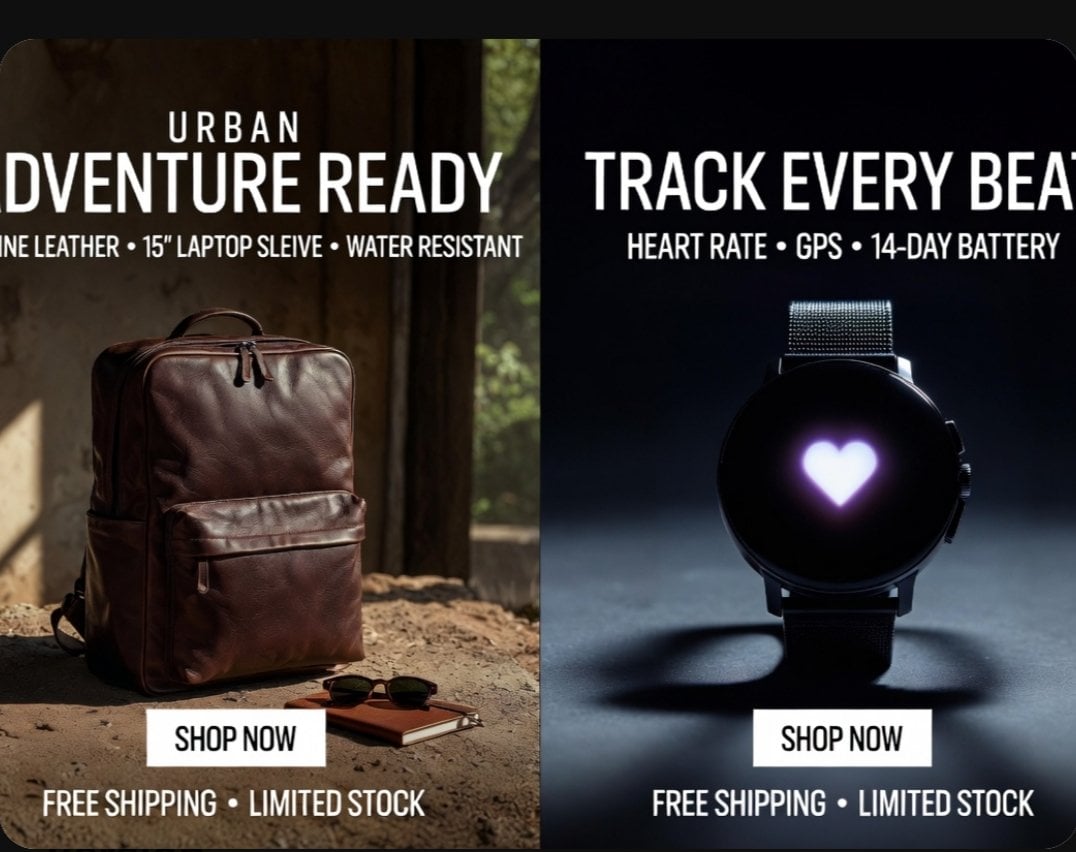
- Prompt included
- Model and format preset
- Free template
The prompt behind this image
Copy the exact prompt behind Split-Screen Product Ad Poster, or open it in the studio and make it yours.
- Type
- split-screen e-commerce advertisement poster
- Style
- premium photorealistic retail marketing graphic, high contrast, polished commercial lighting, clean bold typography, modern direct-response ad design
- Canvas › Aspect Ratio
- 4:3
- Canvas › Background
- black outer border with rounded-corner poster
- Layout › Orientation
- vertical split
- Layout › Sections › 0 › Title
- left product ad
- Layout › Sections › 0 › Position
- left half
- Layout › Sections › 0 › Count
- 1
- Layout › Sections › 0 › Product
- backpack
- Layout › Sections › 0 › Headline Lines Count
- 2
- Layout › Sections › 0 › Cta Count
- 1
- Layout › Sections › 0 › Footer Count
- 1
- Layout › Sections › 1 › Title
- right product ad
- Layout › Sections › 1 › Position
- right half
- Layout › Sections › 1 › Count
- 1
- Layout › Sections › 1 › Product
- smartwatch
- Layout › Sections › 1 › Headline Lines Count
- 2
- Layout › Sections › 1 › Cta Count
- 1
- Layout › Sections › 1 › Footer Count
- 1
- Layout › Divider
- hard vertical split down the center
- Text › Left › Eyebrow
- {argument name="left eyebrow text" default="URBAN"}
- Text › Left › Headline
- {argument name="left headline text" default="ADVENTURE READY"}
- Text › Left › Features
- GENUINE LEATHER • 15" LAPTOP SLEEVE • WATER RESISTANT
- Text › Left › Button
- SHOP NOW
Raw JSON
{"type":"split-screen e-commerce advertisement poster","style":"premium photorealistic retail marketing graphic, high contrast, polished commercial lighting, clean bold typography, modern direct-response ad design","canvas":{"aspect_ratio":"4:3","background":"black outer border with rounded-corner poster"},"layout":{"orientation":"vertical split","sections":[{"title":"left product ad","position":"left half","count":1,"product":"backpack","headline_lines_count":2,"cta_count":1,"footer_count":1},{"title":"right product ad","position":"right half","count":1,"product":"smartwatch","headline_lines_count":2,"cta_count":1,"footer_count":1}],"divider":"hard vertical split down the center"},"text":{"left":{"eyebrow":"{argument name=\"left eyebrow text\" default=\"URBAN\"}","headline":"{argument name=\"left headline text\" default=\"ADVENTURE READY\"}","features":"GENUINE LEATHER • 15\" LAPTOP SLEEVE • WATER RESISTANT","button":"SHOP NOW","footer":"FREE SHIPPING • LIMITED STOCK"},"right":{"headline":"{argument name=\"right headline text\" default=\"TRACK EVERY BEAT\"}","features":"HEART RATE • GPS • 14-DAY BATTERY","button":"SHOP NOW","footer":"FREE SHIPPING • LIMITED STOCK"}},"left_panel":{"scene":"rustic indoor setting with warm natural sunlight entering from the side","background_details_count":3,"background_details":["aged wall or wooden interior surface","window opening with soft greenery visible outside","dusty textured ground floor"],"product":{"type":"{argument name=\"left product\" default=\"brown leather backpack\"}","position":"lower left-center standing upright on the ground","material":"rich polished leather","color":"deep brown","details_count":5,"details":["top carry handle","double zipper top opening","large front zip pocket","side pocket visible on the left","structured rectangular silhouette"]},"supporting_props_count":2,"supporting_props":["a pair of dark sunglasses","a small brown notebook placed near the backpack"],"lighting":"warm cinematic sunlight from upper left creating soft highlights and earthy shadows","button_style":"white rectangular button centered near lower middle of the left panel with black uppercase text"},"right_panel":{"scene":"dark studio product shot with cool moody spotlight","background":"deep navy-to-black gradient","product":{"type":"round black smartwatch","position":"centered vertically and horizontally in right half","details_count":5,"details":["circular black face","glowing white-purple heart icon in the center of the screen","dark metal case","two side buttons visible on the right edge","fine mesh metal strap"]},"surface":"smooth studio floor with a soft circular shadow beneath the watch","lighting":"cool spotlight from above and slightly behind, creating rim light and dramatic shadow","button_style":"white rectangular button centered near lower middle of the right panel with black uppercase text"},"typography":{"font":"bold condensed sans-serif uppercase","color":"white","alignment":"centered within each panel","feature_line_style":"smaller uppercase subheadline with bullet separators"}}How to use Split-Screen Product Ad Poster in 3 steps
- 1Upload ImagePNG, JPG or paste
Add your photo
Upload the photo the template builds on. The prompt, model and format are already set.
- 2…a portrait of your subject in softgolden-hour light, 85mm…
Personalize
Edit the subject and creative details for your destination.
- 3Generate
Generate
Press Generate — your image is created in PicX Studio, so you can compare it with the original and refine one variable at a time.
More like this
Templates with the same subject, style or setup. Open one to see its prompt.

Trendy Cafe Drink Promo Poster
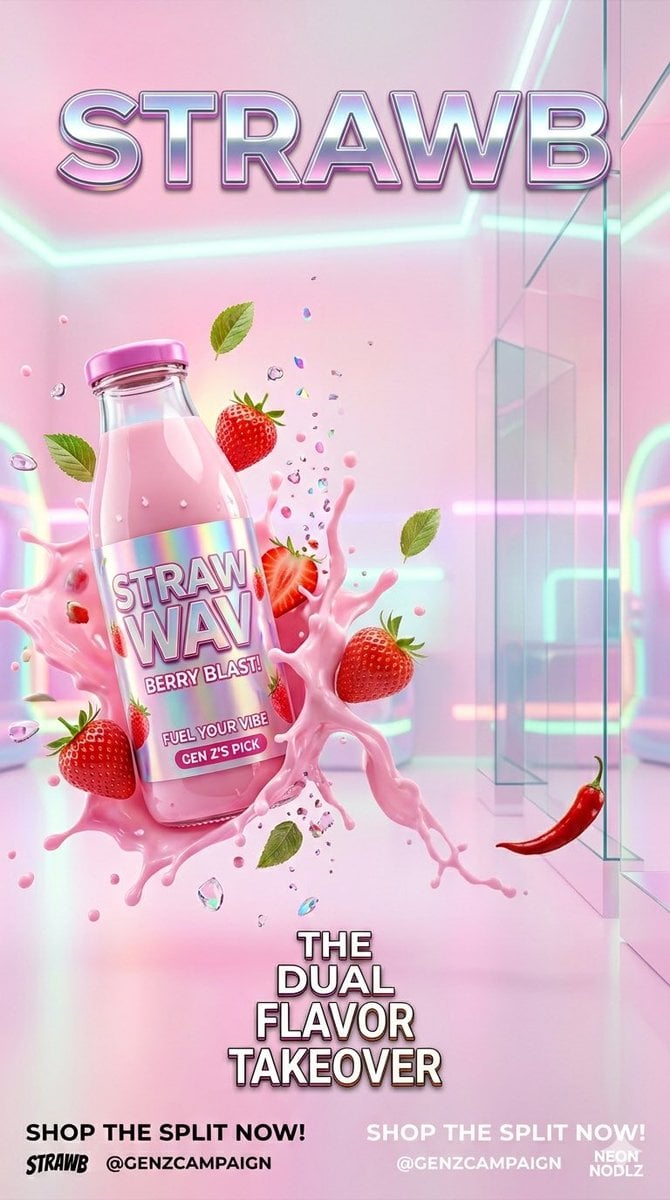
Gen Z Split Screen Advertising Poster
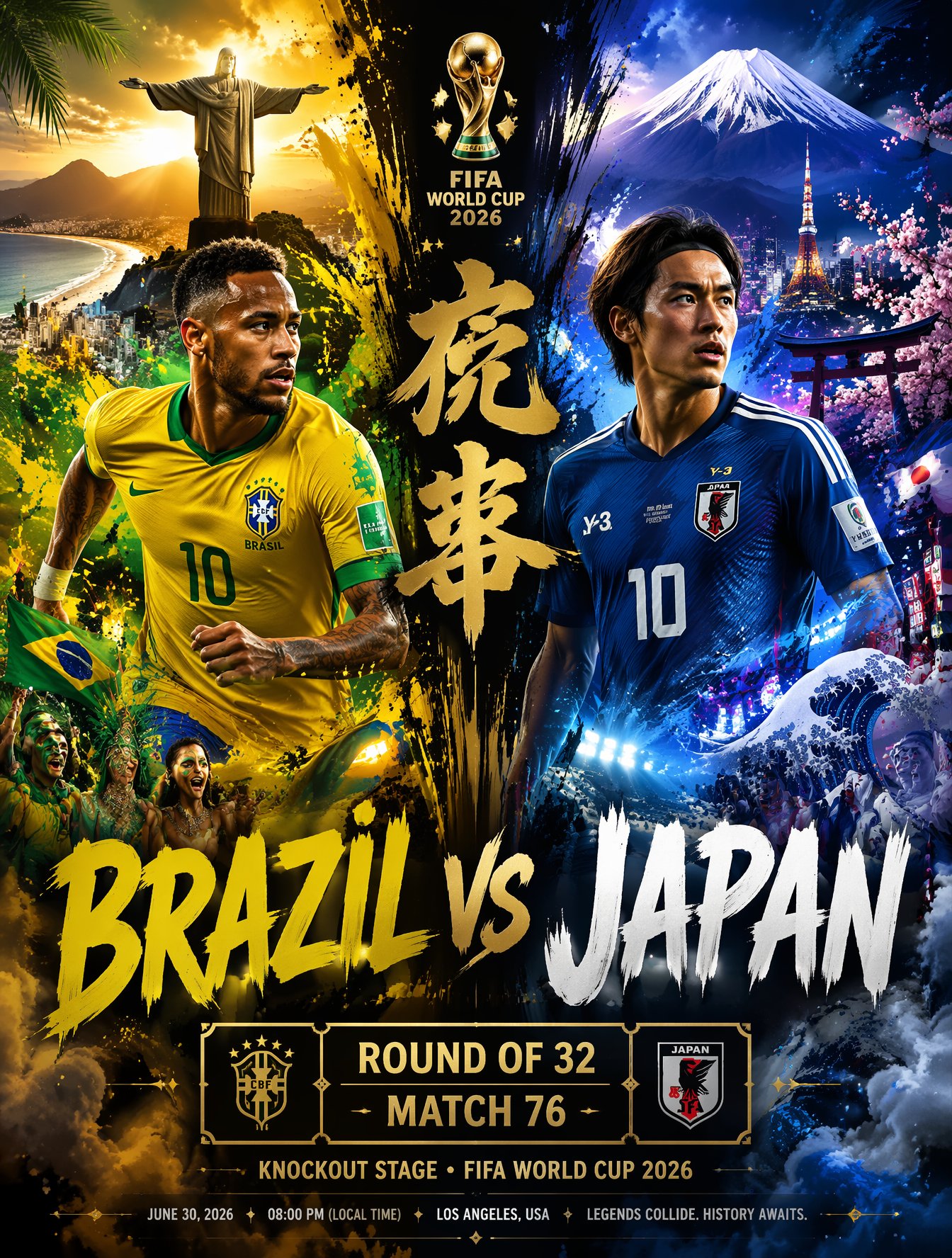
Brazil Versus Japan Knockout Split Rivalry Poster

Parle Hide and Seek Cookie Campaign Poster

Gpt2 Product Marketing Streetwear Sneaker Poster Ad
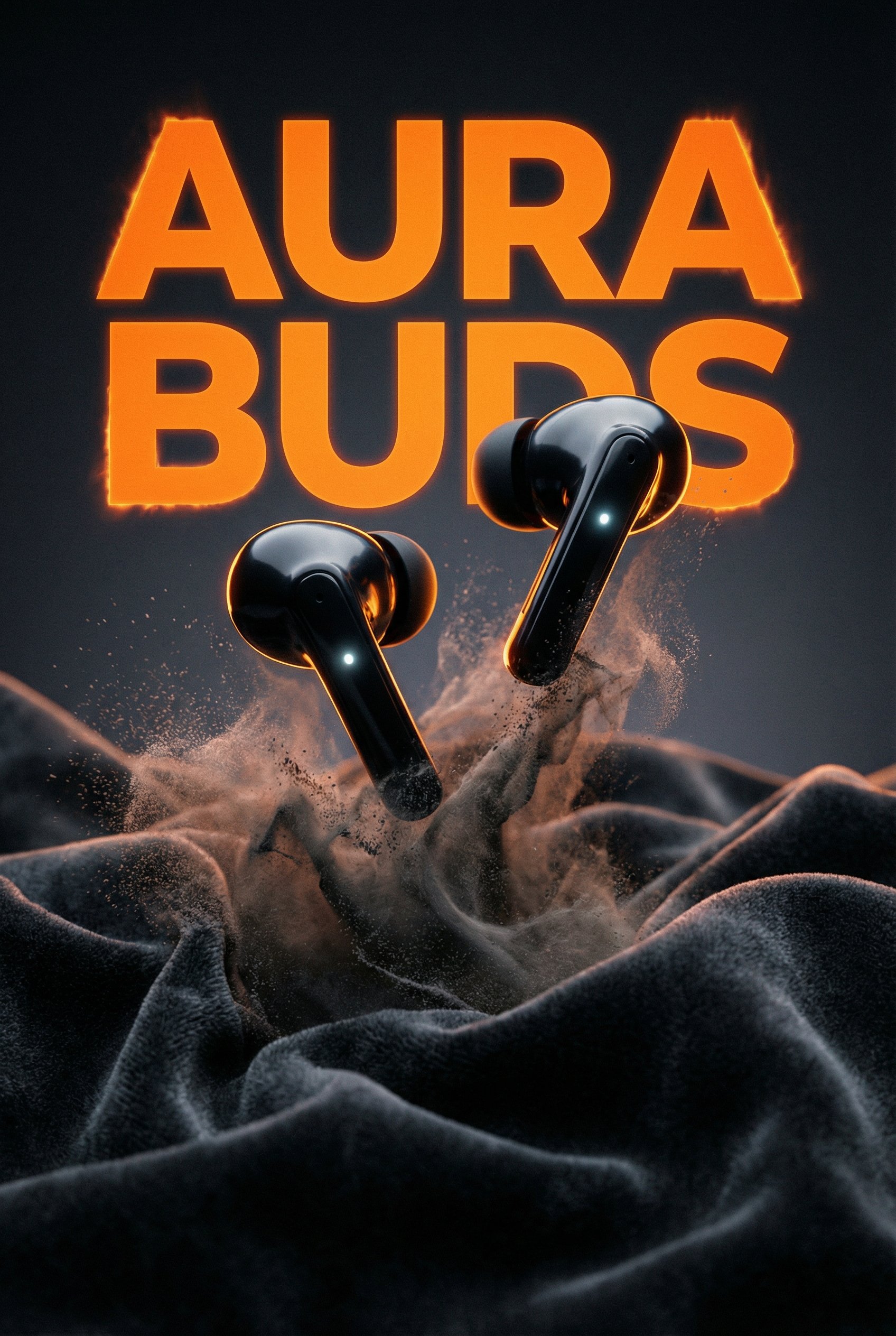
Aura Buds Poster Shoot Creative
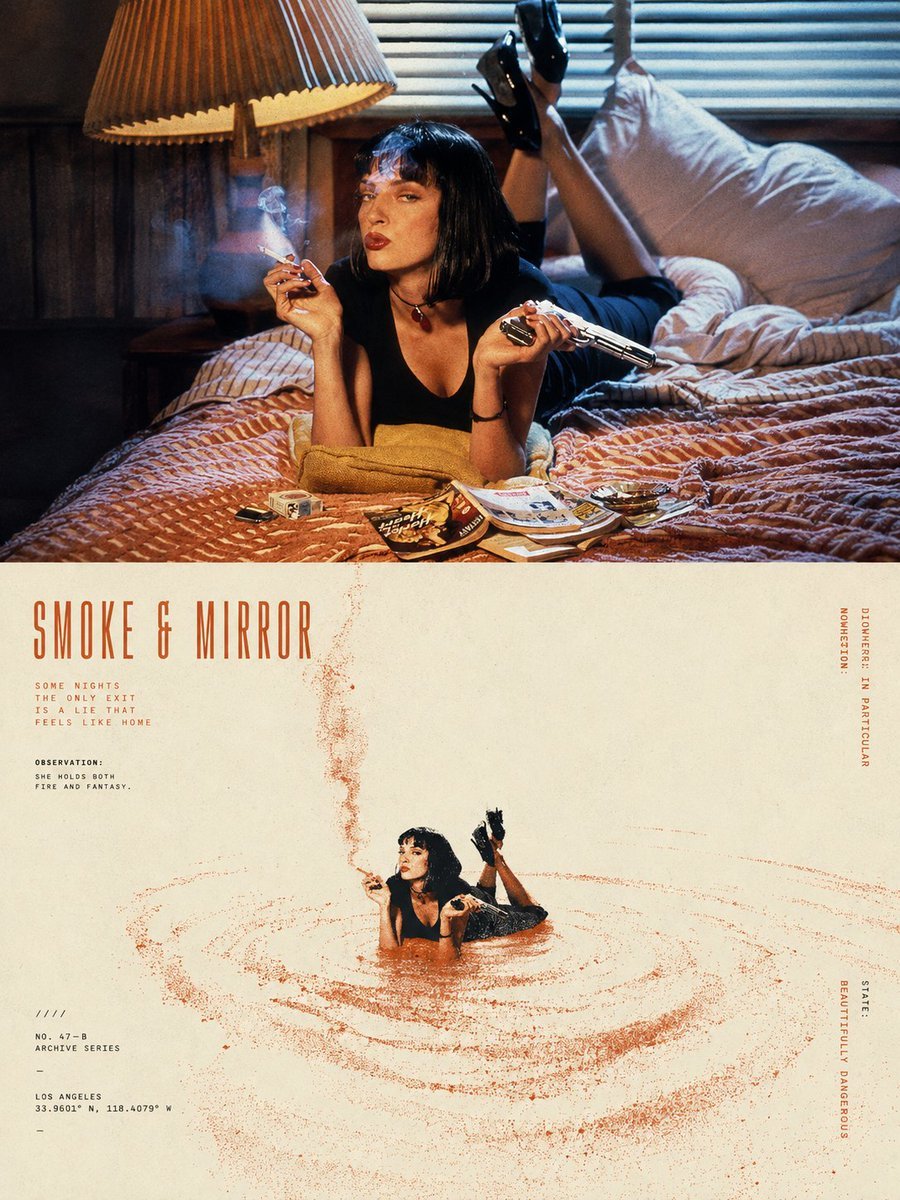
Split-Screen Surreal Printmaking Design
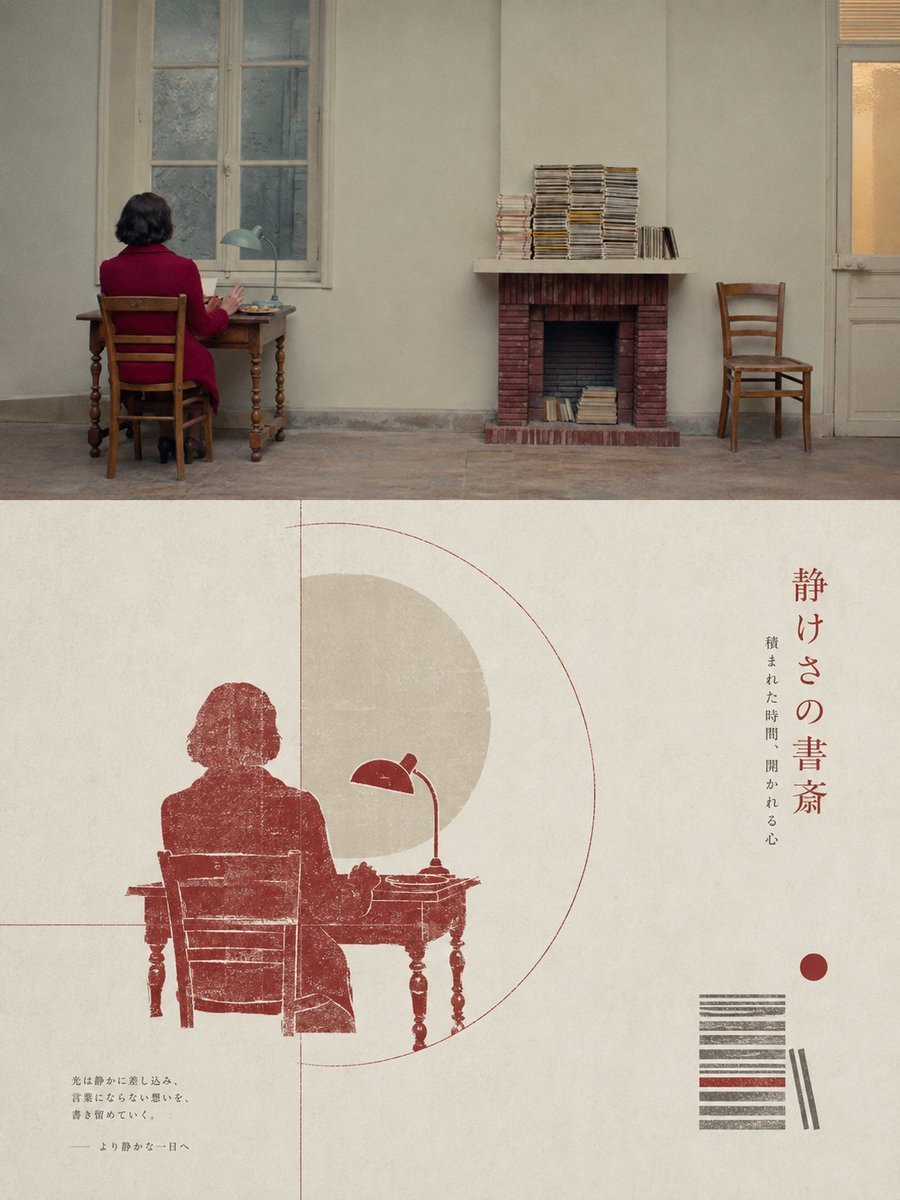
Geometric Split Poster Design

Japan Travel Brochure Poster
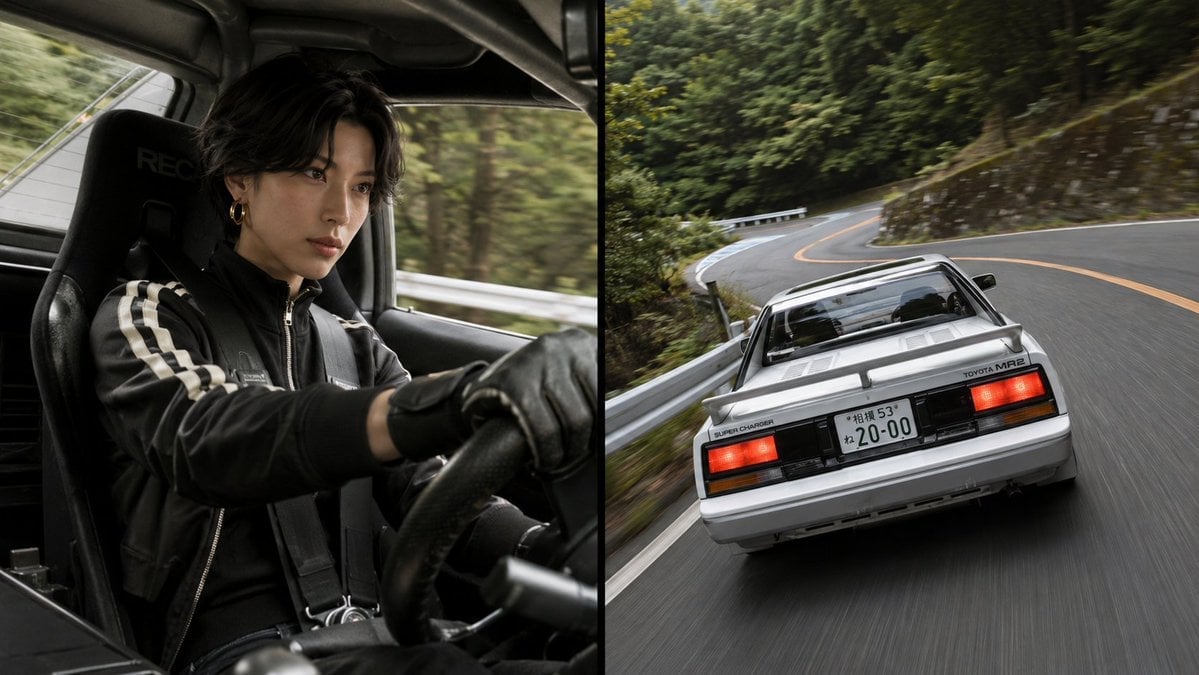
Split-Screen MR2 Touge Drive
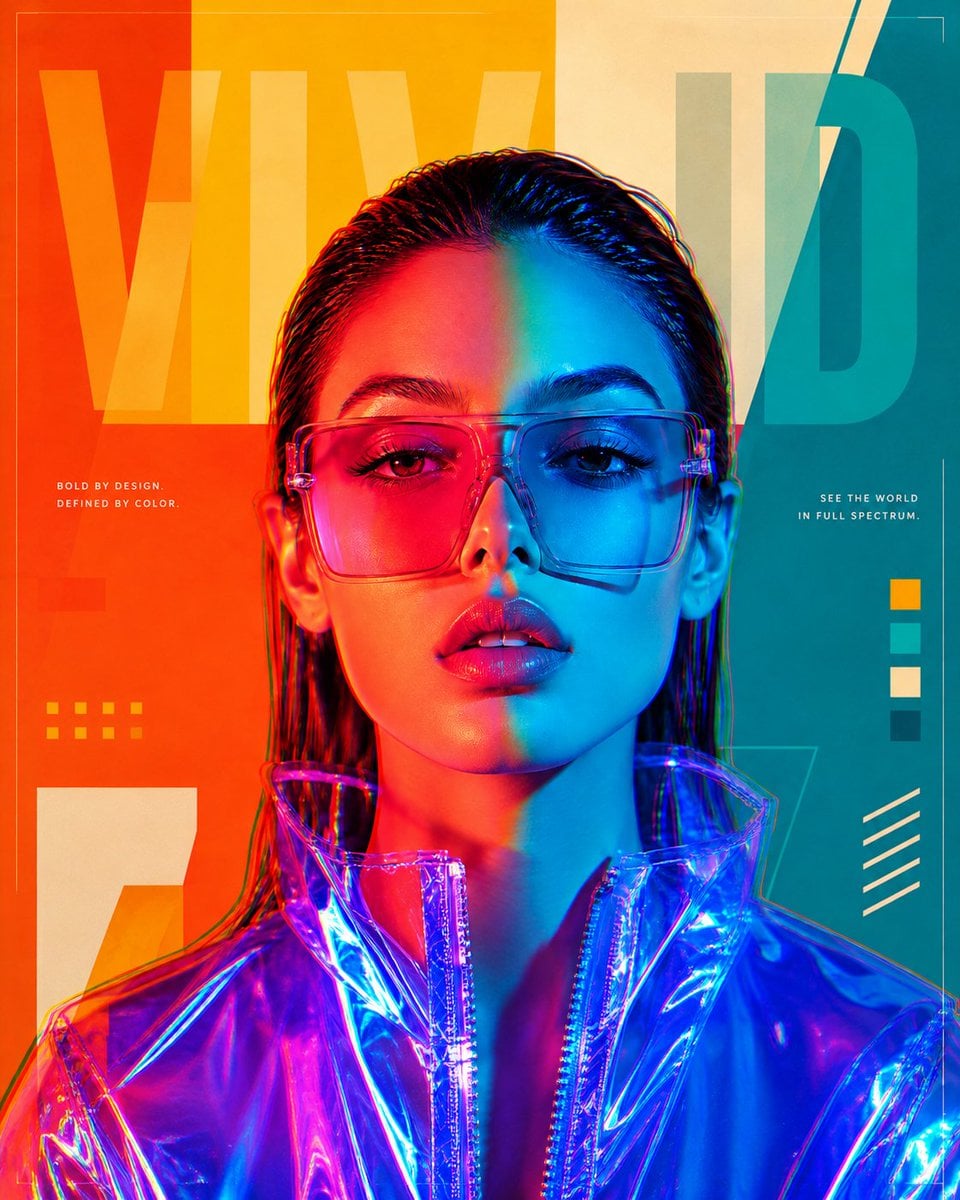
Futuristic Split-Lighting Editorial Poster

A k.pop idol on the stage with mic
Make it yours
Split-Screen Product Ad Poster works as-is. These are the safest ways to change it without losing the look.
Swap the setting
Keep the rest of the prompt and replace the location block. The current setting is “black outer border with rounded-corner poster”.
Swap the light
One lighting change is enough to compare takes. Current light: “warm cinematic sunlight from upper left creating soft highlights and earthy shad”.
Change one field
Copy a single group, rewrite it, and generate again so you can see what that field is doing.
| If the result… | Why | Fix |
|---|---|---|
| The result drifts from the preview | Too many fields changed at once. | Reuse Split-Screen Product Ad Poster as-is first, then change one group — subject, light, or setting. |
| GPT Image 2 ignores part of the JSON | Some models flatten or skip nested keys. | Keep the same values and paste them as a short paragraph instead. |
More GPT Image 2 templates
Other prompts made for GPT Image 2.

Six VTuber Japanese Logo Sheet

Realistic Portrait of Woman and Deer

The Vista Modular Condo Poster

AI Model Routing Comparison Infographic

2.5D Anime Art Board

Isometric Productivity Desk Scene

New York Double Exposure Poster

Four-Panel AI Landscape Comparison

Japanese Tatami Lifestyle Magazine Cover

NESCAFÉ Coffee Map Poster
More image prompts
Fresh picks from across the catalog.
Nanjing Classic Tourism Atlas Poster
Upside-Down Sky Schoolgirl
Cinematic Portrait of Middle-Aged Man in Suit

Lara Croft with Fiery Bow in Heavy Downpour
Minimalist KFC Commercial Advertisement
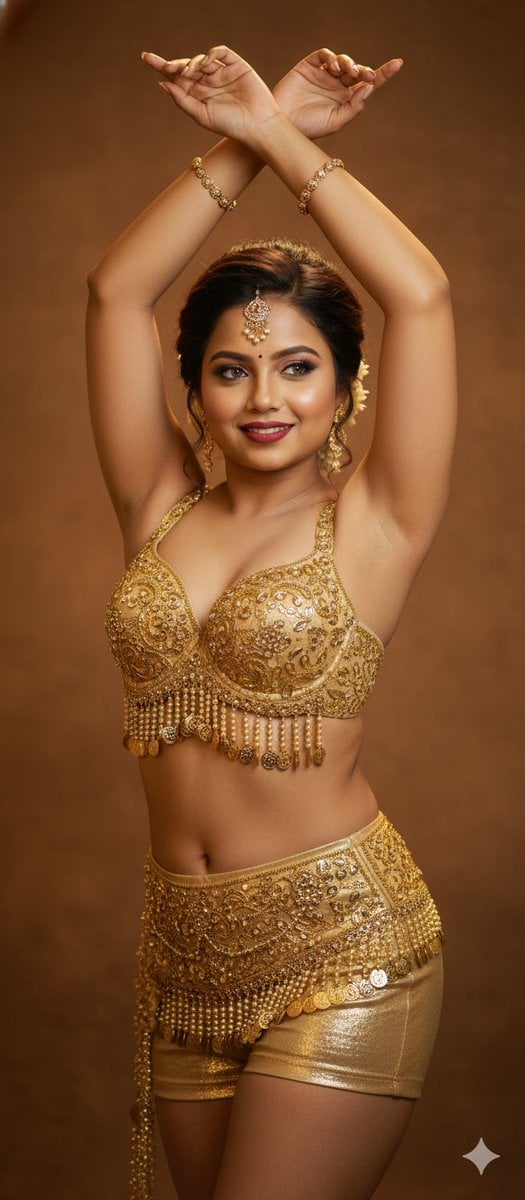
Belly Dance Stunning Photo Prompt

Change an existing image to a Santa theme
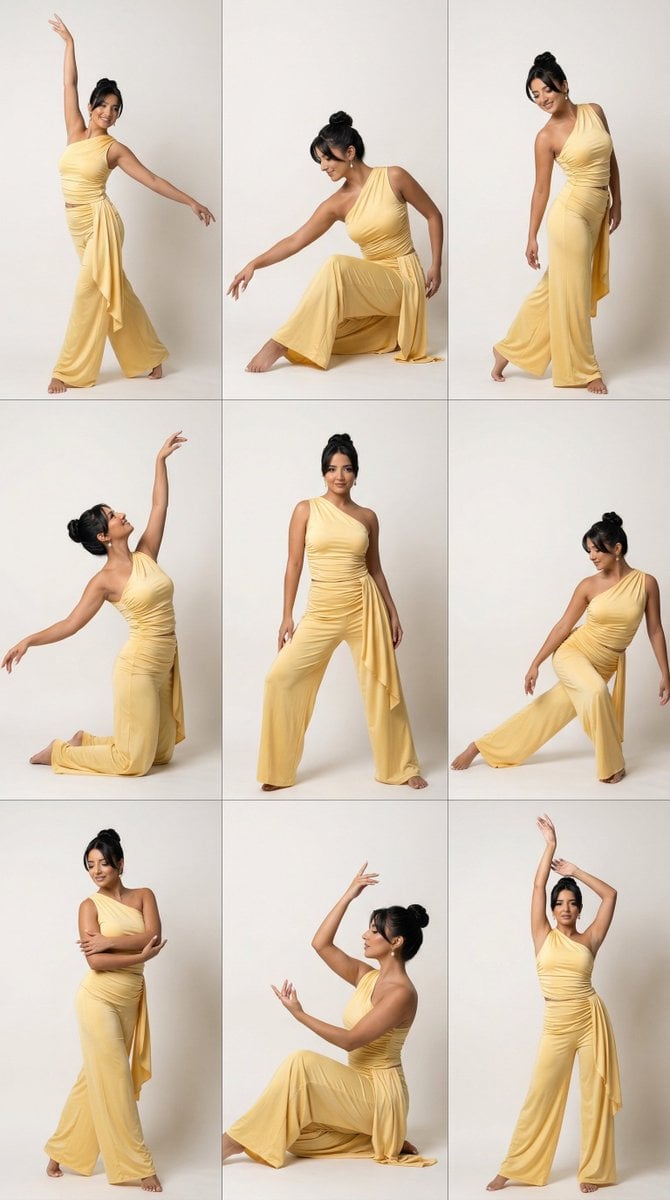
Panel Dance Editorial Grid with Identity Lock
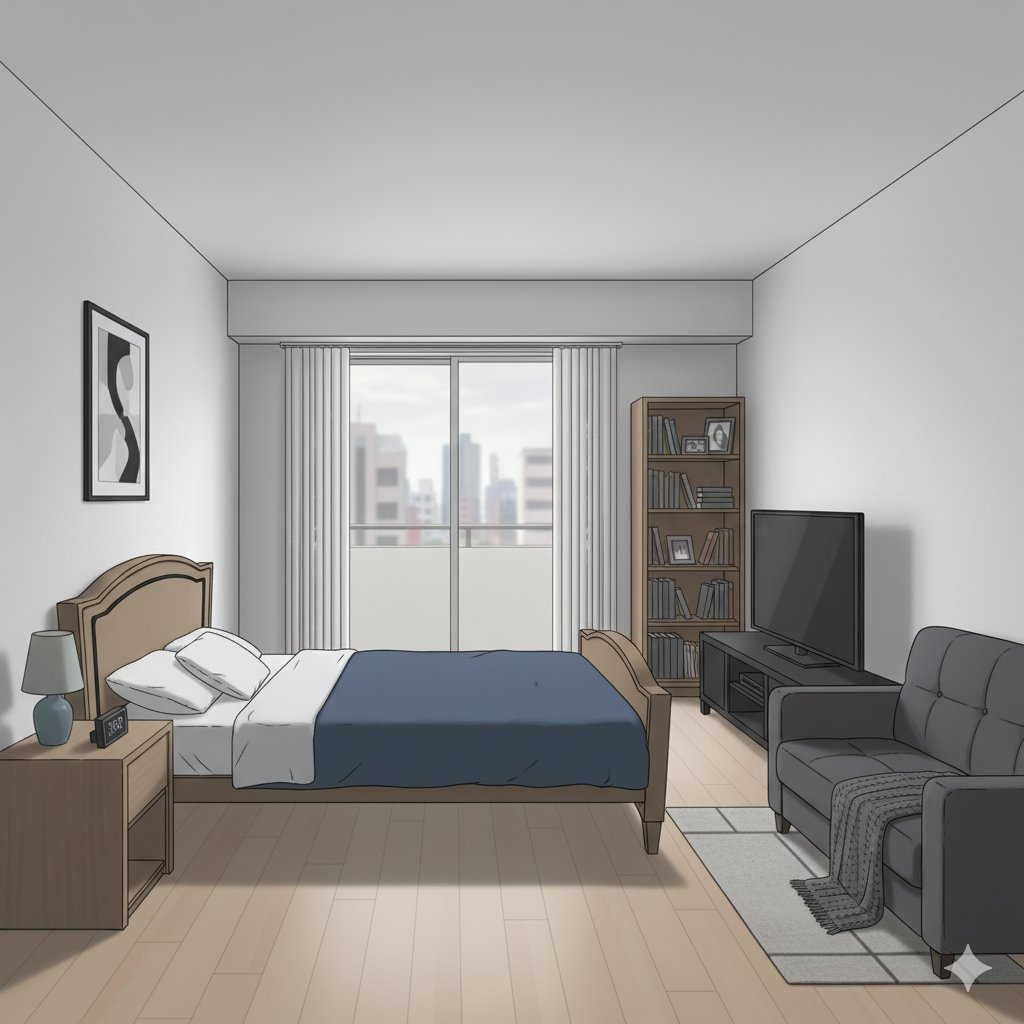
Isometric living room layout based on a sofa photo
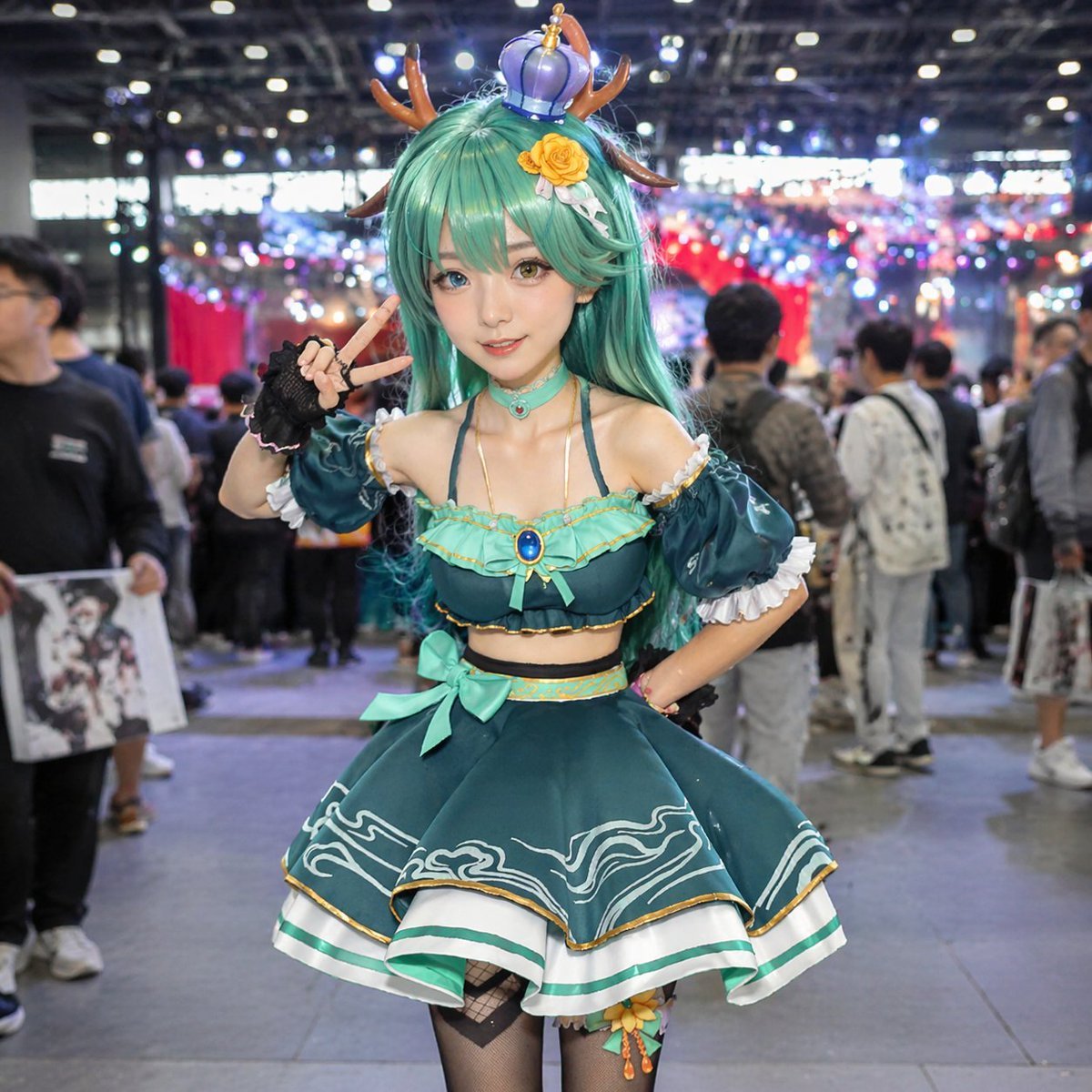
Cosplayer Portrait at Convention
Browse template categories
Split-Screen Product Ad Poster questions
How do I use the Split-Screen Product Ad Poster template?
Add your photo if the template asks for one, edit the prompt if you like — the template's model and format are already selected — and press Generate. Your version opens in PicX Studio.
Can I customize the Split-Screen Product Ad Poster template?
Yes. You can change the subject, setting, lighting, mood, format, and available model controls before creating your image.
Is the Split-Screen Product Ad Poster template free?
Opening and editing this template is free. Generating uses credits, shown on the Generate button when you are signed in.
Which AI model should I use?
Start with GPT Image 2, which is the model associated with this template. You can compare another compatible model for a different finish.
Looking for something else? Browse all templates.

Your photo, any look
Thousands of ready templates for every top image and video model, from one credit balance.