
Panel Dance Editorial Grid with Identity Lock
A complex, structured prompt for generating a 3x3 editorial grid of a woman performing contemporary dance poses.
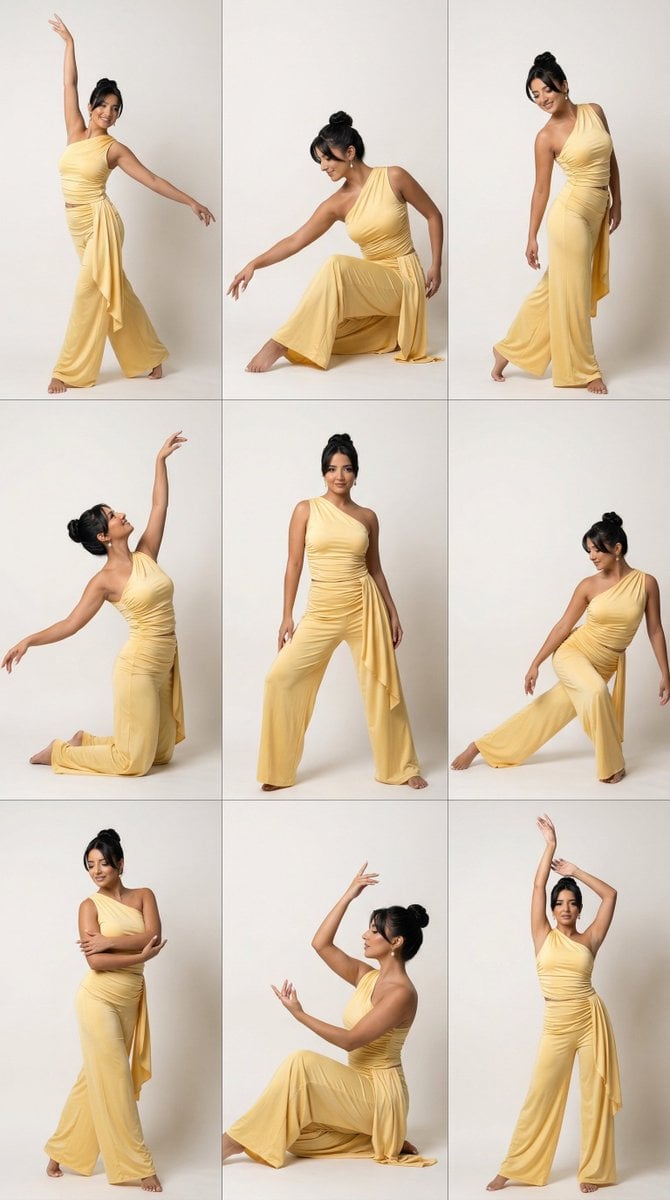
- Prompt included
- Model and format preset
- Free template
The prompt behind this image
Copy the exact prompt behind Panel Dance Editorial Grid with Identity Lock, or open it in the studio and make it yours.
Create a photorealistic 3x3 editorial grid featuring one woman repeated across all nine panels with locked facial identity. Use the uploaded reference image only for facial identity, facial proportions, skin tone, and recognizability. Do not copy, preserve, inherit, reinterpret, or transfer any clothing, styling, accessories, pose, or background from the reference image. Ignore the original outfit completely. SUBJECT: The woman should have a polished elegant hairstyle and refined editorial makeup with luminous skin and defined eyes, visually consistent across all panels. She wears an entirely new luxurious butter-yellow contemporary dance outfit generated from scratch: a fitted asymmetrical one-shoulder top in soft draped satin-stretch fabric with sculpted waist definition, paired with high-waisted fluid wide-leg dance trousers with graceful movement, elegant drape, and elongated leg lines. SCENE: Clean minimal premium editorial studio background, visually consistent across all panels. Mood: confident, artistic, expressive, feminine, high-fashion, dance-driven. PANEL DIRECTIONS: - Panel 1: Strong standing dance pose with one arm lifted overhead and the other extended outward, long elegant line - Panel 2: Seated dance pose with one knee folded, torso angled, expressive hand placement - Panel 3: Deep torso curve with asymmetrical arm line, sculptural contemporary dance energy - Panel 4: Floor-based pose with one arm reaching upward and the body leaning into a graceful side arc - Panel 5: Hero center pose, grounded and powerful, strong stage presence, striking silhouette - Panel 6: Kneeling pose with lifted chest, elongated neck, refined lyrical arm movement - Panel 7: Off-balance standing pose with one leg extended and dynamic asymmetrical upper body shape - Panel 8: Low seated or half-floor pose with curved spine and controlled expressive gesture - Panel 9: Final signature pose with both arms raised, subtle hip shift, memorable campaign silhouette TECHNICAL: 4:5 portrait aspect ratio, ultra high resolution. Cinematic editorial realism style with editorial crisp sharpness, subtle film grain, soft clean high-end dynamic range, warm editorial color grade. 3x3 grid layout with thin gutter and no outer border. MOTION & PHYSICS: Perfect anatomy, believable balance, physically correct posture, elegant joint articulation. Realistic gravity-driven drape and subtle movement response. Clean realistic hands with correct fingers, no distortion. CAMERA: Mixed full-body, mid-body, and seated editorial compositions with clean premium studio angles. Sharp focus on facial detail, pose lines, hands, and fabric texture. Clean studio clarity depth of field. LIGHTING: Soft directional editorial lighting with gentle sculpting, elegant highlights, subtle shadows. Real skin texture, no plastic effect. MUST HAVE: 3x3 grid layout, different dance pose in every panel, reference face identity preserved, consistent hair across all panels, consistent makeup across all panels, new butter-yellow dance outfit generated from prompt only, no clothing copied from reference, consistent studio background, photoreal quality, perfect anatomy, realistic hands, sharp face in every panel, no text. NEGATIVE PROMPT: No reference outfit transfer, no copied clothing from source image, no same outfit as reference, no source styling retained, no reference accessories preserved, no reference pose copied, no different identity in each panel, no cheap dance costume, no sportswear, no awkward limbs, no bad anatomy, no extra fingers, no missing fingers, no deformed hands, no broken wrists, no stiff body, no unnatural spine, no plastic skin, no blurry face, no duplicate limbs, no text, no logo, no watermark.
How to use Panel Dance Editorial Grid with Identity Lock in 3 steps
- 1Upload ImagePNG, JPG or paste
Add your photo
Upload the photo the template builds on. The prompt, model and format are already set.
- 2…a portrait of your subject in softgolden-hour light, 85mm…
Personalize
Edit the subject and creative details for your destination.
- 3Generate
Generate
Press Generate — your image is created in PicX Studio, so you can compare it with the original and refine one variable at a time.
More like this
Templates with the same subject, style or setup. Open one to see its prompt.

Korean Luxury Fashion Editorial 2x2 Grid Series

Geometric Color-Block Beauty Editorial Portrait
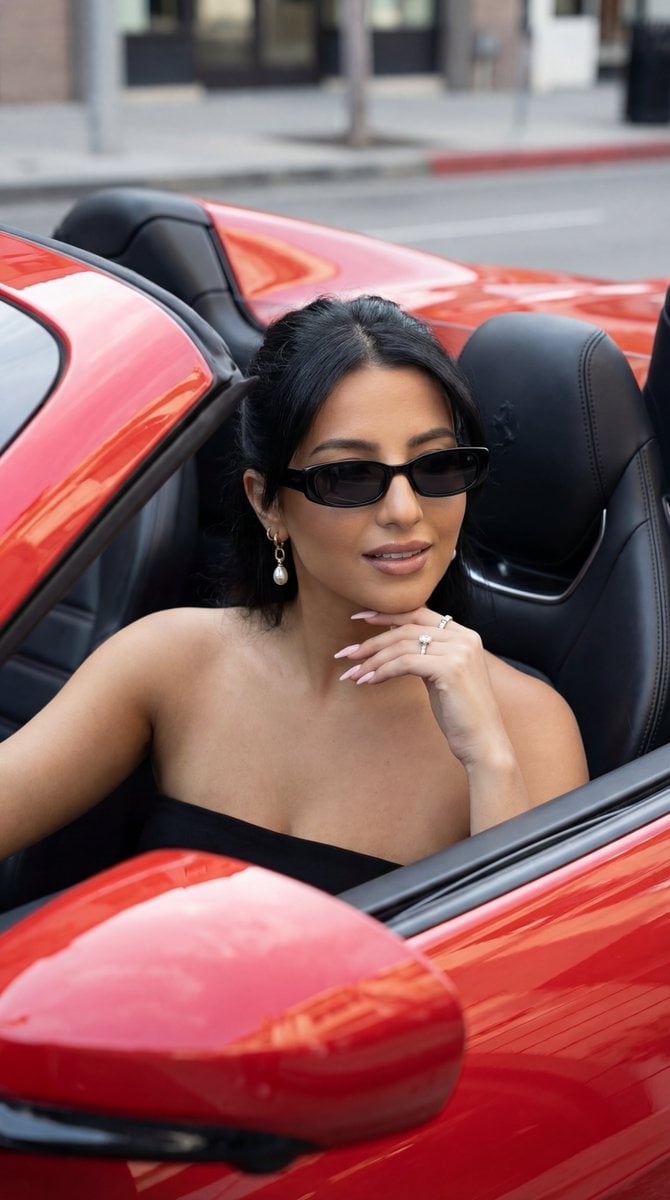
Luxury Car Editorial Portrait (Identity Lock)
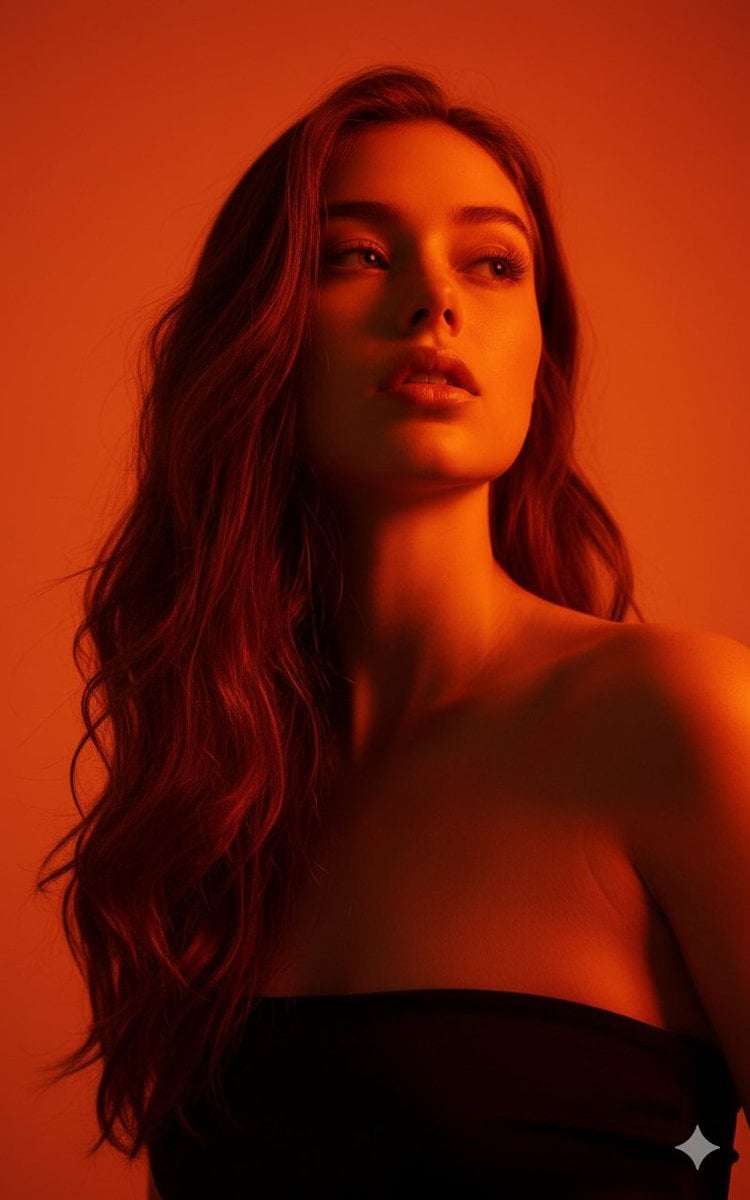
Editorial Portrait with Identity Lock and Dramatic Lighting
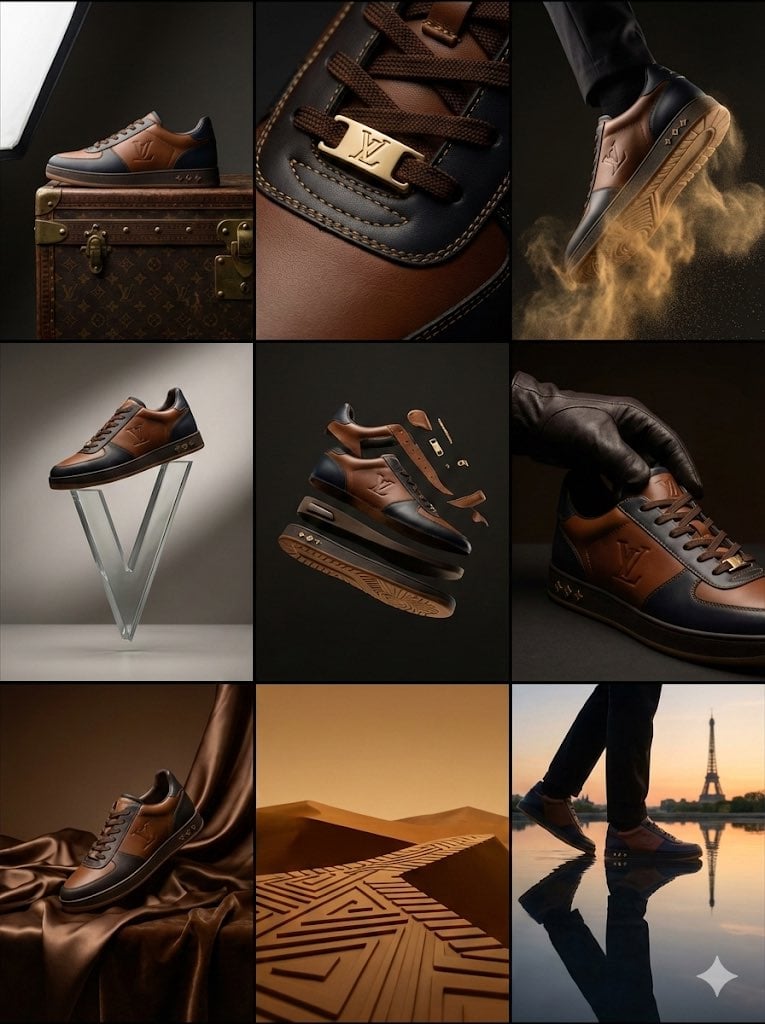
Louis Vuitton Sneaker Editorial Grid (9-Panel Concept)
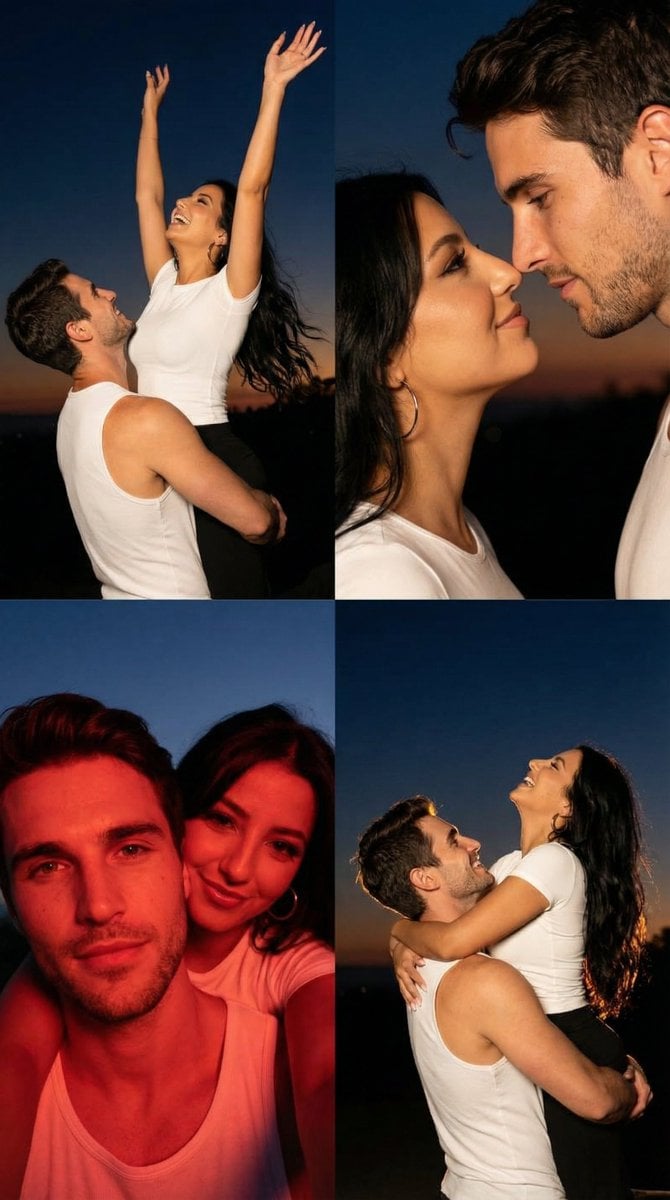
2x2 Grid Cinematic Night Couple Portrait with Identity Lock

Nano Banana Pro Identity Lock — Composition + Face Reference
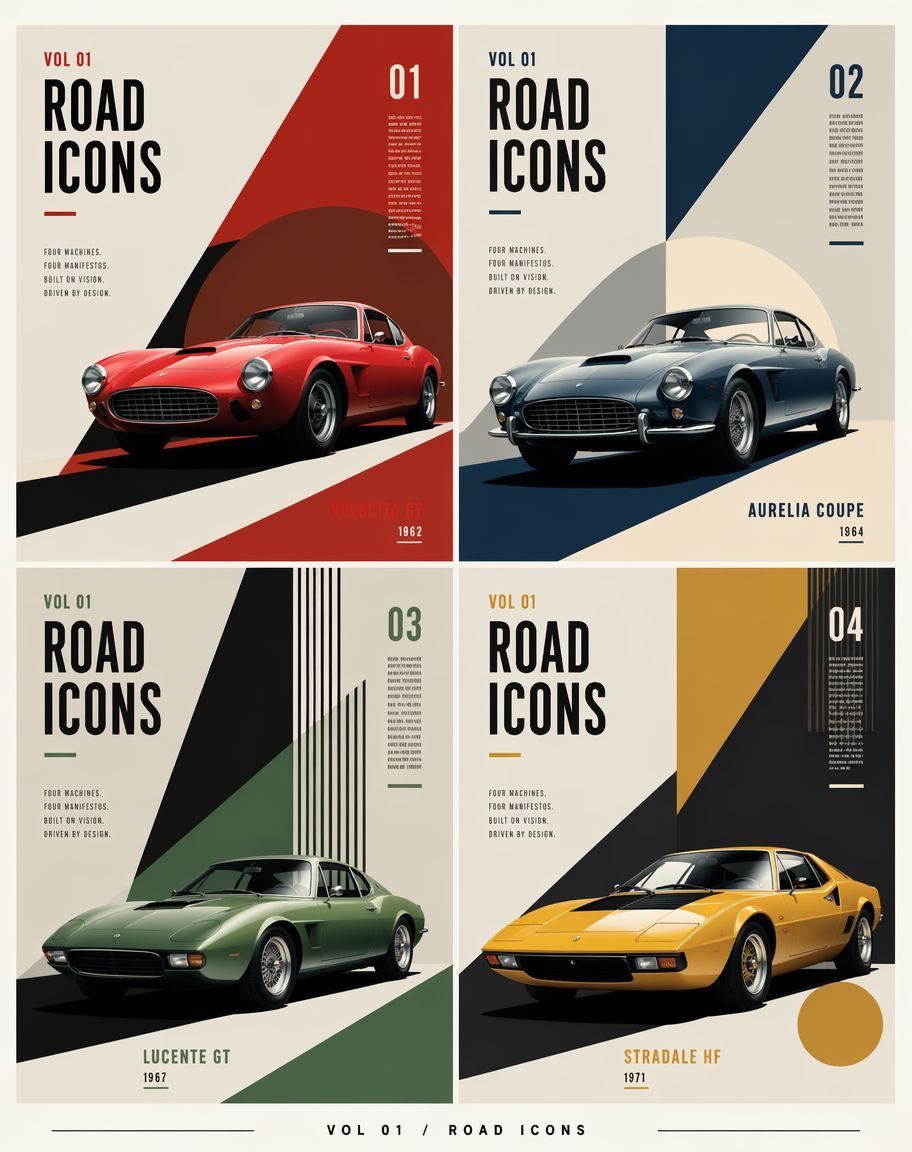
Constructivist Classic Car Editorial Grid
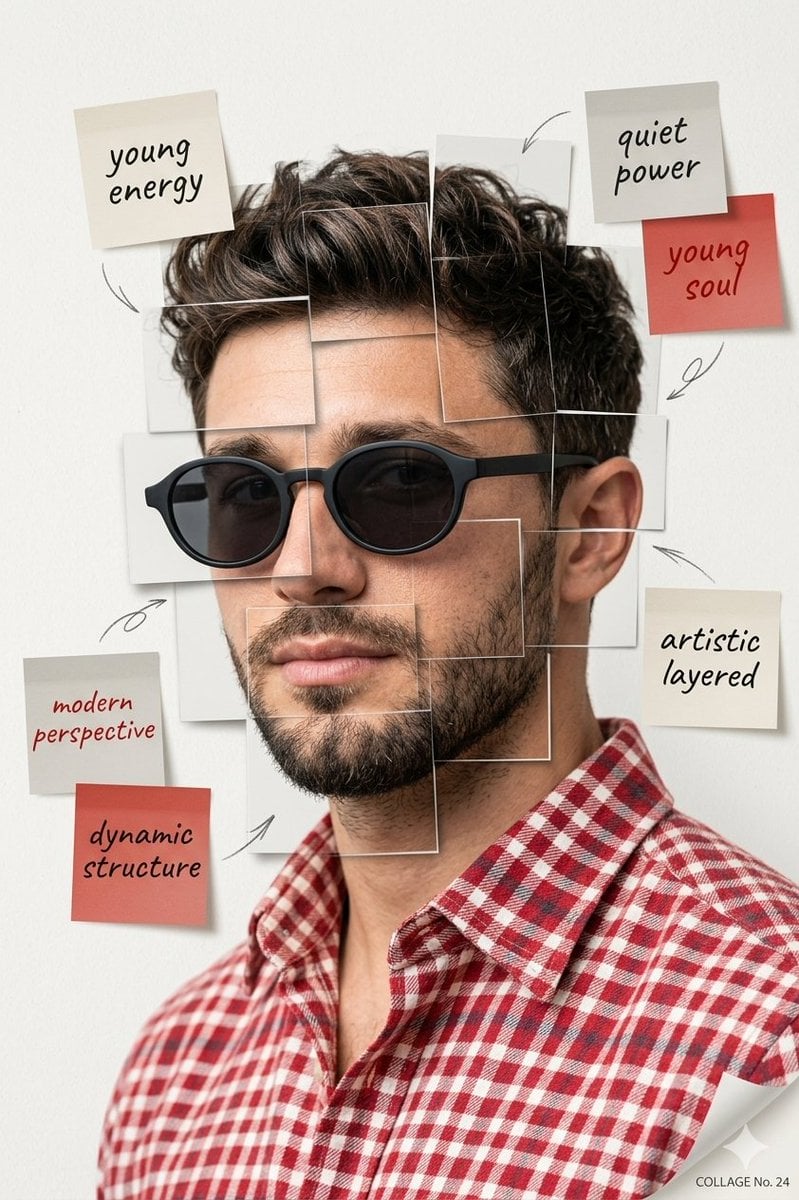
Deconstructed Grid Editorial Portrait
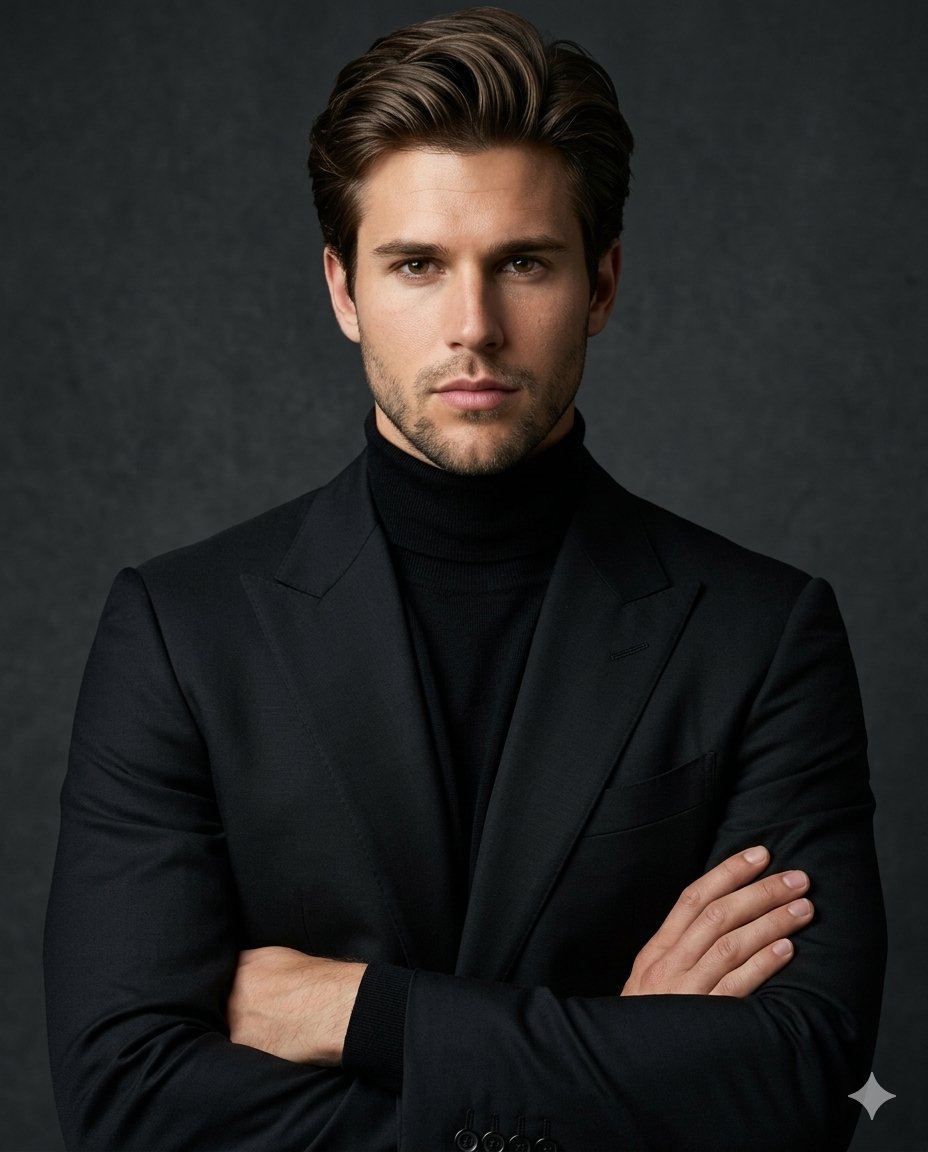
Luxury Editorial Identity Portrait

Urban Fashion Editorial Collage Streetwear Poster

Monochrome Hypebeast Street Fashion Editorial Motion
Make it yours
Panel Dance Editorial Grid with Identity Lock works as-is. These are the safest ways to change it without losing the look.
Change one field
Copy a single group, rewrite it, and generate again so you can see what that field is doing.
Keep the frame, change the subject
Hold the composition and light of 9-Panel Dance Editorial Grid with Identity Lock, then swap wardrobe, props or the person for a new take.
| If the result… | Why | Fix |
|---|---|---|
| The result drifts from the preview | Too many fields changed at once. | Reuse 9-Panel Dance Editorial Grid with Identity Lock as-is first, then change one group — subject, light, or setting. |
| The model over-stylizes the scene | The prose prompt leaves finish and camera underspecified. | Add one camera or lighting sentence and stay on Nano Banana 2. |
More Nano Banana 2 templates
Other prompts made for Nano Banana 2.

Photorealistic Leaf Shaped Like a Dragon

K-Pop Idol Portrait Grid for Rapid Selection

Poetic Rain Forest Portrait During Golden Hour

Urban Street Portrait with Cartoon Inner Self Duo

Candid Nighttime Photo with Cat Prompt

High-Concept 3D Diorama Generation Prompt

Cinematic Futuristic Studio Portrait Template

Skincare Editorial Photography Collage Prompt

Hyper-Realistic Commercial Product Photography (Splash Effect)

Hyper-Realistic Nightclub Portrait Prompt
More image prompts
Fresh picks from across the catalog.
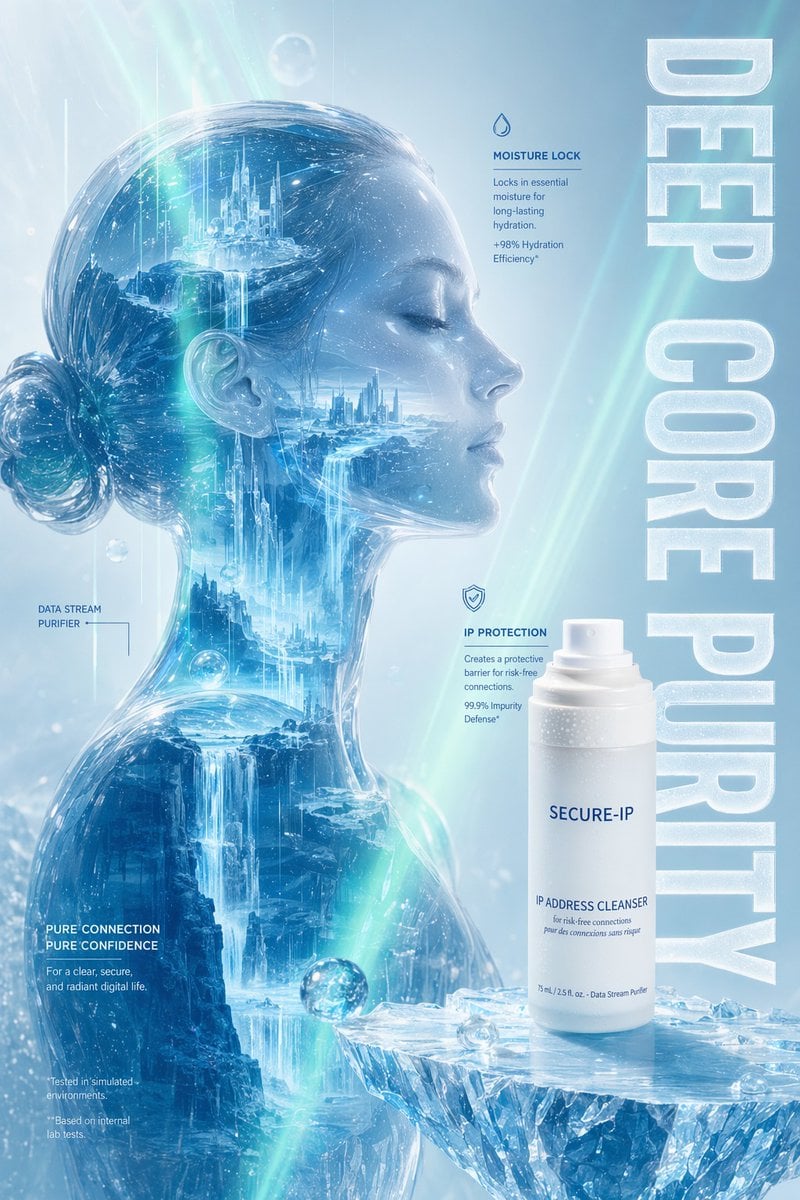
Futuristic Ice Skincare Poster
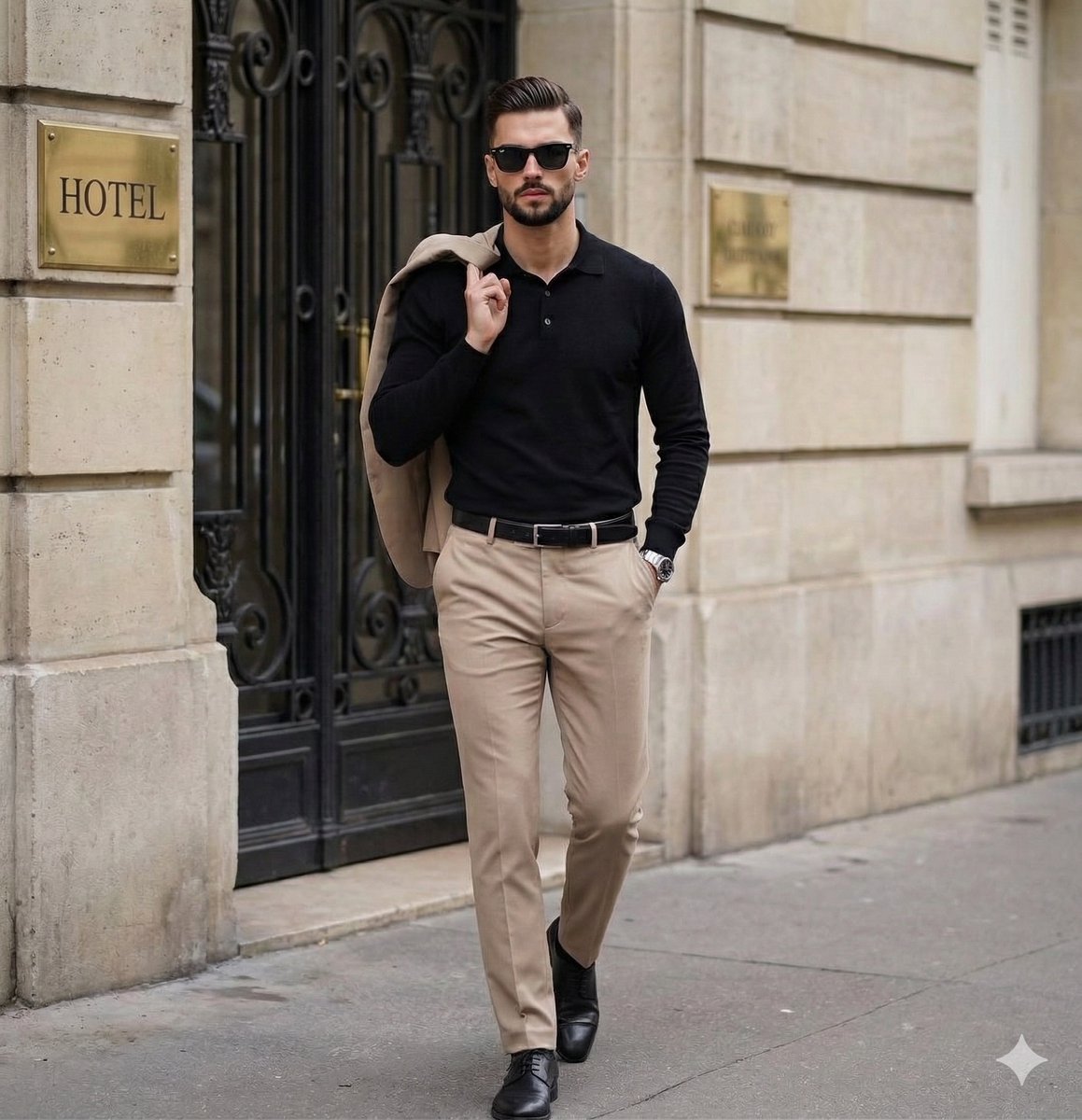
Sophisticated Men's Street Style Editorial
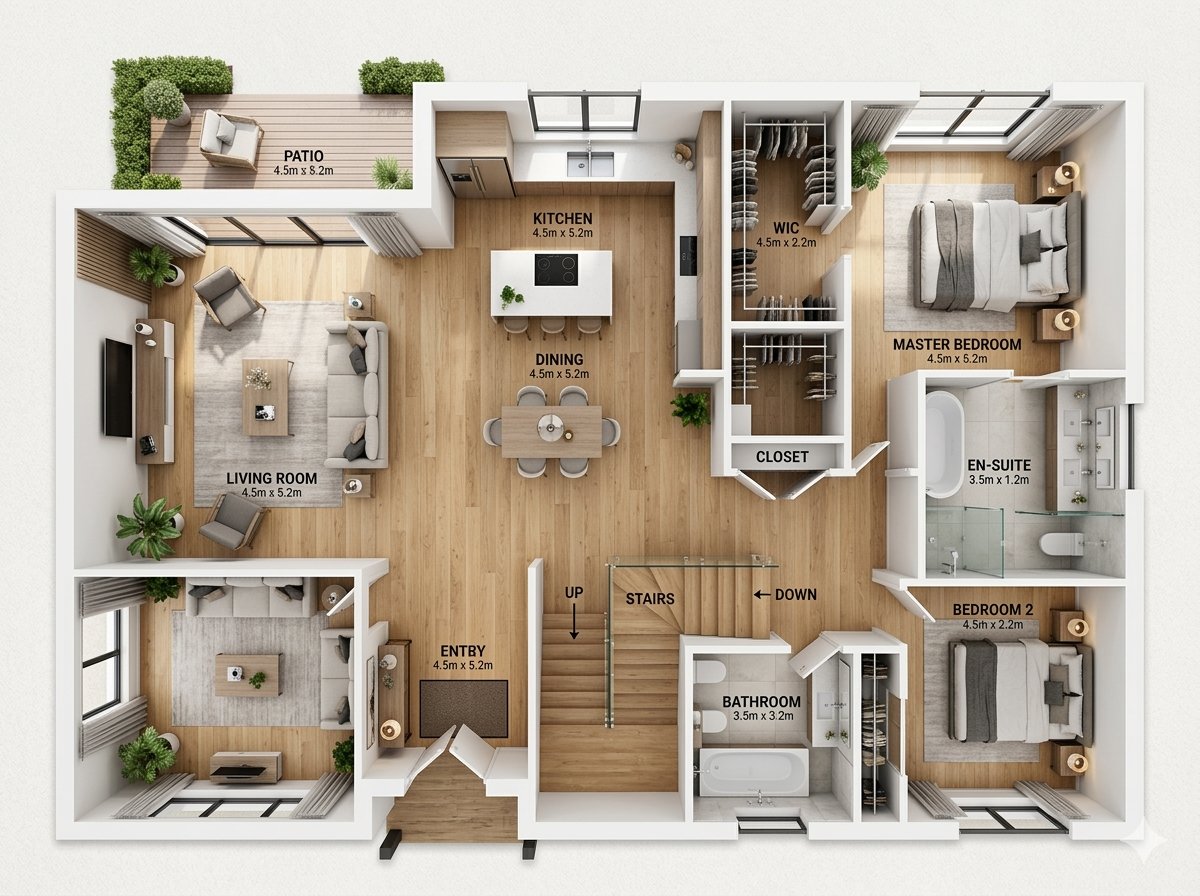
Modern Home Interior Architectural Blueprint Prompt
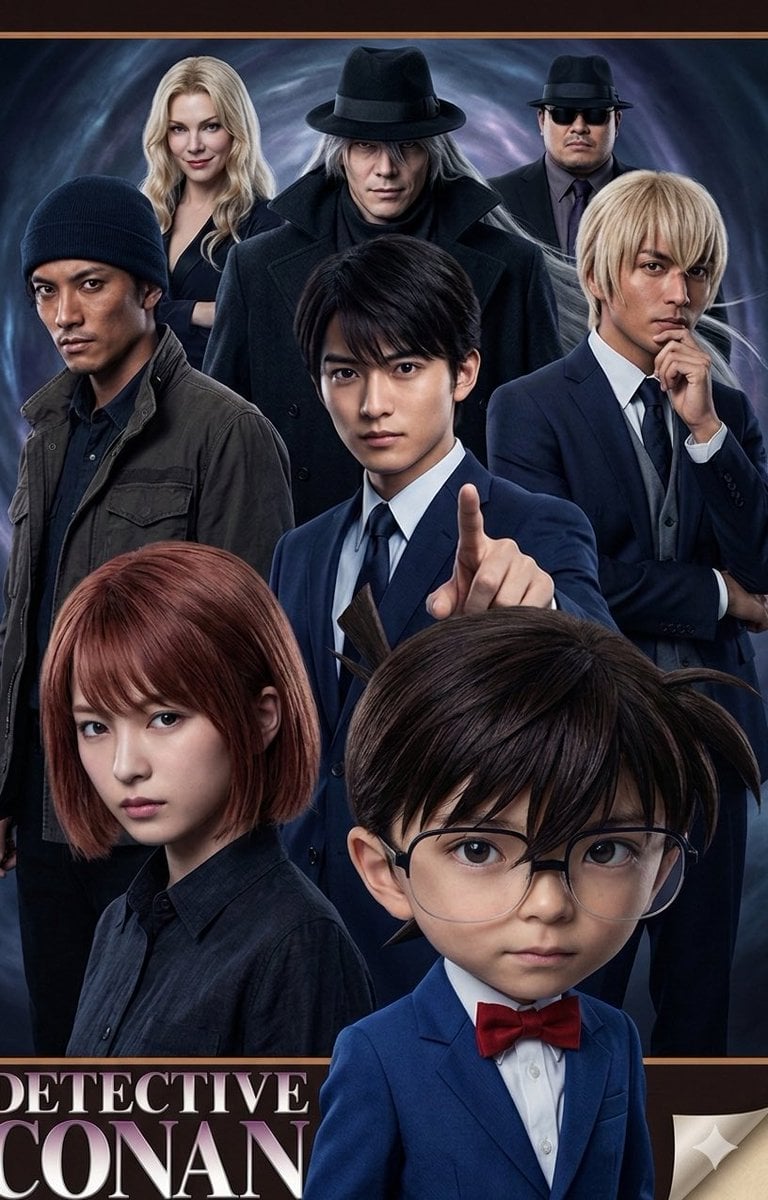
Anime/Manga to Ultra-Realistic Human Conversion
Expressive Oil Painting Portrait
Product Ad: Monster Energy Can on Mountain Peak
Cinematic Scene of Person Hugging a Toy Poodle
Conceptual Trapped Reflection Art
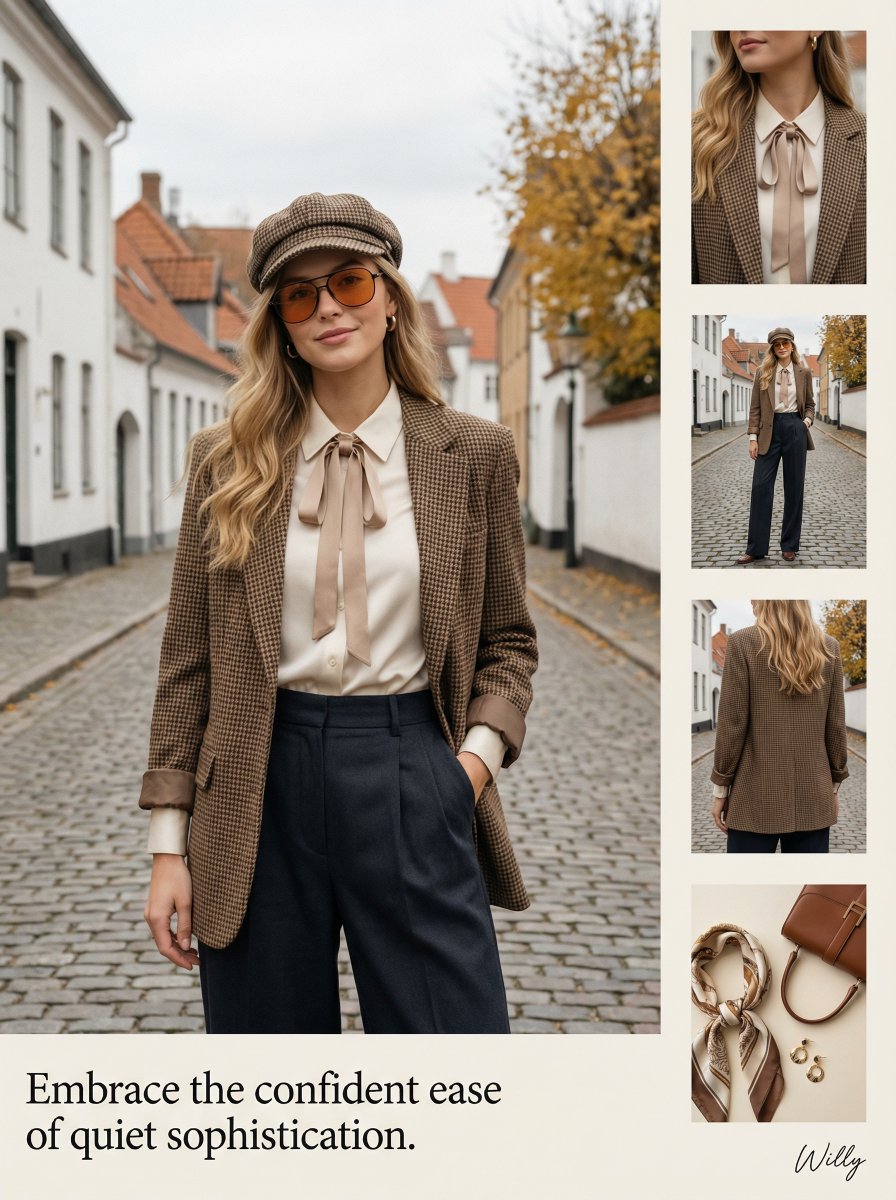
1970s Inspired Quiet Luxury Fashion Lookbook
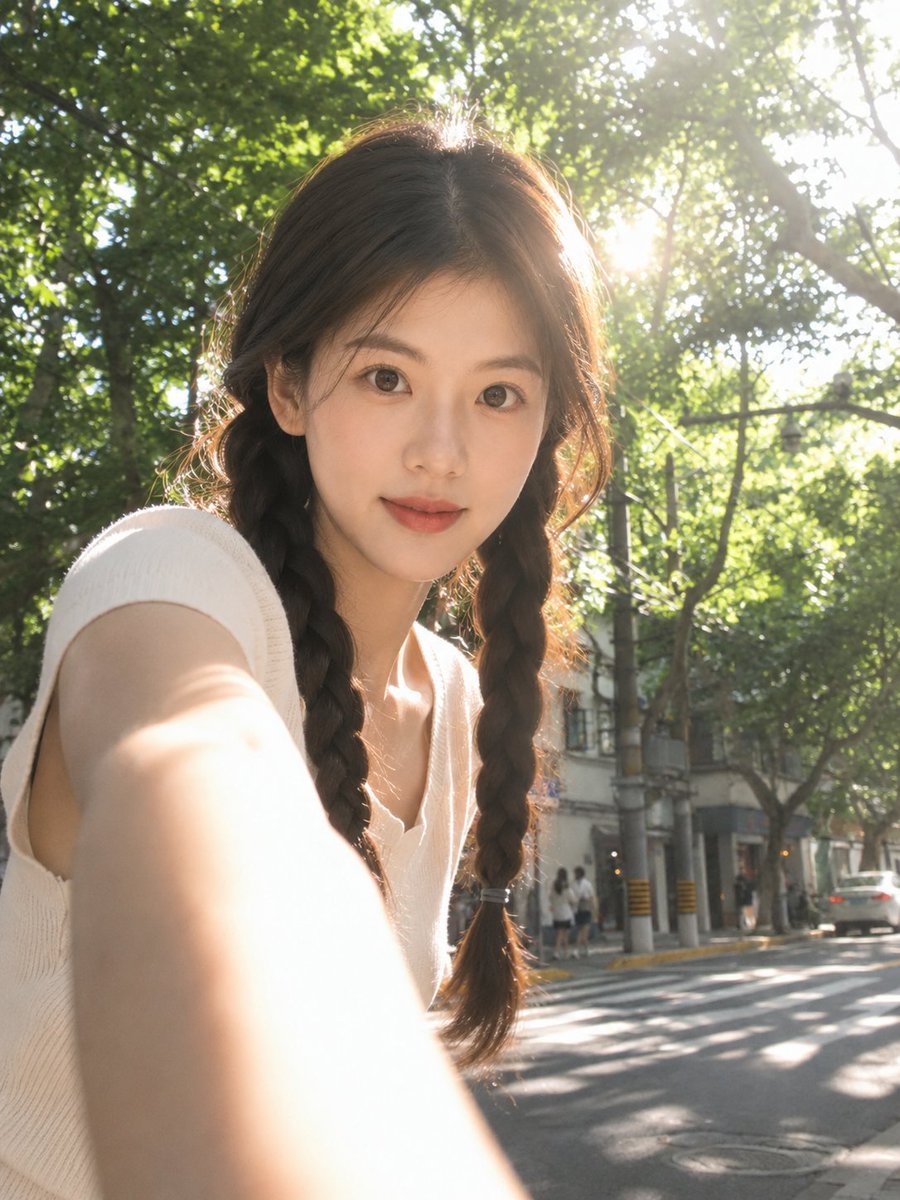
Sun-Drenched Candid Selfie Portrait
Browse template categories
Panel Dance Editorial Grid with Identity Lock questions
How do I use the 9-Panel Dance Editorial Grid with Identity Lock template?
Add your photo if the template asks for one, edit the prompt if you like — the template's model and format are already selected — and press Generate. Your version opens in PicX Studio.
Can I customize the 9-Panel Dance Editorial Grid with Identity Lock template?
Yes. You can change the subject, setting, lighting, mood, format, and available model controls before creating your image.
Is the 9-Panel Dance Editorial Grid with Identity Lock template free?
Opening and editing this template is free. Generating uses credits, shown on the Generate button when you are signed in.
Which AI model should I use?
Start with Nano Banana 2, which is the model associated with this template. You can compare another compatible model for a different finish.
Looking for something else? Browse all templates.

Your photo, any look
Thousands of ready templates for every top image and video model, from one credit balance.