
Geometric Split Poster Design
A high-end poster prompt that splits a canvas into a realistic photo upper half and a geometrically reconstructed graphic lower half, perfect for art publications.
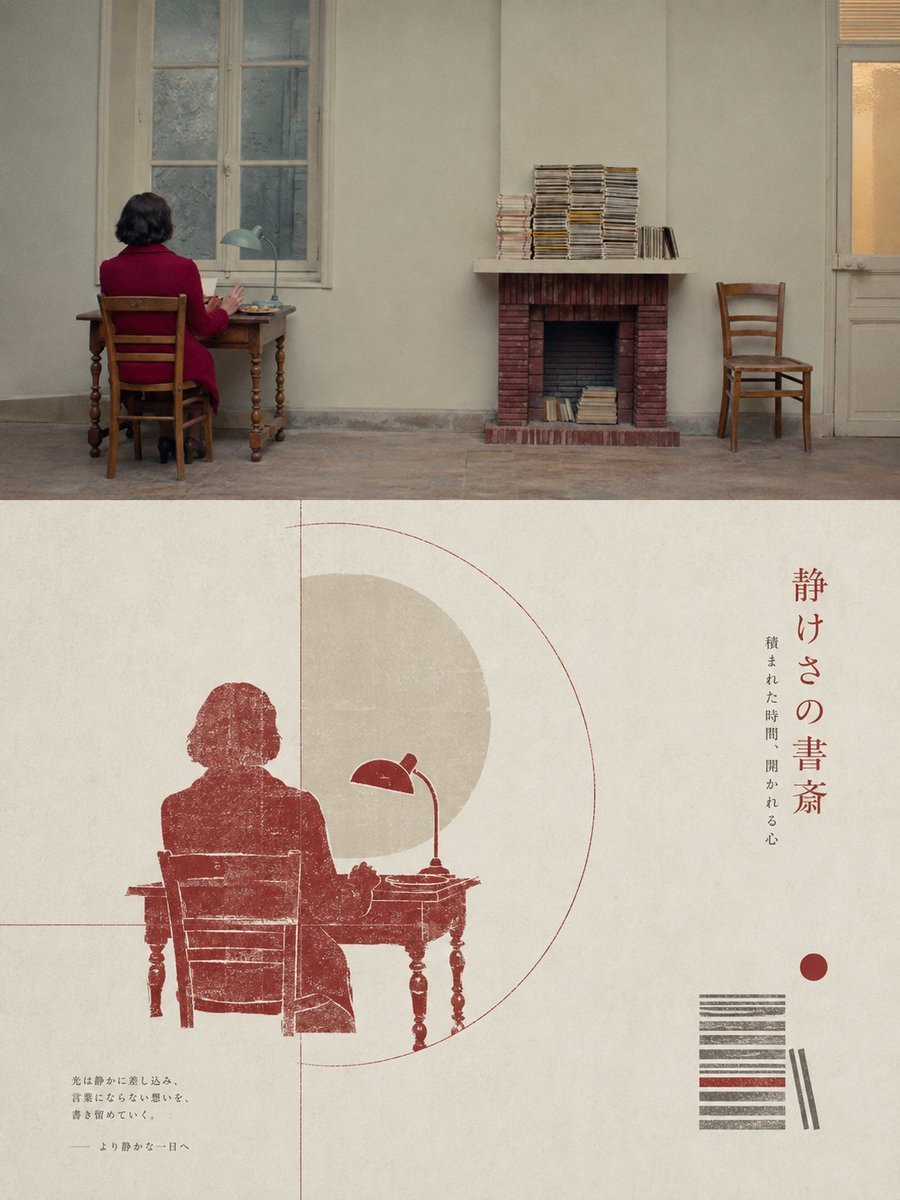
- Prompt included
- Model and format preset
- Free template
The prompt behind this image
Copy the exact prompt behind Geometric Split Poster Design, or open it in the studio and make it yours.
Please turn each photo I upload into a separate premium-designed poster, with no multi-image collage; output each photo as an independent poster. Use an overall 3:4 vertical composition, strictly divided into two equal-height sections, with the upper and lower halves each occupying exactly 50% of the canvas. The upper half should preserve the original photograph, maintaining the subject’s structure, realistic texture, natural lighting and shadows, and original color atmosphere, with only subtle high-end photographic color grading to give it the quality of an art publication or exhibition photograph. To adapt the image to the required aspect ratio, you may naturally extend the sky, ground, or environmental background, but you must not stretch, distort, or alter the main subject. The lower half should extract the most recognizable subject, silhouette, posture, and narrative relationship from the photograph; first understand its core meaning, cultural attributes, or emotional relationship, then reconstruct it into a graphic composition combining the character of a folk-culture catalog, antique rubbing prints, and modern graphic design. Do not translate every element in the photograph one by one, and do not add generic traditional patterns; retain only one core visual motif and a very small number of auxiliary forms that truly carry narrative significance. Use silhouette, negative space, partial enlargement, shape merging, and symbolic transformation so that the graphic not only corresponds to the original object but also expresses the meaning behind it. Build the composition on a rigorous geometric framework and proportional system: derive circles, squares, triangles, arcs, axes, or repeated proportions from the structure of the subject itself as the “geometric matrix,” then align all main forms, secondary graphics, typography, and negative space through shared tangencies, common axes, nesting, mirroring, proportional progression, or edge cropping relationships. The layout may be freely distributed, off-center, extend beyond boundaries, or be asymmetrical, but every element must obey the same structural logic, creating a clear visual center of gravity, hierarchy, rhythm, and negative space; from a distance the order should be immediately legible, while closer viewing should reveal traditional print traces and subtle details. Avoid random scattered elements and decorative accumulation. Extract the most distinctive, lively, and spiritually expressive colors from the upper photograph and reorganize them into a clean, restrained paper-printing palette. Use a bright, light paper-colored background to create breathing room, one dark color to establish the visual skeleton, and one or two theme colors derived from the original photograph to organize the main subject and limited accents. Build depth through area ratios, overprinting, and ton
How to use Geometric Split Poster Design in 3 steps
- 1Upload ImagePNG, JPG or paste
Add your photo
Upload the photo the template builds on. The prompt, model and format are already set.
- 2…a portrait of your subject in softgolden-hour light, 85mm…
Personalize
Edit the subject and creative details for your destination.
- 3Generate
Generate
Press Generate — your image is created in PicX Studio, so you can compare it with the original and refine one variable at a time.
More like this
Templates with the same subject, style or setup. Open one to see its prompt.

Brazil Versus Japan Knockout Split Rivalry Poster

Japan Travel Brochure Poster

Cartoon TV Show Poster Pack

Trendy Cafe Drink Promo Poster

Urban Fashion Editorial Collage Streetwear Poster

Premium Fashion Editorial Cover Layout System

Polo Ralph Lauren Luxury American Heritage Fashion Campaign

Monochrome Halftone Editorial Fashion Poster

Retro Mirror Luxury Fashion Campaign Poster

Luxury Fashion Campaign Typography Poster System

Geometric Color-Block Beauty Editorial Portrait

Premium Fashion Editorial Campaign Poster System
Make it yours
Geometric Split Poster Design works as-is. These are the safest ways to change it without losing the look.
Change one field
Copy a single group, rewrite it, and generate again so you can see what that field is doing.
Keep the frame, change the subject
Hold the composition and light of Geometric Split Poster Design, then swap wardrobe, props or the person for a new take.
| If the result… | Why | Fix |
|---|---|---|
| The result drifts from the preview | Too many fields changed at once. | Reuse Geometric Split Poster Design as-is first, then change one group — subject, light, or setting. |
| The model over-stylizes the scene | The prose prompt leaves finish and camera underspecified. | Add one camera or lighting sentence and stay on GPT Image 2. |
More GPT Image 2 templates
Other prompts made for GPT Image 2.

Six VTuber Japanese Logo Sheet

Realistic Portrait of Woman and Deer

The Vista Modular Condo Poster

AI Model Routing Comparison Infographic

2.5D Anime Art Board

Isometric Productivity Desk Scene

New York Double Exposure Poster

Four-Panel AI Landscape Comparison

Japanese Tatami Lifestyle Magazine Cover

NESCAFÉ Coffee Map Poster
More image prompts
Fresh picks from across the catalog.

Defiant Subject with Vintage Sports Car
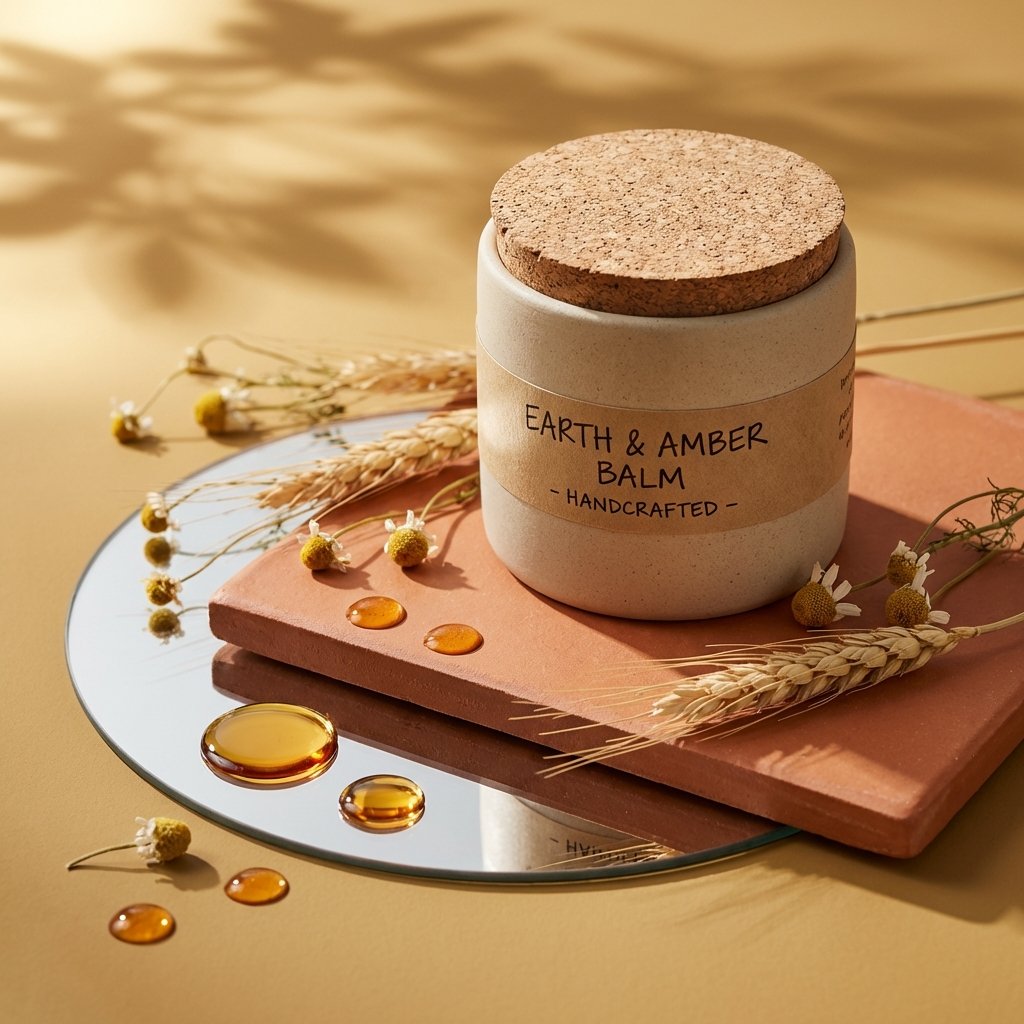
Luxury Skincare Product Photography
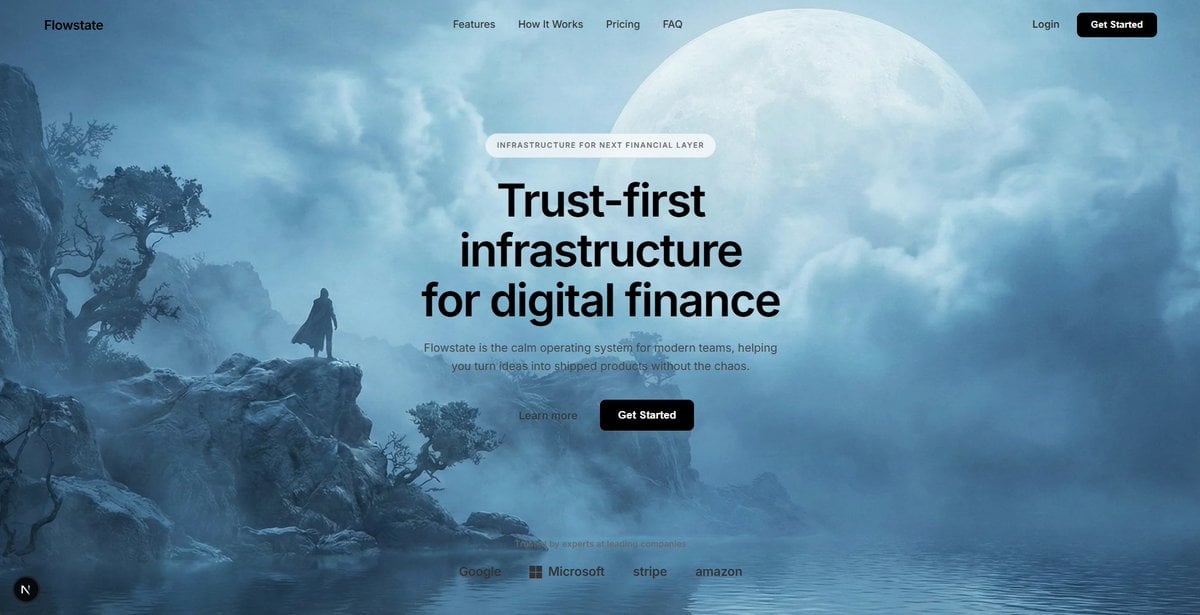
Cinematic Sci-Fi Landscape and Fintech UI Design Prompts
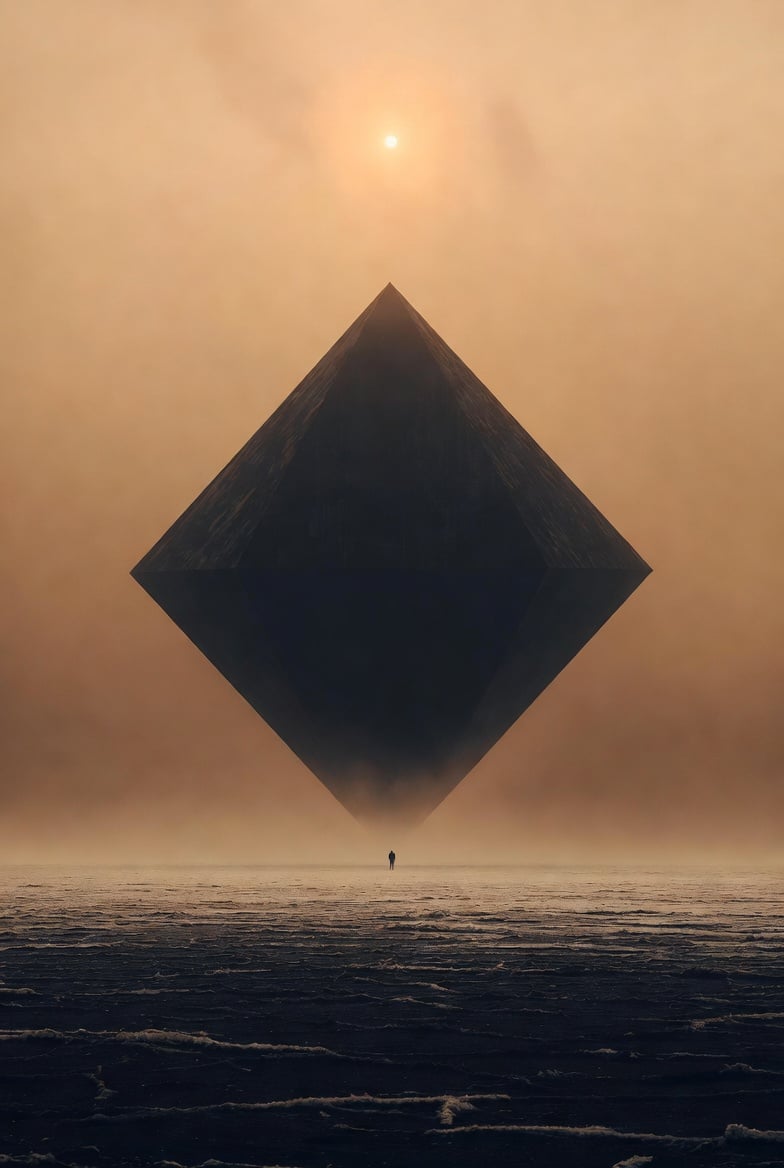
Cinematic Foundation series salt plain
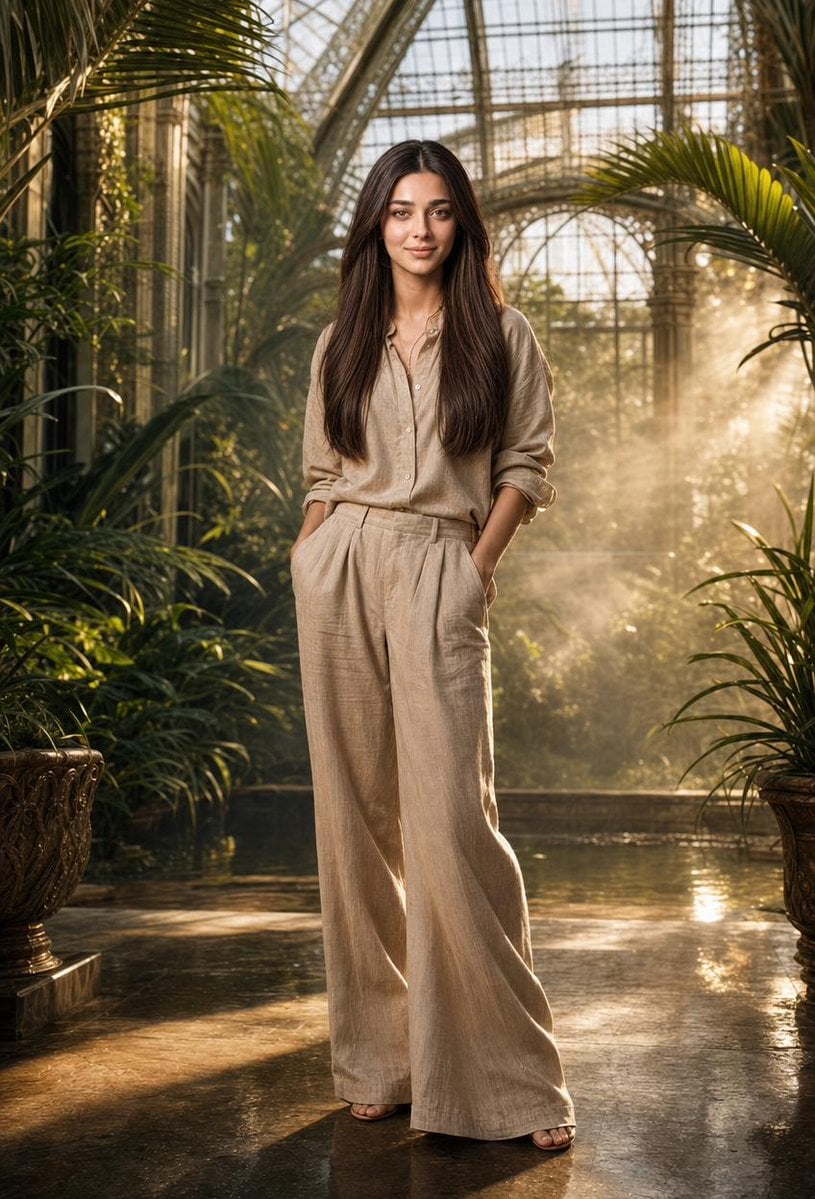
Tropical Greenhouse Editorial Portrait
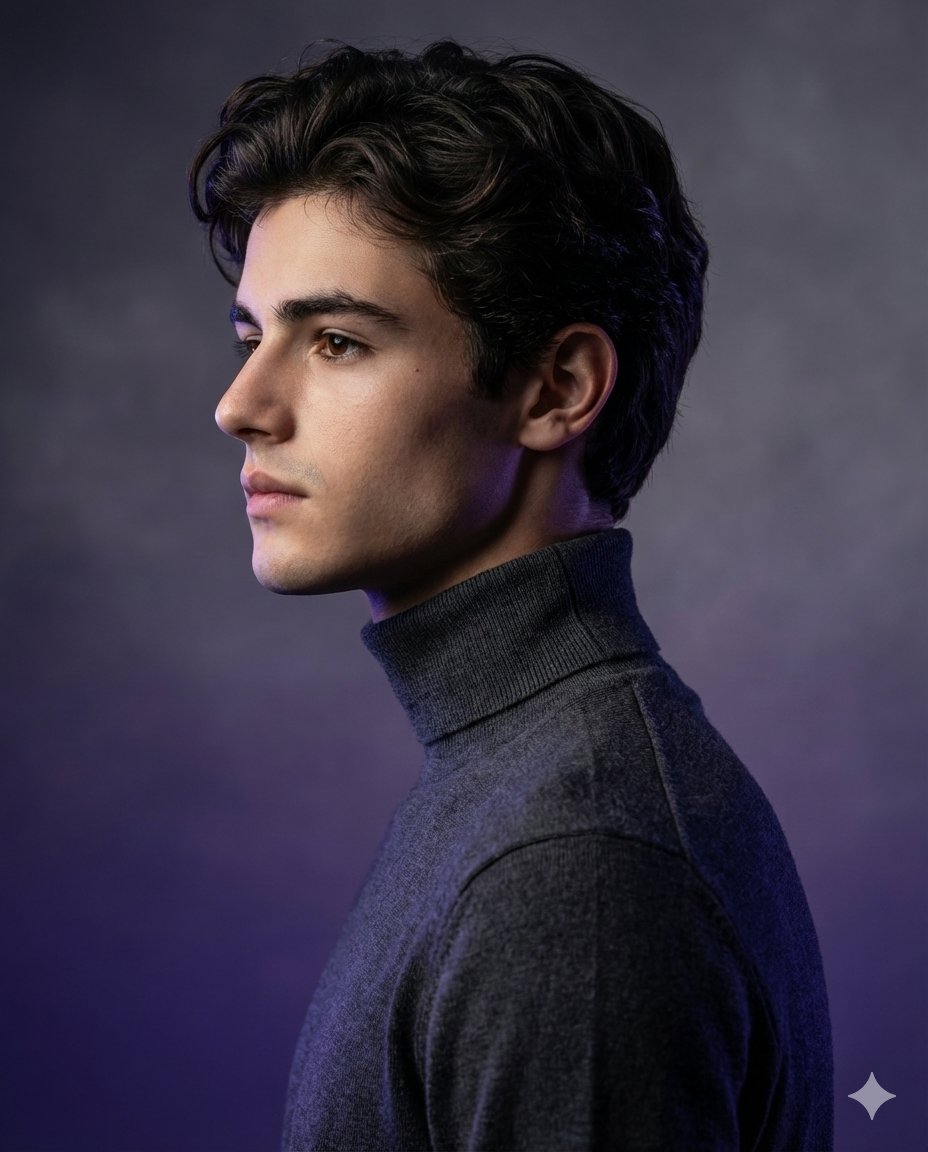
High-Fashion Studio Portrait with Identity Lock
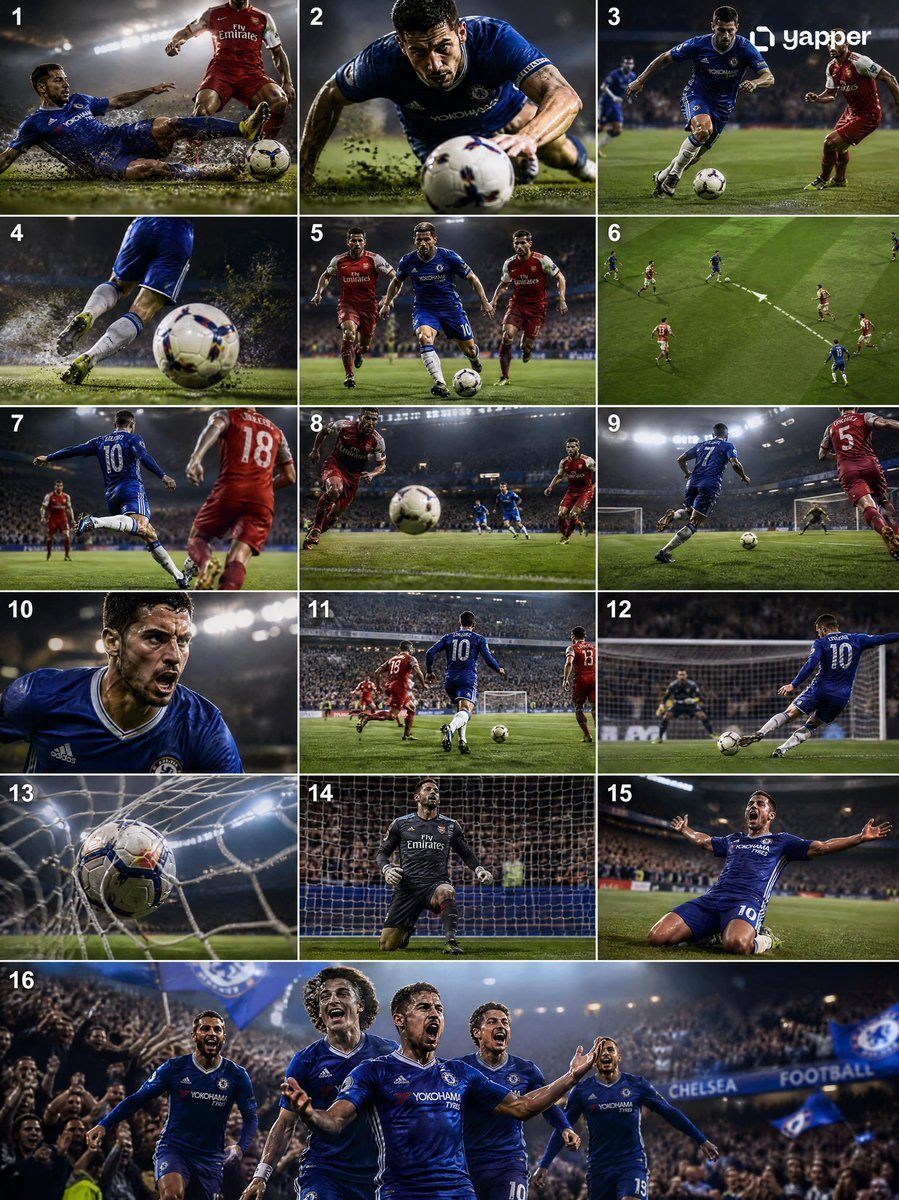
Cinematic Soccer Storyboard
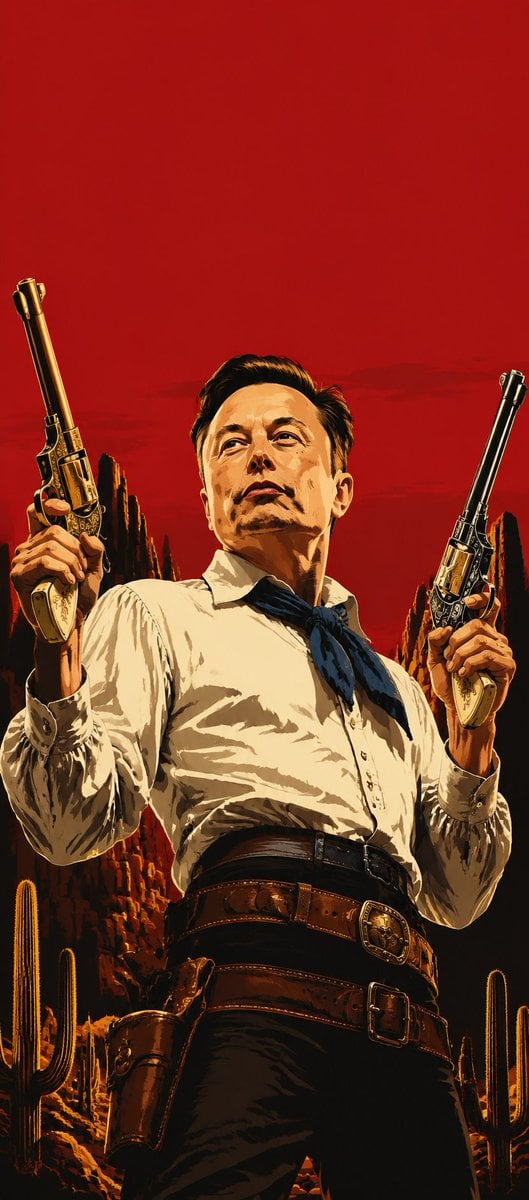
Blood-Red Western Gunslinger Poster

Cinematic Fashion Portrait of a Stylish Man
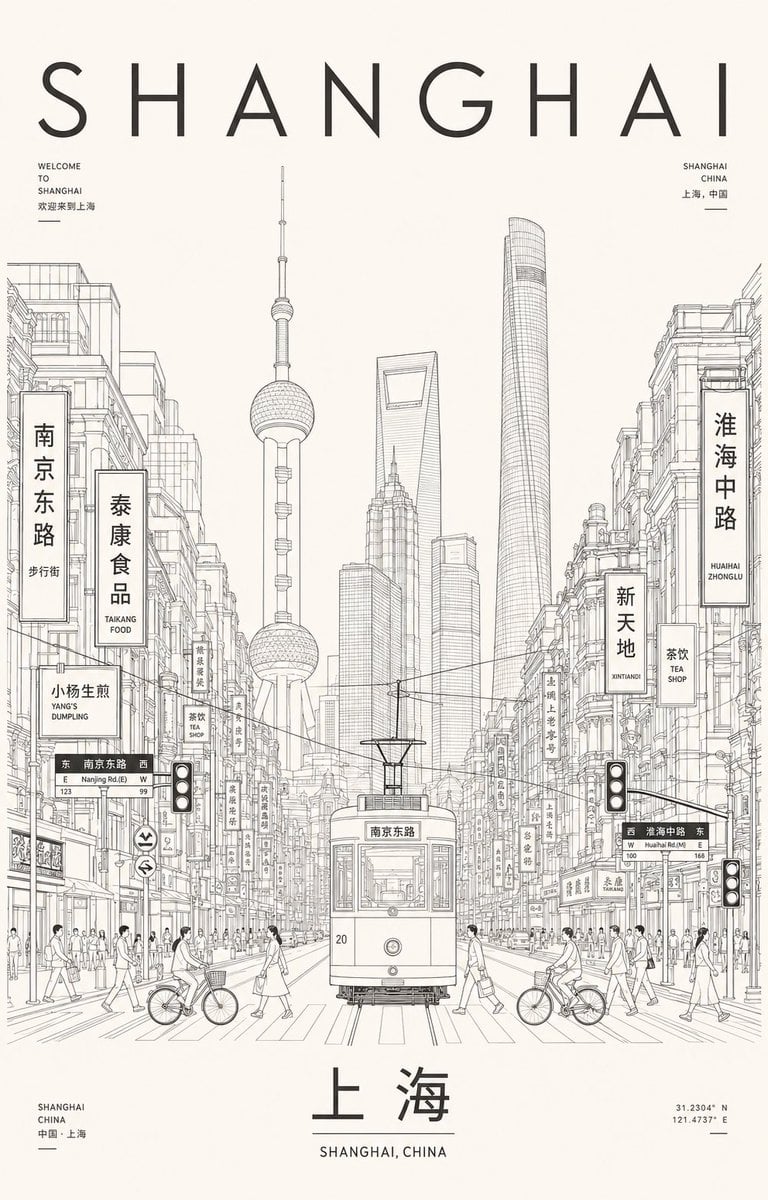
Minimalist Shanghai Line Art Poster
Browse template categories
Geometric Split Poster Design questions
How do I use the Geometric Split Poster Design template?
Add your photo if the template asks for one, edit the prompt if you like — the template's model and format are already selected — and press Generate. Your version opens in PicX Studio.
Can I customize the Geometric Split Poster Design template?
Yes. You can change the subject, setting, lighting, mood, format, and available model controls before creating your image.
Is the Geometric Split Poster Design template free?
Opening and editing this template is free. Generating uses credits, shown on the Generate button when you are signed in.
Which AI model should I use?
Start with GPT Image 2, which is the model associated with this template. You can compare another compatible model for a different finish.
Looking for something else? Browse all templates.

Your photo, any look
Thousands of ready templates for every top image and video model, from one credit balance.