
Cinematic Soccer Storyboard
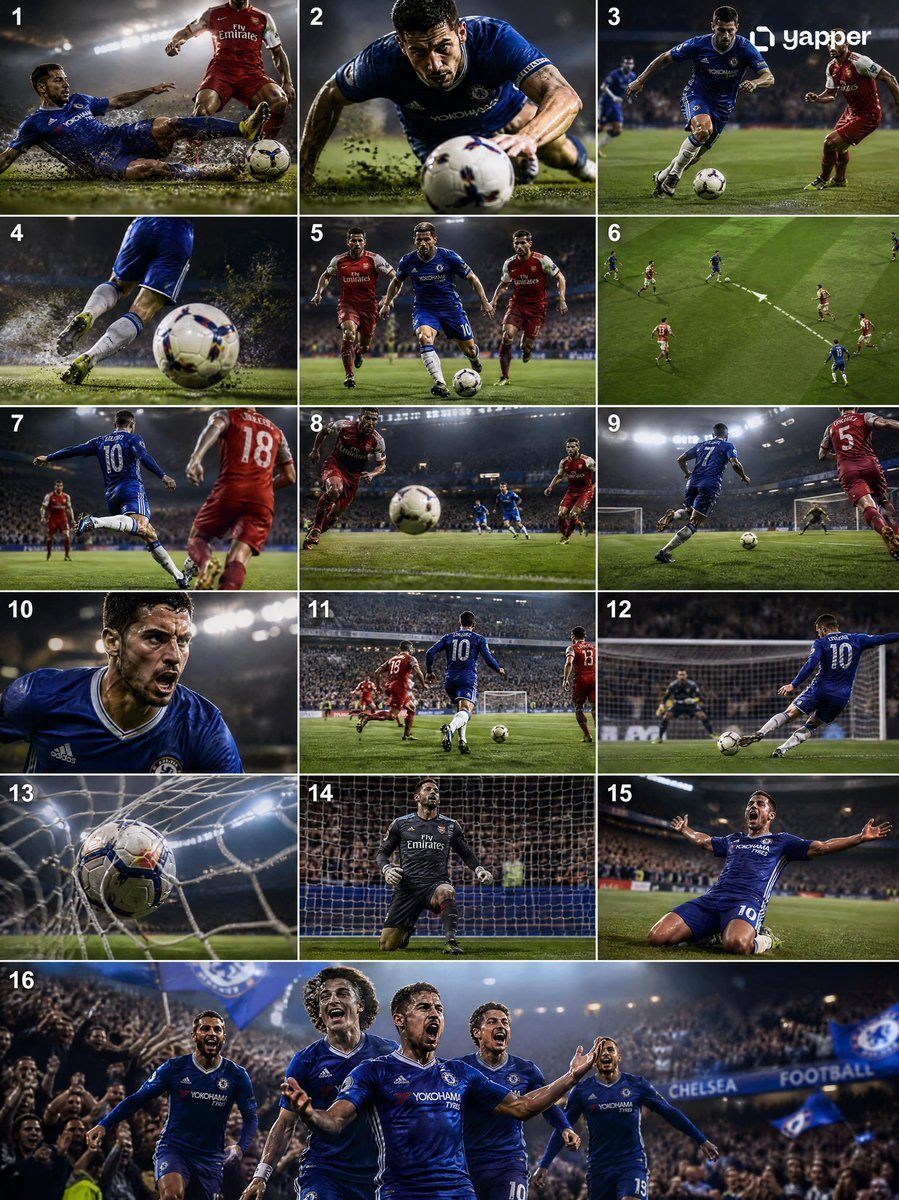
A dynamic sports storyboard prompt showing a sequence from a sliding tackle to a goal celebration with professional broadcast aesthetics.
- Prompt included
- Model and format preset
- Free template
The prompt behind this image
Copy the exact prompt behind Cinematic Soccer Storyboard, or open it in the studio and make it yours.
Create a high-quality 4K cinematic {argument name="sport" default="football (soccer)"} storyboard showing a full sequence from {argument name="start action" default="tackle"} to {argument name="end action" default="goal"}, using dynamic lighting, dramatic stadium atmosphere, and professional sports broadcast style. The scene begins with an intense midfield moment where a defender performs a strong sliding tackle, grass and dirt particles flying in slow motion as the ball is cleanly won. Transition immediately into a fast counterattack: the player recovers, pushes the ball forward, and accelerates past opponents with quick footwork. Show close-ups of boots striking the ball, sweat, and focused expressions, mixed with wide shots of the field opening up. Add a key pass moment where the ball is threaded through defenders, followed by a sprint toward goal with the crowd rising in anticipation. Build tension with a slow-motion approach to the penalty box, then a powerful shot on goal—either a clean strike or a curled finish. Show the ball hitting the net with dramatic impact, net rippling, and goalkeeper reaction. End with an emotional celebration: the scorer running, sliding, or raising arms as teammates join, stadium lights glowing and crowd erupting. Use varied camera angles (wide, tracking, close-up, POV, slow motion), strong motion blur, and realistic physics (ball spin, turf impact).
How to use Cinematic Soccer Storyboard in 3 steps
- 1
Open
The prompt is already in the box next to the preview, with the template's model and format selected.
- 2…a portrait of your subject in softgolden-hour light, 85mm…
Personalize
Edit the subject and creative details for your destination.
- 3Generate
Generate
Press Generate — your image is created in PicX Studio, so you can compare it with the original and refine one variable at a time.
More like this
Templates with the same subject, style or setup. Open one to see its prompt.

Panning Motion Soccer Kick Poster

Headphones Lifestyle Nine Panel Grid
Seedance - Storyboard to Movie
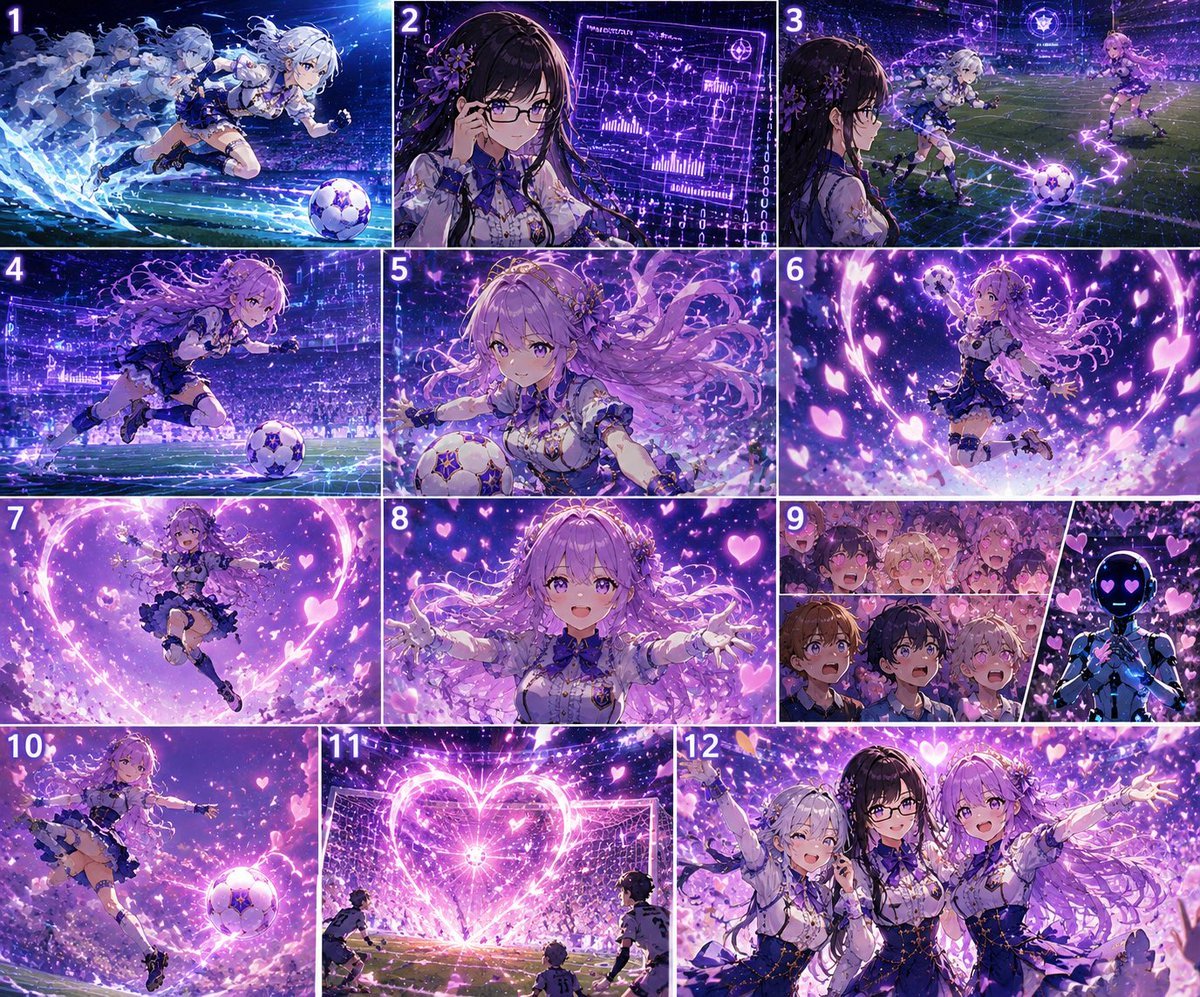
AI Superdimensional Soccer Storyboard
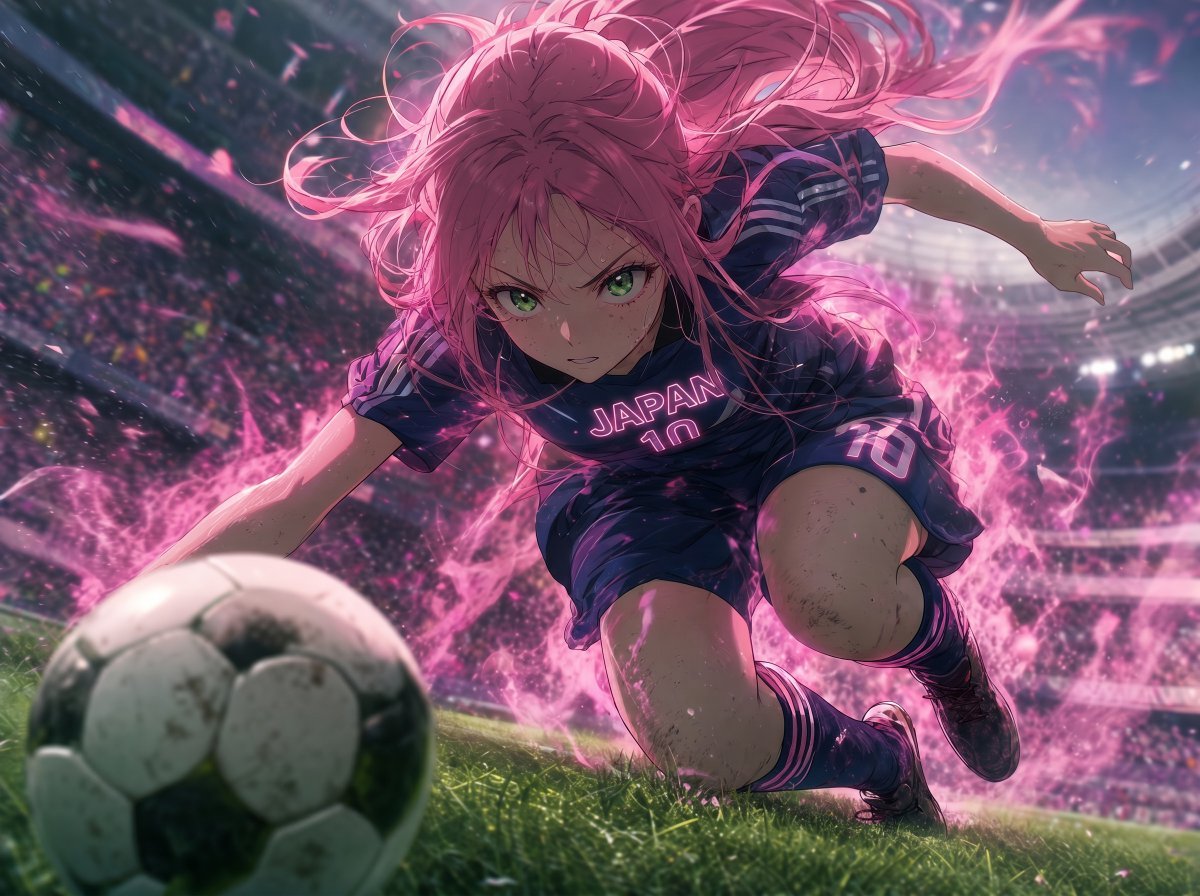
Anime Japan Soccer Power Shot
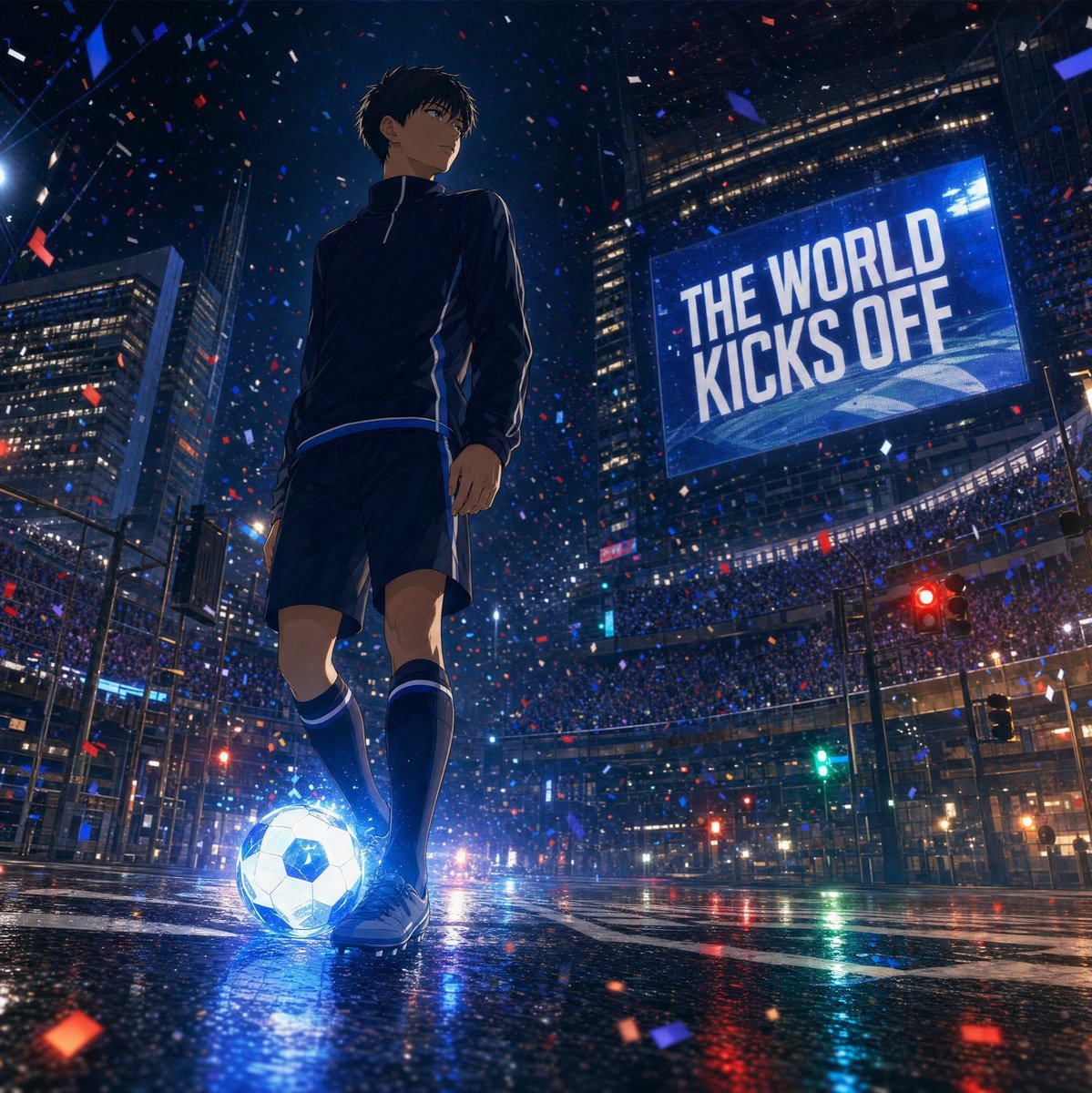
Night City Soccer Kickoff Visual
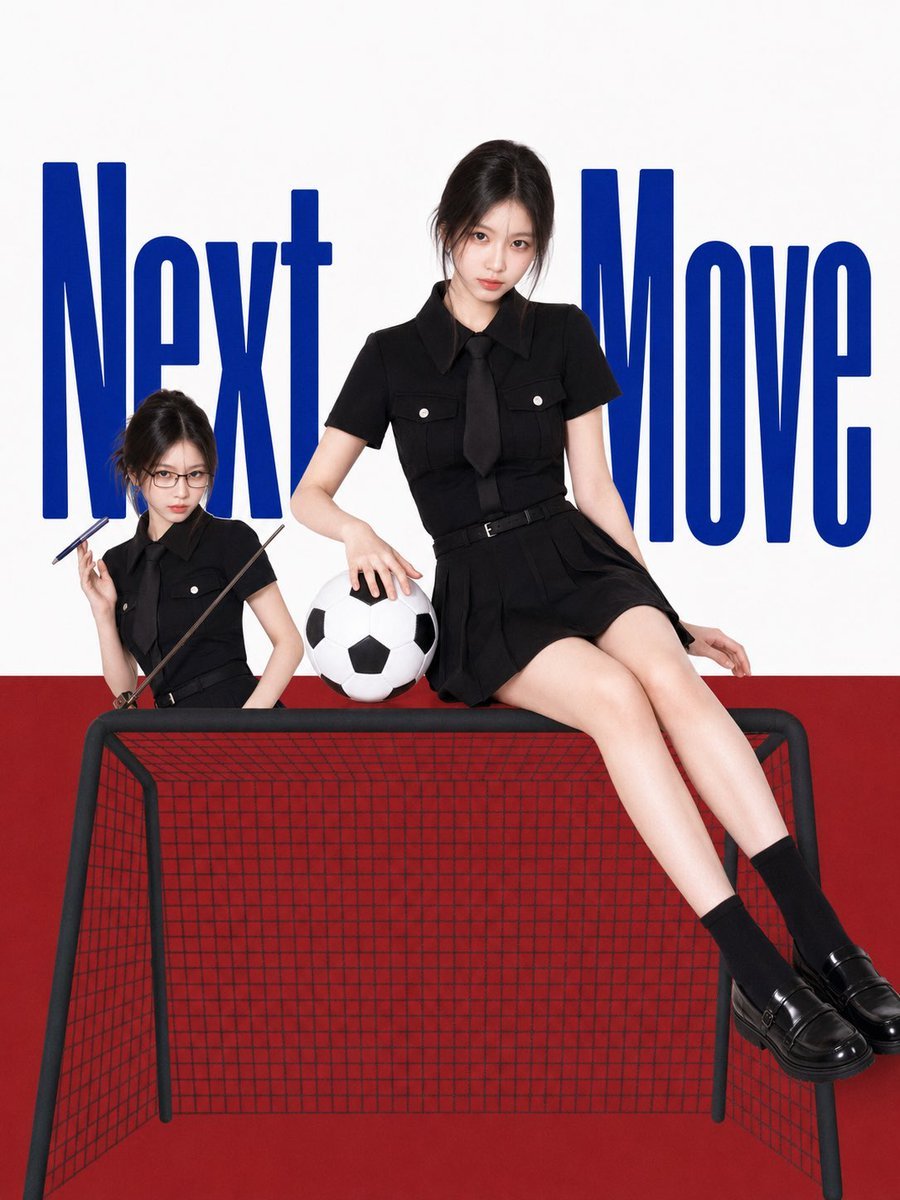
Next Move Campus Soccer Poster
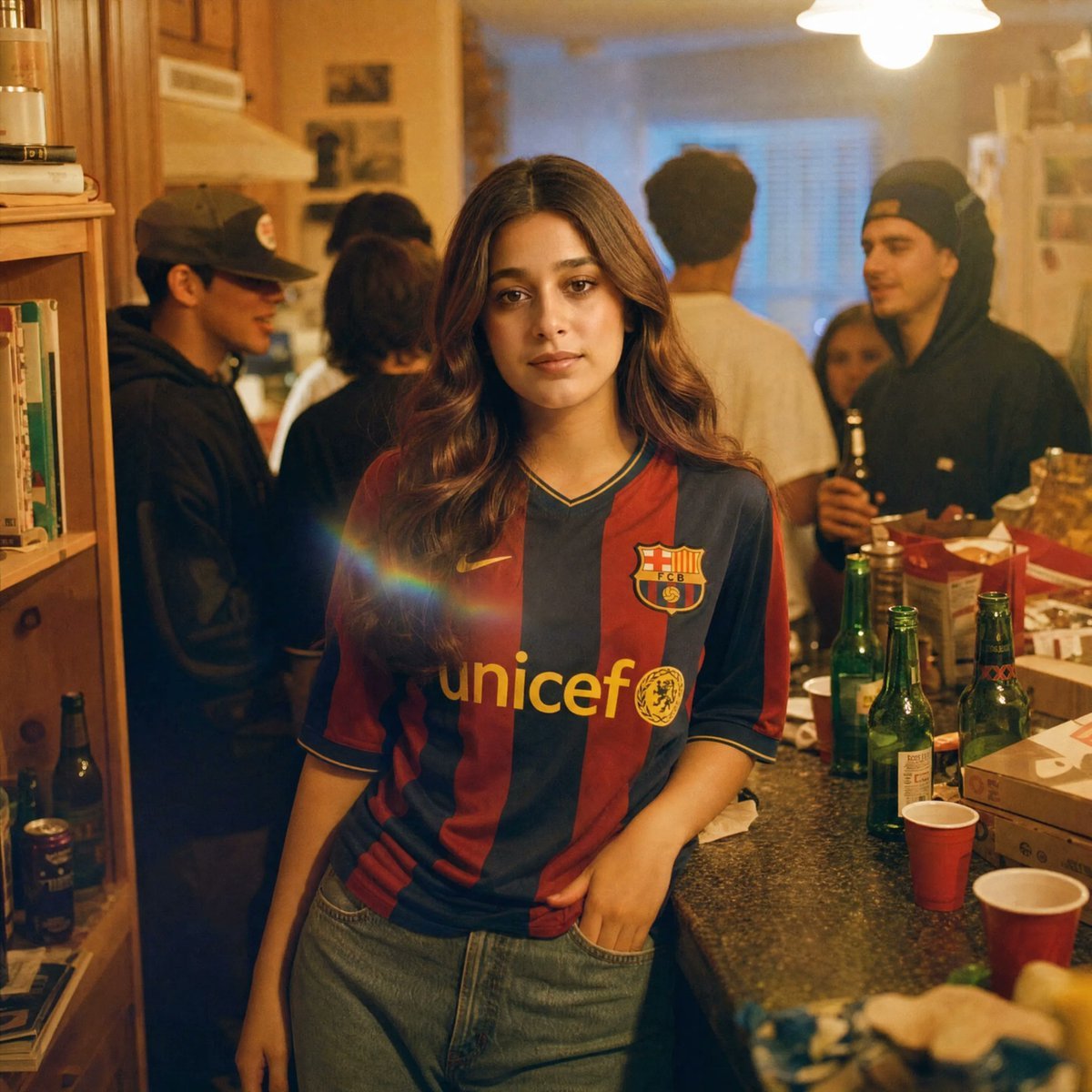
Candid House Party Soccer Jersey Portrait
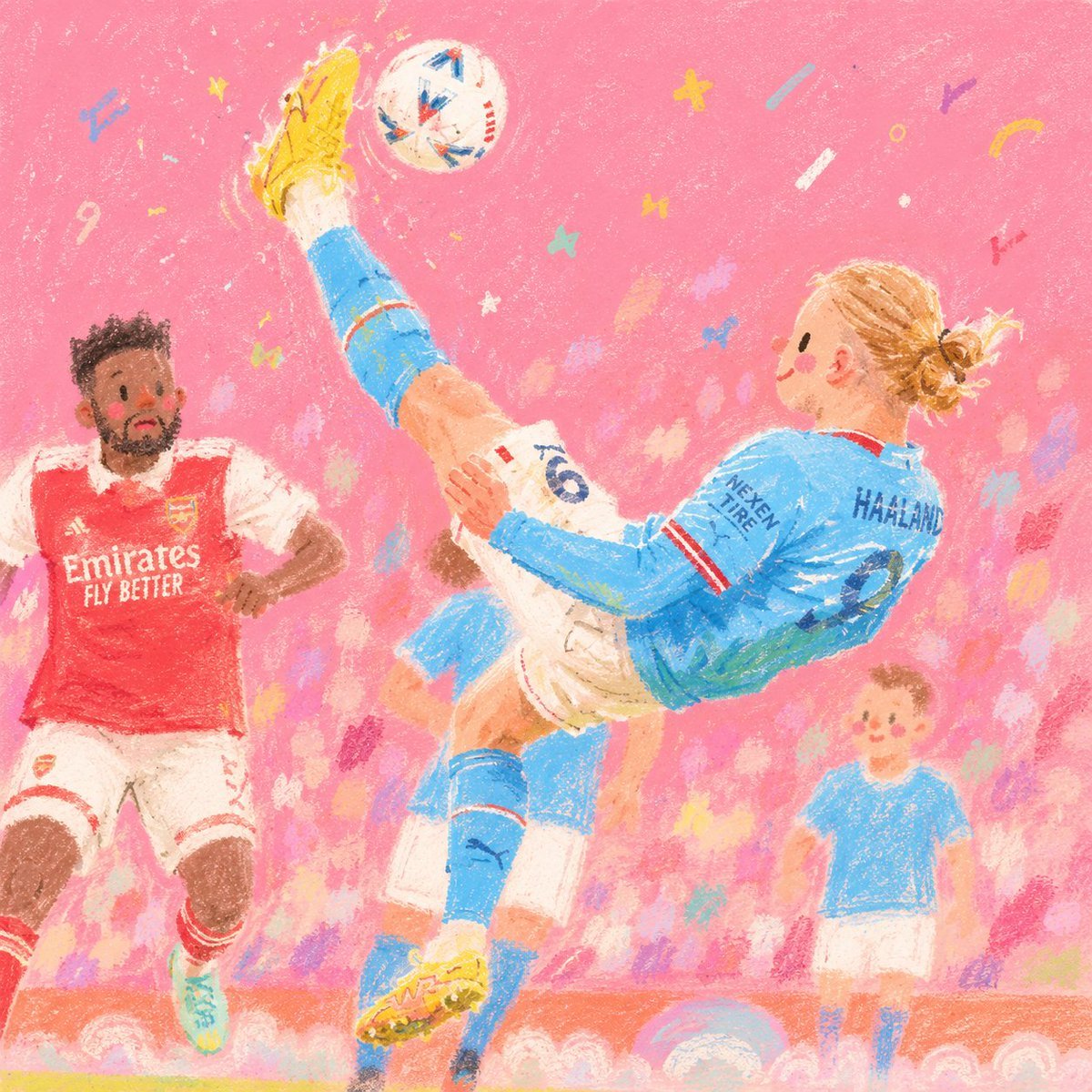
Pink Childlike Soccer Illustration

Japanese Soccer Cheer Cake Ad
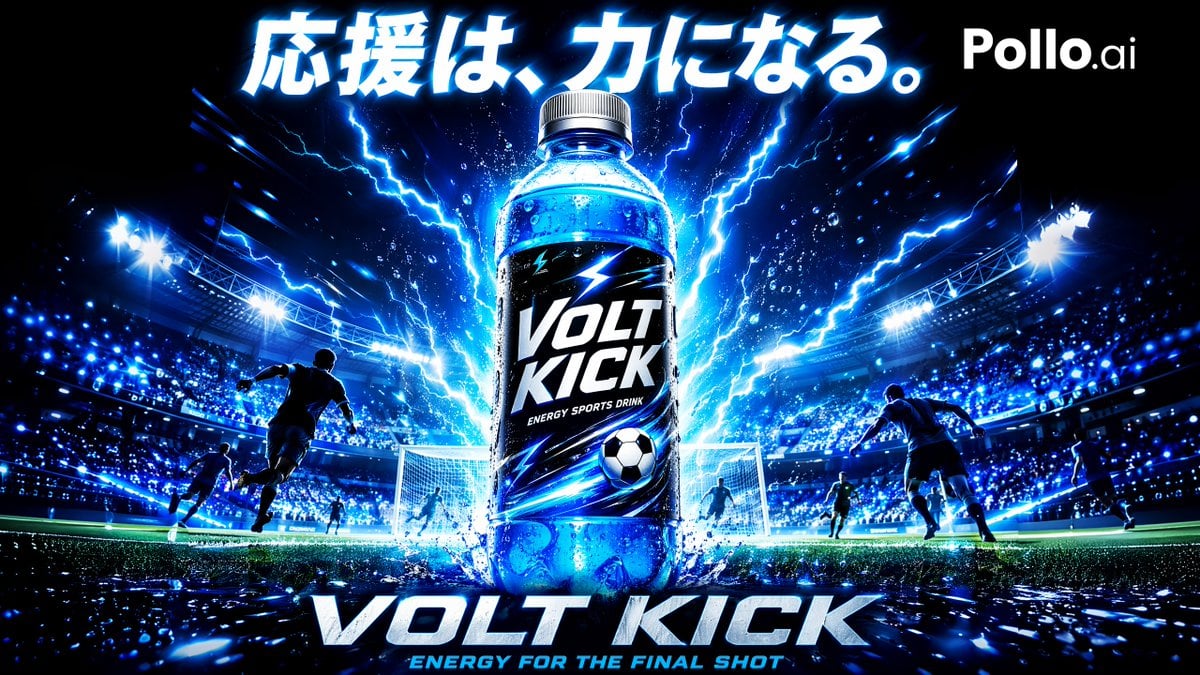
Volt Kick Soccer Energy Drink Poster

Last Minute Bar Soccer Ad Poster
Make it yours
Cinematic Soccer Storyboard works as-is. These are the safest ways to change it without losing the look.
Change one field
Copy a single group, rewrite it, and generate again so you can see what that field is doing.
Keep the frame, change the subject
Hold the composition and light of Cinematic Soccer Storyboard, then swap wardrobe, props or the person for a new take.
| If the result… | Why | Fix |
|---|---|---|
| The result drifts from the preview | Too many fields changed at once. | Reuse Cinematic Soccer Storyboard as-is first, then change one group — subject, light, or setting. |
| The model over-stylizes the scene | The prose prompt leaves finish and camera underspecified. | Add one camera or lighting sentence and stay on GPT Image 2. |
More GPT Image 2 templates
Other prompts made for GPT Image 2.

Six VTuber Japanese Logo Sheet

Realistic Portrait of Woman and Deer

The Vista Modular Condo Poster

AI Model Routing Comparison Infographic

2.5D Anime Art Board

Isometric Productivity Desk Scene

New York Double Exposure Poster

Four-Panel AI Landscape Comparison

Japanese Tatami Lifestyle Magazine Cover

NESCAFÉ Coffee Map Poster
More image prompts
Fresh picks from across the catalog.
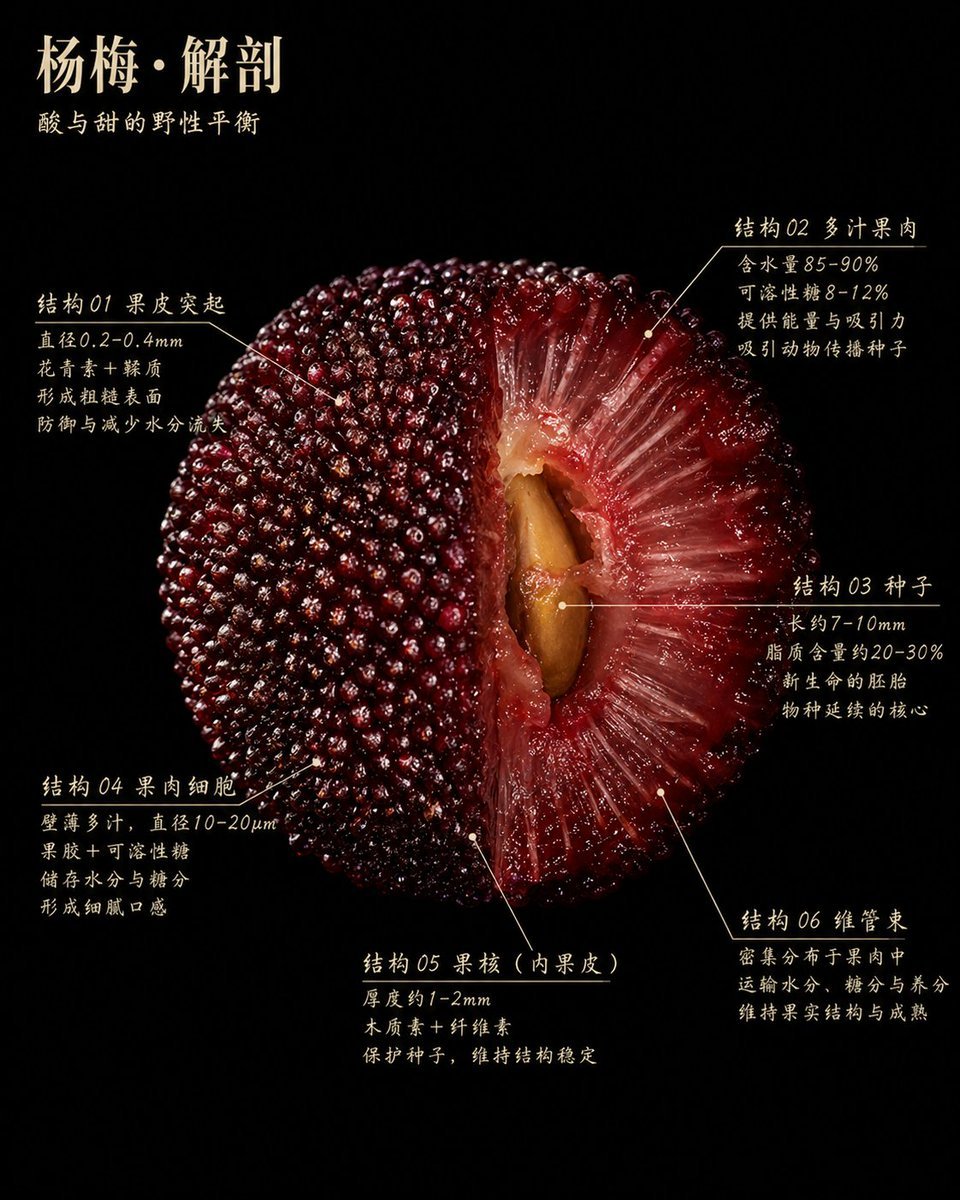
Scientific Bayberry Anatomy Poster

Photorealistic Portrait with Absolute Facial Identity Lock

Abstract Eastern Zen Landscape with Time-Slice Lighting
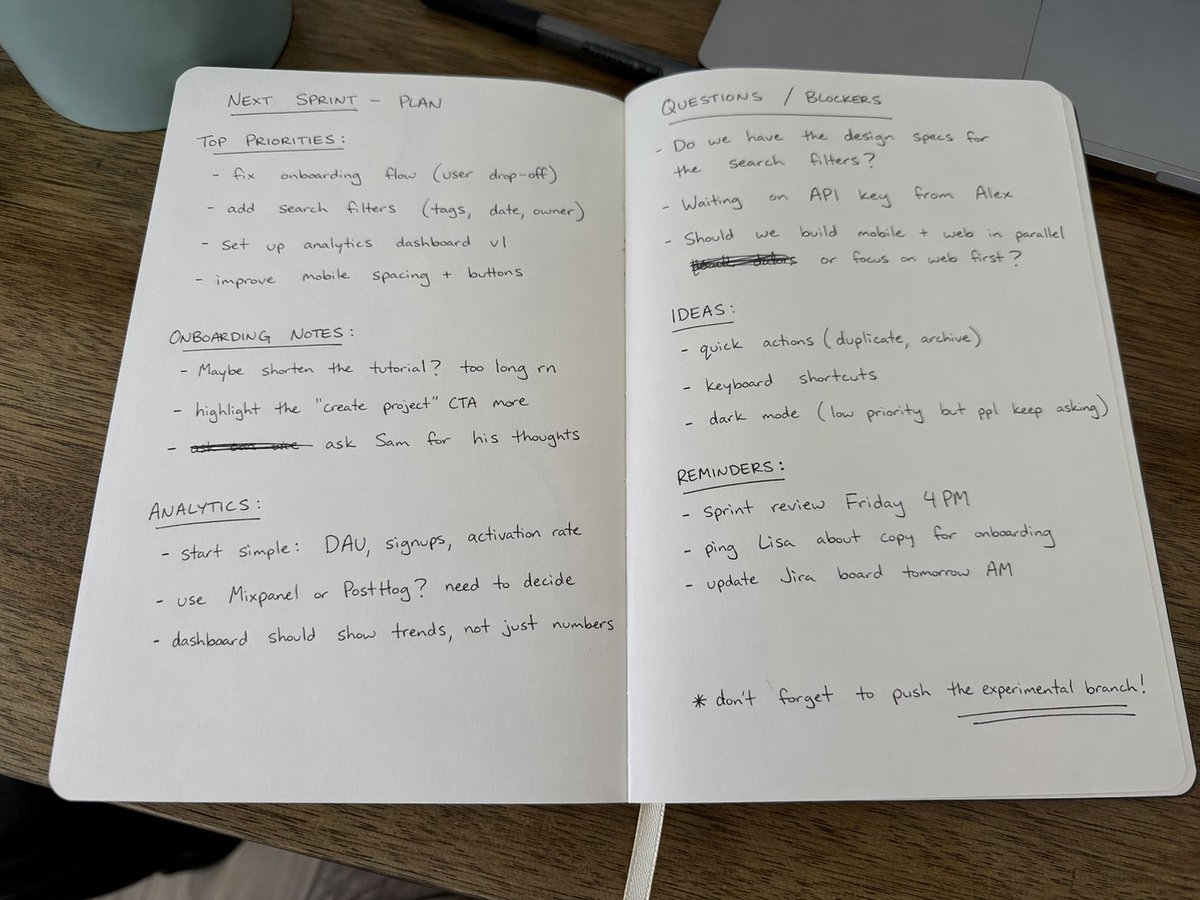
Amateur Handwritten Notebook Photo Prompt

NOVALITH SaaS Landing Page Hero

Bubble Tanuki Travel Planning
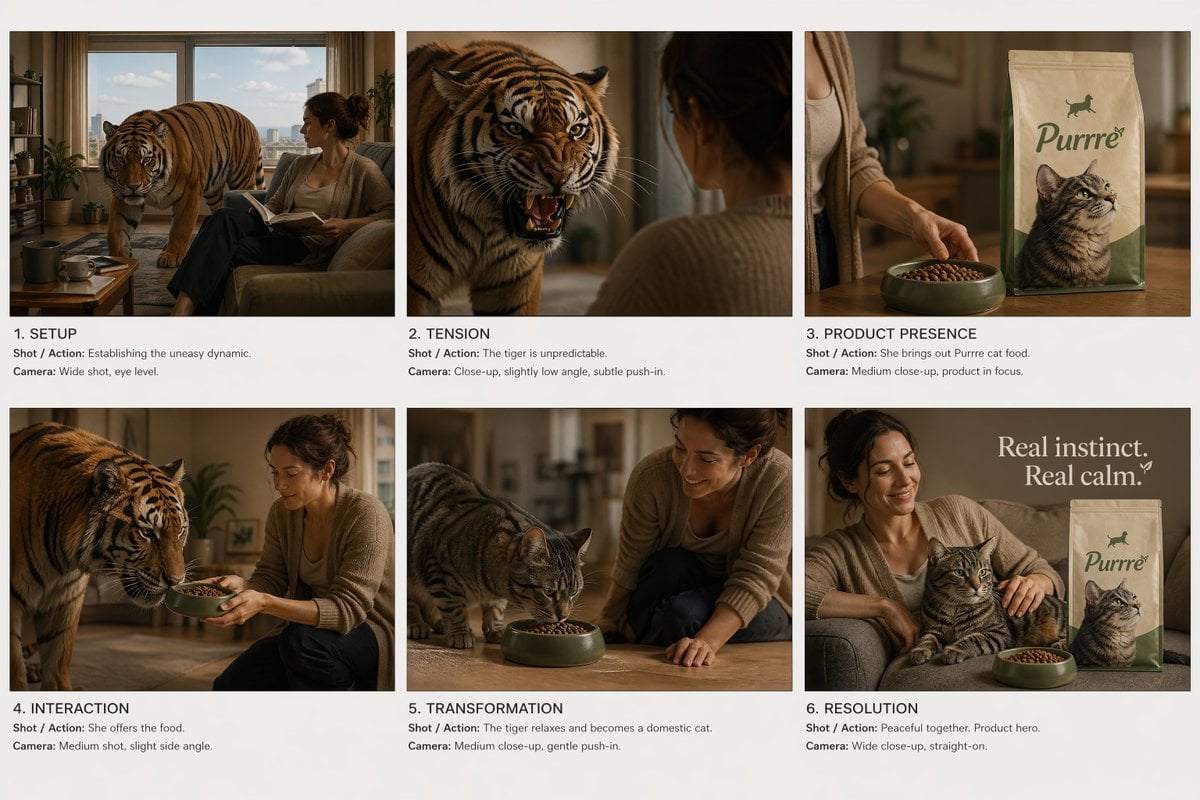
Commercial Ad Storyboard Layout

Gpt2 Avant Garde Tennis Fashion
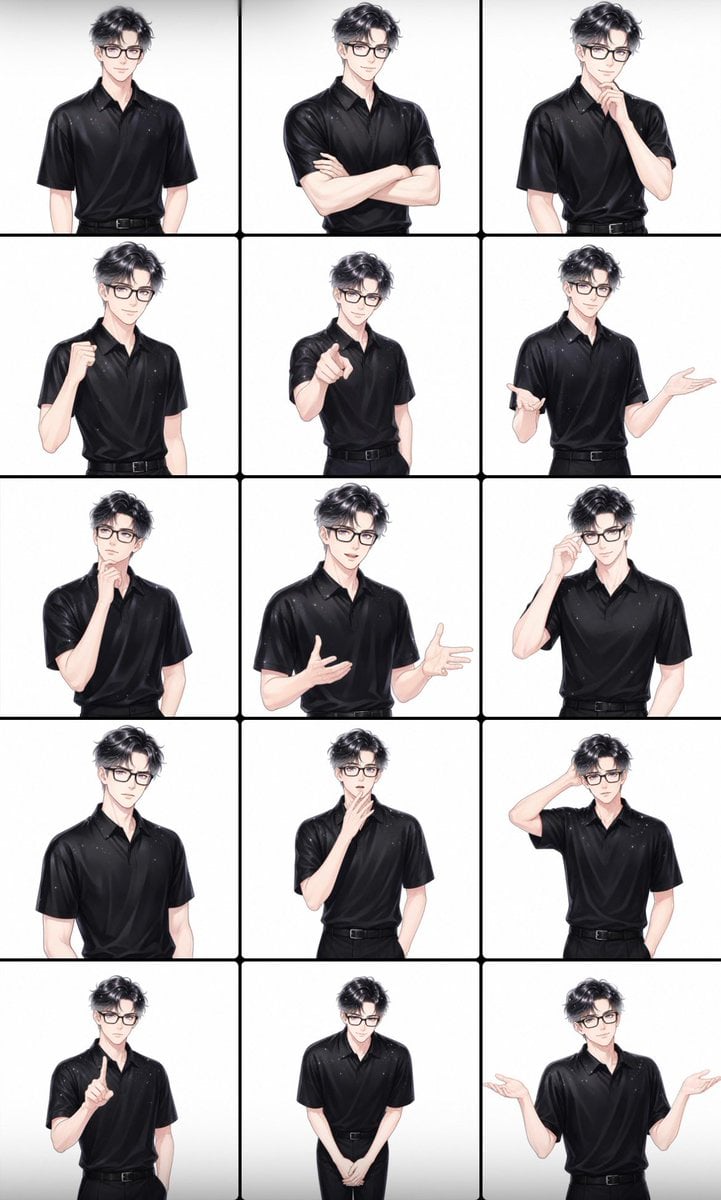
Male Presenter Avatar Pose Sheet
Urban Film Camera Portrait
Browse template categories
Cinematic Soccer Storyboard questions
How do I use the Cinematic Soccer Storyboard template?
Add your photo if the template asks for one, edit the prompt if you like — the template's model and format are already selected — and press Generate. Your version opens in PicX Studio.
Can I customize the Cinematic Soccer Storyboard template?
Yes. You can change the subject, setting, lighting, mood, format, and available model controls before creating your image.
Is the Cinematic Soccer Storyboard template free?
Opening and editing this template is free. Generating uses credits, shown on the Generate button when you are signed in.
Which AI model should I use?
Start with GPT Image 2, which is the model associated with this template. You can compare another compatible model for a different finish.
Looking for something else? Browse all templates.

Your photo, any look
Thousands of ready templates for every top image and video model, from one credit balance.