How do I use the Structured Fashion Portrait JSON template?
Choose the primary action to open PicX Studio with the available template settings. Review the model and format, personalize the creative direction, and generate when ready.
A comprehensive JSON-formatted prompt for studio fashion photography with detailed wardrobe and lighting specifications. Change the subject, setting, or lighting one variable at a time.

{ “subject”: { “description”: “A professional, ultra-photorealistic full-body studio portrait of {argument name="subject name" default="Iggy Azalea"} wearing a high-end Snow White-inspired costume.”, “body”: { “physique”: “A slim and fit hourglass figure with natural proportions and a toned midsection.”, “pose”: “Standing tall in a confident full-body pose, holding a vibrant red apple in her right hand while her left hand rests firmly on her hip. She is looking directly into the camera lens with a captivating and bold expression.”, “features”: “Distinctive likeness of {argument name="subject name" default="Iggy Azalea"} with her unique facial structure, sculpted features, and natural blonde hair styled sleek and wavy, flowing over her shoulders. Flawless skin texture with visible natural pores.” }, “wardrobe”: { “outfit”: “A deep blue velvet corset with intricate gold embroidery and red lace detailing, featuring a small yellow bow at the bust. Attached is a short, layered cream ruffled mini-skirt with delicate lace edges. She is wearing red lace-top fishnet thigh-high stockings and red patent leather high heels.”, “accessories”: “A red ribbon choker with a small gold lock pendant. A polished, bright red apple held in her hand.” } }, “pose_action”: “{argument name="subject name" default="Iggy Azalea"} posing in a stylized Snow White costume, holding an apple and with her hand on her hip, in a professional studio setting.”, “scene”: { “environment”: “A clean, minimalist, seamless neutral gray studio background.”, “elements”: “Solid gray backdrop and floor, creating a professional fashion photography aesthetic without any distracting objects.”, “composition”: “A vertical (9:16) full-body framing, centering the subject perfectly to highlight the entire outfit and pose.” }, “lighting”: { “setup”: “Soft and even professional studio lighting that emphasizes the textures of velvet, lace, fishnet, and skin.”, “details”: “Sharp focus across the entire figure, with detailed rendering of the corset embroidery and the apple’s surface.” }, “camera”: { “technical”: “High-end DSLR camera, 8k resolution, raw style, ultra-photorealistic rendering of fabric and skin textures.”, “aspect_ratio”: “9:16” } }
Choose the primary action to open PicX Studio with the available template settings. Review the model and format, personalize the creative direction, and generate when ready.
Yes. You can change the subject, setting, lighting, mood, format, and available model controls before creating your image.
This template is free to open and customize. Generation usage is shown in PicX Studio before you create.
Start with Nano Banana 2, which is the model associated with this template. You can compare another compatible model for a different finish.
Follow a topic to a crawlable collection of related PicX Studio templates.
43,474 public templates available. Verified via the PicX Studio public templates API; refreshed hourly.









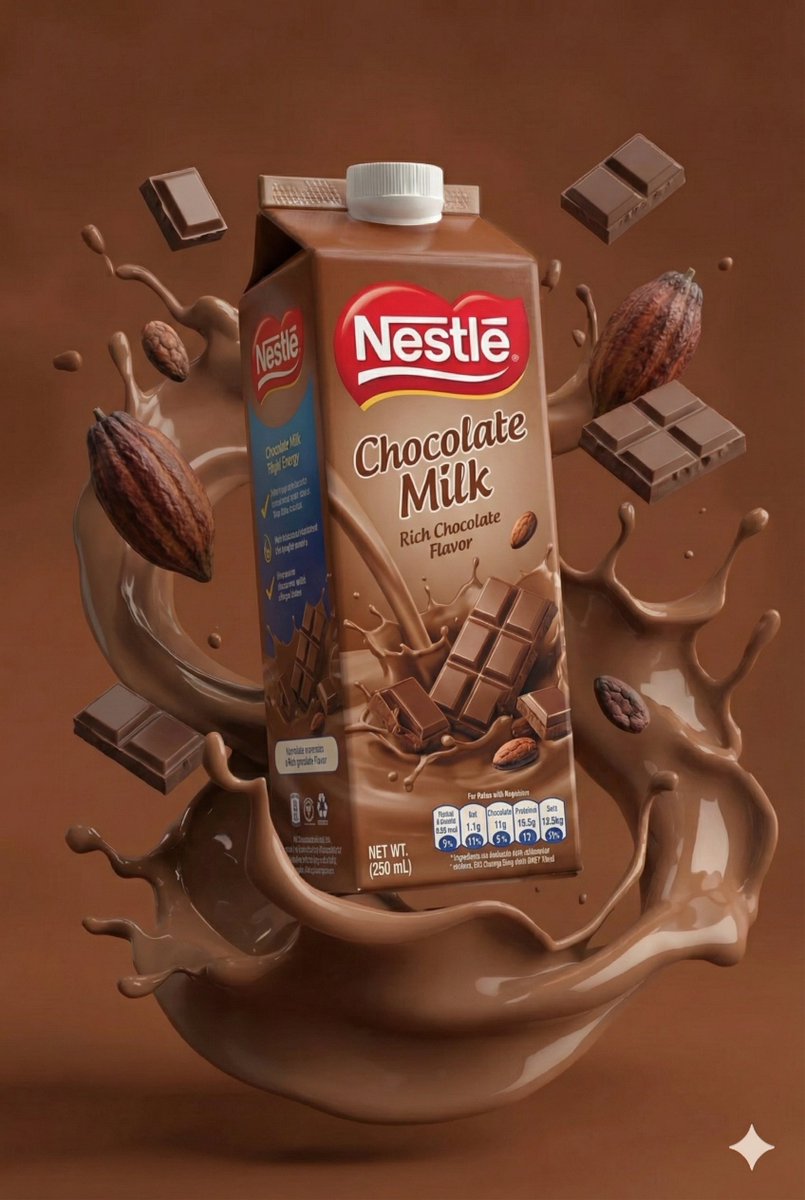





![Naive doodle-style subject illustration — A doodle-style {argument name="subject" default="[subject]"}, naive lines, humorous shape exaggeration](https://pbs.twimg.com/media/G6Wl2YxbsAARB2b.jpg)











![Minimalist Risograph Poetic Style — {argument name="主题" default="[主题]"},小画面置中,四周大量米白留白,中央有一块淡色矩形背景色块,像纸中央印上的小幅插画,人物、巴士站牌与少量地面细节都落在这块色块内,带安静诗意感。极简版画 / risograph](https://cms-assets.youmind.com/media/1778143887280_84zuam_HHpaGIzbkAAbBe8.jpg)

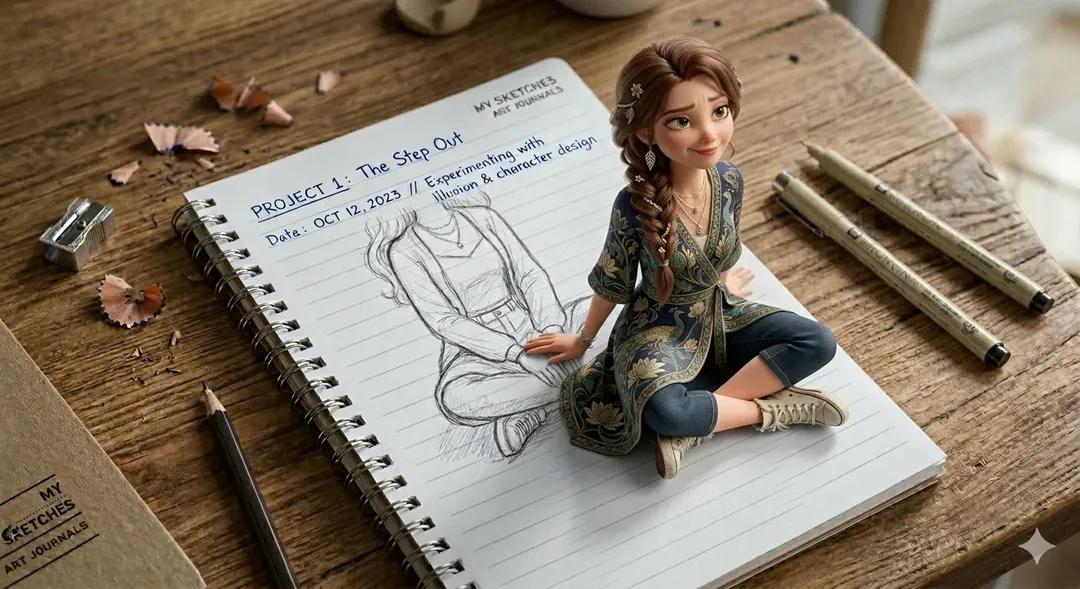


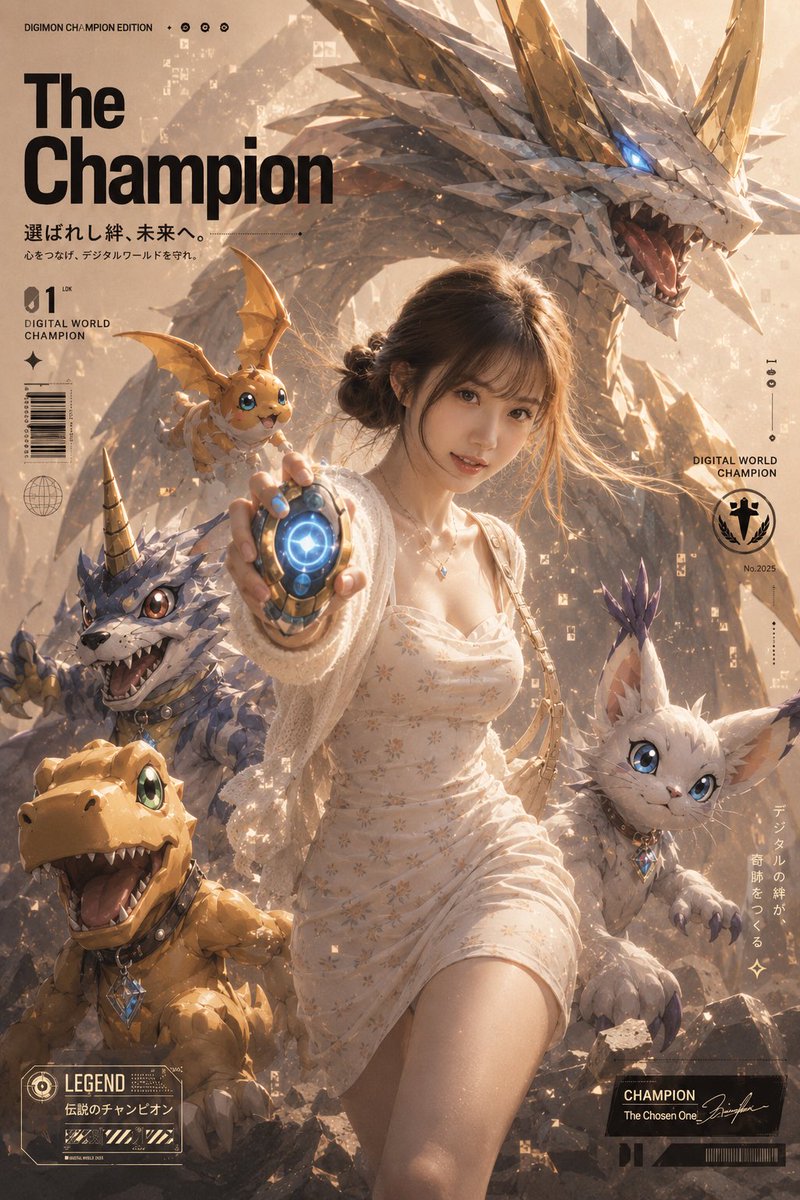
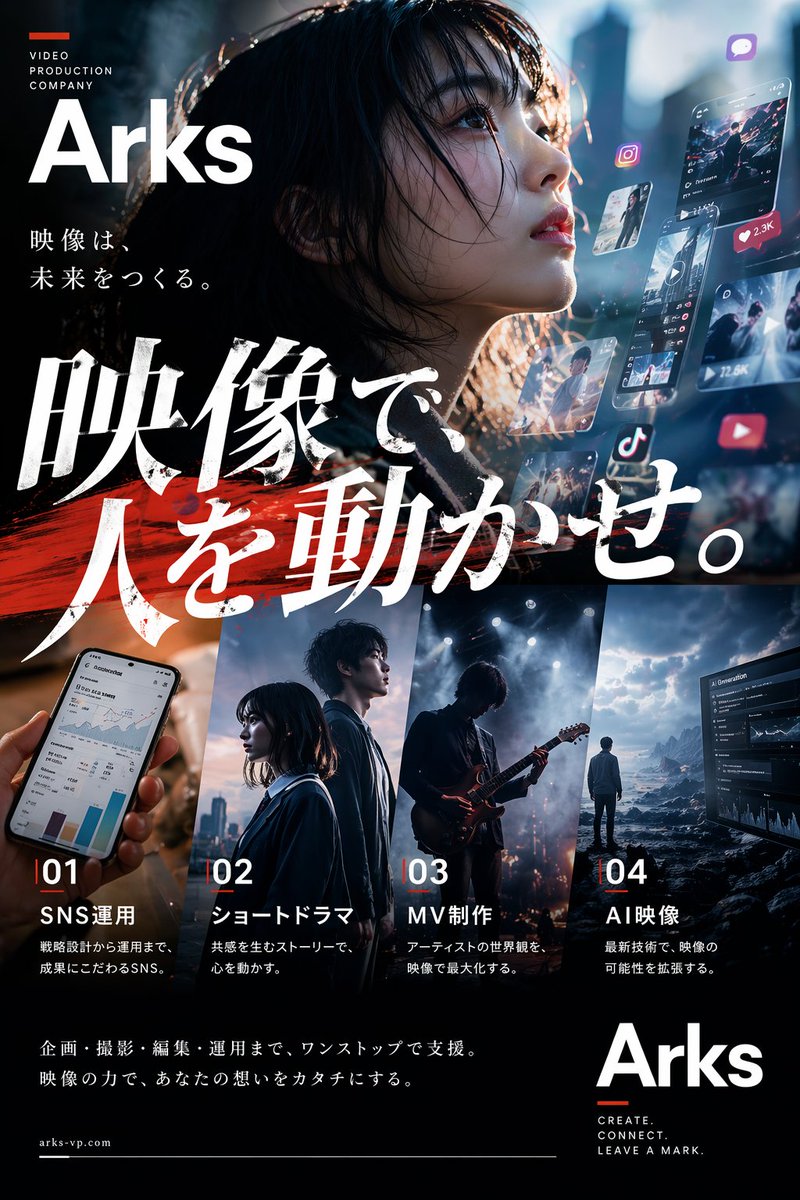



![Typewriter Art Manifestation Scene — A vintage typewriter on a writer's desk, with the {argument name="subject" default="[SUBJECT]"} mate…](https://pbs.twimg.com/media/G_mDCO4bIAA1bL1.jpg)