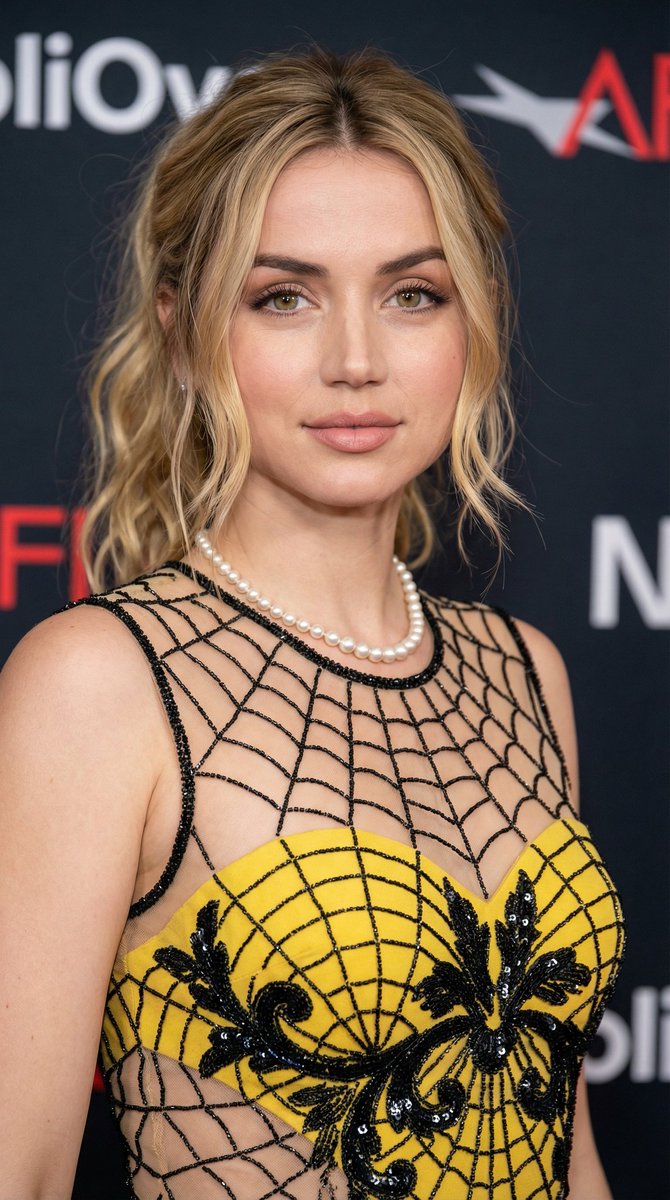
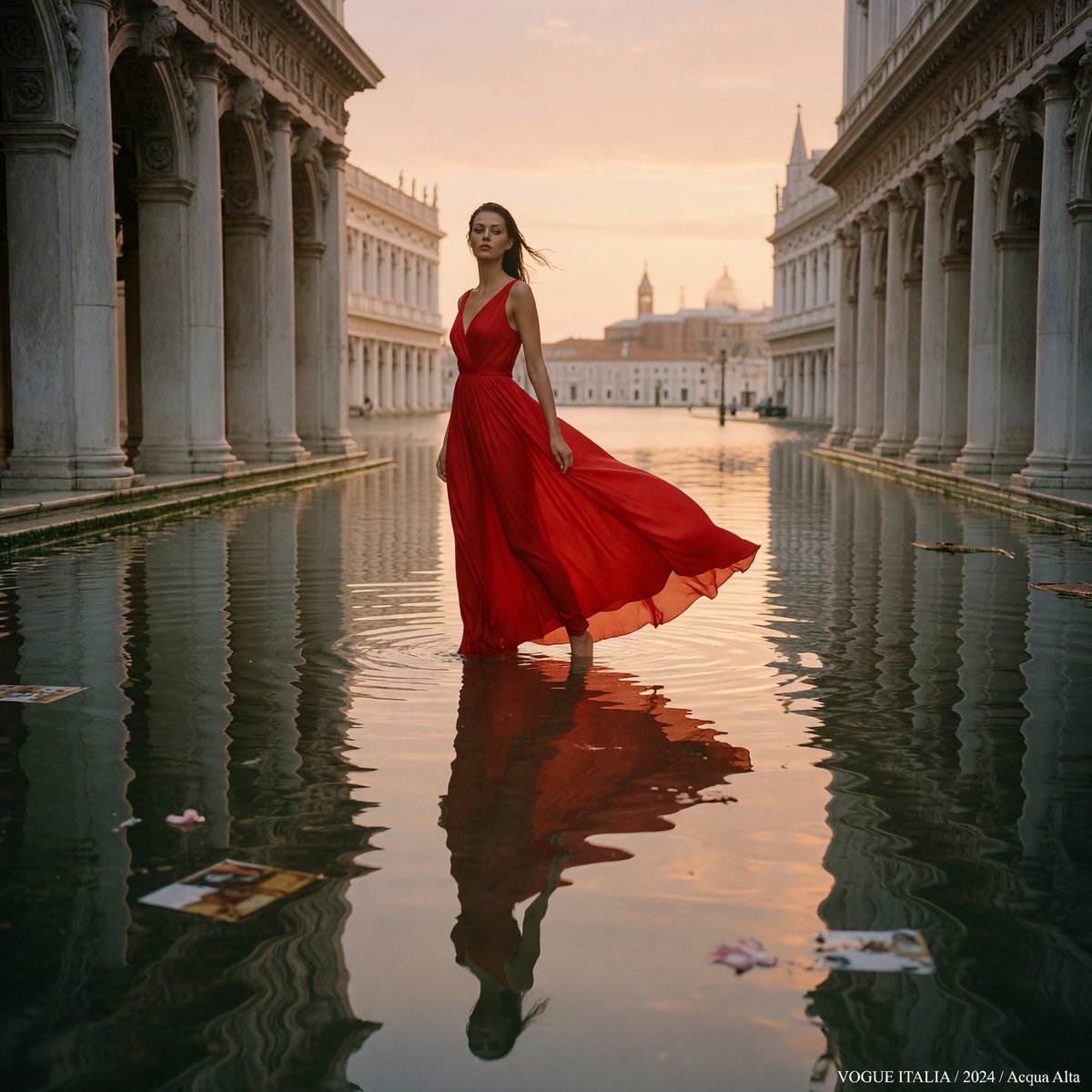
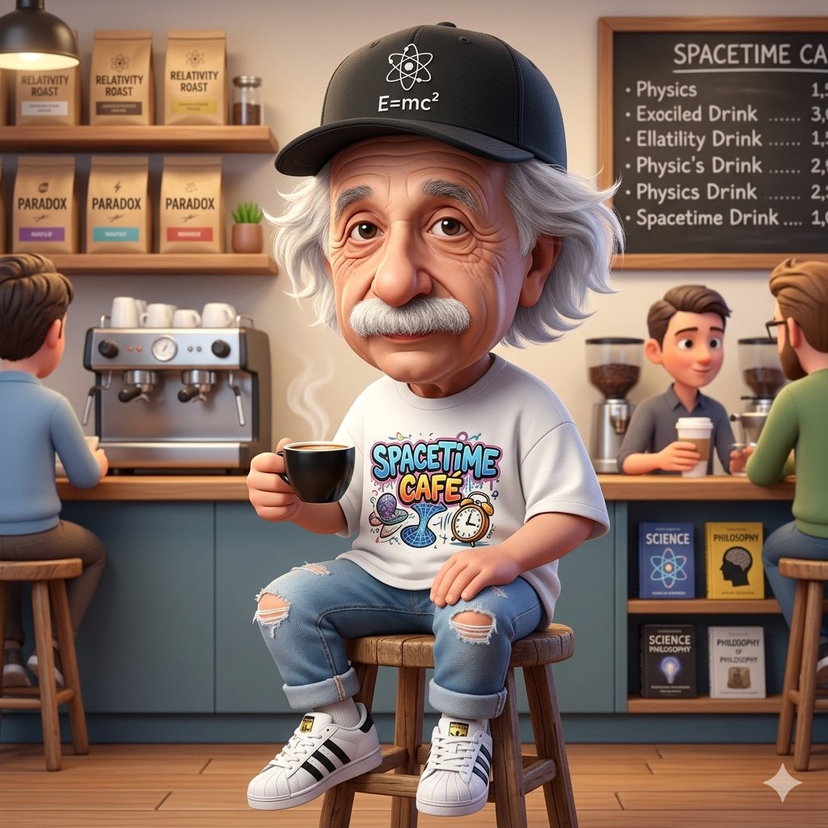
How do I use the Tranquil River Fishing Cinematic Still Prompt template?
Choose the primary action to open PicX Studio with the available template settings. Review the model and format, personalize the creative direction, and generate when ready.
A detailed prompt for Nano Banana Pro to generate a cinematic still-film image of a man fishing by a river. Change the subject, setting, or lighting one variable at a time.

Wide angle side shot of a man with face matching the photo reference, wearing a plain gray t-shirt and shorts, squatting on lush green grass at the edge of a clear flowing river while fishing with a simple rod, positioned on the left side of the frame, natural and unposed, cinematic still-film realism; in the foreground, a tree trunk appears partially visible with soft bokeh blur, adding depth and framing; the midground shows the grassy riverbank and crystal-clear water with gentle ripples and subtle reflections of afternoon sunlight revealing hints of the riverbed; the background features a calm river flowing through dense greenery and trees; lighting is peaceful golden-hour afternoon, warm and soft, with sunlight lightly reflecting off the clear water, natural shadows, tranquil and reflective mood; photorealistic, shallow depth of field, natural color grading, cinematic composition, high detail, film-like look.
Choose the primary action to open PicX Studio with the available template settings. Review the model and format, personalize the creative direction, and generate when ready.
Yes. You can change the subject, setting, lighting, mood, format, and available model controls before creating your image.
This template is free to open and customize. Generation usage is shown in PicX Studio before you create.
Start with Nano Banana 2, which is the model associated with this template. You can compare another compatible model for a different finish.
© 2026 PicX Studio. All rights reserved.

Follow a topic to a crawlable collection of related PicX Studio templates.
43,474 public templates available. Verified via the PicX Studio public templates API; refreshed hourly.


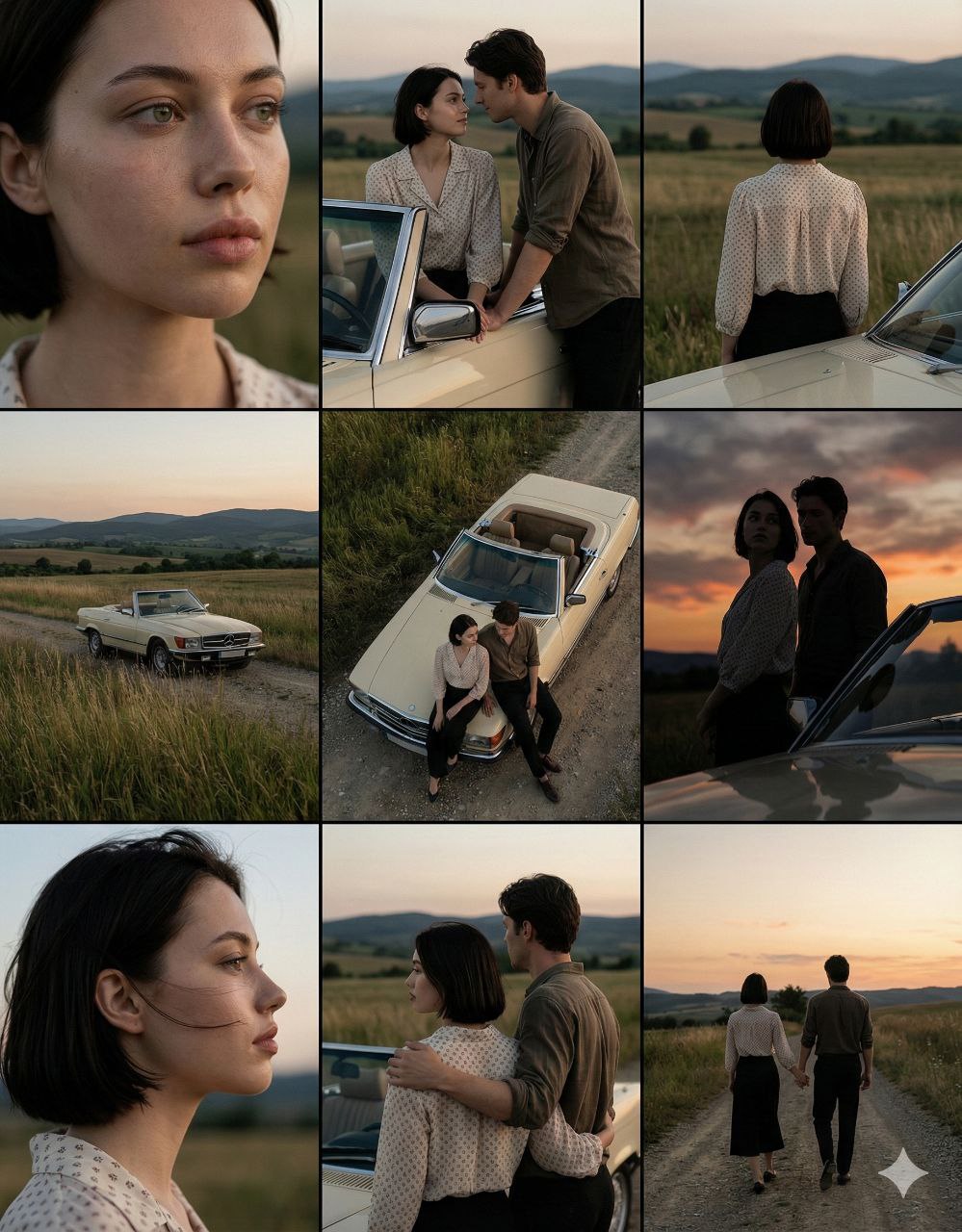





![LIGHTING each element still lit by its original source, windows casting — [ROOM TYPE] pulled apart in 3D, every surface and object floating at its exact positi](https://images.meigen.ai/tweets/2035390729527378146/0.jpg)



![Naive doodle-style subject illustration — A doodle-style {argument name="subject" default="[subject]"}, naive lines, humorous shape exaggeration](https://pbs.twimg.com/media/G6Wl2YxbsAARB2b.jpg)