
Misty Skincare Product Still Life
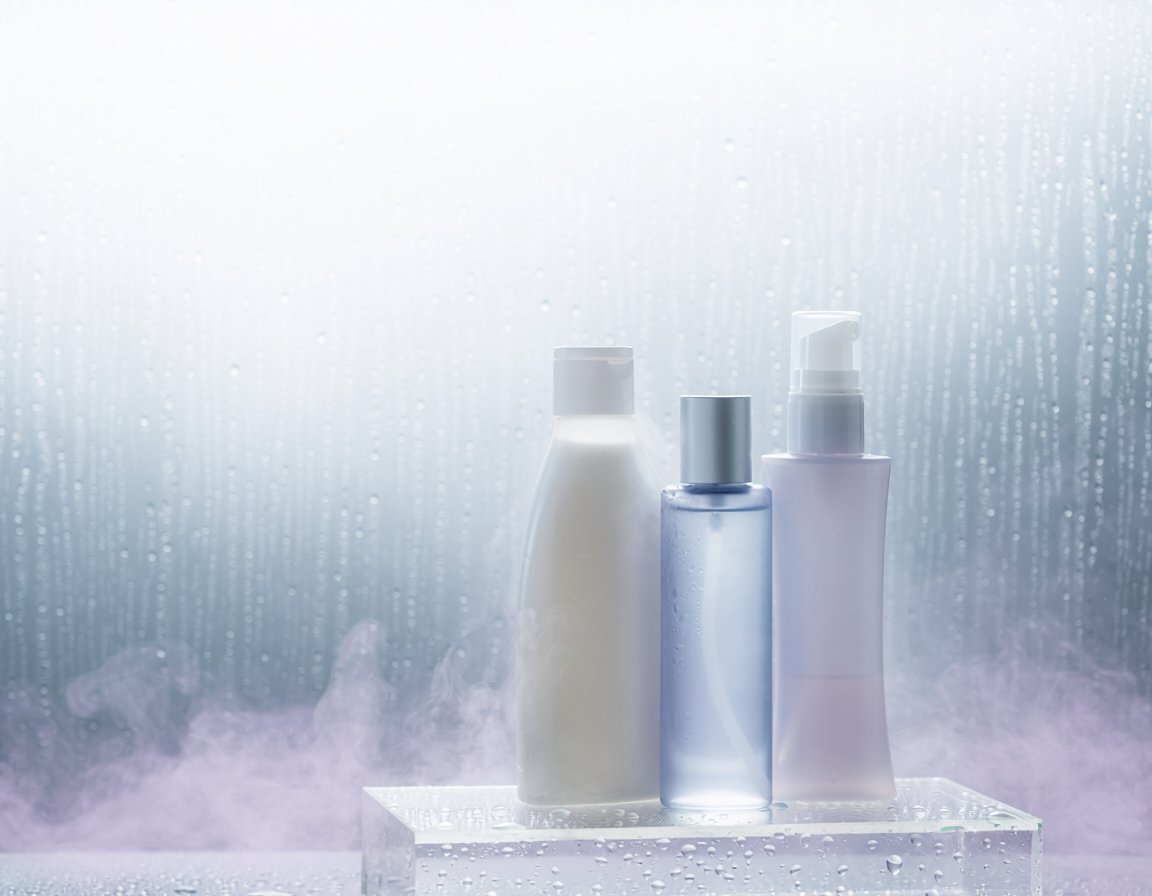
A photorealistic spa-style cosmetic product shot featuring three unlabeled bottles on a wet acrylic pedestal for premium skincare advertising.
- Prompt included
- Model and format preset
- Free template
The prompt behind this image
Copy the exact prompt behind Misty Skincare Product Still Life, or open it in the studio and make it yours.
Create a photorealistic luxury skincare product still life on a 4:3 horizontal canvas. Show exactly 3 unlabeled cosmetic containers standing on a clear acrylic block: 1 tall matte milky-white lotion bottle with a rounded-shoulder shape and translucent white flip cap on the left, 1 transparent pale-blue cylindrical bottle filled with clear liquid and a satin silver cap in the center, and 1 pale lavender-pink pump bottle with a white pump dispenser on the right. Arrange them tightly grouped, centered slightly to the right, with the center blue bottle a little shorter than the white bottle and the pump bottle slightly taller than the blue bottle. The acrylic pedestal should be rectangular, glossy, transparent, and covered with visible water droplets along the front face and top surface. Use a cool misty spa atmosphere: frosted glass background with vertical condensation streaks, many tiny water droplets, soft blue-gray and white gradient lighting, and low lavender-tinted fog drifting around the base. Lighting should be high-key, diffused, backlit through the wet glass, with soft reflections and gentle bloom. No readable labels, no branding, no people, no text, no extra products. Emphasize clean hydration, freshness, dewy condensation, and premium cosmetic advertising photography.
How to use Misty Skincare Product Still Life in 3 steps
- 1Upload ImagePNG, JPG or paste
Add your photo
Upload the photo the template builds on. The prompt, model and format are already set.
- 2…a portrait of your subject in softgolden-hour light, 85mm…
Personalize
Edit the subject and creative details for your destination.
- 3Generate
Generate
Press Generate — your image is created in PicX Studio, so you can compare it with the original and refine one variable at a time.
More like this
Templates with the same subject, style or setup. Open one to see its prompt.

Minimalist Skincare Product Water Stone Still
Product Elemental Lifestyle - Midjourney v7/v8
Minimalist Skincare Product Water Stone Still

Botanical Skincare Minimal Product Advertising

Headphones Lifestyle Nine Panel Grid
Sun-Kissed Summer Skincare Beachfront
Giant Product Lifestyle Mockup
Vibrant Wellness Lifestyle Promo
Luxury Skincare Product Advertisement
Luxury Skincare Product Ad

Mushroom Still Life Composition

A k.pop idol on the stage with mic
Make it yours
Misty Skincare Product Still Life works as-is. These are the safest ways to change it without losing the look.
Change one field
Copy a single group, rewrite it, and generate again so you can see what that field is doing.
Keep the frame, change the subject
Hold the composition and light of Misty Skincare Product Still Life, then swap wardrobe, props or the person for a new take.
| If the result… | Why | Fix |
|---|---|---|
| The result drifts from the preview | Too many fields changed at once. | Reuse Misty Skincare Product Still Life as-is first, then change one group — subject, light, or setting. |
| The model over-stylizes the scene | The prose prompt leaves finish and camera underspecified. | Add one camera or lighting sentence and stay on GPT Image 2. |
More GPT Image 2 templates
Other prompts made for GPT Image 2.

Six VTuber Japanese Logo Sheet

Realistic Portrait of Woman and Deer

The Vista Modular Condo Poster

AI Model Routing Comparison Infographic

2.5D Anime Art Board

Isometric Productivity Desk Scene

New York Double Exposure Poster

Four-Panel AI Landscape Comparison

Japanese Tatami Lifestyle Magazine Cover

NESCAFÉ Coffee Map Poster
More image prompts
Fresh picks from across the catalog.
Low-Poly Origami Papercraft Portrait
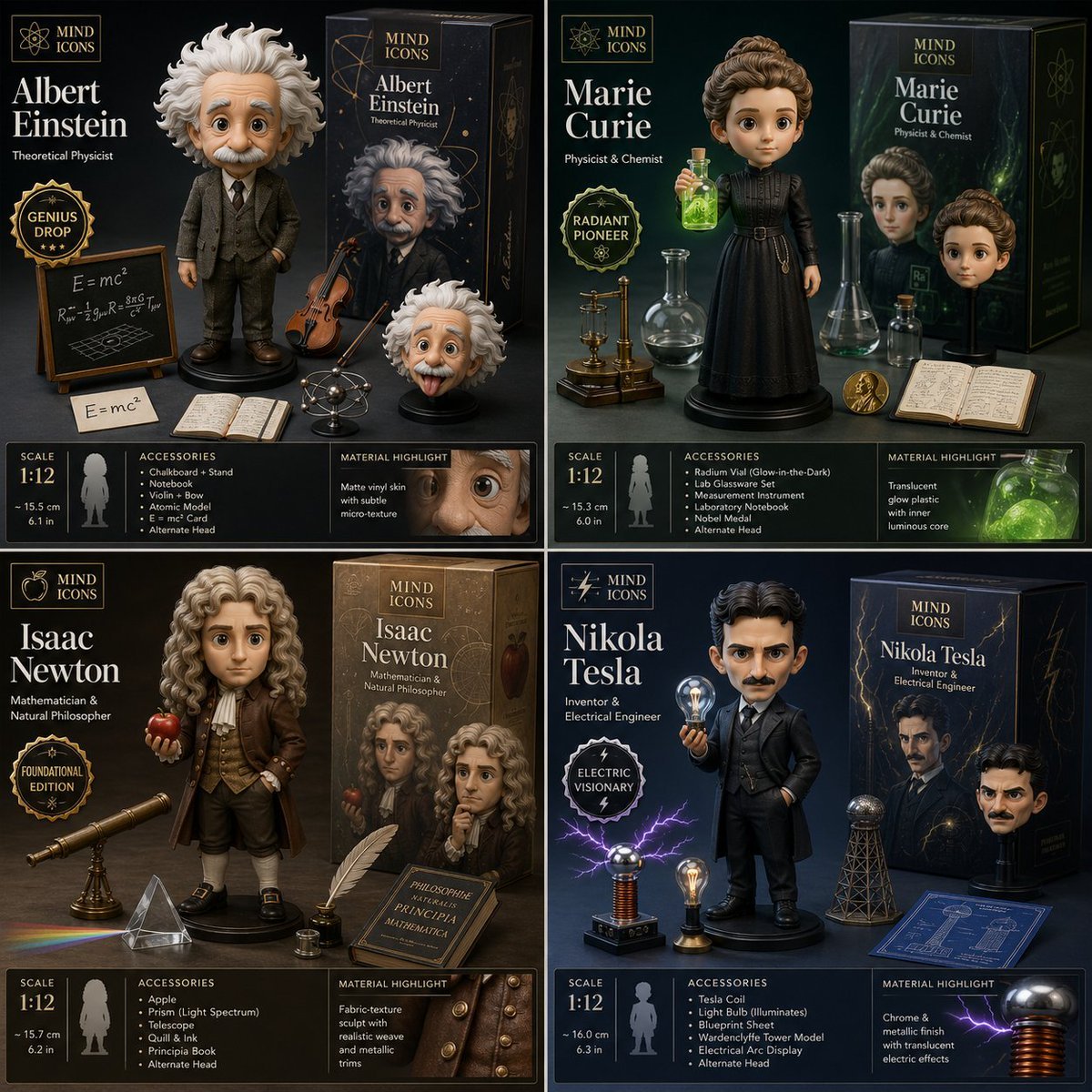
Limited Edition Designer Toy Launch
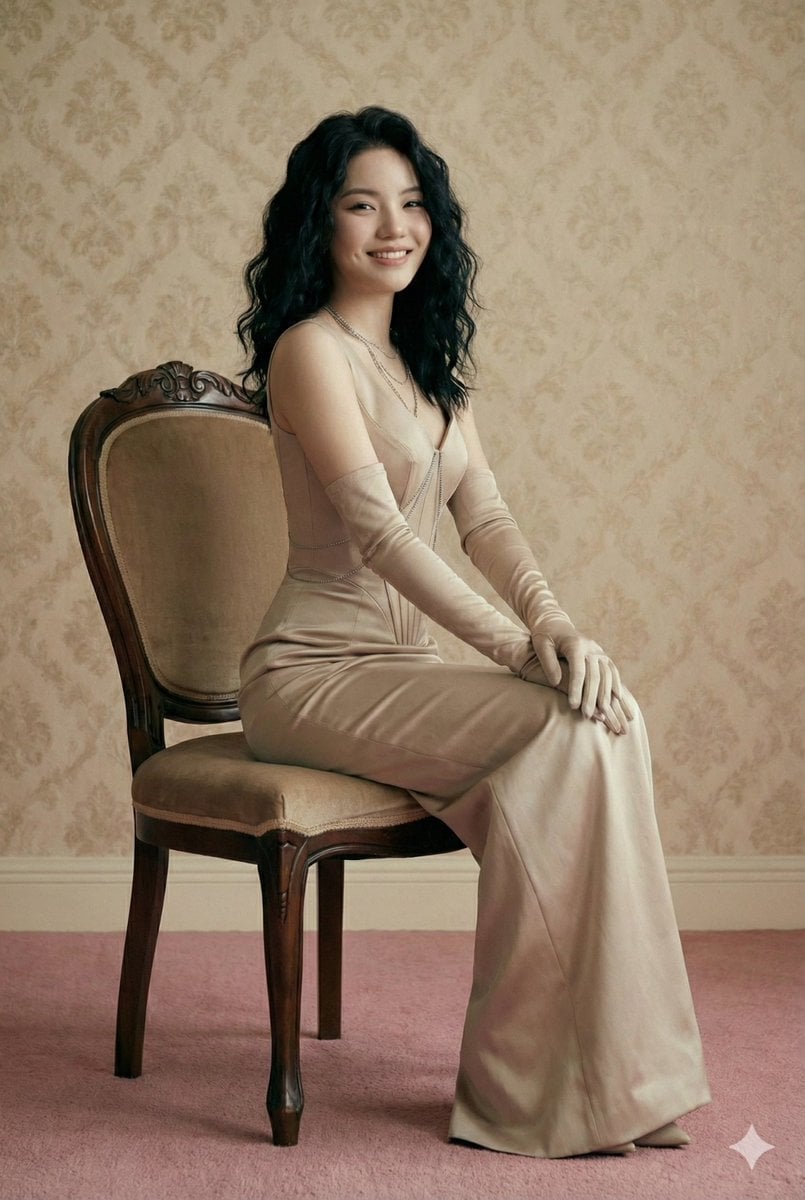
Editorial Fashion Photography Prompt (Monochromatic Stone-Beige)
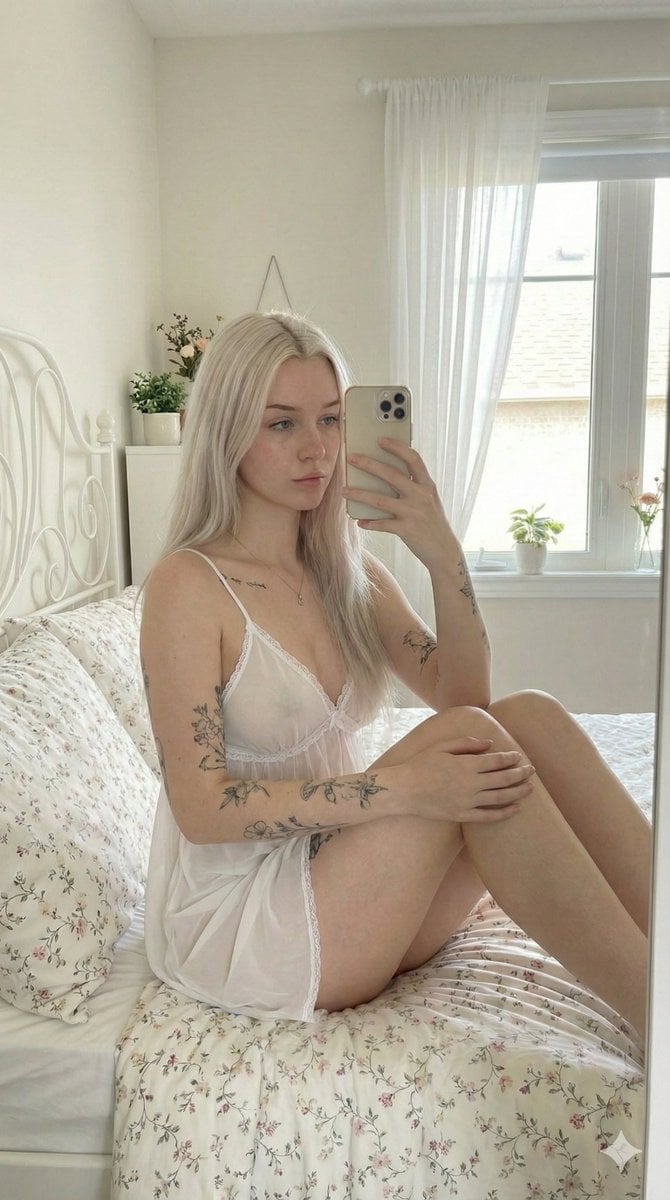
Ultra-Photorealistic Mirror Selfie in a Cozy Bedroom
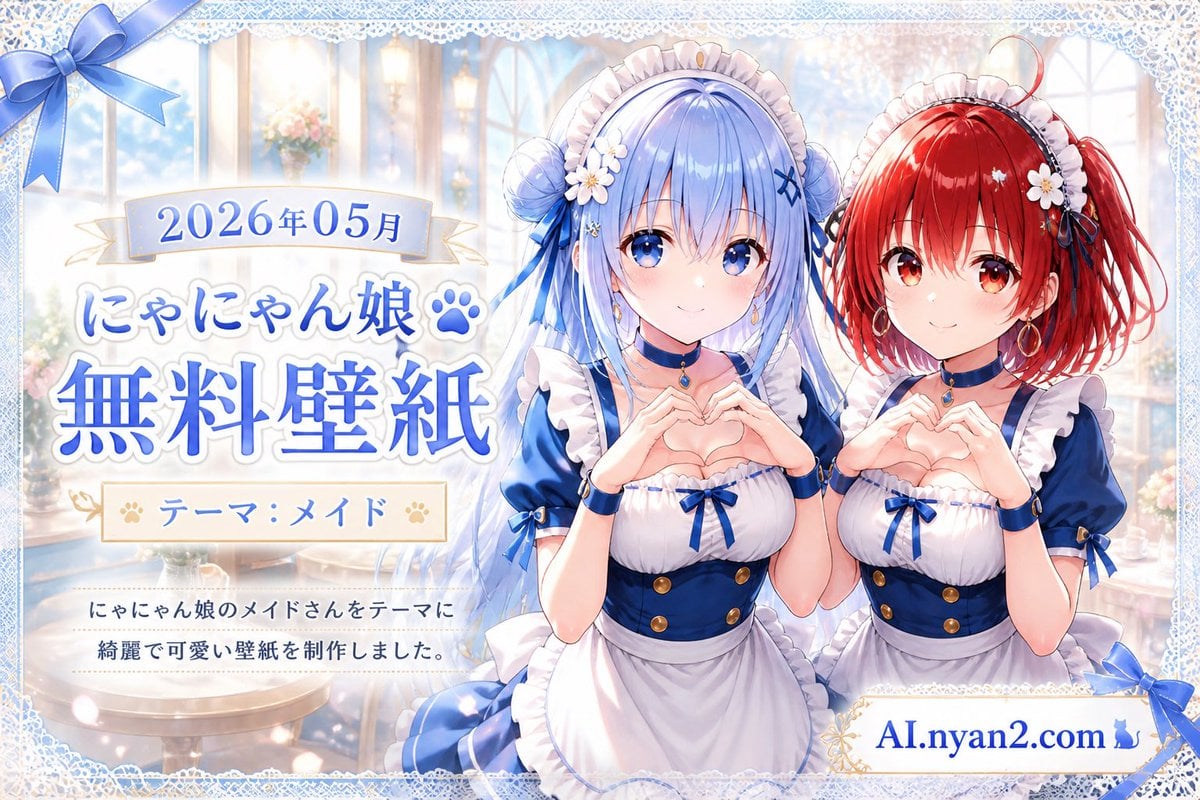
Catgirl Maid Free Wallpaper Banner
Gpt2 Profile Avatar Ink Etched Family Portrait
Romantic Mediterranean Coastal Editorial
Epic Cinematic Mountain Car Descent
Cinematic Winter Portrait with Snowflakes
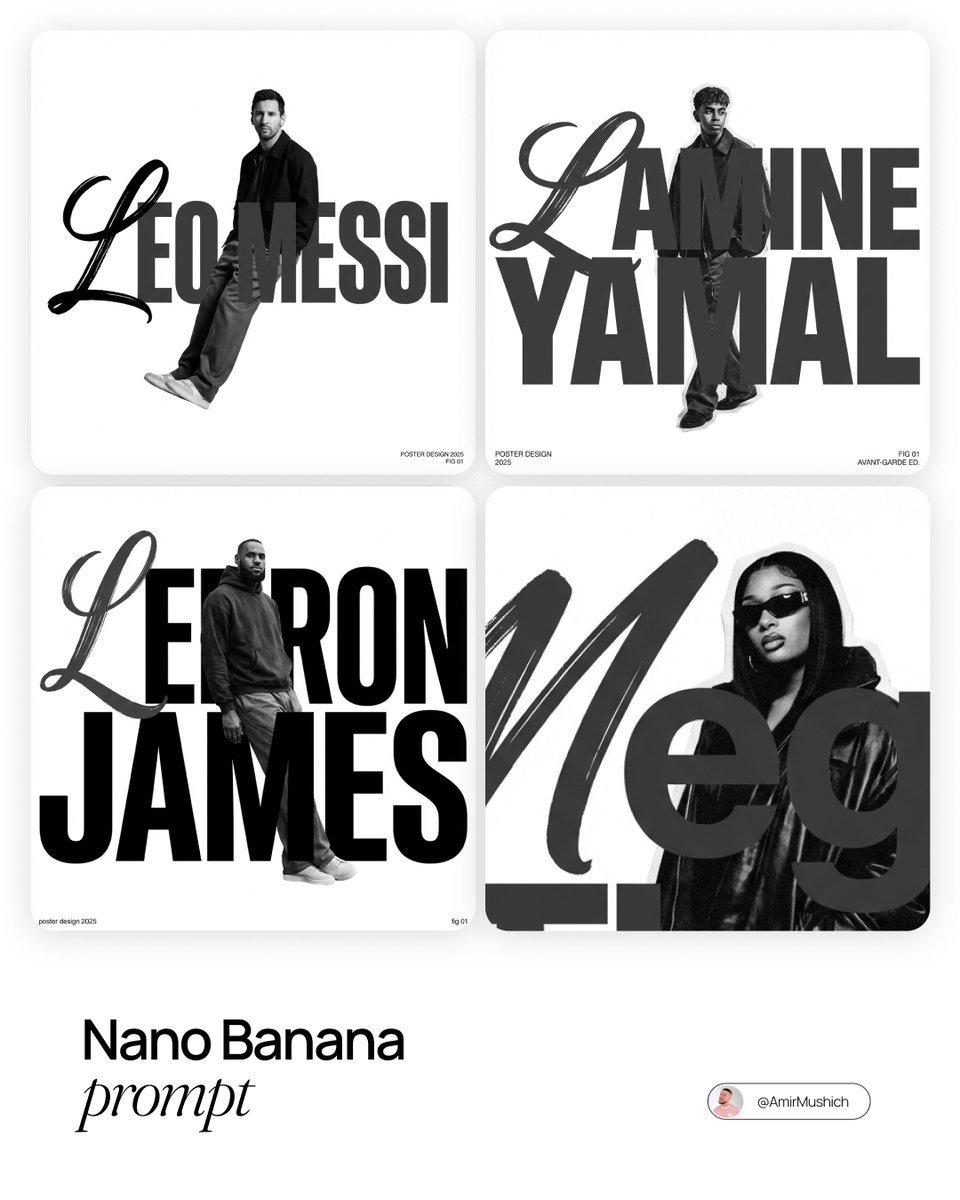
Asymmetric Grid Poster Design Prompt
Browse template categories
Misty Skincare Product Still Life questions
How do I use the Misty Skincare Product Still Life template?
Add your photo if the template asks for one, edit the prompt if you like — the template's model and format are already selected — and press Generate. Your version opens in PicX Studio.
Can I customize the Misty Skincare Product Still Life template?
Yes. You can change the subject, setting, lighting, mood, format, and available model controls before creating your image.
Is the Misty Skincare Product Still Life template free?
Opening and editing this template is free. Generating uses credits, shown on the Generate button when you are signed in.
Which AI model should I use?
Start with GPT Image 2, which is the model associated with this template. You can compare another compatible model for a different finish.
Looking for something else? Browse all templates.

Your photo, any look
Thousands of ready templates for every top image and video model, from one credit balance.