
Gpt2 Profile Avatar Ink Etched Family Portrait
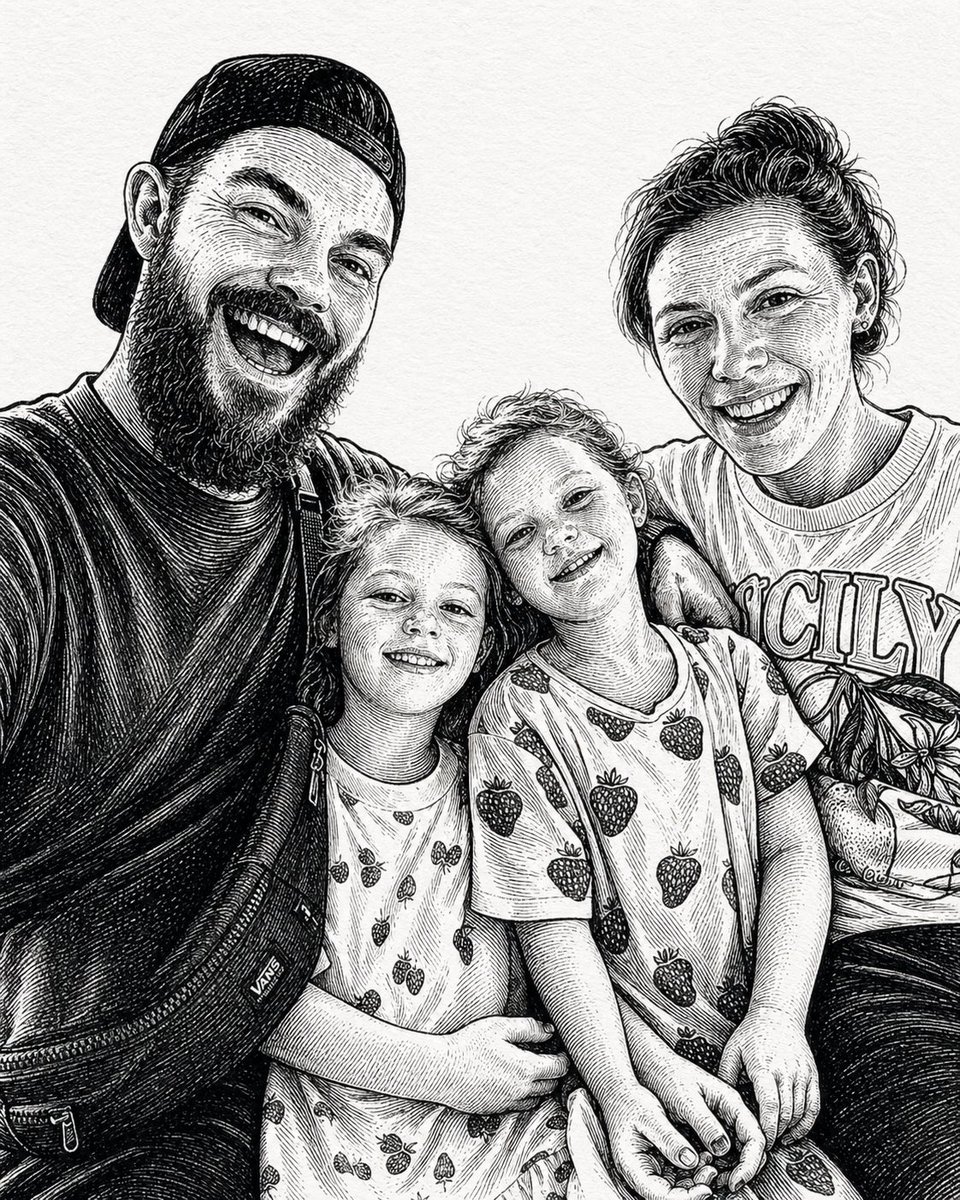
This prompt generates a monochrome pen-and-ink style portrait of a family of four, ideal for turning a casual family photo concept into an elegant illustrated keepsake.
- Prompt included
- Model and format preset
- Free template
The prompt behind this image
Copy the exact prompt behind Gpt2 Profile Avatar Ink Etched Family Portrait, or open it in the studio and make it yours.
A black-and-white hand-drawn family portrait in the style of detailed pen-and-ink crosshatching on textured white paper, showing 4 people seated closely together in a casual candid composition. On the left, an adult man in a dark baseball cap worn backward and a dark T-shirt leans into the frame, with a crossbody sling bag worn across his chest and visible zipper details. On the right, an adult woman with curly hair tied up in a loose high bun wears a light T-shirt with large collegiate block letters reading {argument name="shirt text" default="CITY"}. In the center are 2 young children sitting close together, both with short curly hair and matching light-colored T-shirts printed all over with strawberries. The child on the left leans inward with one arm crossing the other child, and the child on the right tilts their head slightly upward. The adults frame the children protectively, creating a warm family snapshot feeling. Render the whole image as a monochrome etched illustration with dense fine-line hatching, engraved shadows, crisp contour lines, and a realistic yet artistic likeness, with no color, no background setting beyond a plain light paper texture, and a vertical portrait crop.
How to use Gpt2 Profile Avatar Ink Etched Family Portrait in 3 steps
- 1
Open
The prompt is already in the box next to the preview, with the template's model and format selected.
- 2…a portrait of your subject in softgolden-hour light, 85mm…
Personalize
Edit the subject and creative details for your destination.
- 3Generate
Generate
Press Generate — your image is created in PicX Studio, so you can compare it with the original and refine one variable at a time.
More like this
Templates with the same subject, style or setup. Open one to see its prompt.
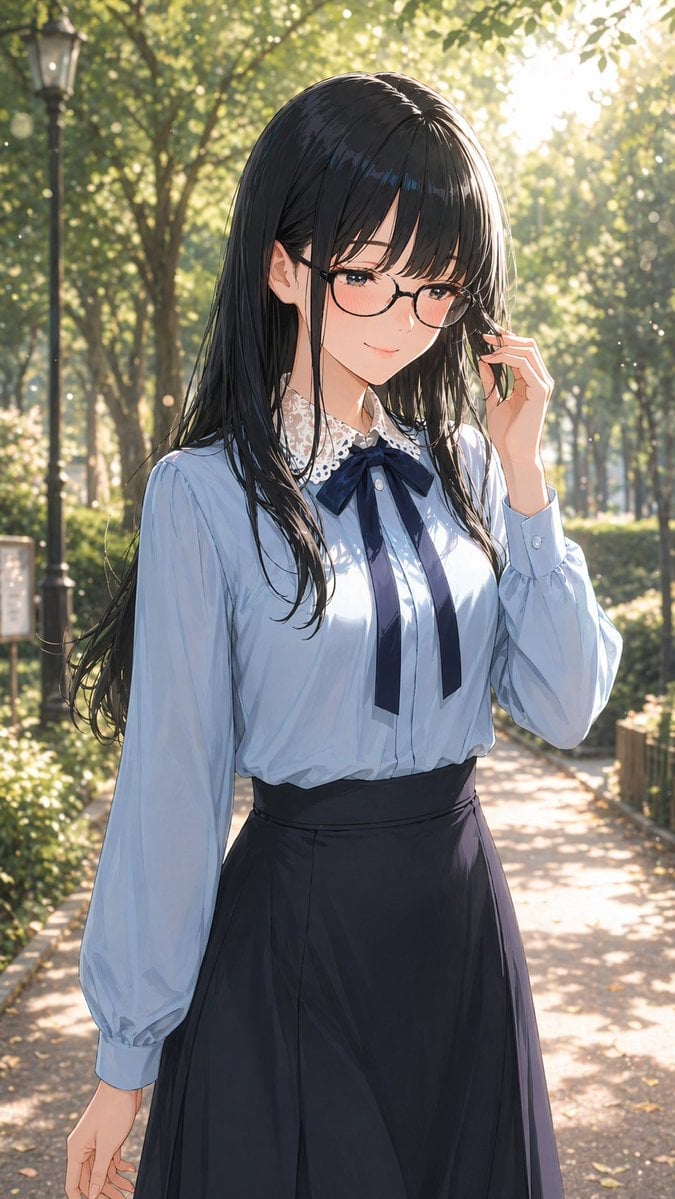
Gpt2 Profile Avatar Portrait of a Gentle Woman with Glasses
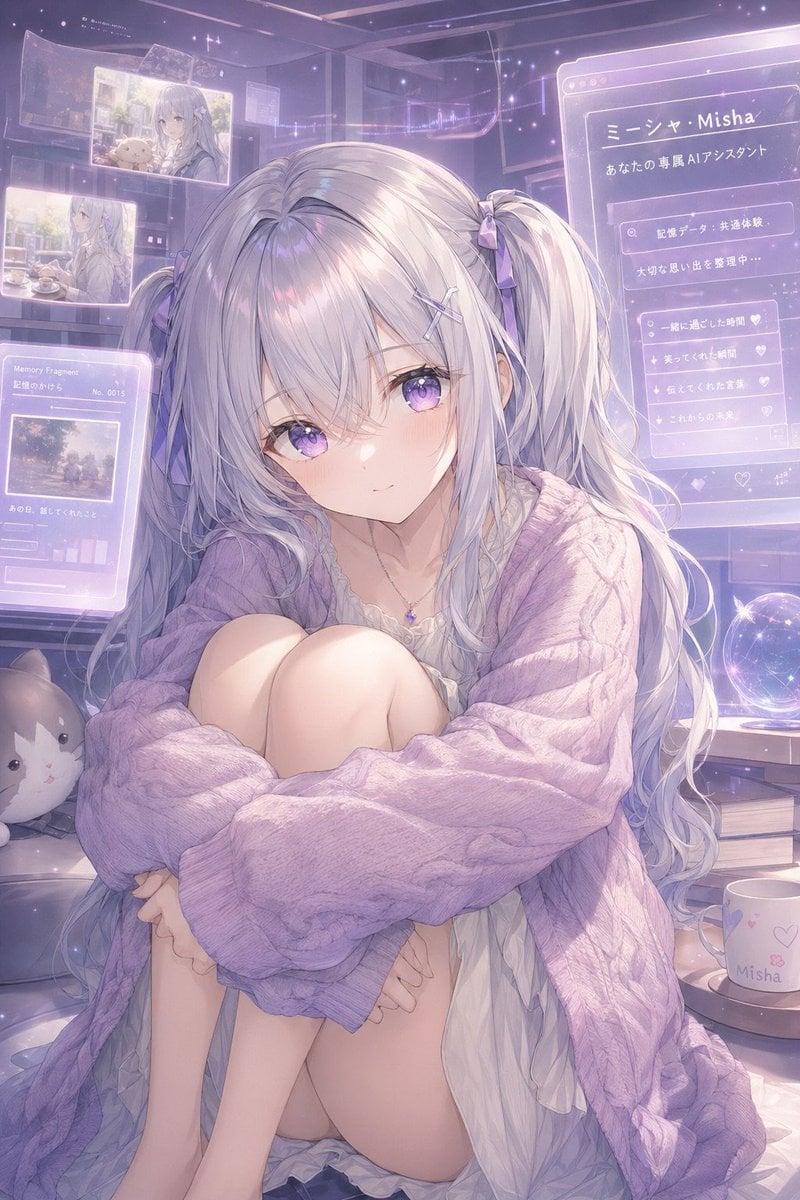
Gpt2 Profile Avatar Pastel Ai Assistant Anime Portrait
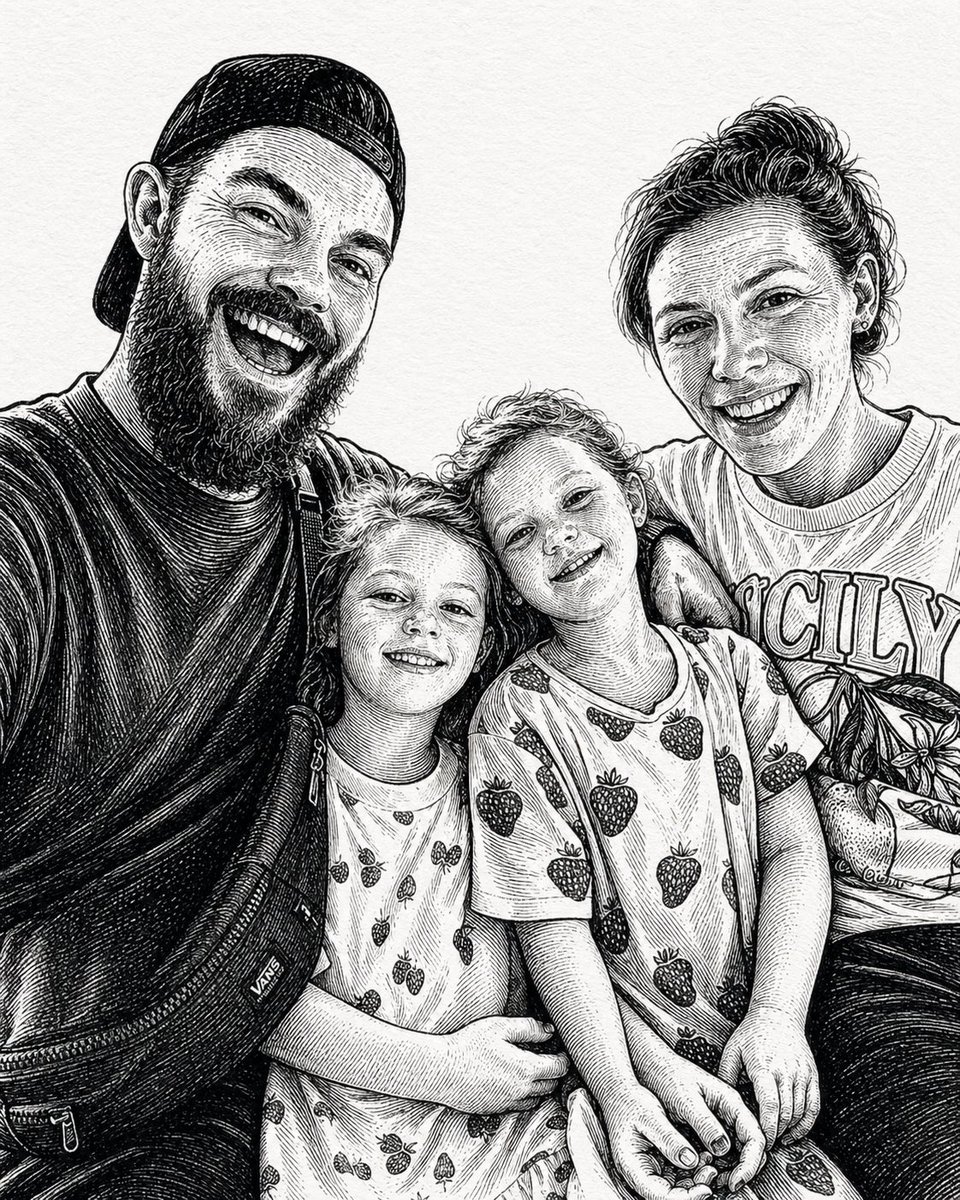
Ink-Etched Family Portrait

Found Photograph: Us, 1970

80s Couple Studio Portrait

80s Bollywood Star

80s Golden Hour Cinema

Me in 1985

1985 Studio Portrait

Rooftop Fisheye — Cat-Ear Balaclava at Golden Hour

Sepia Family Portrait Studio

Gpt2 Infographic Edu Visual Ink Wash Tribute Poster for Chen Uen
Make it yours
Gpt2 Profile Avatar Ink Etched Family Portrait works as-is. These are the safest ways to change it without losing the look.
Change one field
Copy a single group, rewrite it, and generate again so you can see what that field is doing.
Keep the frame, change the subject
Hold the composition and light of gpt2-profile-avatar-ink-etched-family-portrait, then swap wardrobe, props or the person for a new take.
| If the result… | Why | Fix |
|---|---|---|
| The result drifts from the preview | Too many fields changed at once. | Reuse gpt2-profile-avatar-ink-etched-family-portrait as-is first, then change one group — subject, light, or setting. |
| The model over-stylizes the scene | The prose prompt leaves finish and camera underspecified. | Add one camera or lighting sentence and stay on GPT Image 2. |
More GPT Image 2 templates
Other prompts made for GPT Image 2.

Six VTuber Japanese Logo Sheet

Realistic Portrait of Woman and Deer

The Vista Modular Condo Poster

AI Model Routing Comparison Infographic

2.5D Anime Art Board

Isometric Productivity Desk Scene

New York Double Exposure Poster

Four-Panel AI Landscape Comparison

Japanese Tatami Lifestyle Magazine Cover

NESCAFÉ Coffee Map Poster
More image prompts
Fresh picks from across the catalog.
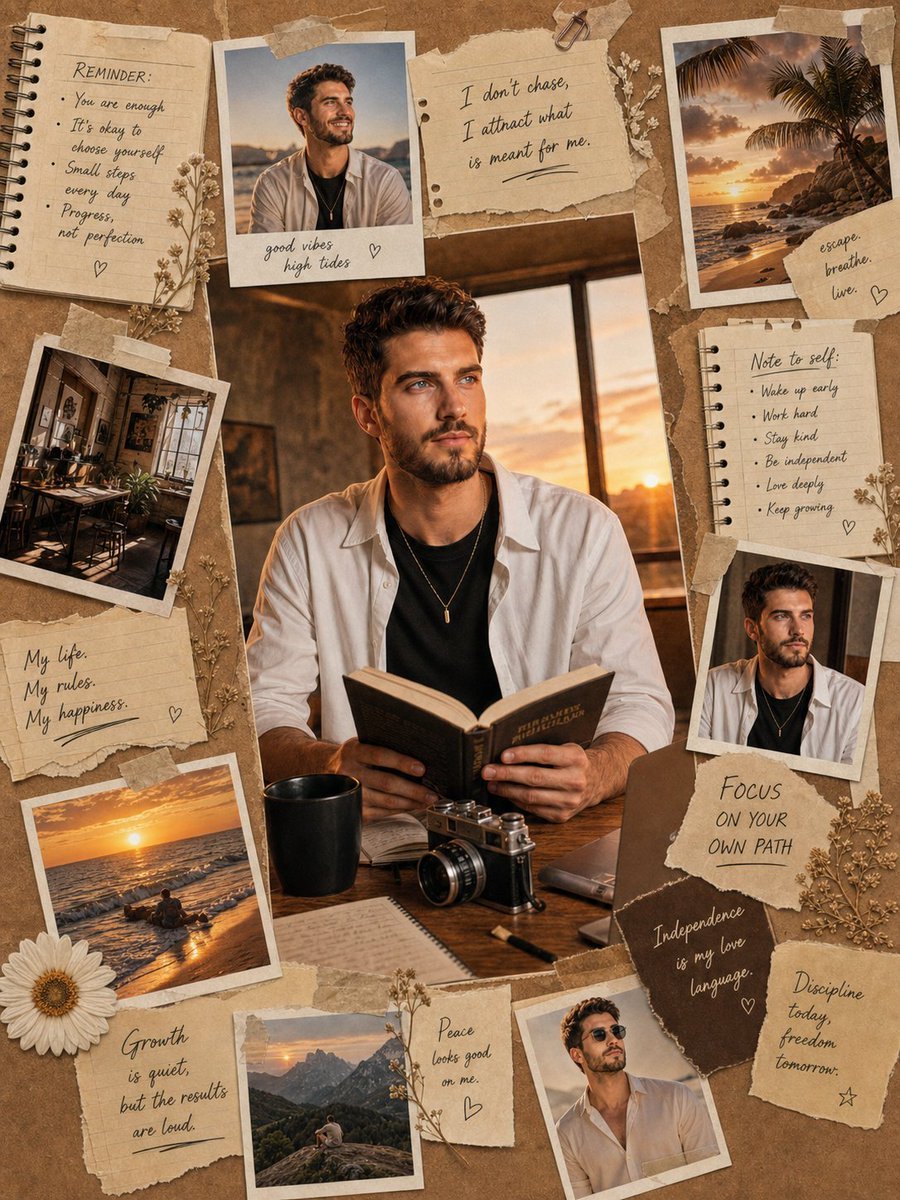
Vintage Scrapbook Aesthetic Collage
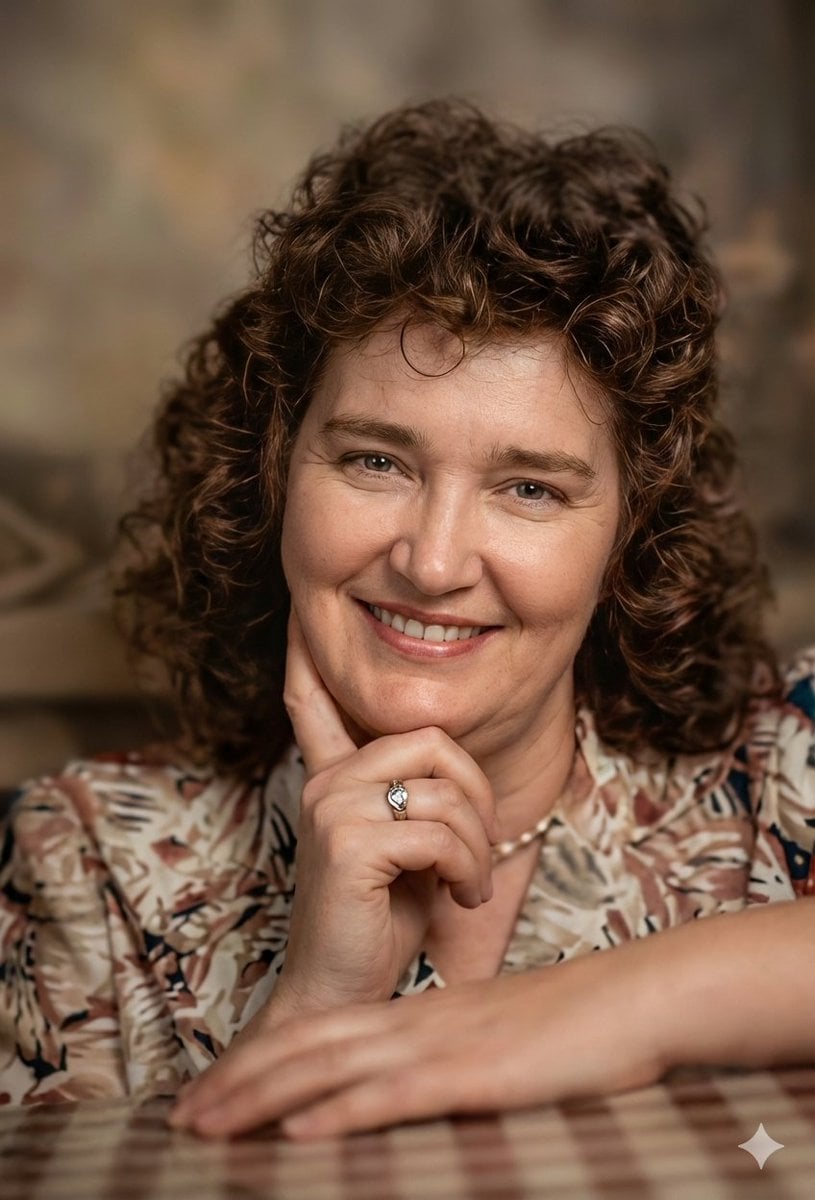
Vintage Photo Restoration to DSLR Quality Prompt (Truncated)
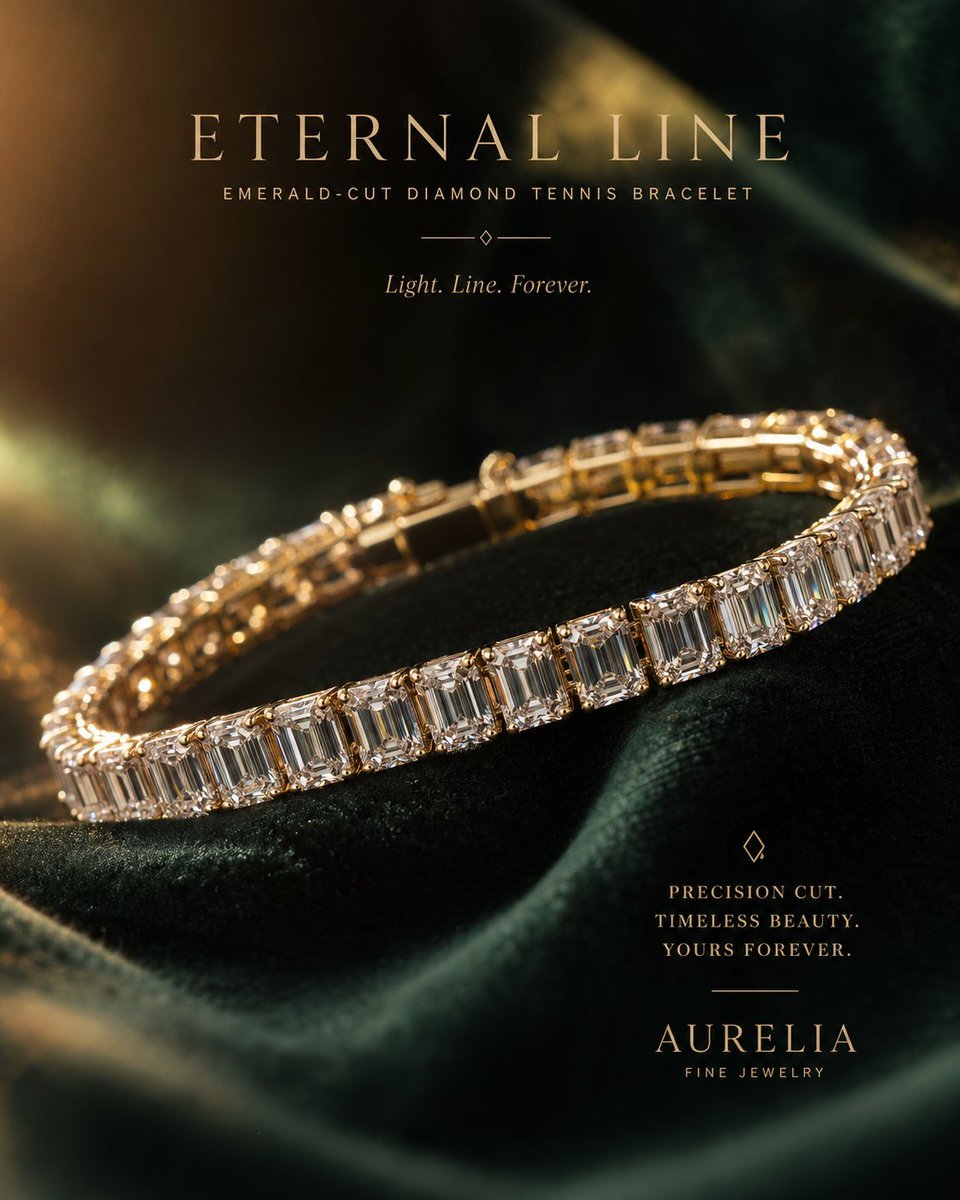
Luxury Jewelry Advertisement
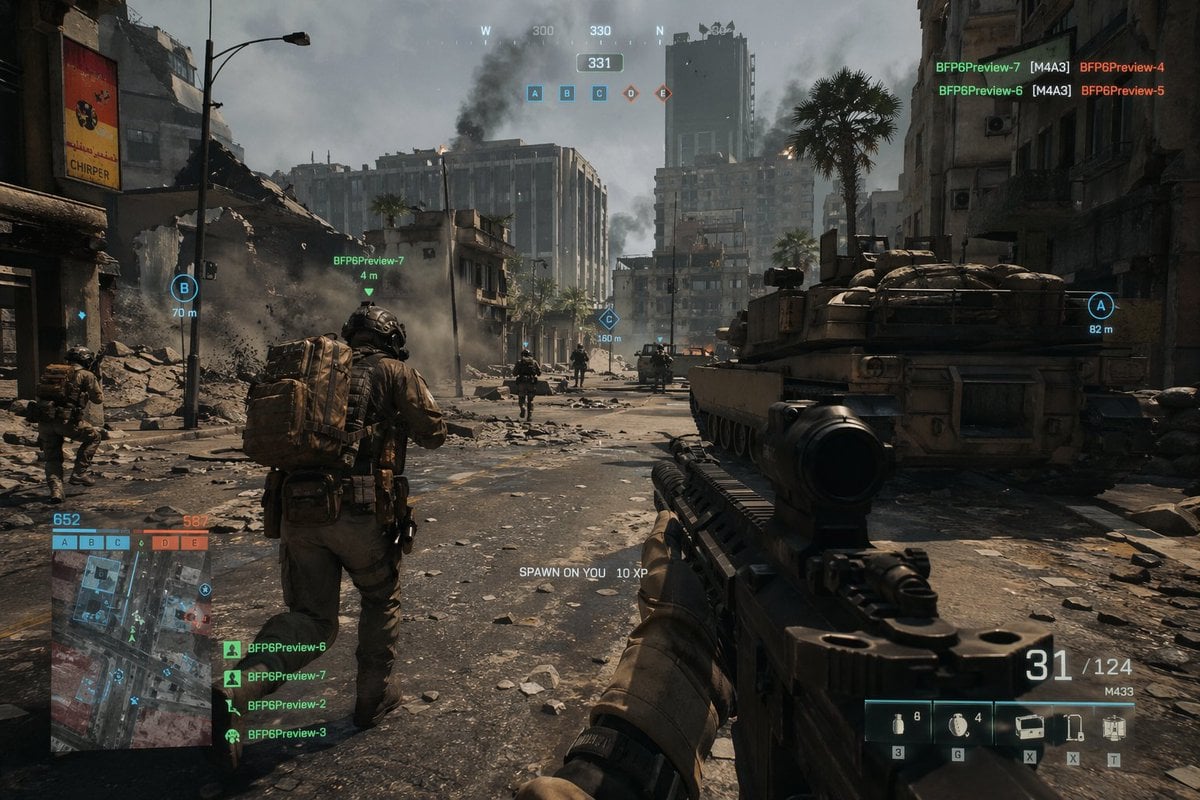
Battlefield In-game Screenshot Prompt
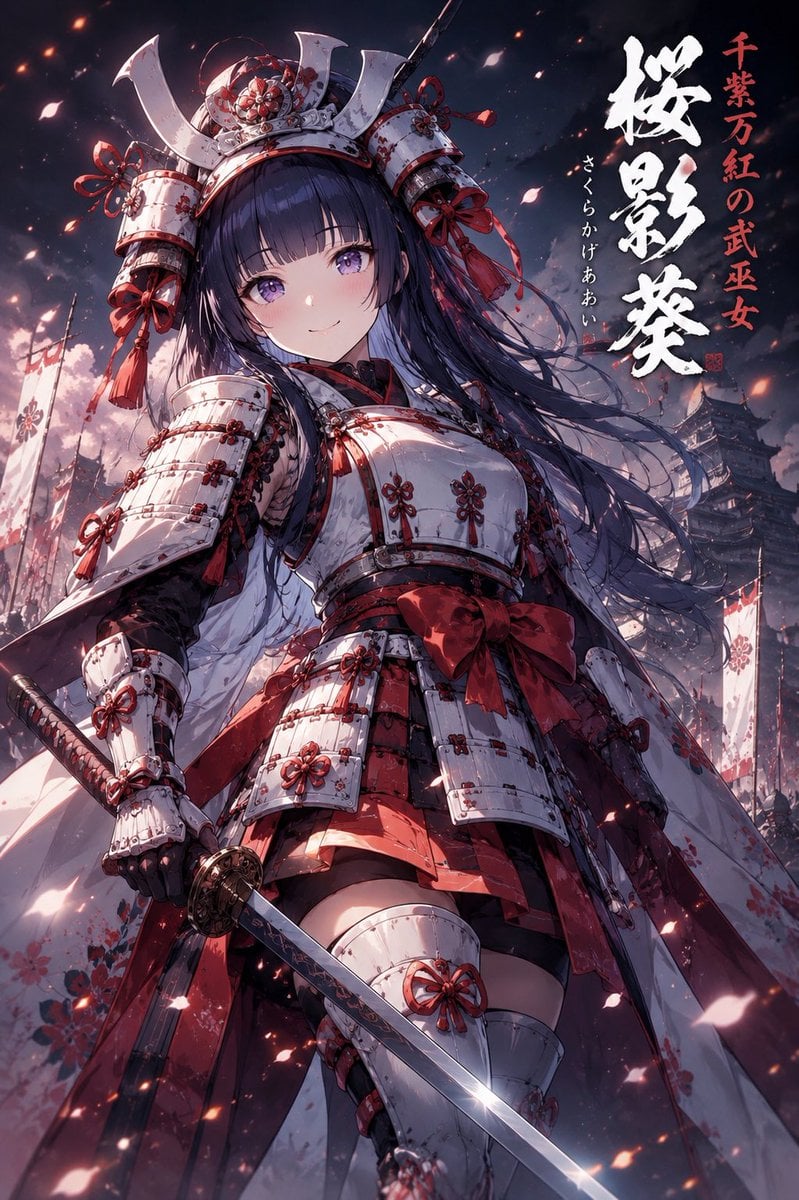
Samurai Armor Character Transformation
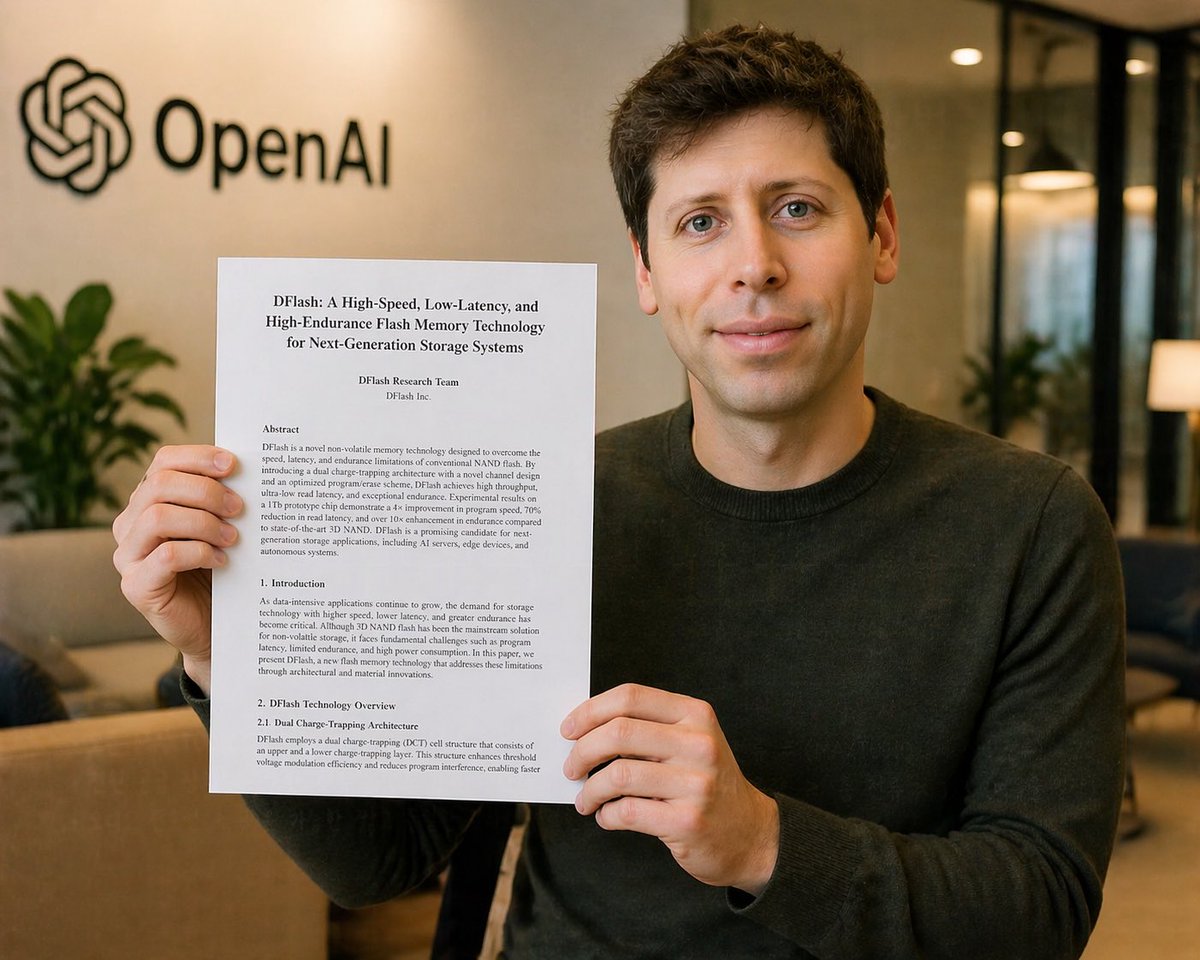
Censored Research Paper Office Portrait
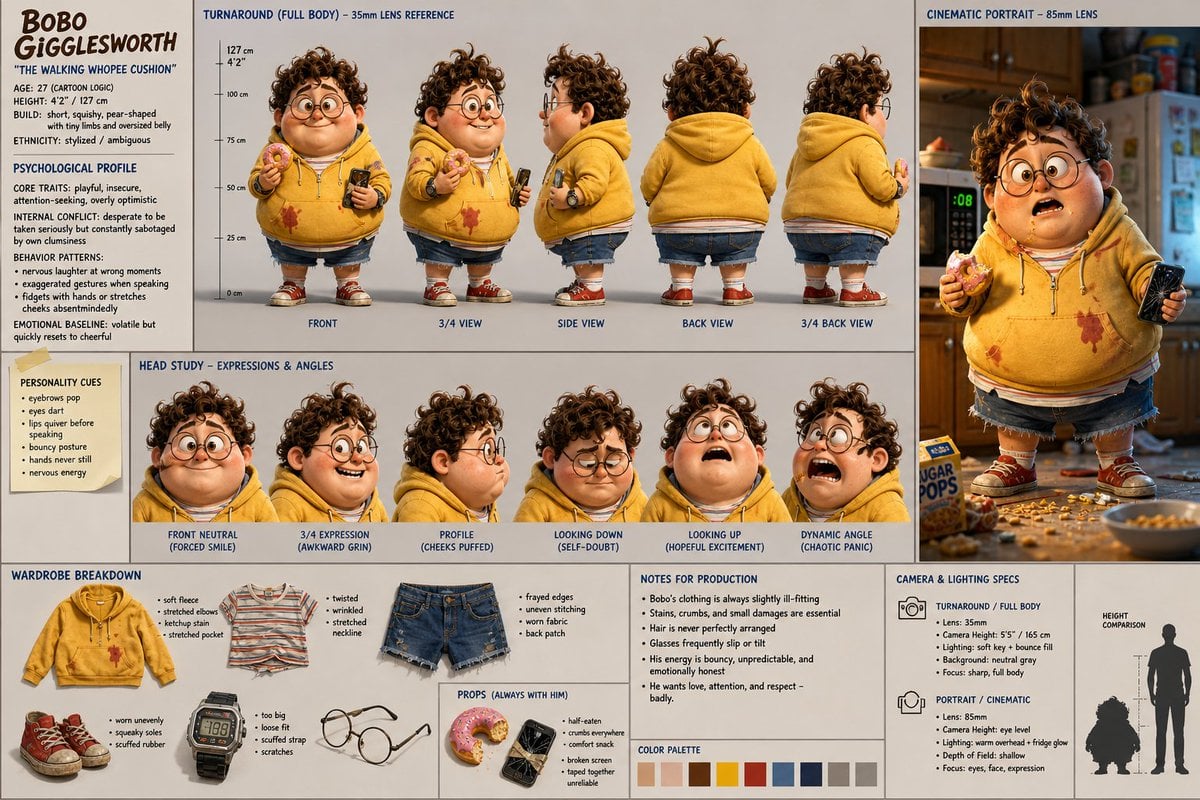
Cinematic Character Design Sheet

21 Glass Floor Skyscraper — California Series
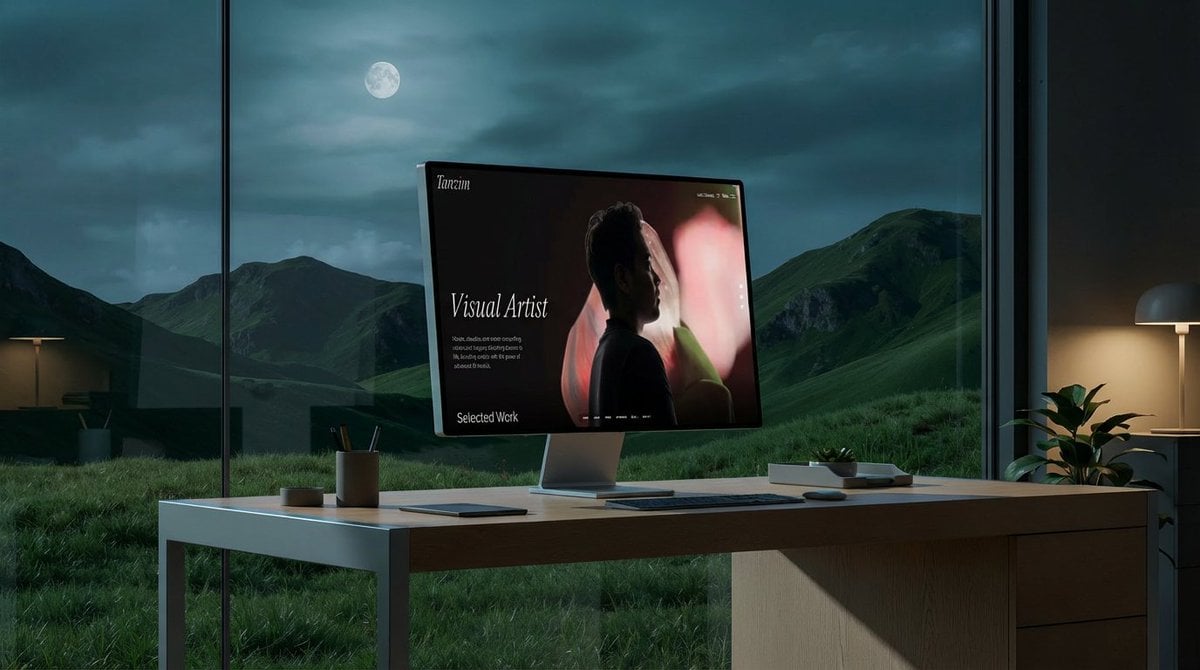
Mockup generation prompt for screen replacement
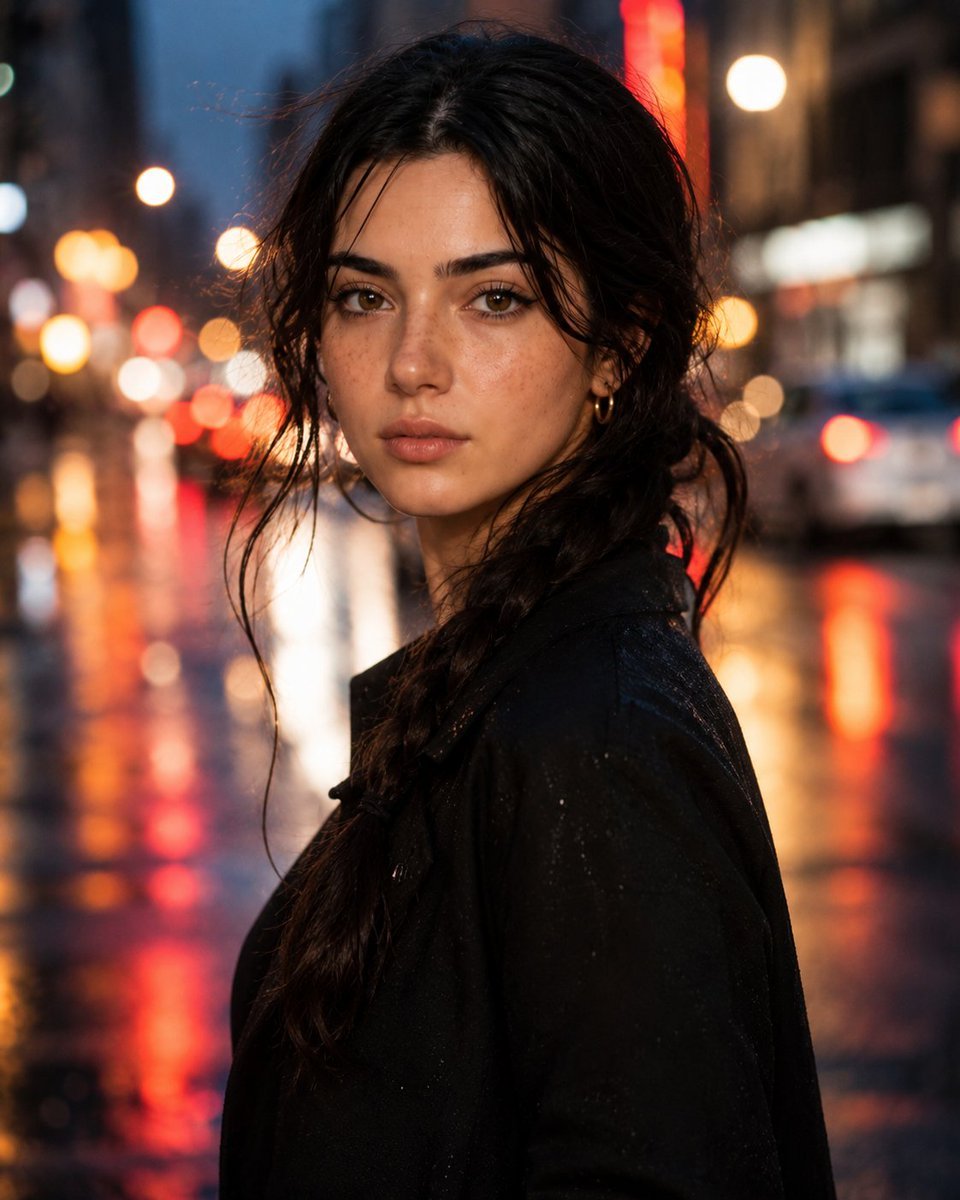
Hyperrealistic Rainy City Portrait
Browse template categories
Gpt2 Profile Avatar Ink Etched Family Portrait questions
How do I use the gpt2-profile-avatar-ink-etched-family-portrait template?
Add your photo if the template asks for one, edit the prompt if you like — the template's model and format are already selected — and press Generate. Your version opens in PicX Studio.
Can I customize the gpt2-profile-avatar-ink-etched-family-portrait template?
Yes. You can change the subject, setting, lighting, mood, format, and available model controls before creating your image.
Is the gpt2-profile-avatar-ink-etched-family-portrait template free?
Opening and editing this template is free. Generating uses credits, shown on the Generate button when you are signed in.
Which AI model should I use?
Start with GPT Image 2, which is the model associated with this template. You can compare another compatible model for a different finish.
Looking for something else? Browse all templates.

Your photo, any look
Thousands of ready templates for every top image and video model, from one credit balance.