
Samurai Armor Character Transformation
Transforms an uploaded character illustration into a custom samurai warrior, maintaining the original art style and color palette while adding intricate armor details.
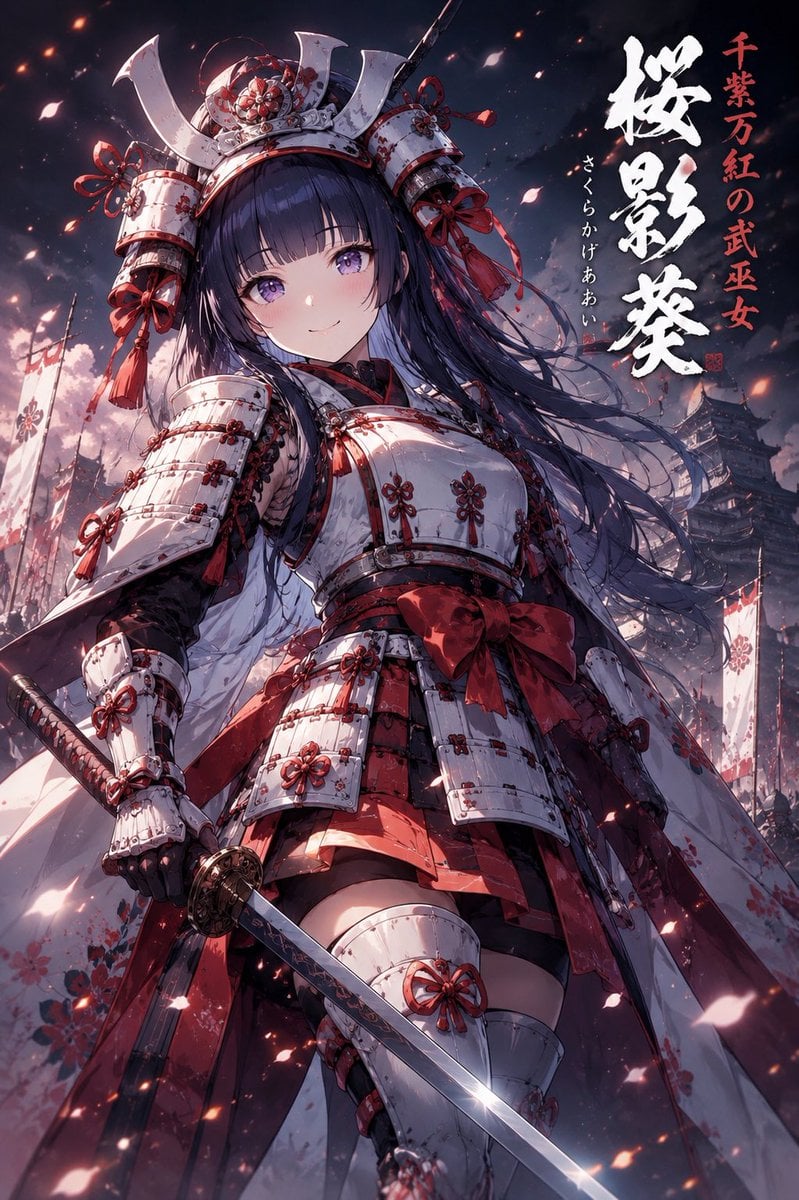
- Prompt included
- Model and format preset
- Free template
The prompt behind this image
Copy the exact prompt behind Samurai Armor Character Transformation, or open it in the studio and make it yours.
Analyze the uploaded illustration carefully and transform the character into an original samurai wearing custom armor inspired entirely by the artwork’s art style, color palette, character design, atmosphere, motifs, emotional tone, and worldbuilding. Do not create generic historical armor. The helmet, mask, shoulder guards, chest armor, waist plates, sleeves, sword, scabbard, crest, patterns, materials, and silhouette must feel naturally born from the uploaded illustration. Preserve the character’s face, eyes, hairstyle, hair color, proportions, personality, and key outfit motifs while reimagining them as a powerful warrior. The armor may blend fantasy, shrine maiden, gothic, cyberpunk, elegant, cute, or sci-fi elements depending on the source artwork. Automatically generate a unique samurai title, nickname, or legendary epithet inspired by the uploaded illustration’s atmosphere, colors, symbolism, and worldbuilding. Display the title naturally in elegant Japanese calligraphy as if it were a famous warrior’s historical alias. Create a {argument name="visual mood" default="dramatic"} composition: {argument name="shot angle" default="low-angle view"}, wind-blown hair and cloth, hand on sword, intense gaze, battlefield smoke, flying petals, sparks, banners, cinematic lighting, strong perspective, heroic tension, ultra detailed, masterpiece quality, no watermark.
How to use Samurai Armor Character Transformation in 3 steps
- 1Upload ImagePNG, JPG or paste
Add your photo
Upload the photo the template builds on. The prompt, model and format are already set.
- 2…a portrait of your subject in softgolden-hour light, 85mm…
Personalize
Edit the subject and creative details for your destination.
- 3Generate
Generate
Press Generate — your image is created in PicX Studio, so you can compare it with the original and refine one variable at a time.
More like this
Templates with the same subject, style or setup. Open one to see its prompt.
Japanese Samurai Woman in Red Armor
Samurai Armor Turnaround Sheet
Kamen Rider Armor Transformation Sequence Prompt
Seedance - Character Transition
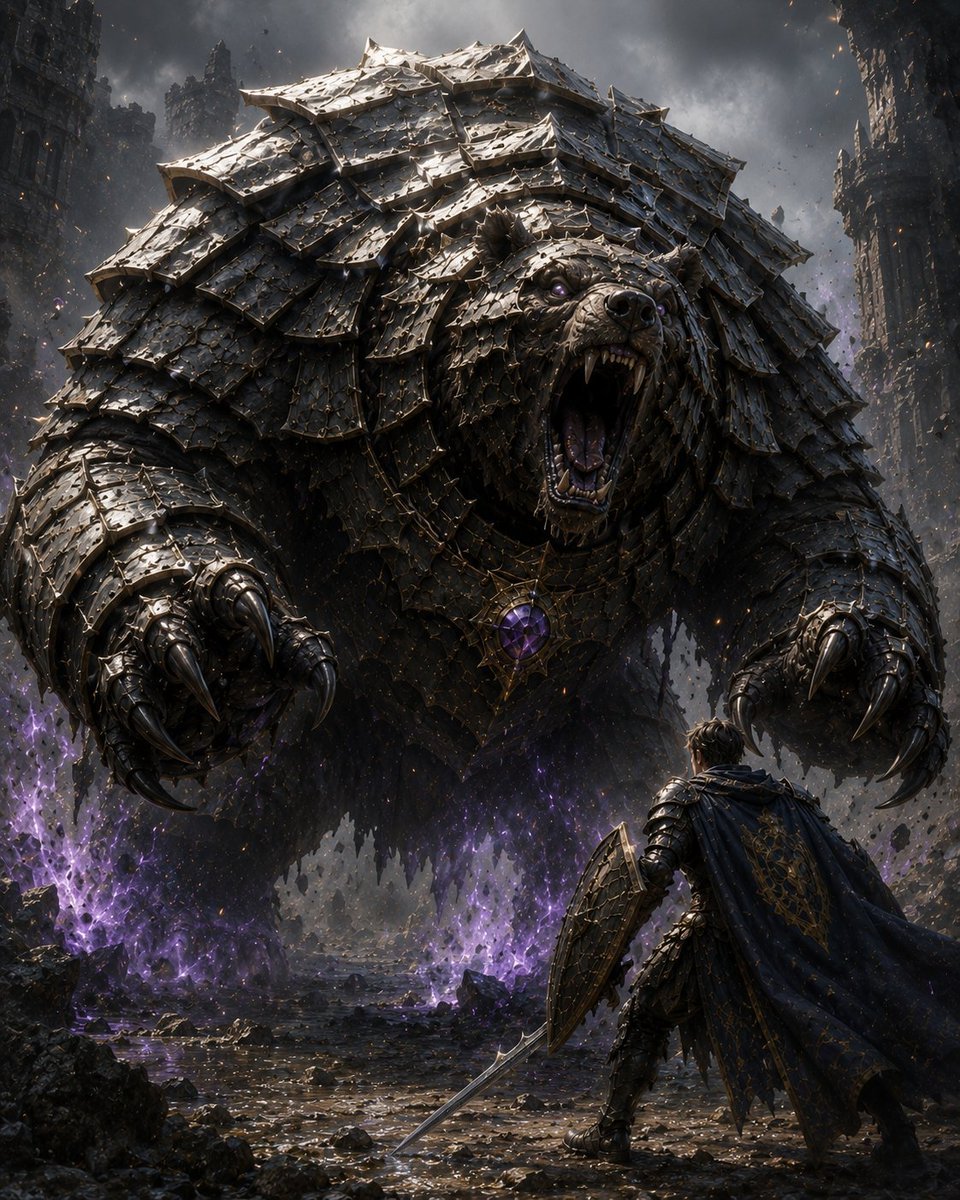
Armored Bear Encounter
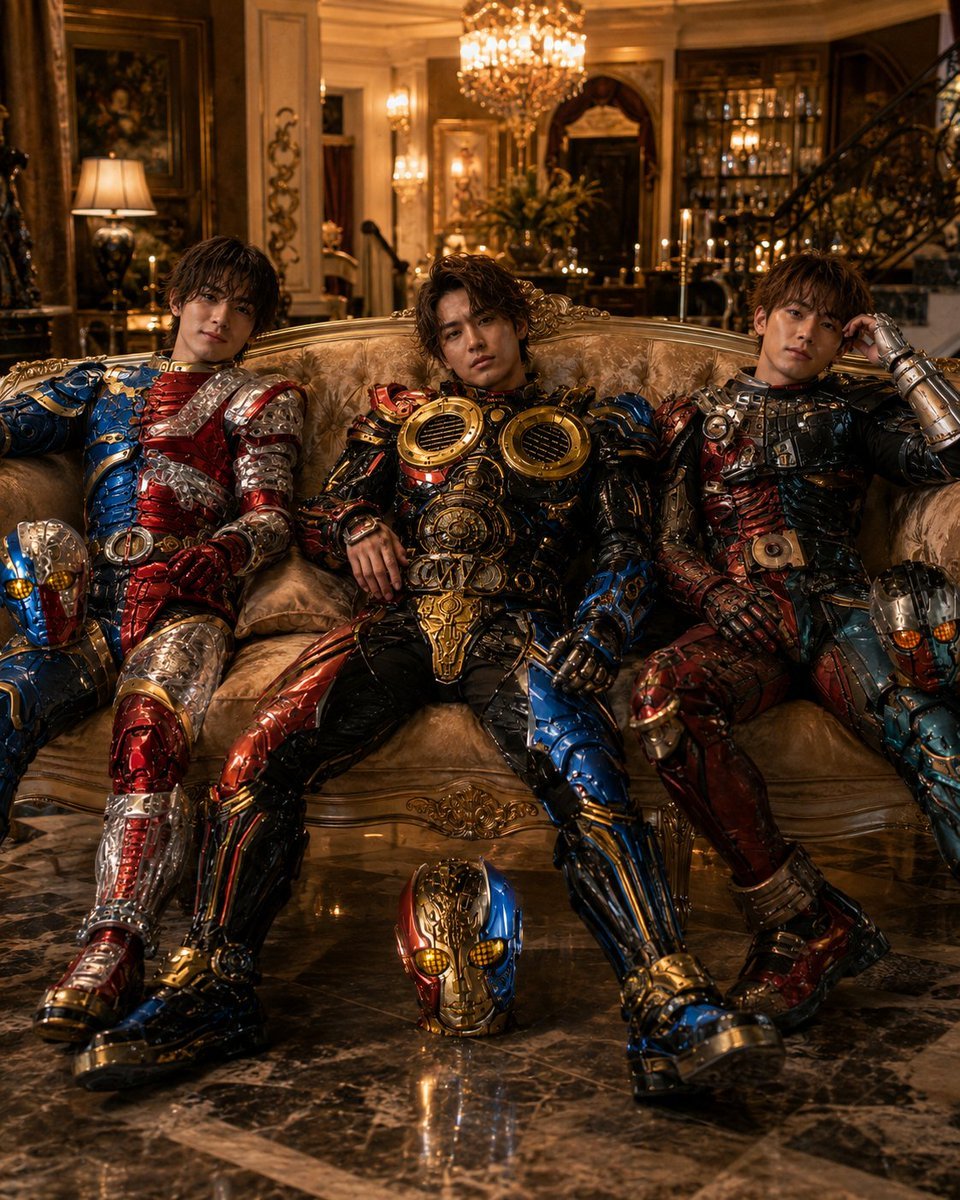
Armored Tokusatsu Cosplayers Resting
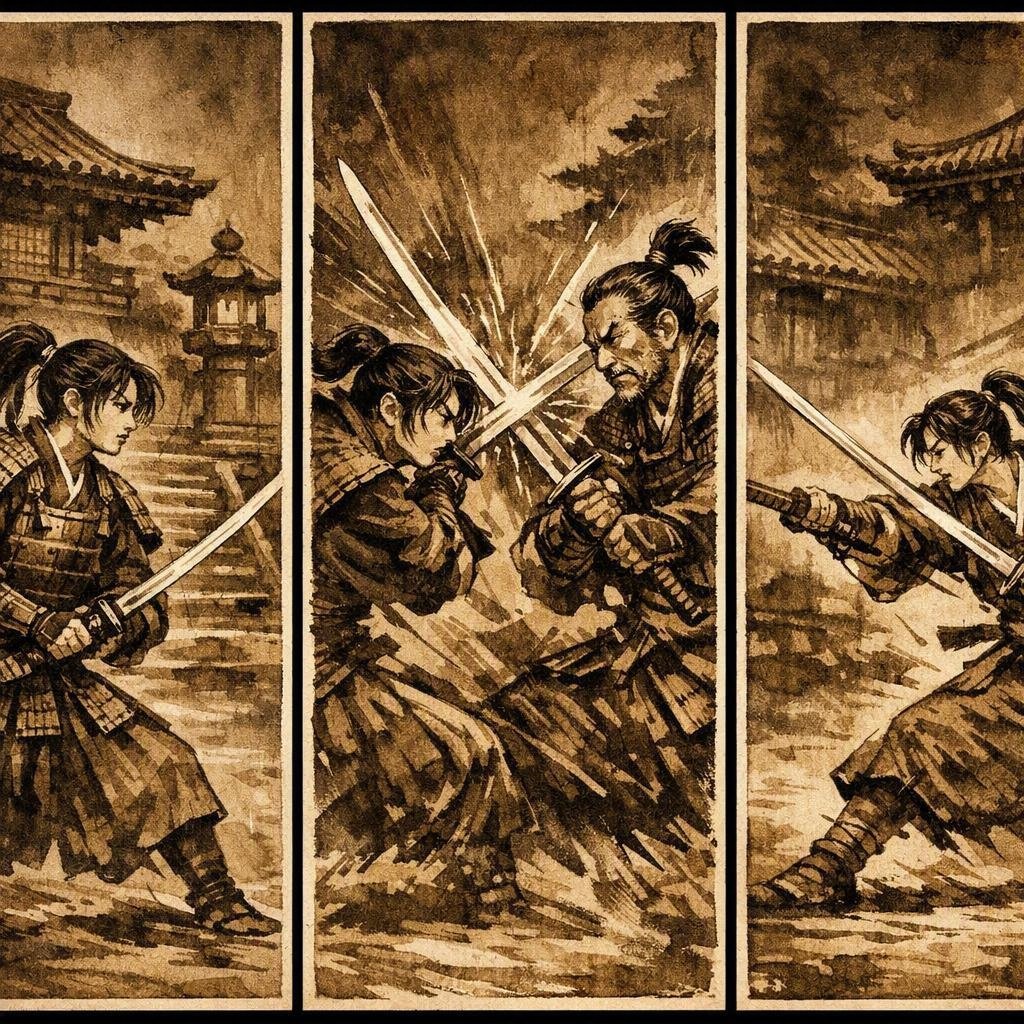
Japanese Samurai Ukiyo-e Triptych
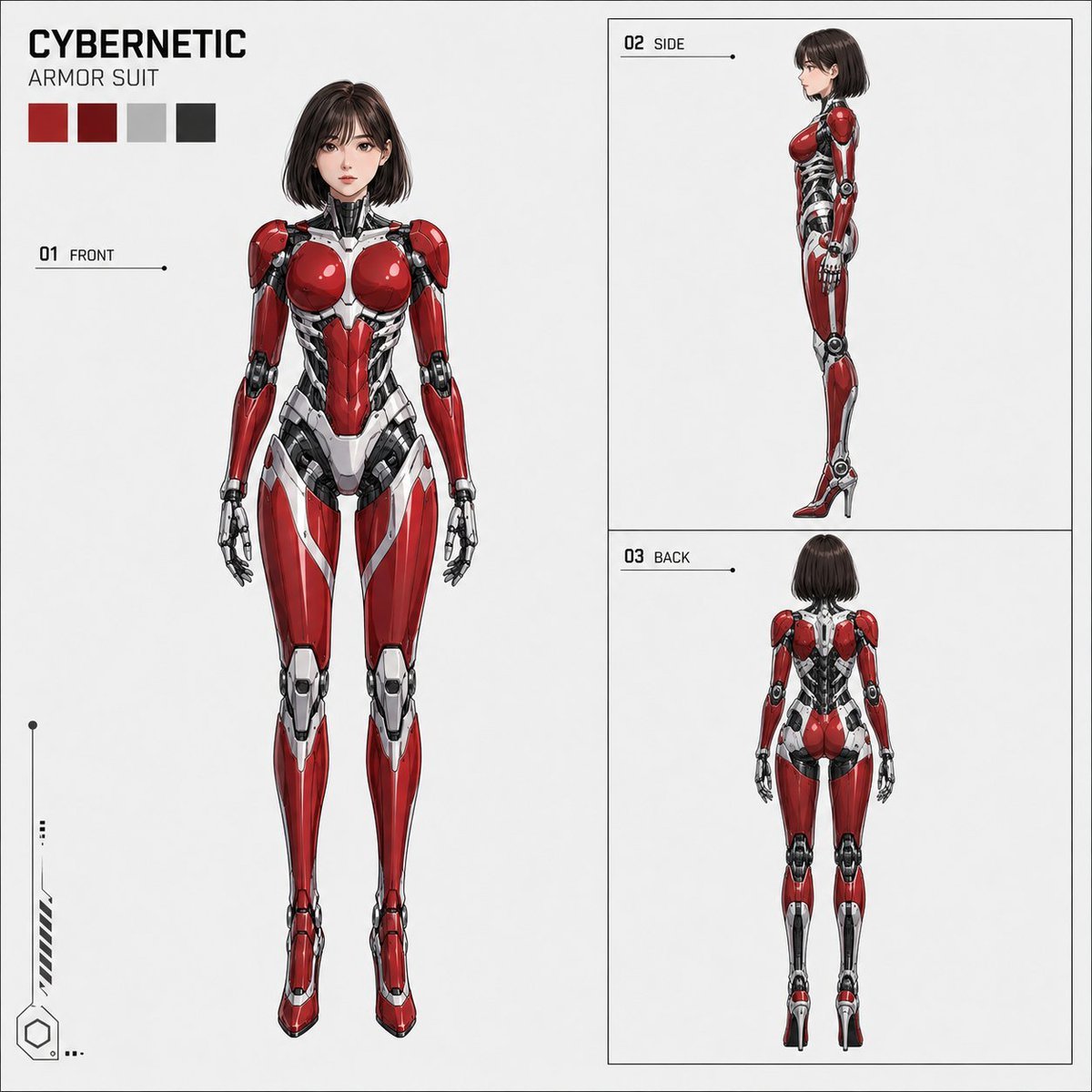
Anime Cybernetic Armor Character Sheet
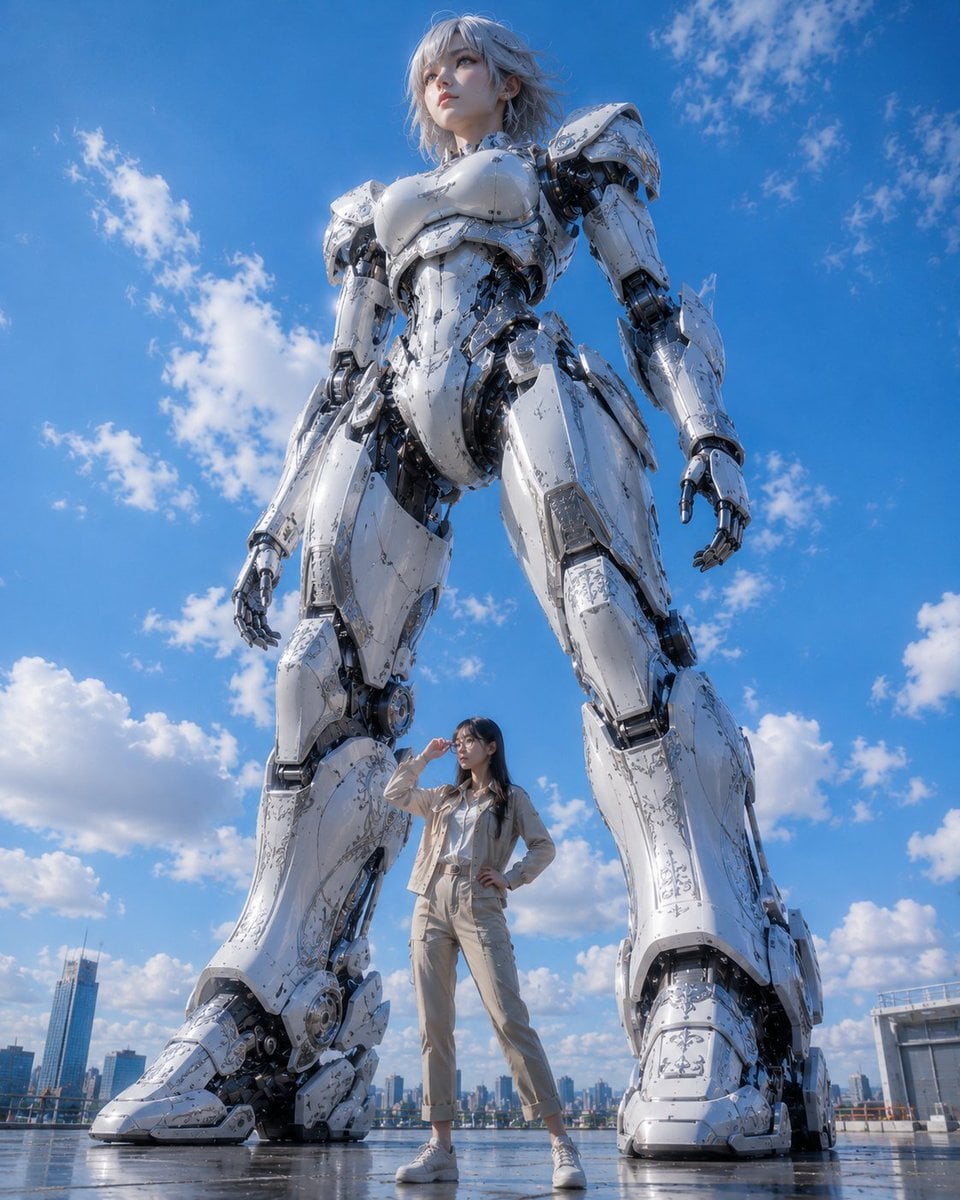
Giant Robot and Pilot Mecha Armor

Futuristic Sci-Fi Female in Armor
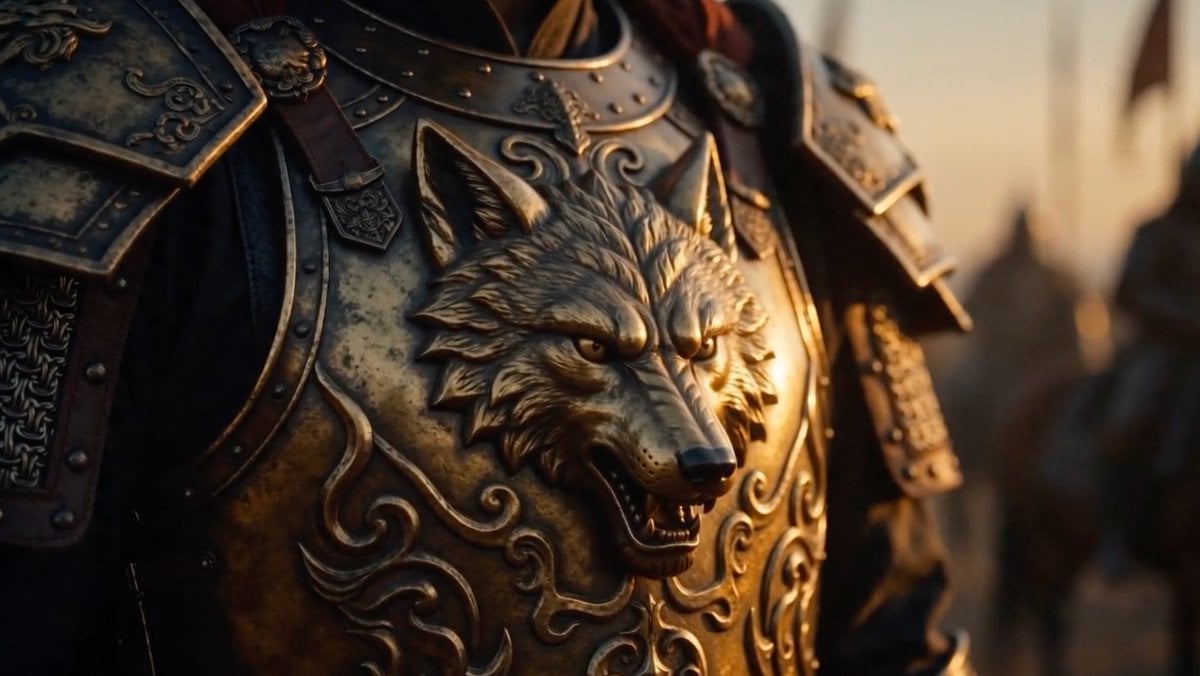
Cinematic Wolf Armor Close-Up

Cyber Samurai Empress Portrait
Make it yours
Samurai Armor Character Transformation works as-is. These are the safest ways to change it without losing the look.
Change one field
Copy a single group, rewrite it, and generate again so you can see what that field is doing.
Keep the frame, change the subject
Hold the composition and light of Samurai Armor Character Transformation, then swap wardrobe, props or the person for a new take.
| If the result… | Why | Fix |
|---|---|---|
| The result drifts from the preview | Too many fields changed at once. | Reuse Samurai Armor Character Transformation as-is first, then change one group — subject, light, or setting. |
| The model over-stylizes the scene | The prose prompt leaves finish and camera underspecified. | Add one camera or lighting sentence and stay on GPT Image 2. |
More GPT Image 2 templates
Other prompts made for GPT Image 2.

Six VTuber Japanese Logo Sheet

Realistic Portrait of Woman and Deer

The Vista Modular Condo Poster

AI Model Routing Comparison Infographic

2.5D Anime Art Board

Isometric Productivity Desk Scene

New York Double Exposure Poster

Four-Panel AI Landscape Comparison

Japanese Tatami Lifestyle Magazine Cover

NESCAFÉ Coffee Map Poster
More image prompts
Fresh picks from across the catalog.
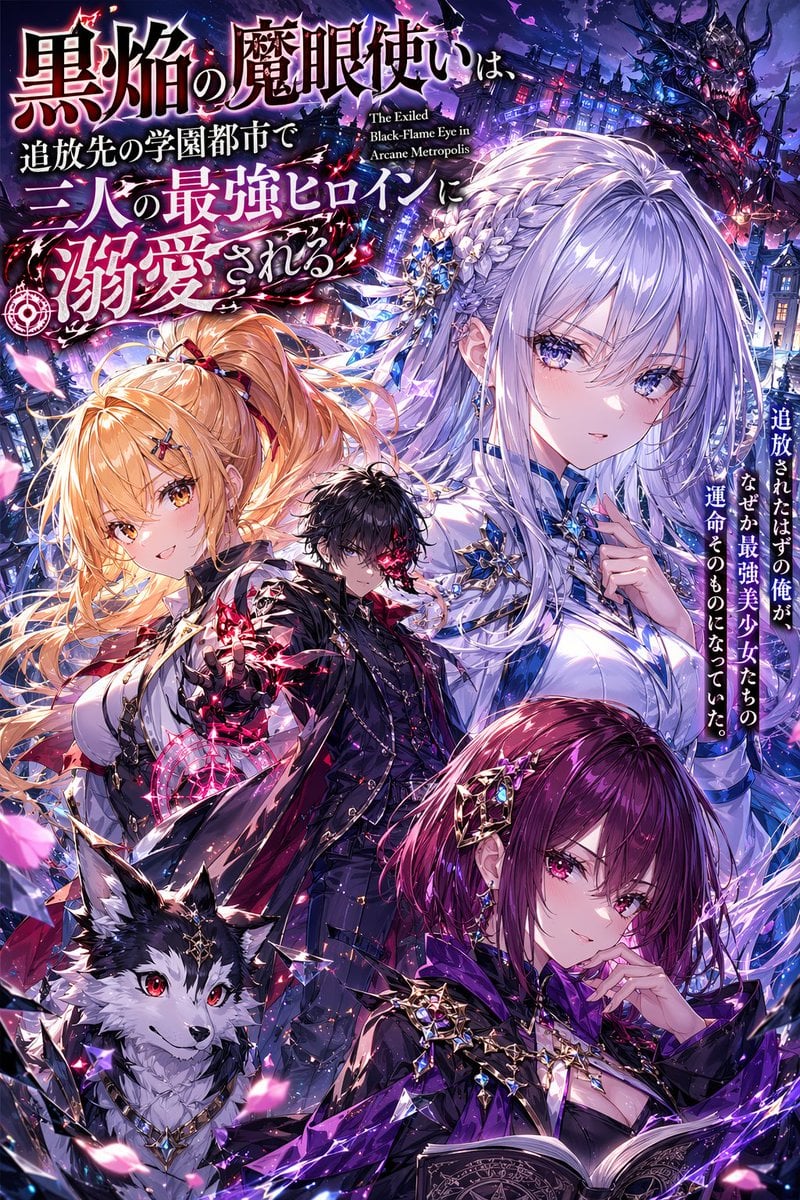
Anime Light Novel Cover with Typography
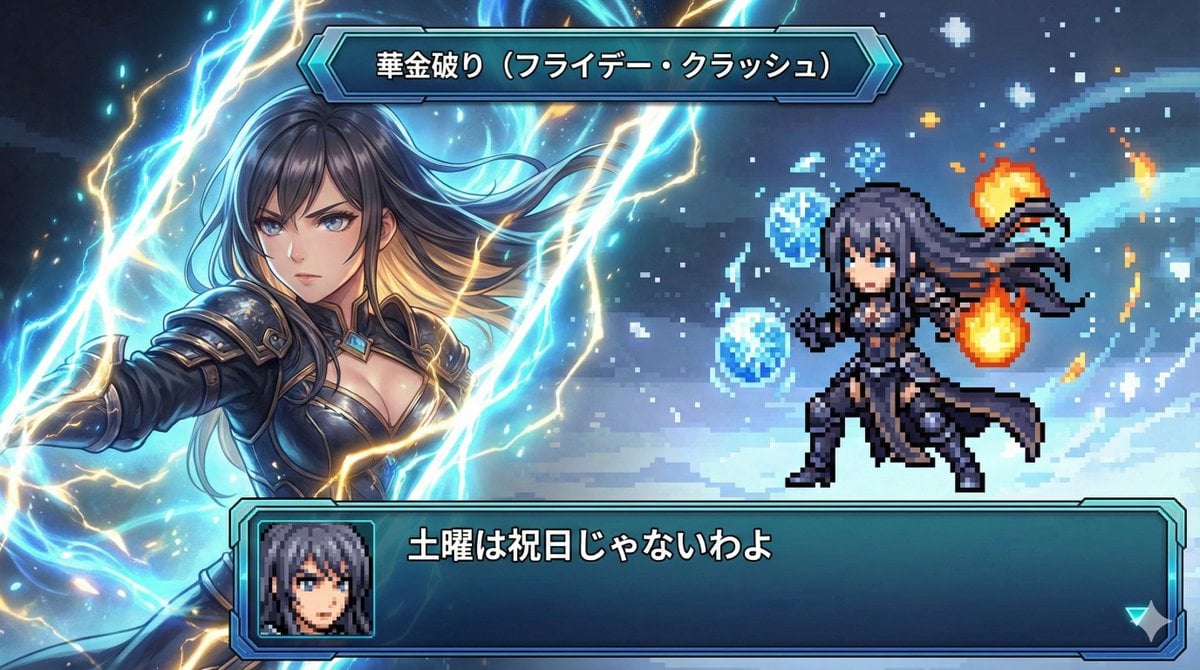
Super Robot Wars Style Witch Rejecting Friday
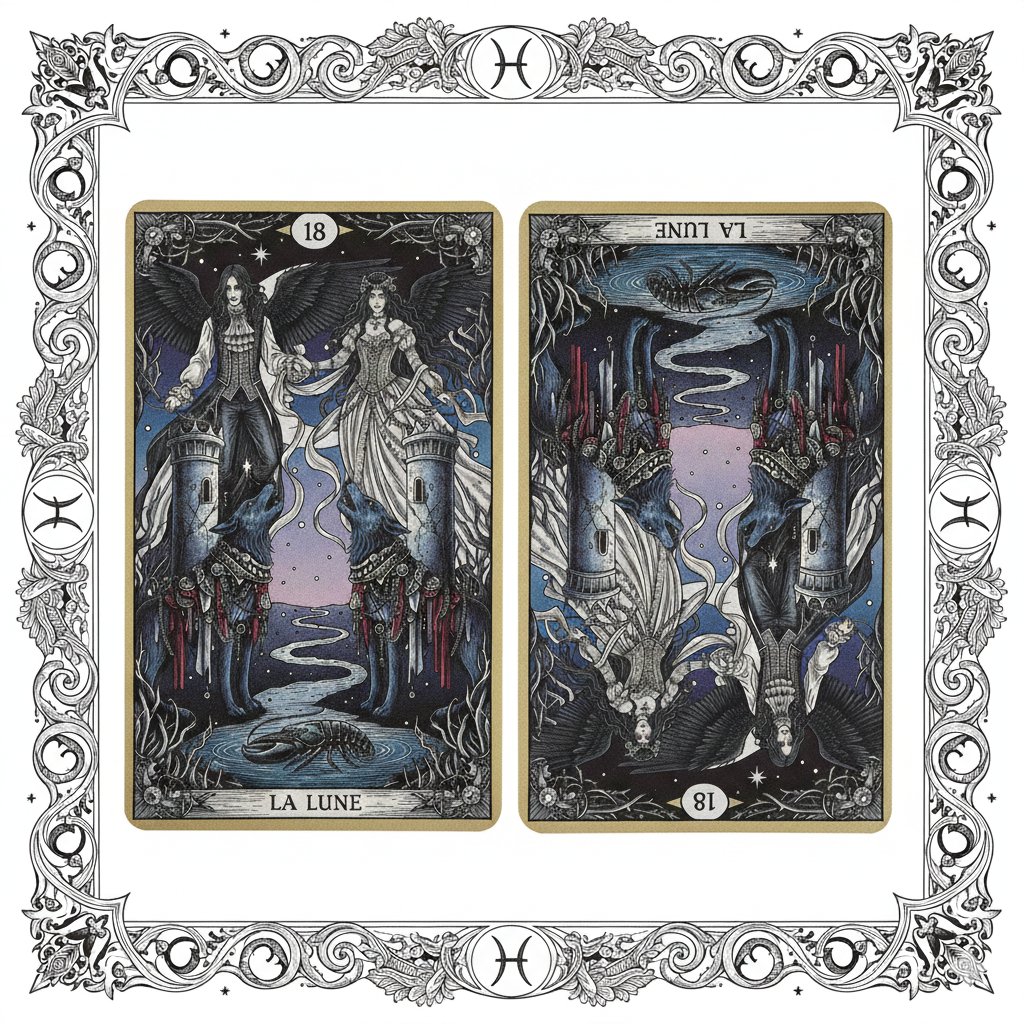
Nano Banana Pro Prompt: Tarot Card 18 (The Moon) with Mális Mizer and Pisces

X Profile Mockup Generator (Clean and Modern)
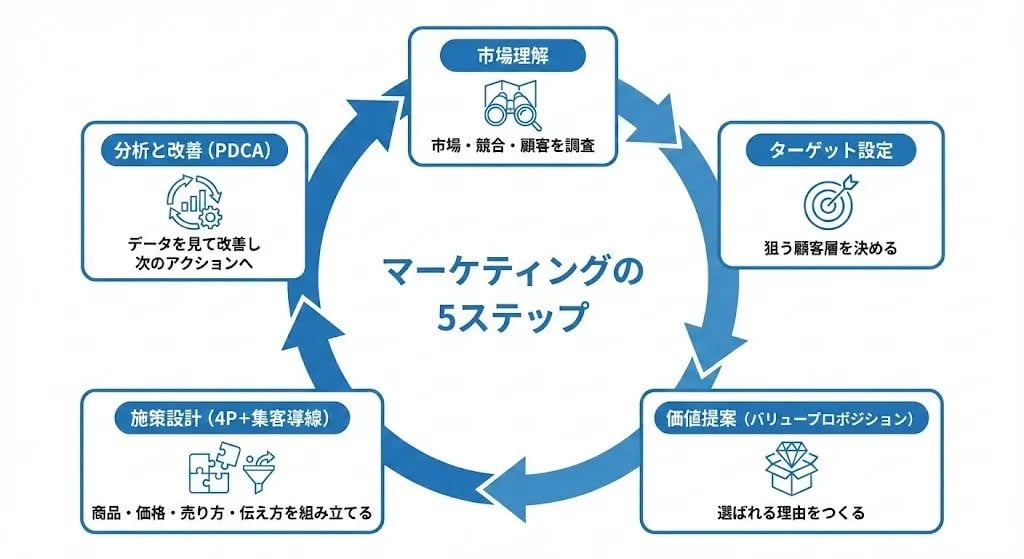
Step Marketing Flowchart Diagram Generator
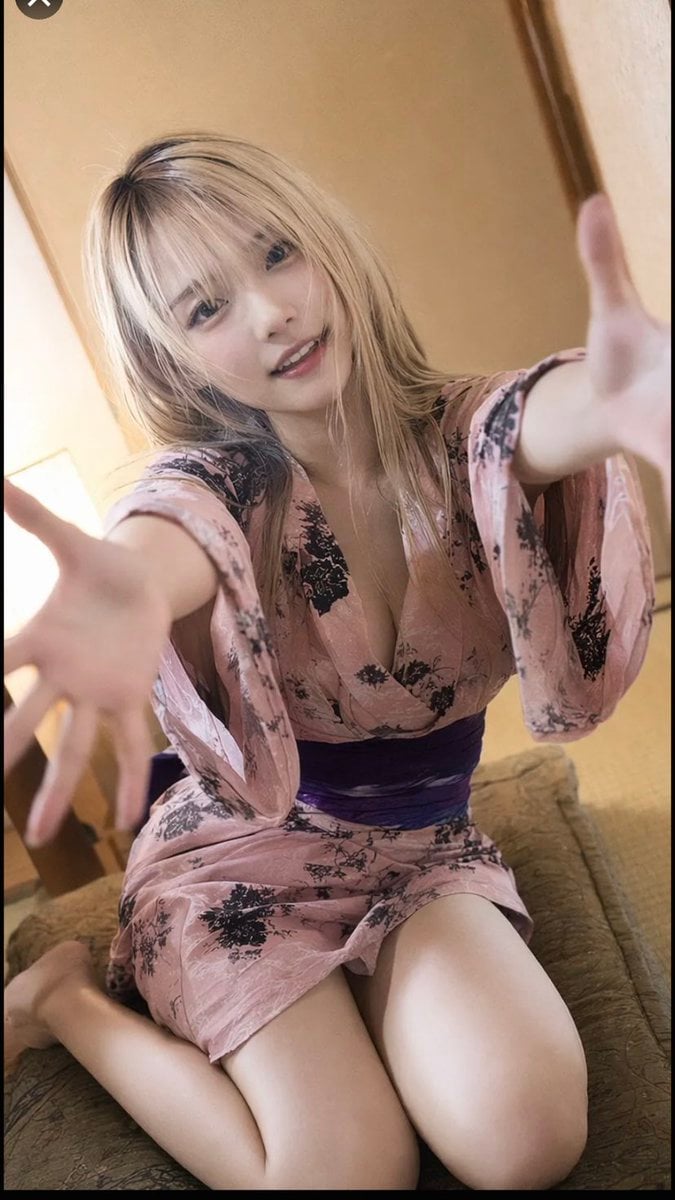
Photorealistic Yukata Portrait
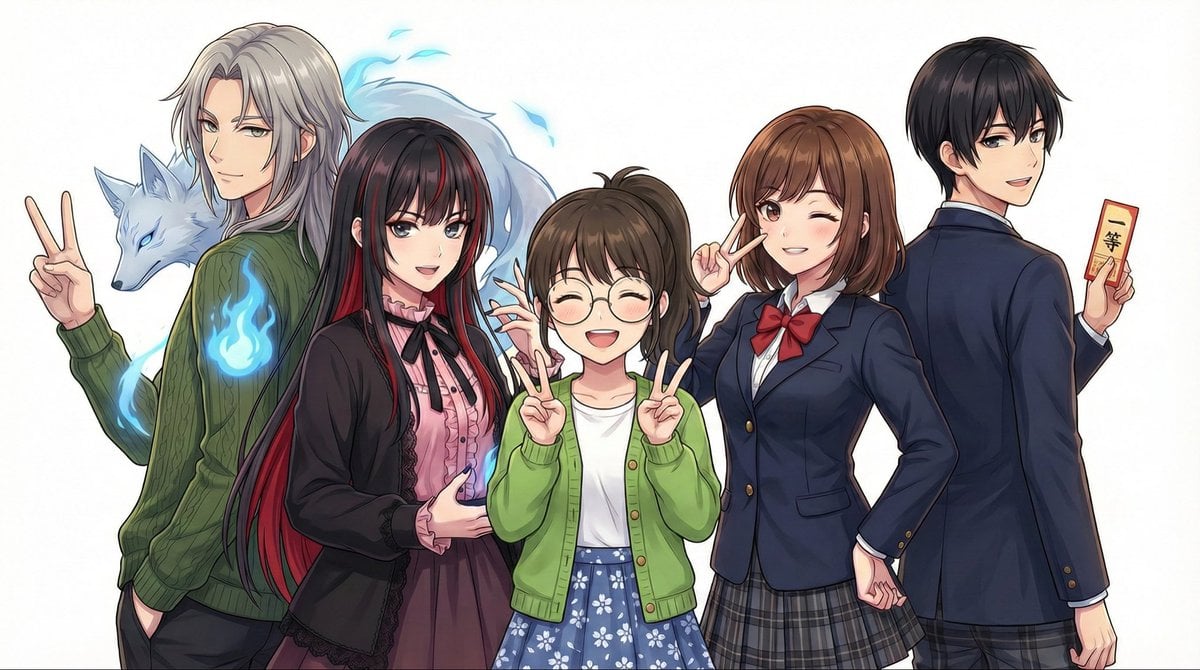
Complex Multi-Instruction Image Generation
Vlog Style Fashion Video Generation Prompt
Hyperrealistic Nature-Reclaiming-Tech Poster
Modern Loft Staircase Portrait Identity Preservation Prompt
Browse template categories
Samurai Armor Character Transformation questions
How do I use the Samurai Armor Character Transformation template?
Add your photo if the template asks for one, edit the prompt if you like — the template's model and format are already selected — and press Generate. Your version opens in PicX Studio.
Can I customize the Samurai Armor Character Transformation template?
Yes. You can change the subject, setting, lighting, mood, format, and available model controls before creating your image.
Is the Samurai Armor Character Transformation template free?
Opening and editing this template is free. Generating uses credits, shown on the Generate button when you are signed in.
Which AI model should I use?
Start with GPT Image 2, which is the model associated with this template. You can compare another compatible model for a different finish.
Looking for something else? Browse all templates.

Your photo, any look
Thousands of ready templates for every top image and video model, from one credit balance.