
June Flower Riverside Garden
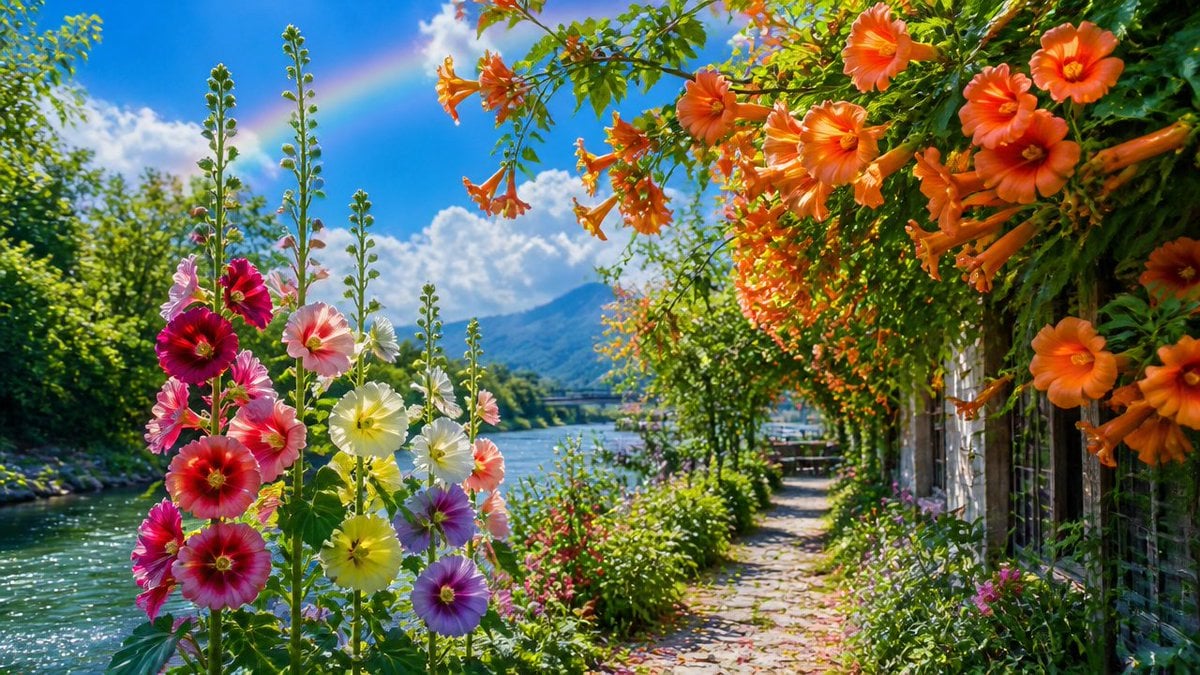
A vivid photorealistic summer garden scene with hollyhocks, orange trumpet flowers, a riverside path, mountains, and a faint rainbow.
- Prompt included
- Model and format preset
- Premium template
The prompt behind this image
Copy the exact prompt behind June Flower Riverside Garden, or open it in the studio and make it yours.
Create a vibrant photorealistic midsummer garden landscape beside a calm river, celebrating {argument name="season and theme" default="magnificent June flowers"}. Use a wide 16:9 horizontal composition from a low eye-level viewpoint on a narrow cobblestone path that curves into the distance along the right side of the river. In the left foreground, show a tall cluster of hollyhocks with about 14 visible blossoms in deep crimson, hot pink, pale pink, lemon yellow, creamy white, and lavender-purple, with long green flower spikes rising upward. On the right and upper foreground, frame the scene with a lush arbor or trellis covered in abundant orange trumpet vine flowers and round orange blooms, approximately 18 prominent orange blossoms/trumpets visible, hanging overhead and cascading down beside a rustic fence or garden wall. The middle ground should contain dense green shrubs, small pink wildflowers, and a sunlit riverside walkway leading toward a tiny seating area or bridge in the distance. The left side contains sparkling turquoise-blue river water with bright sun glints, bordered by leafy trees. In the background, include a soft blue mountain, fluffy white cumulus clouds, and a faint pastel rainbow arcing through the blue sky. Lighting should be bright golden summer sunlight with high saturation, crisp detail, fresh green foliage, strong depth, gentle atmospheric haze in the distance, and a cheerful idyllic travel-photography feeling. Avoid people, animals, text, logos, buildings dominating the scene, or artificial fantasy elements beyond the natural rainbow.
How to use June Flower Riverside Garden in 3 steps
- 1Upload ImagePNG, JPG or paste
Add your photo
Upload the photo the template builds on. The prompt, model and format are already set.
- 2…a portrait of your subject in softgolden-hour light, 85mm…
Personalize
Edit the subject and creative details for your destination.
- 3Generate
Generate
Press Generate — your image is created in PicX Studio, so you can compare it with the original and refine one variable at a time.
More like this
Templates with the same subject, style or setup. Open one to see its prompt.

Artistic Arborpunk Garden Observatory Complex
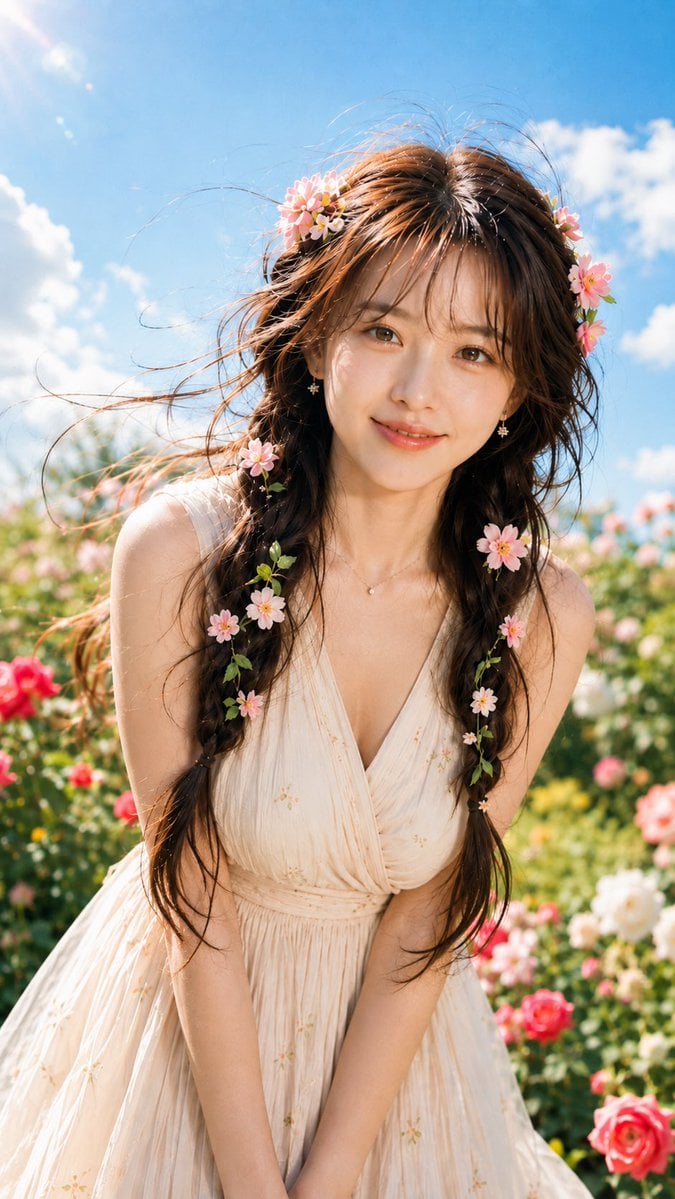
Morning Flower Garden Portrait

Glass Skin Beauty Portrait — Soft Pastel Nano Banana
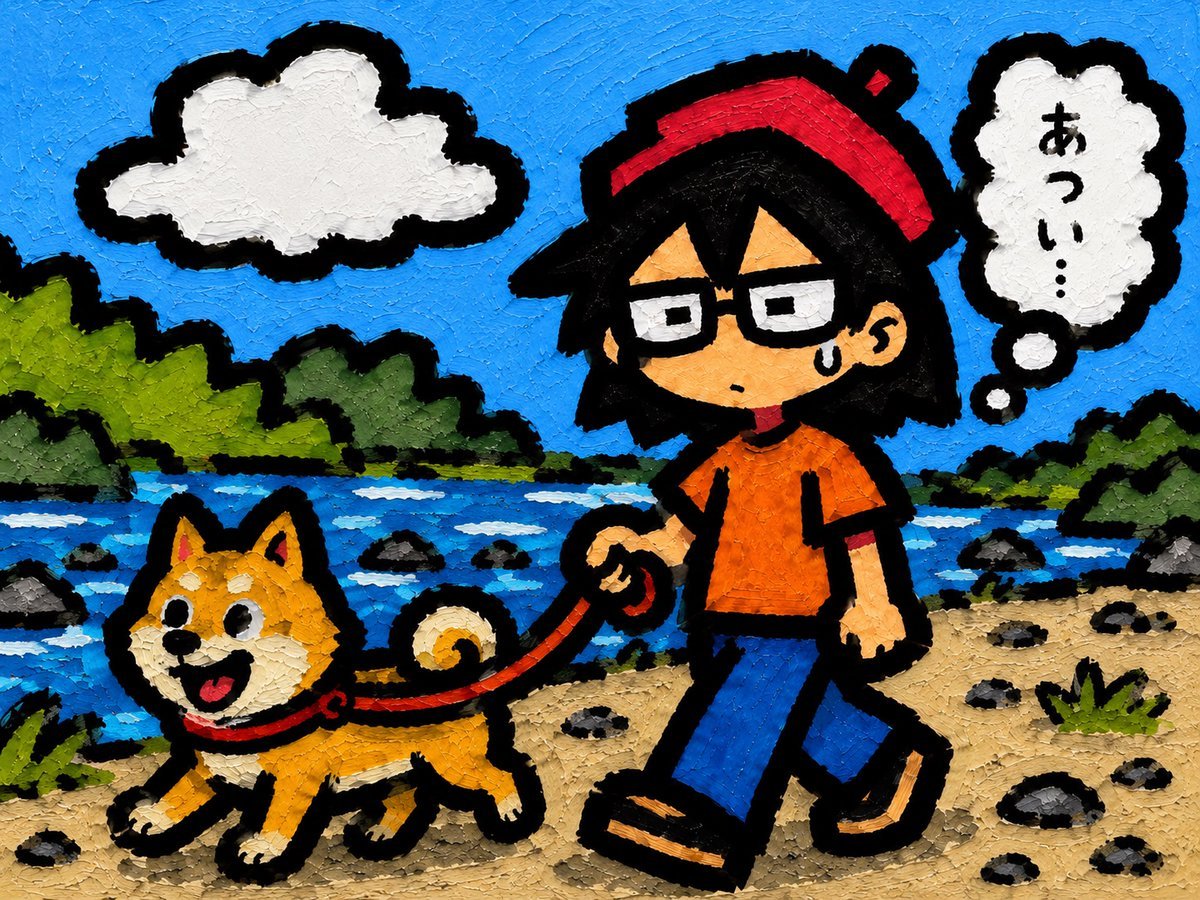
Riverside Dog Walk Character Expansion
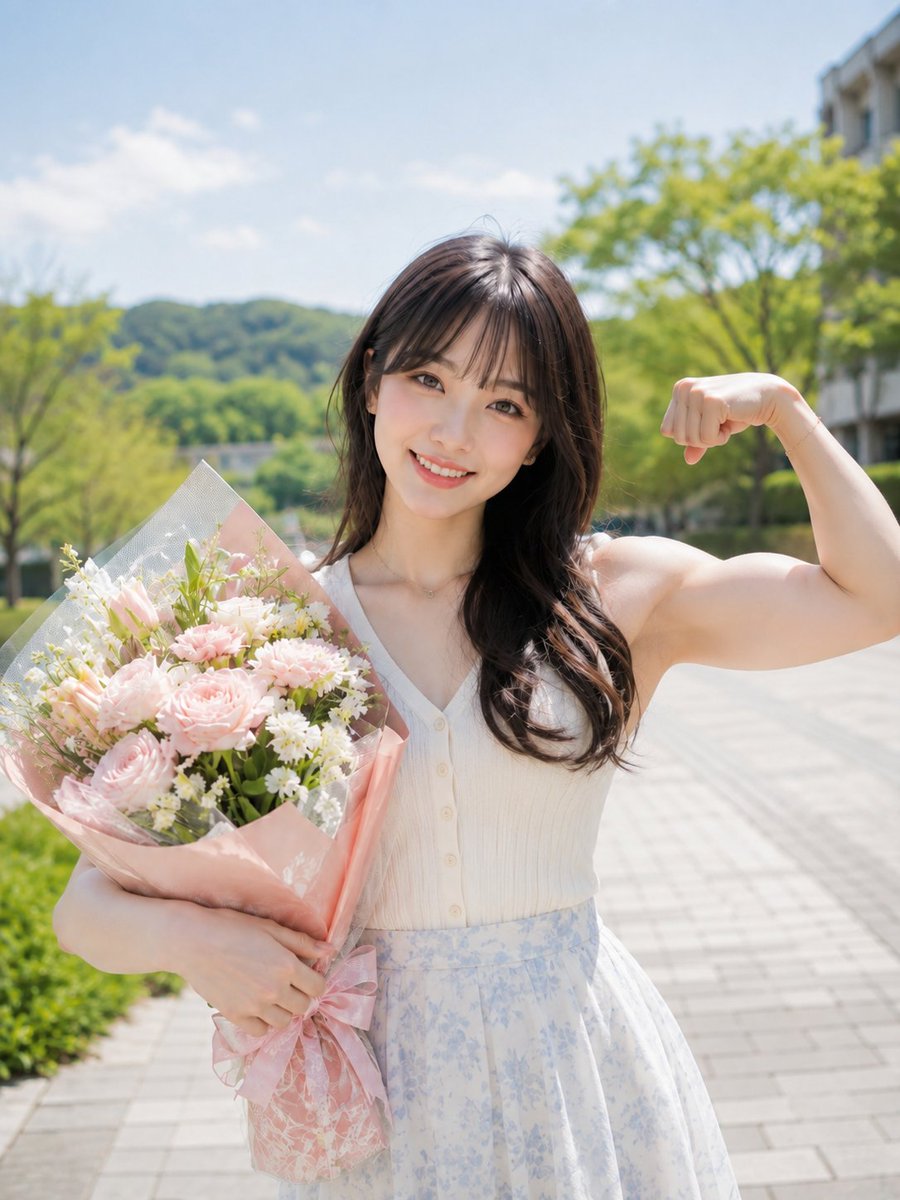
Flower Bouquet and Bicep Flex
Rainy Cottage Garden With Sheep
East Asian Woman with Gerbera Flowers

Flower Petal Sunglasses Couture Portrait
Sunflower Straw Hat Portrait
Anime Cyclist on Riverside Road
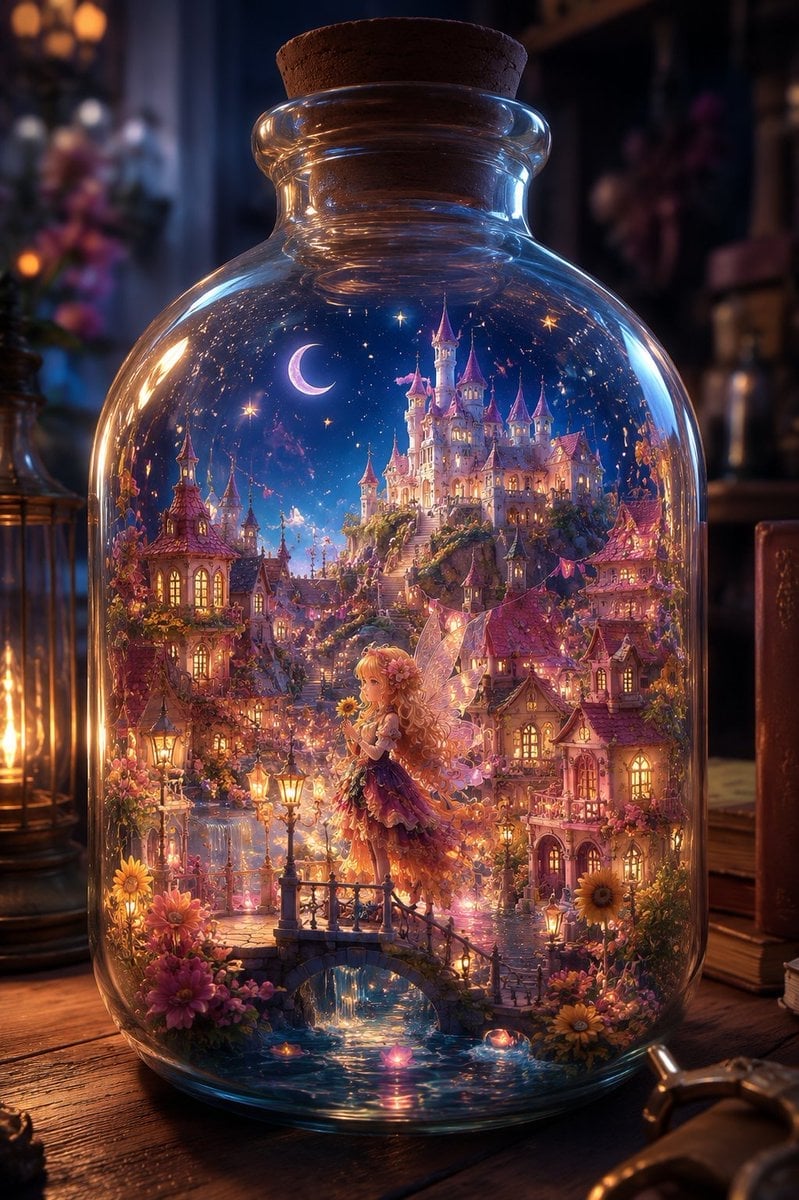
Sunflower Fairy World in a Bottle

Whiskey in a Glowing Primrose Garden
Make it yours
June Flower Riverside Garden works as-is. These are the safest ways to change it without losing the look.
Change one field
Copy a single group, rewrite it, and generate again so you can see what that field is doing.
Keep the frame, change the subject
Hold the composition and light of June Flower Riverside Garden, then swap wardrobe, props or the person for a new take.
| If the result… | Why | Fix |
|---|---|---|
| The result drifts from the preview | Too many fields changed at once. | Reuse June Flower Riverside Garden as-is first, then change one group — subject, light, or setting. |
| The model over-stylizes the scene | The prose prompt leaves finish and camera underspecified. | Add one camera or lighting sentence and stay on GPT Image 2. |
More GPT Image 2 templates
Other prompts made for GPT Image 2.

Six VTuber Japanese Logo Sheet

Realistic Portrait of Woman and Deer

The Vista Modular Condo Poster

AI Model Routing Comparison Infographic

2.5D Anime Art Board

Isometric Productivity Desk Scene

New York Double Exposure Poster

Four-Panel AI Landscape Comparison

Japanese Tatami Lifestyle Magazine Cover

NESCAFÉ Coffee Map Poster
More image prompts
Fresh picks from across the catalog.

Paris Night Party Dance
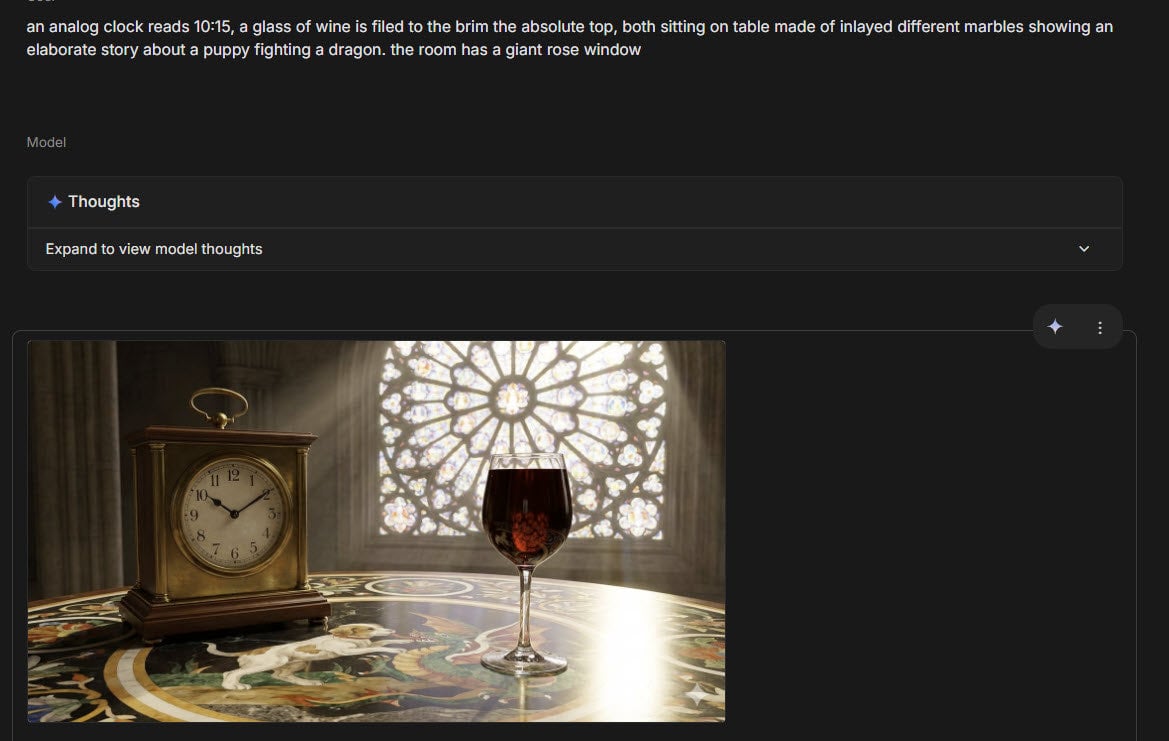
Infographic about past image model failures

Parisian Sidewalk Fashion Editorial

Dramatic Mirror Selfie Image Prompt for Nano Banana Pro

Romantic 3D CG Yuri Illustration

Minimalist Luxury Brand Advertisement

Paper-Cut Diorama Illustration
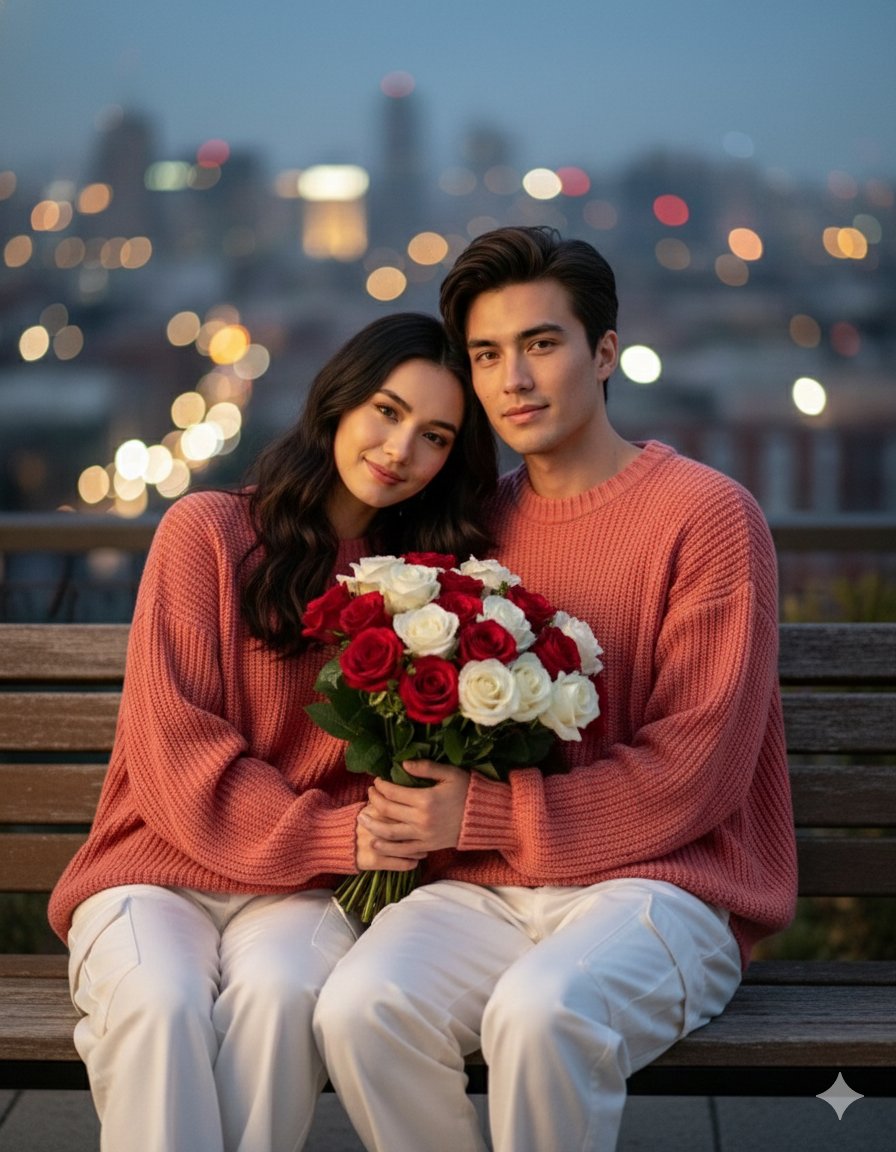
Valentine S Day Couple Portraits
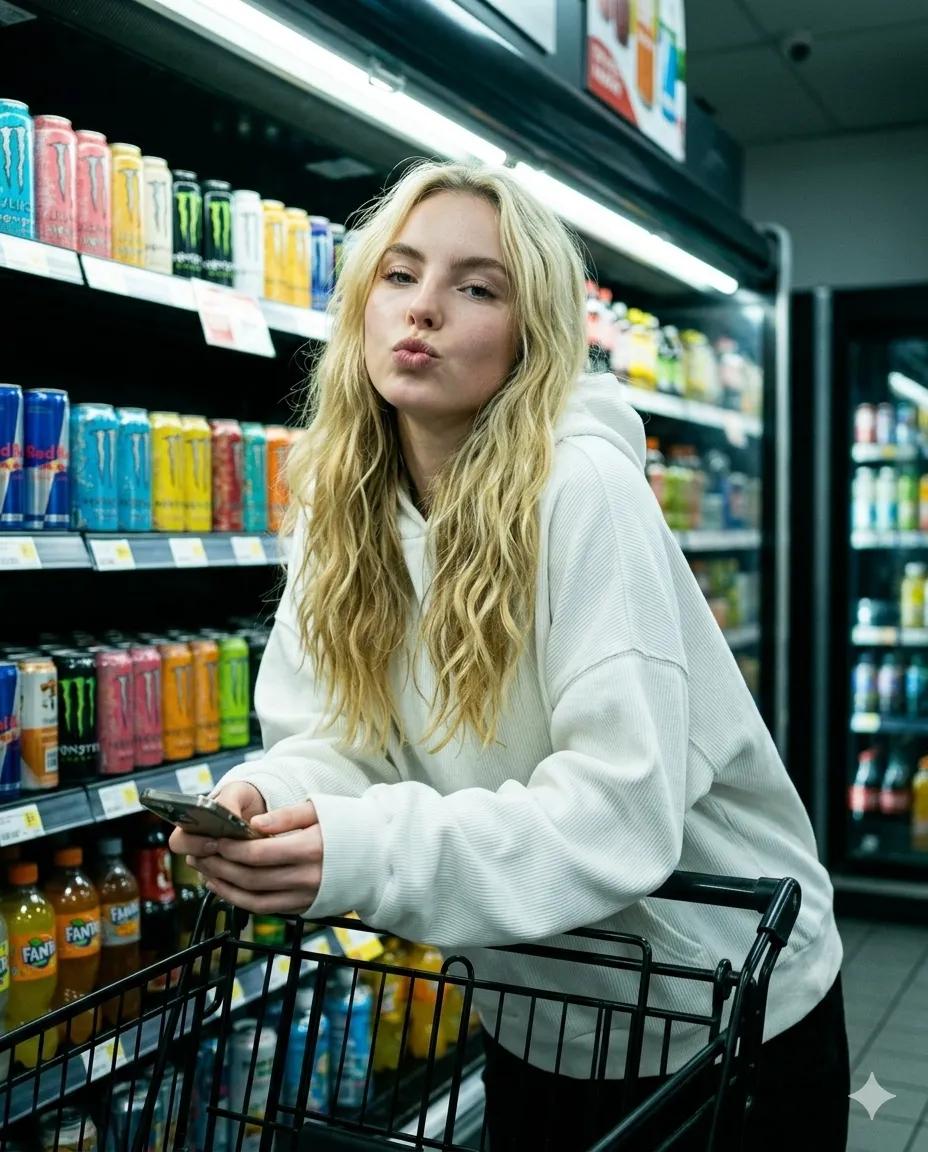
Playful Convenience Store Portrait
Ink 360 Panorama of Tokyo Backstreet
Browse template categories
June Flower Riverside Garden questions
How do I use the June Flower Riverside Garden template?
Add your photo if the template asks for one, edit the prompt if you like — the template's model and format are already selected — and press Generate. Your version opens in PicX Studio.
Can I customize the June Flower Riverside Garden template?
Yes. You can change the subject, setting, lighting, mood, format, and available model controls before creating your image.
Is the June Flower Riverside Garden template free?
Opening and editing this template is free. Generating uses credits, shown on the Generate button when you are signed in.
Which AI model should I use?
Start with GPT Image 2, which is the model associated with this template. You can compare another compatible model for a different finish.
Looking for something else? Browse all templates.

Your photo, any look
Thousands of ready templates for every top image and video model, from one credit balance.