
Flower Bouquet and Bicep Flex
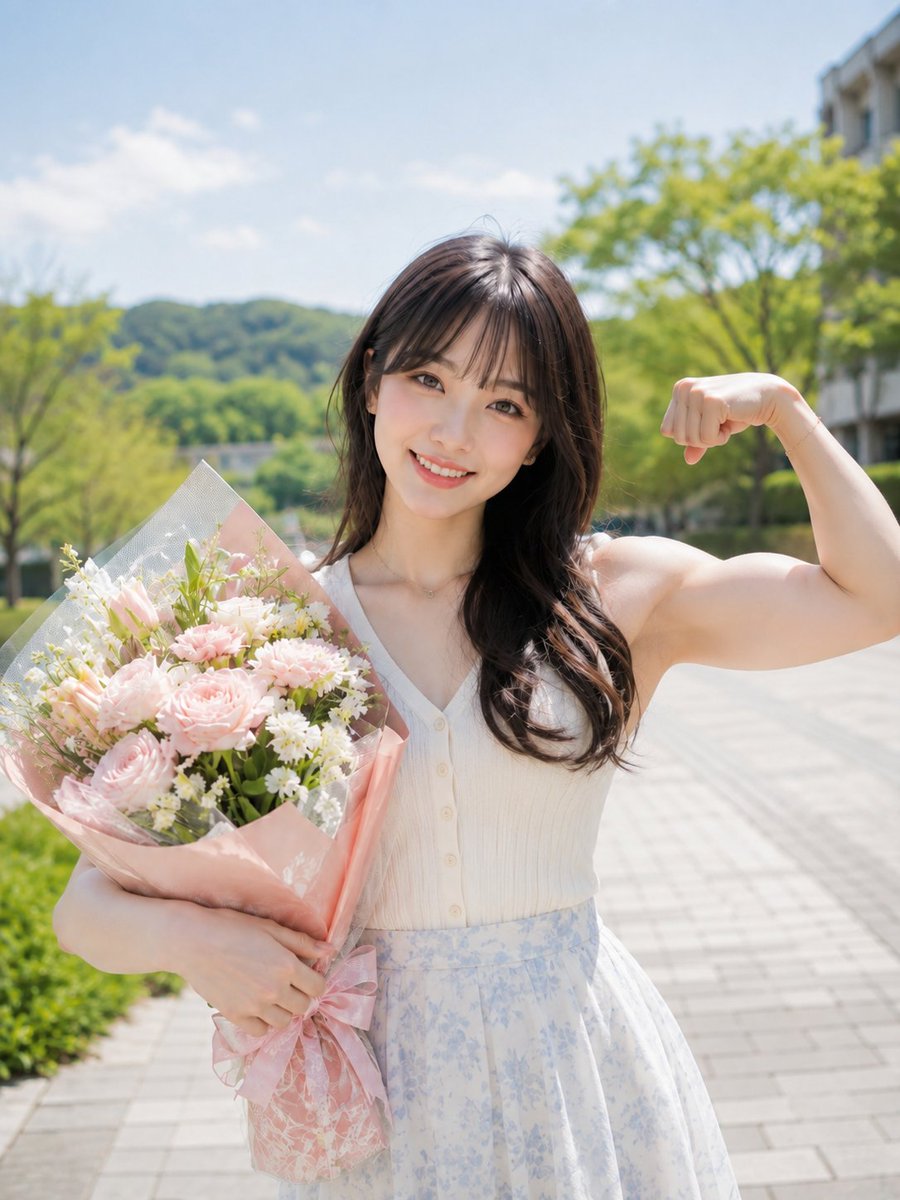
A high-key photorealistic prompt of a woman holding a pink bouquet while showing a strong bicep flex, set in a lush green park walkway.
- Prompt included
- Model and format preset
- Free template
The prompt behind this image
Copy the exact prompt behind Flower Bouquet and Bicep Flex, or open it in the studio and make it yours.
主題: {argument name="主題" default="花束と力こぶ"} 主体: {argument name="シーン" default="晴れた緑の遊歩道で、画面中央の女性一人が画面左の腕に桃色の花束を抱え、画面右の腕を曲げて力こぶを見せる縦位置の腰上写真"}。花束が左前景を大きく占める。 人物・表情: 顔は正面で、茶色の大きな瞳をカメラへ向け、歯を見せた明るい笑顔。丸みのある卵形と小さな顎、丸いアーモンド形の目、薄い平行眉、細い鼻筋と小さな鼻先、淡いコーラルの唇。明るい肌に桃色のチークと自然なアイメイク。暗い茶の長髪は薄い前髪と緩いウェーブで、画面右の胸へまとまって流れる。 服装・ポーズ: {argument name="トップス" default="白いリブ素材のノースリーブトップ"}。Vネック、前中心の小さな白ボタン、短めの丈が見える。淡い水色の小花柄が入る白いハイウエストのフレアスカート、細いペンダント。人物自身の右腕(画面左側)で包装された花束を胸から腰へ抱え、左腕(画面右側)は肘を曲げて拳を内向きにし、上腕の筋肉を強く見せる。 背景・光: 画面下から右奥へ明るいタイルの遊歩道が伸び、左右に低い生垣と新緑の木々、中央奥に緑の丘、右端に白い建物。上方から柔らかな昼の主光が当たり、肌と花を明るく照らす。花束は淡い桃色の薔薇や小花、白い小花、緑葉を{argument name="包装" default="桃色の紙と透明網"}で包む。 構図・カメラ: 3:4の縦長、水平の目線で頭から腰下までを収めた近接ポートレート。人物は中央を大きく占め、花束が左下前景、曲げた腕が右上に張り出す。顔と花束にピントを置き、背景は浅い被写界深度で明るくぼかす。 質感・スタイル: 高キーのフォトリアル実写写真。花弁、包装紙、リブ布、肌、髪を柔らかく高精細に描き、白、桃色、淡い水色、新緑で爽やかに整える。 ネガティブ: 曲げた右側の腕を細くしない;花束を小さくしない
How to use Flower Bouquet and Bicep Flex in 3 steps
- 1
Open
The prompt is already in the box next to the preview, with the template's model and format selected.
- 2…a portrait of your subject in softgolden-hour light, 85mm…
Personalize
Edit the subject and creative details for your destination.
- 3Generate
Generate
Press Generate — your image is created in PicX Studio, so you can compare it with the original and refine one variable at a time.
More like this
Templates with the same subject, style or setup. Open one to see its prompt.

Glass Skin Beauty Portrait — Soft Pastel Nano Banana
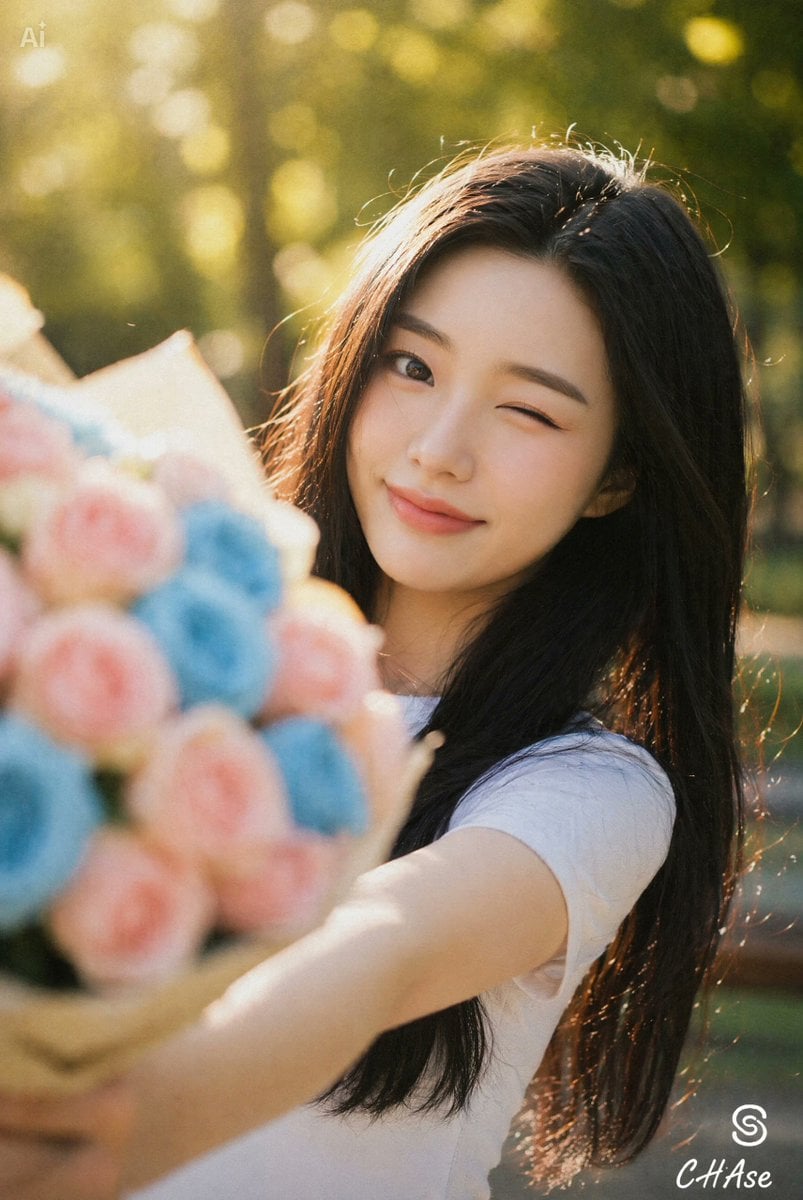
Joyful Winking Woman with Flower Bouquet
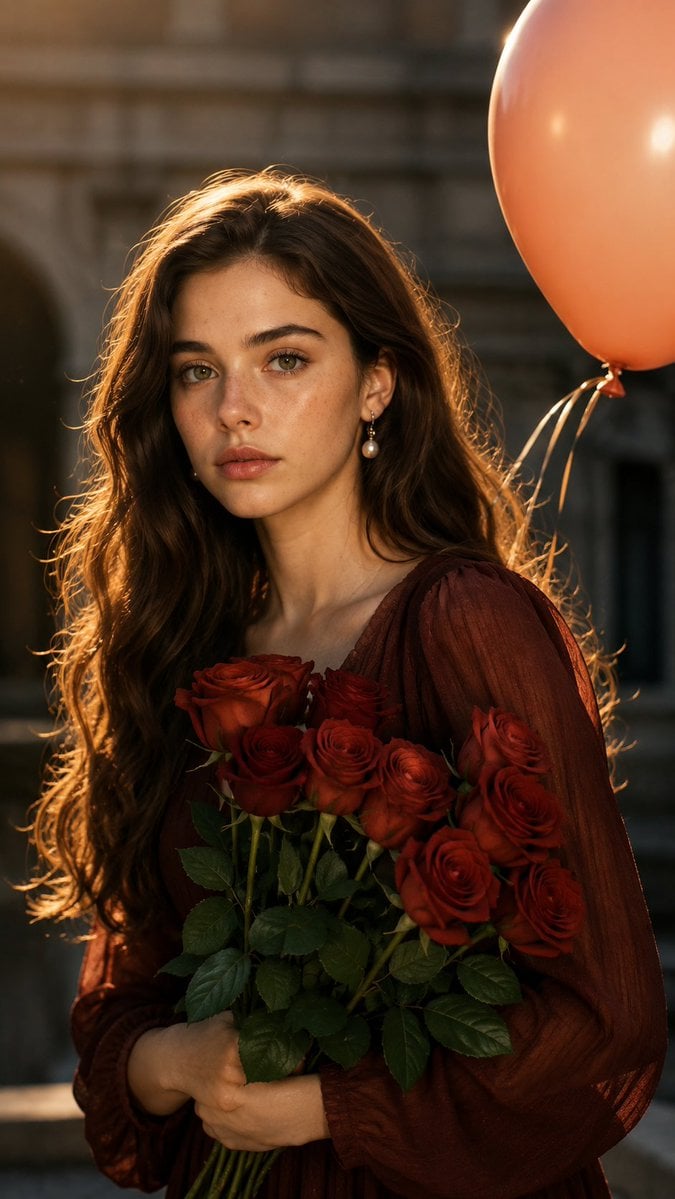
Golden Hour Rose Bouquet Portrait
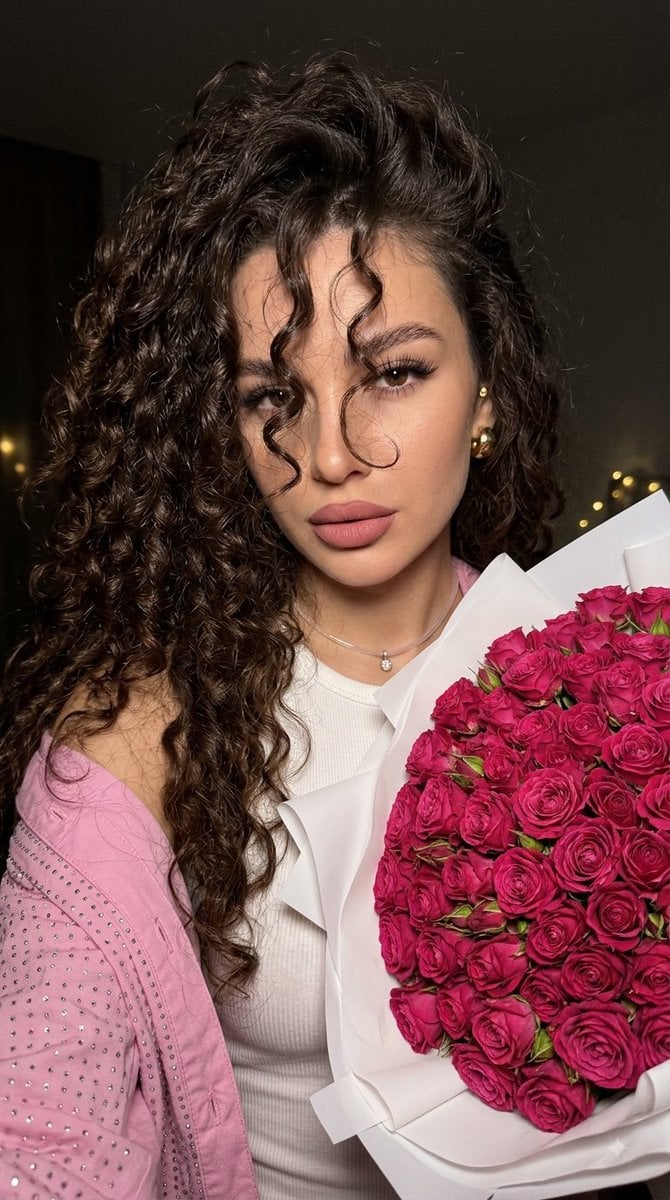
Fuchsia Rose Bouquet Selfie
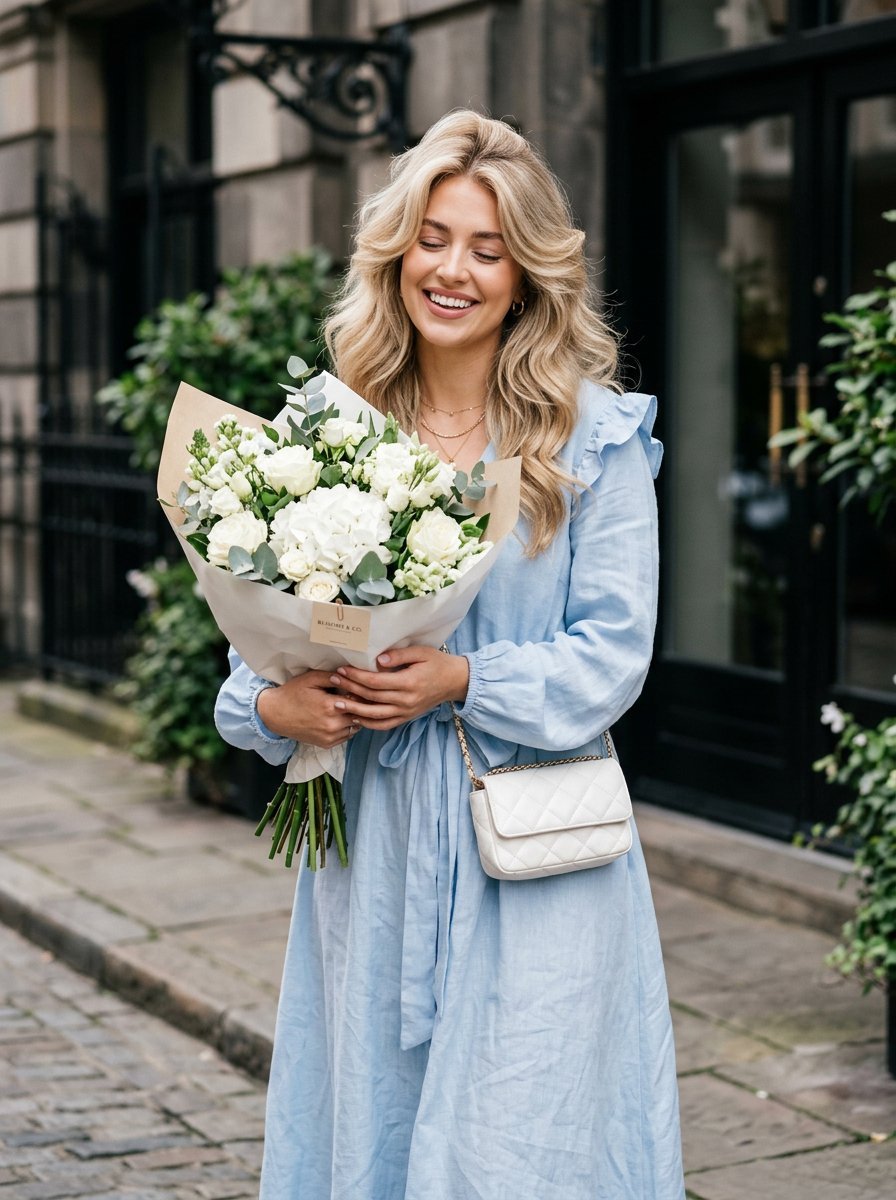
Lifestyle Fashion Bouquet Portrait
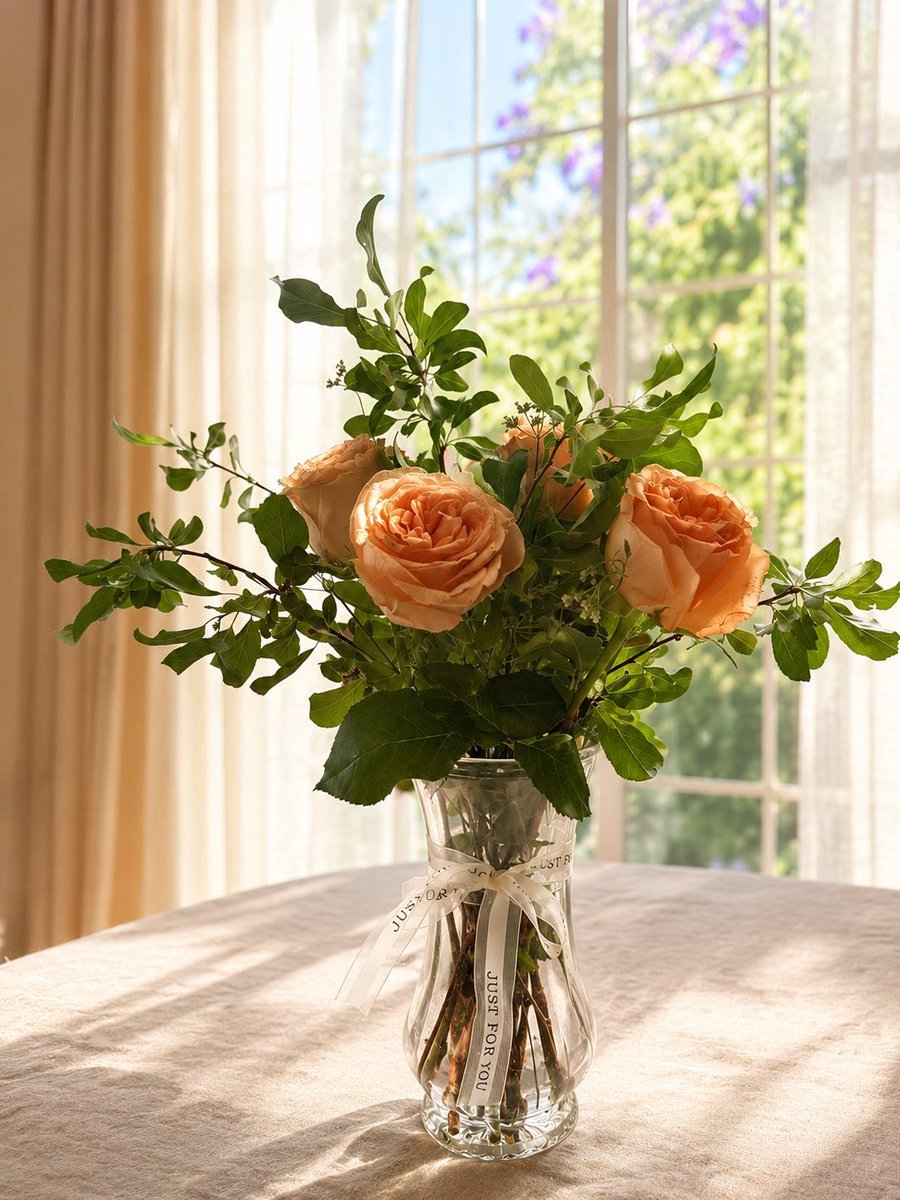
Sunlit Bouquet Photo Retouch
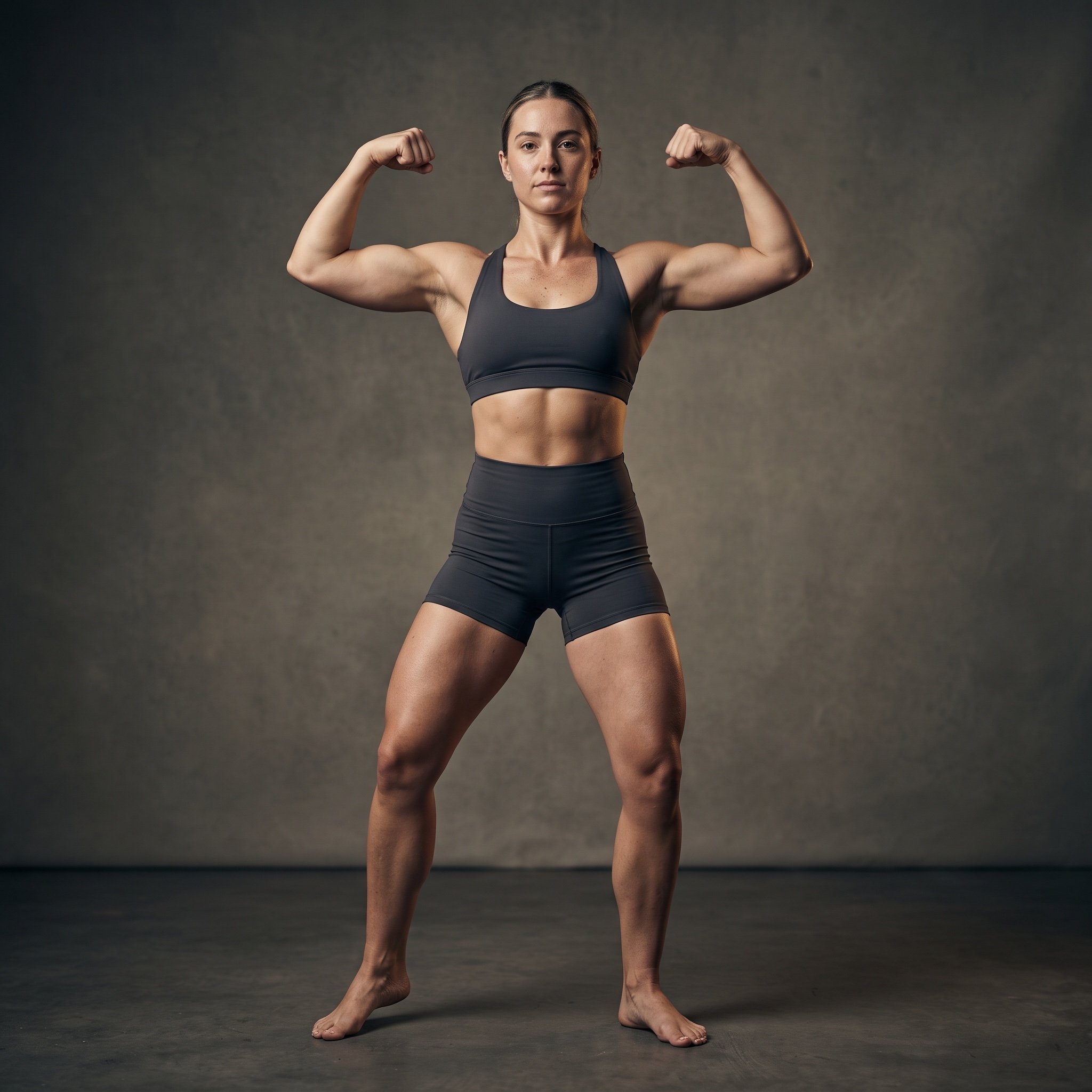
Cinematic Fitness Editorial Flex Pose Prompt
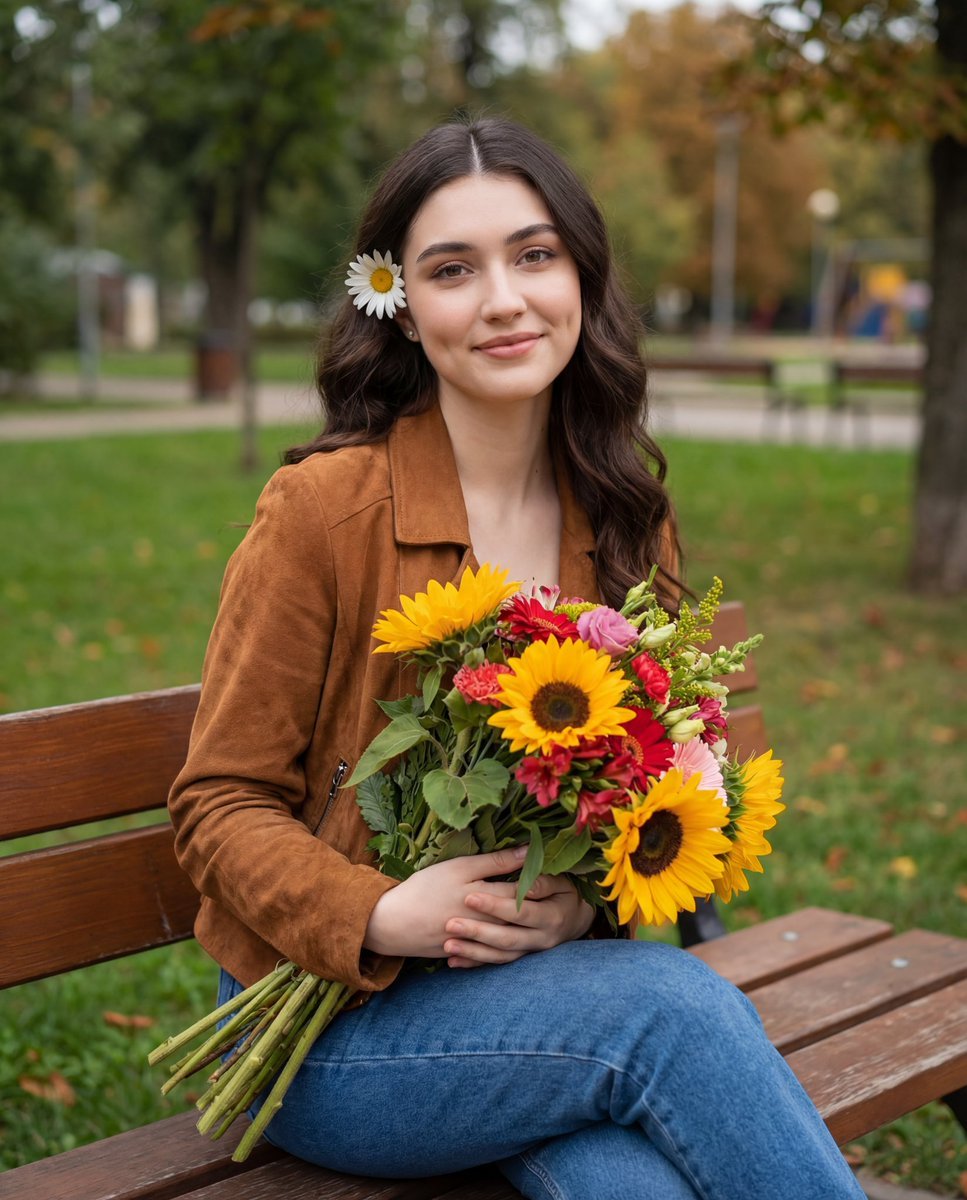
Candid Autumnal Park Portrait with Bouquet
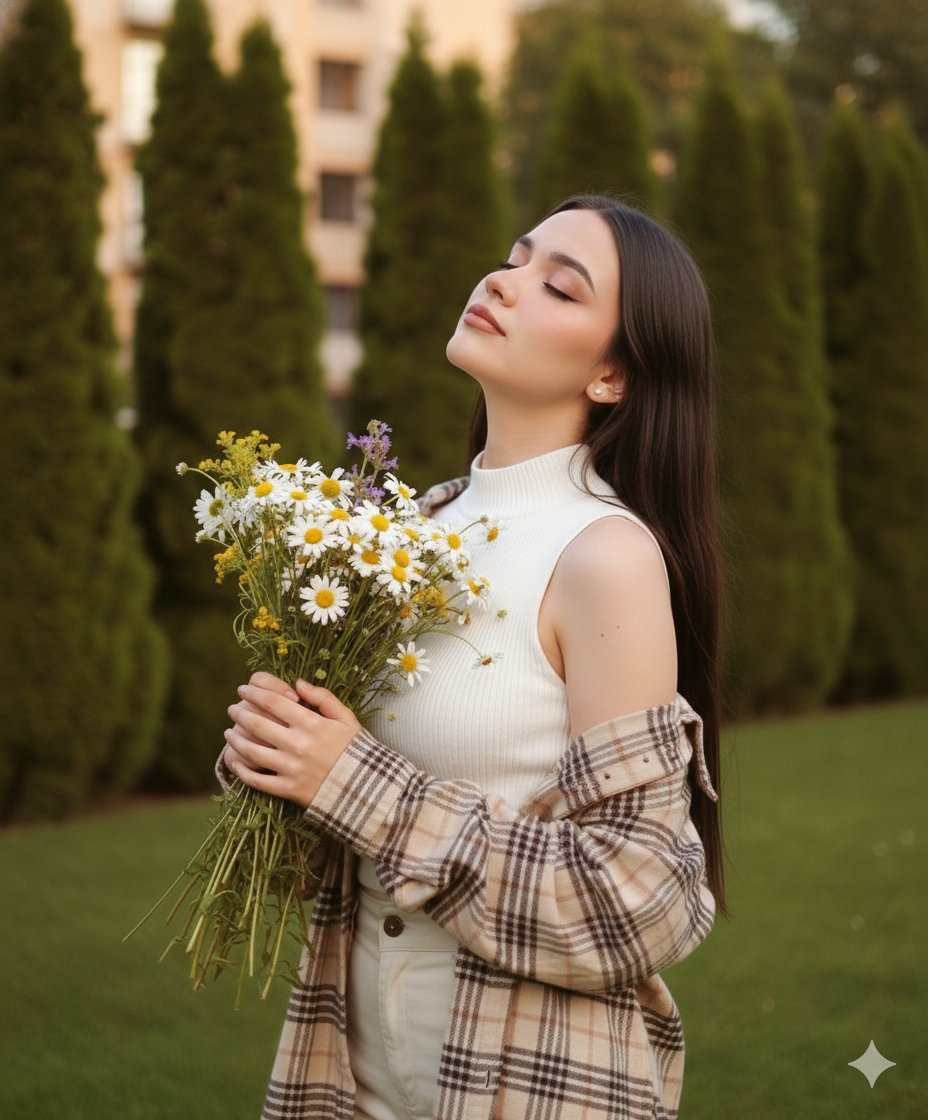
Dreamy Cinematic Portrait with Wild Bouquet in Golden Hour
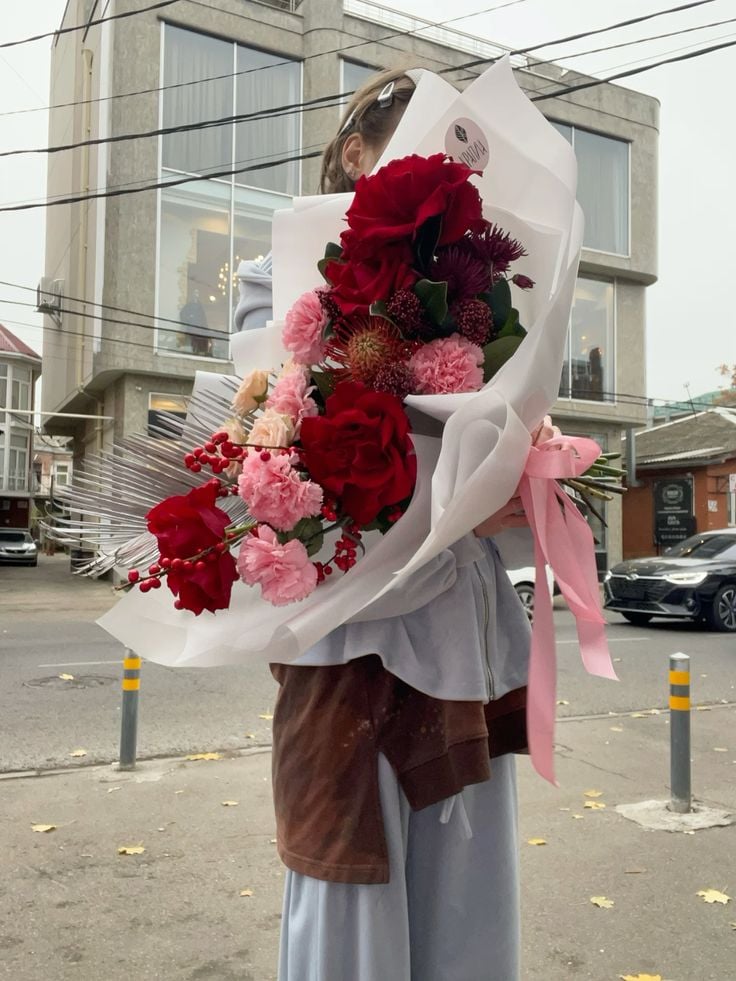
Urban Floral Boutique Bouquet
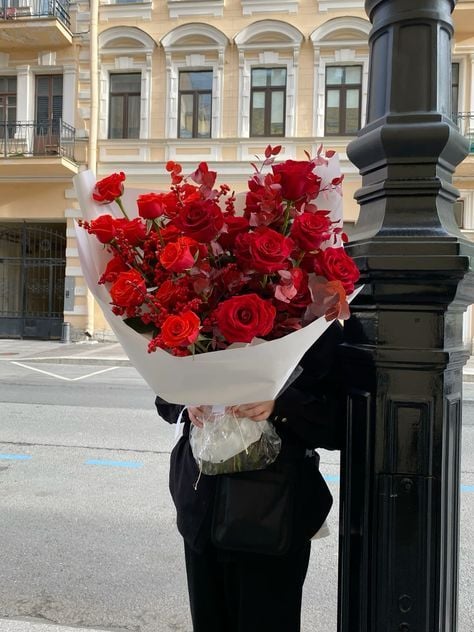
Urban Red Rose Bouquet
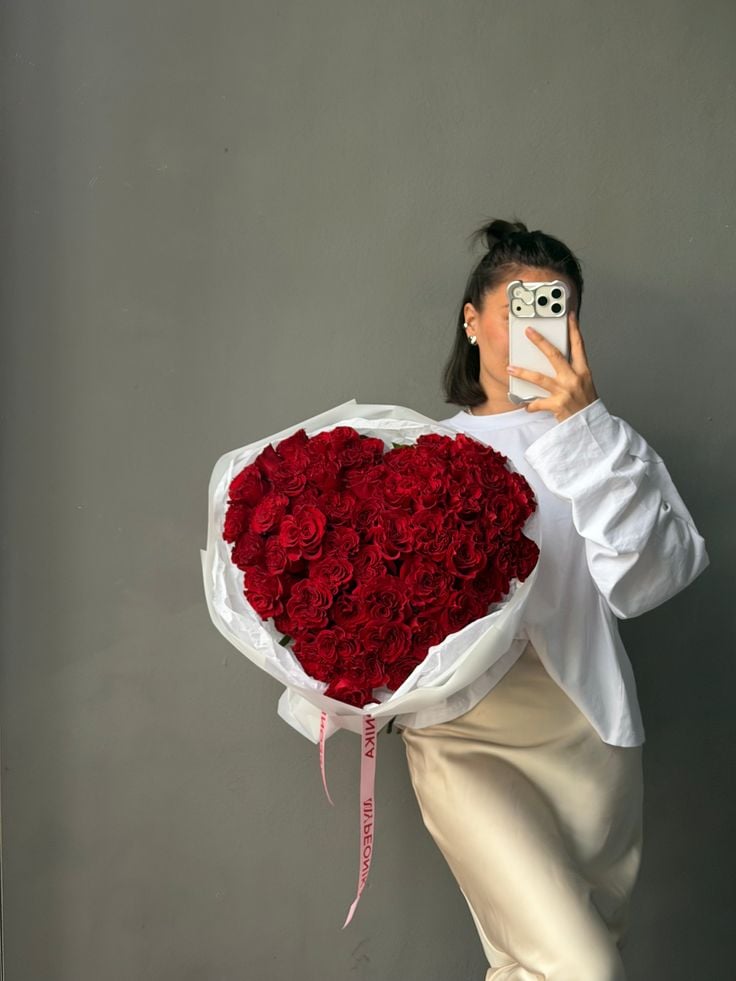
Heart Shaped Rose Bouquet Template
Make it yours
Flower Bouquet and Bicep Flex works as-is. These are the safest ways to change it without losing the look.
Change one field
Copy a single group, rewrite it, and generate again so you can see what that field is doing.
Keep the frame, change the subject
Hold the composition and light of Flower Bouquet and Bicep Flex, then swap wardrobe, props or the person for a new take.
| If the result… | Why | Fix |
|---|---|---|
| The result drifts from the preview | Too many fields changed at once. | Reuse Flower Bouquet and Bicep Flex as-is first, then change one group — subject, light, or setting. |
| The model over-stylizes the scene | The prose prompt leaves finish and camera underspecified. | Add one camera or lighting sentence and stay on GPT Image 2. |
More GPT Image 2 templates
Other prompts made for GPT Image 2.

Six VTuber Japanese Logo Sheet

Realistic Portrait of Woman and Deer

The Vista Modular Condo Poster

AI Model Routing Comparison Infographic

2.5D Anime Art Board

Isometric Productivity Desk Scene

New York Double Exposure Poster

Four-Panel AI Landscape Comparison

Japanese Tatami Lifestyle Magazine Cover

NESCAFÉ Coffee Map Poster
More image prompts
Fresh picks from across the catalog.
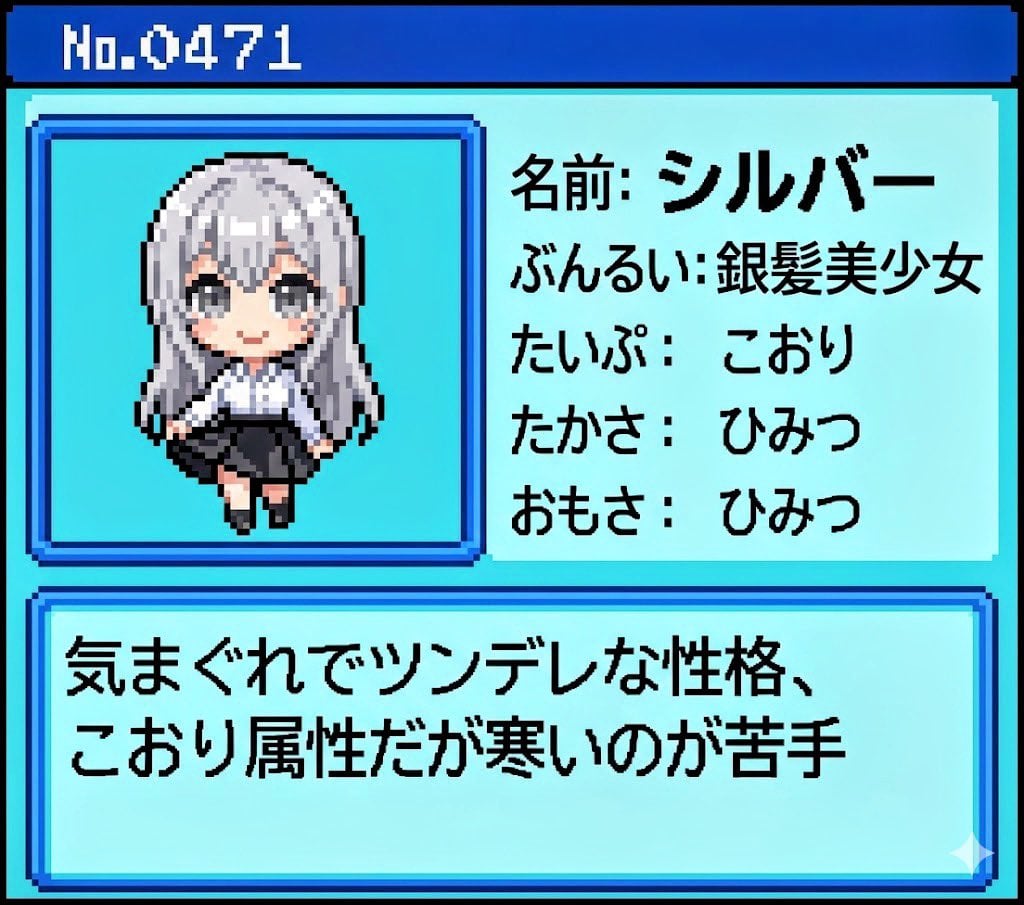
Generating Pokémon Zukan (Illustrated Guide) Style Art
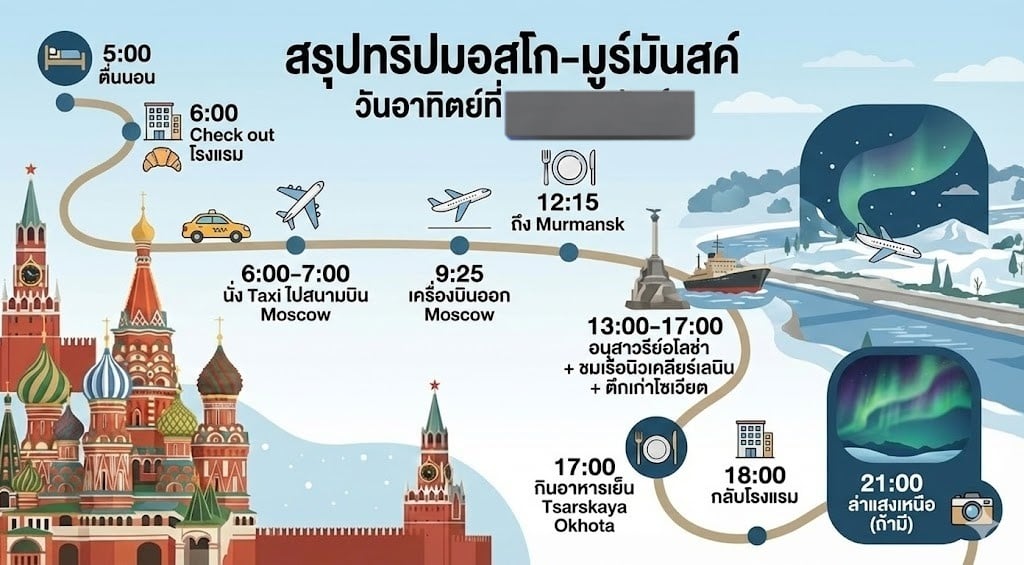
LLM Prompt for Summarizing and Reviewing Travel Plans
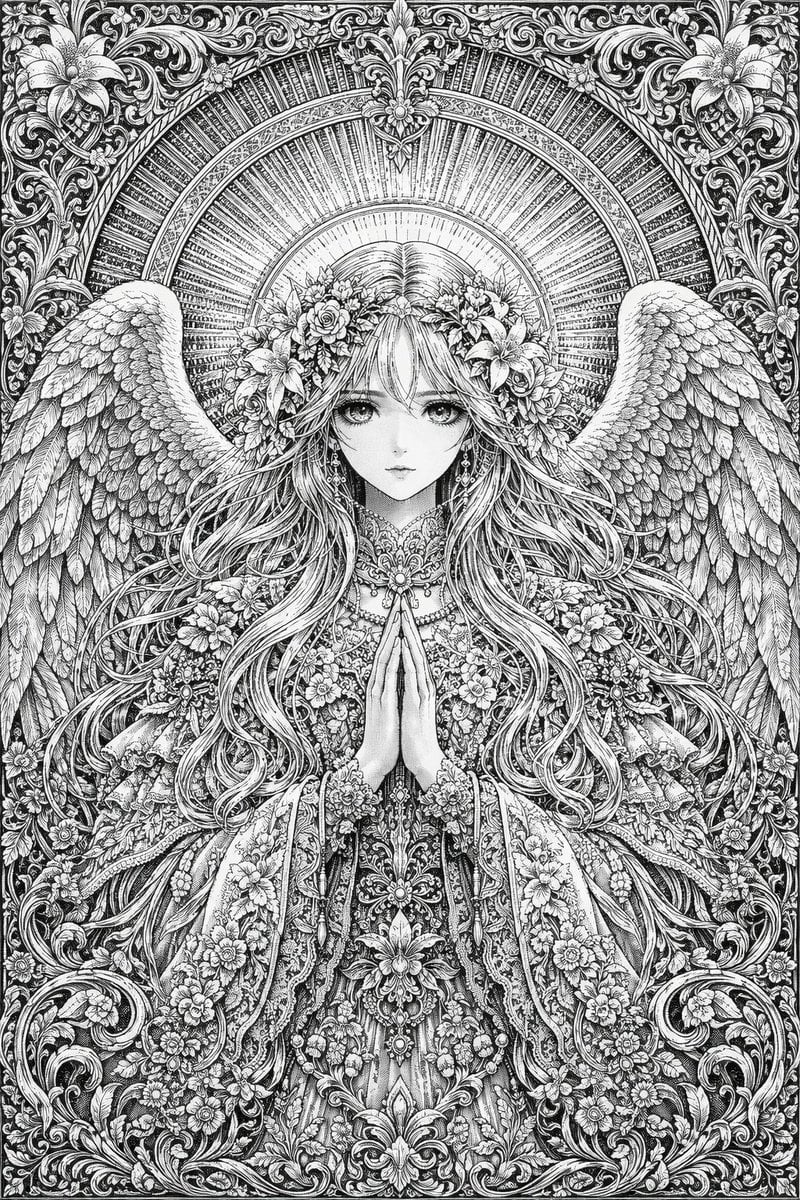
Intricate Monochrome Angel Line Art
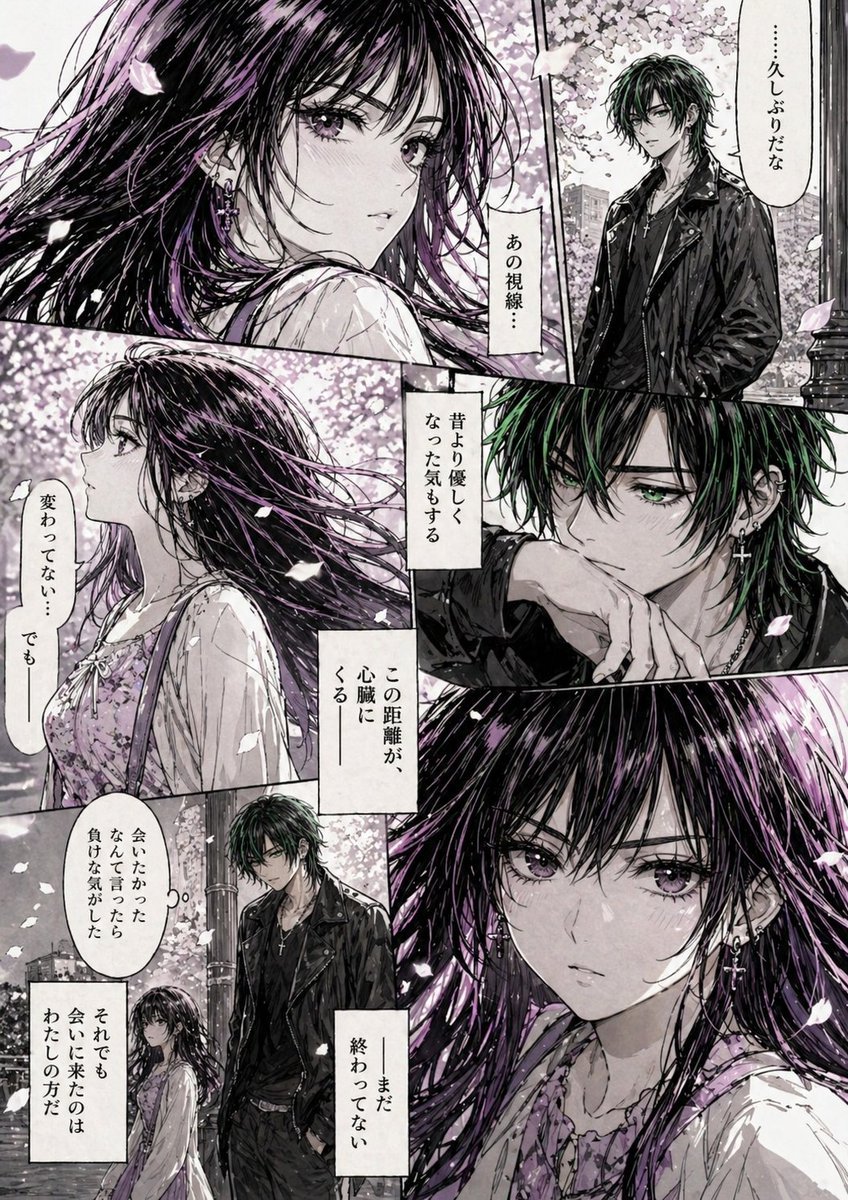
Hard-Boiled Sakura Reunion Manga Page

Luxurious Lifestyle Portrait with Maserati and Mansion
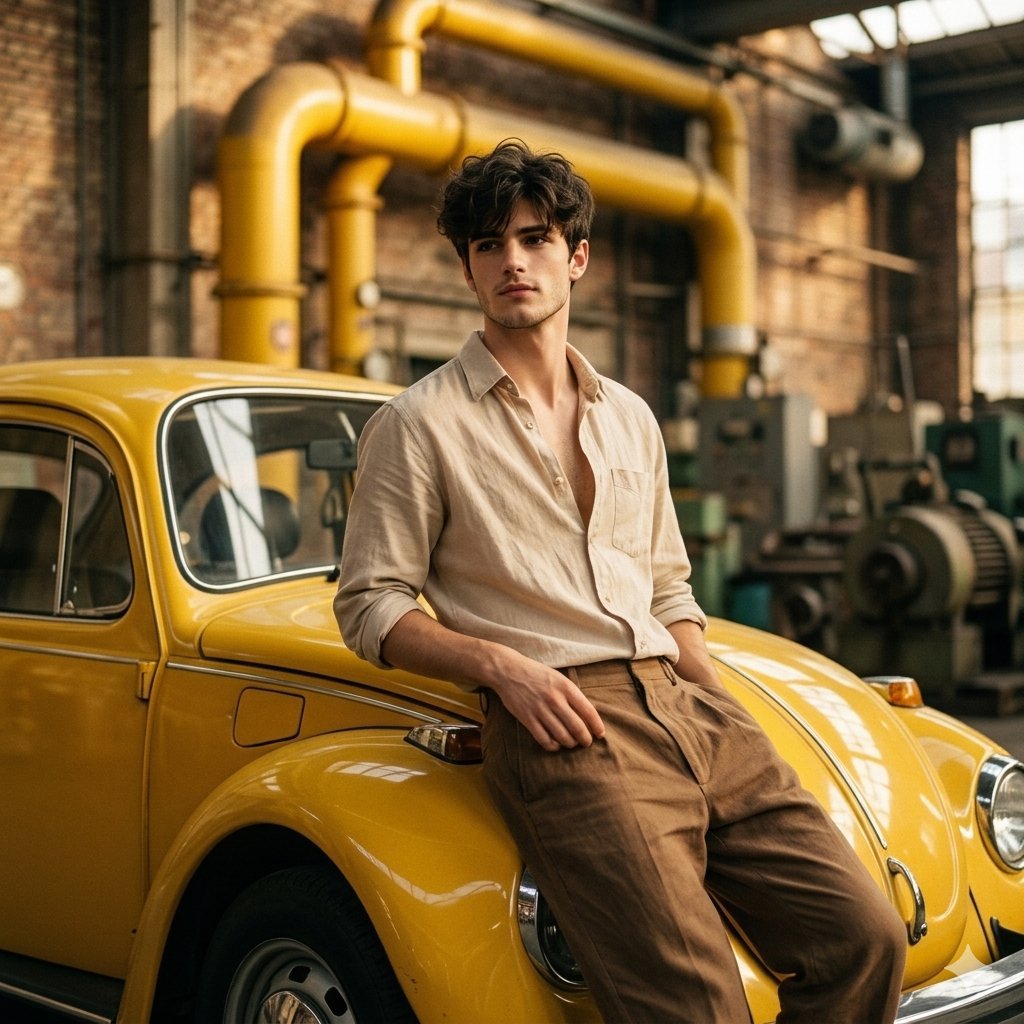
Vintage Car Portrait in Industrial Setting
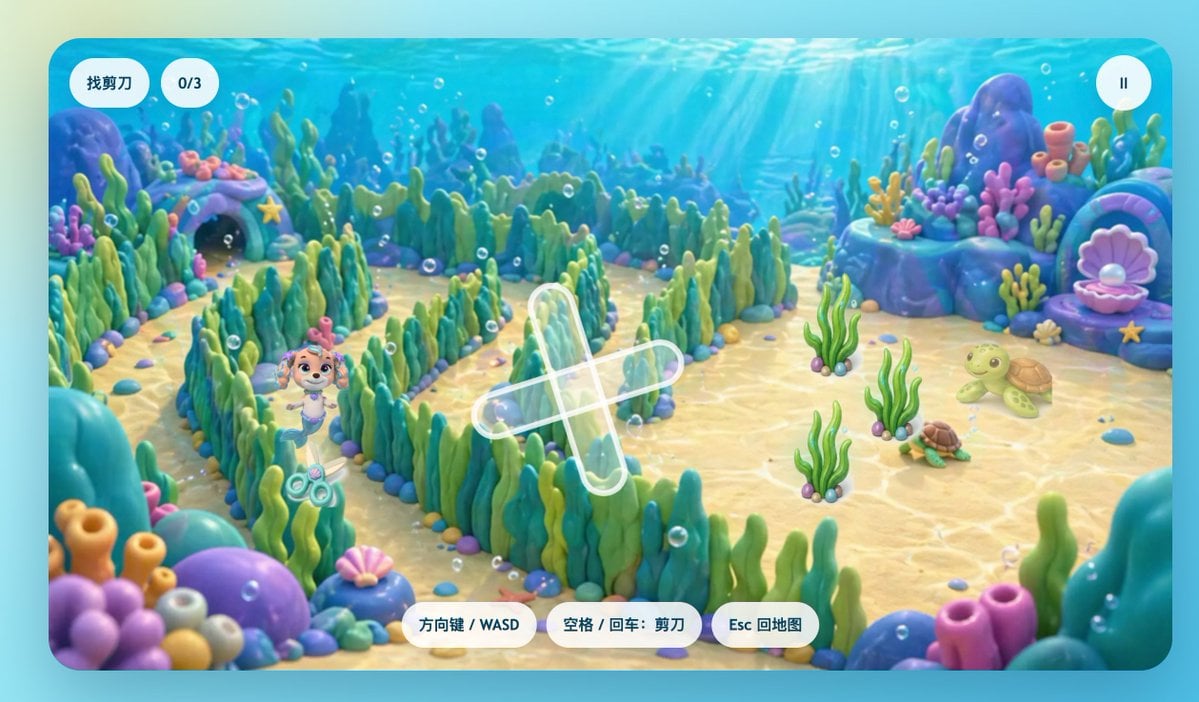
Cute Underwater Mermaid Puppy Game UI
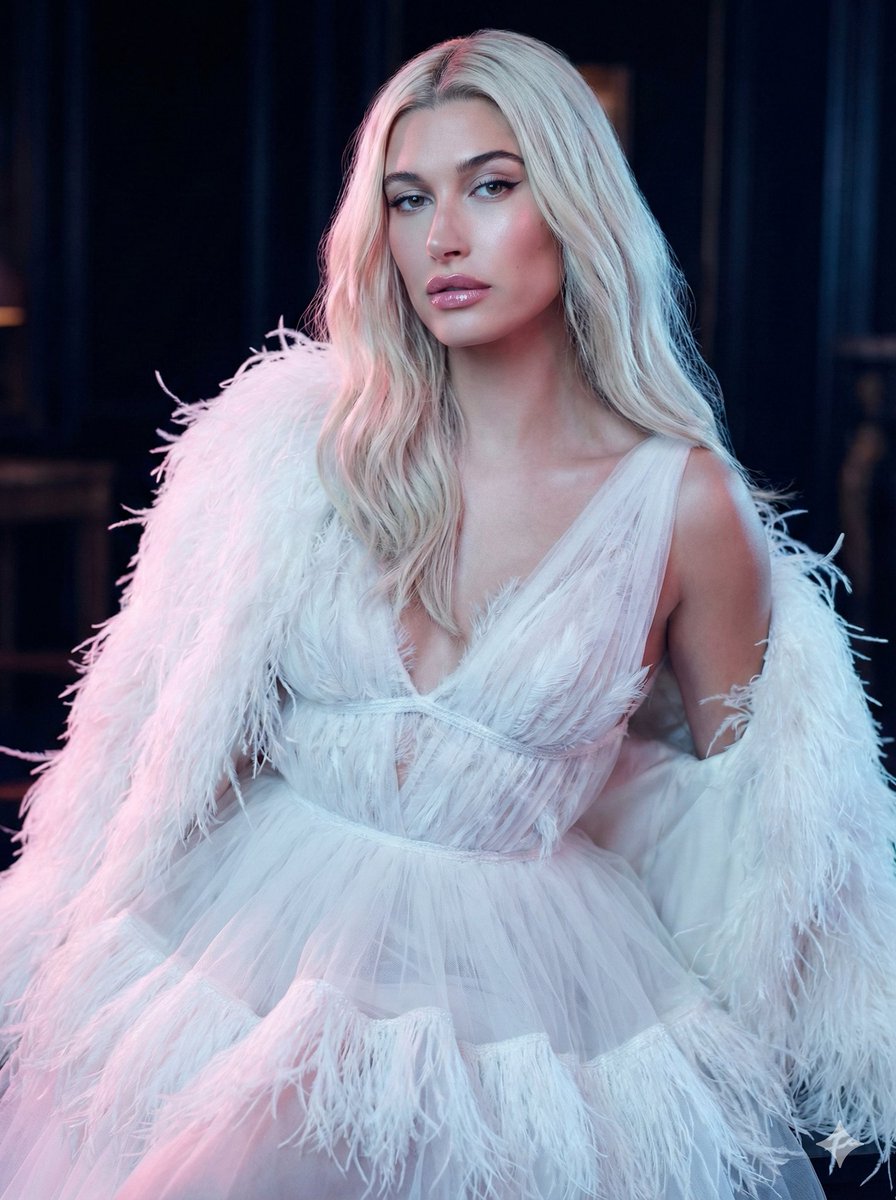
High-Fashion Feather Tulle Glamour Portrait Prompt in JSON
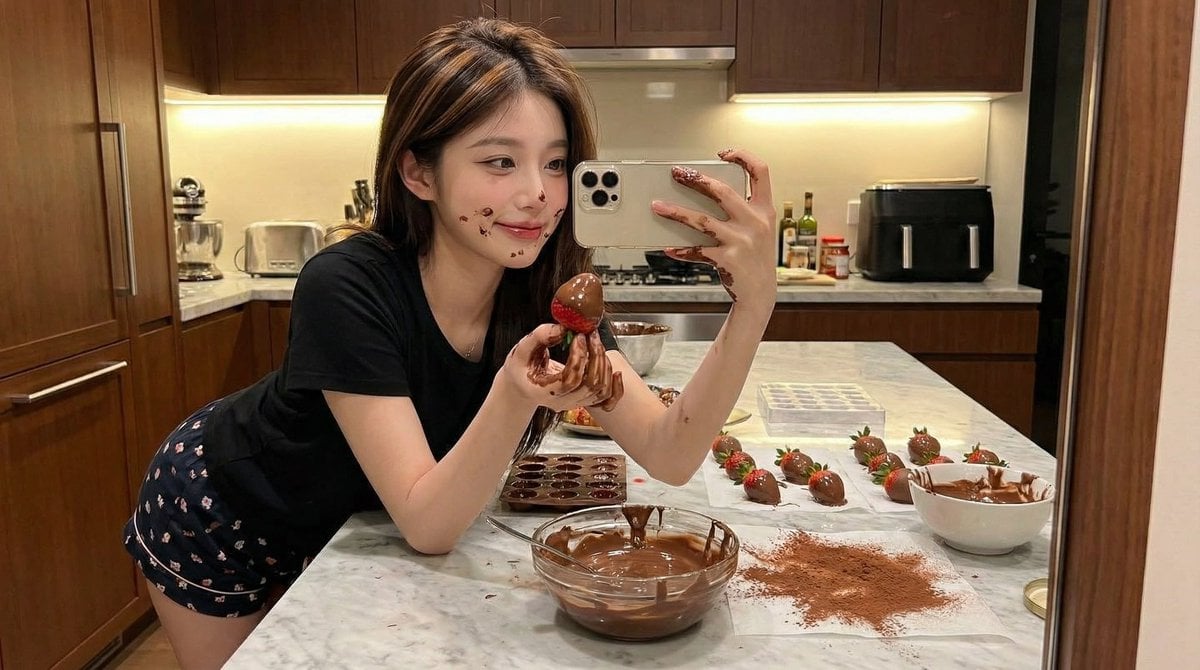
Ultra-Realistic Kitchen Selfie with Chocolate Smudge
X Saniaspeaks Created with Gpt Image 2 on Chatgpt
Browse template categories
Flower Bouquet and Bicep Flex questions
How do I use the Flower Bouquet and Bicep Flex template?
Add your photo if the template asks for one, edit the prompt if you like — the template's model and format are already selected — and press Generate. Your version opens in PicX Studio.
Can I customize the Flower Bouquet and Bicep Flex template?
Yes. You can change the subject, setting, lighting, mood, format, and available model controls before creating your image.
Is the Flower Bouquet and Bicep Flex template free?
Opening and editing this template is free. Generating uses credits, shown on the Generate button when you are signed in.
Which AI model should I use?
Start with GPT Image 2, which is the model associated with this template. You can compare another compatible model for a different finish.
Looking for something else? Browse all templates.

Your photo, any look
Thousands of ready templates for every top image and video model, from one credit balance.