
Urban Red Rose Bouquet
Urban Red Rose Bouquet is a ready photo look.
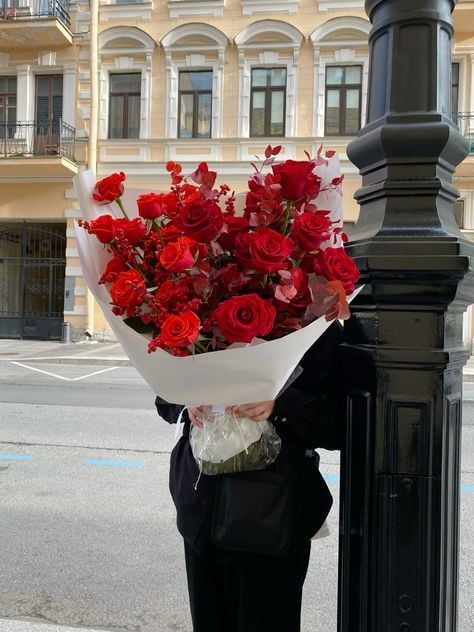
- Prompt included
- Model and format preset
- Premium template
The prompt behind this image
Copy the exact prompt behind Urban Red Rose Bouquet, or open it in the studio and make it yours.
- Prompt
- A person standing on a European city street holding a very large bouquet of vibrant red roses and red foliage that completely covers their face. The bouquet is wrapped in elegant white paper and transparent plastic at the stems. The person is wearing an all-black outfit, minimal and classy. They are standing next to a black vintage-style street lamp. In the background, there is a classic European building with cream and beige facade, balconies and large windows. Natural daylight, urban romantic mood, luxury street photography, high-end aesthetic, ultra realistic, 4k, shallow depth of field.
- Style
- photorealistic
- Aspect Ratio
- 3:4
- Lighting
- soft natural daylight
- Camera
- 50mm street photography lens
- Quality
- ultra high
- Mood
- romantic, cinematic, elegant, European, luxury
Raw JSON
{
  "prompt": "A person standing on a European city street holding a very large bouquet of vibrant red roses and red foliage that completely covers their face. The bouquet is wrapped in elegant white paper and transparent plastic at the stems. The person is wearing an all-black outfit, minimal and classy. They are standing next to a black vintage-style street lamp. In the background, there is a classic European building with cream and beige facade, balconies and large windows. Natural daylight, urban romantic mood, luxury street photography, high-end aesthetic, ultra realistic, 4k, shallow depth of field.",
  "style": "photorealistic",
  "aspect_ratio": "3:4",
  "lighting": "soft natural daylight",
  "camera": "50mm street photography lens",
  "quality": "ultra high",
  "mood": "romantic, cinematic, elegant, European, luxury"
}How to use Urban Red Rose Bouquet in 3 steps
- 1
Open
The prompt is already in the box next to the preview, with the template's model and format selected.
- 2…a portrait of your subject in softgolden-hour light, 85mm…
Personalize
Edit the subject and creative details for your destination.
- 3Generate
Generate
Press Generate — your image is created in PicX Studio, so you can compare it with the original and refine one variable at a time.
More like this
Templates with the same subject, style or setup. Open one to see its prompt.
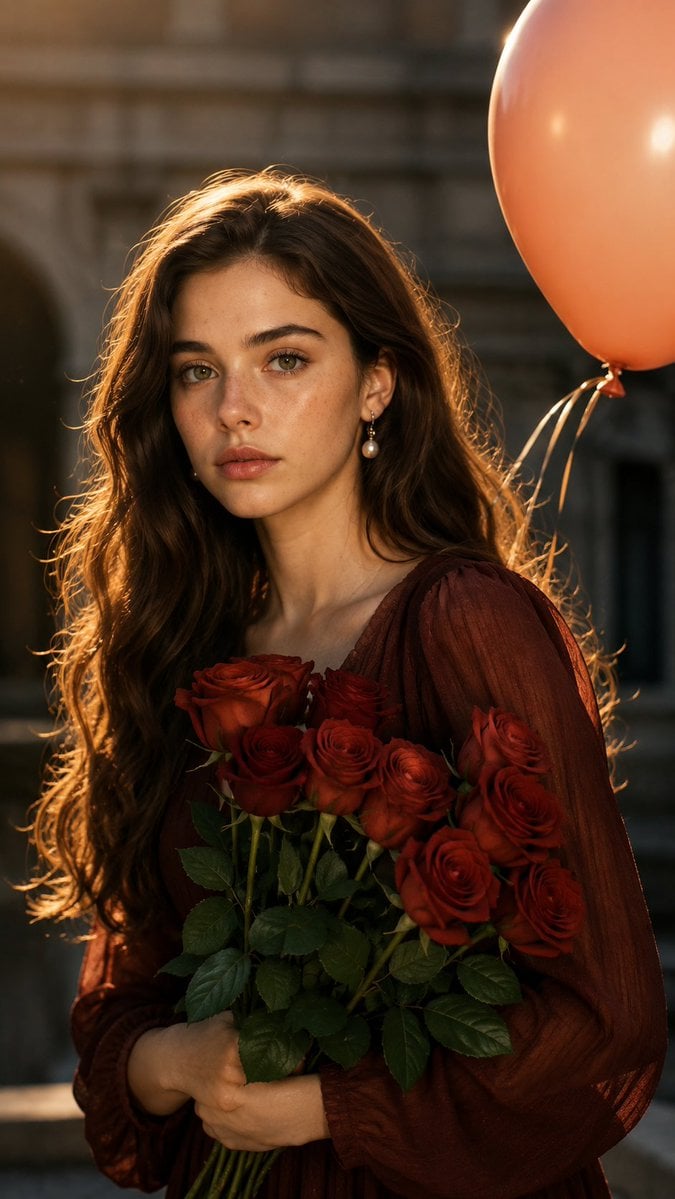
Golden Hour Rose Bouquet Portrait
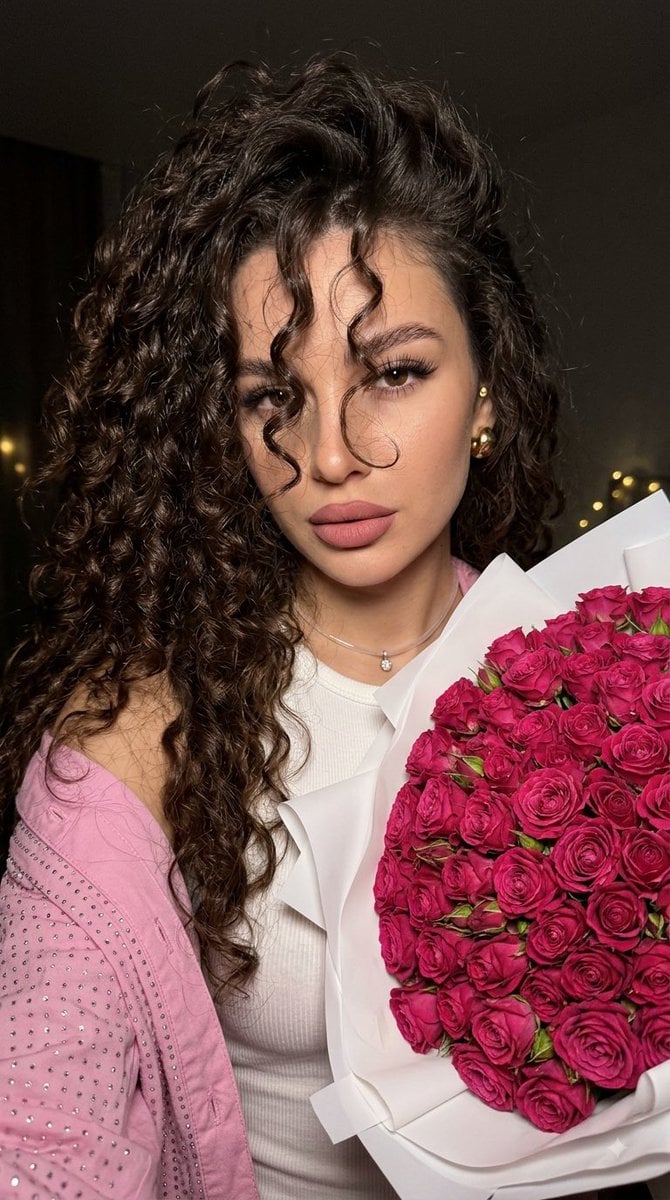
Fuchsia Rose Bouquet Selfie

Street-Art Inspired Urban Portrait

Urban Fashion Editorial Collage Streetwear Poster
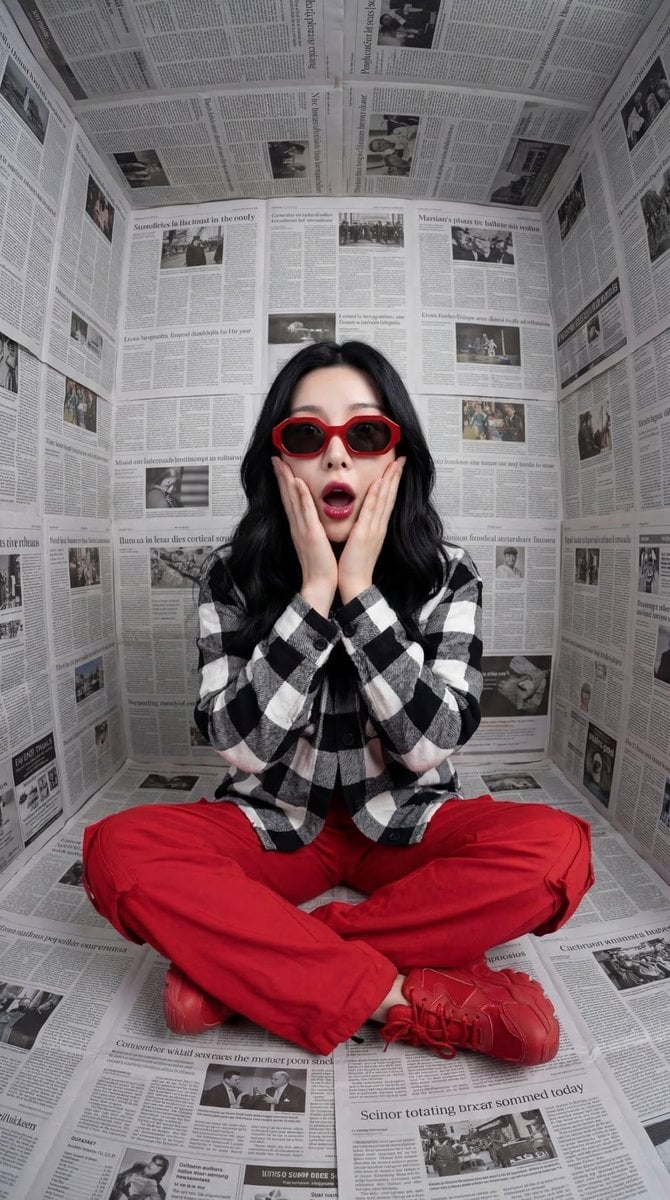
Bold Red Contrast Fashion Editorial Newspaper Room
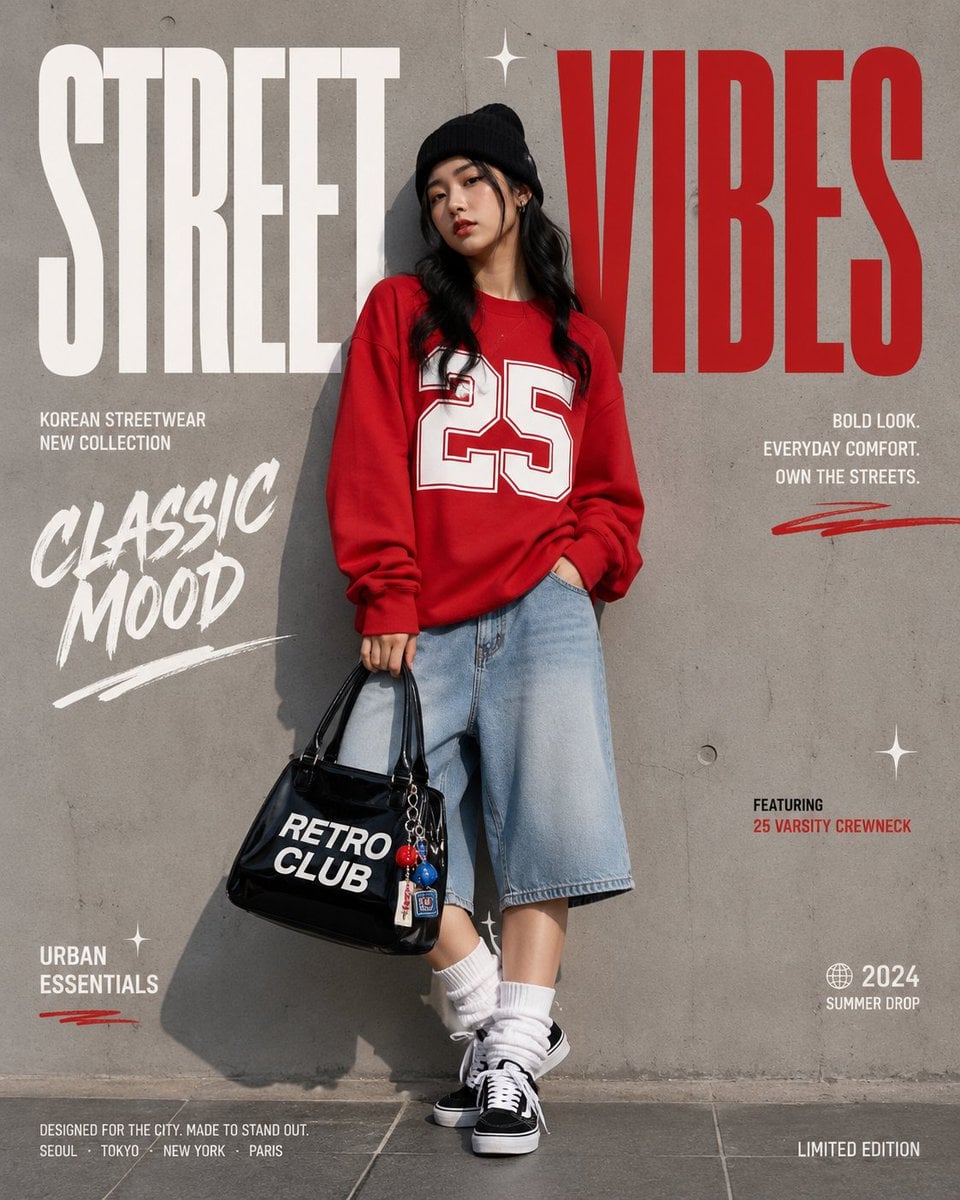
Korean Streetwear Minimalist Campaign Portrait
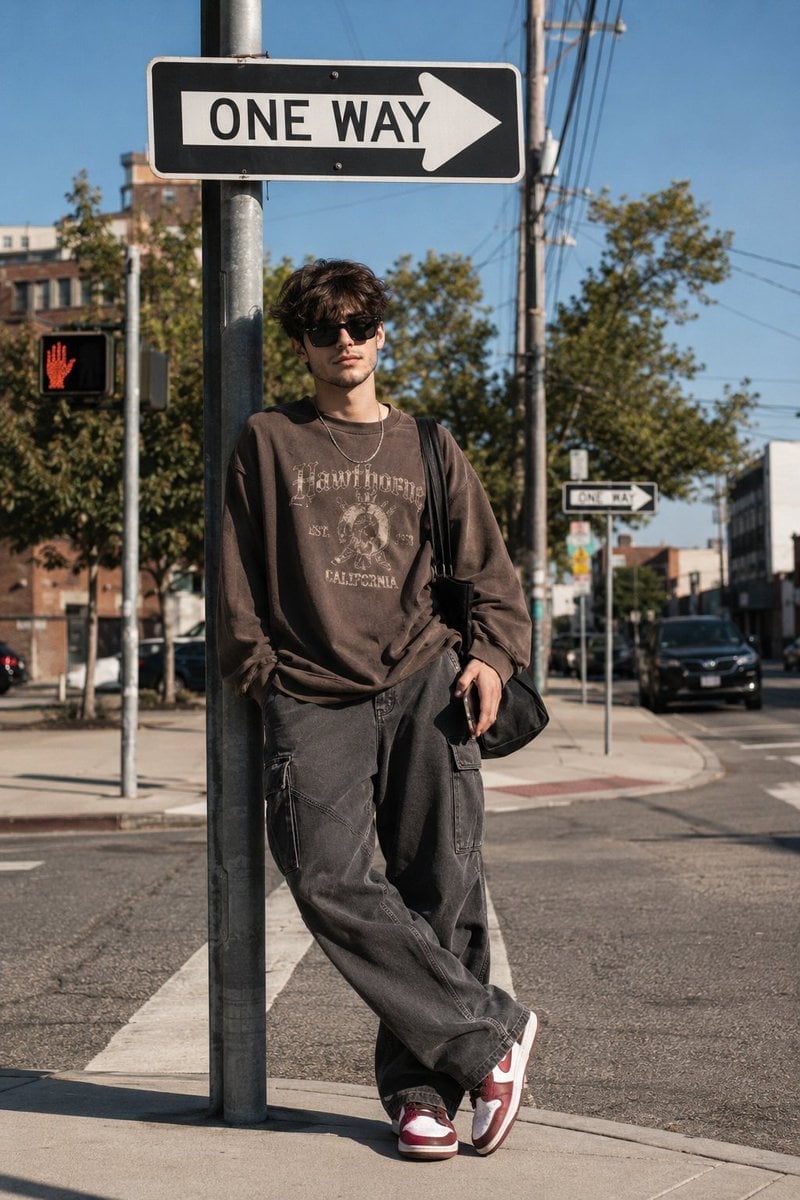
Cinematic Korean Streetwear Street Portrait
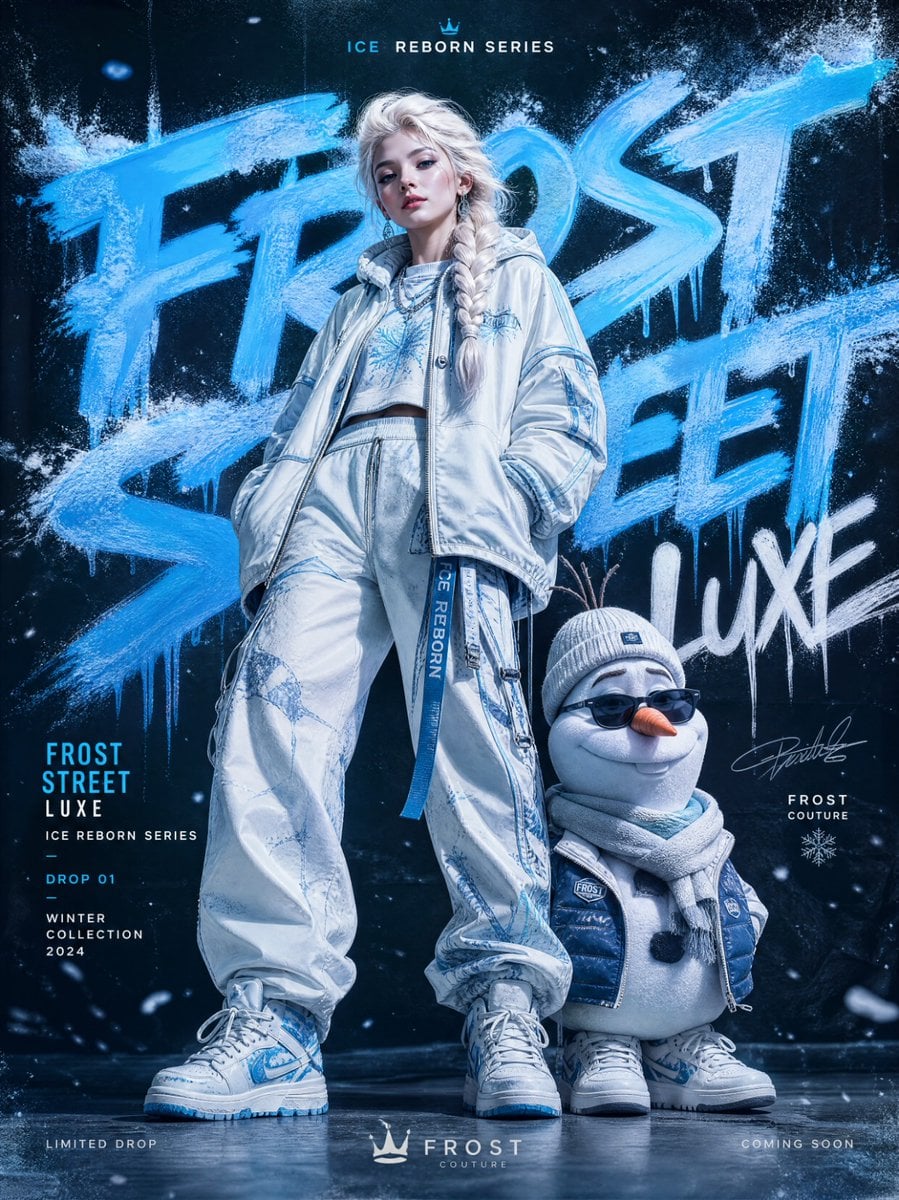
Frozen Street Luxe Graffiti Fashion Campaign
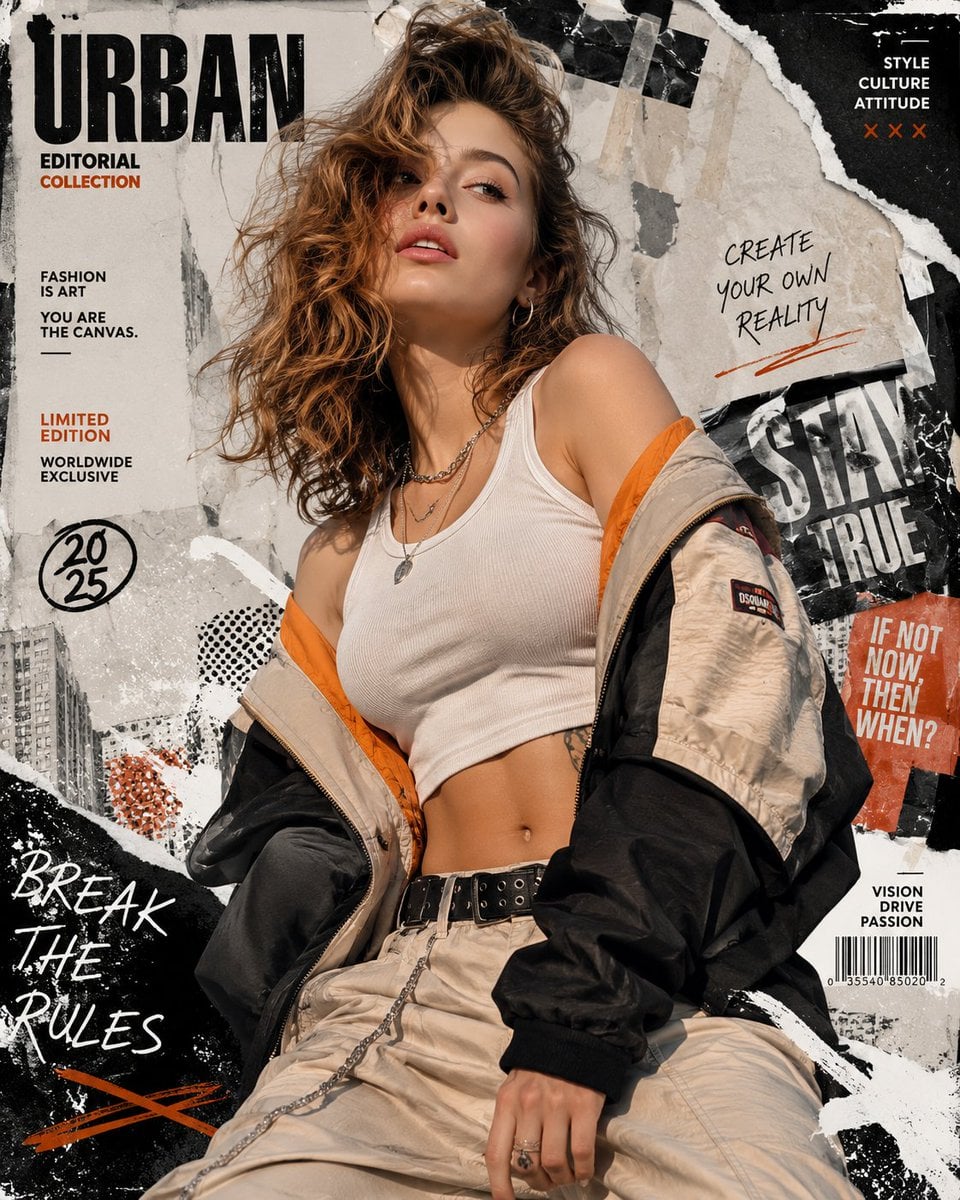
Urban Fashion Editorial Collage Poster
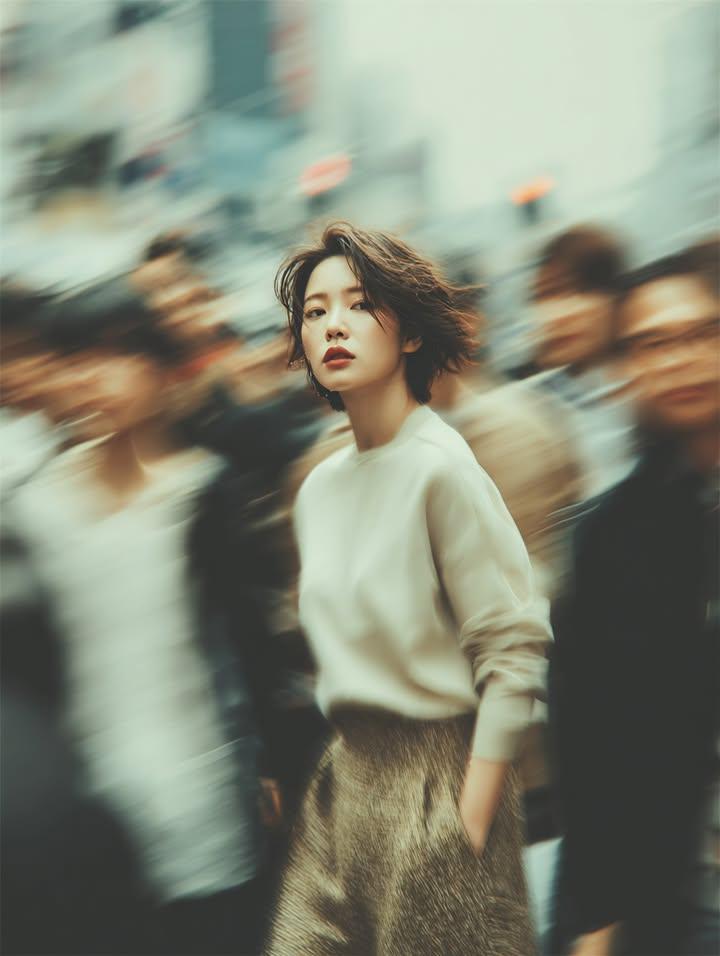
Cinematic Street Fashion Portrait Motion Blur Crowd
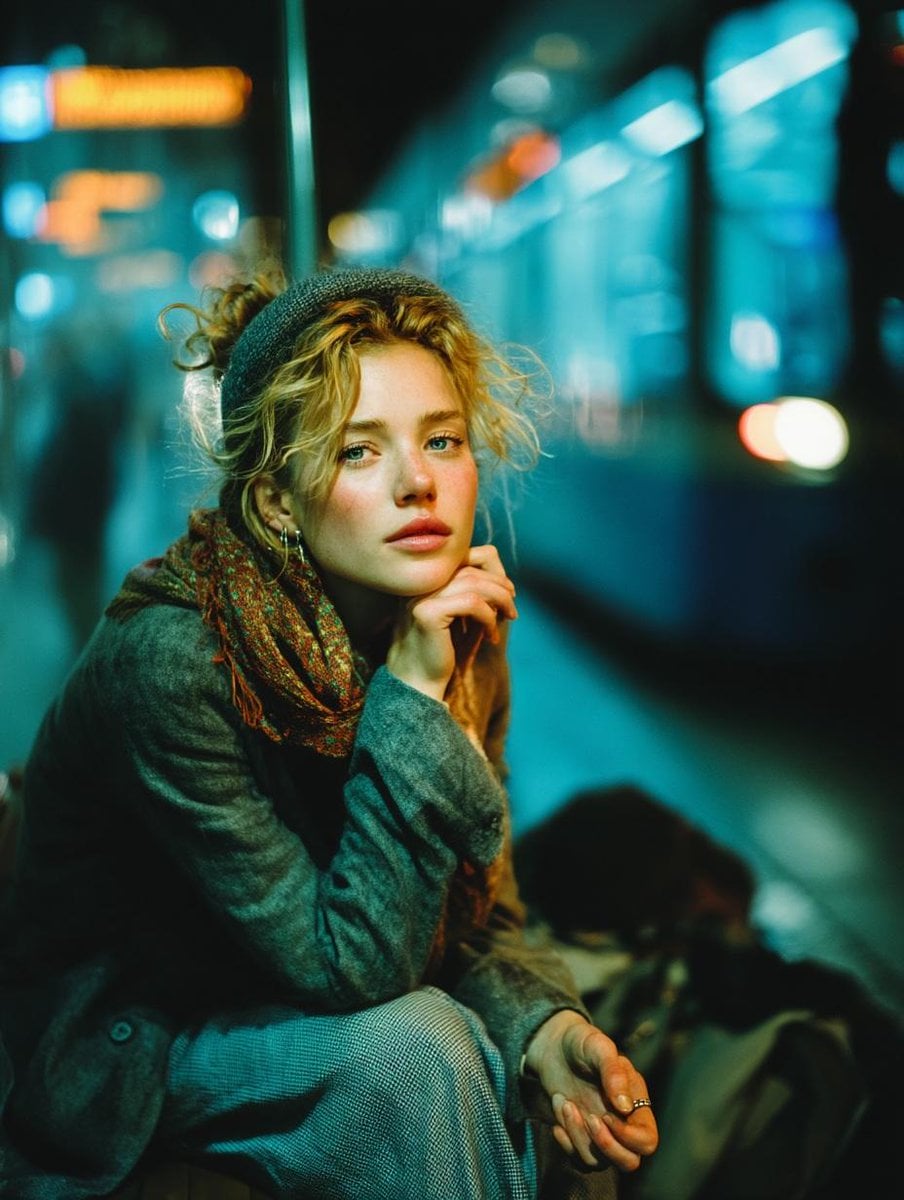
Subway Platform Quiet Introspective Portrait
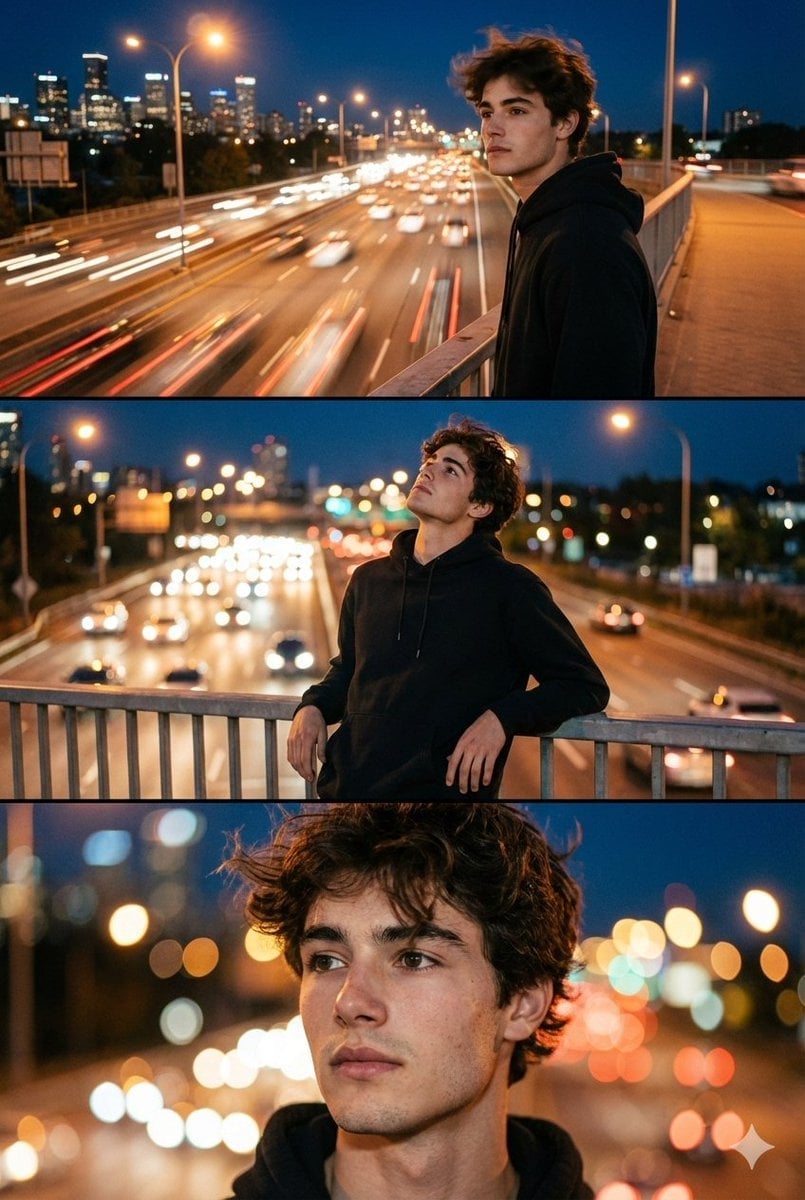
Night City Bridge Triptych Portrait Session
Make it yours
Urban Red Rose Bouquet works as-is. These are the safest ways to change it without losing the look.
Swap the light
One lighting change is enough to compare takes. Current light: “soft natural daylight”.
Change one field
Copy a single group, rewrite it, and generate again so you can see what that field is doing.
Keep the frame, change the subject
Hold the composition and light of Urban Red Rose Bouquet, then swap wardrobe, props or the person for a new take.
| If the result… | Why | Fix |
|---|---|---|
| The result drifts from the preview | Too many fields changed at once. | Reuse Urban Red Rose Bouquet as-is first, then change one group — subject, light, or setting. |
| PicX Studio ignores part of the JSON | Some models flatten or skip nested keys. | Keep the same values and paste them as a short paragraph instead. |
More image prompts
Fresh picks from across the catalog.
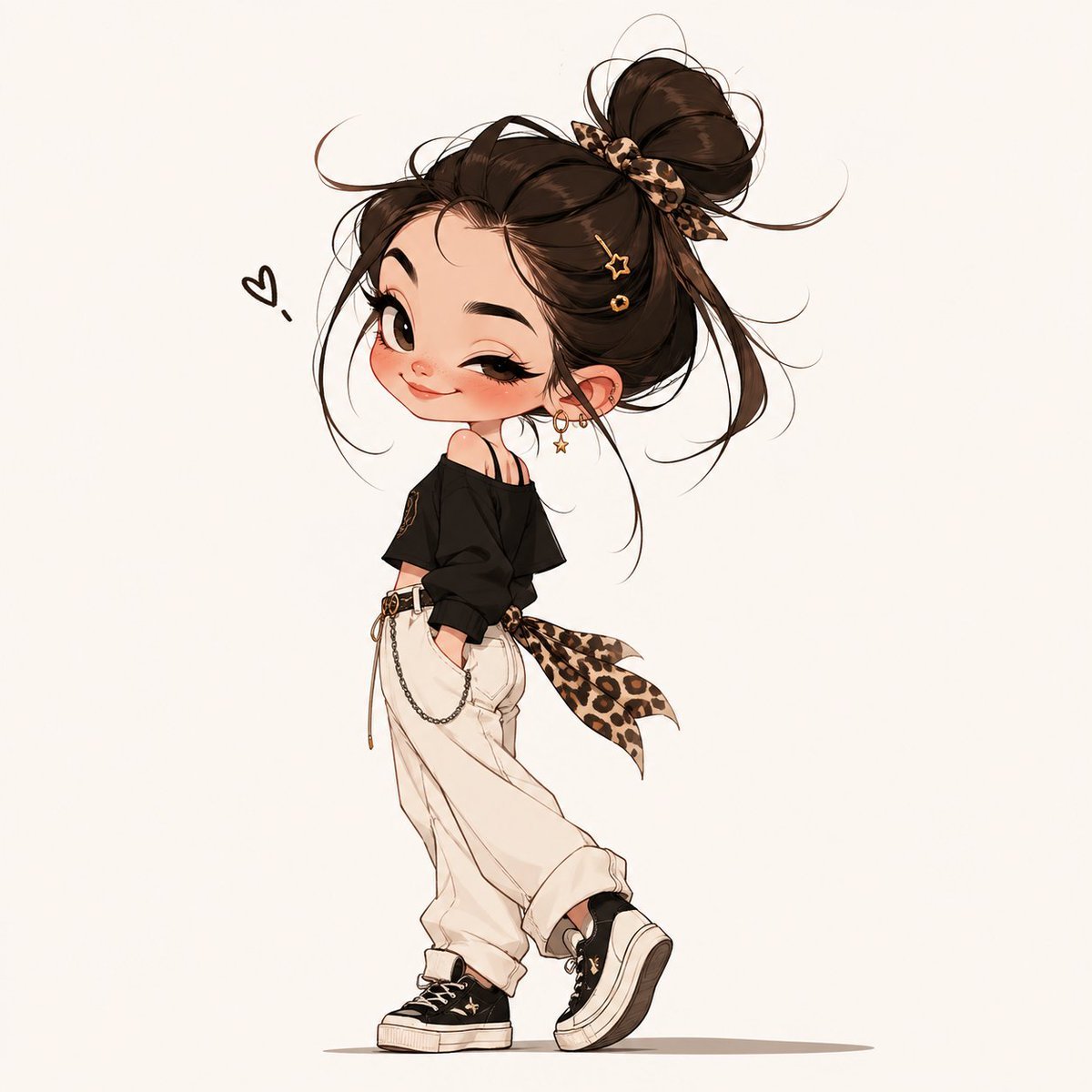
Chibi Fashion Girl With Leopard Accents
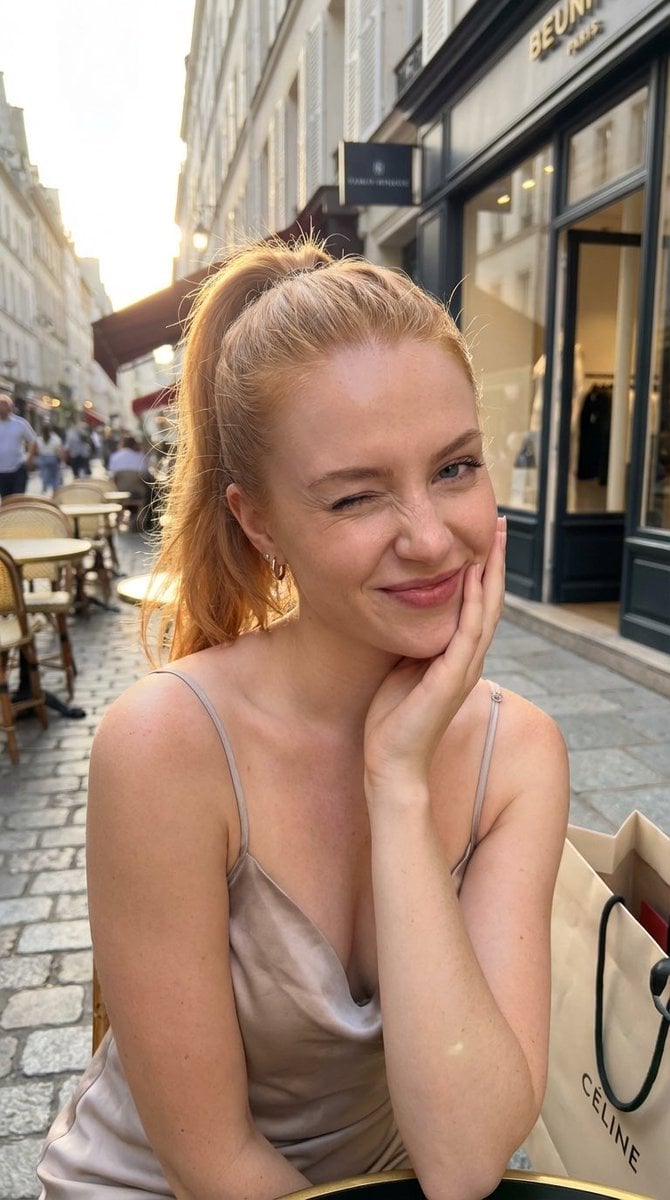
Golden Hour City Street Portrait of a Supermodel
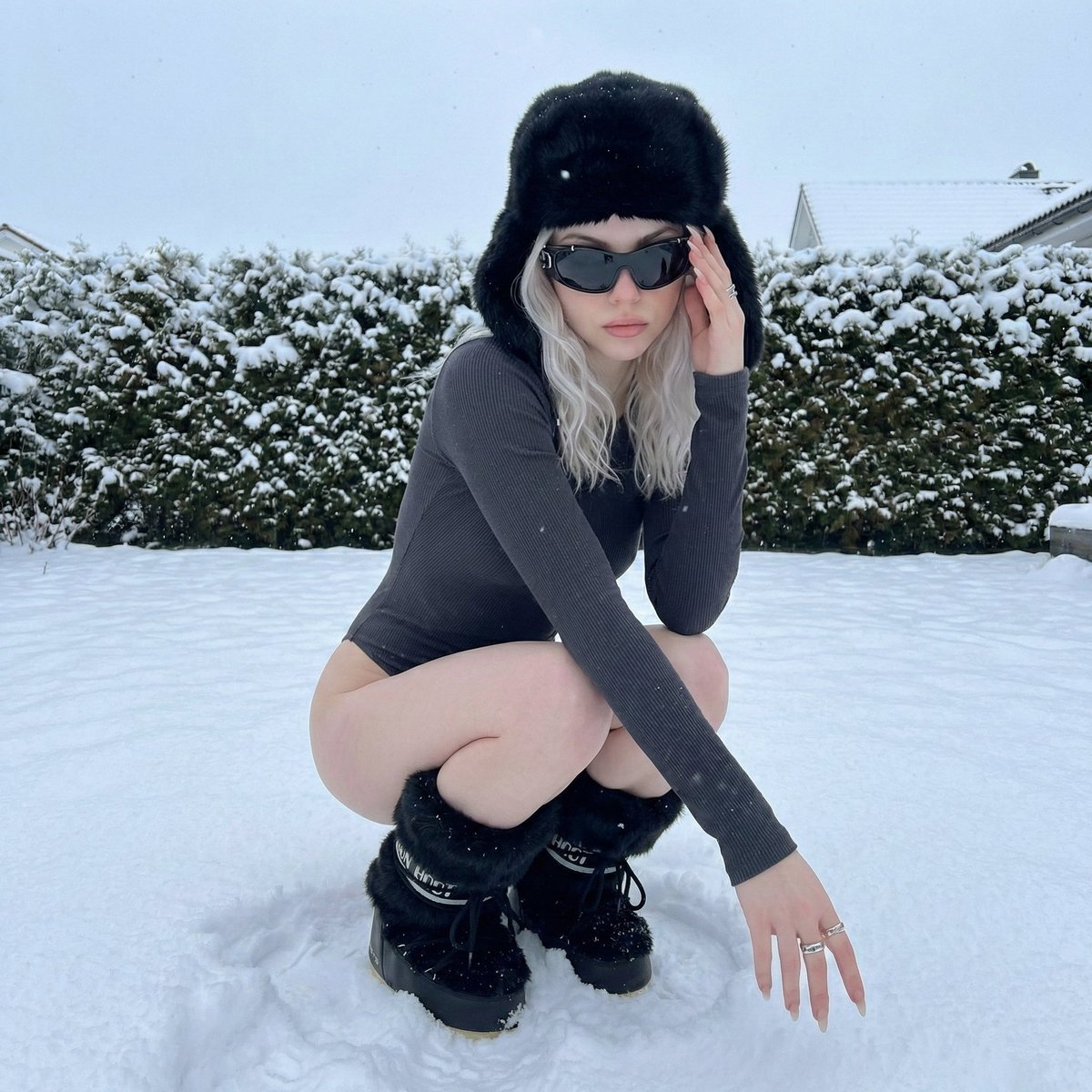
Winter Editorial Low-Angle Squat Pose Prompt (iPhone Style)
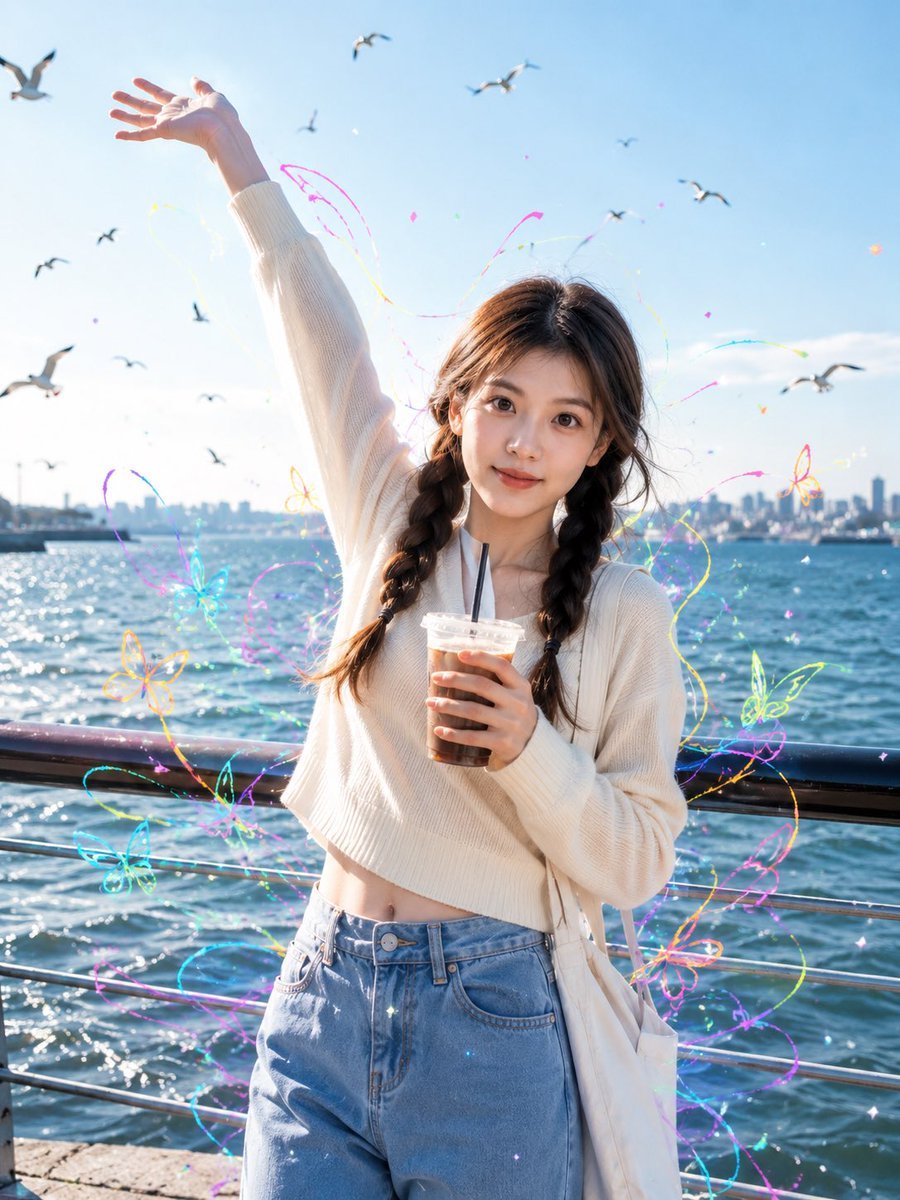
Seaside Street Photography with Neon Doodles
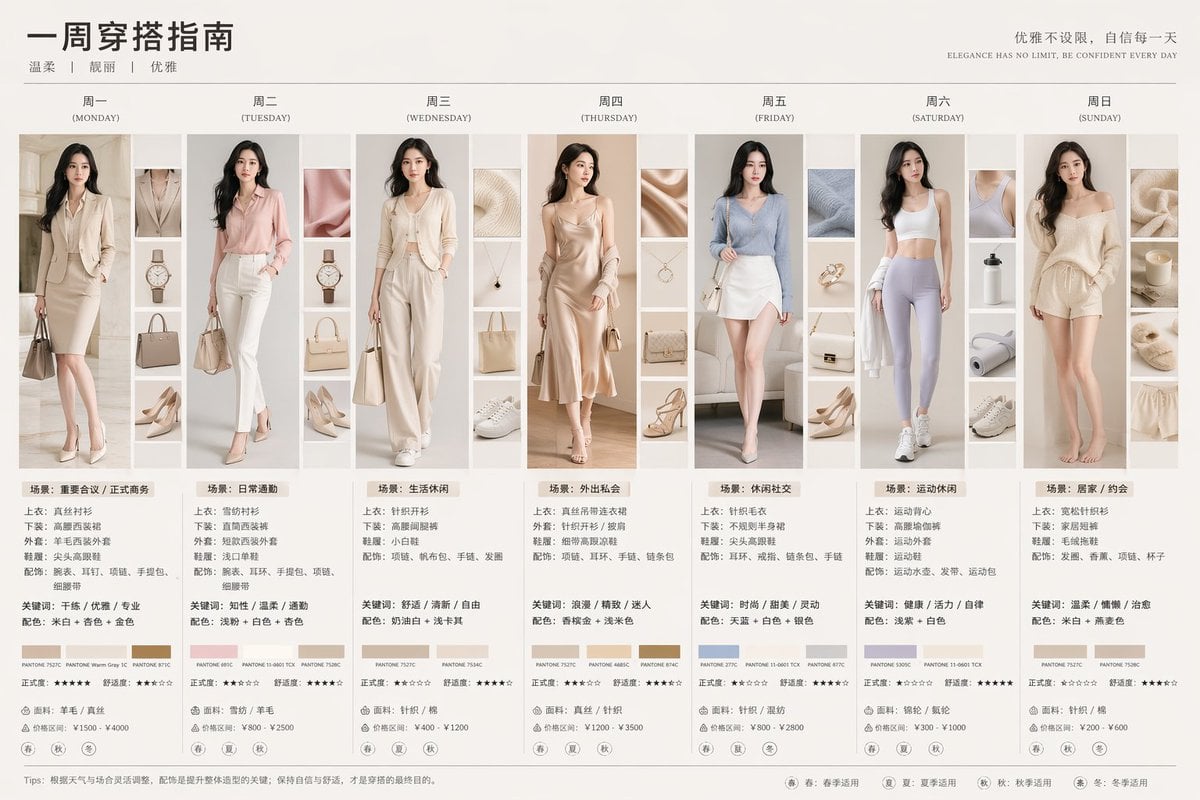
Day Fashion Lookbook Infographic
Annotated Manga App Screenshot
Logo-Based Emoji Grid Generation
Ultra-realistic cinematic early-1990s indoor film still generation prompt
Sunset Window Silhouette
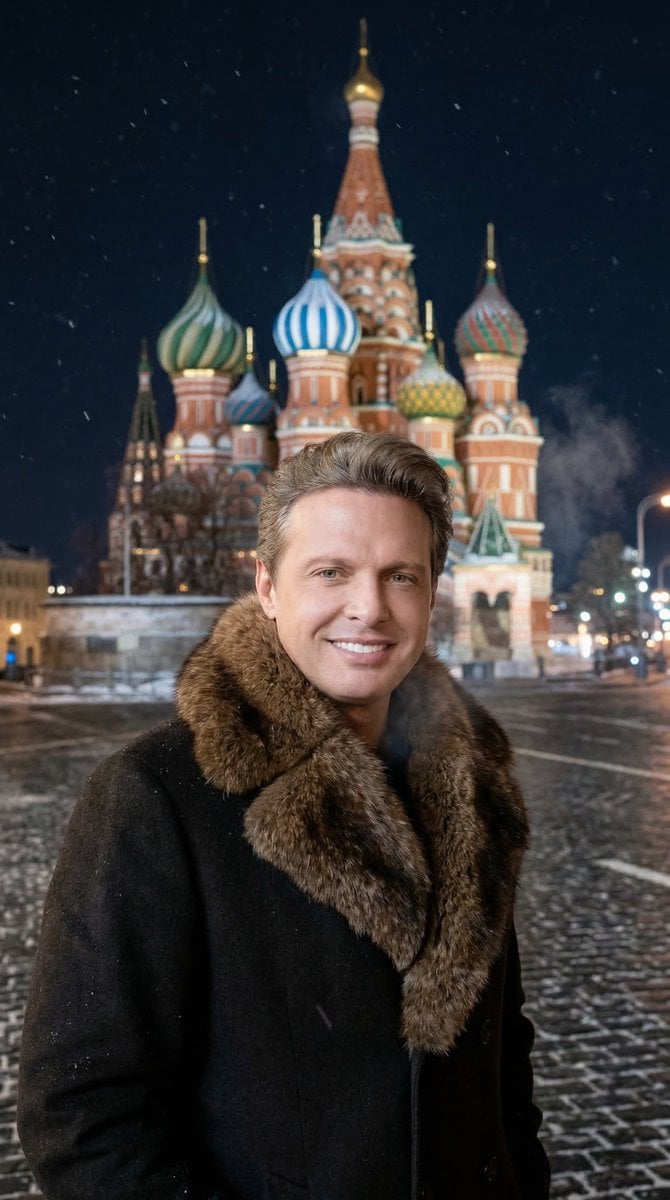
Luis Miguel as a Russian Man in Red Square
Browse template categories
Urban Red Rose Bouquet questions
How do I use the Urban Red Rose Bouquet template?
Add your photo if the template asks for one, edit the prompt if you like — the template's model and format are already selected — and press Generate. Your version opens in PicX Studio.
Can I customize the Urban Red Rose Bouquet template?
Yes. You can change the subject, setting, lighting, mood, format, and available model controls before creating your image.
Is the Urban Red Rose Bouquet template free?
Opening and editing this template is free. Generating uses credits, shown on the Generate button when you are signed in.
Which AI model should I use?
Choose a compatible model in PicX Studio based on the style, speed, and output controls your project needs.
Looking for something else? Browse all templates.

Your photo, any look
Thousands of ready templates for every top image and video model, from one credit balance.