How do I use the Urban Floral Boutique Bouquet template?
Edit the prompt in the box under the preview — the template's model and format are already selected — and press Generate. Your version appears right on this page.
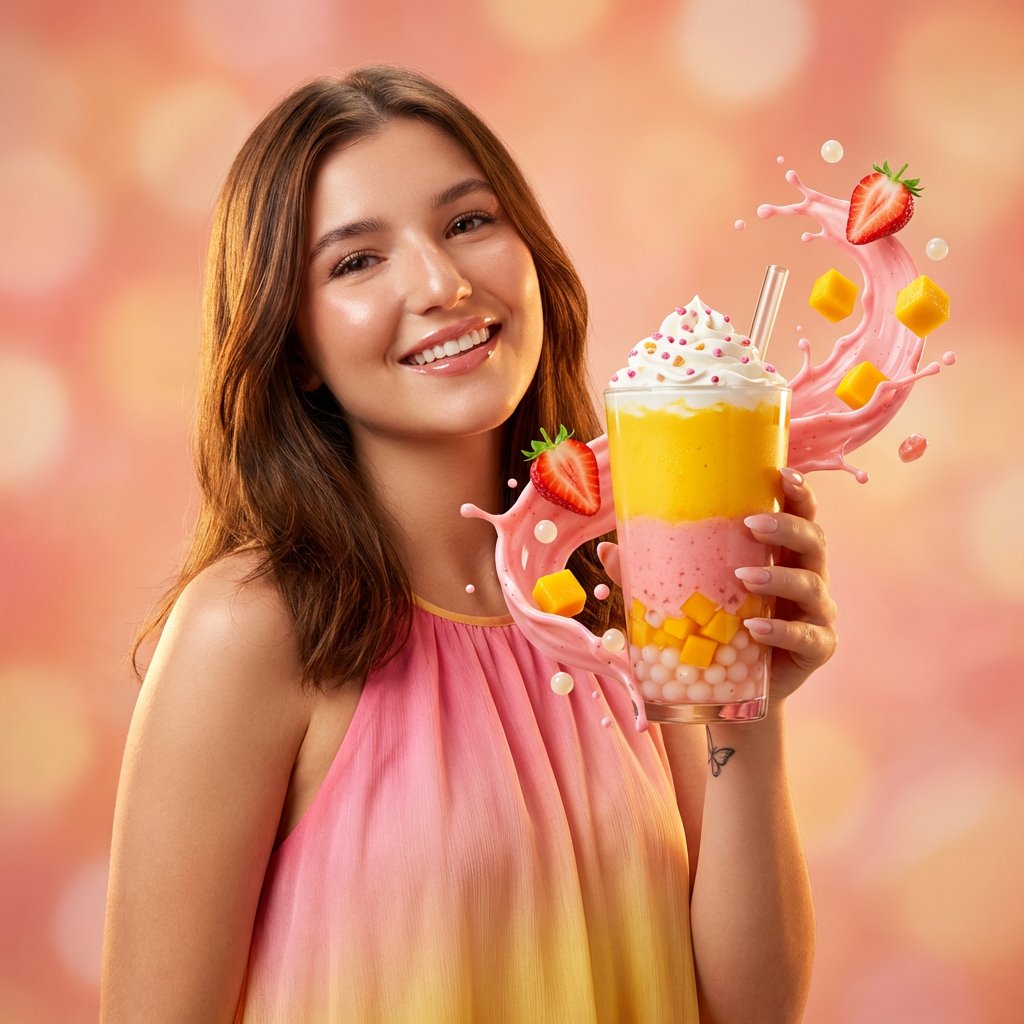
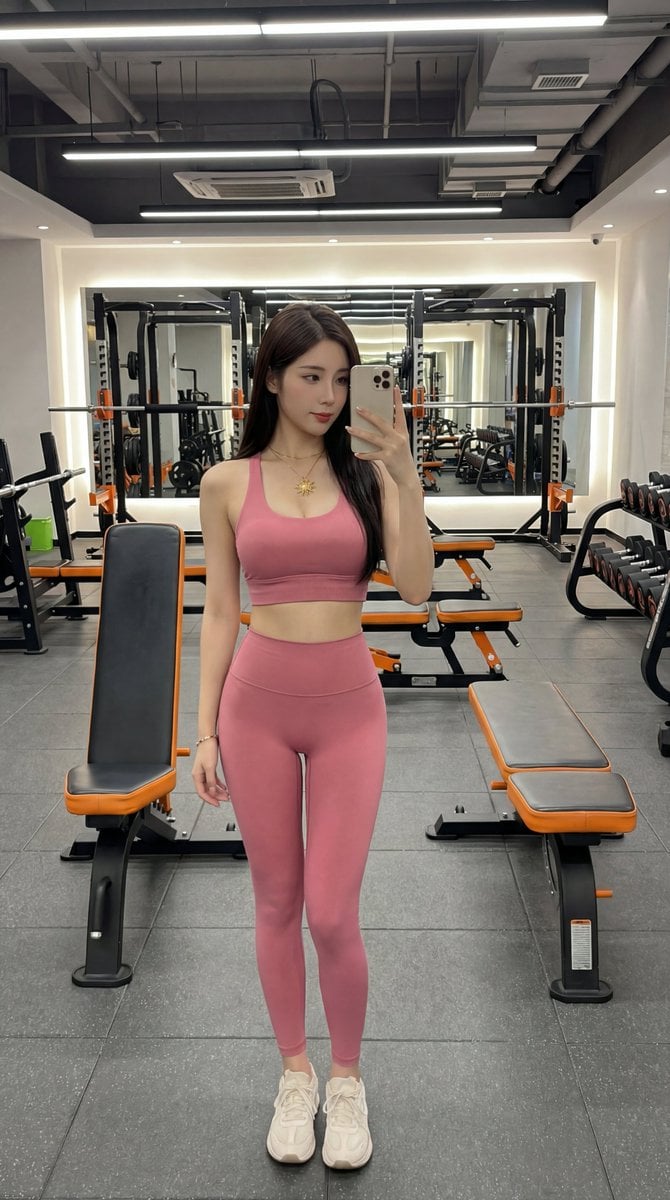
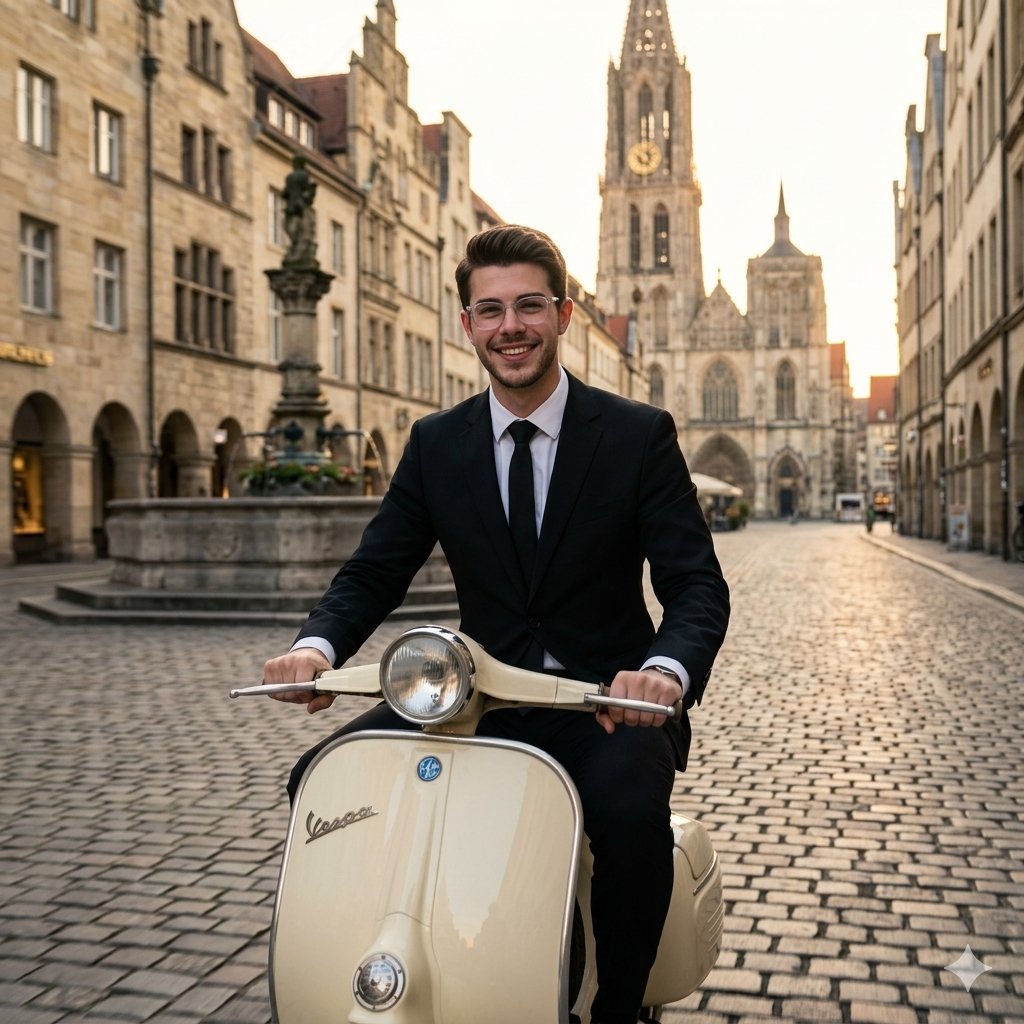
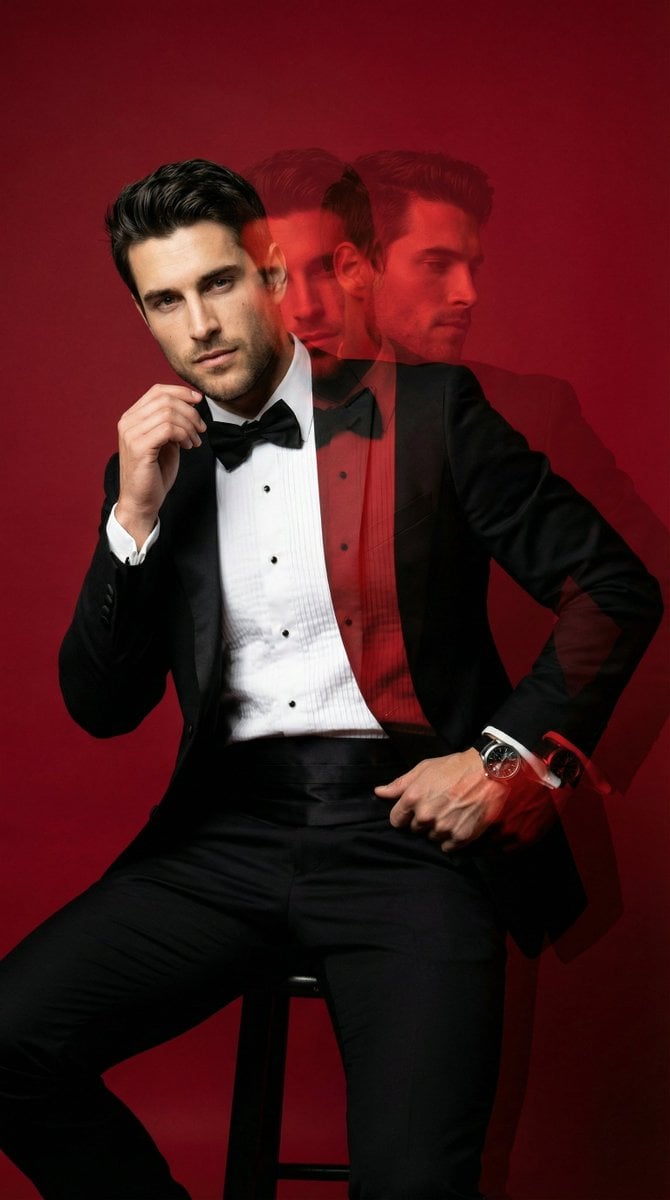
Urban Floral Boutique Bouquet is a ready photo look.

{ "prompt": "A young woman standing on a city street holding a large elegant bouquet that completely covers her face. The bouquet contains deep red roses, soft pink carnations, berries and textured exotic flowers, wrapped in white translucent luxury paper with a soft pink satin ribbon. She is wearing a light grey hoodie and loose casual pants with a brown sweater tied around her waist. Urban background with modern concrete buildings, parked cars, street poles and overhead wires. Soft overcast daylight, candid lifestyle photography, cozy romantic mood, ultra realistic, 4k, shallow depth of field, Pinterest aesthetic.", "style": "photorealistic", "aspect_ratio": "2:3", "lighting": "soft overcast daylight", "camera": "35mm street photography lens", "quality": "ultra high", "mood": "romantic, casual, modern, urban, cozy" }
Edit the prompt in the box under the preview — the template's model and format are already selected — and press Generate. Your version appears right on this page.
Yes. You can change the subject, setting, lighting, mood, format, and available model controls before creating your image.
Opening and editing this template is free. Generating uses credits, shown on the Generate button when you are signed in.
Choose a compatible model in PicX Studio based on the style, speed, and output controls your project needs.
Follow a topic to a crawlable collection of related PicX Studio templates.