
Lifestyle Fashion Bouquet Portrait
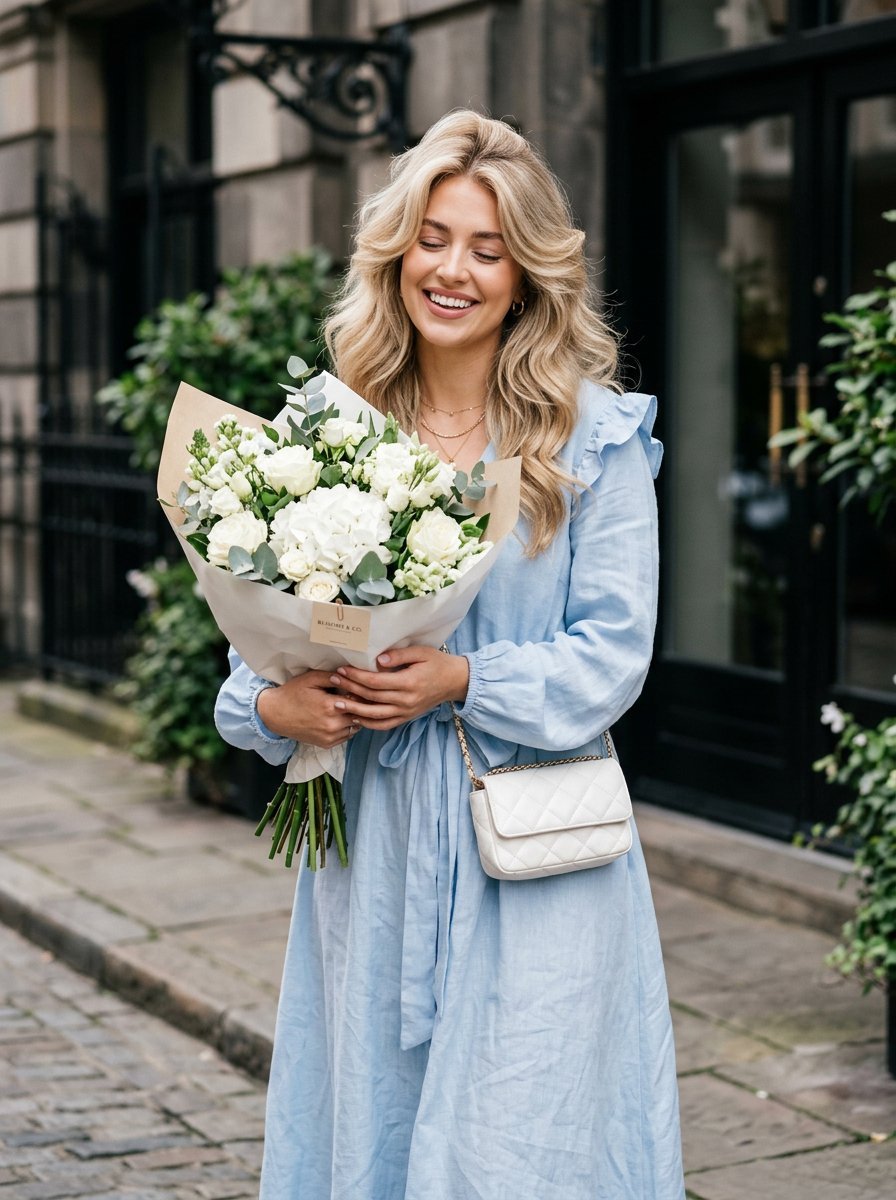
An ultra-detailed lifestyle portrait prompt of a woman holding a large bouquet of white flowers outdoors, featuring soft natural daylight and cinematic composition.
- Prompt included
- Model and format preset
- Free template
The prompt behind this image
Copy the exact prompt behind Lifestyle Fashion Bouquet Portrait, or open it in the studio and make it yours.
ultra-detailed lifestyle fashion portrait of a woman holding a bouquet outdoors. Camera angle: medium close-up portrait framing from mid-thigh upward with shallow depth of field. Pose: standing slightly angled toward camera while holding a large bouquet of white flowers close to the chest with both arms. Shoulders relaxed and body leaning slightly forward creating a warm approachable composition. Expression: joyful open smile showing teeth, head tilted slightly to the side, eyes softly closed in a carefree moment. Outfit: light pastel blue oversized dress with long sleeves and soft ruffle details on the shoulders. The dress has a cinched waist and flared skirt creating feminine volume. Accessories: quilted white mini crossbody bag with chain strap worn across the waist, delicate gold chain necklace. Hair: voluminous shoulder-length blowout with soft waves framing the face, styled with dramatic lift at the crown. Props: large bouquet wrapped in white paper containing small white flowers and greenery with a visible label card attached. Environment: outdoor urban entrance area with dark architectural background creating contrast with the soft pastel outfit. Lighting: soft natural daylight illuminating the face evenly with gentle highlights on hair and fabric texture
How to use Lifestyle Fashion Bouquet Portrait in 3 steps
- 1Upload ImagePNG, JPG or paste
Add your photo
Upload the photo the template builds on. The prompt, model and format are already set.
- 2…a portrait of your subject in softgolden-hour light, 85mm…
Personalize
Edit the subject and creative details for your destination.
- 3Generate
Generate
Press Generate — your image is created in PicX Studio, so you can compare it with the original and refine one variable at a time.
More like this
Templates with the same subject, style or setup. Open one to see its prompt.

Miniature Self Portrait Collage

Nano Banana 2 High Fashion Sports Campai

Couture Fashion Editorial Woman and Drag

Ive Yujin Fashion Portrait in Blue

Nano Banana 2 Editorial Fashion Portrait

Caution Tape Fashion — Industrial Editorial

Nano Banana - Paris Cafe Editorial
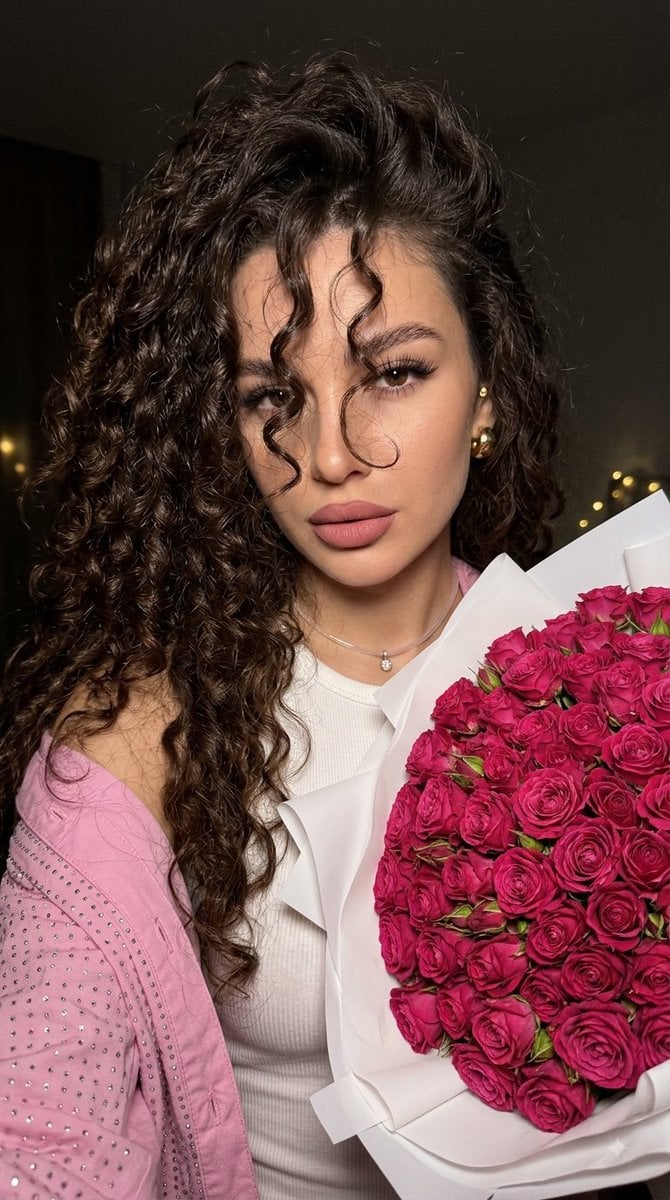
Fuchsia Rose Bouquet Selfie

Multi-Frame Lifestyle Portrait Prompt for Nano Banana Pro

Nano Banana Pro Photoreal Playful Couple

Found Photograph: Us, 1970

80s Couple Studio Portrait
Make it yours
Lifestyle Fashion Bouquet Portrait works as-is. These are the safest ways to change it without losing the look.
Change one field
Copy a single group, rewrite it, and generate again so you can see what that field is doing.
Keep the frame, change the subject
Hold the composition and light of Lifestyle Fashion Bouquet Portrait, then swap wardrobe, props or the person for a new take.
| If the result… | Why | Fix |
|---|---|---|
| The result drifts from the preview | Too many fields changed at once. | Reuse Lifestyle Fashion Bouquet Portrait as-is first, then change one group — subject, light, or setting. |
| The model over-stylizes the scene | The prose prompt leaves finish and camera underspecified. | Add one camera or lighting sentence and stay on Gemini 3 Pro Image Preview. |
More Gemini 3 Pro Image Preview templates
Other prompts made for Gemini 3 Pro Image Preview.

Creative Character in Pink Office

Avant-Garde Asian Fashion Model

Underwater Macro Face Portrait

Water-level Bridge Modification

Noir Punk Street Portrait

High Contrast Cinematic Face Portrait

Monochrome Studio Portrait with Colored Lens

Ultra-Realistic Yacht Sunset Portrait

Mushroom Still Life Composition

Whimsical Anthropomorphic Friendly Insect
More image prompts
Fresh picks from across the catalog.
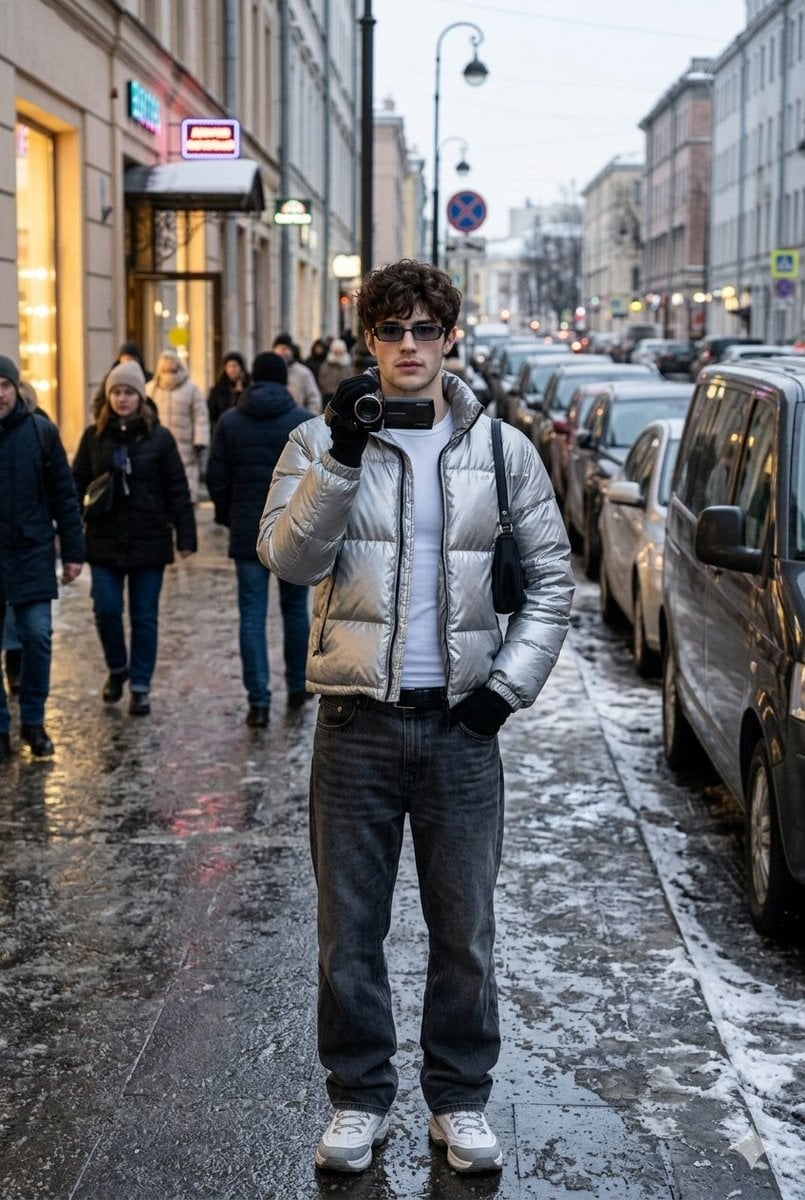
Ultra-Realistic Winter Street Photoshoot
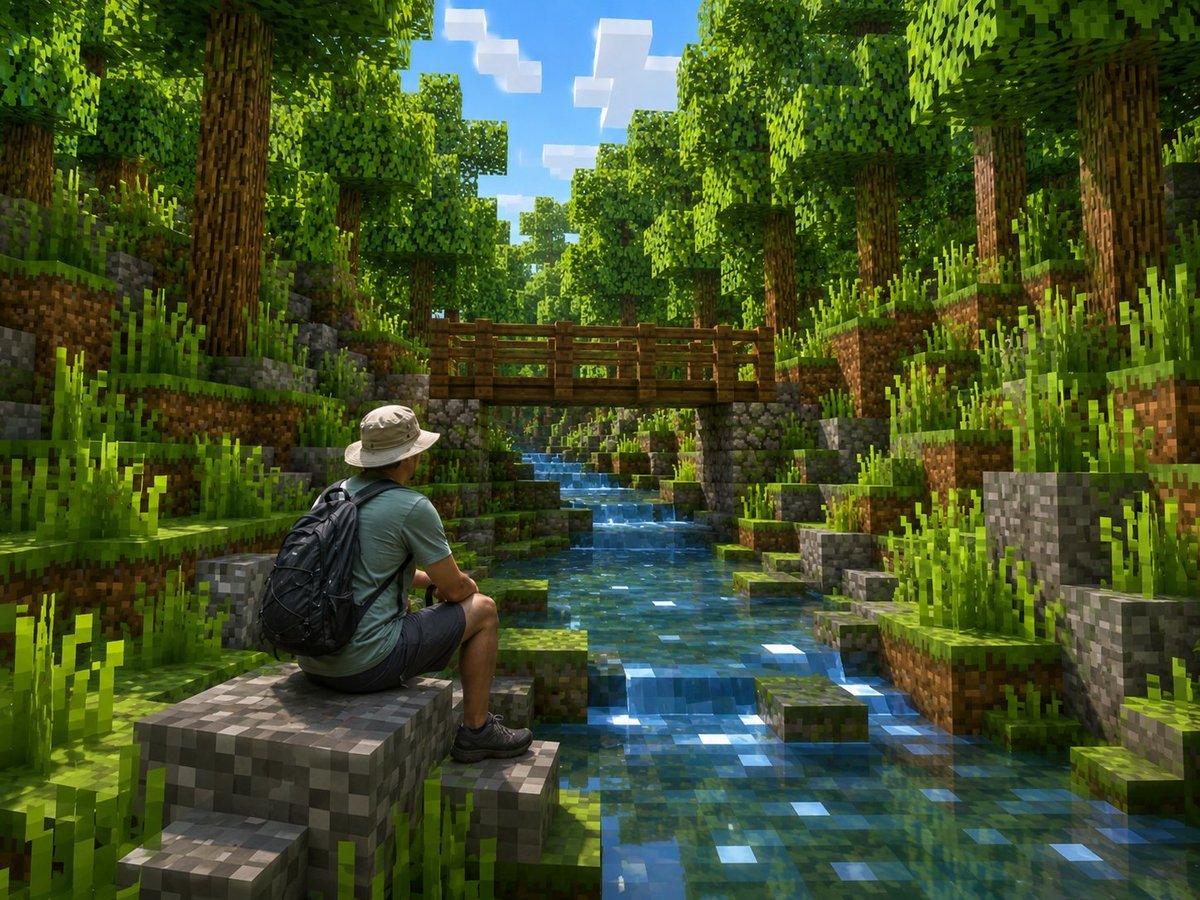
Real Hiker in Minecraft Forest
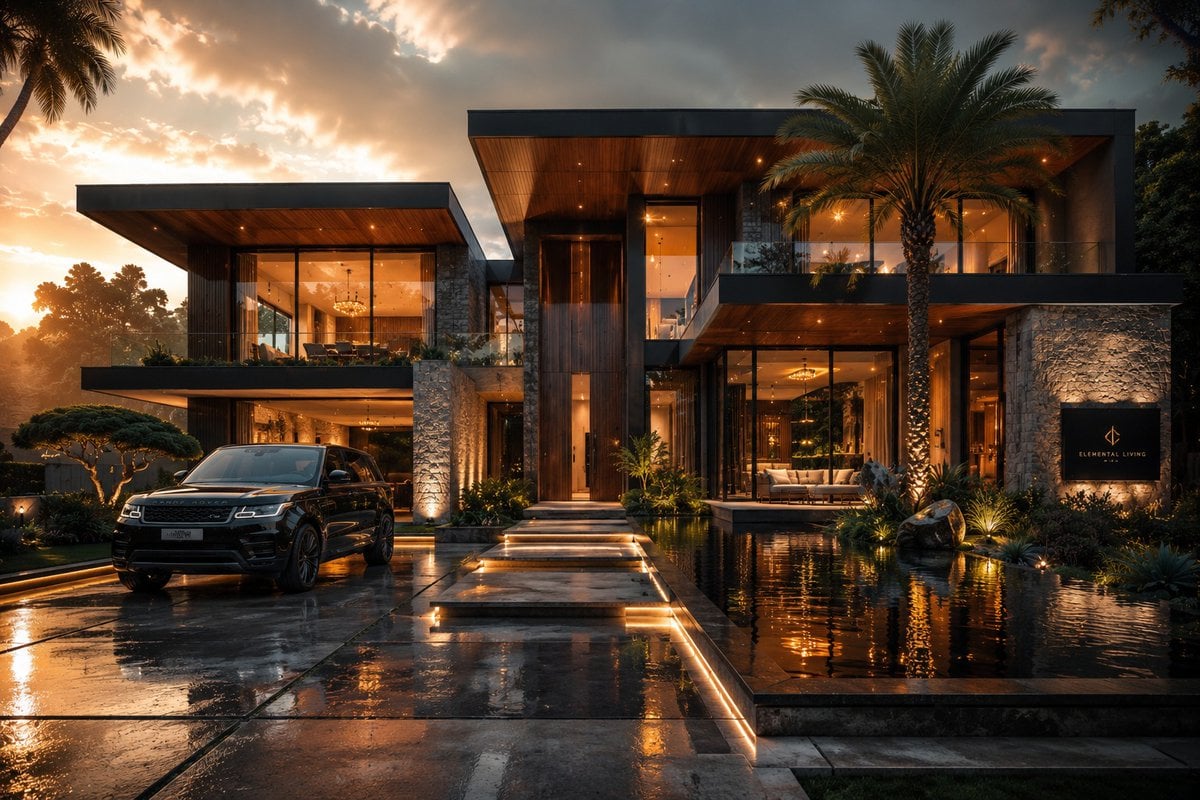
Cinematic Architectural House Exterior
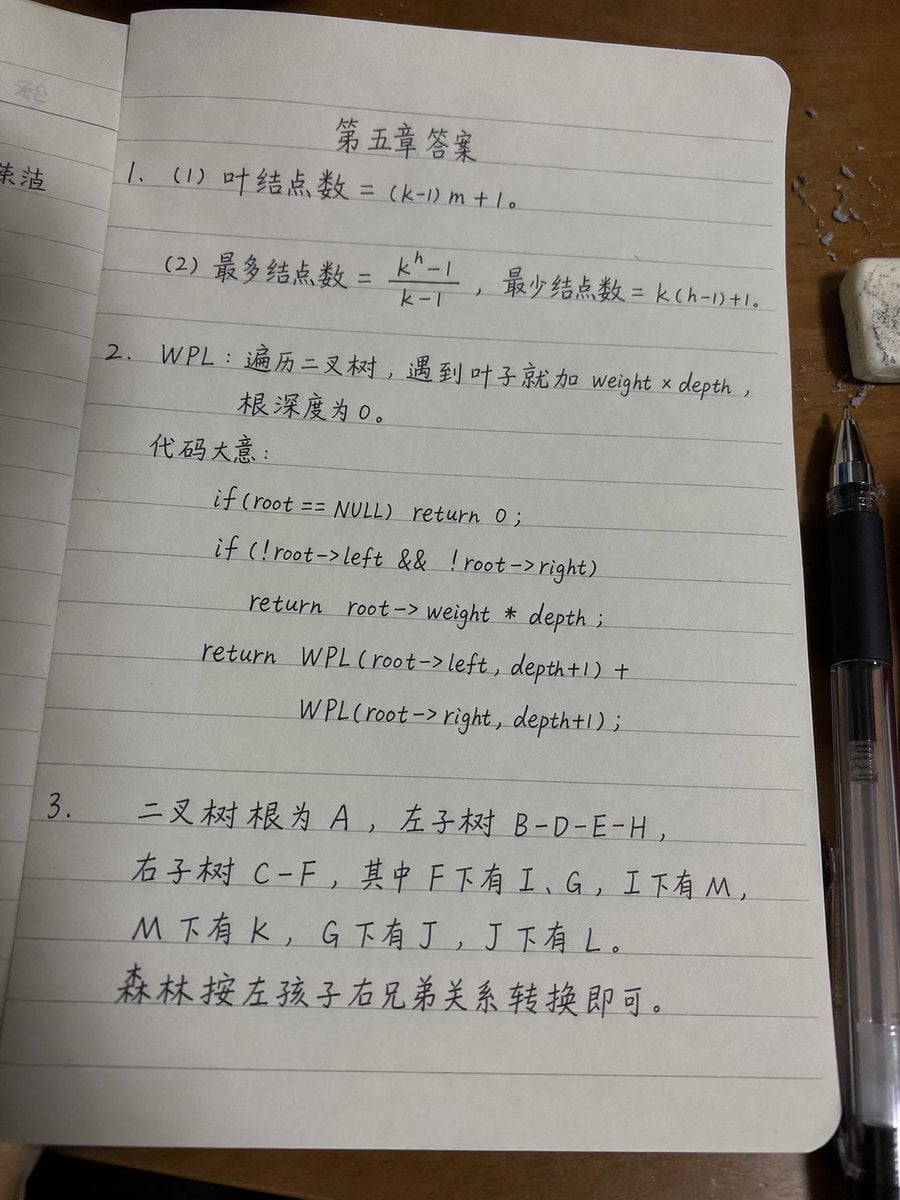
Handwritten Data Structures Homework Photo

Ugly slide introducing Einstein
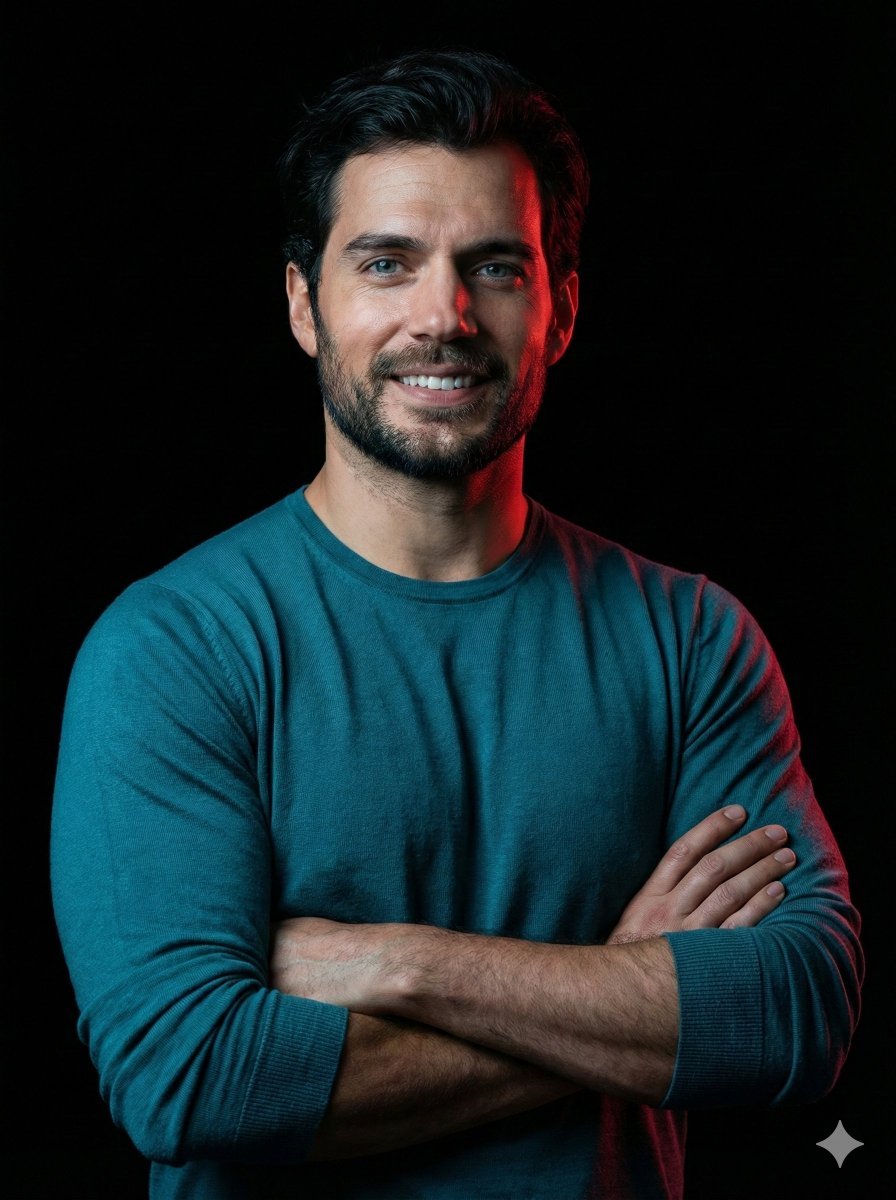
Cinematic studio portrait with exact facial match
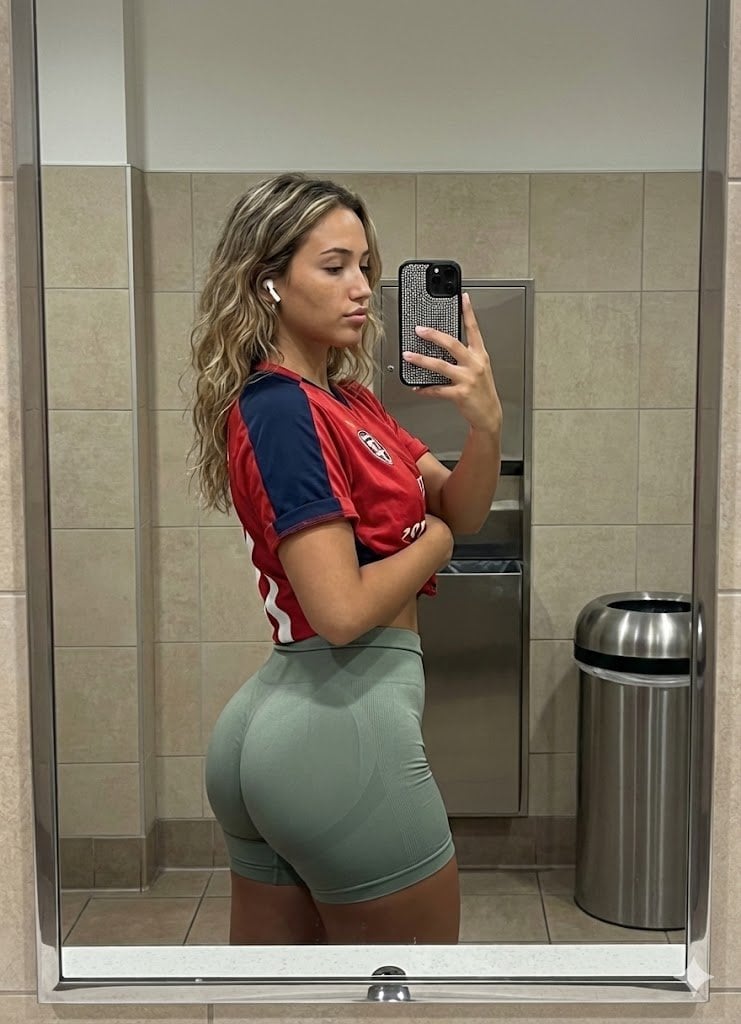
Realistic Gym Mirror Selfie Prompt
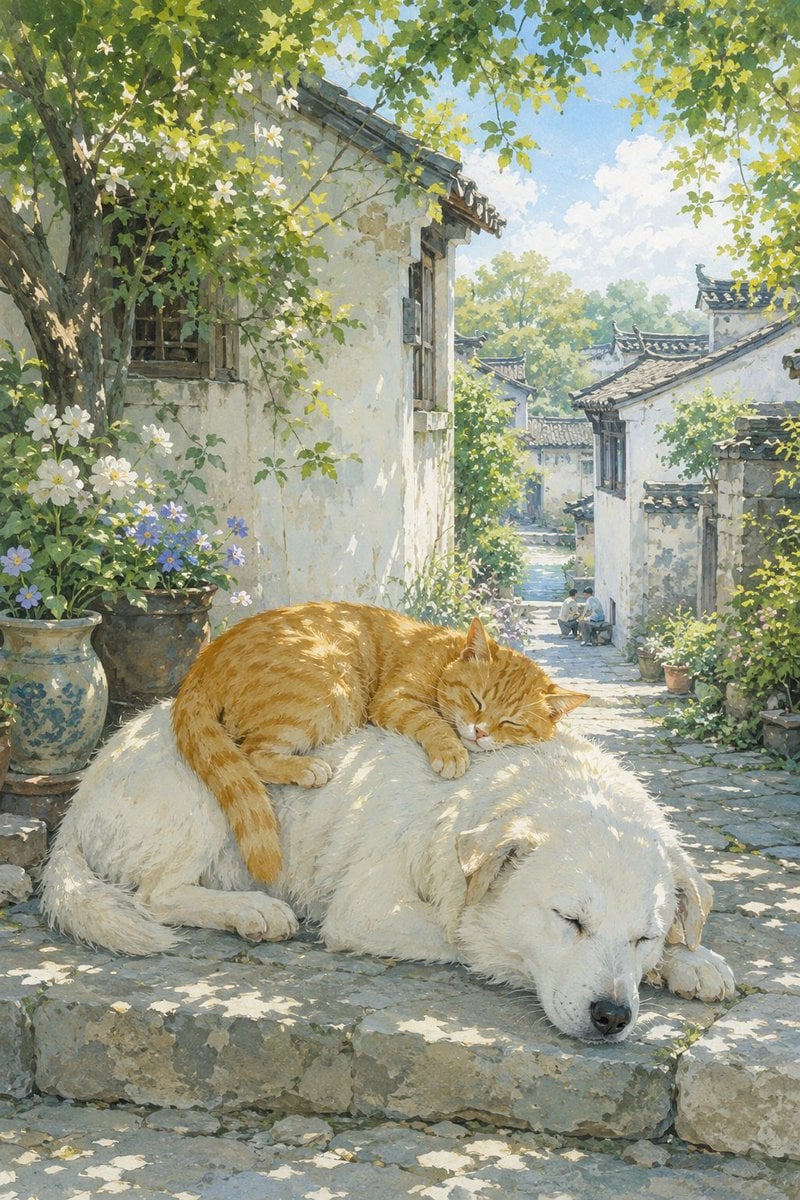
Summer Oriental Courtyard Illustration
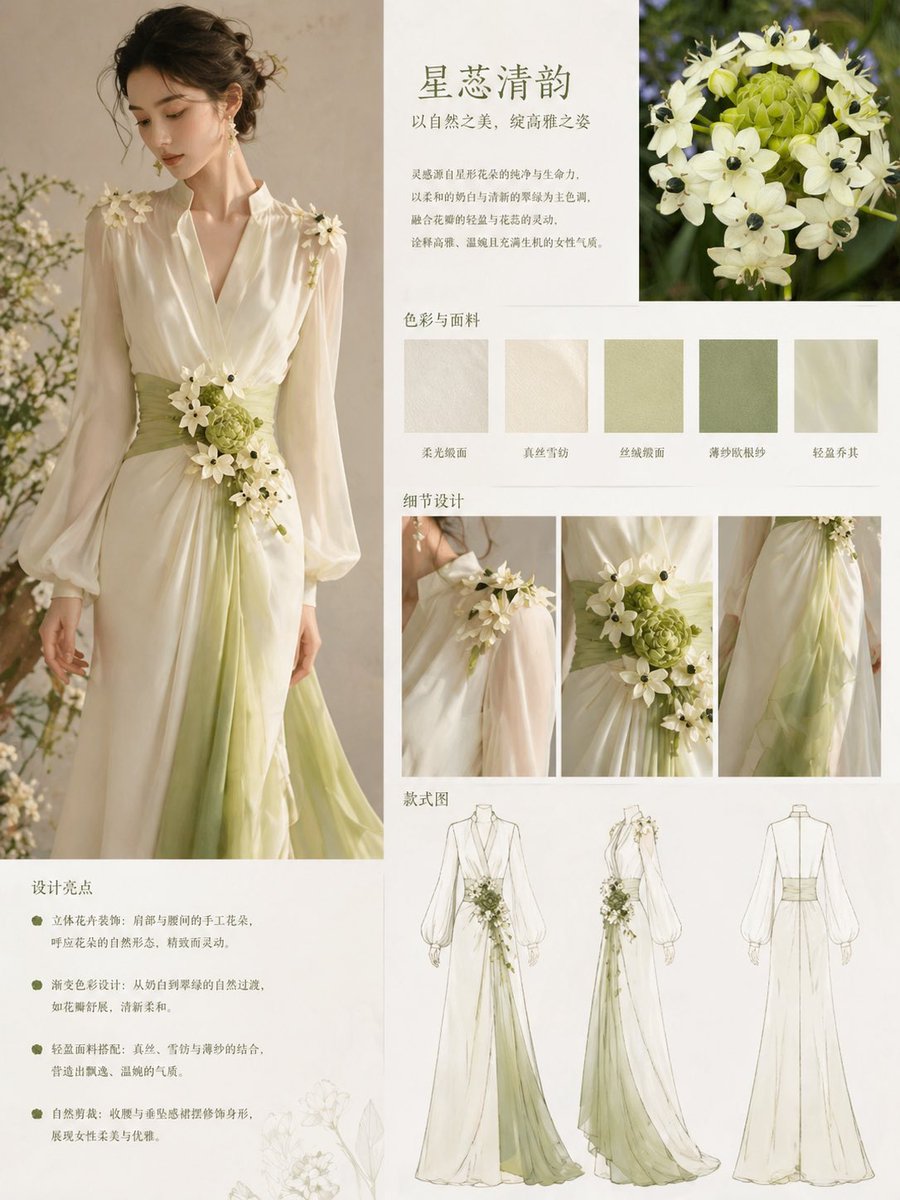
Floral-Inspired Elegant Fashion
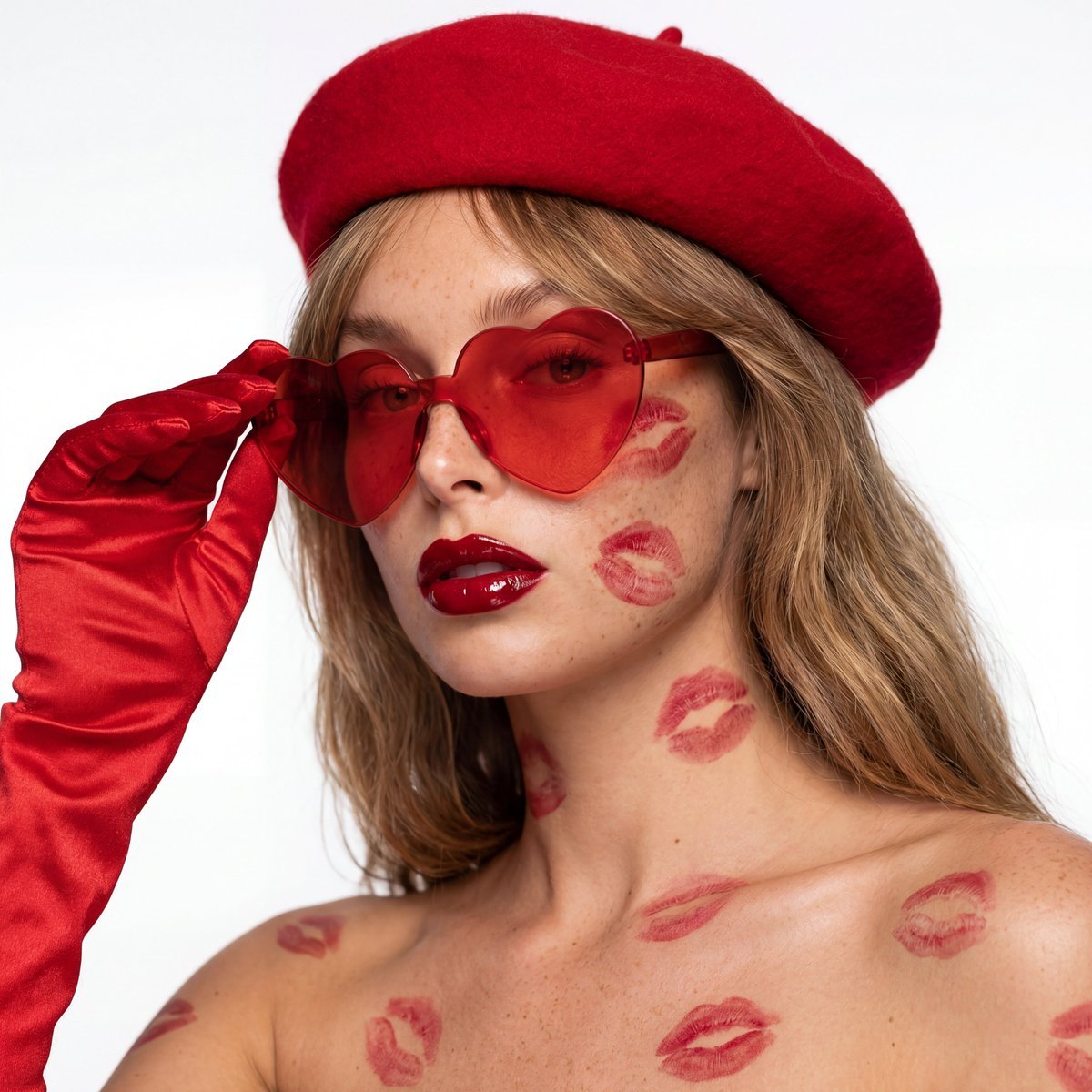
Ultra-Realistic Beauty Editorial with Kiss Marks
Browse template categories
Lifestyle Fashion Bouquet Portrait questions
How do I use the Lifestyle Fashion Bouquet Portrait template?
Add your photo if the template asks for one, edit the prompt if you like — the template's model and format are already selected — and press Generate. Your version opens in PicX Studio.
Can I customize the Lifestyle Fashion Bouquet Portrait template?
Yes. You can change the subject, setting, lighting, mood, format, and available model controls before creating your image.
Is the Lifestyle Fashion Bouquet Portrait template free?
Opening and editing this template is free. Generating uses credits, shown on the Generate button when you are signed in.
Which AI model should I use?
Start with Gemini 3 Pro Image Preview, which is the model associated with this template. You can compare another compatible model for a different finish.
Looking for something else? Browse all templates.

Your photo, any look
Thousands of ready templates for every top image and video model, from one credit balance.