
Ultra-Realistic Winter Street Photoshoot
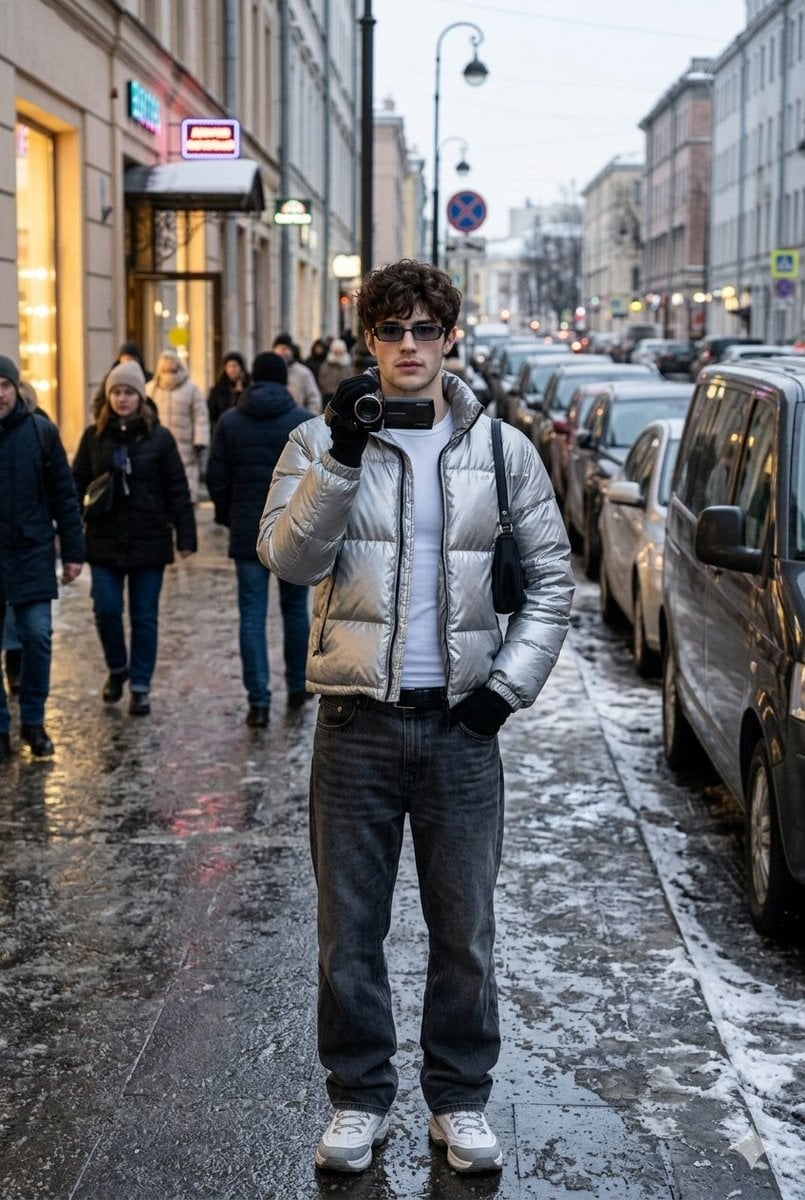
A highly detailed prompt for Gemini Nano Banana 2, instructing it to generate an ultra-realistic, winter street photoshoot image of a man.
- Prompt included
- Model and format preset
- Free template
The prompt behind this image
Copy the exact prompt behind Ultra-Realistic Winter Street Photoshoot, or open it in the studio and make it yours.
Shot on iPhone, winter street photoshoot, ultra-realism, natural shot: SAVE FACE FROM UPLOADED PHOTO 1:1 — do not change features, proportions, age, facial expressions and similarity even by 1%, use the uploaded photo as the ONLY face standard), plot: a man in the center of a busy winter city street makes a "reporter's" street shot, holds a compact camera/camcorder to his face, as if he is filming in response, the pose is fixed, stance U2K confident, pelvis slightly shifted to the right, shoulders relaxed, one hand holds a compact camera to the lips/chin, the other hand deep in the pocket, elbow slightly pulled back, looking straight into the lens, expression calm and bold; the angle is fixed: shooting on an iPhone from chest level, slight wide-angle (26mm feel), the hero is strictly in the center, the frame is waist-deep, the perspective is minimal, without a "corridor" into the distance, the background is dense and close; the background is strictly defined: a winter evening in the city, wet asphalt and slush, behind the hero there is a wide street with closely parked cars in two rows, on the right next to (3-5 meters) a parked dark minivan, on the left the facade of a building with brightly lit shop-windows and an entrance, above the entrance there are 2-3 small neon signs without legible words, on the sidewalk around the hero there are 10-15 people in winter clothes (some are passing by, some are standing in a group near the shop-window), all the faces of passers-by are slightly blurred so that the focus remains on the model; a street lamp, road signs, reflections of lights in the wet asphalt are visible in the frame, no long horizon, a "wall" of buildings and cars in the background, short depth; The clothes are strictly defined (u2k unisex, winter): a short glossy down jacket "metallic silver" made of nylon with a high collar, under it a white tight-fitting thermal jacket without prints, bottoms: low-rise dark gray baggy jeans with a belt, shoes: winter sneakers/boots white and gray with a massive sole, accessories: narrow rectangular glasses u2k with dark lenses, black gloves, a small black shoulder-bag with a short strap over the shoulder, in hand a black compact camera/camcorder without logos; fixed light; winter evening mixed cold street + warm shop-window light, soft contrast, no flash, no studio light, natural shadows under the nose and chin, glare from the wet road; atmosphere: lively urban winter street, city noise, people moving, the feeling of a "captured moment" in the style of the 2000s; textures: hyper-realistic skin texture, natural pores and fine details, Subtle imperfections, slight reddening of cheeks from the cold, realistic lip gloss, detailed texture of the glossy nylon down jacket, visible seams and zipper, denim with a pronounced weave and creases, wet asphalt with reflections, grainy slush, camera plastic with small scratches; camera and processing: iPhone photo look, iPhone RAW, slight dig
How to use Ultra-Realistic Winter Street Photoshoot in 3 steps
- 1Upload ImagePNG, JPG or paste
Add your photo
Upload the photo the template builds on. The prompt, model and format are already set.
- 2…a portrait of your subject in softgolden-hour light, 85mm…
Personalize
Edit the subject and creative details for your destination.
- 3Generate
Generate
Press Generate — your image is created in PicX Studio, so you can compare it with the original and refine one variable at a time.
More like this
Templates with the same subject, style or setup. Open one to see its prompt.

Frozen Street Luxe Graffiti Fashion Campaign

Two Tickets, One Night

Meet Me When It Rains

Two Hearts. One Scooter.

1986 Street Couple

1985 Street Scene

Cinematic Street Fashion Portrait Motion Blur Crowd

Blue Hour Editorial Fashion Portrait
Golden Hour Street Motion Portrait

Photoreal Snow Biome Name Tag UI

Minecraft You Died Winter Death Screen

Face-Locked Cream Half-Zip Street Walk
Make it yours
Ultra-Realistic Winter Street Photoshoot works as-is. These are the safest ways to change it without losing the look.
Change one field
Copy a single group, rewrite it, and generate again so you can see what that field is doing.
Keep the frame, change the subject
Hold the composition and light of Ultra-Realistic Winter Street Photoshoot, then swap wardrobe, props or the person for a new take.
| If the result… | Why | Fix |
|---|---|---|
| The result drifts from the preview | Too many fields changed at once. | Reuse Ultra-Realistic Winter Street Photoshoot as-is first, then change one group — subject, light, or setting. |
| The model over-stylizes the scene | The prose prompt leaves finish and camera underspecified. | Add one camera or lighting sentence and stay on Nano Banana 2. |
More Nano Banana 2 templates
Other prompts made for Nano Banana 2.

Photorealistic Leaf Shaped Like a Dragon

K-Pop Idol Portrait Grid for Rapid Selection

Poetic Rain Forest Portrait During Golden Hour

Urban Street Portrait with Cartoon Inner Self Duo

Candid Nighttime Photo with Cat Prompt

High-Concept 3D Diorama Generation Prompt

Cinematic Futuristic Studio Portrait Template

Skincare Editorial Photography Collage Prompt

Hyper-Realistic Commercial Product Photography (Splash Effect)

Hyper-Realistic Nightclub Portrait Prompt
More image prompts
Fresh picks from across the catalog.
2x2 Grid Identity Lock Photo Collage Prompt
Hyperrealistic Black-and-White Portrait with Selective Color
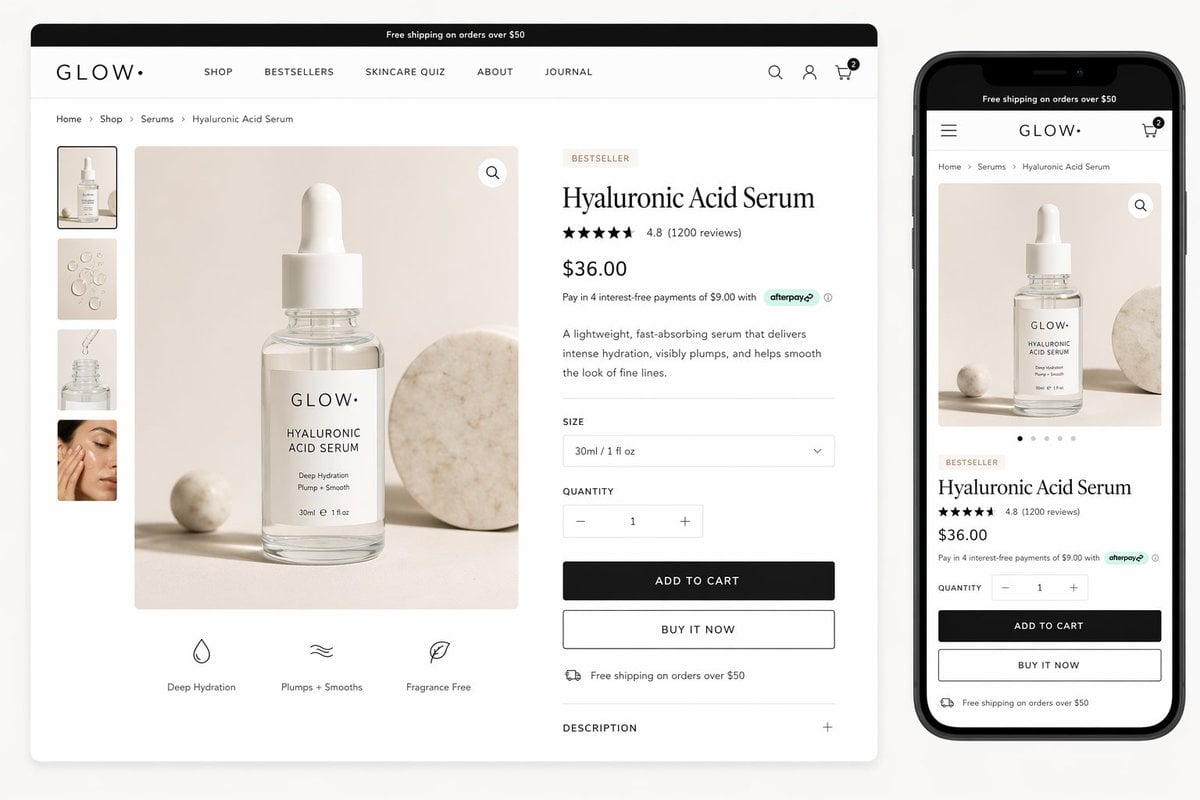
Luxury Skincare Product Page Mockup
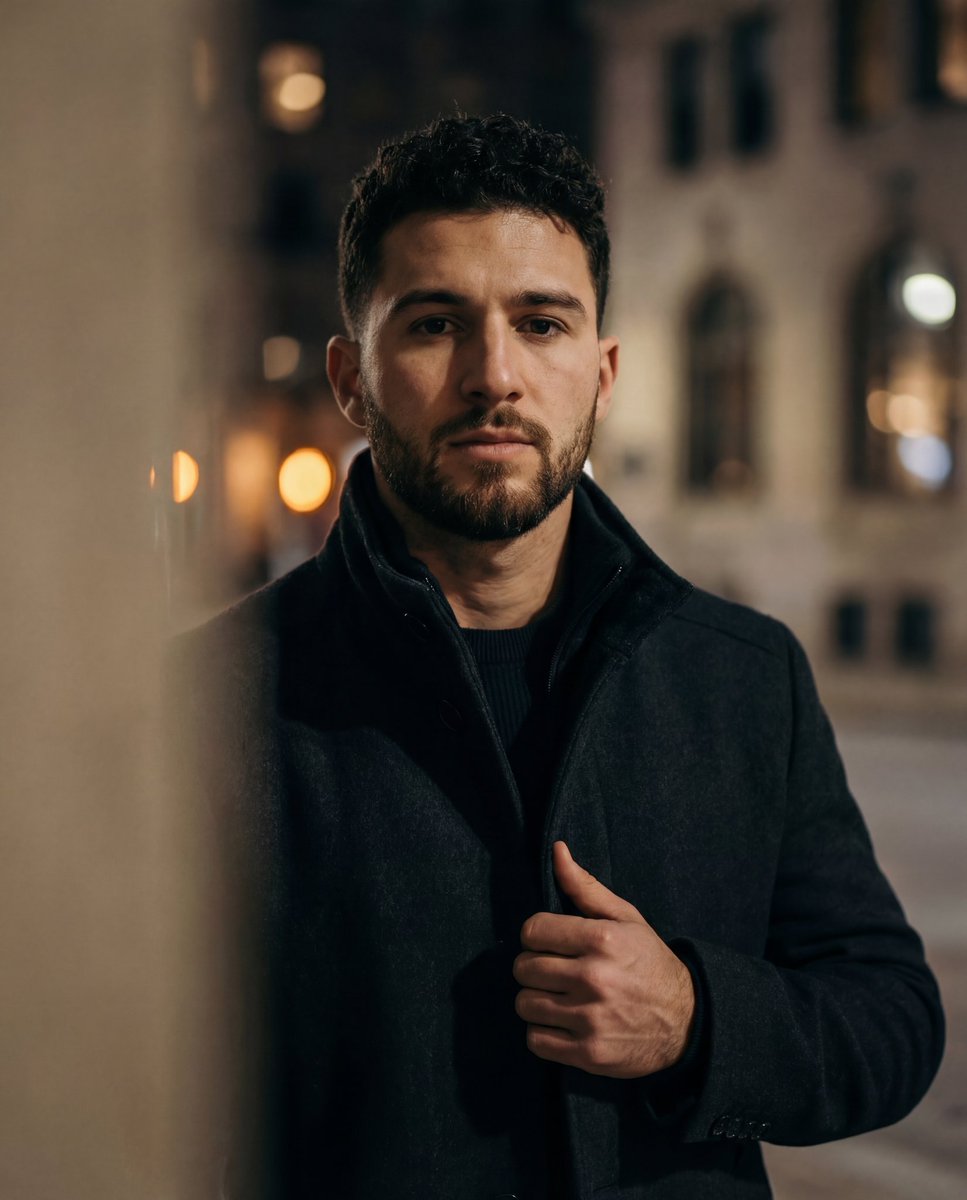
Cinematic low-key urban portrait prompt
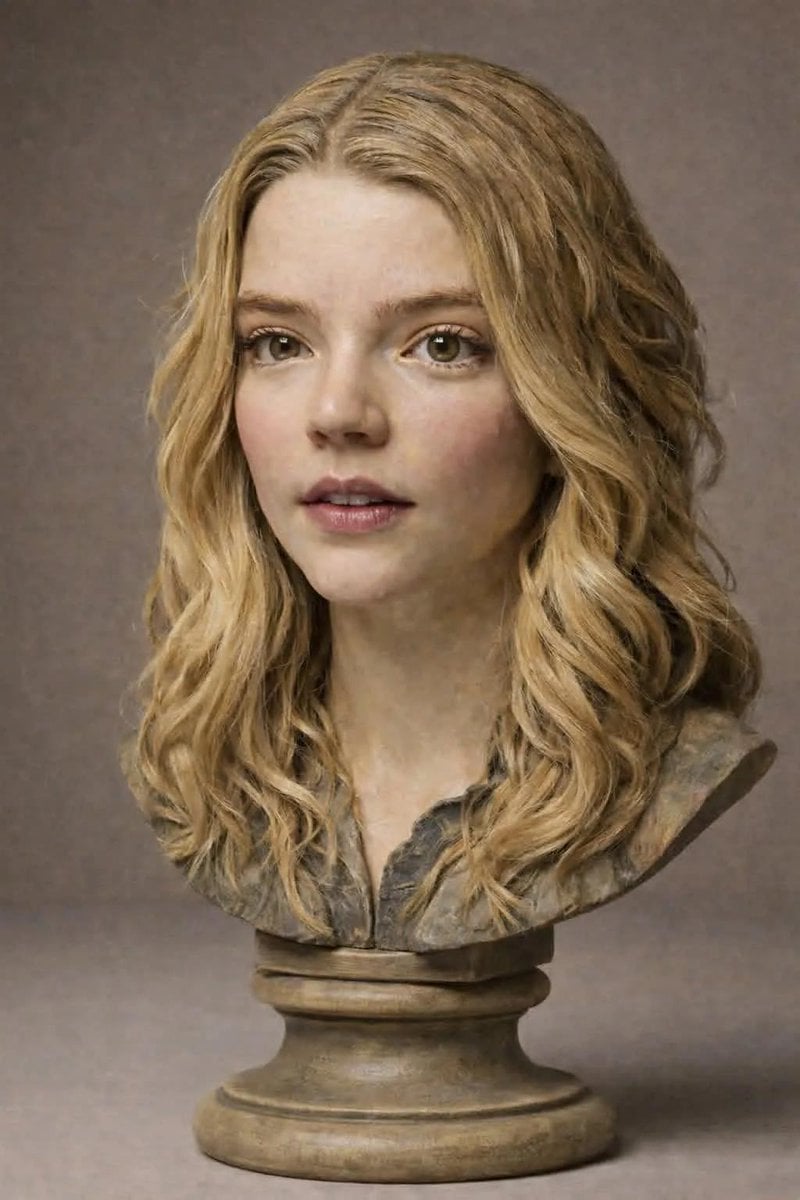
Polychrome Carved Wooden Sculpture Portrait
Image Inpainting/Filling Missing White Space
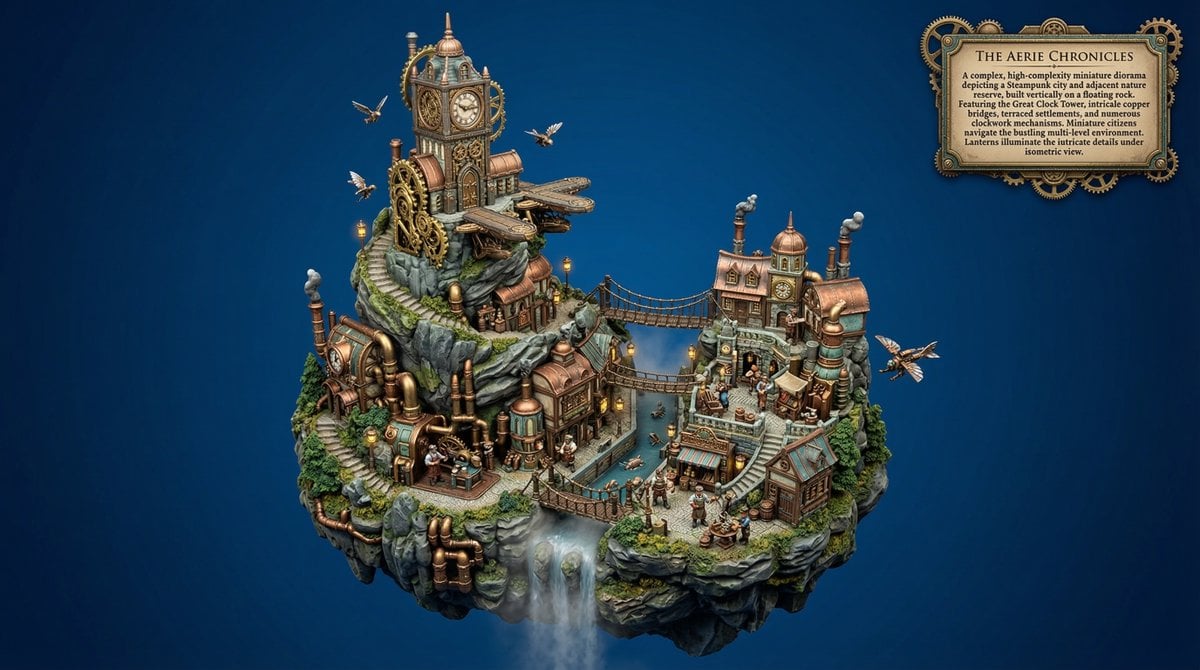
Procedural Whimsical Mono-Punk Floating Diorama Generator
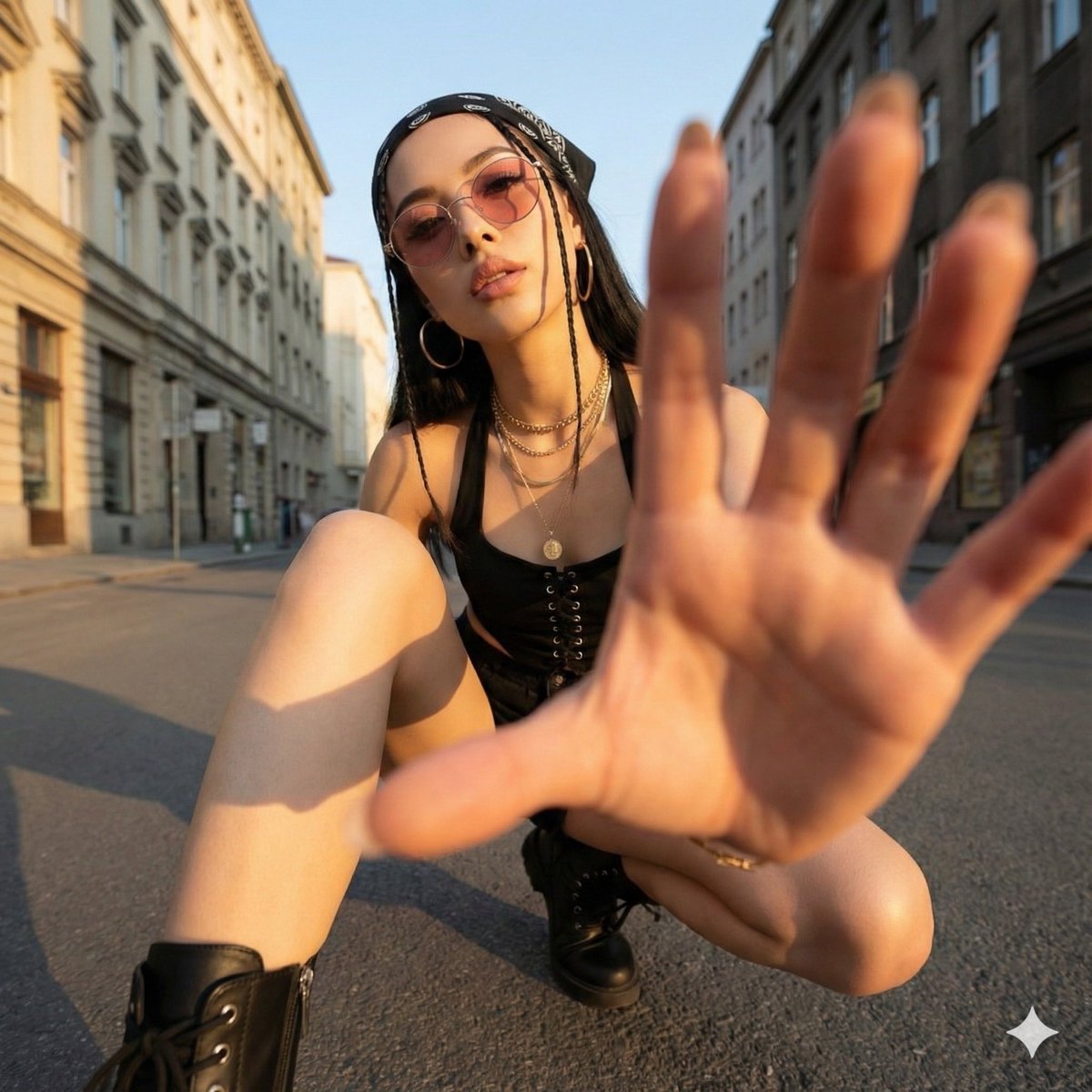
Ultra-Wide Angle Dynamic Pose Remake Prompt
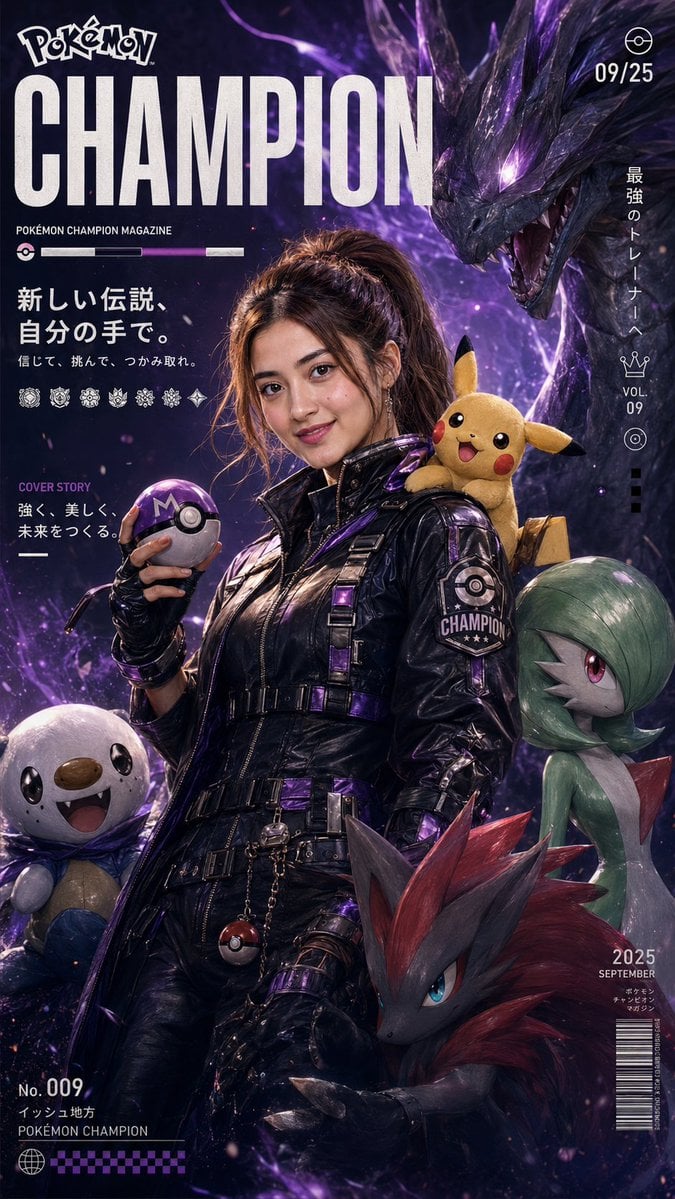
Pokemon Champion Magazine Cover
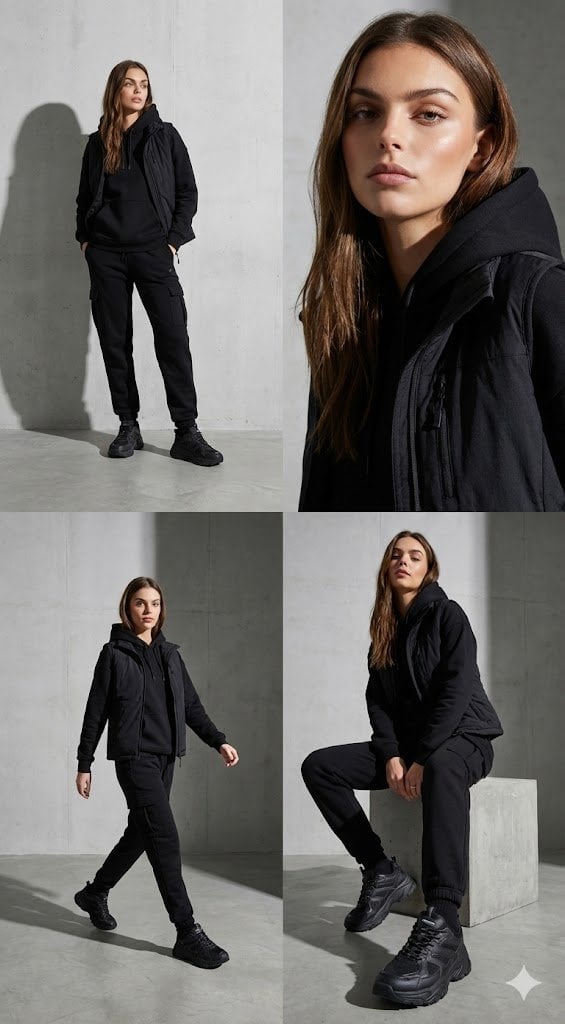
Four-Panel Streetwear Advertisement Grid
Featured in prompt roundups
Hand-picked collections that include this template.
Browse template categories
Ultra-Realistic Winter Street Photoshoot questions
How do I use the Ultra-Realistic Winter Street Photoshoot template?
Add your photo if the template asks for one, edit the prompt if you like — the template's model and format are already selected — and press Generate. Your version opens in PicX Studio.
Can I customize the Ultra-Realistic Winter Street Photoshoot template?
Yes. You can change the subject, setting, lighting, mood, format, and available model controls before creating your image.
Is the Ultra-Realistic Winter Street Photoshoot template free?
Opening and editing this template is free. Generating uses credits, shown on the Generate button when you are signed in.
Which AI model should I use?
Start with Nano Banana 2, which is the model associated with this template. You can compare another compatible model for a different finish.
Looking for something else? Browse all templates.

Your photo, any look
Thousands of ready templates for every top image and video model, from one credit balance.