
Cinematic low-key urban portrait prompt
A highly detailed, structured prompt for generating a cinematic, low-key medium close-up portrait of a masculine-presenting subject in an urban nighttime setting.
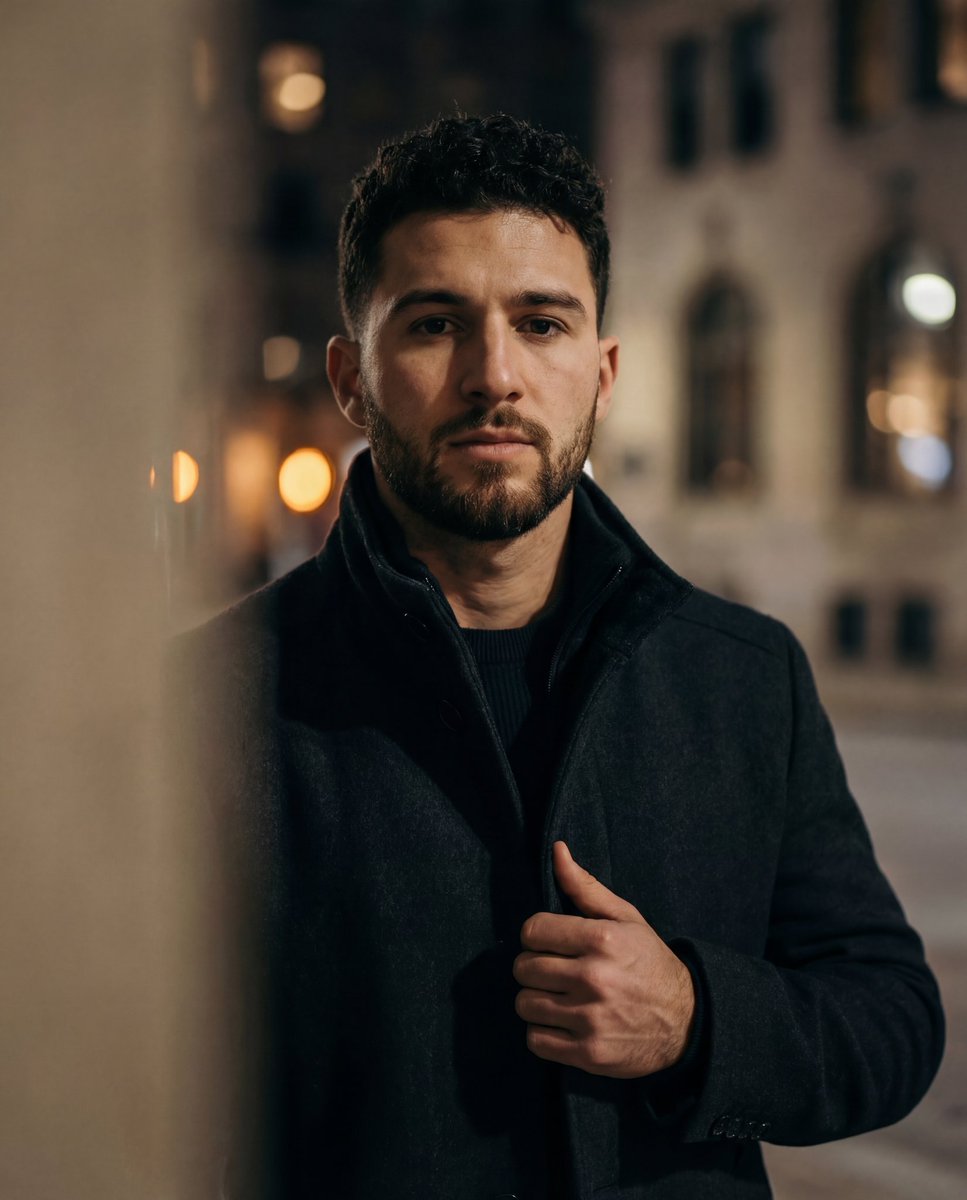
- Prompt included
- Model and format preset
- Premium template
The prompt behind this image
Copy the exact prompt behind Cinematic low-key urban portrait prompt, or open it in the studio and make it yours.
{ "composition": { "framing": "medium close-up portrait", "camera_angle": "eye-level with slight upward emphasis from subject stance", "pose": "standing, one hand gripping coat lapel, shoulders squared", "cropping": "head to mid-torso with strong vertical orientation", "depth_of_field": "shallow; subject isolated against heavily blurred foreground and background", "balance": "subject centered with asymmetrical foreground occlusion", "leading_elements": "foreground blur creates visual funnel toward subject’s face" }, "color_palette": { "dominant_colors": ["deep black", "charcoal gray", "warm skin tones"], "accent_colors": ["soft amber highlights"], "color_temperature": "neutral to slightly warm", "saturation": "low to moderate, subdued cinematic palette", "contrast": "medium-high with strong separation between subject and background" }, "lighting": { "type": "low-key artificial lighting", "direction": "soft frontal light with slight side bias", "quality": "diffused, cinematic", "shadows": "pronounced but controlled shadows along jawline and coat folds", "highlights": "subtle highlights on forehead, cheekbones, and beard" }, "subject": { "count": 1, "gender_presentation": "{argument name="gender presentation" default="masculine-presenting"}", "age_range": "young adult to early middle-aged", "facial_features": "strong jawline, full trimmed beard, straight nose", "expression": "serious, contemplative, focused", "hair": { "style": "short, neatly groomed", "color": "dark brown" }, "eyes": "focused forward, intense gaze", "clothing": { "outerwear": "dark heavy coat with high collar", "inner_layer": "dark shirt or sweater", "style_notes": "minimalist, functional, urban winterwear" } }, "environment": { "setting": "urban nighttime exterior or dimly lit transitional space", "background_elements": ["soft light orbs", "indistinct architectural surfaces"], "foreground_elements": ["blurred silhouette partially obscuring frame"], "ambience": "moody, quiet, introspective" }, "technical_traits": { "camera_type": "digital camera or high-end smartphone", "focal_length_equivalent": "short telephoto portrait range", "aperture_effect": "strong subject-background separation with creamy bokeh", "sharpness": "high facial sharpness with intentional softness elsewhere", "noise_grain": "slight grain consistent with low-light conditions", "aspect_ratio": "portrait orientation, approximately 2:3" }, "artistic_elements": { "style": "cinematic portrait photography", "mood": "introspective, dramatic, restrained", "aesthetic": "modern noir, understated masculinity", "influences": ["cinema stills", "editorial fashion portrait", "urban night photography"] }, "typography": { "presence": "none", "notes": "no readable text present" }, "background": { "focus_level": "very soft focus with heavy blur", "color_tones": "dark grays and blacks with faint warm highlights", "function": "adds depth and emotional tone without competing for attention" } }
How to use Cinematic low-key urban portrait prompt in 3 steps
- 1
Open
The prompt is already in the box next to the preview, with the template's model and format selected.
- 2…a portrait of your subject in softgolden-hour light, 85mm…
Personalize
Edit the subject and creative details for your destination.
- 3Generate
Generate
Press Generate — your image is created in PicX Studio, so you can compare it with the original and refine one variable at a time.
More like this
Templates with the same subject, style or setup. Open one to see its prompt.

Comparing Realism Keywords in Midjourney
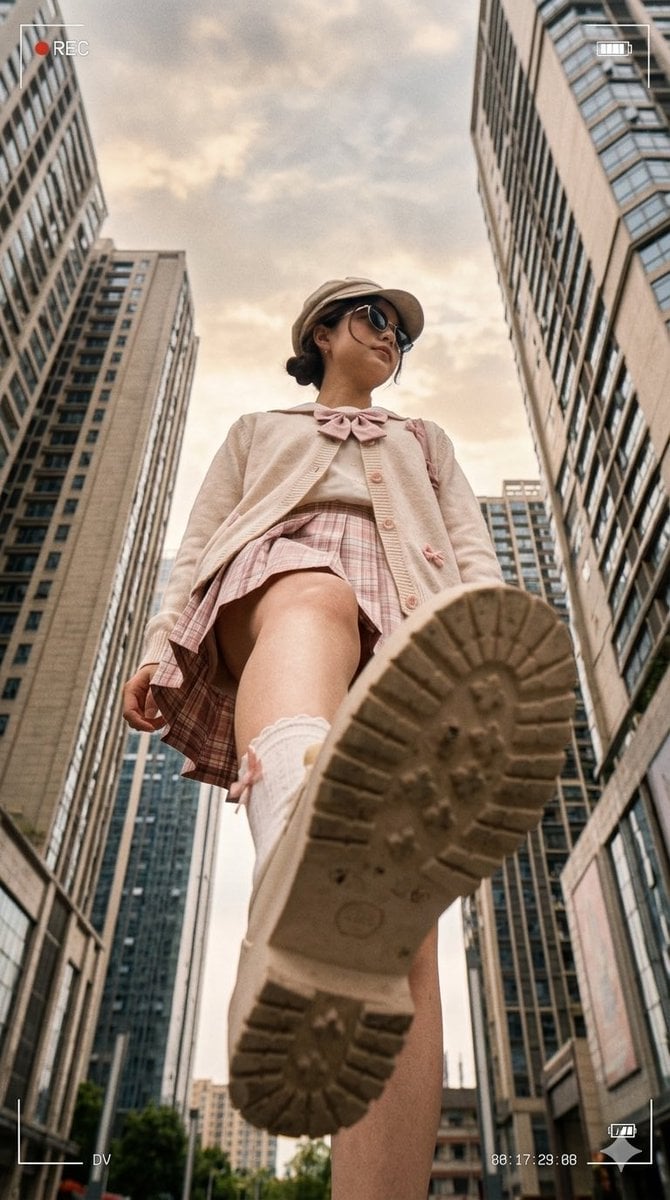
Low Angle Urban DV Style Portrait
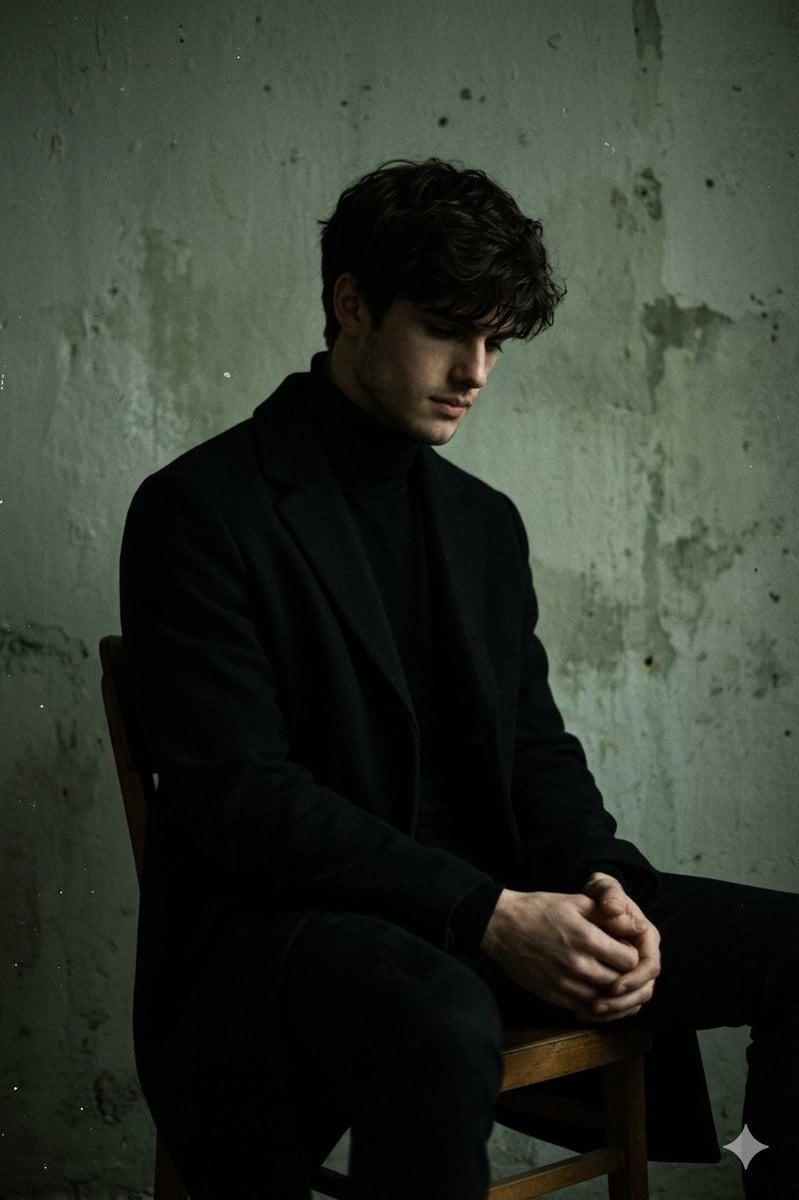
Moody Low-Key Male Portrait
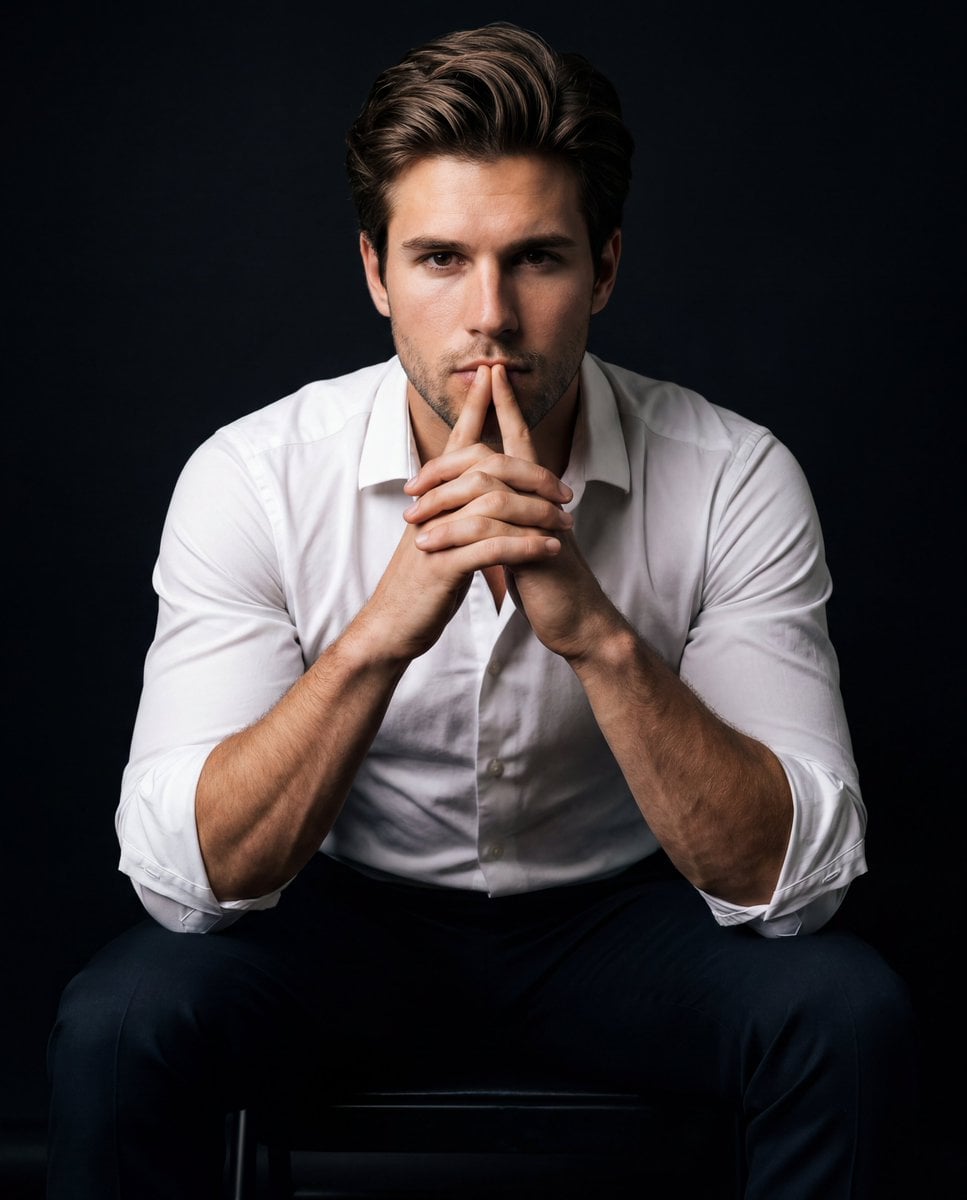
Intense Low-Key Studio Portrait
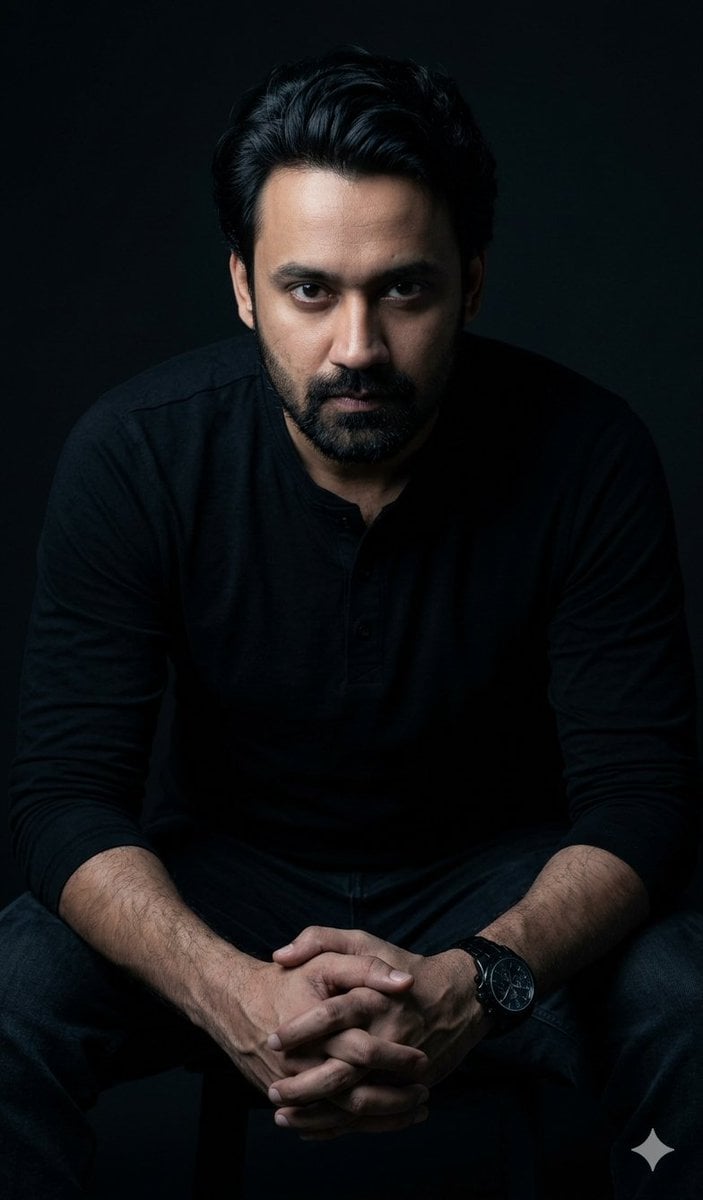
Powerful Studio Portrait with Low-Key Lighting
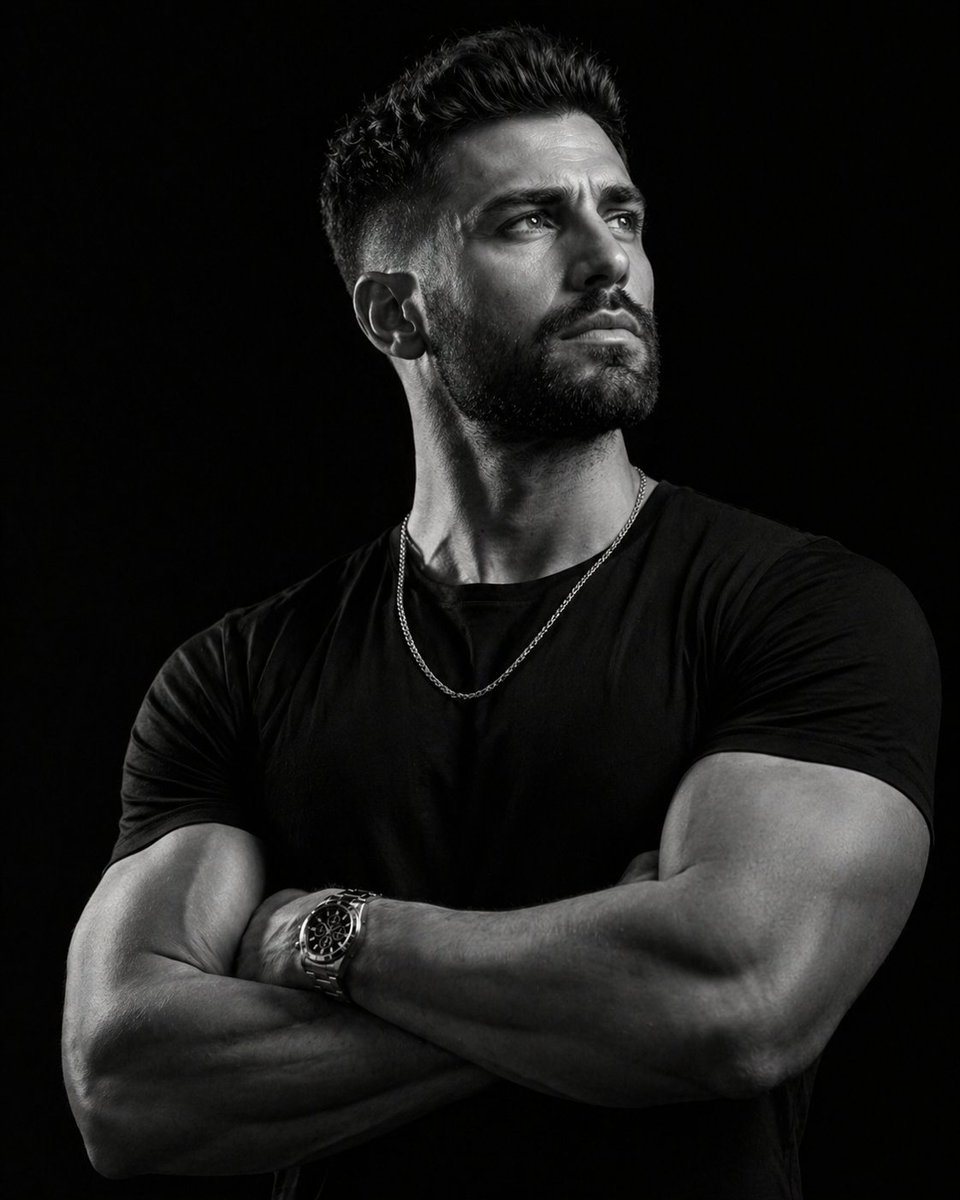
Low-key monochrome editorial portrait
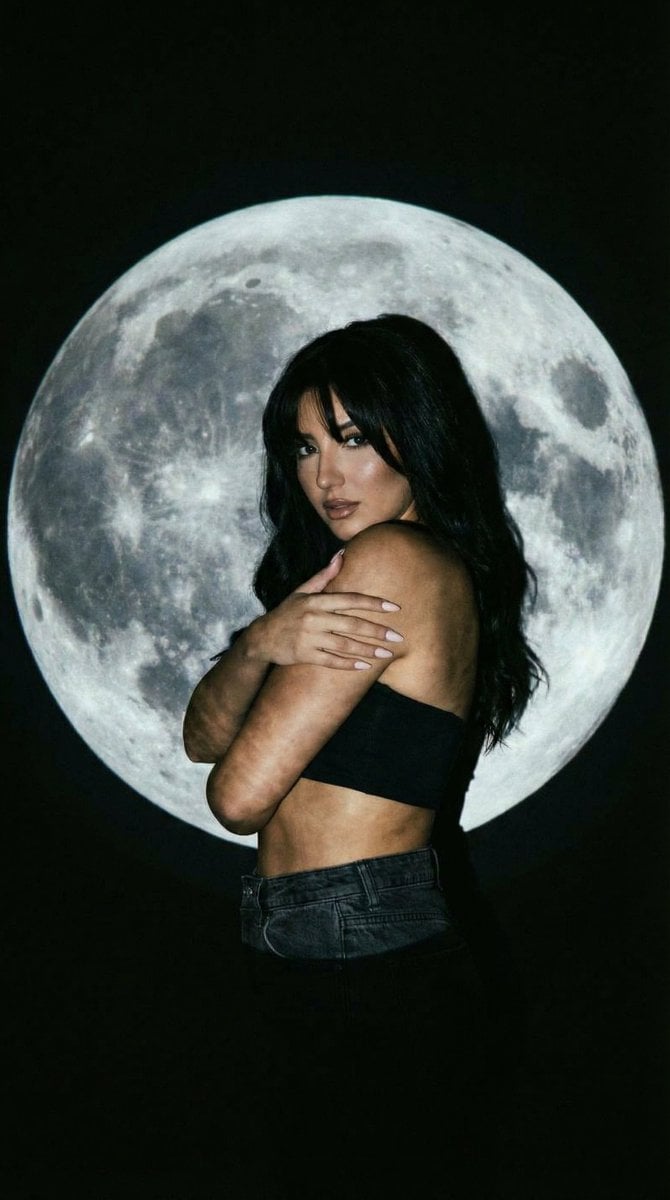
Low-Key Portrait with Moon Projection Silhouette
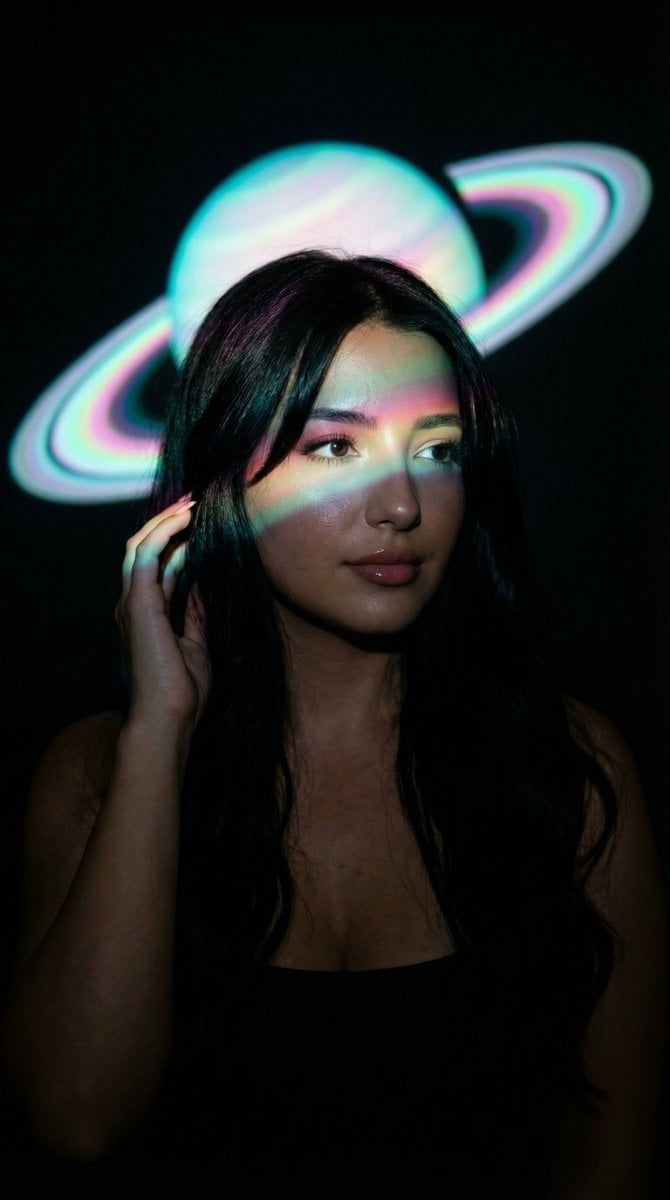
Low-Key Saturn Projection Portrait
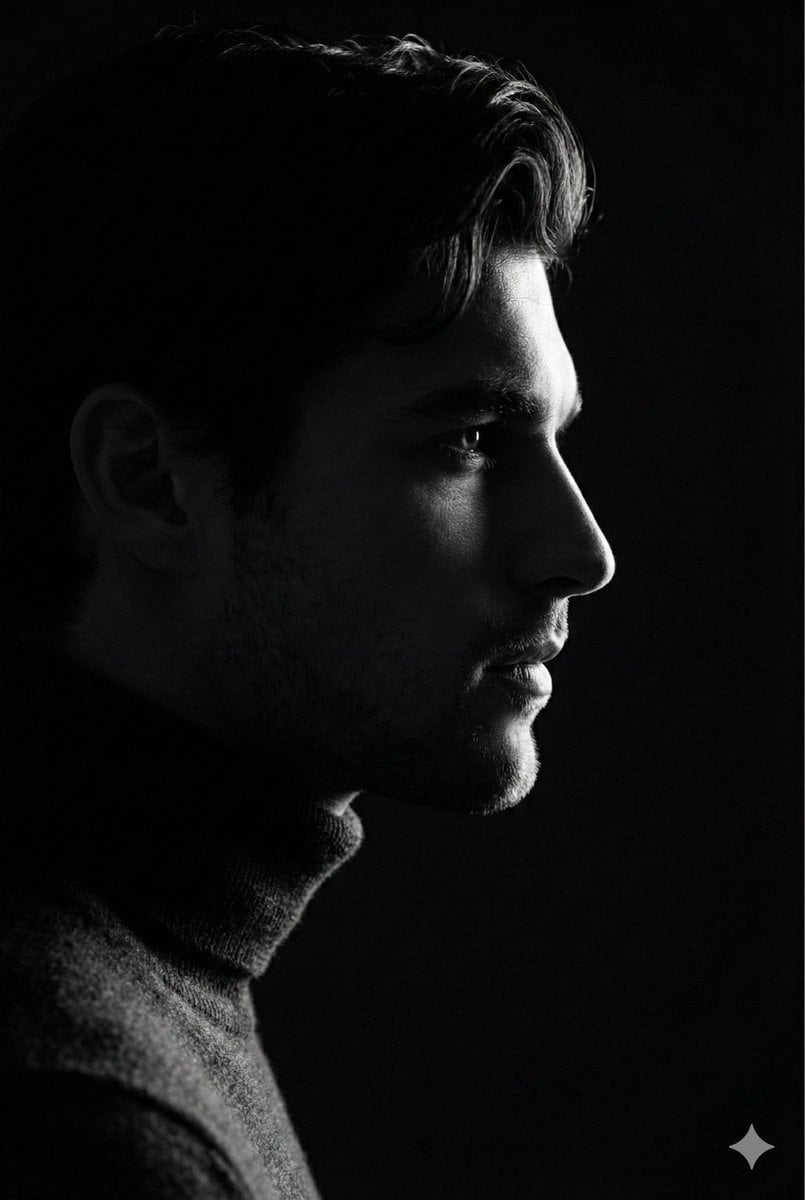
Low-Key Profile Portrait with Single Rim Light

Gpt2 Fisheye Sky Crouch Portrait

Found Photograph: Us, 1970

80s Couple Studio Portrait
Make it yours
Cinematic low-key urban portrait prompt works as-is. These are the safest ways to change it without losing the look.
Change one field
Copy a single group, rewrite it, and generate again so you can see what that field is doing.
Keep the frame, change the subject
Hold the composition and light of Cinematic low-key urban portrait prompt, then swap wardrobe, props or the person for a new take.
| If the result… | Why | Fix |
|---|---|---|
| The result drifts from the preview | Too many fields changed at once. | Reuse Cinematic low-key urban portrait prompt as-is first, then change one group — subject, light, or setting. |
| The model over-stylizes the scene | The prose prompt leaves finish and camera underspecified. | Add one camera or lighting sentence and stay on Nano Banana 2. |
More Nano Banana 2 templates
Other prompts made for Nano Banana 2.

Photorealistic Leaf Shaped Like a Dragon

K-Pop Idol Portrait Grid for Rapid Selection

Poetic Rain Forest Portrait During Golden Hour

Urban Street Portrait with Cartoon Inner Self Duo

Candid Nighttime Photo with Cat Prompt

High-Concept 3D Diorama Generation Prompt

Cinematic Futuristic Studio Portrait Template

Skincare Editorial Photography Collage Prompt

Hyper-Realistic Commercial Product Photography (Splash Effect)

Hyper-Realistic Nightclub Portrait Prompt
More image prompts
Fresh picks from across the catalog.
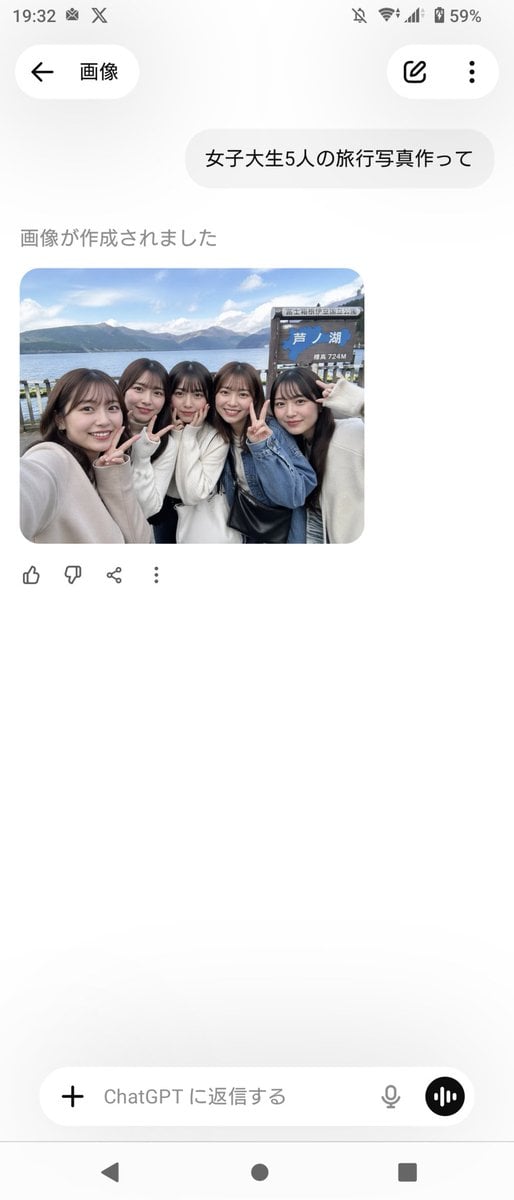
Realistic Friends Trip Selfie at Lake Ashi
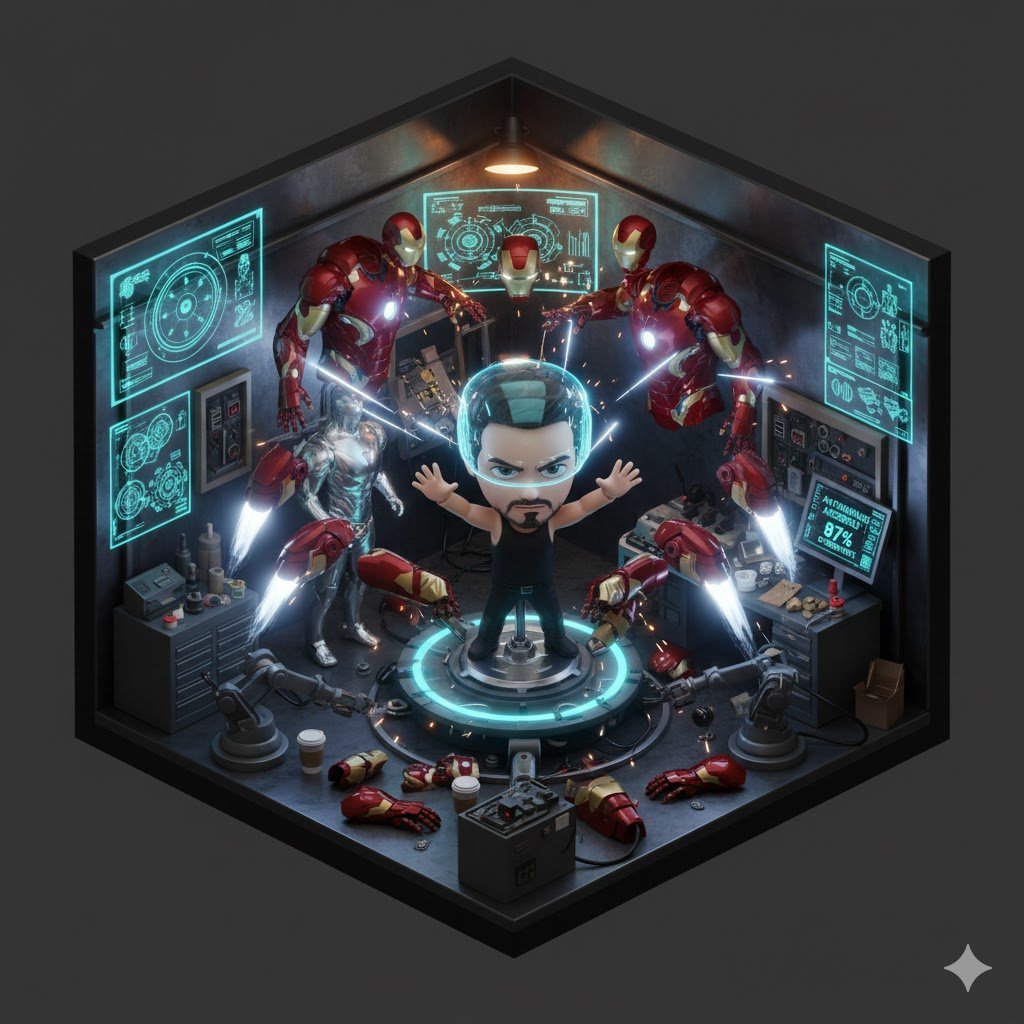
Isometric 3D Tony Stark Workshop Cube
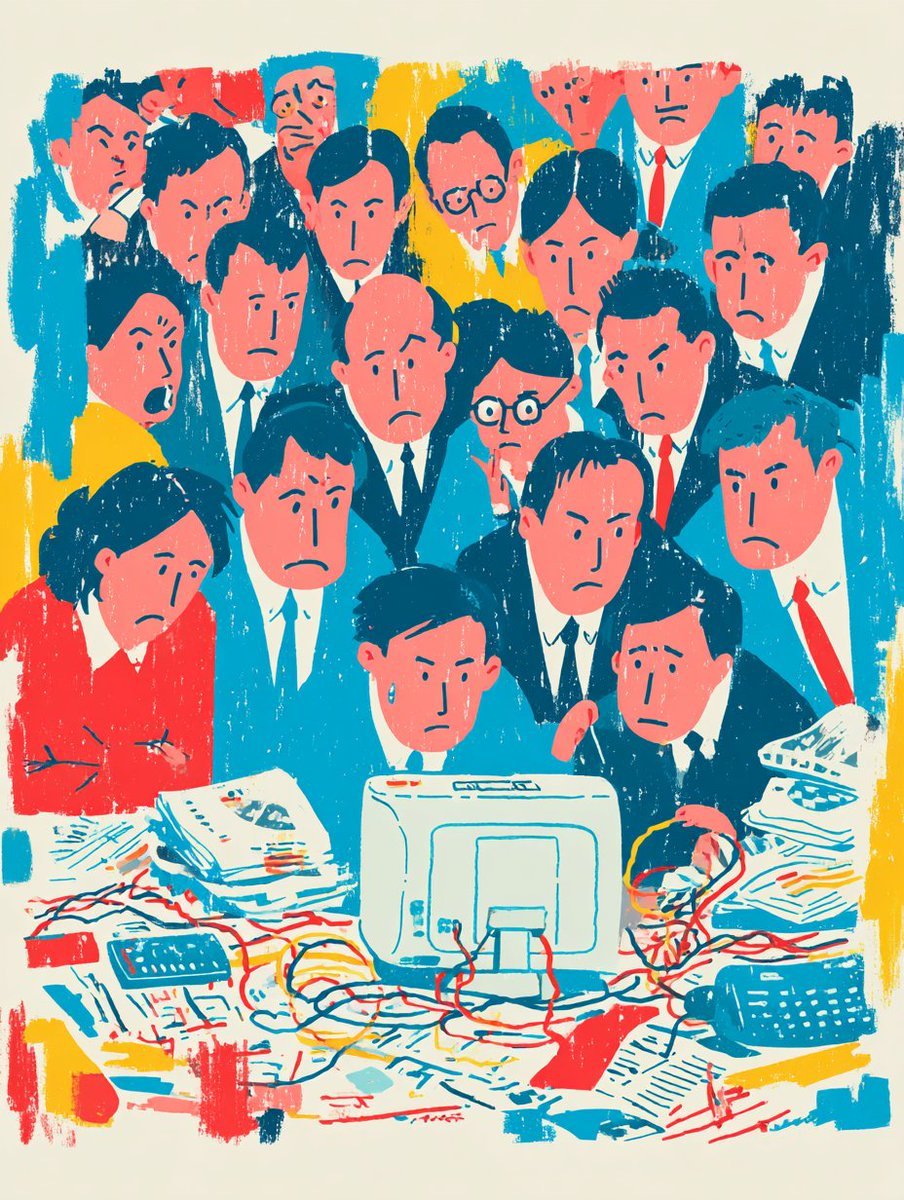
Recreate Image in Real World
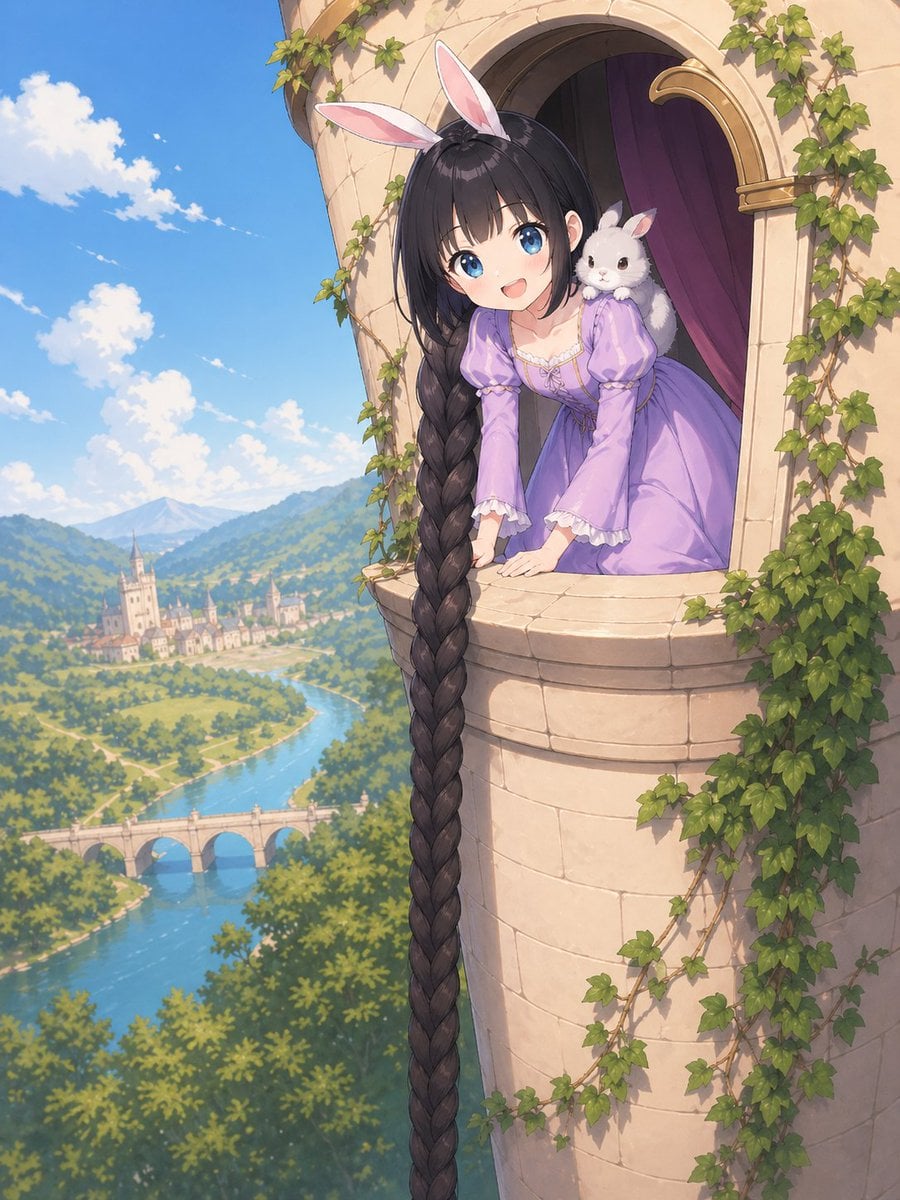
Anime Rapunzel Tower Scene
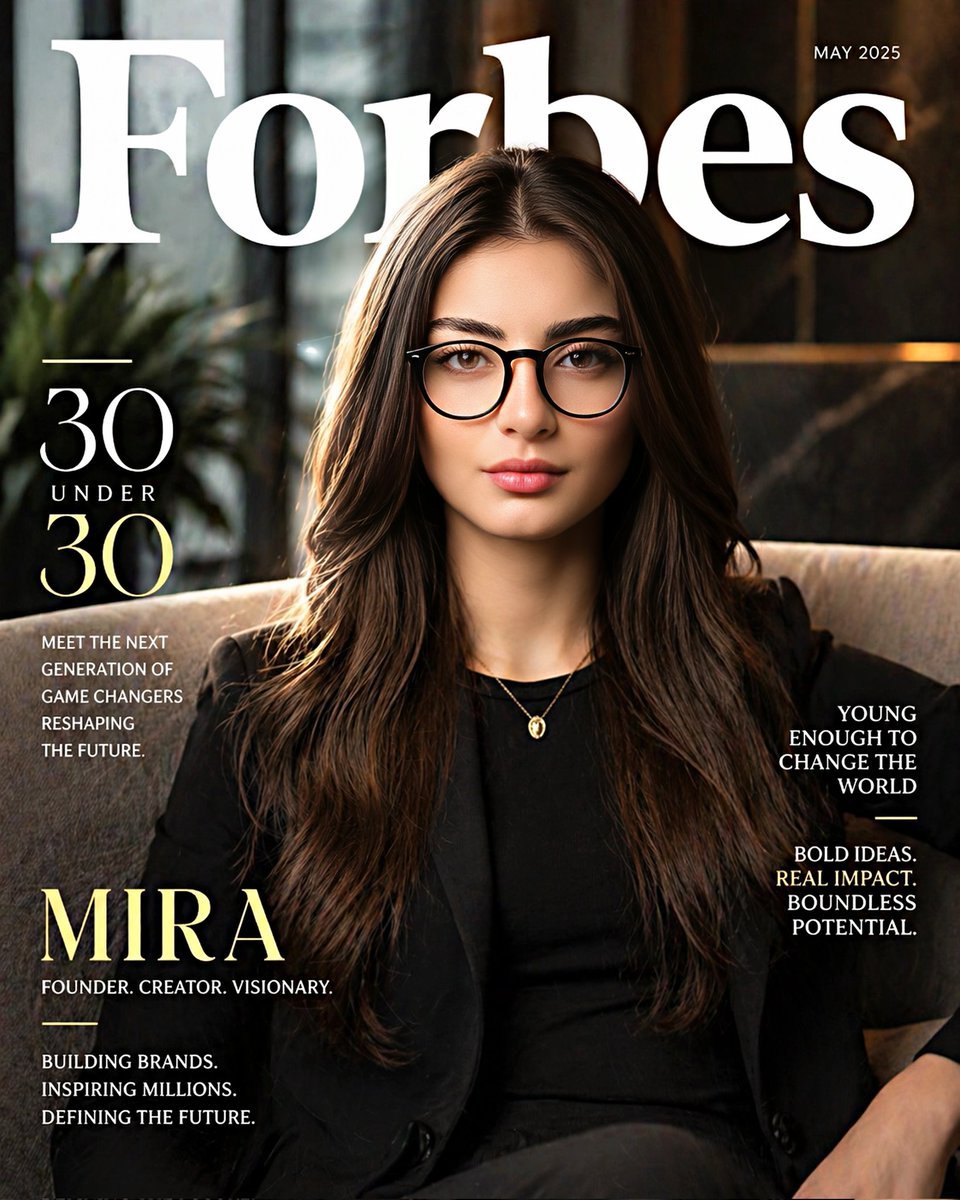
Forbes 30 Under 30 Magazine Style Portrait

Elegant Accessories Maximization Prompt for Nano Banana
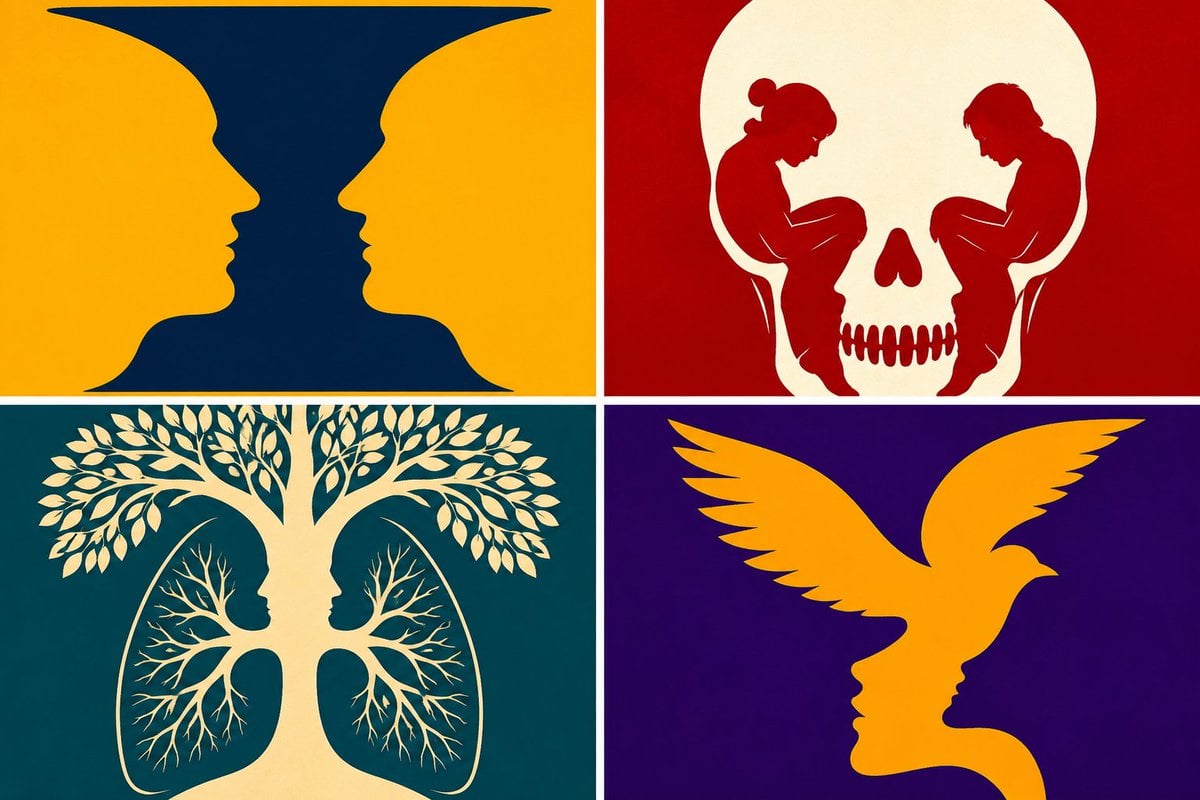
Parametric Optical Illusion Poster
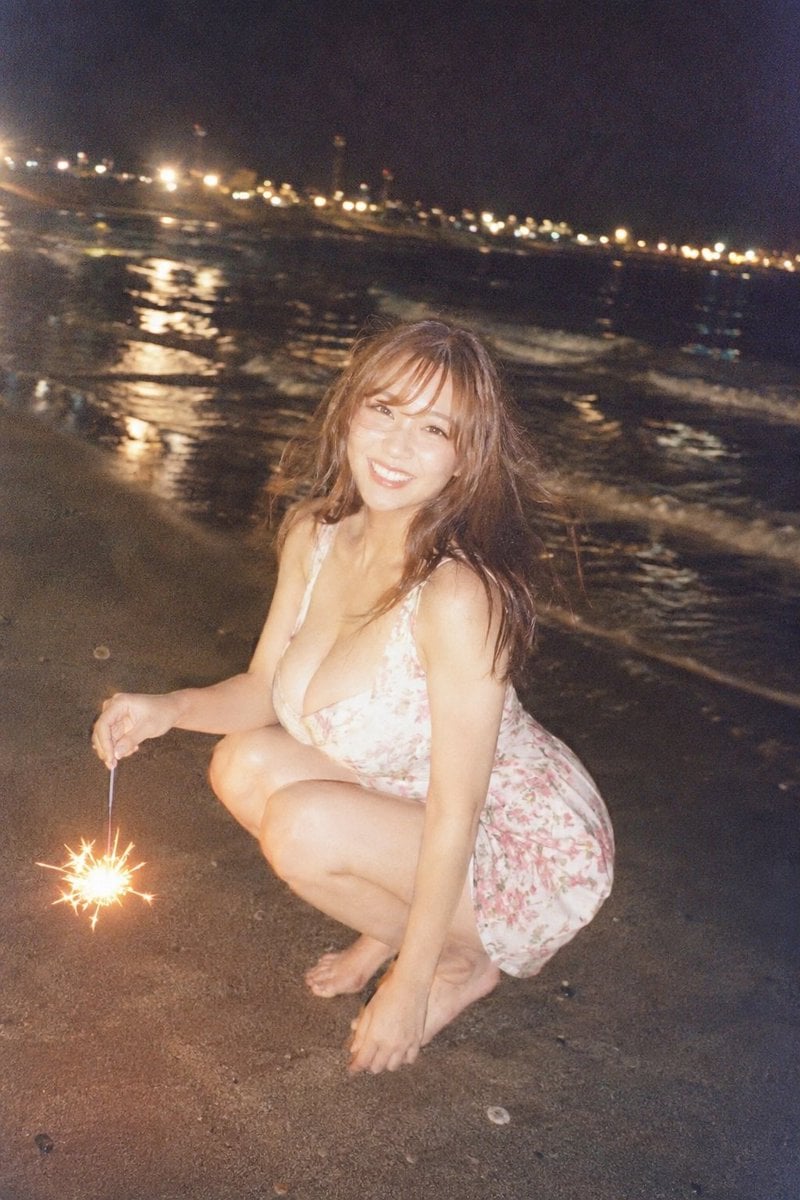
Night Beach Sparkler Snapshot
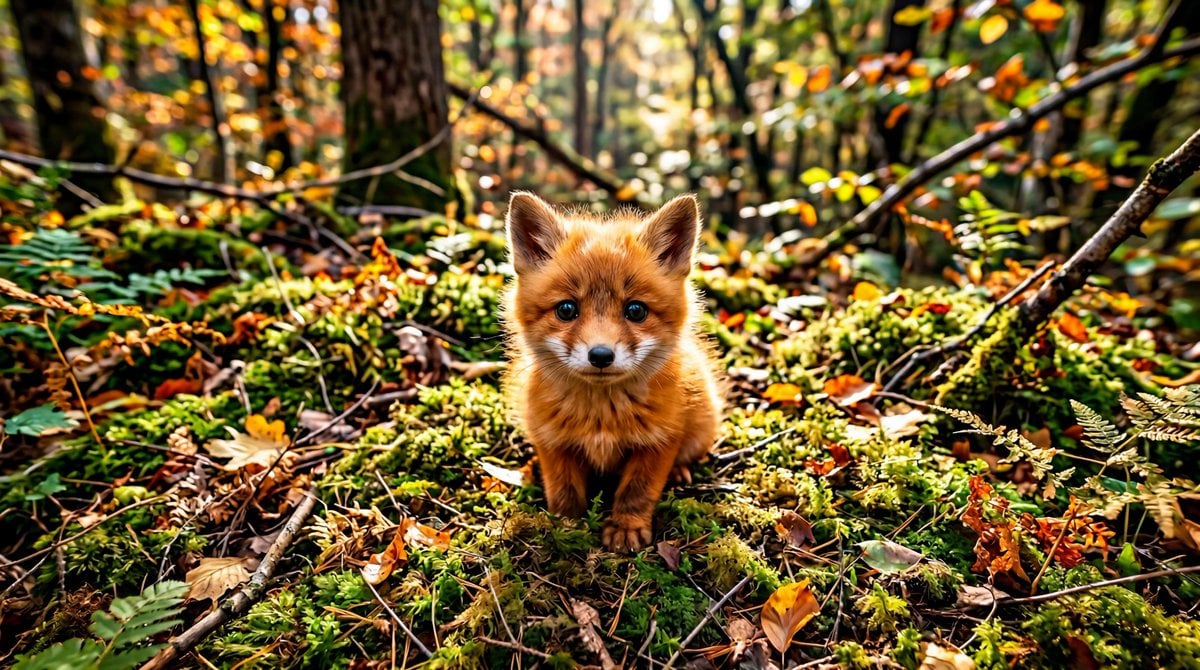
Adorable Baby Red Fox Kit Image Generation Prompt
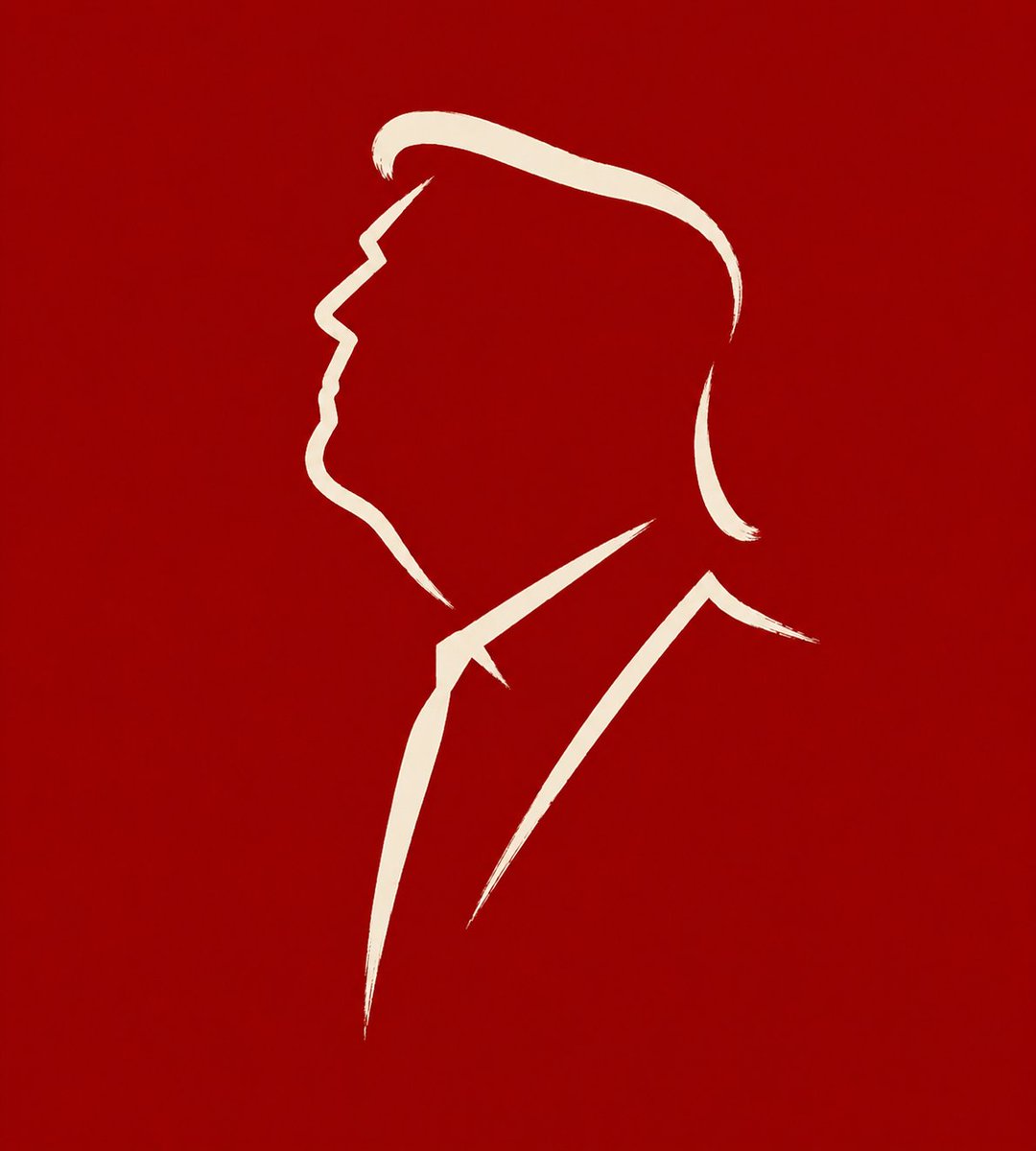
Minimalist Cave Painting Style Avatar
Browse template categories
Cinematic low-key urban portrait prompt questions
How do I use the Cinematic low-key urban portrait prompt template?
Add your photo if the template asks for one, edit the prompt if you like — the template's model and format are already selected — and press Generate. Your version opens in PicX Studio.
Can I customize the Cinematic low-key urban portrait prompt template?
Yes. You can change the subject, setting, lighting, mood, format, and available model controls before creating your image.
Is the Cinematic low-key urban portrait prompt template free?
Opening and editing this template is free. Generating uses credits, shown on the Generate button when you are signed in.
Which AI model should I use?
Start with Nano Banana 2, which is the model associated with this template. You can compare another compatible model for a different finish.
Looking for something else? Browse all templates.

Your photo, any look
Thousands of ready templates for every top image and video model, from one credit balance.