
Realistic Gym Mirror Selfie Prompt
A highly detailed JSON prompt for generating a photorealistic mirror selfie of a young woman in a gym or locker room, focusing on realistic anatomy, specific pose to accentuate curves, and the harsh, institutional…
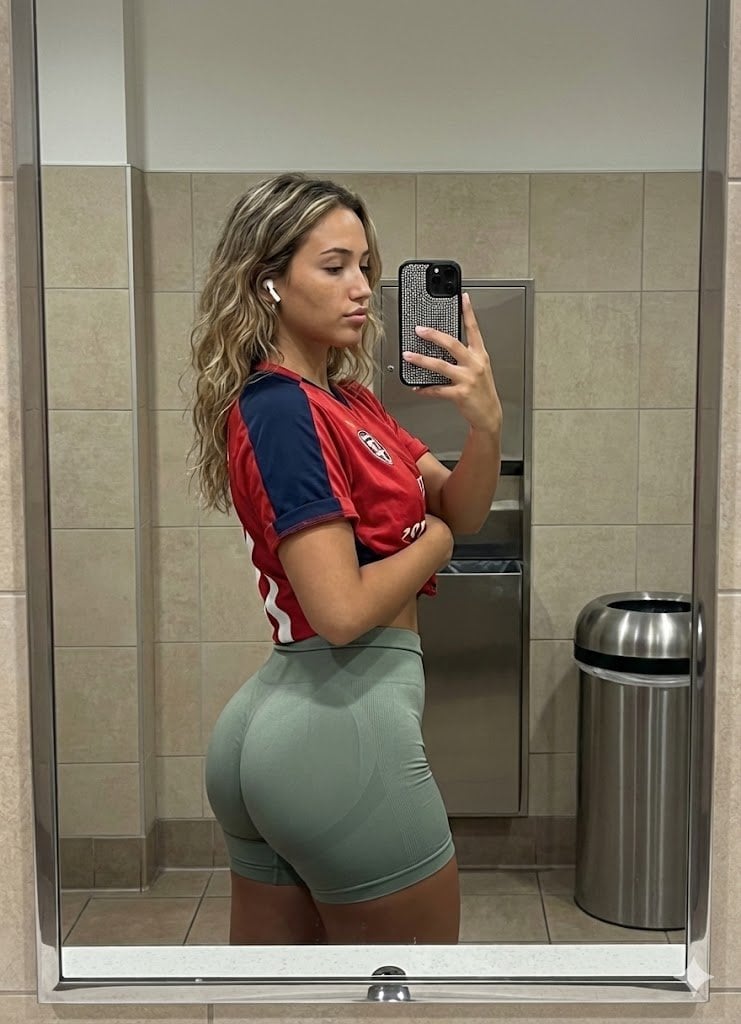
- Prompt included
- Model and format preset
- Free template
The prompt behind this image
Copy the exact prompt behind Realistic Gym Mirror Selfie Prompt, or open it in the studio and make it yours.
{ "subject": "Young woman with an athletic, curvy physique, approx 20 years old. She has light-to-medium tan skin and long, wavy, dirty-blonde to light-brown balayage hair falling past her shoulders. Facial features include defined eyebrows, neutral expression, and soft makeup. She is wearing white Apple AirPods in her ears. Her anatomy is realistic with a moderate, natural bust shape clearly visible under the jersey, a slim waist, and prominently curved, muscular glutes and thighs emphasized by the side-profile stance. The torso is turned slightly towards the mirror while the hips are angled to display the glute profile.", "pose": "Standing side profile facing viewer's right. The subject is capturing a mirror selfie. Her body weight is shifted back slightly to accentuate the glute curve (anterior pelvic tilt). Her head is turned slightly to the right to look at the phone screen/mirror. Her right arm is raised, holding a smartphone with a rhinestone-encrusted case to take the photo. Her left arm is bent across her midsection, with her hand resting gently on her stomach/waist area. Shoulders are relaxed but pulled back slightly.", "environment": "A public restroom or locker room setting with bright, institutional lighting. The background consists of a wall tiled with square, beige/tan ceramic tiles. Behind the subject, embedded in the wall, is a stainless steel paper towel dispenser or waste unit. To the right background, a cylindrical stainless steel trash can is visible. The image is framed by a silver/chrome mirror frame on the left and right edges, confirming the reflection context.", "camera": "Mirror selfie perspective. The shot is taken from eye level, capturing the subject's reflection in a large bathroom mirror. The phone (an iPhone with a large camera array) is visible in the subject's right hand, obscuring part of the reflection. The focal length is typical of a smartphone main camera (approx 24-26mm equivalent), creating a sharp foreground with deep depth of field where the background tiles remain relatively sharp.", "lighting": "Overhead artificial fluorescent lighting, typical of a bathroom. The light is diffuse but directional from above, creating soft shadows under the jawline, breasts, and glutes, enhancing the three-dimensional form of the body muscles. The lighting is neutral-white to slightly cool. There are highlights on the forehead, nose, shoulder, and the sleek fabric of the shorts.", "mood_and_expression": "Casual, confident, and focused. The expression is neutral and composed, typical of a gym progress check or outfit check. The mood is candid and grounded in reality.", "style_and_realism": "High-fidelity photorealism. The image must look exactly like a raw smartphone photograph taken in a mirror. Texture details include the knit pattern of the seamless shorts, the fabric weave of the jersey, the rhinestones on the phone case, and natural skin texture with subtle "
How to use Realistic Gym Mirror Selfie Prompt in 3 steps
- 1Upload ImagePNG, JPG or paste
Add your photo
Upload the photo the template builds on. The prompt, model and format are already set.
- 2…a portrait of your subject in softgolden-hour light, 85mm…
Personalize
Edit the subject and creative details for your destination.
- 3Generate
Generate
Press Generate — your image is created in PicX Studio, so you can compare it with the original and refine one variable at a time.
More like this
Templates with the same subject, style or setup. Open one to see its prompt.

Rooftop Fisheye — Cat-Ear Balaclava at Golden Hour

Felt & Knit 3D Character — Photo-Exact Face, Pixar-Quality Plush Figurine

Eid al-Adha Cute Chaos — Fisheye Selfie with Farm Selfie, Mosque & Animals

Cat Photobomb Selfie — 0.5x Wide Angle Café Chaos

Gen Z Triple Selfie Collage — Y2K Flash Photography

Surreal Cat Astronaut — Humanoid Face Freefall

Nano Banana Grwm Mirror Selfie Pink
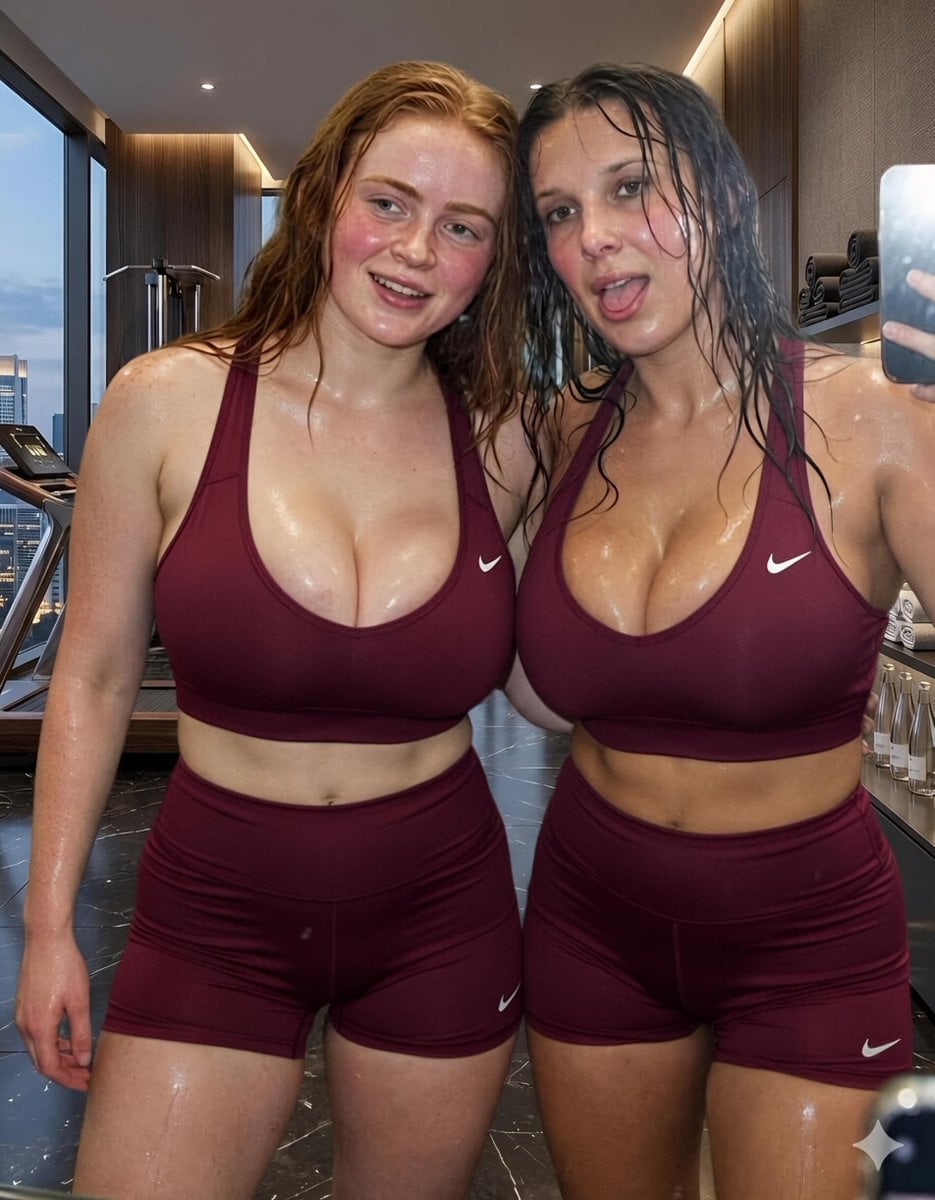
Modern Luxury Gym Mirror Selfie
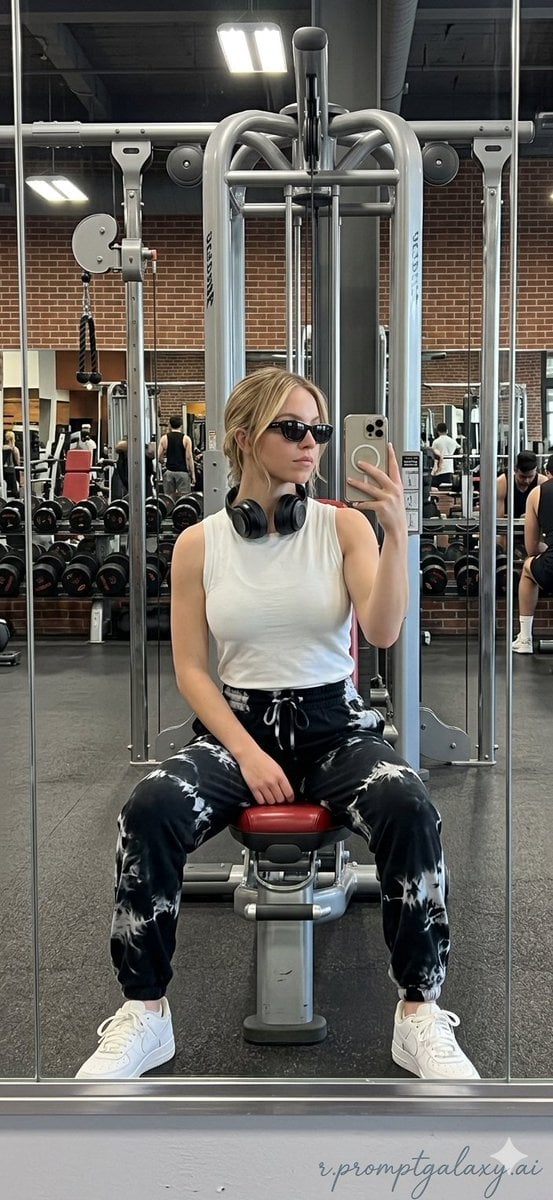
Realistic Gym Mirror Selfie
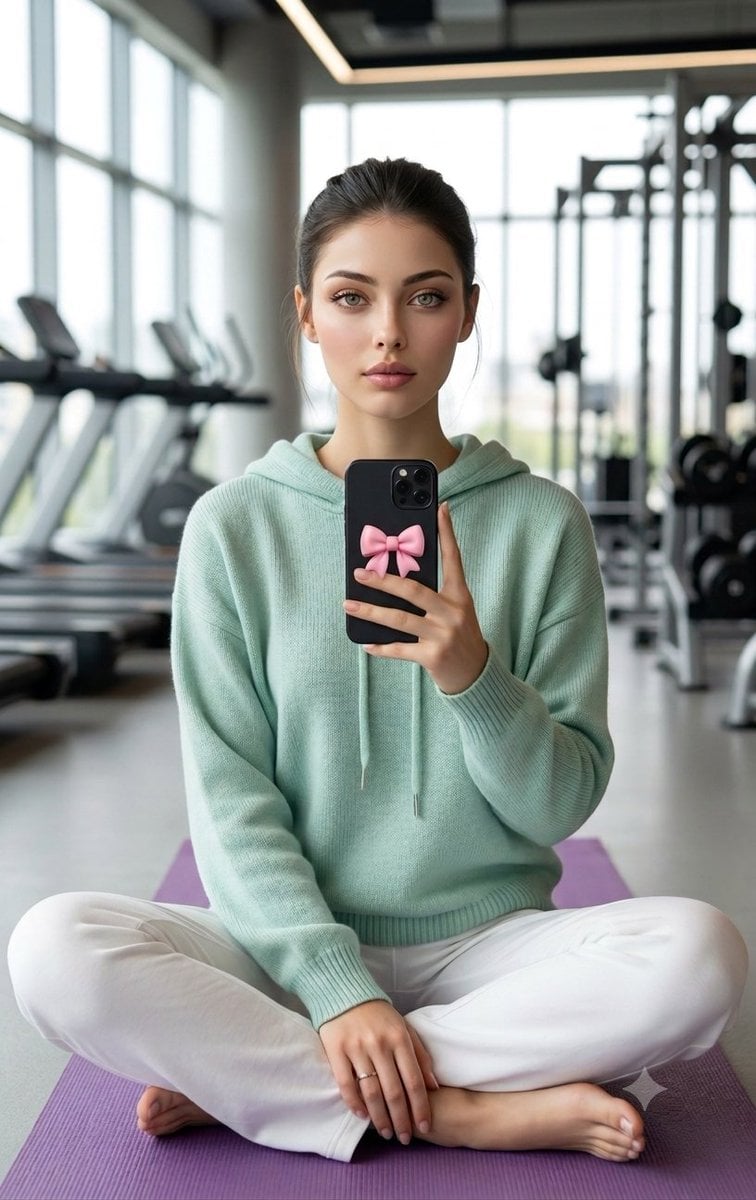
Professional Gym Mirror Selfie Portrait
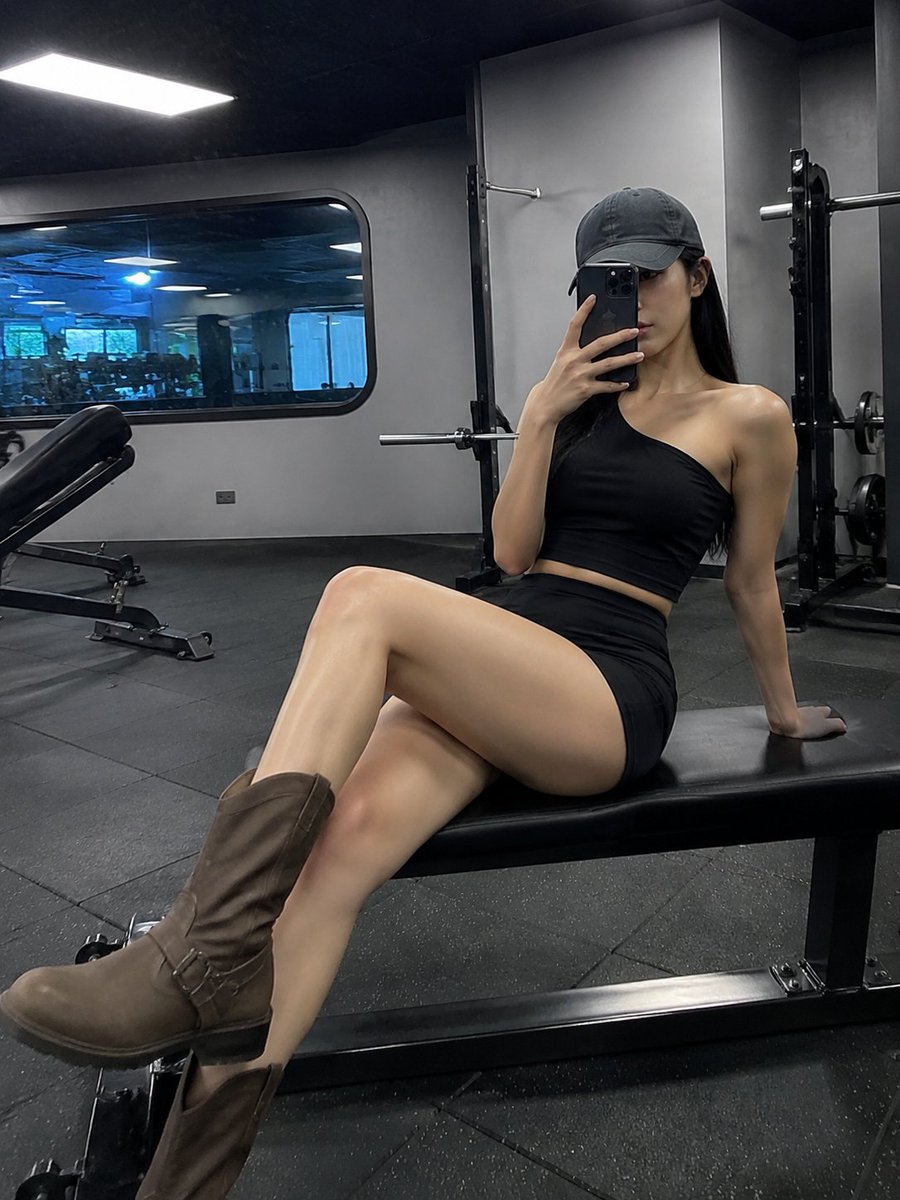
Realistic Gym Mirror Selfie
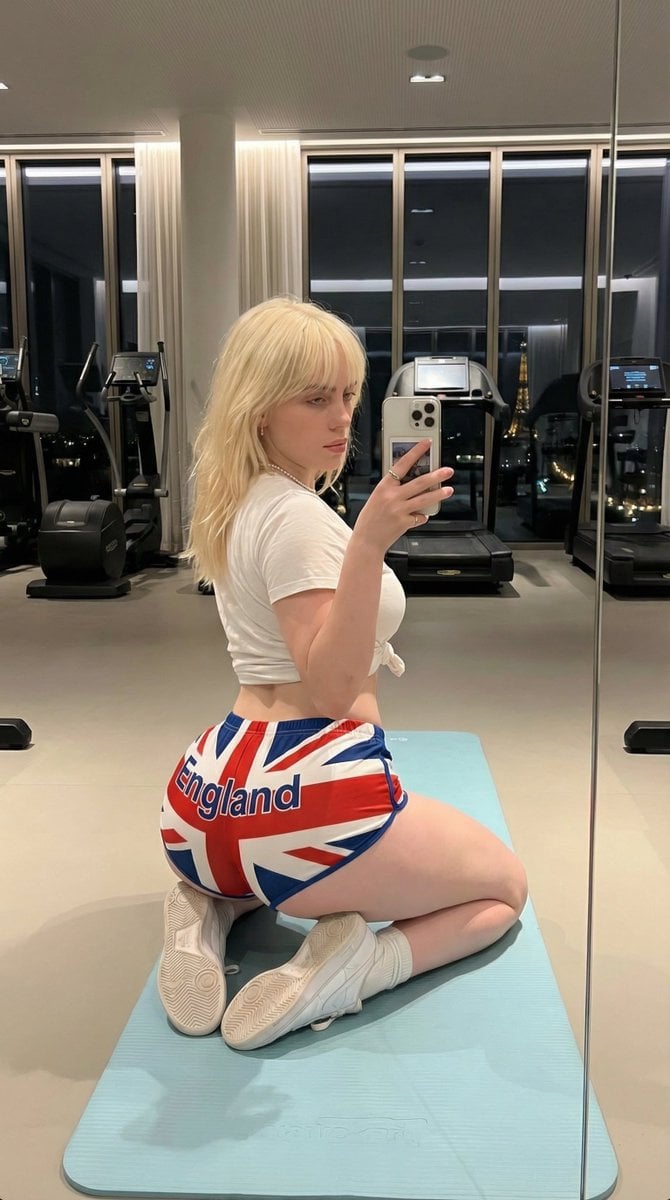
Exaggerated Physique Gym Mirror Selfie Prompt (Spain Theme)
Make it yours
Realistic Gym Mirror Selfie Prompt works as-is. These are the safest ways to change it without losing the look.
Change one field
Copy a single group, rewrite it, and generate again so you can see what that field is doing.
Keep the frame, change the subject
Hold the composition and light of Realistic Gym Mirror Selfie Prompt, then swap wardrobe, props or the person for a new take.
| If the result… | Why | Fix |
|---|---|---|
| The result drifts from the preview | Too many fields changed at once. | Reuse Realistic Gym Mirror Selfie Prompt as-is first, then change one group — subject, light, or setting. |
| The model over-stylizes the scene | The prose prompt leaves finish and camera underspecified. | Add one camera or lighting sentence and stay on Nano Banana 2. |
More Nano Banana 2 templates
Other prompts made for Nano Banana 2.

Photorealistic Leaf Shaped Like a Dragon

K-Pop Idol Portrait Grid for Rapid Selection

Poetic Rain Forest Portrait During Golden Hour

Urban Street Portrait with Cartoon Inner Self Duo

Candid Nighttime Photo with Cat Prompt

High-Concept 3D Diorama Generation Prompt

Cinematic Futuristic Studio Portrait Template

Skincare Editorial Photography Collage Prompt

Hyper-Realistic Commercial Product Photography (Splash Effect)

Hyper-Realistic Nightclub Portrait Prompt
More image prompts
Fresh picks from across the catalog.

HD Photo Restoration Prompt
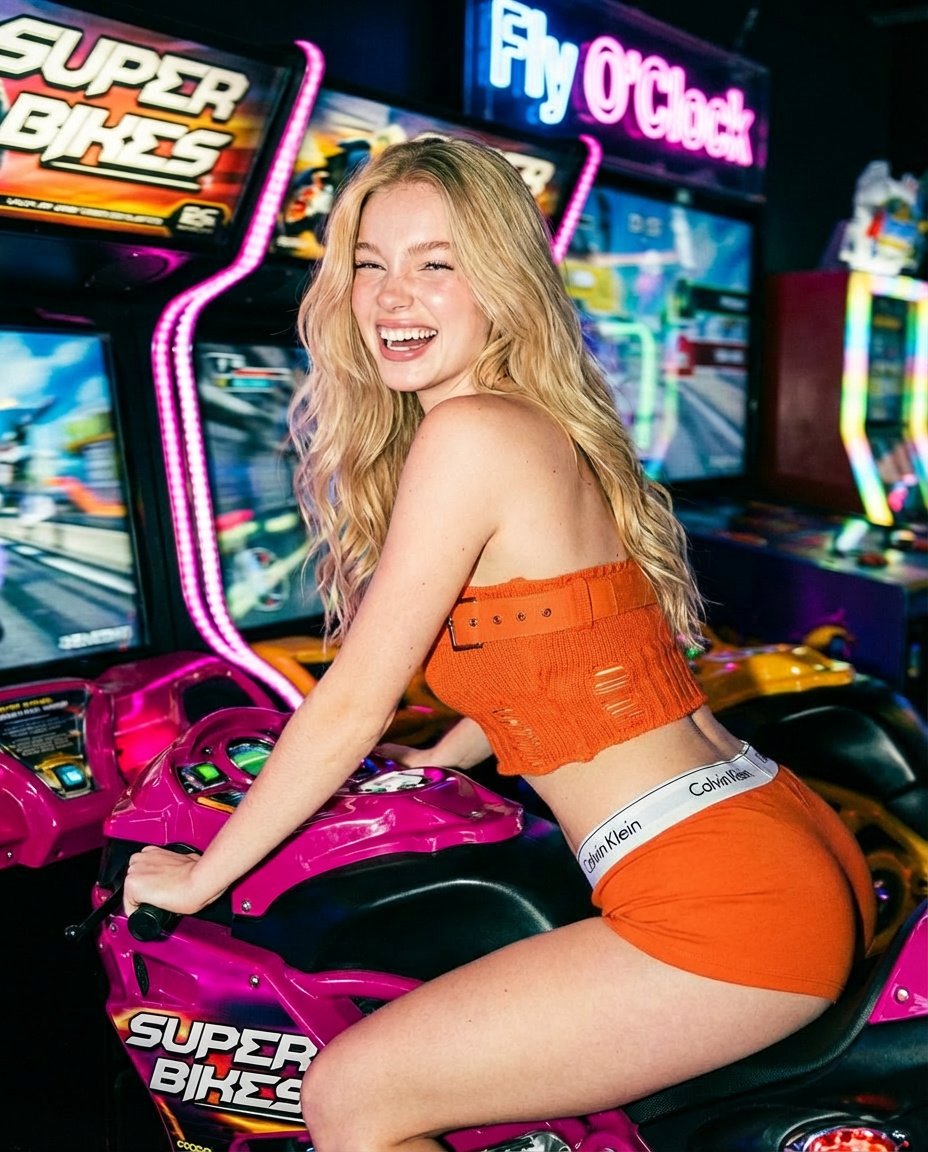
Photorealistic Arcade Motorcycle Game Portrait Prompt
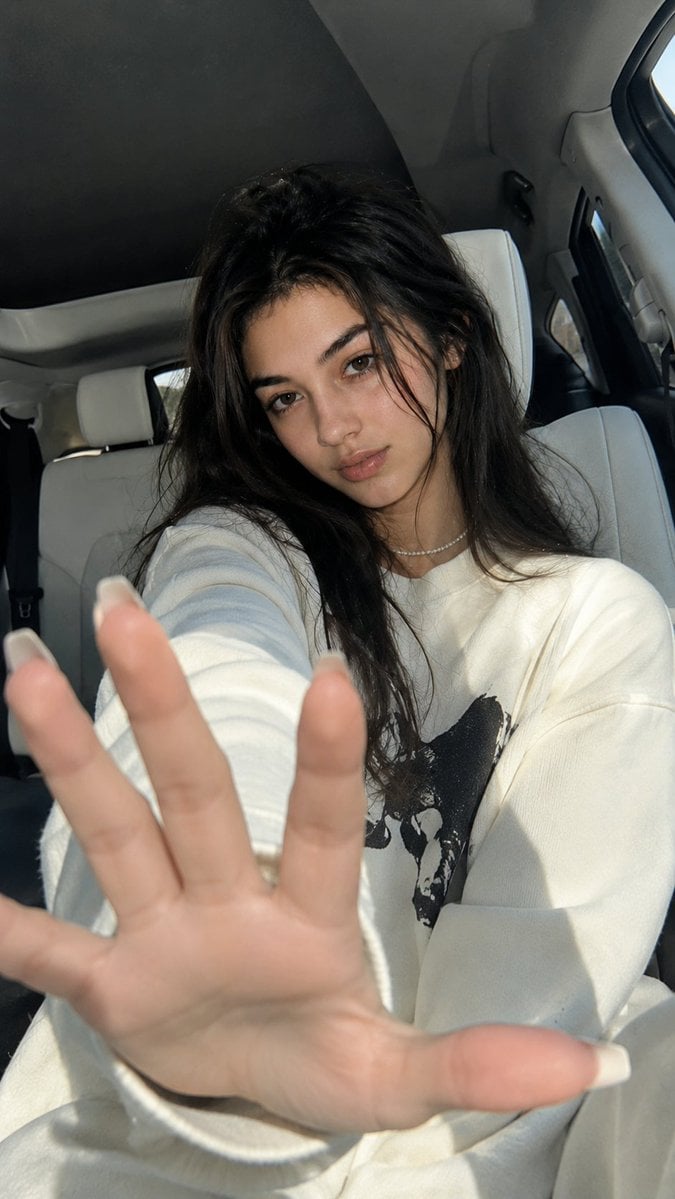
Korean Luxury Car Portrait

Anime Double-Exposure Poster
Tiny Clay World Diorama Generator
Studio Fashion Portrait with High Contrast
8K Studio Fashion Portrait in Red Jumpsuit
Anatomy Visualization Prompt Template (Great White Shark Example)

K-Pop Style Food Ad with Doodles
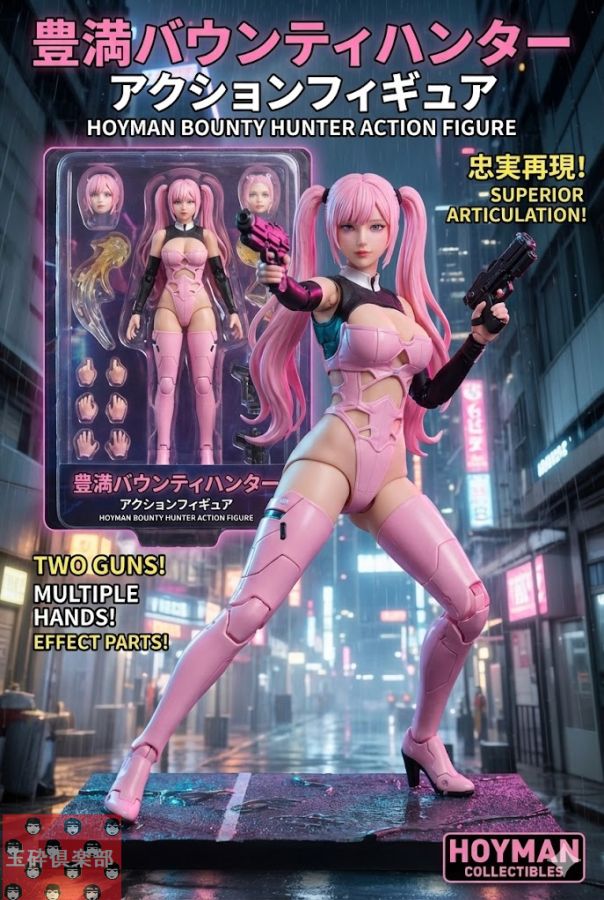
Action Figure Product Advertisement Image
Browse template categories
Realistic Gym Mirror Selfie Prompt questions
How do I use the Realistic Gym Mirror Selfie Prompt template?
Add your photo if the template asks for one, edit the prompt if you like — the template's model and format are already selected — and press Generate. Your version opens in PicX Studio.
Can I customize the Realistic Gym Mirror Selfie Prompt template?
Yes. You can change the subject, setting, lighting, mood, format, and available model controls before creating your image.
Is the Realistic Gym Mirror Selfie Prompt template free?
Opening and editing this template is free. Generating uses credits, shown on the Generate button when you are signed in.
Which AI model should I use?
Start with Nano Banana 2, which is the model associated with this template. You can compare another compatible model for a different finish.
Looking for something else? Browse all templates.

Your photo, any look
Thousands of ready templates for every top image and video model, from one credit balance.