
Morning Flower Garden Portrait
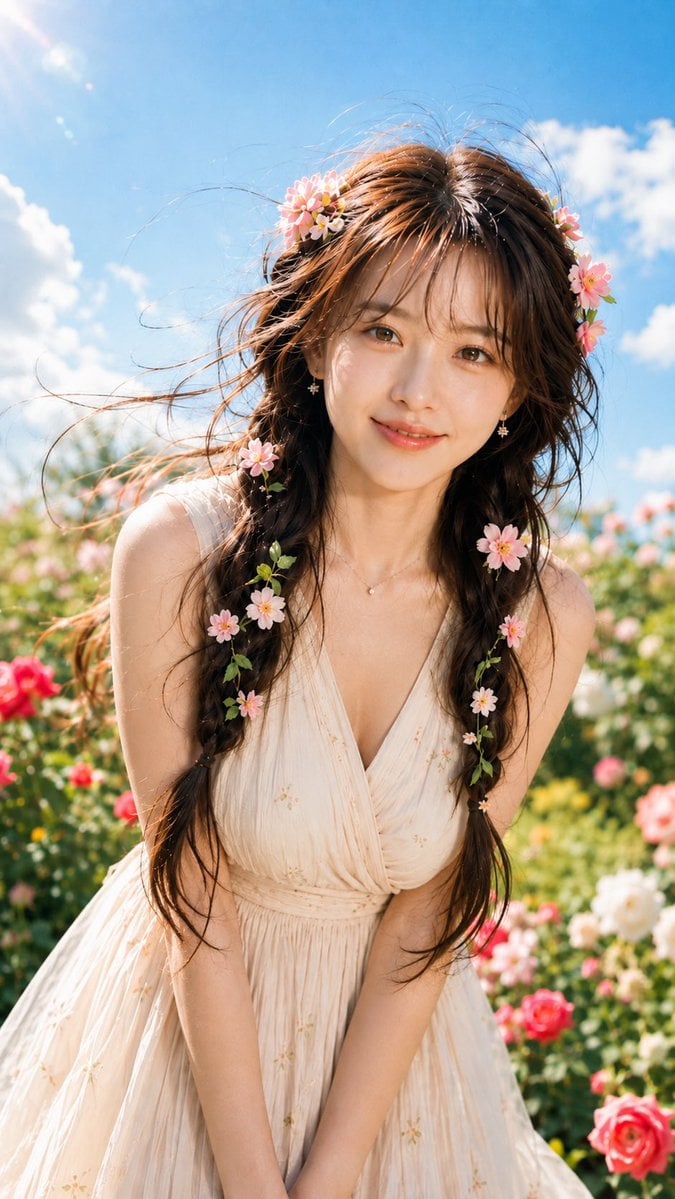
A beautiful portrait of a Japanese woman in a morning flower garden, utilizing an 85mm lens effect to create a soft, shallow depth of field with realistic skin details.
- Prompt included
- Model and format preset
- Free template
The prompt behind this image
Copy the exact prompt behind Morning Flower Garden Portrait, or open it in the studio and make it yours.
主題:{argument name="主題" default="朝の花"} 人物・表情:20歳の日本人女性、やや小ぶりで自然な卵型の輪郭、柔らかな日系の顔立ち、透明感のある肌、毛穴や細かな肌理まで見えるリアルな素肌感、ブラウン系のナチュラルメイク、淡い血色感のある頬、自然な艶のある唇、明るくやさしい微笑み、自然なカメラ目線 服装・ポーズ:淡いアイボリーのVネックワンピース、軽やかな日系テイストの柔らかな素材、小花のさりげない装飾、胸元の位置が自然でバランスの良い上半身ライン、華奢なネックレスと小さなイヤリング、ロングヘアをゆるい三つ編みにし、髪に淡いピンクの花を編み込む、少し前かがみで両手を前に添えた可憐なポーズ 背景・光:朝の花畑、色とりどりの花が咲く庭、抜けるような青空と白い雲、明るく爽やかな朝日、髪を揺らすやさしい風、陽光に包まれた生き生きとした空気感 構図・カメラ:9:16の縦構図、上半身中心のポートレート、被写体を中央に配置、85mm portrait lens、f1.8、浅い被写界深度、顔にしっかりピント、背景は大きく柔らかくぼかす、自然な撮影感のある写真表現 質感・スタイル:4K高精細、リアルな写真質感、毛穴まで見える自然な肌描写、髪の繊細なディテール、日式フィルム風、やわらかな発色、明るい朝の空気を感じる透明感、爽やかで上品な日系ポートレート ネガティブ:低画質、不自然な顔、不自然な胸の位置、崩れた体型、余分な指、不自然な手、過度な美肌補正、強すぎる加工、文字、ロゴ、透かし
How to use Morning Flower Garden Portrait in 3 steps
- 1
Open
The prompt is already in the box next to the preview, with the template's model and format selected.
- 2…a portrait of your subject in softgolden-hour light, 85mm…
Personalize
Edit the subject and creative details for your destination.
- 3Generate
Generate
Press Generate — your image is created in PicX Studio, so you can compare it with the original and refine one variable at a time.
More like this
Templates with the same subject, style or setup. Open one to see its prompt.

Found Photograph: Us, 1970

80s Couple Studio Portrait

80s Bollywood Star

80s Golden Hour Cinema

Me in 1985

1985 Studio Portrait

Hyper-Realistic Minecraft POV Portrait

Rooftop Fisheye — Cat-Ear Balaclava at Golden Hour
Rainy Café Window Moody Portrait
2025 Aesthetic Photography
Nano Banana Is So Addictive
Transformation the Burger Seedance 2 0 a
Make it yours
Morning Flower Garden Portrait works as-is. These are the safest ways to change it without losing the look.
Change one field
Copy a single group, rewrite it, and generate again so you can see what that field is doing.
Keep the frame, change the subject
Hold the composition and light of Morning Flower Garden Portrait, then swap wardrobe, props or the person for a new take.
| If the result… | Why | Fix |
|---|---|---|
| The result drifts from the preview | Too many fields changed at once. | Reuse Morning Flower Garden Portrait as-is first, then change one group — subject, light, or setting. |
| The model over-stylizes the scene | The prose prompt leaves finish and camera underspecified. | Add one camera or lighting sentence and stay on GPT Image 2. |
More GPT Image 2 templates
Other prompts made for GPT Image 2.

Six VTuber Japanese Logo Sheet

Realistic Portrait of Woman and Deer

The Vista Modular Condo Poster

AI Model Routing Comparison Infographic

2.5D Anime Art Board

Isometric Productivity Desk Scene

New York Double Exposure Poster

Four-Panel AI Landscape Comparison

Japanese Tatami Lifestyle Magazine Cover

NESCAFÉ Coffee Map Poster
More image prompts
Fresh picks from across the catalog.
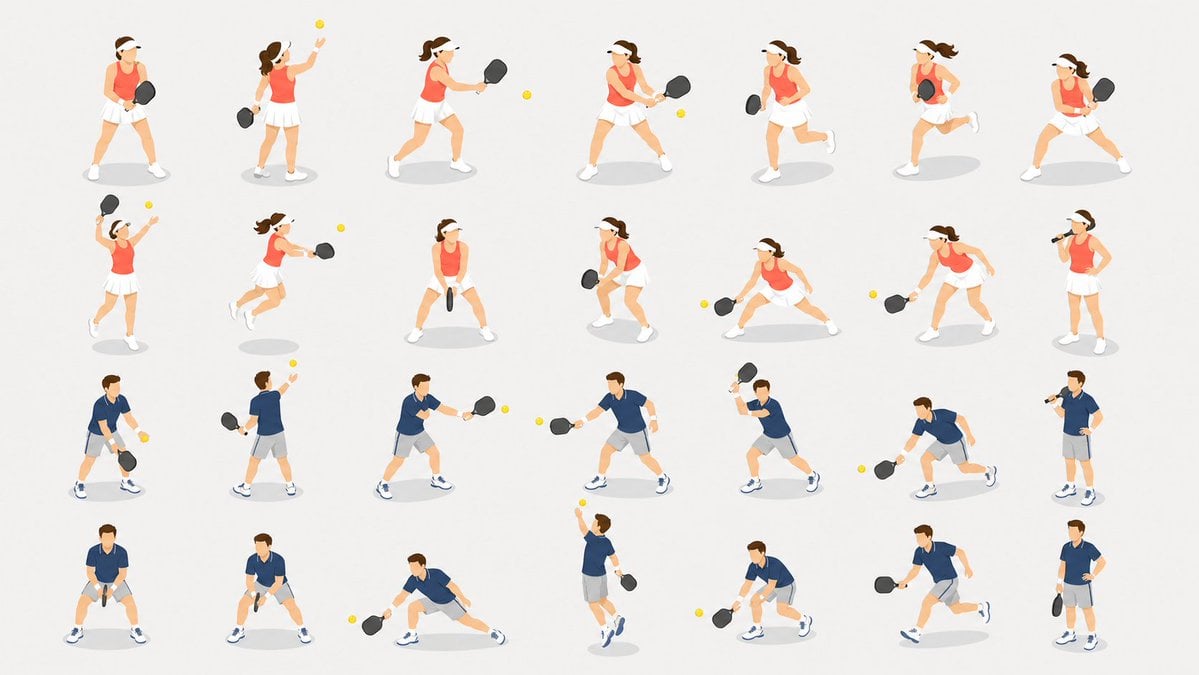
Isometric Pickleball Pose Sheet
Exploded View Product Photography Prompt
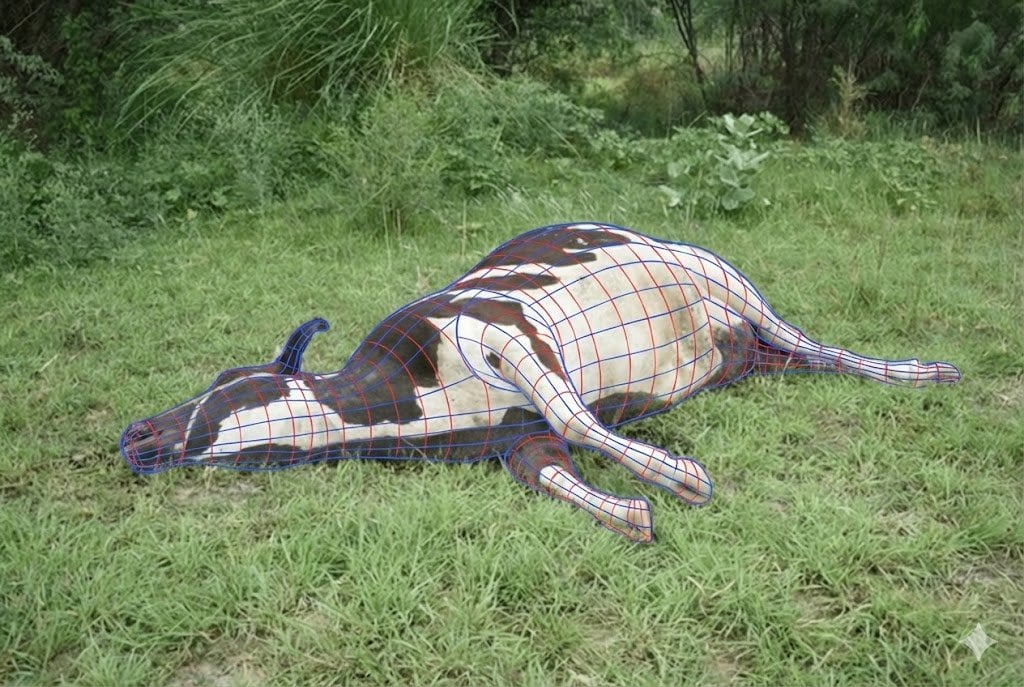
Wireframe Grid Overlay Prompt
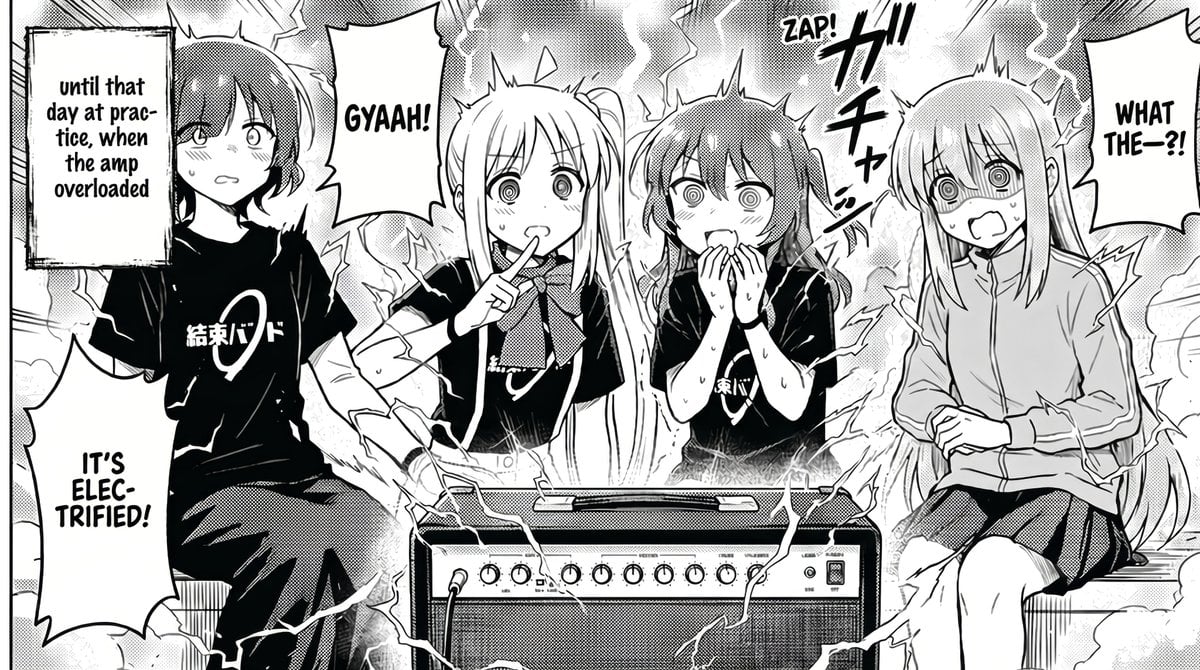
Manga Amp Shock Band Comic

Vibrant Sticker Art Illustration of a Young Woman
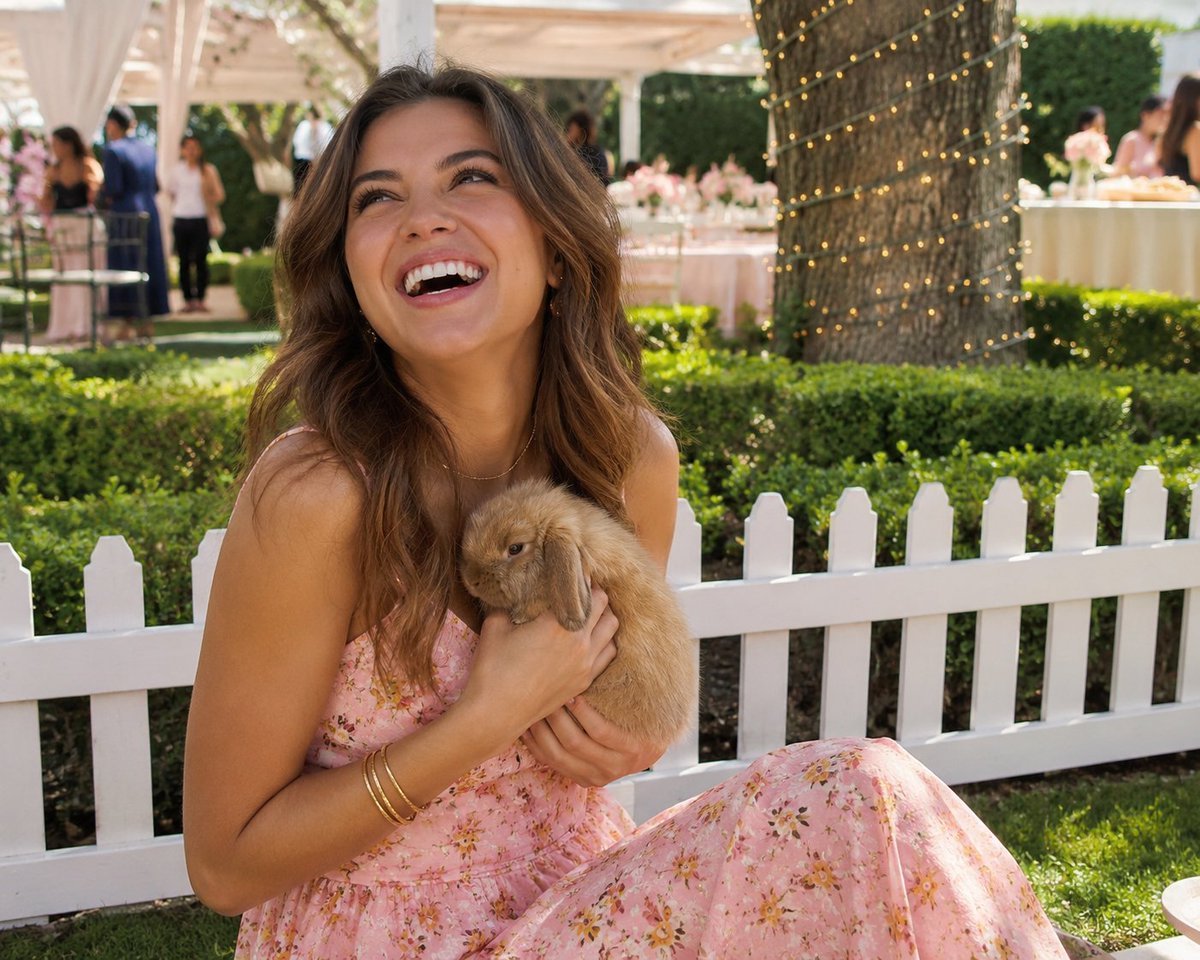
Candid Garden Portrait with Bunny
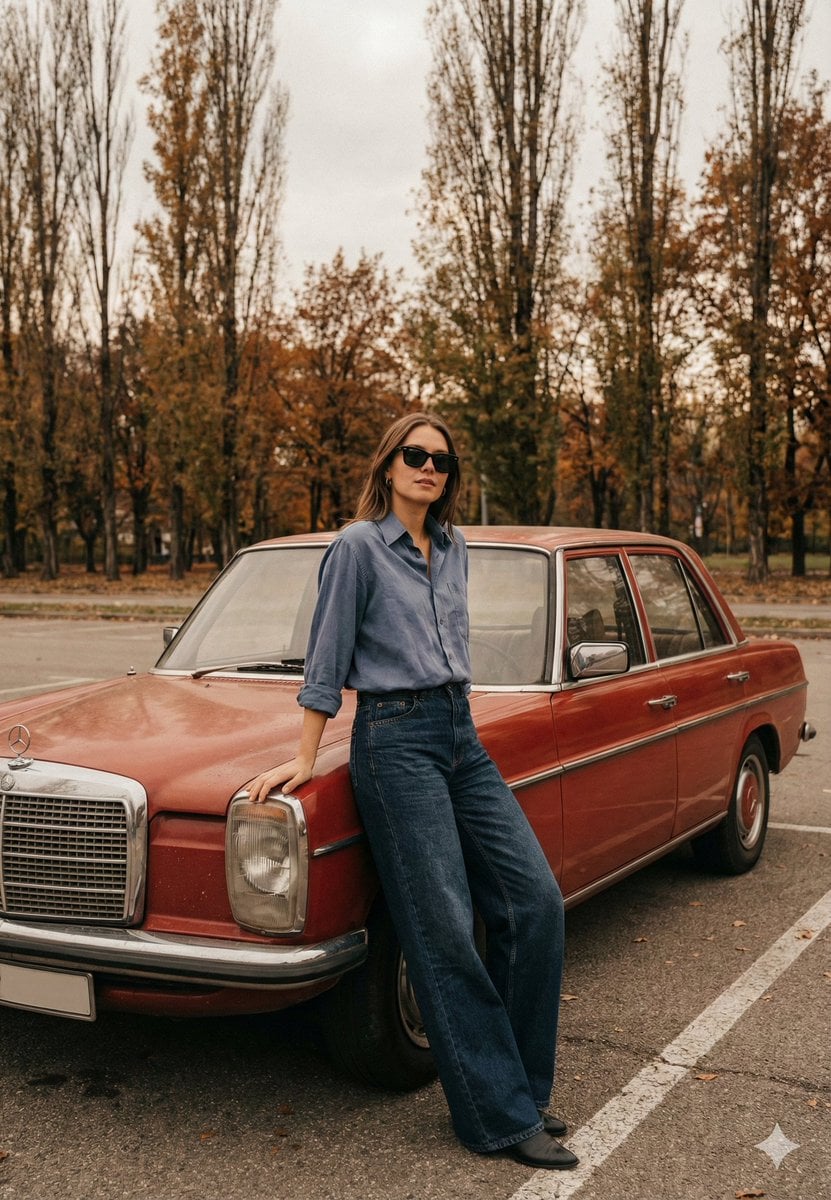
Old Money Cinematic Portrait with Vintage Sedan

Intricate Paper Folding Morphological Transformation Prompt
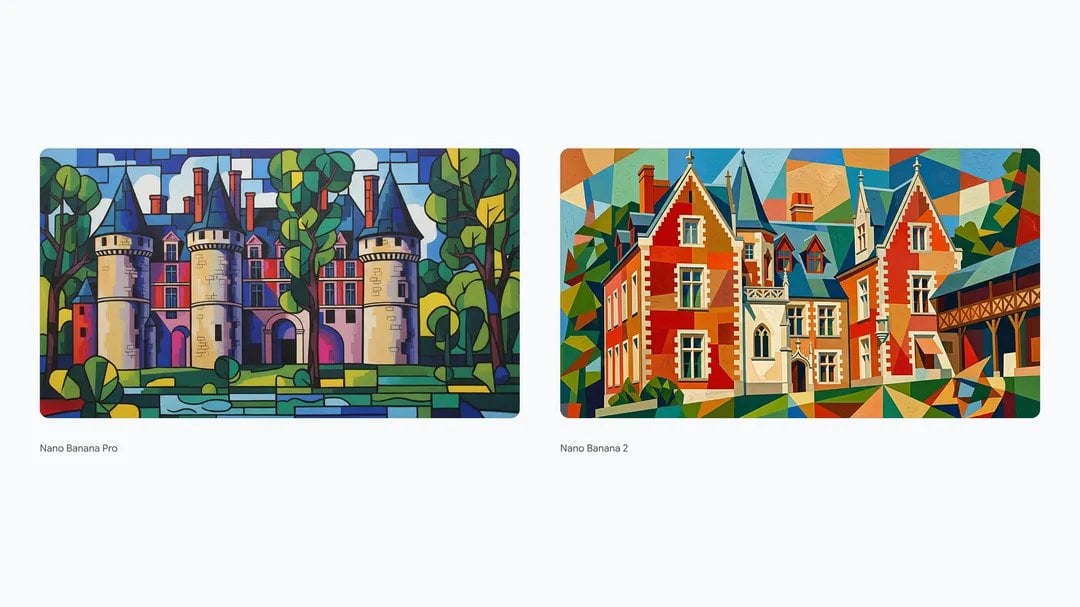
Synthetic Cubism of Clos Lucé Museum
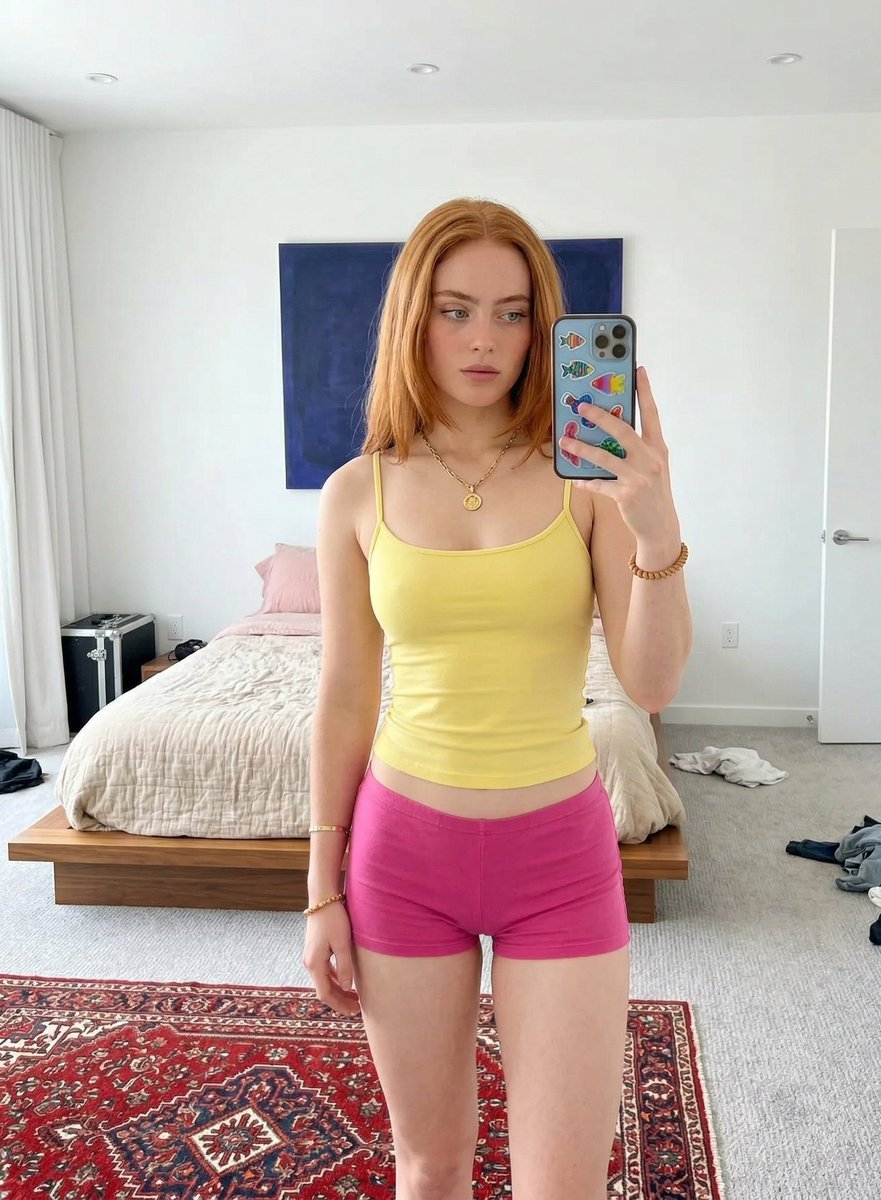
Mirror Selfie in Minimalist Bedroom with Vibrant Clothing
Browse template categories
Morning Flower Garden Portrait questions
How do I use the Morning Flower Garden Portrait template?
Add your photo if the template asks for one, edit the prompt if you like — the template's model and format are already selected — and press Generate. Your version opens in PicX Studio.
Can I customize the Morning Flower Garden Portrait template?
Yes. You can change the subject, setting, lighting, mood, format, and available model controls before creating your image.
Is the Morning Flower Garden Portrait template free?
Opening and editing this template is free. Generating uses credits, shown on the Generate button when you are signed in.
Which AI model should I use?
Start with GPT Image 2, which is the model associated with this template. You can compare another compatible model for a different finish.
Looking for something else? Browse all templates.

Your photo, any look
Thousands of ready templates for every top image and video model, from one credit balance.