
Dark Winter Color Analysis Tweet
A dark-mode social media post featuring a detailed Dark Winter personal color analysis board, useful for recreating AI-generated fashion and beauty infographic screenshots.
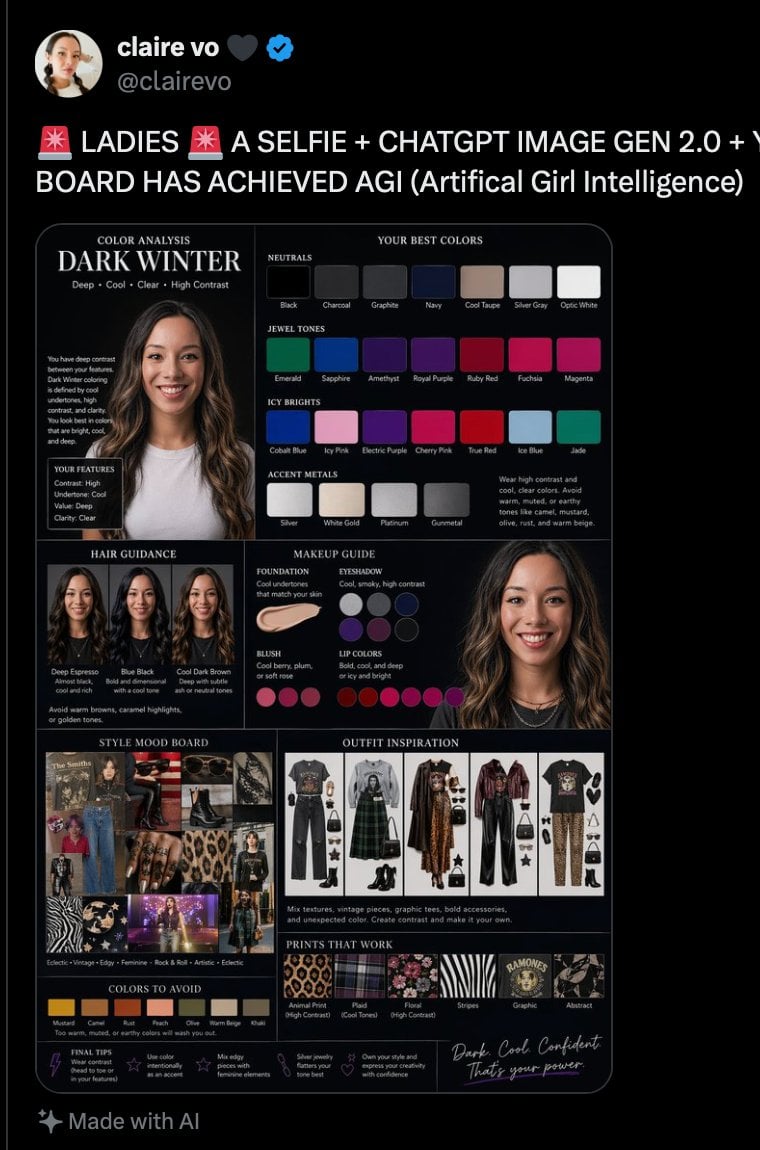
- Prompt included
- Model and format preset
- Free template
The prompt behind this image
Copy the exact prompt behind Dark Winter Color Analysis Tweet, or open it in the studio and make it yours.
{"type":"social media screenshot styled fashion color-analysis infographic","platform":"X / Twitter dark mode post","post":{"author":{"display_name":"{argument name=\"profile name\" default=\"claire vo\"}","handle":"{argument name=\"handle\" default=\"@clairevo\"}","verified":true,"avatar":"circular female profile photo, partially obscured face"},"headline_text":"🚨 LADIES 🚨 A SELFIE + CHATGPT IMAGE GEN 2.0 + V BOARD HAS ACHIEVED AGI (Artificial Girl Intelligence)","footer_note":"✨ Made with AI"},"main_card":{"type":"color analysis board","theme":"luxury feminine dark editorial board on black background with thin rounded white border","title":"COLOR ANALYSIS DARK WINTER","subtitle":"Deep • Cool • Clear • High Contrast","subject":{"gender_presentation":"female","portrait_count":3,"face_visibility":"faces softly blurred / anonymized","hair":"long dark brown wavy hair, center part","top":"light gray or charcoal fitted top","jewelry":"layered delicate necklaces in one portrait"},"layout":{"sections":[{"title":"YOUR BEST COLORS","position":"top right","count":4,"groups":[{"label":"NEUTRALS","count":7,"items":["Black","Charcoal","Graphite","Navy","Cool Taupe","Silver Gray","Optic White"]},{"label":"JEWEL TONES","count":7,"items":["Emerald","Sapphire","Amethyst","Royal Purple","Ruby Red","Fuchsia","Magenta"]},{"label":"ICY BRIGHTS","count":7,"items":["Cobalt Blue","Icy Pink","Electric Purple","Cherry Pink","True Red","Ice Blue","Jade"]},{"label":"ACCENT METALS","count":4,"items":["Silver","White Gold","Platinum","Gunmetal"]}]},{"title":"YOUR FEATURES","position":"left upper-middle","count":4,"items":["Contrast: High","Undertone: Cool","Value: Deep","Clarity: Clear"]},{"title":"HAIR GUIDANCE","position":"left middle","count":3,"items":["Deep Espresso","Blue Black","Cool Dark Brown"]},{"title":"MAKEUP GUIDE","position":"center middle","count":4,"groups":[{"label":"FOUNDATION","items":["Cool undertones that match your skin"]},{"label":"EYESHADOW","items":["Cool, smoky, high contrast"]},{"label":"BLUSH","count":4,"items":["cool berry","plum","soft rose","mauve berry"]},{"label":"LIP COLORS","count":7,"items":["deep berry","blue red","wine","fuchsia","magenta","plum","raspberry"]}]},{"title":"STYLE MOOD BOARD","position":"bottom left","count":1,"description":"collage of dark winter fashion references including denim, leather boots, leopard print, celestial motifs, dark feminine outfits, concert or nightlife imagery"},{"title":"OUTFIT INSPIRATION","position":"bottom center-right","count":4,"items":["graphic tee with dark overalls and boots","plaid green skirt outfit with boots and monochrome layers","long patterned dress with dark leather outerwear and accessories","graphic tee with leopard pants and black accessories"]},{"title":"PRINTS THAT WORK","position":"bottom lower-middle","count":6,"items":["Animal Print (High Contrast)","Plaid (Cool Tones)","Floral","Stripes","Graphic","Abstract"]},{"title":"COLORS TO AVOID","position":"bottom left lower","count":8,"items":["Mustard","Camel","Rust","Peach","Olive","Warm Beige","Tan","Gold"]},{"title":"FINAL TIPS","position":"bottom row","count":4,"items":["Wear contrast","Use color intentionally","Mix edgy pieces with feminine elements","Own your style and express your creativity with confidence"]}],"centerpiece":"large infographic board combining portrait photography, swatches, makeup circles, fashion collage, outfit flat-lays, and style tips"},"visual_style":{"aspect_ratio":"portrait smartphone screenshot","lighting":"clean studio-like collage lighting","color_palette":"black, white, silver, cool neutrals, jewel tones, icy brights","typography":"elegant serif headings with small sans-serif body text","composition":"tweet header at top, single large infographic image below filling most of the post"}}
How to use Dark Winter Color Analysis Tweet in 3 steps
- 1Upload ImagePNG, JPG or paste
Add your photo
Upload the photo the template builds on. The prompt, model and format are already set.
- 2…a portrait of your subject in softgolden-hour light, 85mm…
Personalize
Edit the subject and creative details for your destination.
- 3Generate
Generate
Press Generate — your image is created in PicX Studio, so you can compare it with the original and refine one variable at a time.
More like this
Templates with the same subject, style or setup. Open one to see its prompt.

Selective Color Monochrome Football Poster
Minimalist Personal Color Analysis Board
Cozy Winter Hill Station Watercolor

Frozen Street Luxe Graffiti Fashion Campaign

Photoreal Snow Biome Name Tag UI

Minecraft You Died Winter Death Screen
Winter Watercolor Portrait with Identity Lock Prompt

Night Sports Car Portrait — Cinematic Moody

Cinematic Eye Light Portraits — 3 Nano Banana Prompts

Horror Cinematic Portrait
Winter, peace, and chocolate.
The sweetest feeling of winter.
Make it yours
Dark Winter Color Analysis Tweet works as-is. These are the safest ways to change it without losing the look.
Change one field
Copy a single group, rewrite it, and generate again so you can see what that field is doing.
Keep the frame, change the subject
Hold the composition and light of Dark Winter Color Analysis Tweet, then swap wardrobe, props or the person for a new take.
| If the result… | Why | Fix |
|---|---|---|
| The result drifts from the preview | Too many fields changed at once. | Reuse Dark Winter Color Analysis Tweet as-is first, then change one group — subject, light, or setting. |
| The model over-stylizes the scene | The prose prompt leaves finish and camera underspecified. | Add one camera or lighting sentence and stay on GPT Image 2. |
More GPT Image 2 templates
Other prompts made for GPT Image 2.

Six VTuber Japanese Logo Sheet

Realistic Portrait of Woman and Deer

The Vista Modular Condo Poster

AI Model Routing Comparison Infographic

2.5D Anime Art Board

Isometric Productivity Desk Scene

New York Double Exposure Poster

Four-Panel AI Landscape Comparison

Japanese Tatami Lifestyle Magazine Cover

NESCAFÉ Coffee Map Poster
More image prompts
Fresh picks from across the catalog.
Hyper-Realistic Military Squad Portrait
Unfiltered Smartphone Photo of Man in Shopping Cart in Liquor Store

Nostalgic Photo Restoration
Spontaneous Twilight Rome Convertible Shot
Anime Style K-Pop Collage
Neon City Night Portrait with Wide-Angle Distortion
Louis Vuitton Sneaker Editorial Grid Prompt
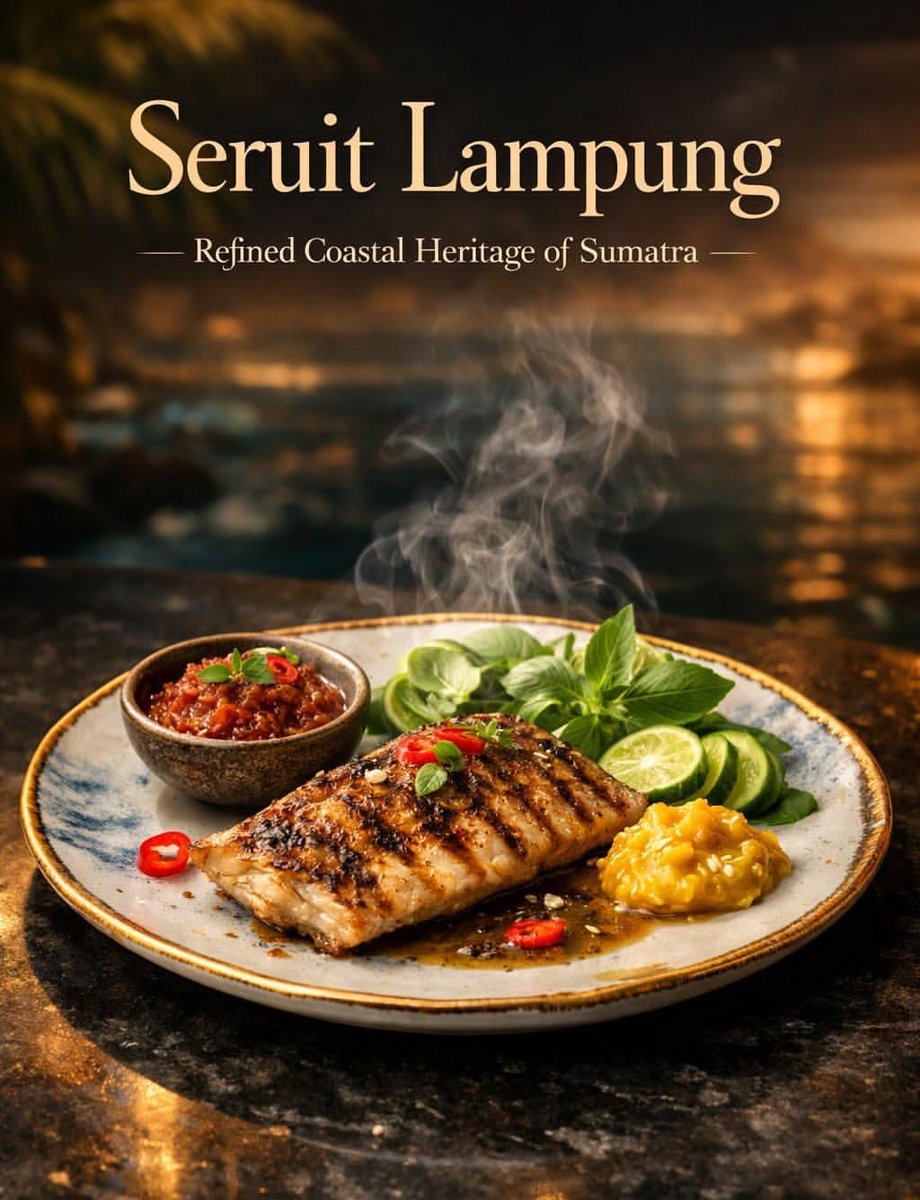
Luxury Cinematic Food Photography of Seruit Lampung
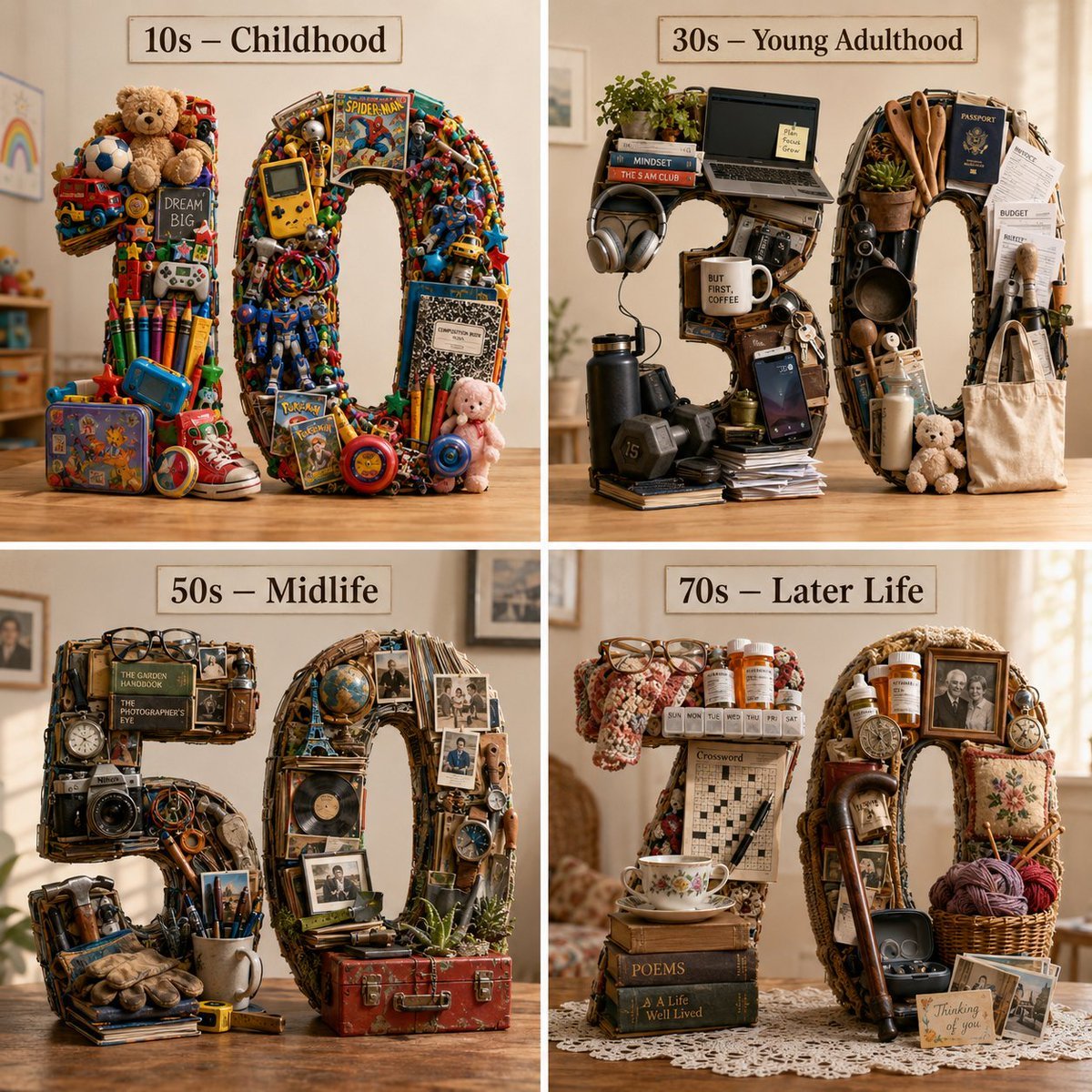
Typographic Human Life Stages Sculpture
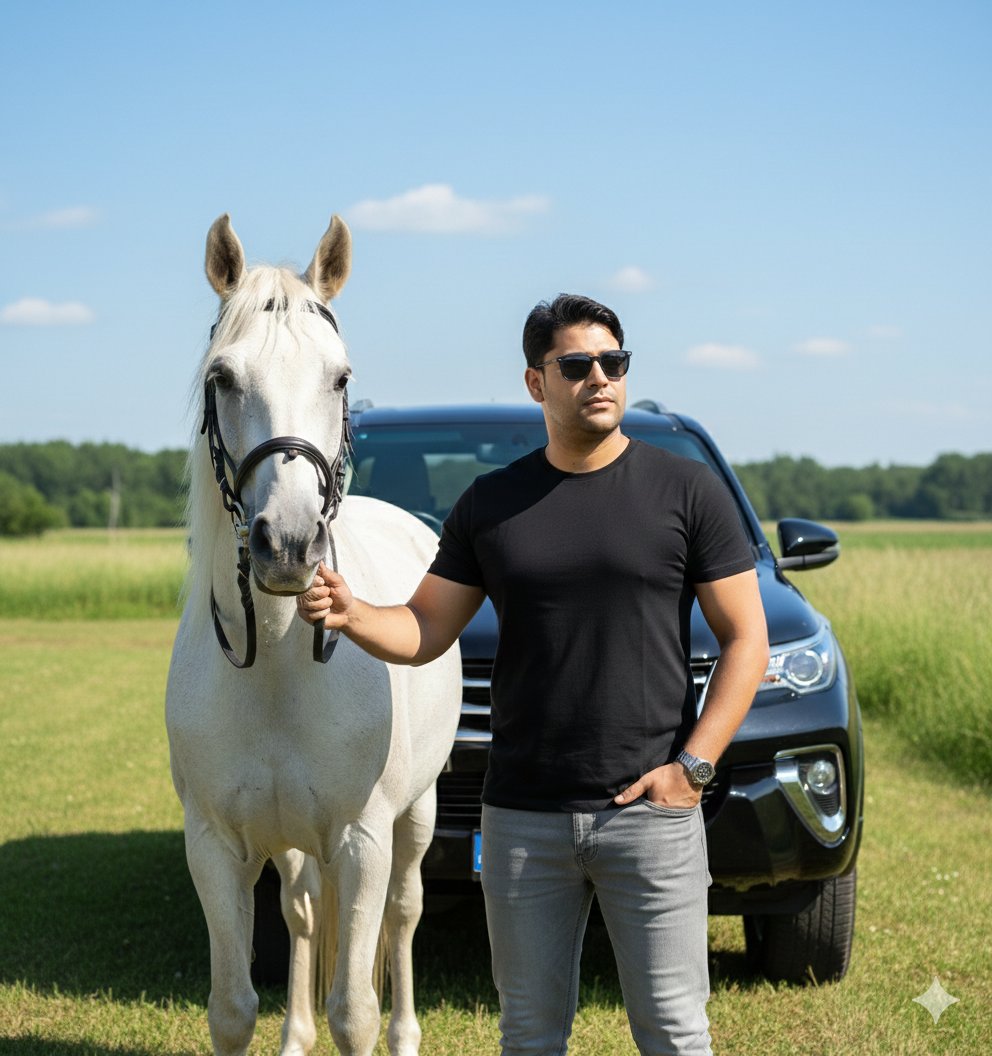
Image Generation Prompt for Man with Horse and Car
Browse template categories
Dark Winter Color Analysis Tweet questions
How do I use the Dark Winter Color Analysis Tweet template?
Add your photo if the template asks for one, edit the prompt if you like — the template's model and format are already selected — and press Generate. Your version opens in PicX Studio.
Can I customize the Dark Winter Color Analysis Tweet template?
Yes. You can change the subject, setting, lighting, mood, format, and available model controls before creating your image.
Is the Dark Winter Color Analysis Tweet template free?
Opening and editing this template is free. Generating uses credits, shown on the Generate button when you are signed in.
Which AI model should I use?
Start with GPT Image 2, which is the model associated with this template. You can compare another compatible model for a different finish.
Looking for something else? Browse all templates.

Your photo, any look
Thousands of ready templates for every top image and video model, from one credit balance.