
Crimson Gown in Flooded Venice
A luxury fashion editorial image of a model in a flowing crimson gown standing in a flooded Venetian piazza at golden hour.
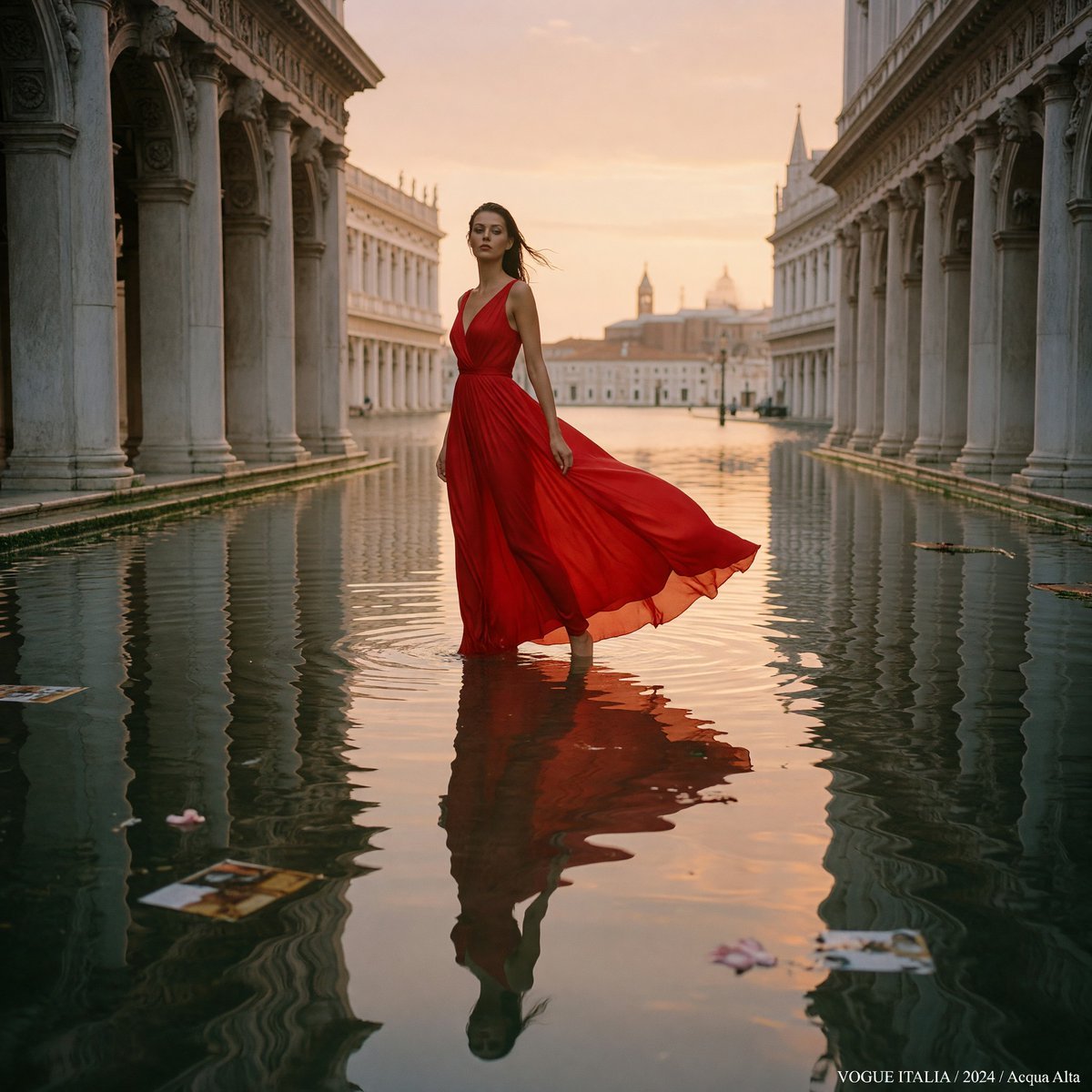
- Prompt included
- Model and format preset
- Free template
The prompt behind this image
Copy the exact prompt behind Crimson Gown in Flooded Venice, or open it in the studio and make it yours.
Create a high-fashion editorial photograph for {argument name="magazine credit" default="Vogue Italia"}: a single tall female model standing barefoot ankle-deep in floodwater in a grand Venetian piazza at golden hour, centered in a symmetrical corridor of historic marble arcades and columns on both sides. She wears a dramatic {argument name="gown color and fabric" default="crimson red silk chiffon"} sleeveless evening gown with a deep V neckline, fitted waist, full flowing skirt, and translucent hem; the fabric trails and billows to her right in a soft breeze. Her face is softly obscured by motion or shallow focus, her dark hair is windblown, and her pose is poised and statuesque, looking upward and slightly left. The flooded square forms a mirror-like canal, reflecting the model, columns, peach sky, and distant Venetian domes and bell towers; include gentle ripples around her legs and a few floating fashion magazine pages and flower petals on the water. Use warm sunset light, cinematic peach-and-gold sky, elegant muted stone architecture, realistic medium-format film look, Vogue Italia luxury editorial styling, shallow depth of field, soft grain, 80mm lens feel, balanced central composition, refined color grading, no crowd, no modern clutter except the floating editorial pages. Add a small white bottom-right caption reading {argument name="bottom right caption" default="VOGUE ITALIA / 2024 / Acqua Alta"}.
How to use Crimson Gown in Flooded Venice in 3 steps
- 1Upload ImagePNG, JPG or paste
Add your photo
Upload the photo the template builds on. The prompt, model and format are already set.
- 2…a portrait of your subject in softgolden-hour light, 85mm…
Personalize
Edit the subject and creative details for your destination.
- 3Generate
Generate
Press Generate — your image is created in PicX Studio, so you can compare it with the original and refine one variable at a time.
More like this
Templates with the same subject, style or setup. Open one to see its prompt.
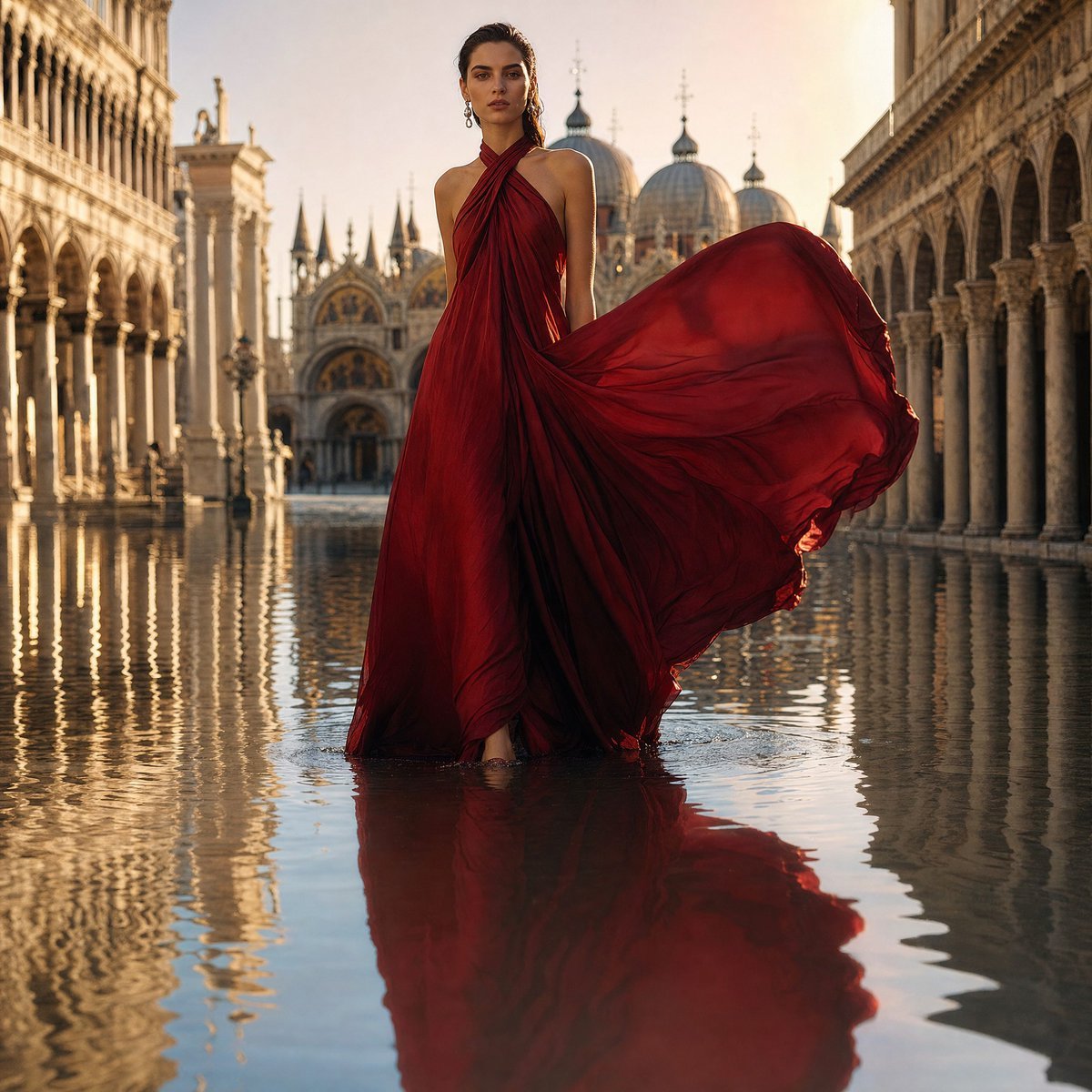
Crimson Gown in Flooded Venice

Anime Happily Ever After Sky

Anime Stained Glass Prayer

Anime White Horse Escape

Anime Golden Spinning Straw

Anime Gingerbread Cottage

Anime Bean Stalk Climb

Anime Seafoam Transformation

Anime Shoe Fitting Trial

Anime Beast Library Night

Anime Poison Apple Offer

Anime Frozen Fountain Kiss
Make it yours
Crimson Gown in Flooded Venice works as-is. These are the safest ways to change it without losing the look.
Change one field
Copy a single group, rewrite it, and generate again so you can see what that field is doing.
Keep the frame, change the subject
Hold the composition and light of Crimson Gown in Flooded Venice, then swap wardrobe, props or the person for a new take.
| If the result… | Why | Fix |
|---|---|---|
| The result drifts from the preview | Too many fields changed at once. | Reuse Crimson Gown in Flooded Venice as-is first, then change one group — subject, light, or setting. |
| The model over-stylizes the scene | The prose prompt leaves finish and camera underspecified. | Add one camera or lighting sentence and stay on GPT Image 2. |
More GPT Image 2 templates
Other prompts made for GPT Image 2.

Six VTuber Japanese Logo Sheet

Realistic Portrait of Woman and Deer

The Vista Modular Condo Poster

AI Model Routing Comparison Infographic

2.5D Anime Art Board

Isometric Productivity Desk Scene

New York Double Exposure Poster

Four-Panel AI Landscape Comparison

Japanese Tatami Lifestyle Magazine Cover

NESCAFÉ Coffee Map Poster
More image prompts
Fresh picks from across the catalog.
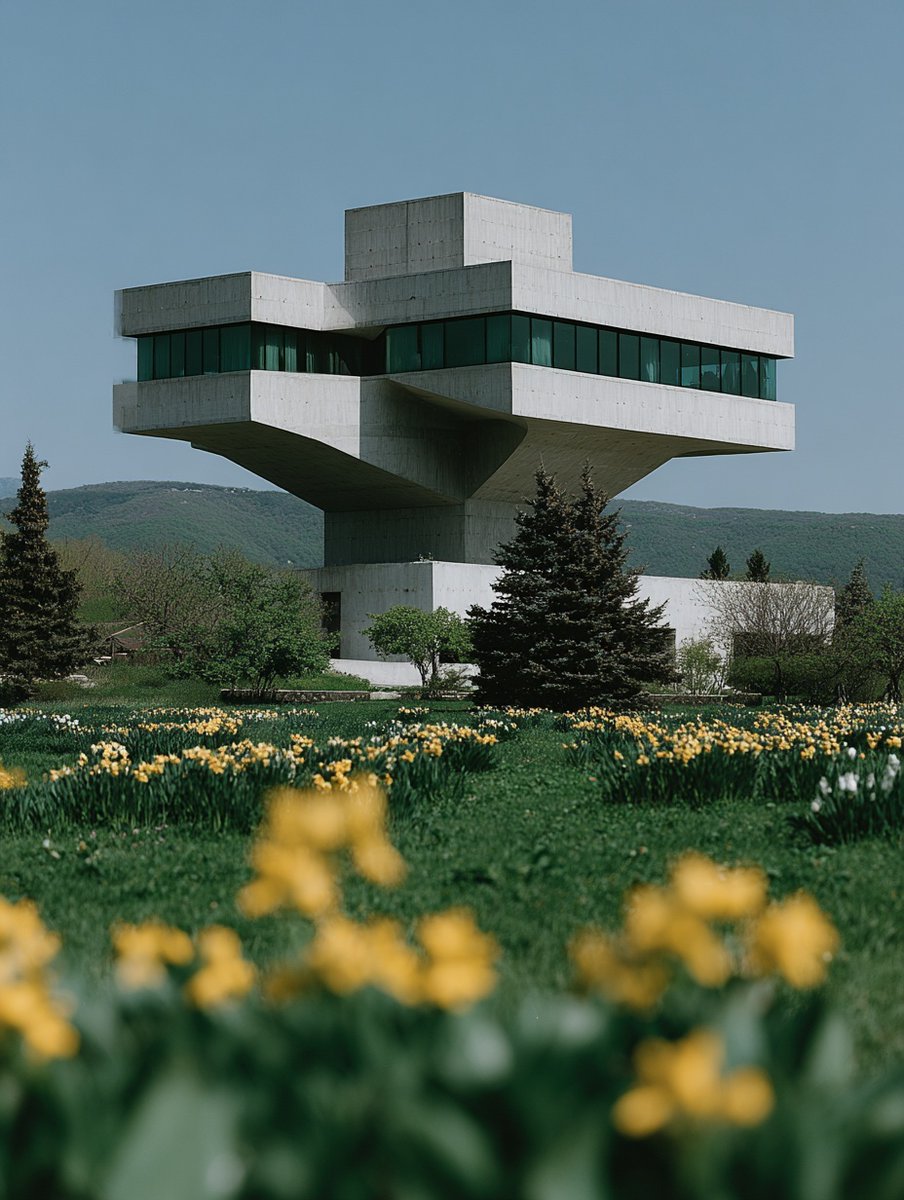
Show Interior of Building
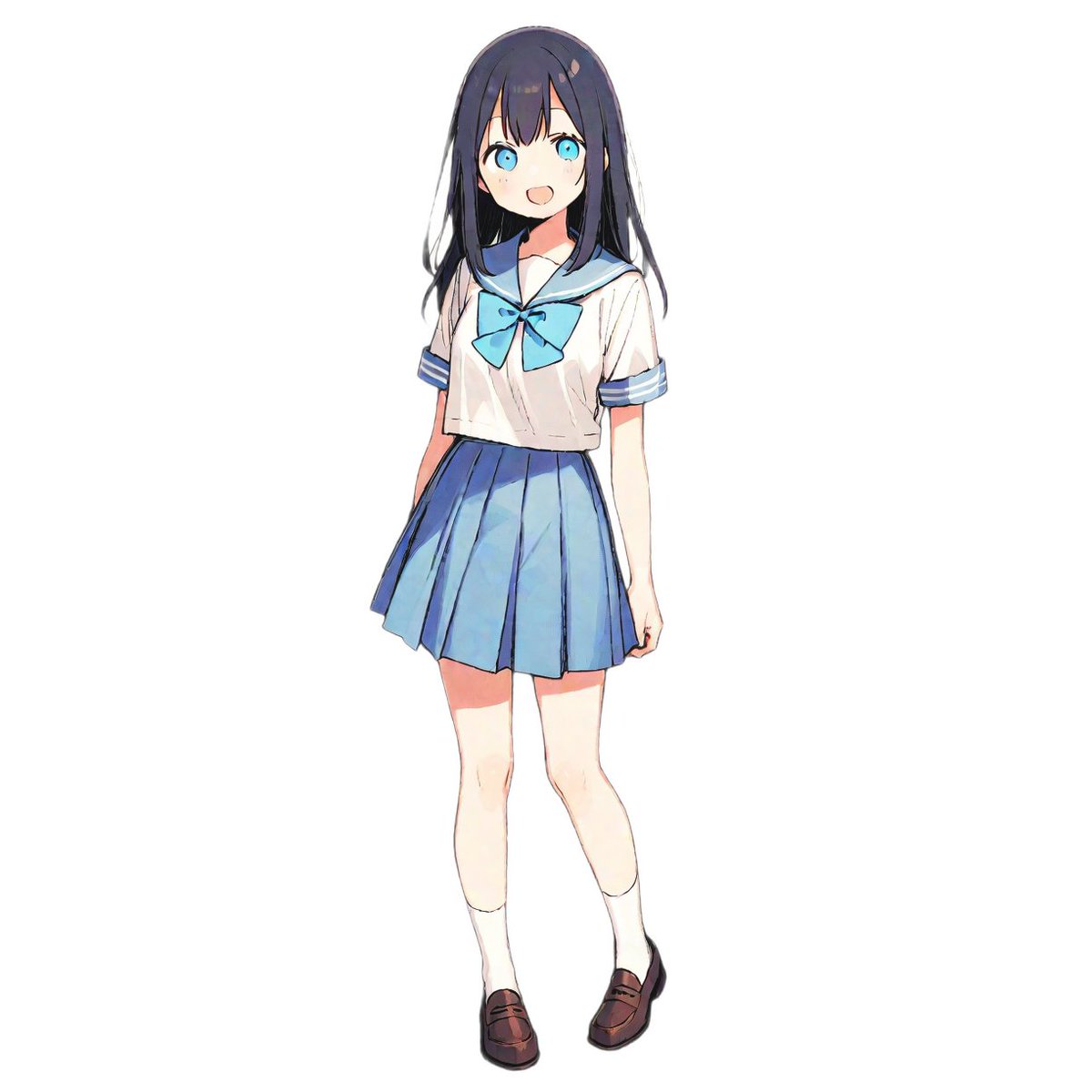
Pair Fashion Generation Prompt

Cinematic Photograph of a Man in a Boat

Office Renovation and Decoration Prompt
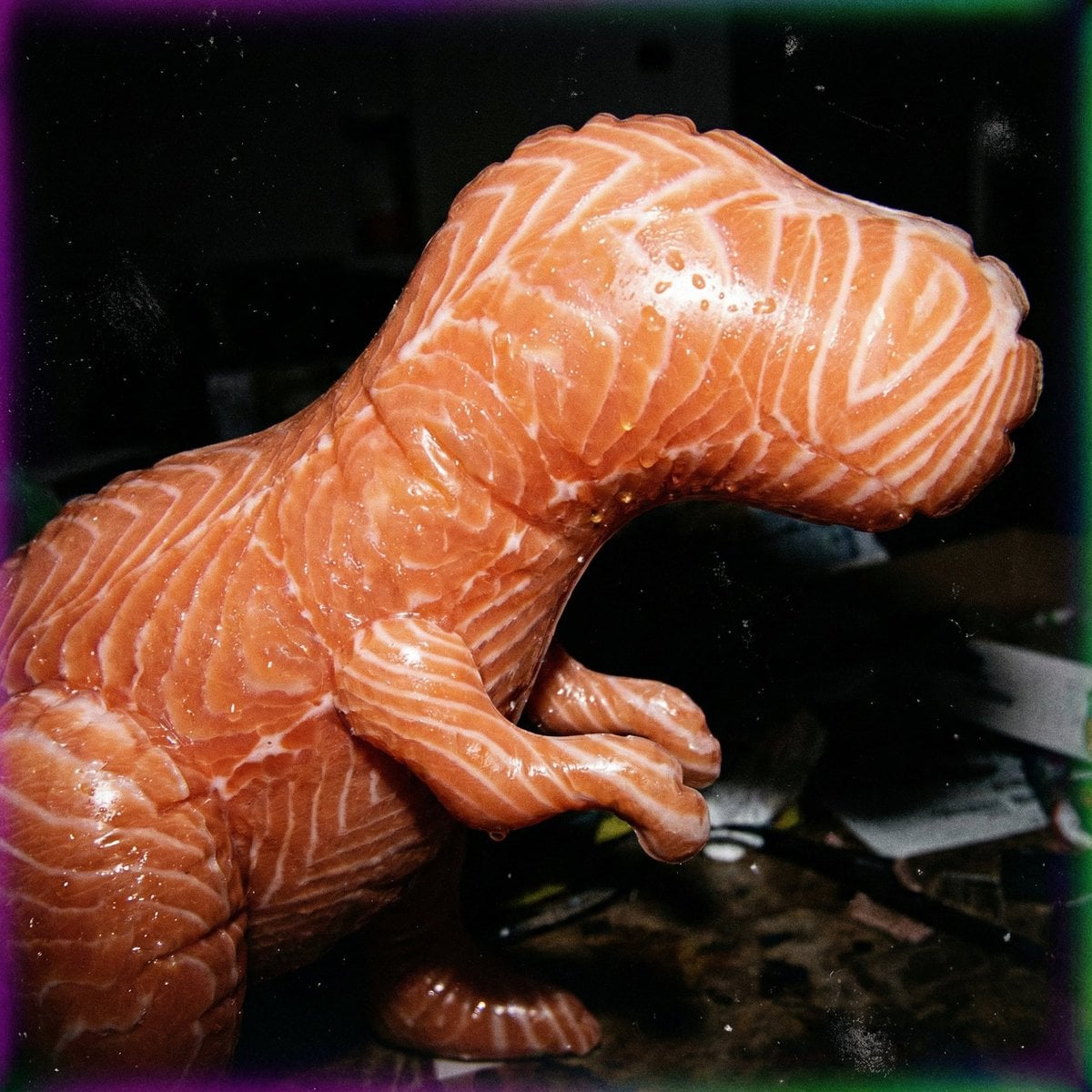
Macro Food Horror Prompt

Corporate Cash Private Jet Satire
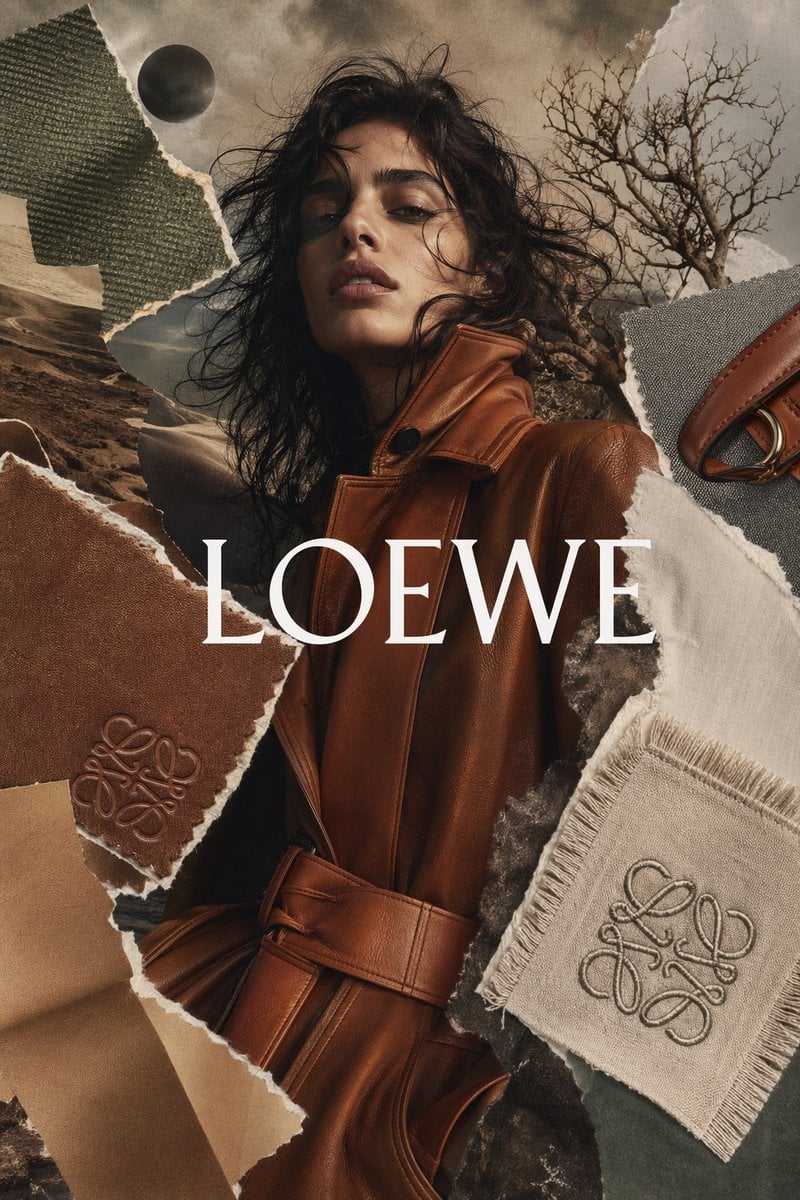
Luxury Fashion Torn-Paper Ad Collage
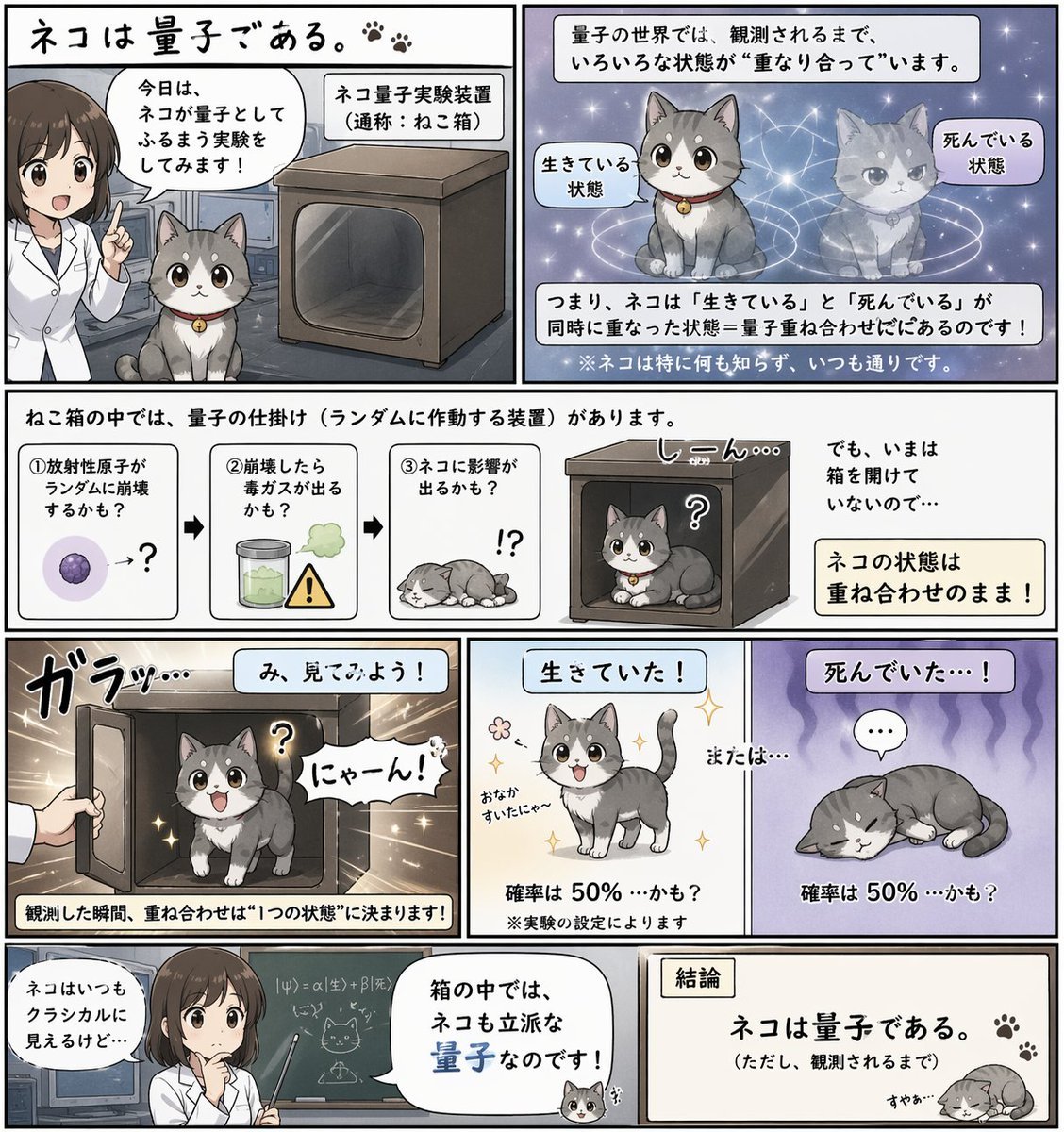
Quantum Cat Manga
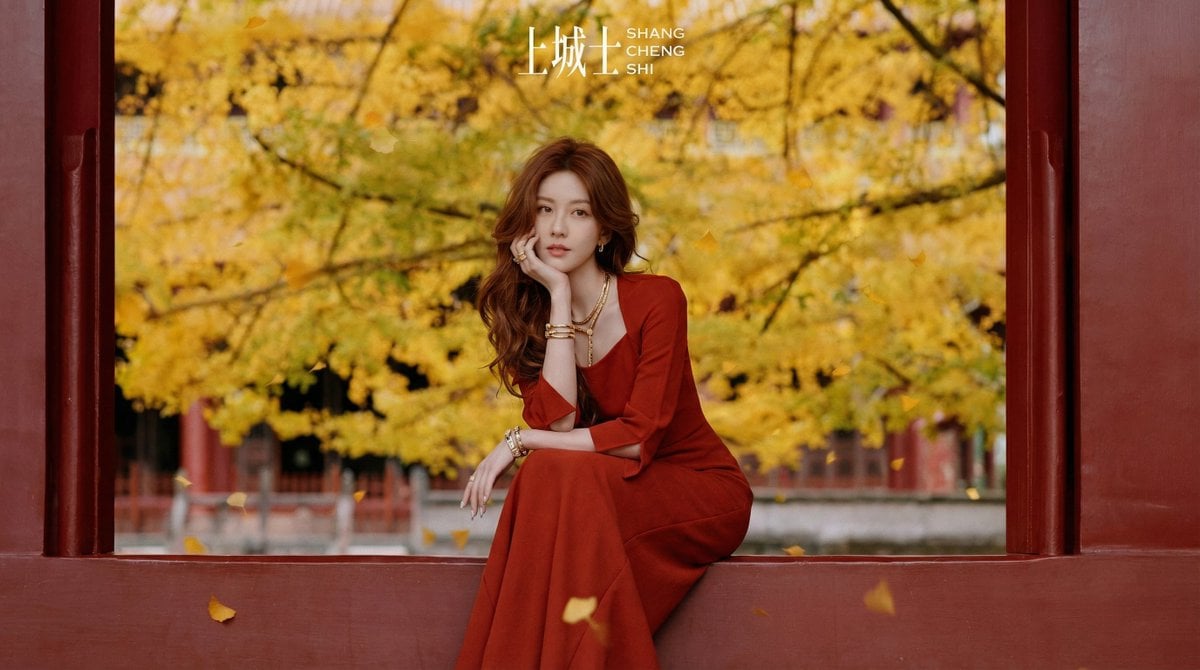
Cinematic Chinese Style Fashion Editorial Prompt

Luxury Executive Power Portrait
Browse template categories
Crimson Gown in Flooded Venice questions
How do I use the Crimson Gown in Flooded Venice template?
Add your photo if the template asks for one, edit the prompt if you like — the template's model and format are already selected — and press Generate. Your version opens in PicX Studio.
Can I customize the Crimson Gown in Flooded Venice template?
Yes. You can change the subject, setting, lighting, mood, format, and available model controls before creating your image.
Is the Crimson Gown in Flooded Venice template free?
Opening and editing this template is free. Generating uses credits, shown on the Generate button when you are signed in.
Which AI model should I use?
Start with GPT Image 2, which is the model associated with this template. You can compare another compatible model for a different finish.
Looking for something else? Browse all templates.

Your photo, any look
Thousands of ready templates for every top image and video model, from one credit balance.