
Urban Lifestyle Portrait at The River Thames
A high-contrast, realistic portrait of a man in London, featuring The Shard in the background with crisp natural lighting.
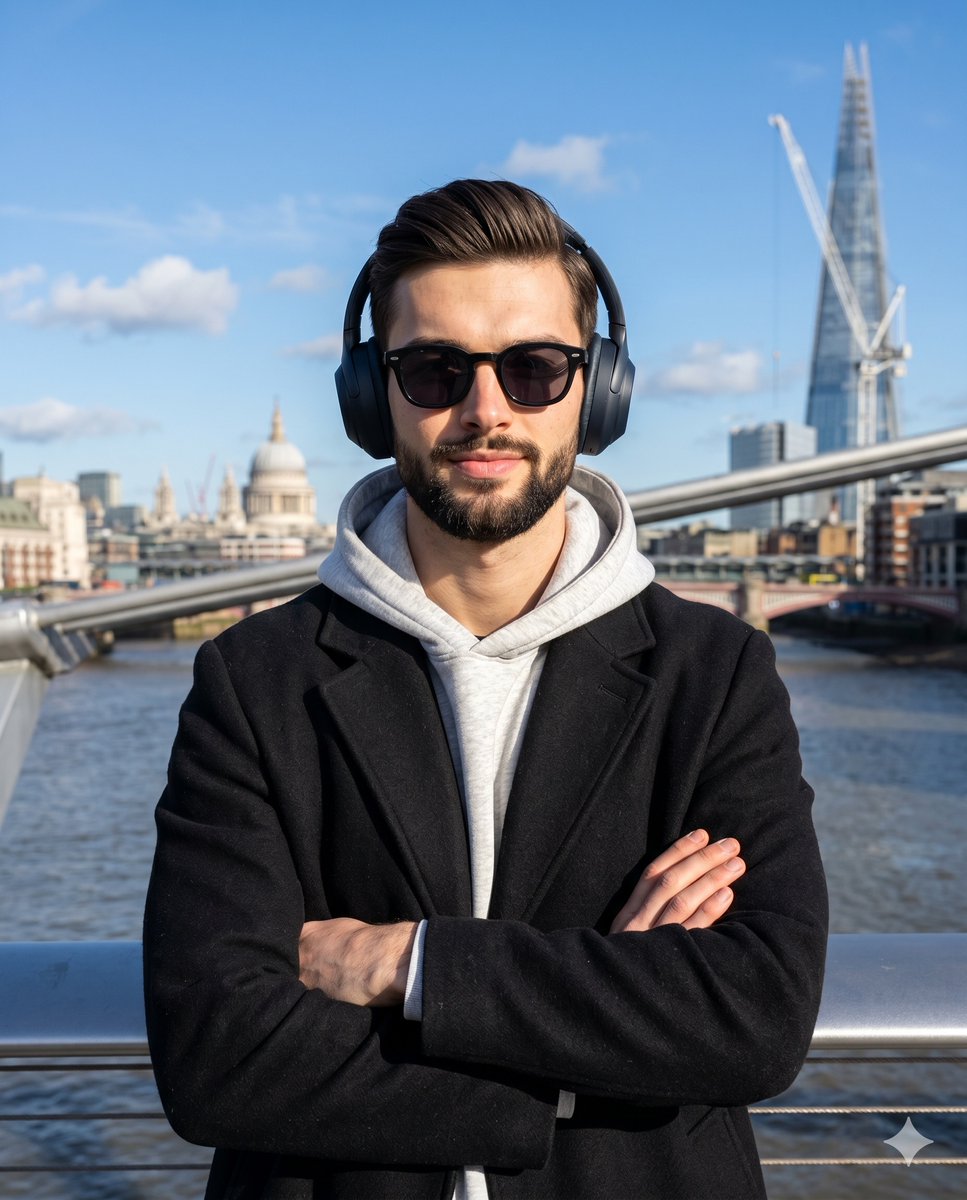
- Prompt included
- Model and format preset
- Free template
The prompt behind this image
Copy the exact prompt behind Urban Lifestyle Portrait at The River Thames, or open it in the studio and make it yours.
A waist-up portrait of a young adult male standing perfectly centered and facing the camera directly, exuding a confident yet approachable demeanor with a subtle closed smile. His eyes and eyebrows are completely concealed behind thick-rimmed black acetate sunglasses, framed by dark, matte over-ear headphones. He is clad in a heavy black overcoat layered over a light heather-grey hoodie, his shoulders level in a poised stance. His arms are clasped at his chest in a classic, relaxed crossed-arms posture, where his right hand rests over his left forearm with the fingers slightly curled inward and hidden inside the deep fold of the coat sleeve, while his other hand remains tucked securely beneath his right bicep. Behind him, an outdoor urban setting unfolds with deep spatial layers, beginning with thick, cylindrical metallic suspension cables that stretch diagonally from mid-left to mid-right, providing a smooth, reflective structural framing. The midground features the dark blue-grey water of the flowing River Thames, textured with slight surface ripples and reflections. Stretching across the distant background is a sweeping cityscape mixing weathered brick facades, historic domes, and modern glass blocks, dramatically anchored in the top right quadrant by the towering, pristine pyramidal glass structure of The Shard, detailed with a subtle red crane near its tip. The scene captures a crisp, clear day defined by highly directional, hard natural sunlight striking from the front-left at roughly a 45-degree angle from above. This intense illumination creates a high-contrast, energetic atmosphere, casting deep black shadows with harsh, defined edges under the subject's chin, along the right side of his face, deep inside the interior folds of his black coat, and across the right side of his hoodie. Stark highlights are perfectly preserved on his left cheek, the top rim of the grey hoodie, and the gleaming metallic bridge cables. The complementary color profile relies heavily on the striking contrast between the highly saturated clear blue sky—which transitions in a smooth gradient from a darker zenith to a lighter horizon dotted with scattered fluffy white clouds in the mid-left quadrant—and the neutral, deep tones of his urban streetwear. Rendered in the clean, structured, and realistic style of modern lifestyle influencer photography, the digital image boasts tack-sharp focus on the subject while employing a medium depth of field that leaves the distant background architecture slightly soft yet distinctly recognizable. The straight-on, eye-level perspective mimics a standard portrait lens shot at a fast shutter speed, enhanced by high-contrast post-processing that slightly crushes the blacks to emphasize the rich texture of the overcoat while keeping the vivid blue hues in the sky exceptionally vibrant, with the entire composition beautifully framed in a 4:5 aspect ratio.
How to use Urban Lifestyle Portrait at The River Thames in 3 steps
- 1
Open
The prompt is already in the box next to the preview, with the template's model and format selected.
- 2…a portrait of your subject in softgolden-hour light, 85mm…
Personalize
Edit the subject and creative details for your destination.
- 3Generate
Generate
Press Generate — your image is created in PicX Studio, so you can compare it with the original and refine one variable at a time.
More like this
Templates with the same subject, style or setup. Open one to see its prompt.
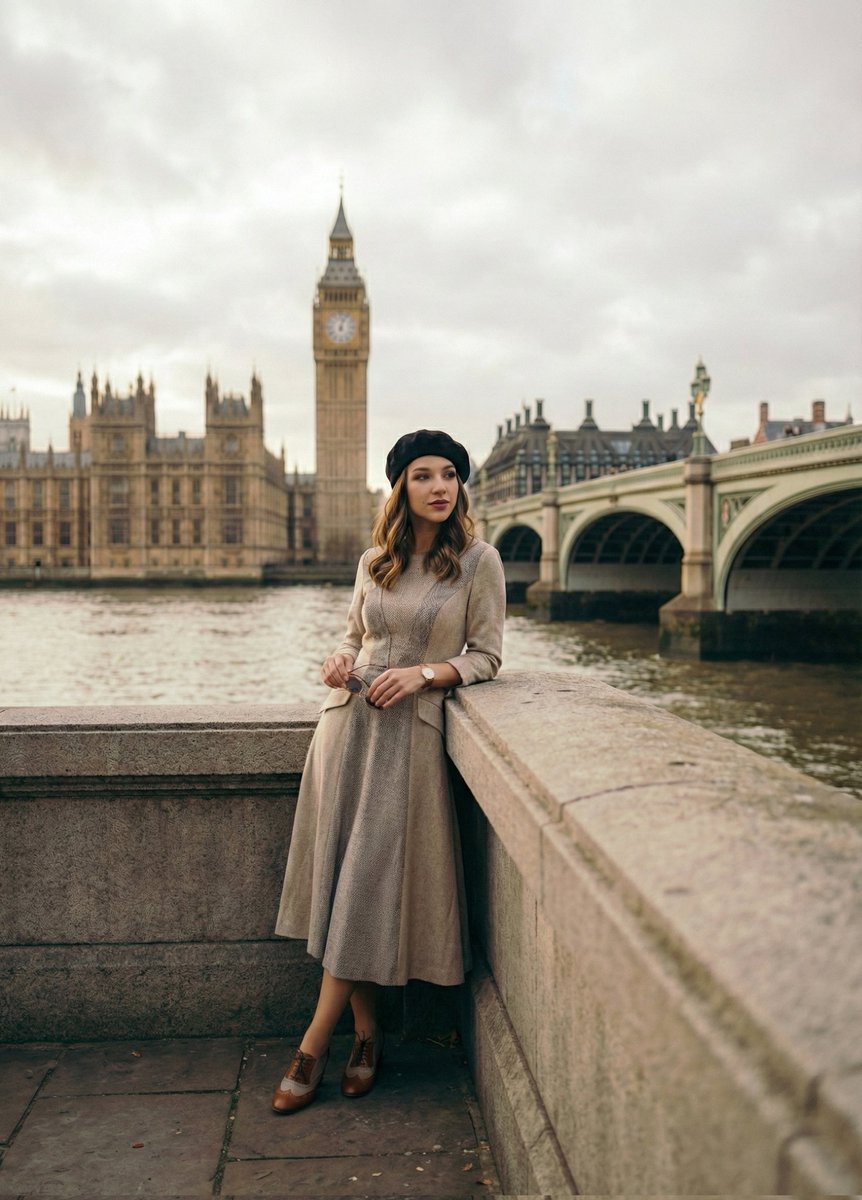
Cinematic Portrait beside the Thames River in London
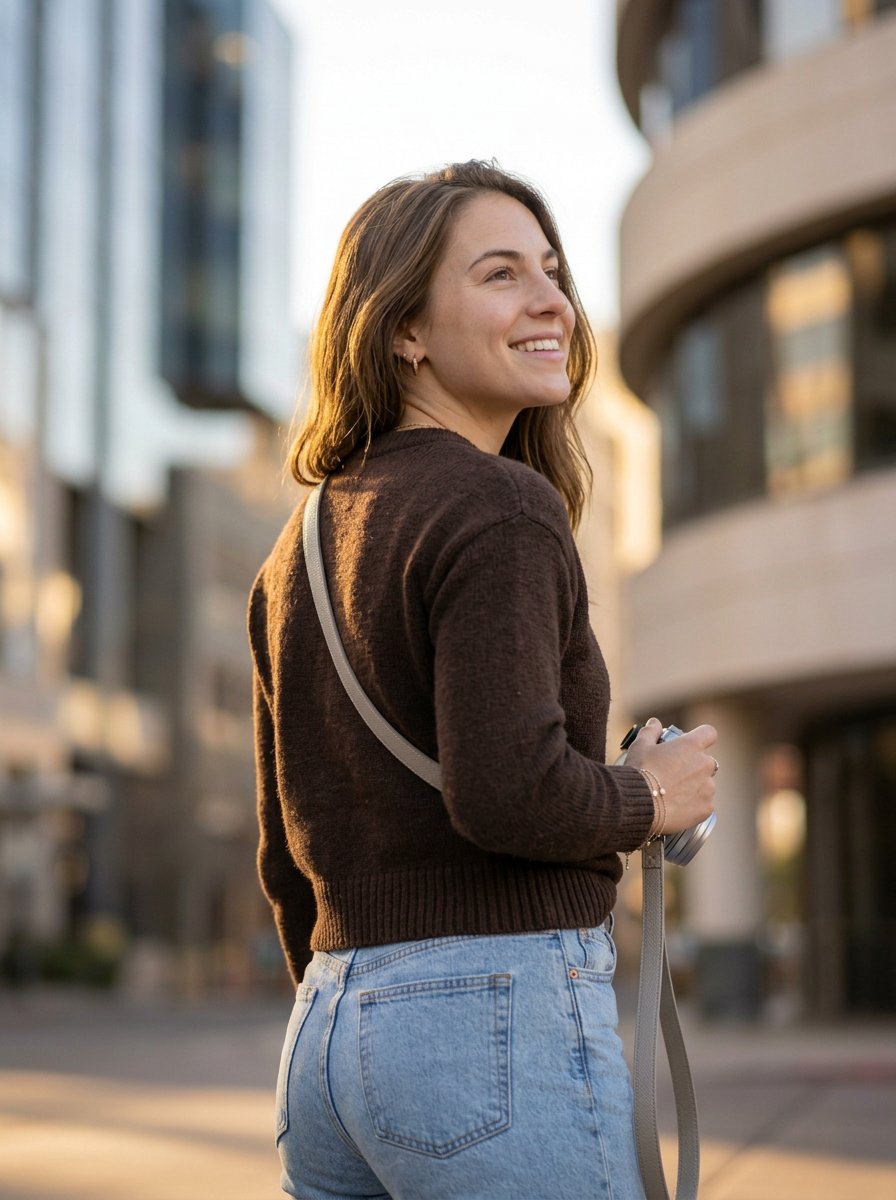
Urban Photographer Lifestyle Portrait

Miniature Self Portrait Collage

Found Photograph: Us, 1970

80s Couple Studio Portrait

80s Bollywood Star

80s Golden Hour Cinema

Me in 1985

1985 Studio Portrait

Hyper-Realistic Minecraft POV Portrait

Rooftop Fisheye — Cat-Ear Balaclava at Golden Hour

A k.pop idol on the stage with mic
Make it yours
Urban Lifestyle Portrait at The River Thames works as-is. These are the safest ways to change it without losing the look.
Change one field
Copy a single group, rewrite it, and generate again so you can see what that field is doing.
Keep the frame, change the subject
Hold the composition and light of Urban Lifestyle Portrait at The River Thames, then swap wardrobe, props or the person for a new take.
| If the result… | Why | Fix |
|---|---|---|
| The result drifts from the preview | Too many fields changed at once. | Reuse Urban Lifestyle Portrait at The River Thames as-is first, then change one group — subject, light, or setting. |
| The model over-stylizes the scene | The prose prompt leaves finish and camera underspecified. | Add one camera or lighting sentence and stay on Nano Banana 2. |
More Nano Banana 2 templates
Other prompts made for Nano Banana 2.

Photorealistic Leaf Shaped Like a Dragon

K-Pop Idol Portrait Grid for Rapid Selection

Poetic Rain Forest Portrait During Golden Hour

Urban Street Portrait with Cartoon Inner Self Duo

Candid Nighttime Photo with Cat Prompt

High-Concept 3D Diorama Generation Prompt

Cinematic Futuristic Studio Portrait Template

Skincare Editorial Photography Collage Prompt

Hyper-Realistic Commercial Product Photography (Splash Effect)

Hyper-Realistic Nightclub Portrait Prompt
More image prompts
Fresh picks from across the catalog.
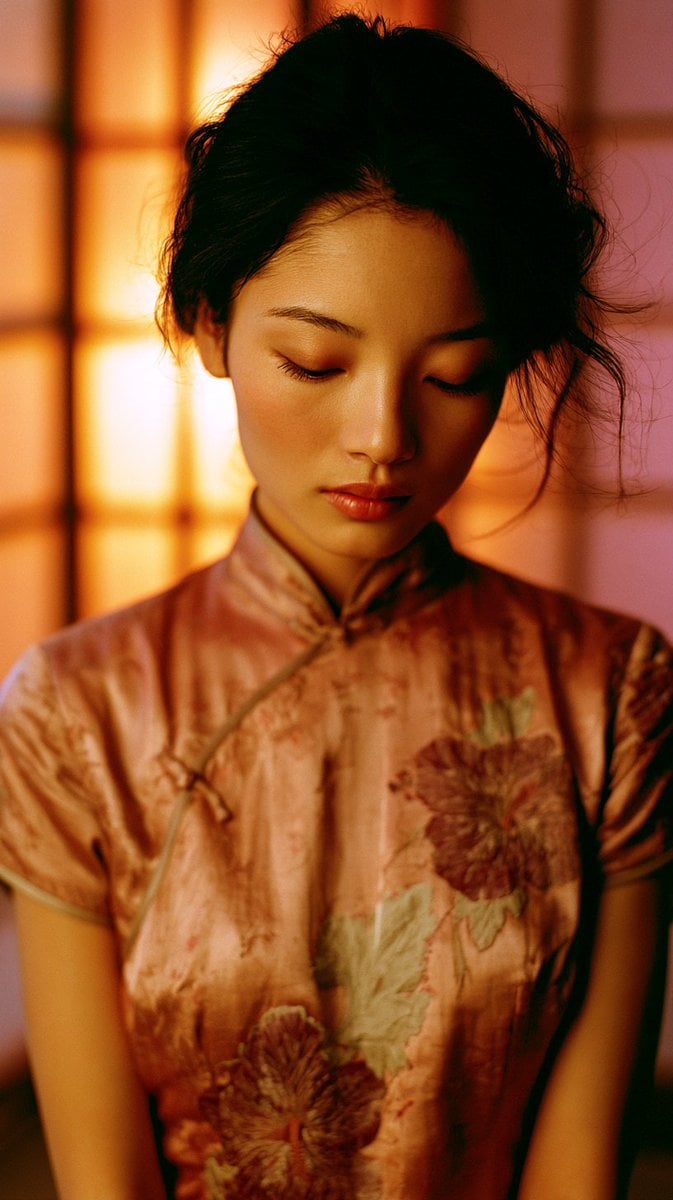
Cinematic Tatami Room Portrait

Luxury Saint Potato Chips Package
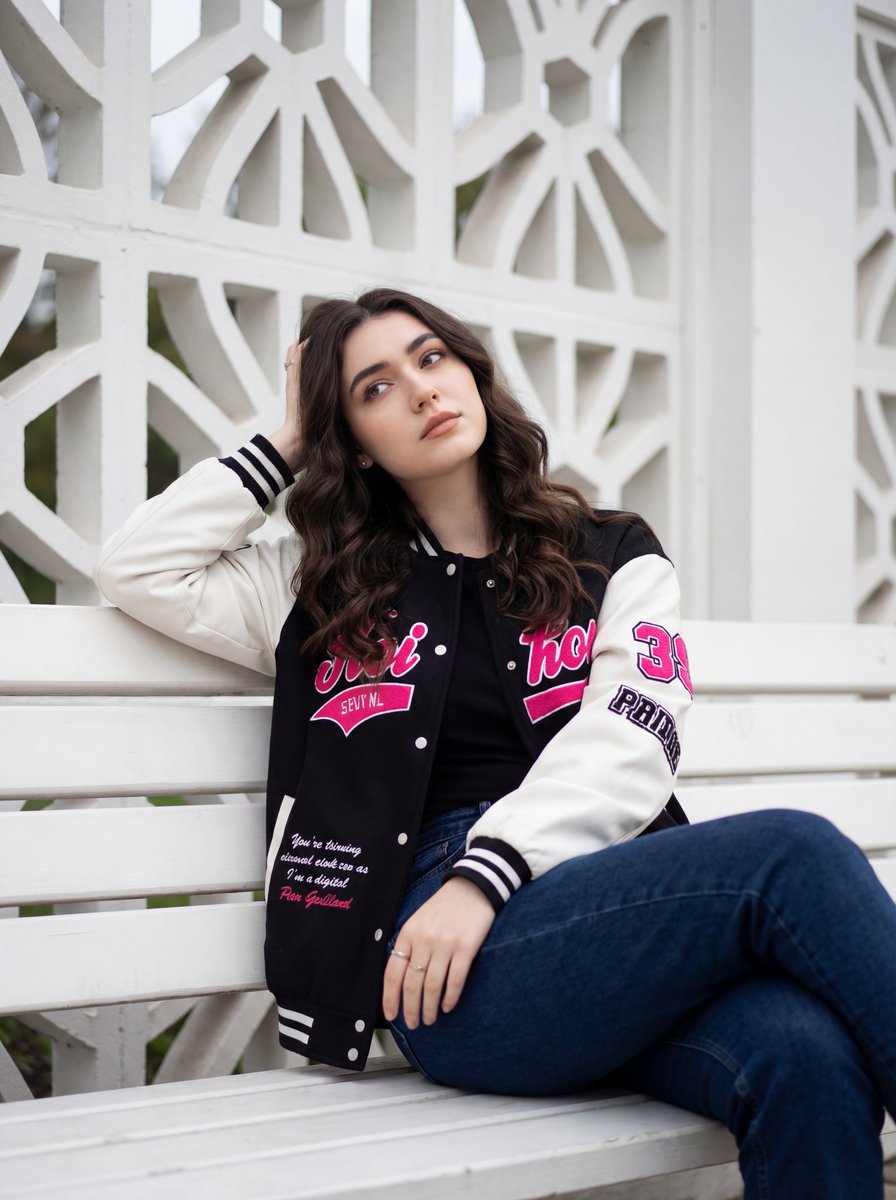
Candid Urban Portrait with Identity Preservation
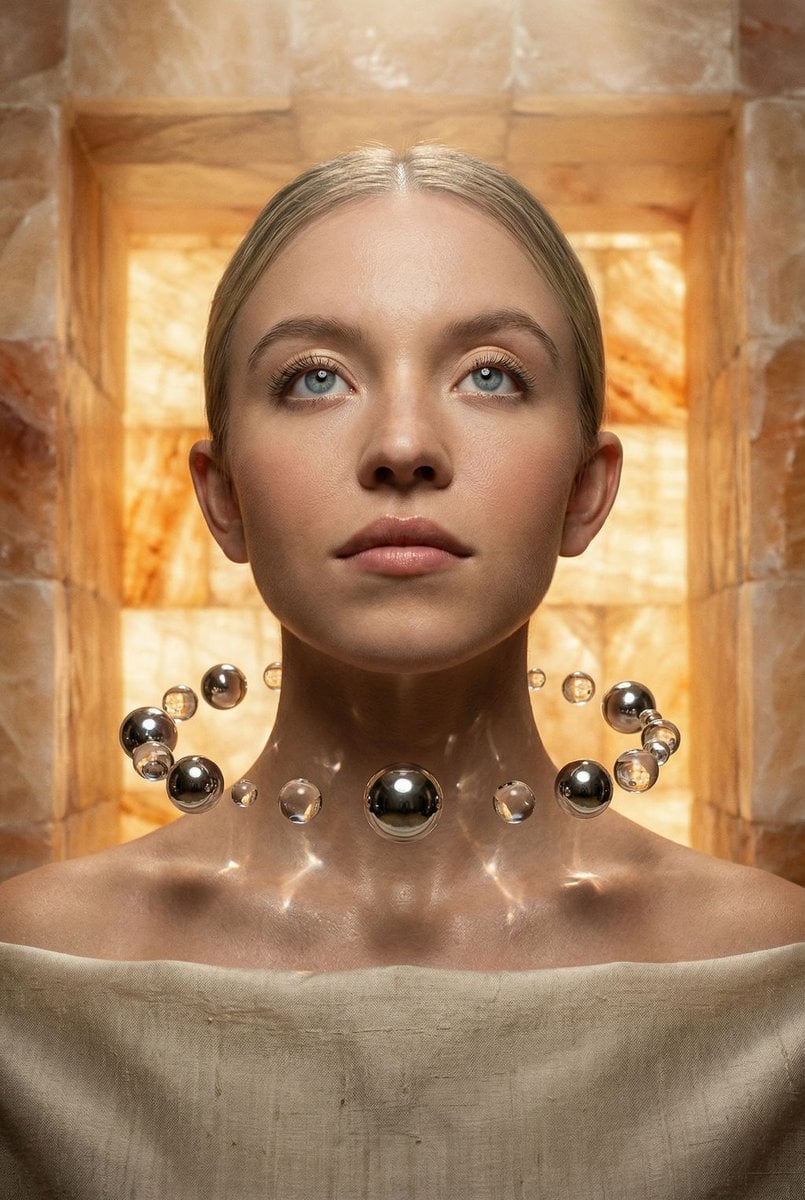
Sacred Alchemy Surreal Beauty Portrait Prompt
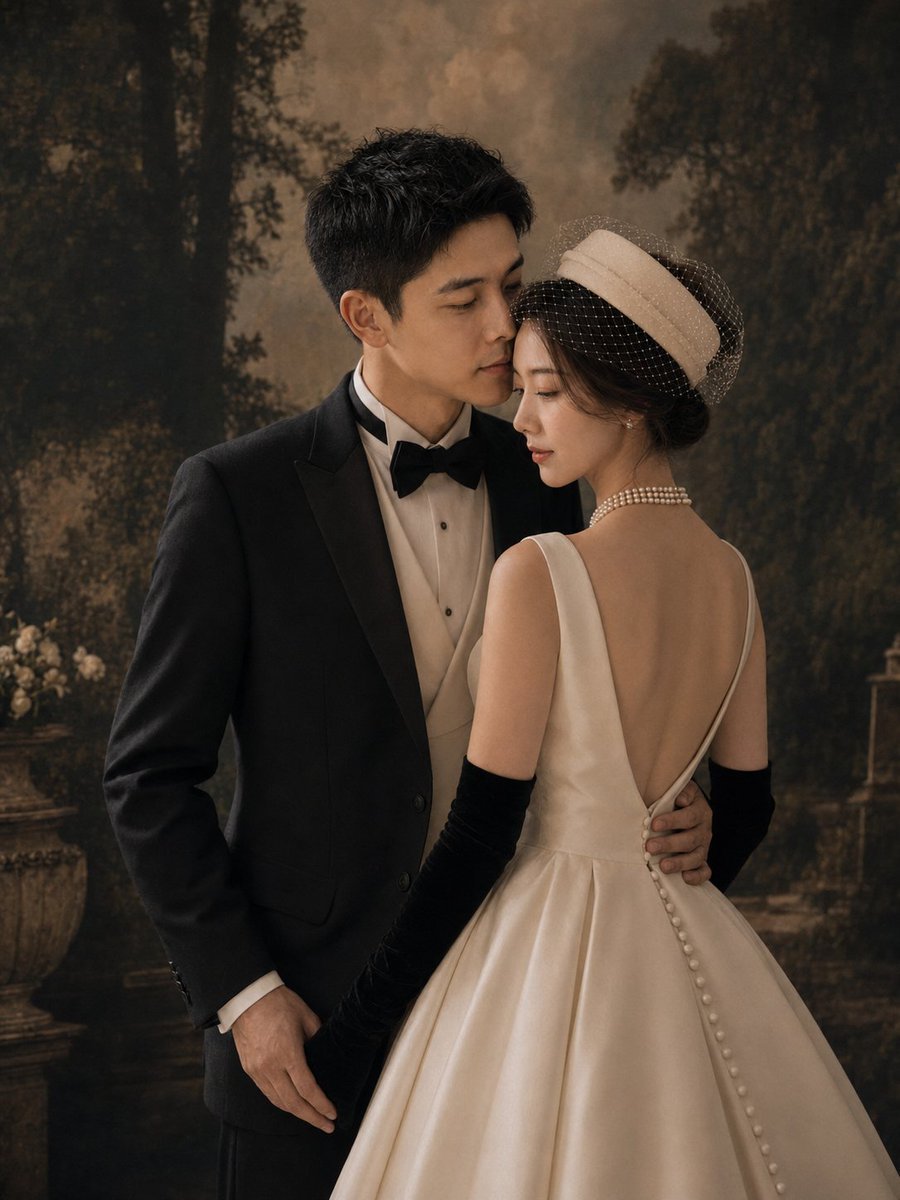
Vintage Garden Wedding Portrait
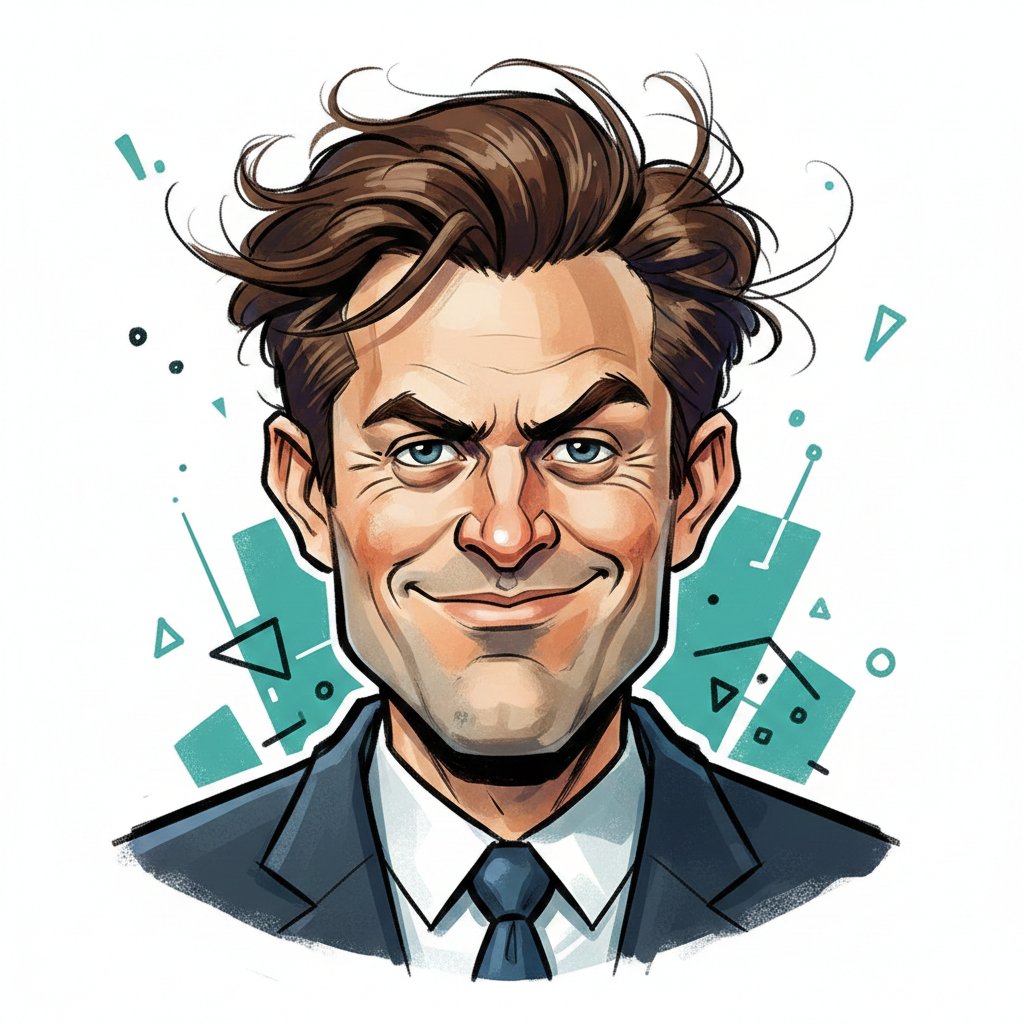
Editorial Caricature Illustration of a Man
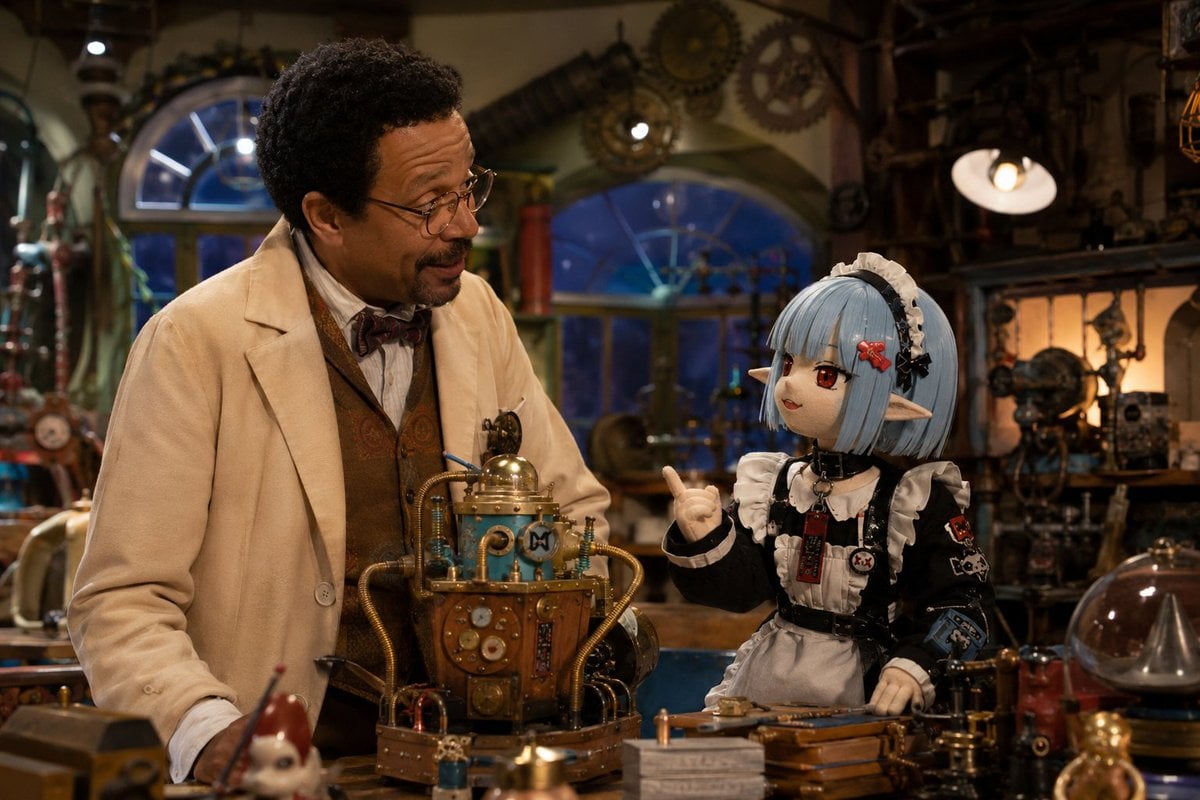
World Famous Puppet Show Scene
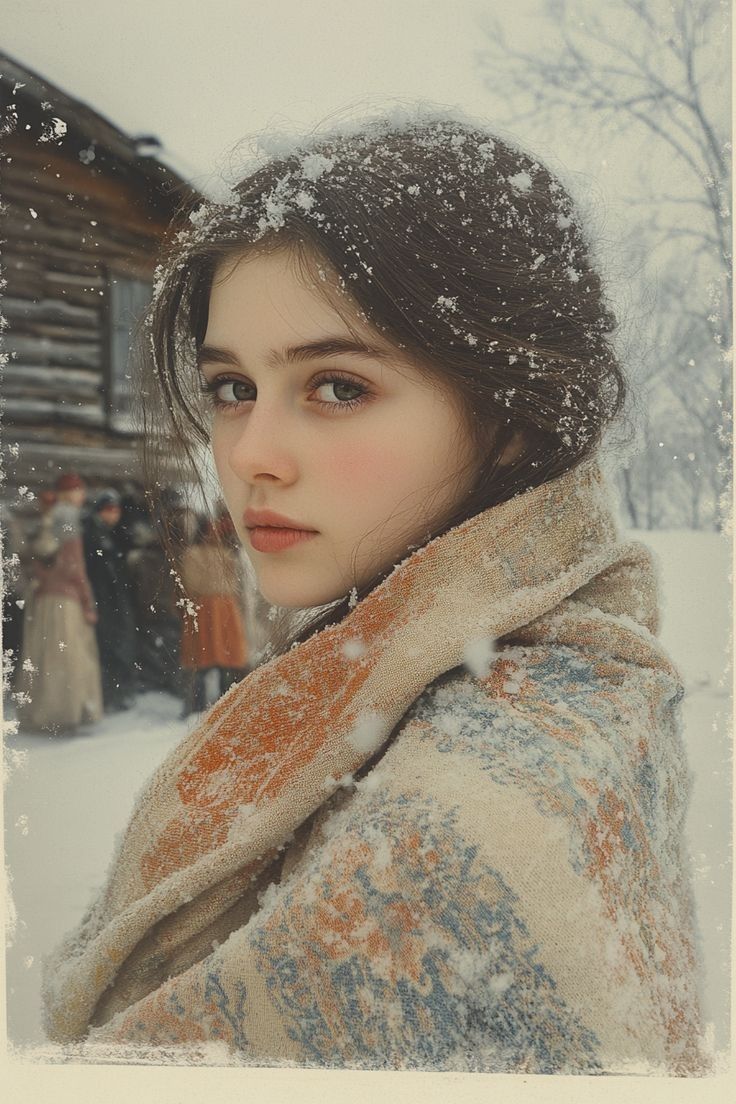
Cinematic Winter Portrait with Snowflakes
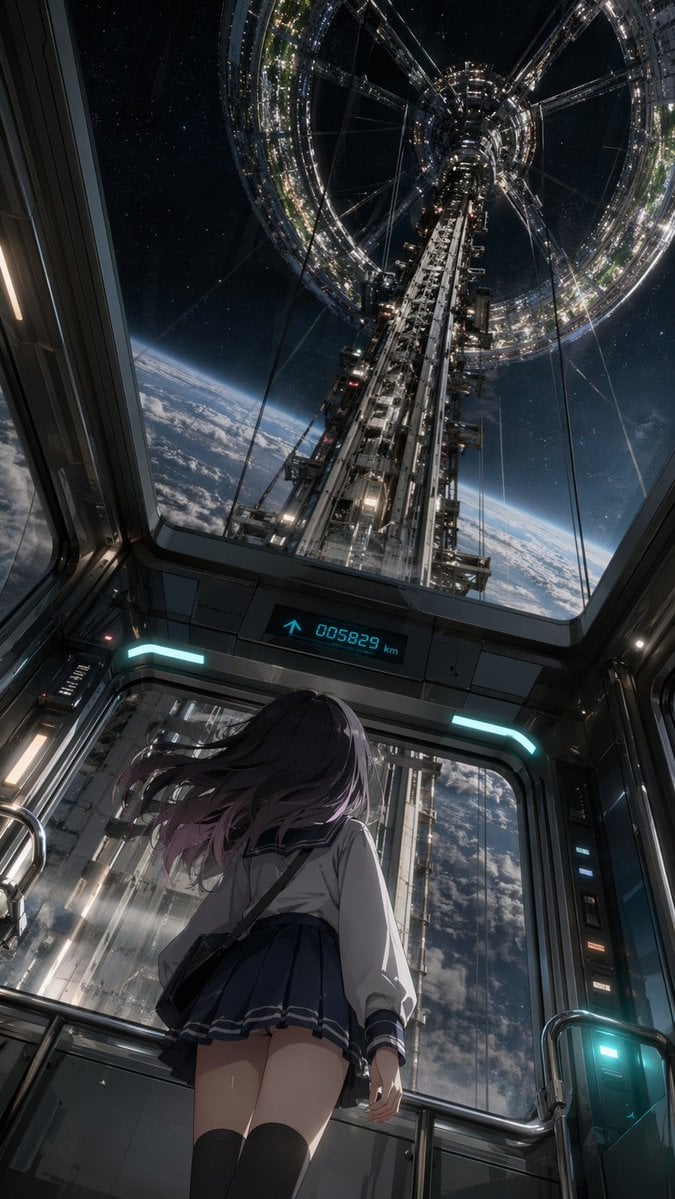
Anime Girl in Space Elevator
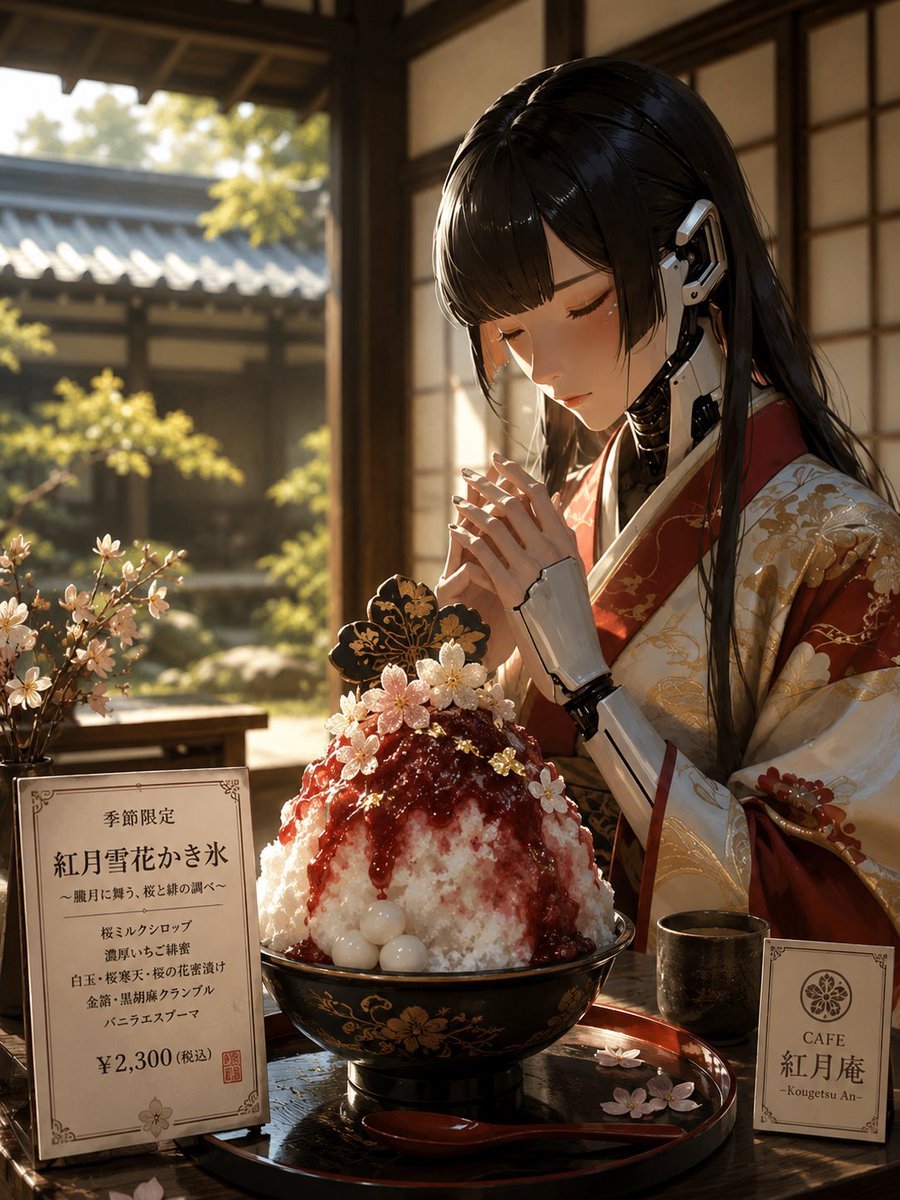
Luxury Cybernetic Kakigori Café Scene
Browse template categories
Urban Lifestyle Portrait at The River Thames questions
How do I use the Urban Lifestyle Portrait at The River Thames template?
Add your photo if the template asks for one, edit the prompt if you like — the template's model and format are already selected — and press Generate. Your version opens in PicX Studio.
Can I customize the Urban Lifestyle Portrait at The River Thames template?
Yes. You can change the subject, setting, lighting, mood, format, and available model controls before creating your image.
Is the Urban Lifestyle Portrait at The River Thames template free?
Opening and editing this template is free. Generating uses credits, shown on the Generate button when you are signed in.
Which AI model should I use?
Start with Nano Banana 2, which is the model associated with this template. You can compare another compatible model for a different finish.
Looking for something else? Browse all templates.

Your photo, any look
Thousands of ready templates for every top image and video model, from one credit balance.