How do I use the Lingerie-Inspired Night Out Snapshot template?
Choose the primary action to open PicX Studio with the available template settings. Review the model and format, personalize the creative direction, and generate when ready.
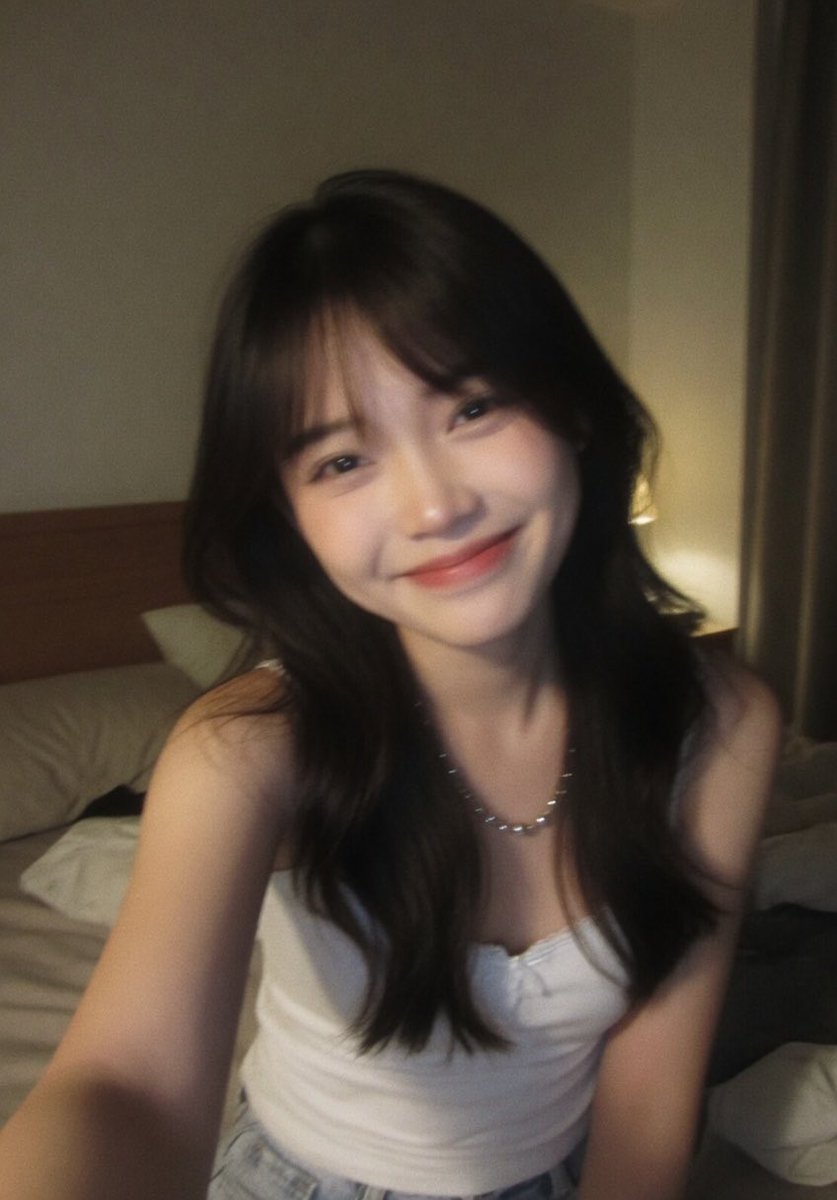
An image generation prompt for a medium close-up, candid influencer snapshot of a woman with dark hair, wearing a black lace-trimmed camisole top, posing with a pout in a dimly lit, luxurious restaurant or lounge interior, emphasizing warm golden ambient light and a Gen Z digital camera aesthetic. (free to use) — Free AI image template on PicX Studio.
{ "subject": { "description": "Young woman with light skin tone", "hair": "Long, dark brunette, straight, center-parted, falling over shoulders", "expression": "Pouting lips (kissy face/duck face), direct eye contact with camera, confident", "pose": "Seated, right hand raised touching the side of the head/hair, elbow out" }, "attire": { "garment": "Black satin or silk camisole top with intricate {argument name="lace color" default="black"} lace trim along the V-neckline, spaghetti straps", "style": "Lingerie-inspired evening wear" }, "accessories": { "wrist": "Stack of bracelets on right wrist: white beaded bracelet, pink woven friendship bracelet with dangling strings, thin metallic chain", "neck": "Delicate, thin layered metal necklaces (gold or silver tone)", "nails": "Long, manicured fingernails with {argument name="nail polish color" default="dark burgundy or deep red"} polish" }, "environment": { "setting": "Dimly lit upscale restaurant or lounge interior", "background_details": "Curved modern ceiling architecture with warm recessed strip lighting, dark walls, decorative leafless branch structure, dining table with white tablecloth and crystal wine glasses in the blurry background", "ambiance": "Intimate, moody, luxurious, night-time atmosphere" }, "photography_style": { "lighting": "Warm golden ambient light mixed with ceiling strip lighting, no direct flash, soft shadows on face", "aesthetic": "Candid influencer snapshot, 'Gen Z' digital camera aesthetic, slight high-ISO grain, authentic social media style", "framing": "Medium close-up, eye-level shot" }, "camera": { "model": "Canon PowerShot G7 X Mark III or iPhone 15 Pro (Portrait Mode)", "lens": "24mm wide-angle equivalent", "aperture": "f/1.8", "shutter_speed": "1/60s", "iso": "1600", "focus": "Sharp focus on eyes and lips, soft bokeh on background", "color_grading": "Warm tungsten white balance, slightly saturated skin tones, deep blacks" } }
Use Lingerie-Inspired Night Out Snapshot to plan an AI image around nano-banana-2 generation. Match the preview's composition first, then personalize the subject, setting, and mood for your own project.
Use the primary action to load the template settings in PicX Studio.
Adjust the subject and creative details for your destination.
Create the image, compare the result with the preview, and refine one variable at a time.
A continuous mix — similar concepts first, woven with same-model prompts and fresh picks from the catalog.
Choose the primary action to open PicX Studio with the available template settings. Review the model and format, personalize the creative direction, and generate when ready.
Yes. You can change the subject, setting, lighting, mood, format, and available model controls before creating your image.
This template is free to open and customize. Generation usage is shown in PicX Studio before you create.
Start with nano-banana-2, which is the model associated with this template. You can compare another compatible model for a different finish.
Follow a topic to a crawlable collection of related PicX Studio templates.
39,155 public templates available. Verified via the PicX Studio public templates API; refreshed hourly.
A continuous mix — similar concepts first, woven with same-model prompts and fresh picks from the catalog.