
Black Cat Cooling by Open Fridge
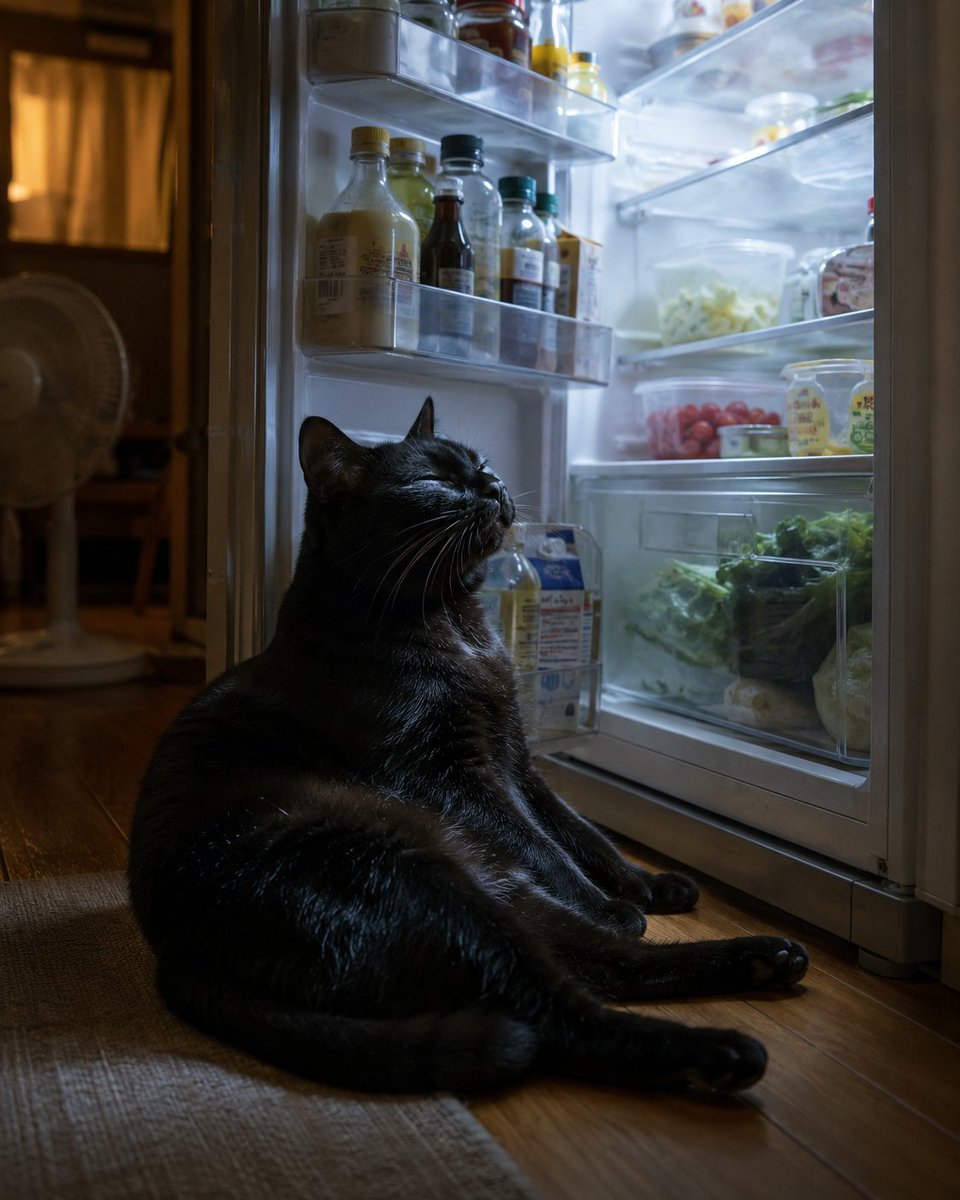
A photorealistic cozy night scene of a black cat lounging in front of an open refrigerator, useful for humorous pet or summer-themed imagery.
- Prompt included
- Model and format preset
- Free template
The prompt behind this image
Copy the exact prompt behind Black Cat Cooling by Open Fridge, or open it in the studio and make it yours.
Create a realistic cozy nighttime photo of {argument name="pet" default="a plump black cat"} sitting on a wooden kitchen floor directly in front of an open refrigerator, basking in the cool blue-white fridge light as if enjoying the summer air. The cat is the single main subject, glossy black fur with subtle highlights, relaxed seated pose with hind legs stretched forward, front paws resting near the fridge, head tilted upward with eyes closed and a blissful smile-like expression, long white whiskers visible. The refrigerator is open on the right side of the frame and brightly lit, showing exactly 4 visible storage zones: 1 transparent door shelf holding assorted bottles and jars, 1 upper interior shelf with small containers, 1 middle shelf with a plastic container of pale shredded vegetables and a tray of red cherry tomatoes, and 1 lower crisper drawer area packed with leafy greens and vegetables. In the dim background on the left, include exactly 1 standing electric fan and a warm amber-lit doorway or room, contrasting with the cold refrigerator glow. Use a low eye-level camera angle from the floor, vertical composition, shallow depth of field, natural household clutter, cinematic photorealism, high detail fur texture, soft shadows, warm wooden floor reflections, quiet humorous domestic mood. No text, no watermark, no humans.
How to use Black Cat Cooling by Open Fridge in 3 steps
- 1Upload ImagePNG, JPG or paste
Add your photo
Upload the photo the template builds on. The prompt, model and format are already set.
- 2…a portrait of your subject in softgolden-hour light, 85mm…
Personalize
Edit the subject and creative details for your destination.
- 3Generate
Generate
Press Generate — your image is created in PicX Studio, so you can compare it with the original and refine one variable at a time.
More like this
Templates with the same subject, style or setup. Open one to see its prompt.
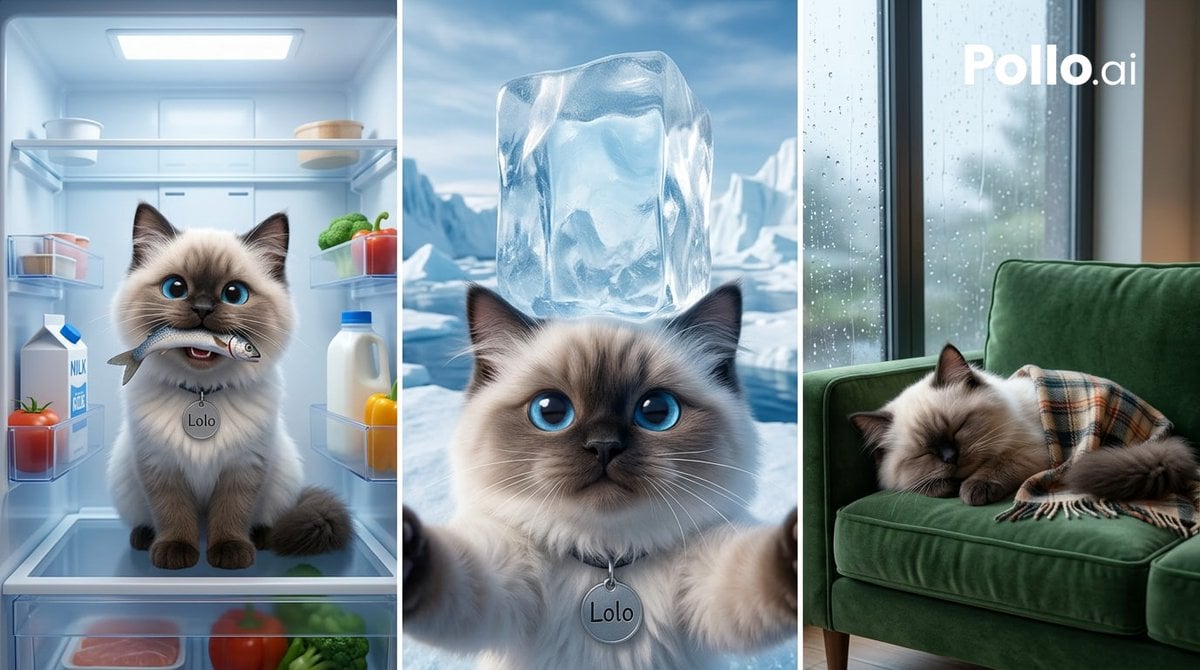
Cooling Cat Triptych

Cat Photobomb Selfie — 0.5x Wide Angle Café Chaos

Surreal Cat Astronaut — Humanoid Face Freefall

Dark Runway Luxury Fashion Magazine Cover

Black Liquid Cyberpunk Portrait Poster

Low Angle Floor Selfie With Upside Down Cat
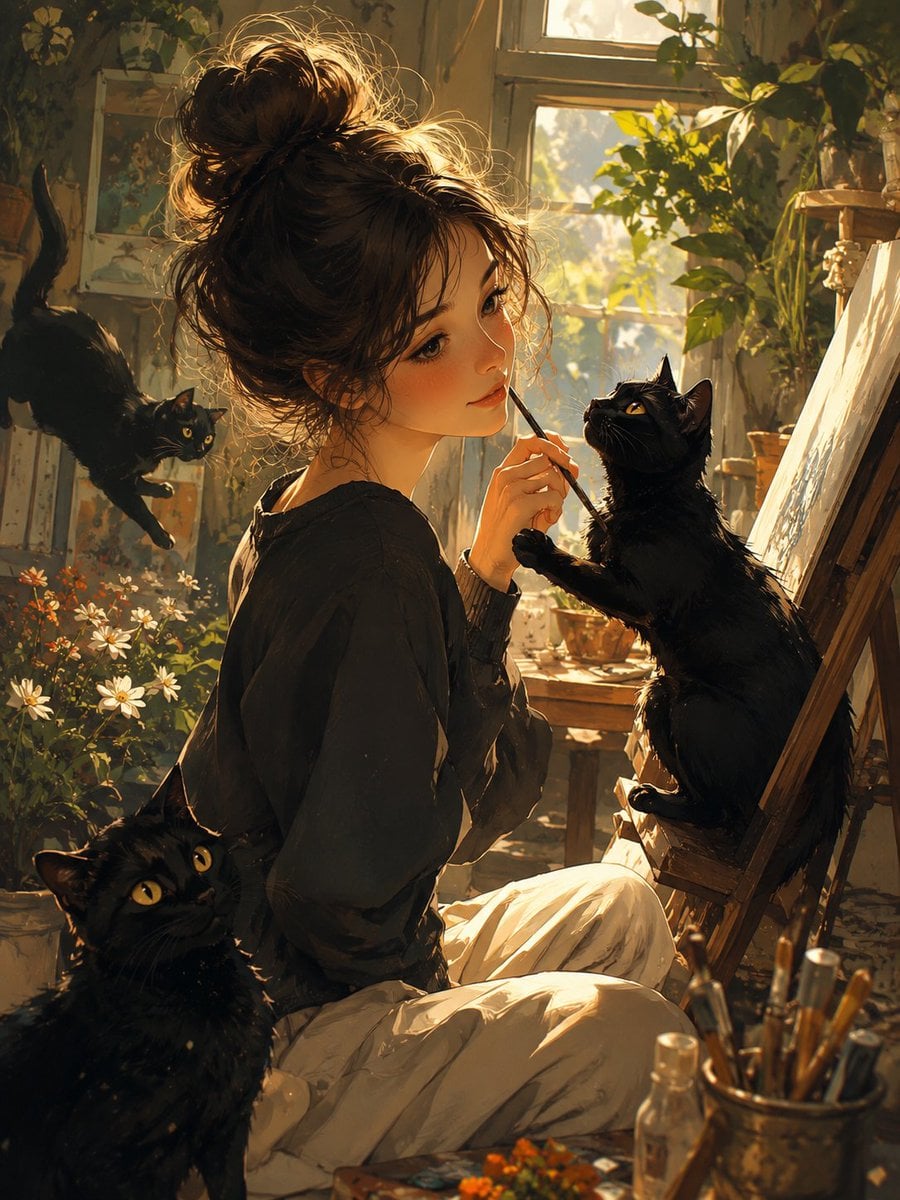
Rainy Studio Artist with Black Cats

Woman in Mall with Chanel Bag - Heart Gesture
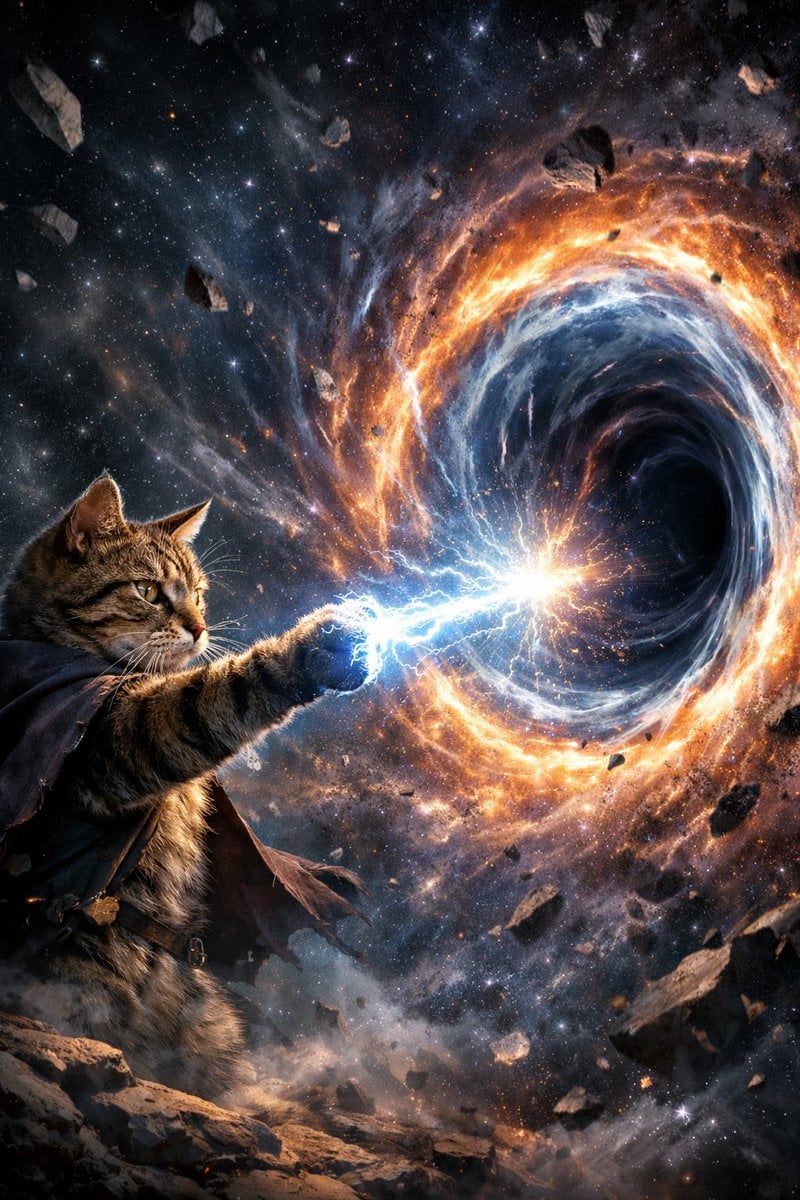
Surreal Cat Shooting Power to Open Wormhole

Black Cat on Wooden Post Scene
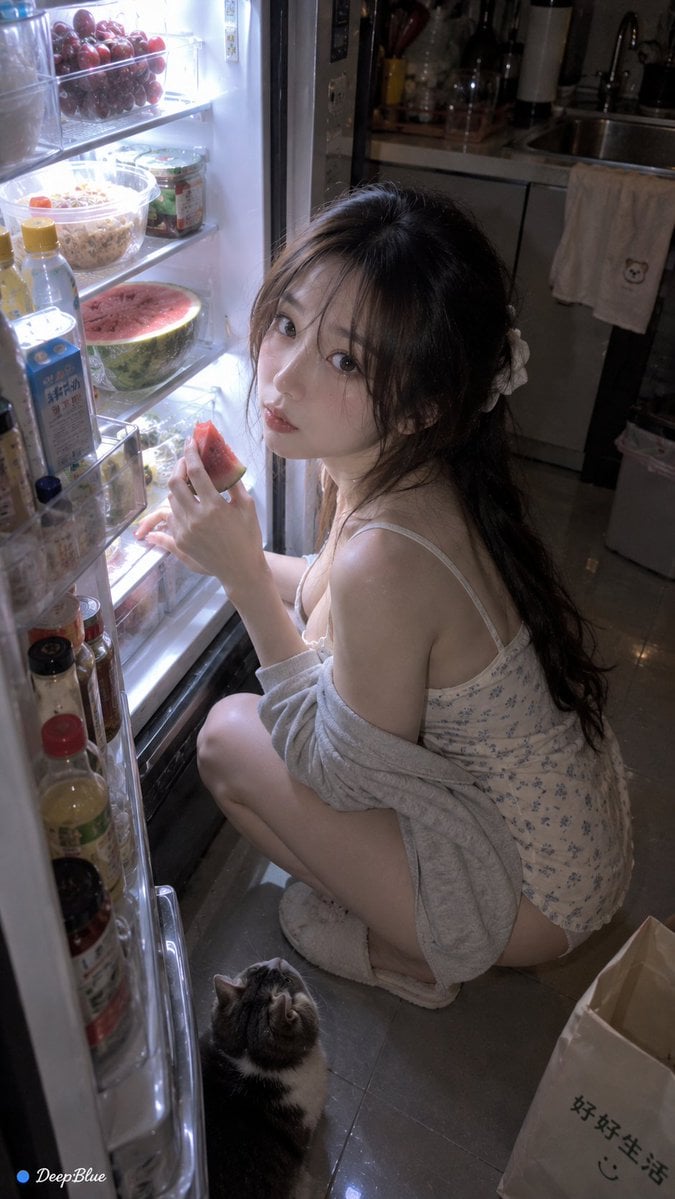
Late Night Fridge Candid Snapshot
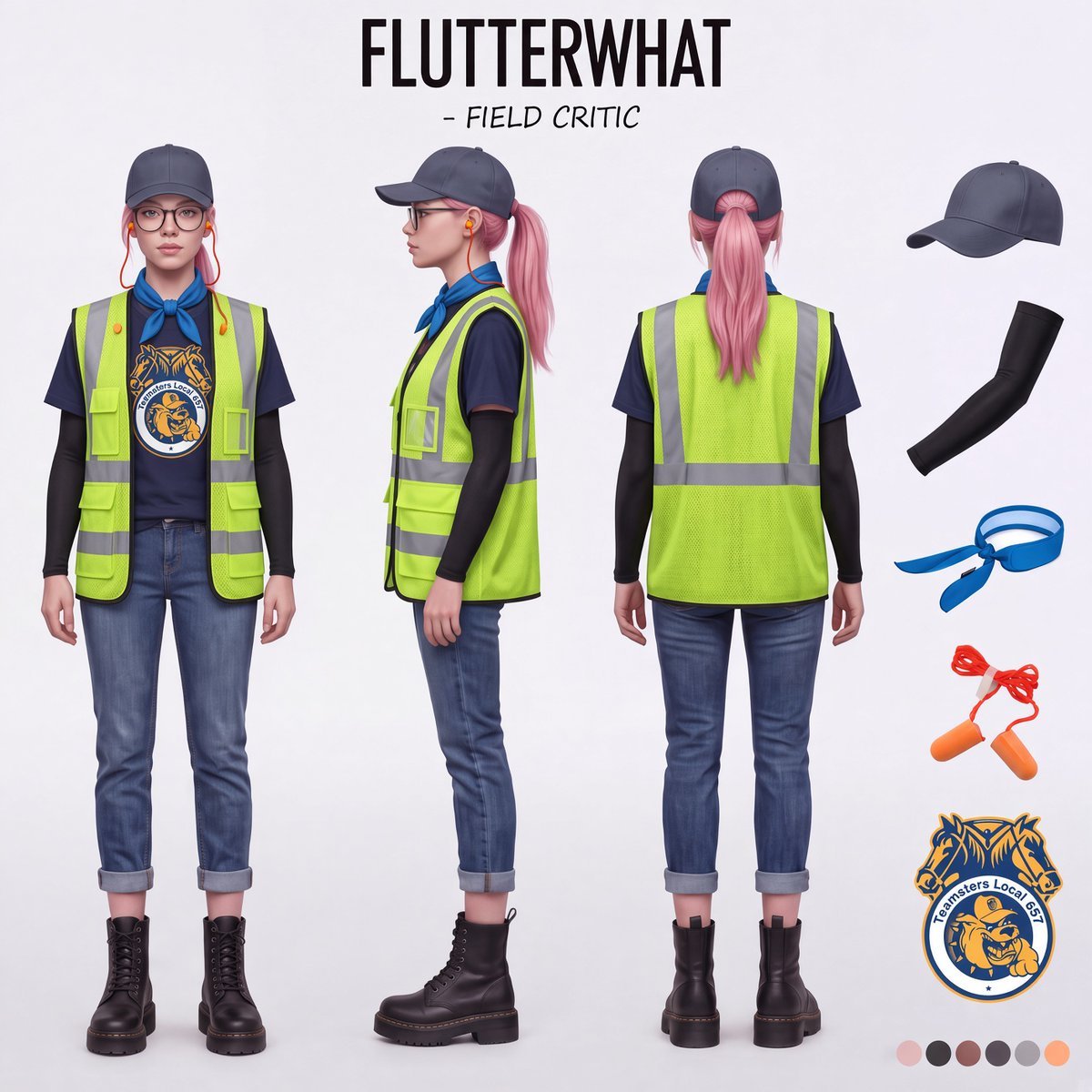
Airport Ready Cooling Gear Critic
Make it yours
Black Cat Cooling by Open Fridge works as-is. These are the safest ways to change it without losing the look.
Change one field
Copy a single group, rewrite it, and generate again so you can see what that field is doing.
Keep the frame, change the subject
Hold the composition and light of Black Cat Cooling by Open Fridge, then swap wardrobe, props or the person for a new take.
| If the result… | Why | Fix |
|---|---|---|
| The result drifts from the preview | Too many fields changed at once. | Reuse Black Cat Cooling by Open Fridge as-is first, then change one group — subject, light, or setting. |
| The model over-stylizes the scene | The prose prompt leaves finish and camera underspecified. | Add one camera or lighting sentence and stay on GPT Image 2. |
More GPT Image 2 templates
Other prompts made for GPT Image 2.

Six VTuber Japanese Logo Sheet

Realistic Portrait of Woman and Deer

The Vista Modular Condo Poster

AI Model Routing Comparison Infographic

2.5D Anime Art Board

Isometric Productivity Desk Scene

New York Double Exposure Poster

Four-Panel AI Landscape Comparison

Japanese Tatami Lifestyle Magazine Cover

NESCAFÉ Coffee Map Poster
More image prompts
Fresh picks from across the catalog.
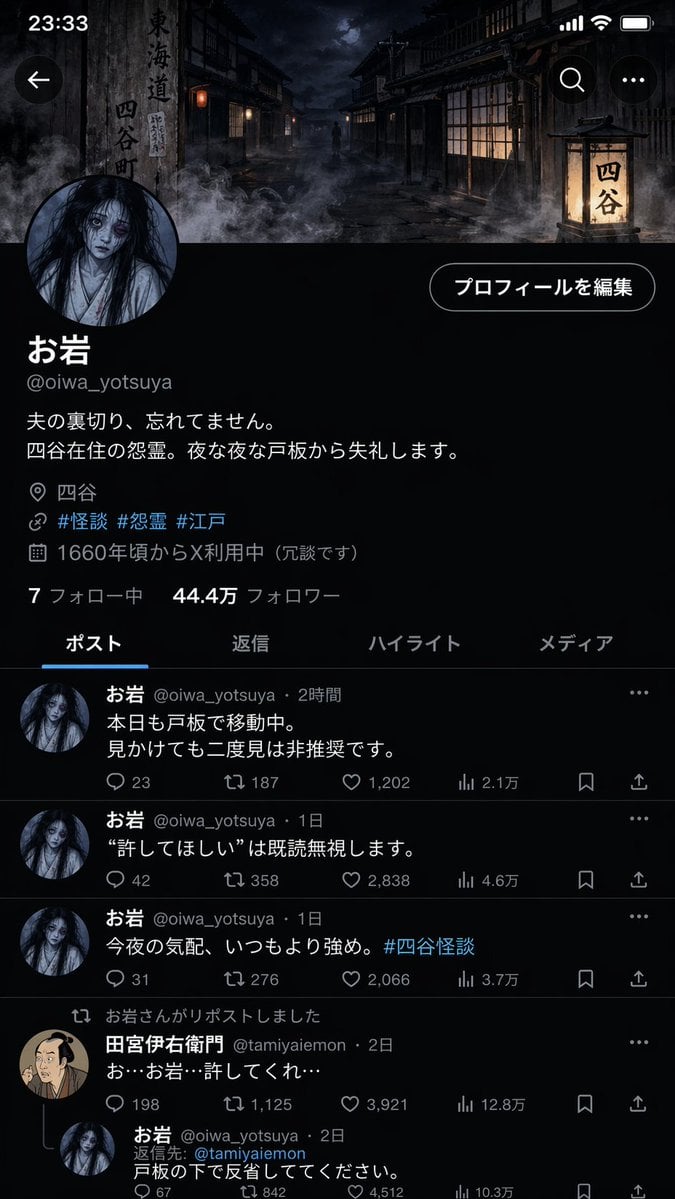
Folklore Character Social Media Profile
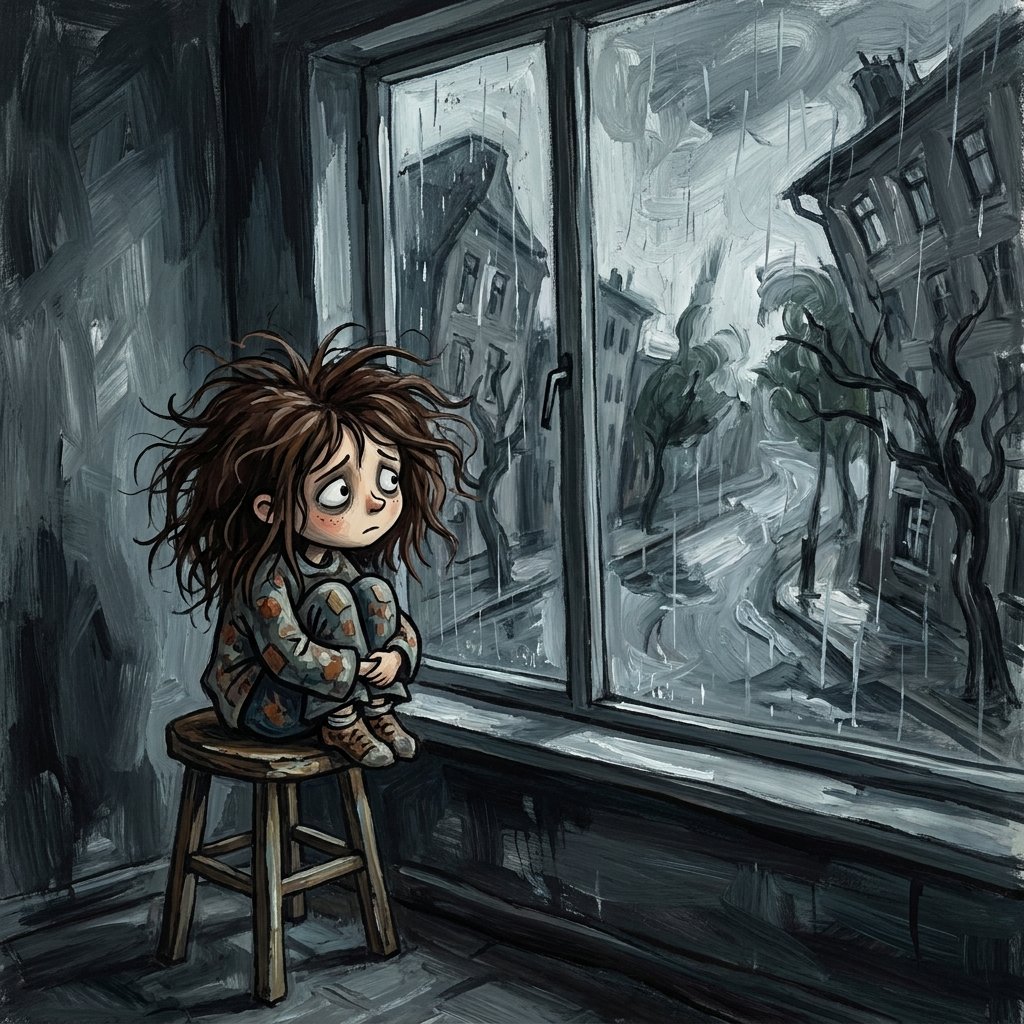
Sad Child by Rainy Window
Urban Streetwear Hoodie Mockup

Anime School Festival Flyer Poster

Election Poster Style Prompt
Cinema Lobby School-Inspired Fashion Photo

Sunset Ancient Spanish City Landscape
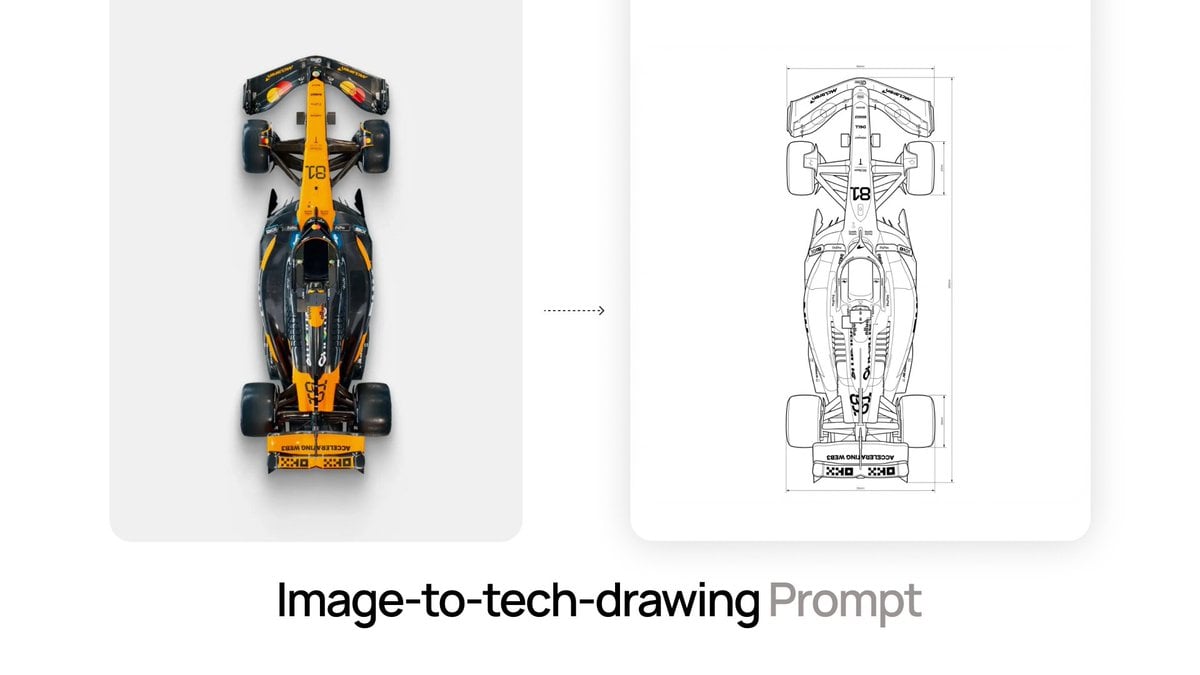
Nano Banana Prompt for Image-to-Tech-Drawing
Woman at Elegant Bar Cafe Table
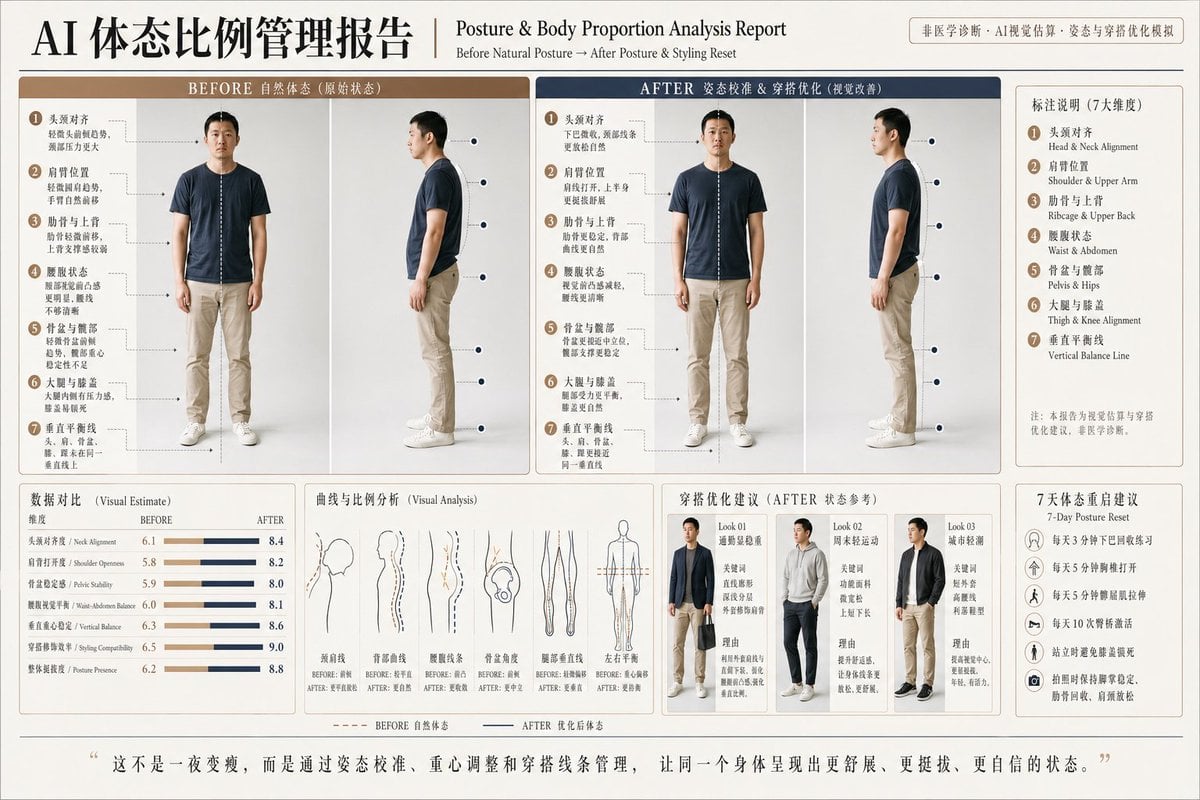
Posture Analysis Report Infographic
Browse template categories
Black Cat Cooling by Open Fridge questions
How do I use the Black Cat Cooling by Open Fridge template?
Add your photo if the template asks for one, edit the prompt if you like — the template's model and format are already selected — and press Generate. Your version opens in PicX Studio.
Can I customize the Black Cat Cooling by Open Fridge template?
Yes. You can change the subject, setting, lighting, mood, format, and available model controls before creating your image.
Is the Black Cat Cooling by Open Fridge template free?
Opening and editing this template is free. Generating uses credits, shown on the Generate button when you are signed in.
Which AI model should I use?
Start with GPT Image 2, which is the model associated with this template. You can compare another compatible model for a different finish.
Looking for something else? Browse all templates.

Your photo, any look
Thousands of ready templates for every top image and video model, from one credit balance.