
Cooling Cat Triptych
A photorealistic three-panel scene of the same cat staying cool in a fridge, the Arctic, and a rainy-room nap, useful for humorous pet heatwave visuals.
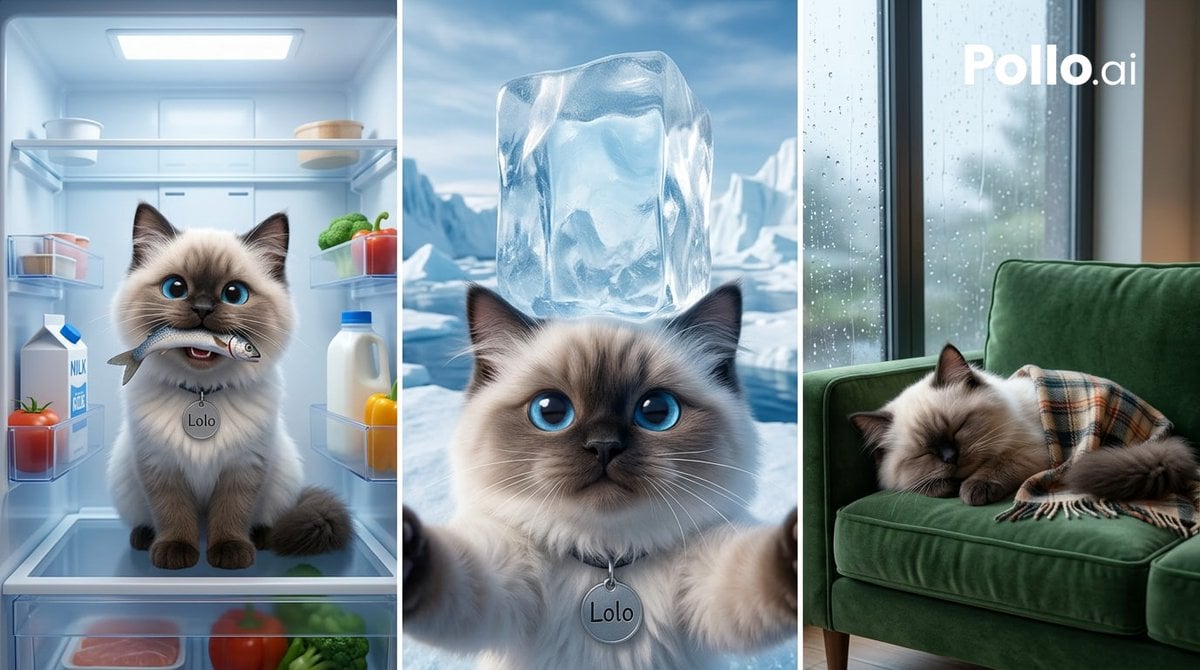
- Prompt included
- Model and format preset
- Premium template
The prompt behind this image
Copy the exact prompt behind Cooling Cat Triptych, or open it in the studio and make it yours.
Goal: Create a photorealistic vertical triptych showing the same fluffy colorpoint cat named {argument name="character name" default="Lolo"} using three humorous cooling strategies during a heatwave. Canvas: Wide horizontal image in a 16:9 ratio, divided into exactly 3 equal vertical panels separated by thin white borders. Use cinematic, high-detail, realistic lighting with a cool blue color grade. Subject details: The cat appears in all 3 panels as the same long-haired ragdoll/Siamese-style cat with cream fur, dark brown face mask, dark ears and paws, large bright blue eyes, fluffy tail, soft whiskers, and a round silver collar tag engraved with {argument name="character name" default="Lolo"}. Panel 1, left: Inside an open refrigerator, the cat sits centered on a glass shelf facing forward, holding a small fish in its mouth. The fridge interior glows with cold blue-white light. Show exactly 8 visible food items: 1 milk carton on the left door shelf, 1 tomato near the milk carton, 1 small plastic container on an upper left shelf, 1 white bowl on the top left shelf, 1 round cheese or covered dish on the top right shelf, 1 cluster of broccoli on the right shelf, 1 red bell pepper on the right shelf, and 1 white bottle with a blue cap on the right shelf. Add faint frost, glass reflections, and chilled condensation. Panel 2, center: A close-up selfie-like view of the same cat in an Arctic landscape, looking directly at the viewer with wide blue eyes. A large translucent ice cube sits balanced on the cat's head. Show icy water and snow-covered glaciers in the background under a bright cold sky. The cat’s two front paws appear near the lower foreground as if holding the camera. The silver tag engraved with {argument name="character name" default="Lolo"} is visible. Panel 3, right: The same cat sleeps curled on a deep green velvet sofa beside a tall window covered in raindrops. The cat is partly covered by a plaid blanket in muted beige, brown, and orange tones. Outside the window, show a soft blurry rainy city or greenery scene. Add white text watermark {argument name="watermark text" default="Pollo.ai"} near the upper right of this panel. Cozy indoor lighting contrasts with the cool rainy exterior. Text content: Include exactly 2 pieces of readable text: the collar tag name {argument name="character name" default="Lolo"} where visible, and the watermark {argument name="watermark text" default="Pollo.ai"}. Avoid any other legible labels except incidental fridge packaging. Constraints: Keep the same cat identity across all 3 panels, maintain realistic fur detail and expressive blue eyes, use no cartoon styling, no extra panels, no extra animals, no hands or humans, and no distorted anatomy.
How to use Cooling Cat Triptych in 3 steps
- 1Upload ImagePNG, JPG or paste
Add your photo
Upload the photo the template builds on. The prompt, model and format are already set.
- 2…a portrait of your subject in softgolden-hour light, 85mm…
Personalize
Edit the subject and creative details for your destination.
- 3Generate
Generate
Press Generate — your image is created in PicX Studio, so you can compare it with the original and refine one variable at a time.
More like this
Templates with the same subject, style or setup. Open one to see its prompt.
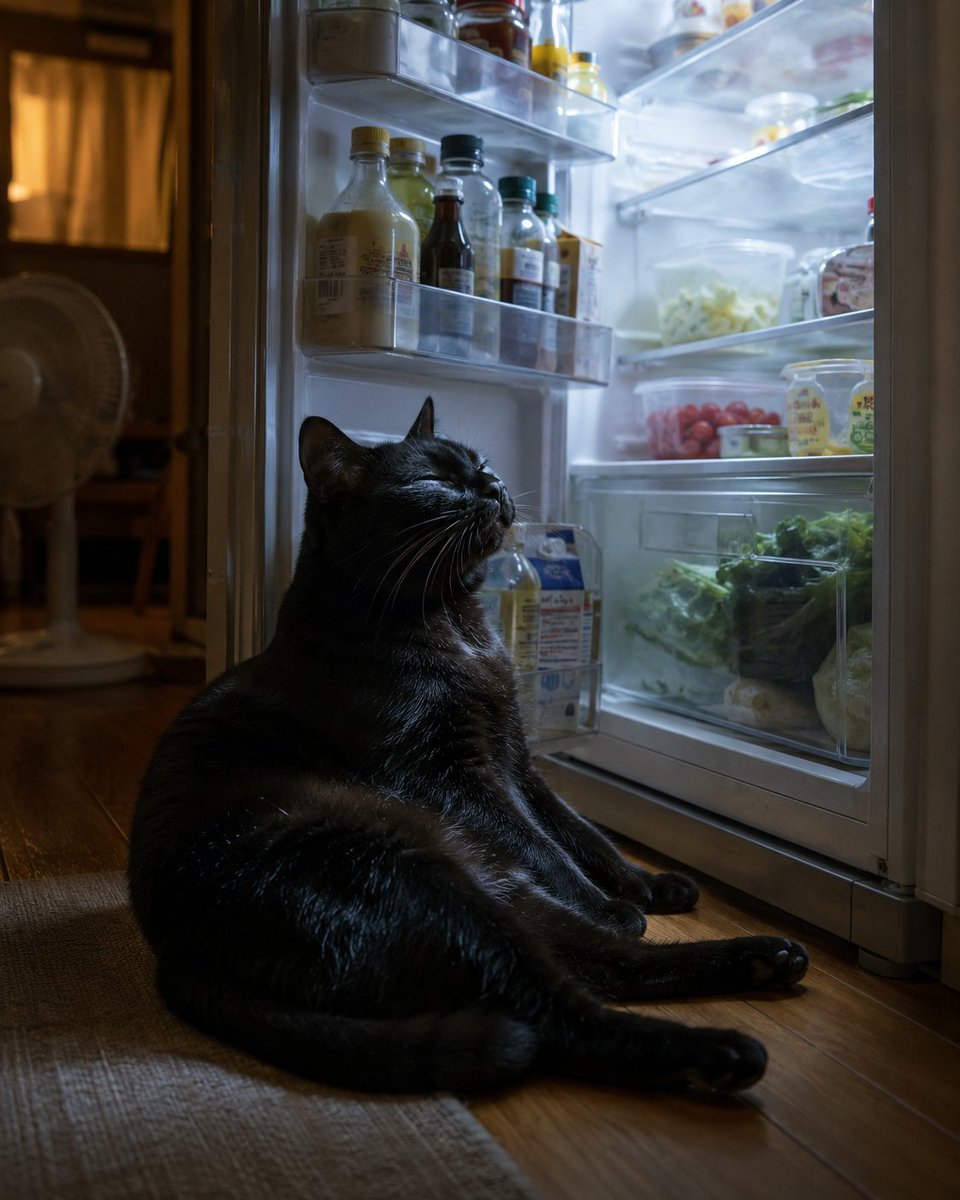
Black Cat Cooling by Open Fridge

Cat Photobomb Selfie — 0.5x Wide Angle Café Chaos

Surreal Cat Astronaut — Humanoid Face Freefall
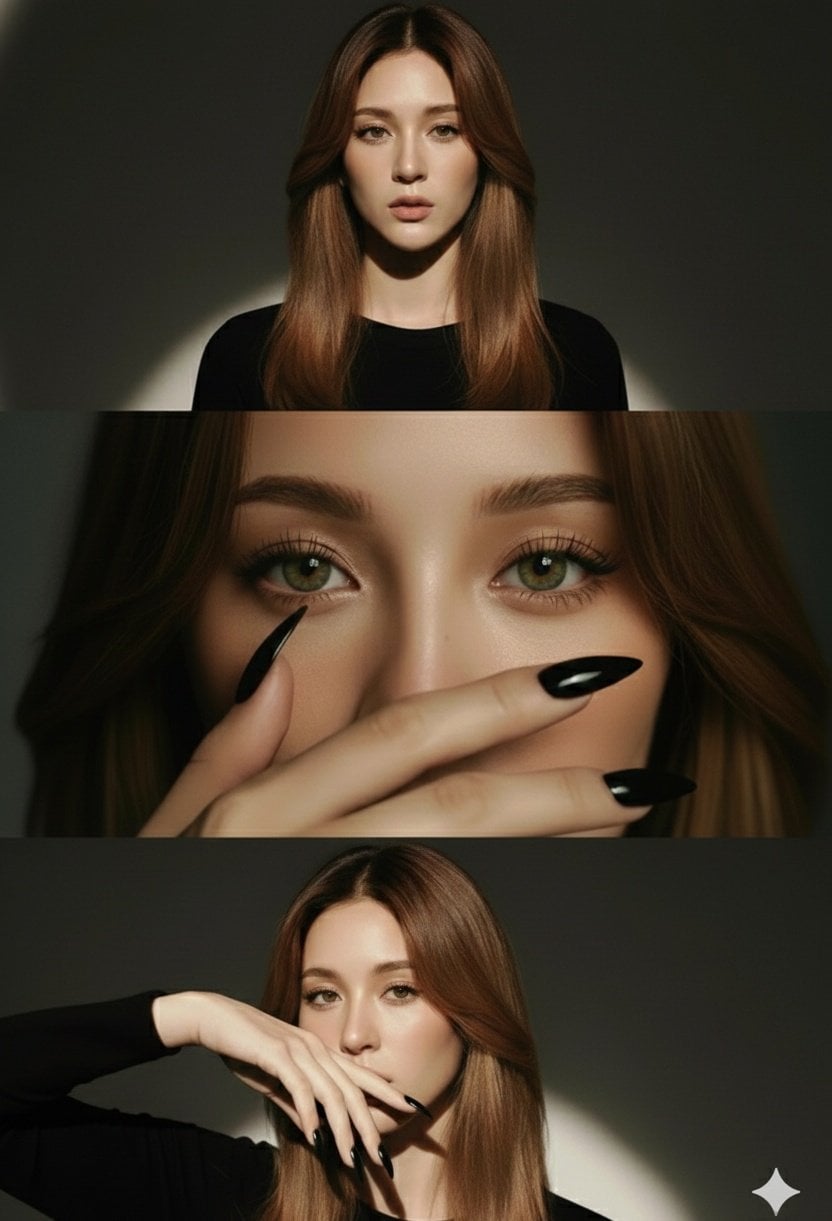
High-Fashion Editorial Studio Portrait Triptych

Night City Bridge Triptych Portrait Session
Night City Bridge Triptych Portrait Session

Low Angle Floor Selfie With Upside Down Cat
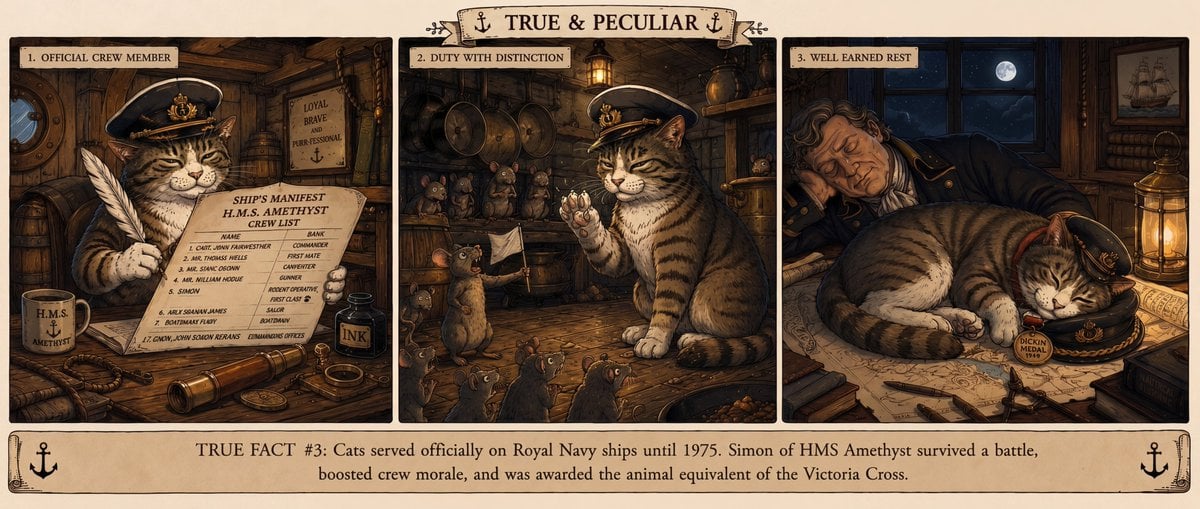
Vintage Royal Navy Ship Cat Triptych

Japanese Samurai Ukiyo-e Triptych
Airport Ready Cooling Gear Critic
Rainy Street Triptych Portrait
Futuristic Cooling Poncho Street Fashion
Make it yours
Cooling Cat Triptych works as-is. These are the safest ways to change it without losing the look.
Change one field
Copy a single group, rewrite it, and generate again so you can see what that field is doing.
Keep the frame, change the subject
Hold the composition and light of Cooling Cat Triptych, then swap wardrobe, props or the person for a new take.
| If the result… | Why | Fix |
|---|---|---|
| The result drifts from the preview | Too many fields changed at once. | Reuse Cooling Cat Triptych as-is first, then change one group — subject, light, or setting. |
| The model over-stylizes the scene | The prose prompt leaves finish and camera underspecified. | Add one camera or lighting sentence and stay on GPT Image 2. |
More GPT Image 2 templates
Other prompts made for GPT Image 2.

Six VTuber Japanese Logo Sheet

Realistic Portrait of Woman and Deer

The Vista Modular Condo Poster

AI Model Routing Comparison Infographic

2.5D Anime Art Board

Isometric Productivity Desk Scene

New York Double Exposure Poster

Four-Panel AI Landscape Comparison

Japanese Tatami Lifestyle Magazine Cover

NESCAFÉ Coffee Map Poster
More image prompts
Fresh picks from across the catalog.

Professional Portrait Photo Shoot with Props and Palace Background

Cute chibi cat-eared girl illustration
Young Woman Playing an Upright Piano in

Gold Lamborghini Fashion Shoot Prompt
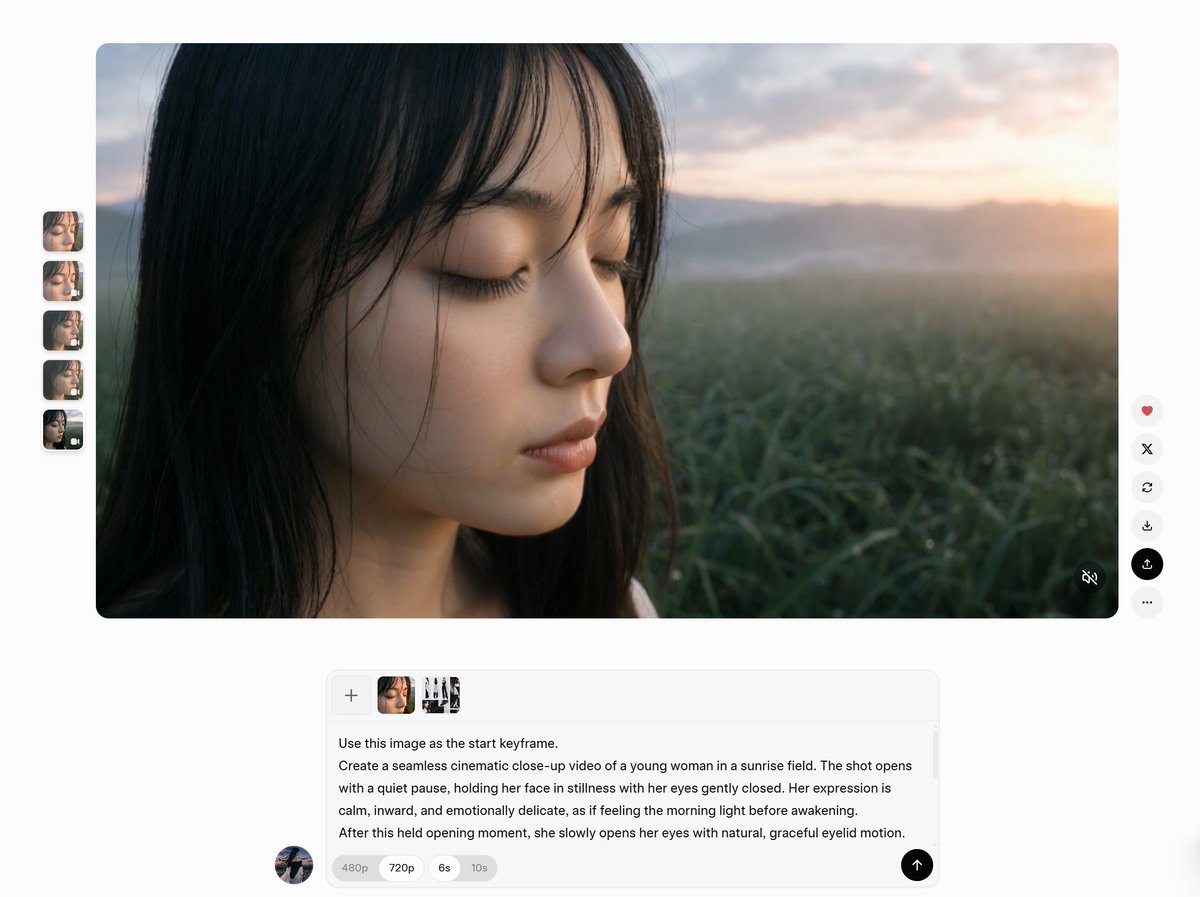
AI Video Workspace Screenshot

Car Selfie with Three Subjects and Identity Lock

Cute Japanese LINE Sticker Sheet

Foggy Brooklyn Bridge Survivor

Cross-Strait Dialogue Editorial Illustration
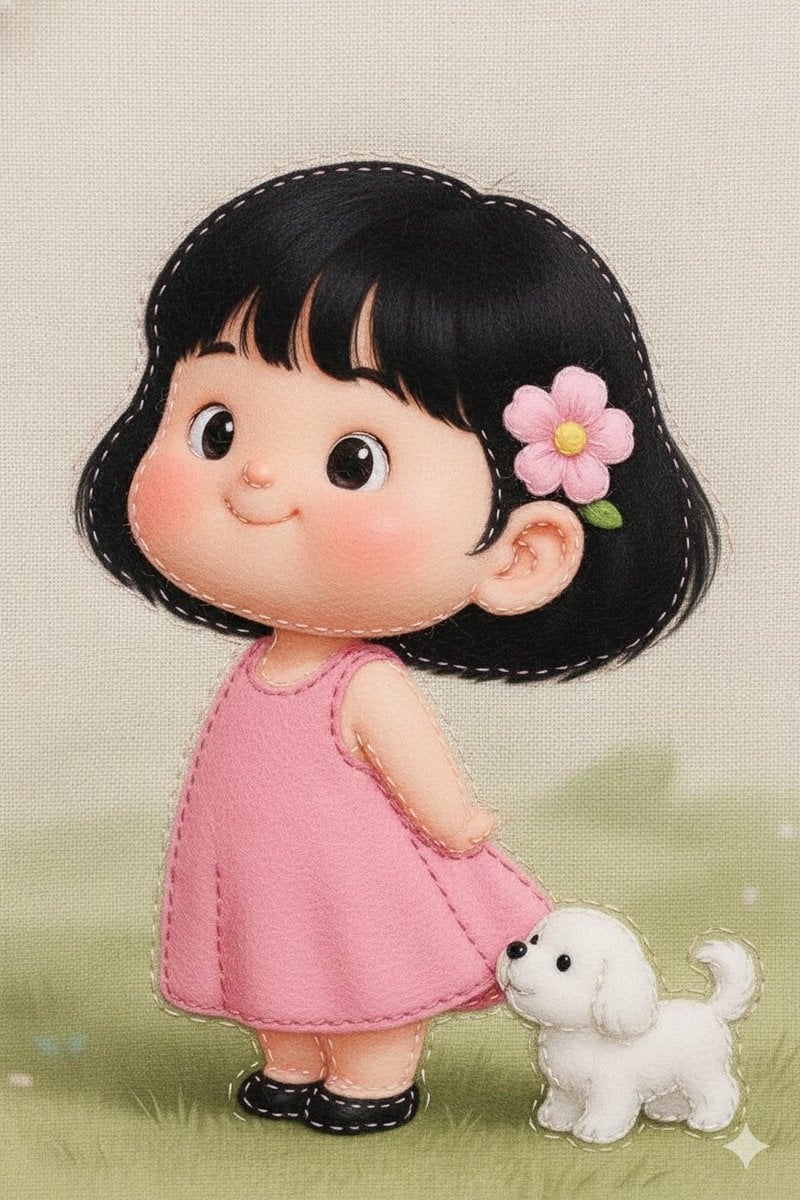
Felt Fabric Applique Art Style Transfer Prompt
Browse template categories
Cooling Cat Triptych questions
How do I use the Cooling Cat Triptych template?
Add your photo if the template asks for one, edit the prompt if you like — the template's model and format are already selected — and press Generate. Your version opens in PicX Studio.
Can I customize the Cooling Cat Triptych template?
Yes. You can change the subject, setting, lighting, mood, format, and available model controls before creating your image.
Is the Cooling Cat Triptych template free?
Opening and editing this template is free. Generating uses credits, shown on the Generate button when you are signed in.
Which AI model should I use?
Start with GPT Image 2, which is the model associated with this template. You can compare another compatible model for a different finish.
Looking for something else? Browse all templates.

Your photo, any look
Thousands of ready templates for every top image and video model, from one credit balance.