
Foggy Brooklyn Bridge Survivor
A cinematic vertical scene of a hooded katana-carrying survivor overlooking jammed traffic and evacuees on the misty Brooklyn Bridge at dawn.
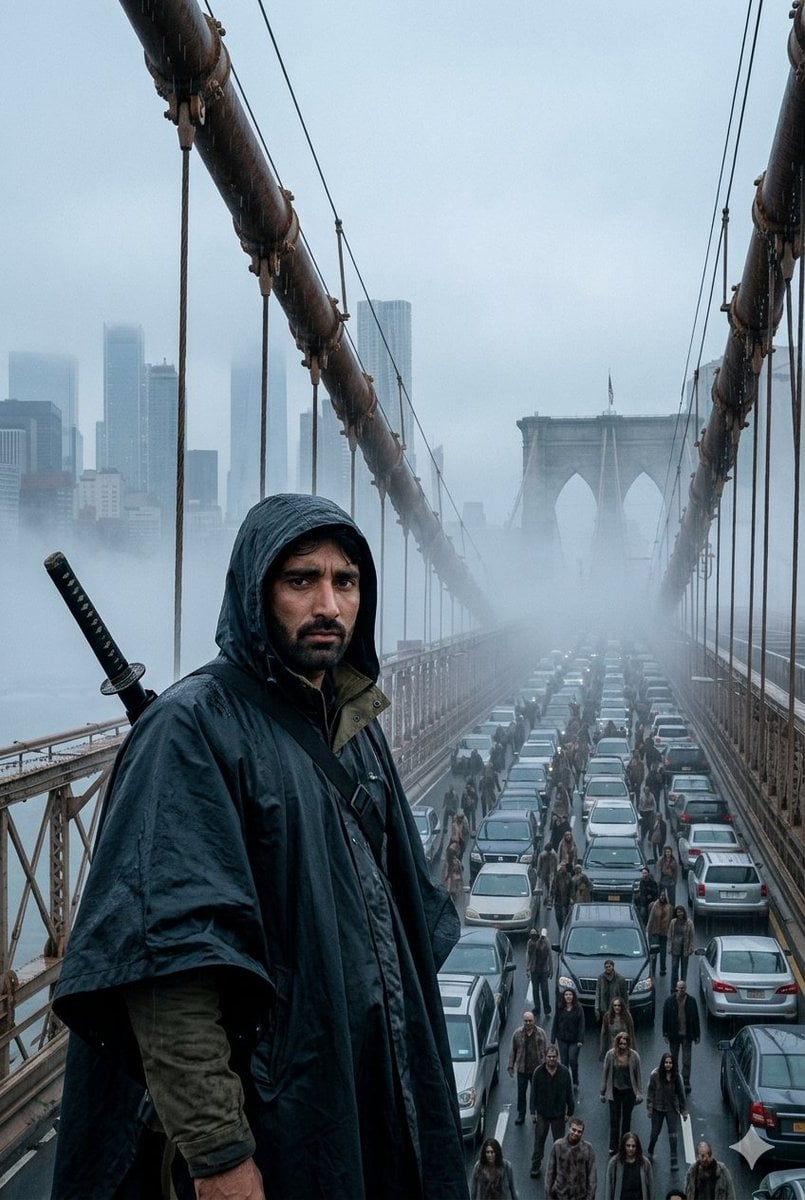
- Prompt included
- Model and format preset
- Free template
The prompt behind this image
Copy the exact prompt behind Foggy Brooklyn Bridge Survivor, or open it in the studio and make it yours.
Create a sweeping epic cinematic vertical image of {argument name="character description" default="a lone hooded survivor with an obscured shadowed face"} standing in the foreground on the Brooklyn Bridge pedestrian walkway at dawn. The figure is positioned left of center, shown from mid-thigh up, wearing a dark navy rain poncho over layered olive clothing with the hood pulled forward, a black crossbody strap across the chest, and a sheathed katana strapped diagonally over the back with the handle visible over the left shoulder. The expression is hidden by deep shadow, creating a tense, determined, anonymous presence. Behind and below the character, show the Brooklyn Bridge roadway packed with traffic and a dense stream of walking people moving between stalled cars, suggesting evacuation or aftermath; include exactly two dominant bridge suspension cables running from the upper corners toward the distant stone towers, many vertical hanger cables, metal railings, wet pavement, and rows of cars fading into fog. The background should show the iconic Brooklyn Bridge stone arches and a hazy Manhattan skyline barely visible through thick cold mist. Atmosphere: {argument name="time of day" default="dawn"}, blue-gray color grading, rain-damp surfaces, cold fog, overcast sky, cinematic scale, realistic photographic detail, dramatic depth, high contrast foreground against misty background. Camera: wide-angle lens from an elevated pedestrian walkway viewpoint, strong leading lines converging toward the bridge tower, shallow atmospheric perspective, portrait 2:3 composition. Avoid text, logos, watermarks, fantasy glow, cartoon styling, or clean sunny weather.
How to use Foggy Brooklyn Bridge Survivor in 3 steps
- 1Upload ImagePNG, JPG or paste
Add your photo
Upload the photo the template builds on. The prompt, model and format are already set.
- 2…a portrait of your subject in softgolden-hour light, 85mm…
Personalize
Edit the subject and creative details for your destination.
- 3Generate
Generate
Press Generate — your image is created in PicX Studio, so you can compare it with the original and refine one variable at a time.
More like this
Templates with the same subject, style or setup. Open one to see its prompt.

Night City Bridge Triptych Portrait Session
Night City Bridge Triptych Portrait Session
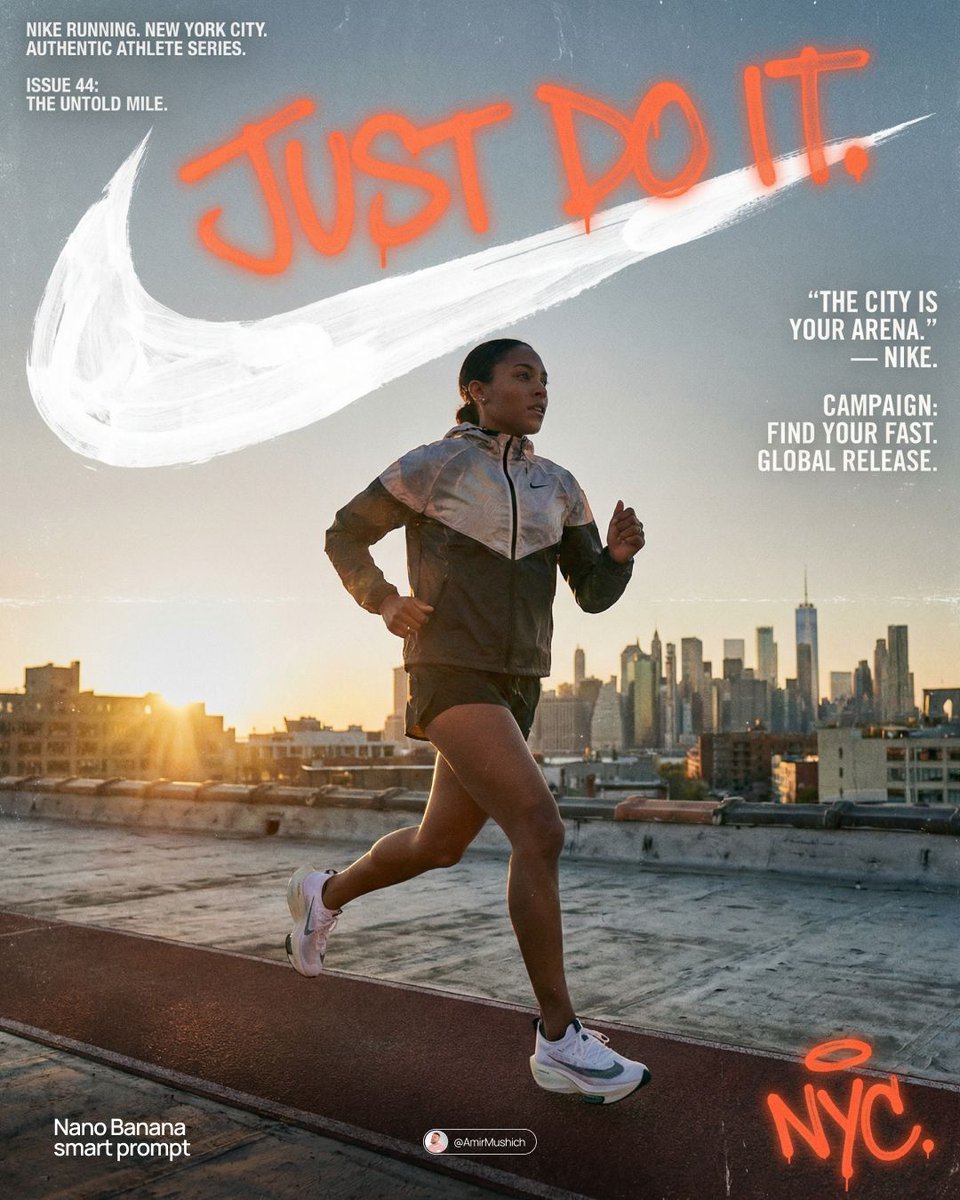
Miles Morales Spider-Man Brooklyn Graffiti
Seedance - Street Bull Incident
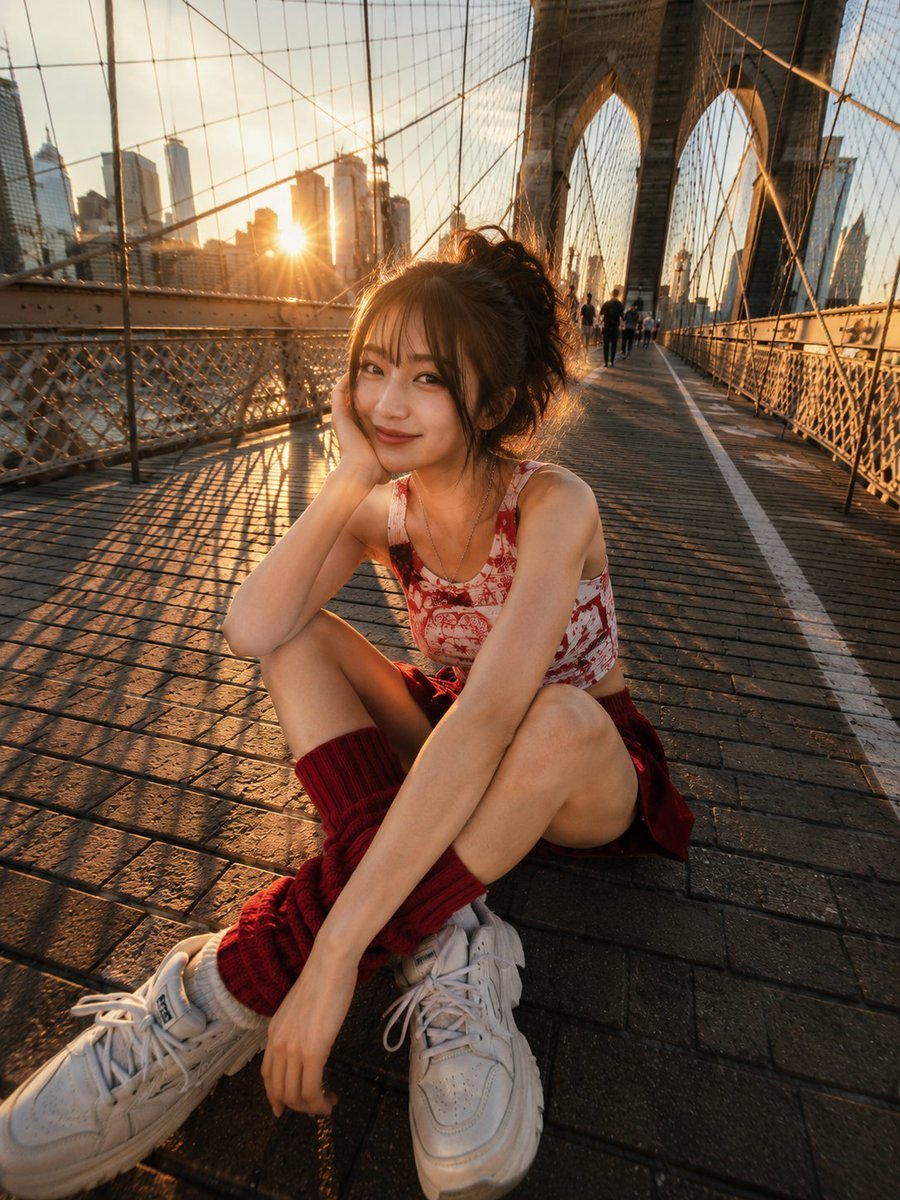
Brooklyn Bridge Street Portrait
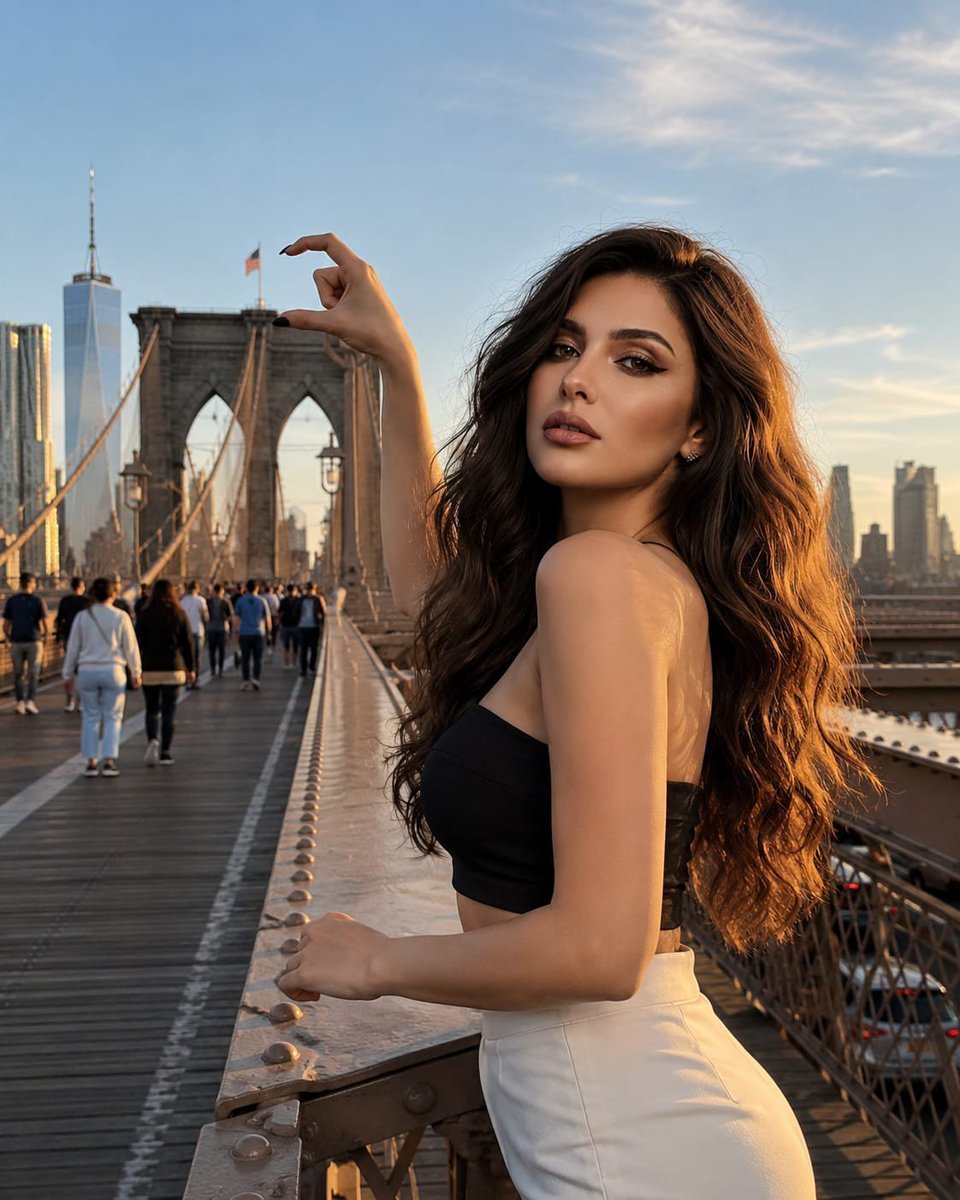
Forced Perspective Brooklyn Bridge Portrait

Double Exposure Foggy Forest Portrait
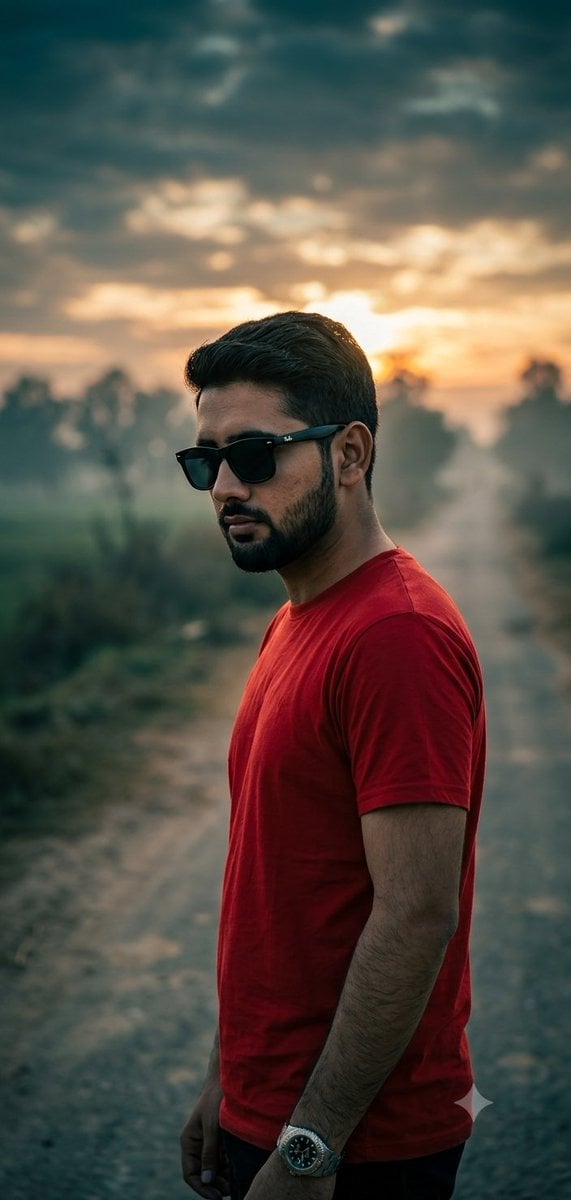
Moody Foggy Countryside Portrait
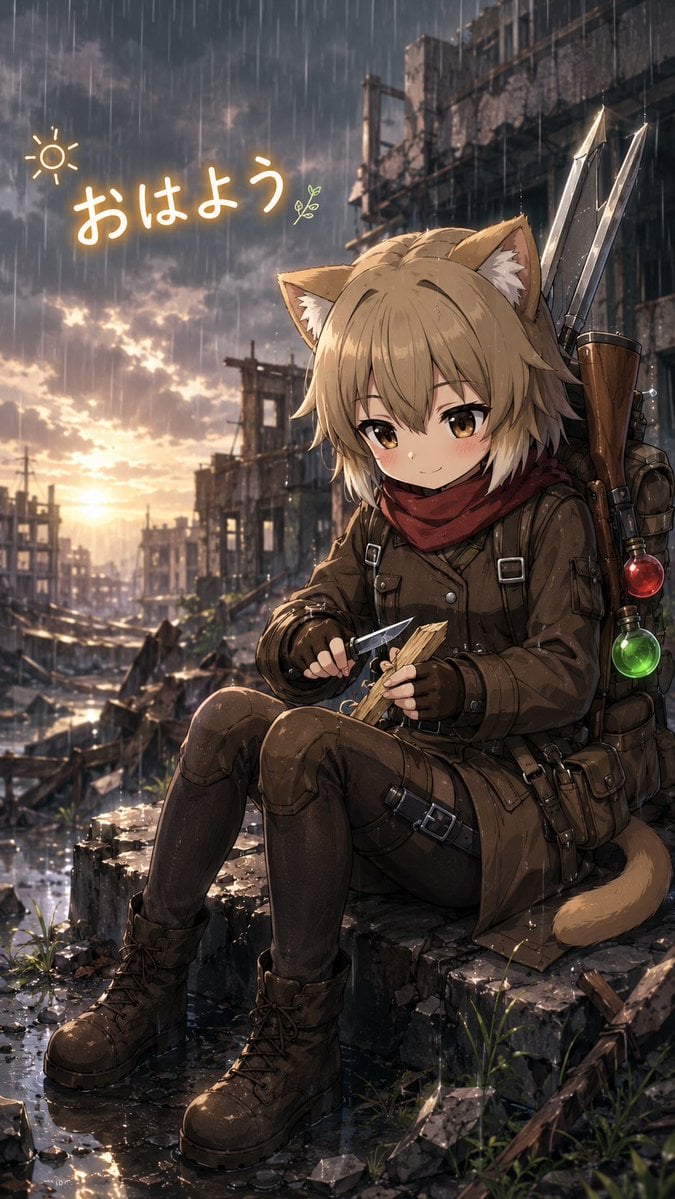
Rainy Cat-Eared Survivor Morning
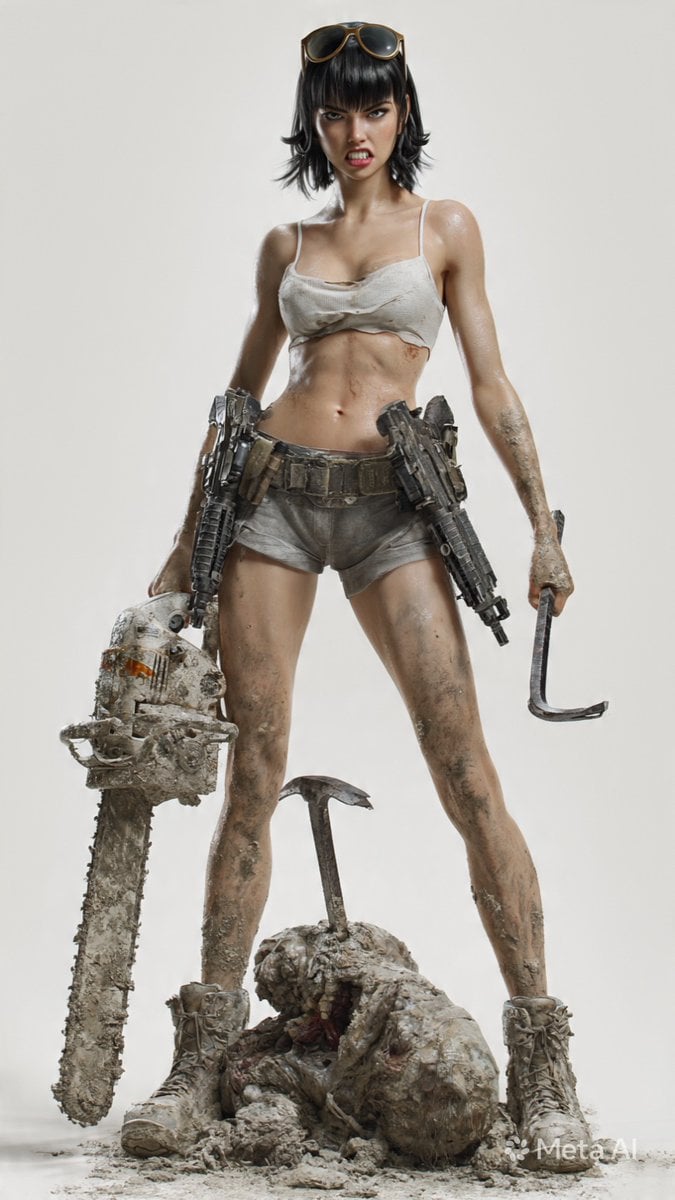
Post-Apocalyptic 3D Zombie Survivor
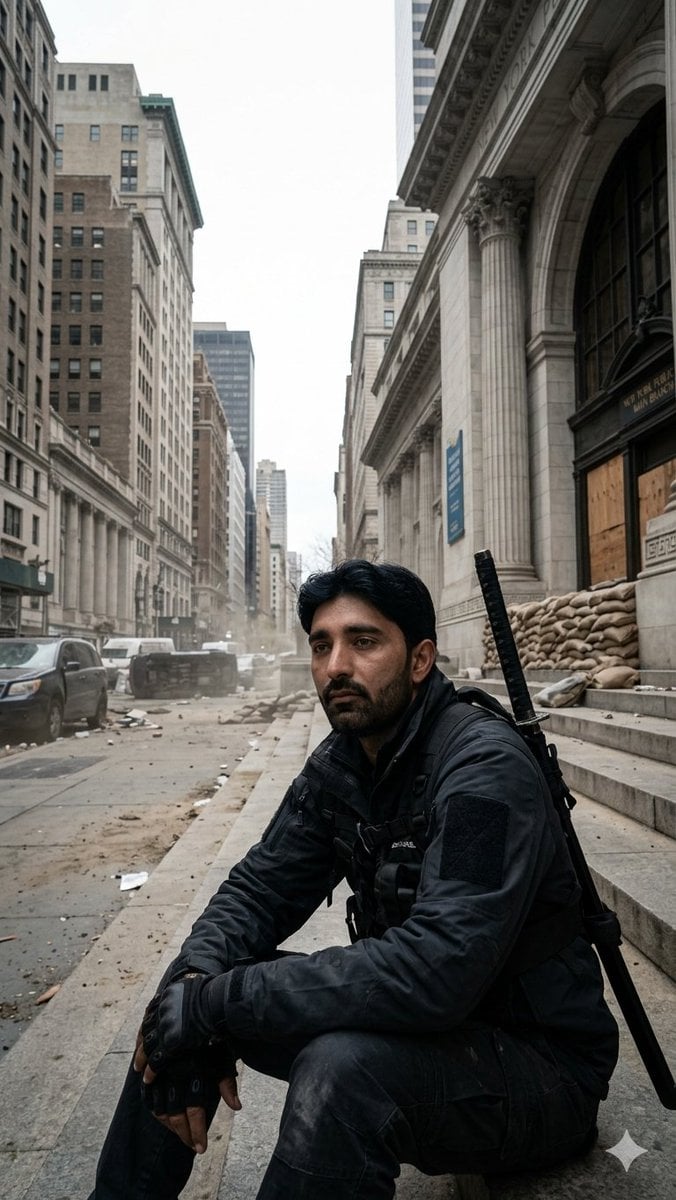
Fortified NYPL Survivor Scene
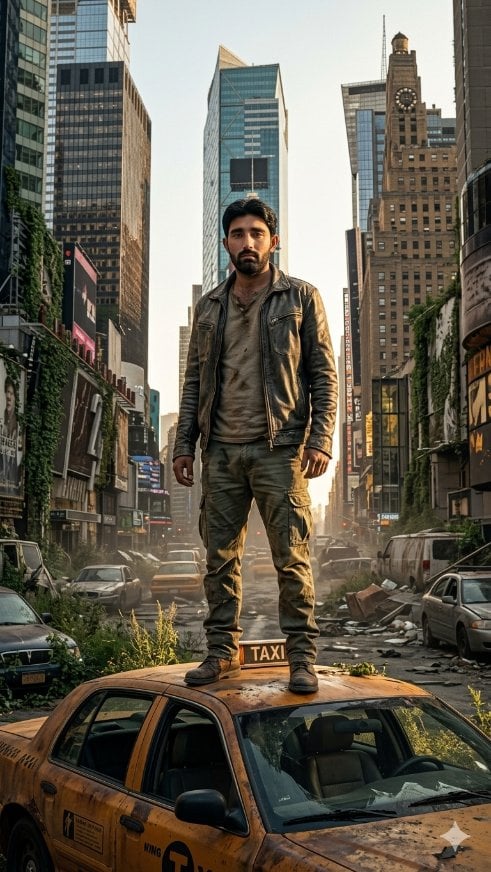
Post-Apocalyptic Taxi Survivor
Make it yours
Foggy Brooklyn Bridge Survivor works as-is. These are the safest ways to change it without losing the look.
Change one field
Copy a single group, rewrite it, and generate again so you can see what that field is doing.
Keep the frame, change the subject
Hold the composition and light of Foggy Brooklyn Bridge Survivor, then swap wardrobe, props or the person for a new take.
| If the result… | Why | Fix |
|---|---|---|
| The result drifts from the preview | Too many fields changed at once. | Reuse Foggy Brooklyn Bridge Survivor as-is first, then change one group — subject, light, or setting. |
| The model over-stylizes the scene | The prose prompt leaves finish and camera underspecified. | Add one camera or lighting sentence and stay on GPT Image 2. |
More GPT Image 2 templates
Other prompts made for GPT Image 2.

Six VTuber Japanese Logo Sheet

Realistic Portrait of Woman and Deer

The Vista Modular Condo Poster

AI Model Routing Comparison Infographic

2.5D Anime Art Board

Isometric Productivity Desk Scene

New York Double Exposure Poster

Four-Panel AI Landscape Comparison

Japanese Tatami Lifestyle Magazine Cover

NESCAFÉ Coffee Map Poster
More image prompts
Fresh picks from across the catalog.
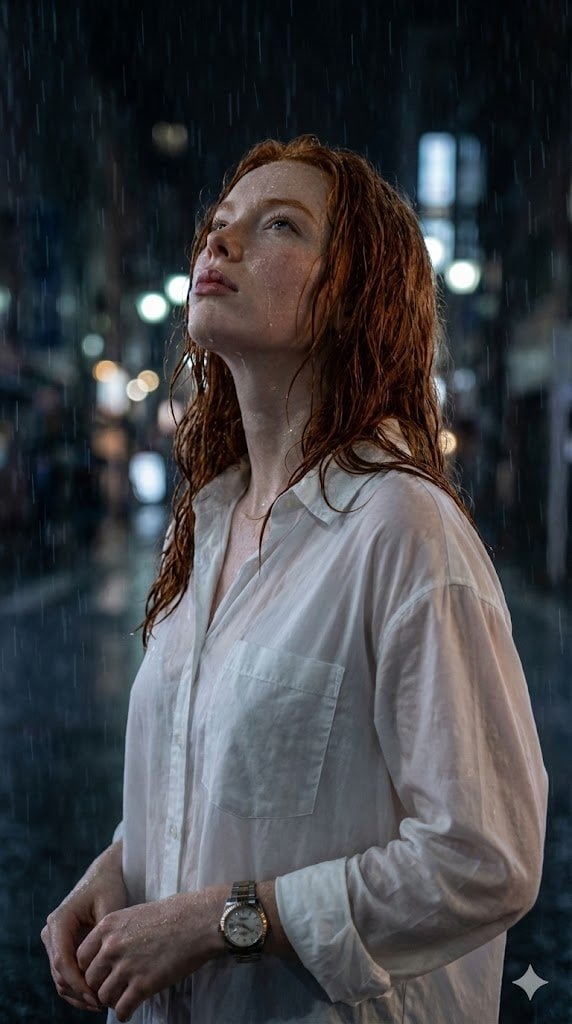
Candid Golden Hour Coffee Shop Portrait
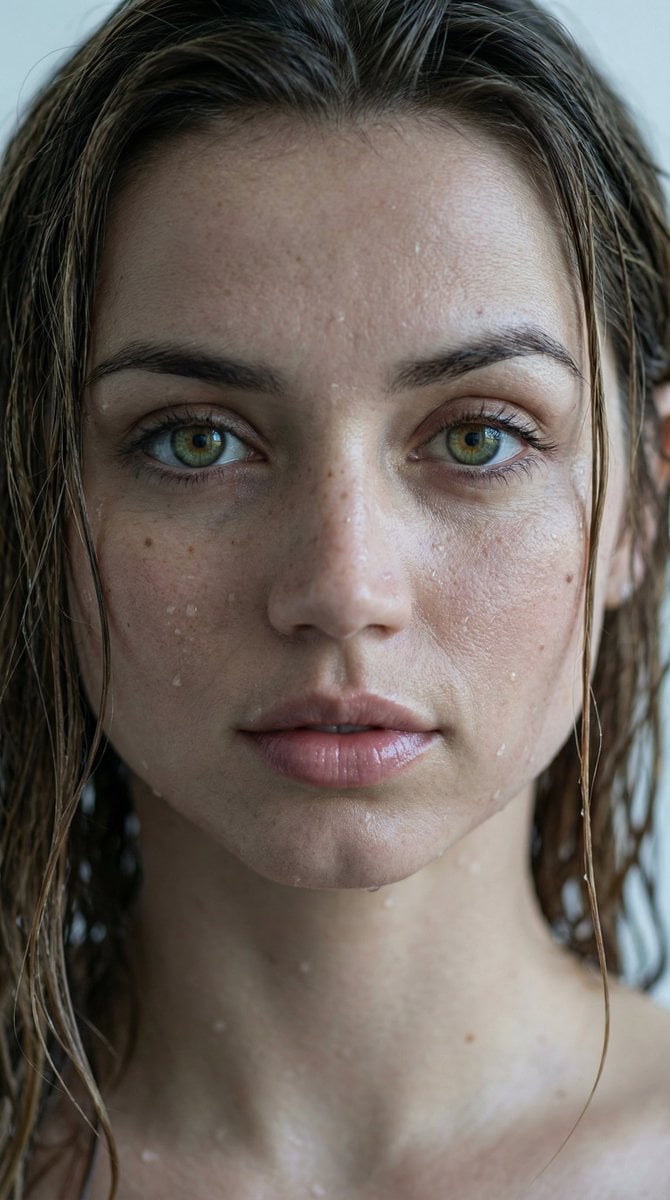
Hyper-Realistic Wet Look Close-Up Portrait
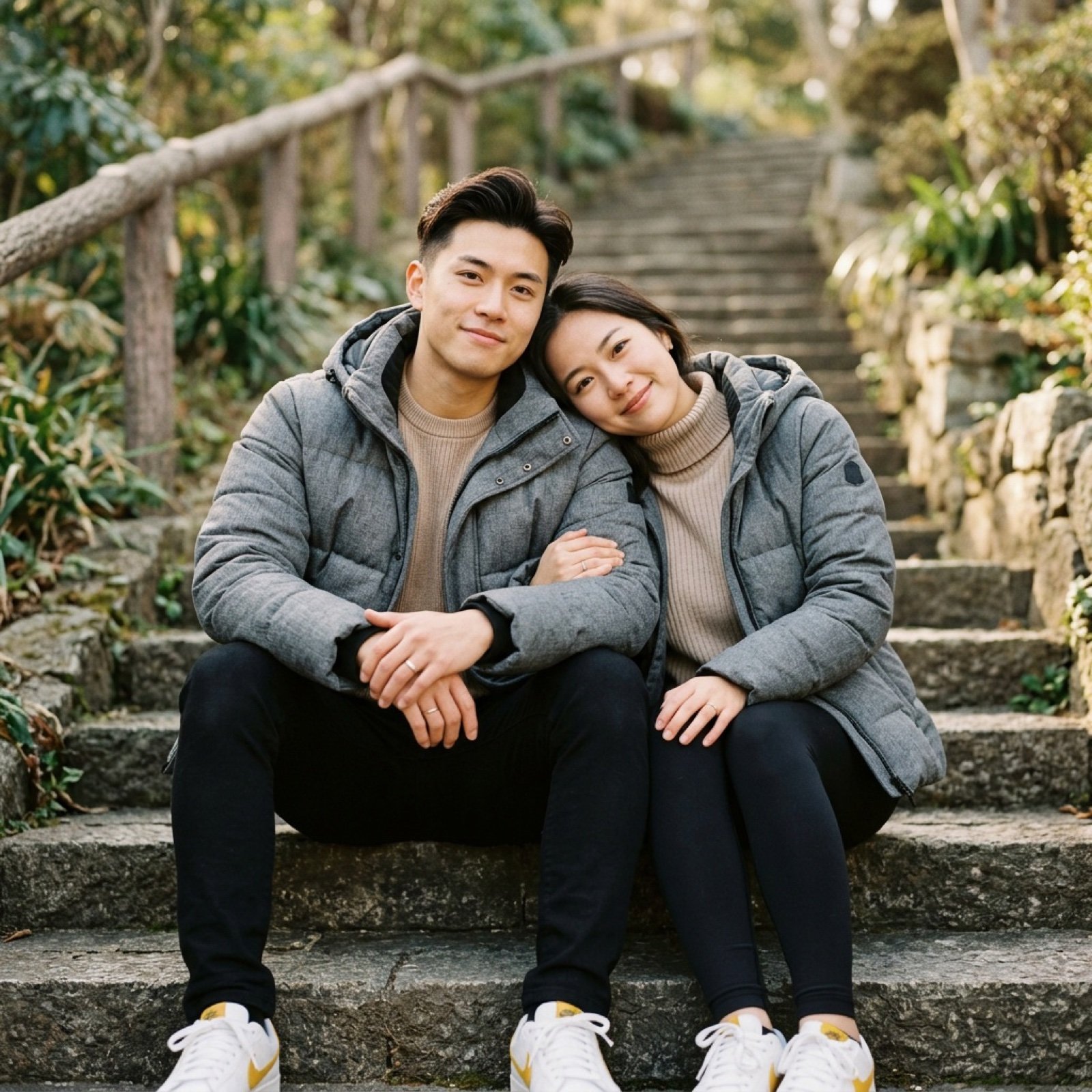
Ultra-realistic lifestyle portrait prompt for a modern couple
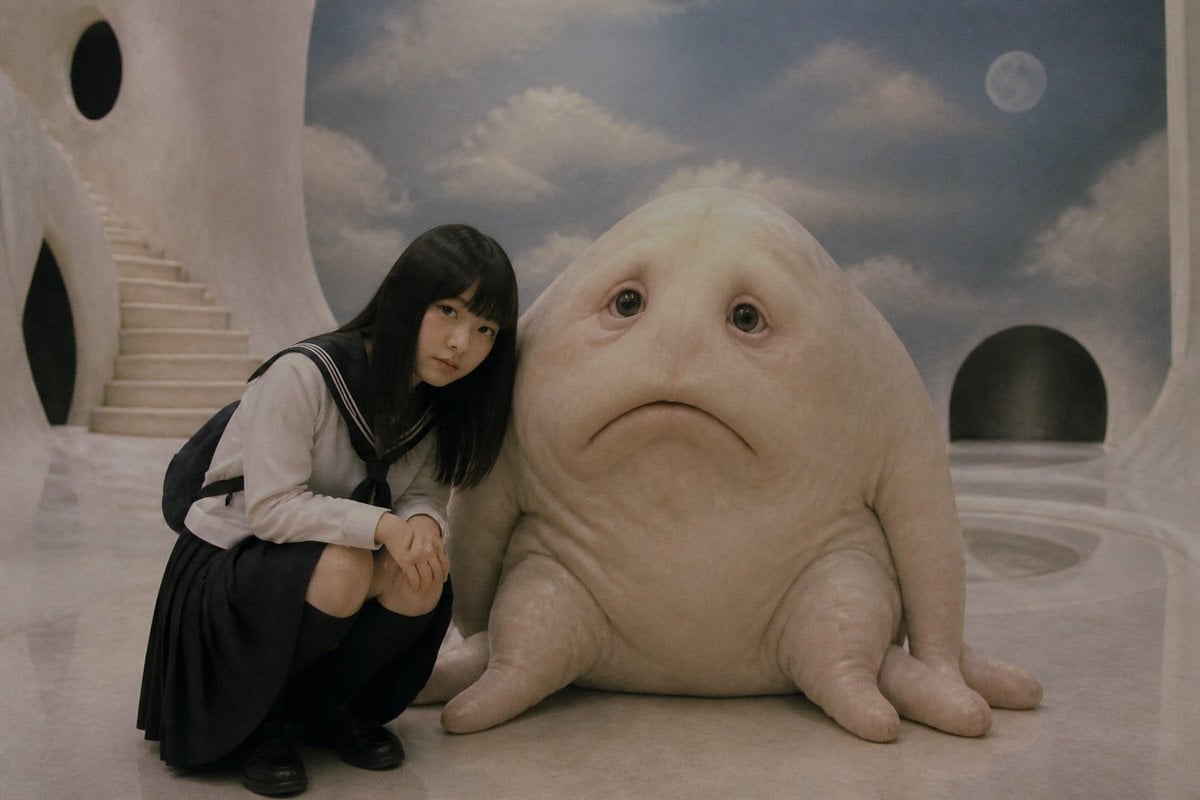
Surreal Schoolgirl and Blob Creature

Nano Banana 2 Photo Booth Story
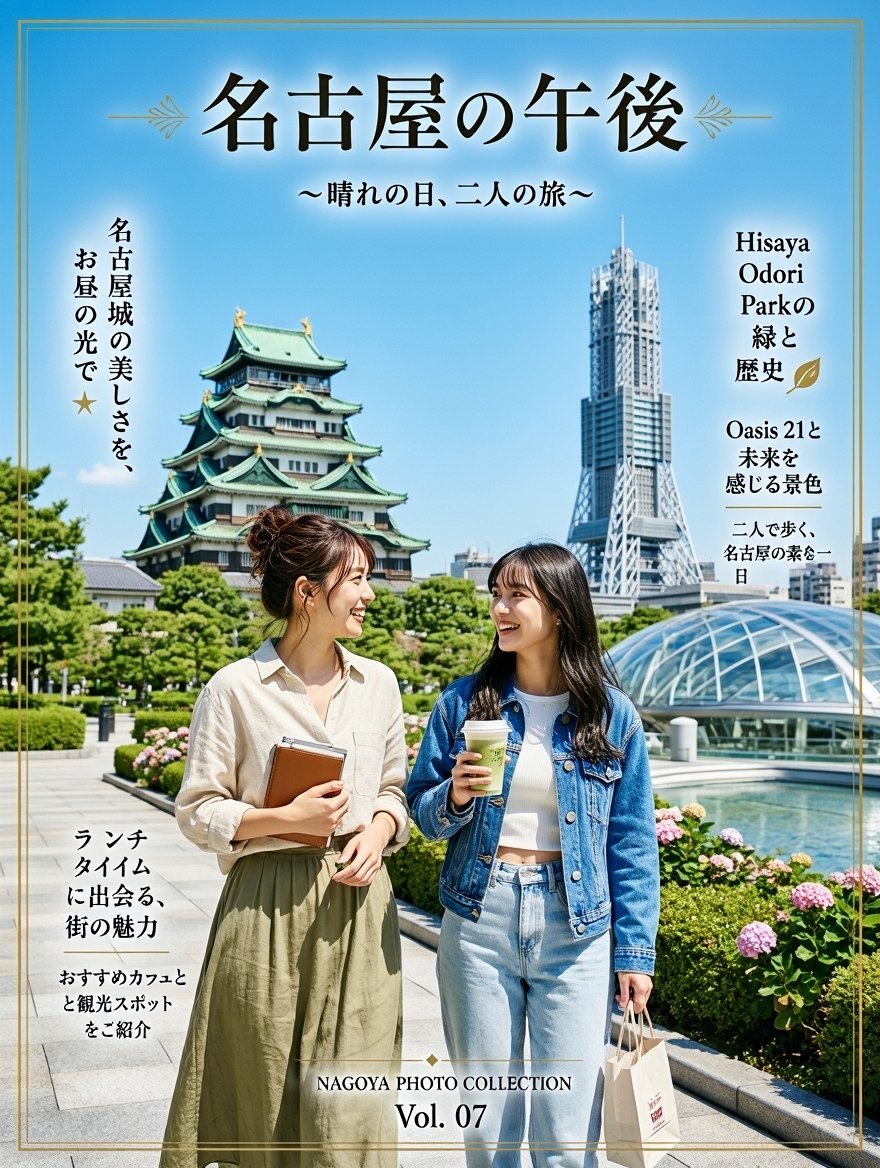
Nagoya Afternoon Travel Poster

Microwave Deity Mascot Sheet
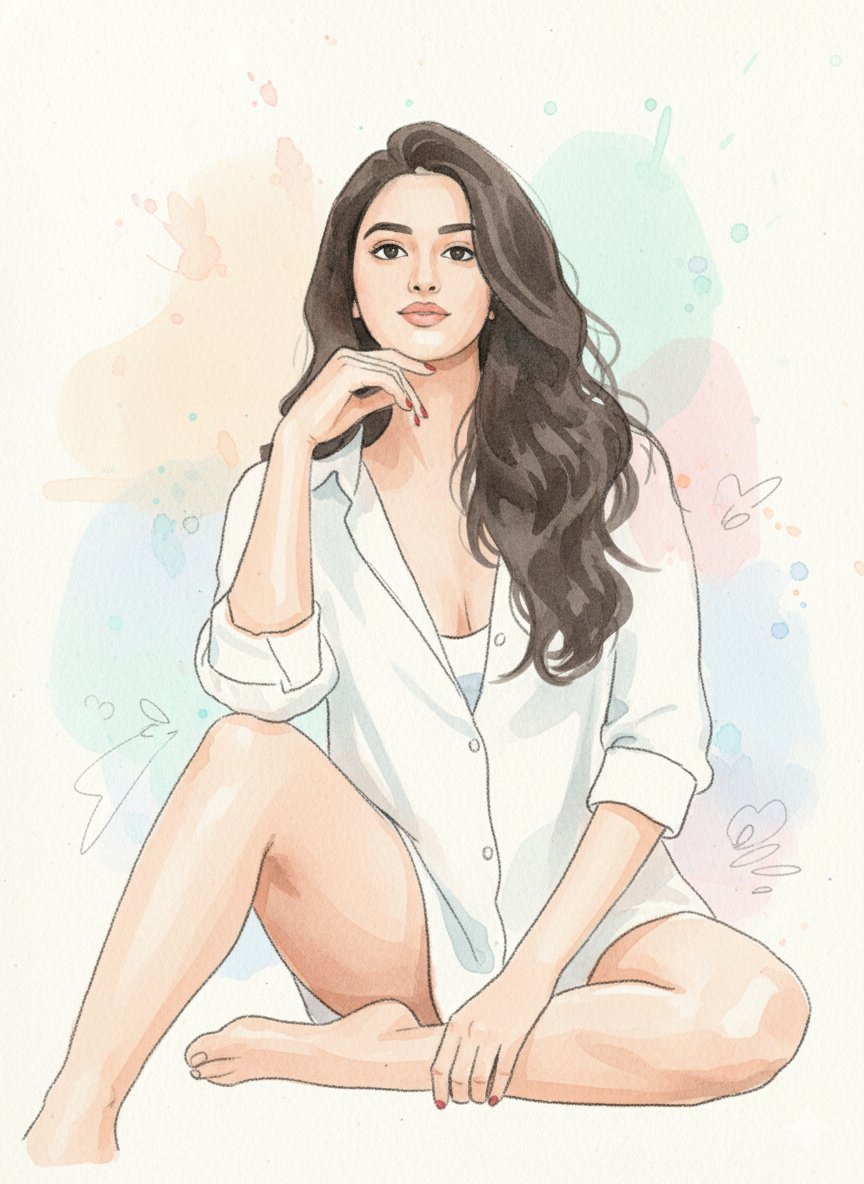
Watercolor Blob Doodle Identity Preservation Prompt

Cinematic Golden Hour Portrait

Hygge Winter Family Photo Prompt
Browse template categories
Foggy Brooklyn Bridge Survivor questions
How do I use the Foggy Brooklyn Bridge Survivor template?
Add your photo if the template asks for one, edit the prompt if you like — the template's model and format are already selected — and press Generate. Your version opens in PicX Studio.
Can I customize the Foggy Brooklyn Bridge Survivor template?
Yes. You can change the subject, setting, lighting, mood, format, and available model controls before creating your image.
Is the Foggy Brooklyn Bridge Survivor template free?
Opening and editing this template is free. Generating uses credits, shown on the Generate button when you are signed in.
Which AI model should I use?
Start with GPT Image 2, which is the model associated with this template. You can compare another compatible model for a different finish.
Looking for something else? Browse all templates.

Your photo, any look
Thousands of ready templates for every top image and video model, from one credit balance.