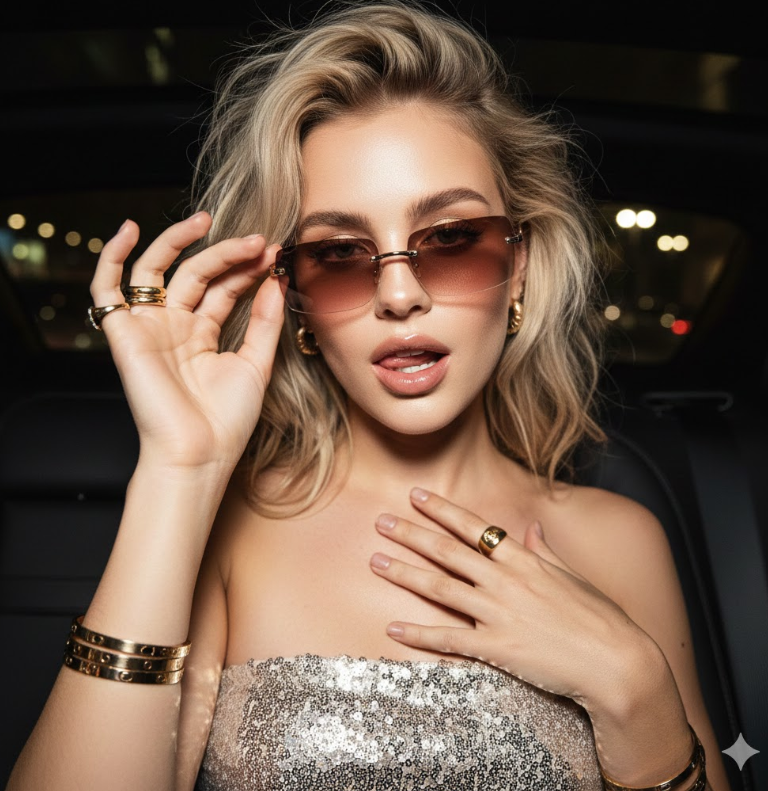
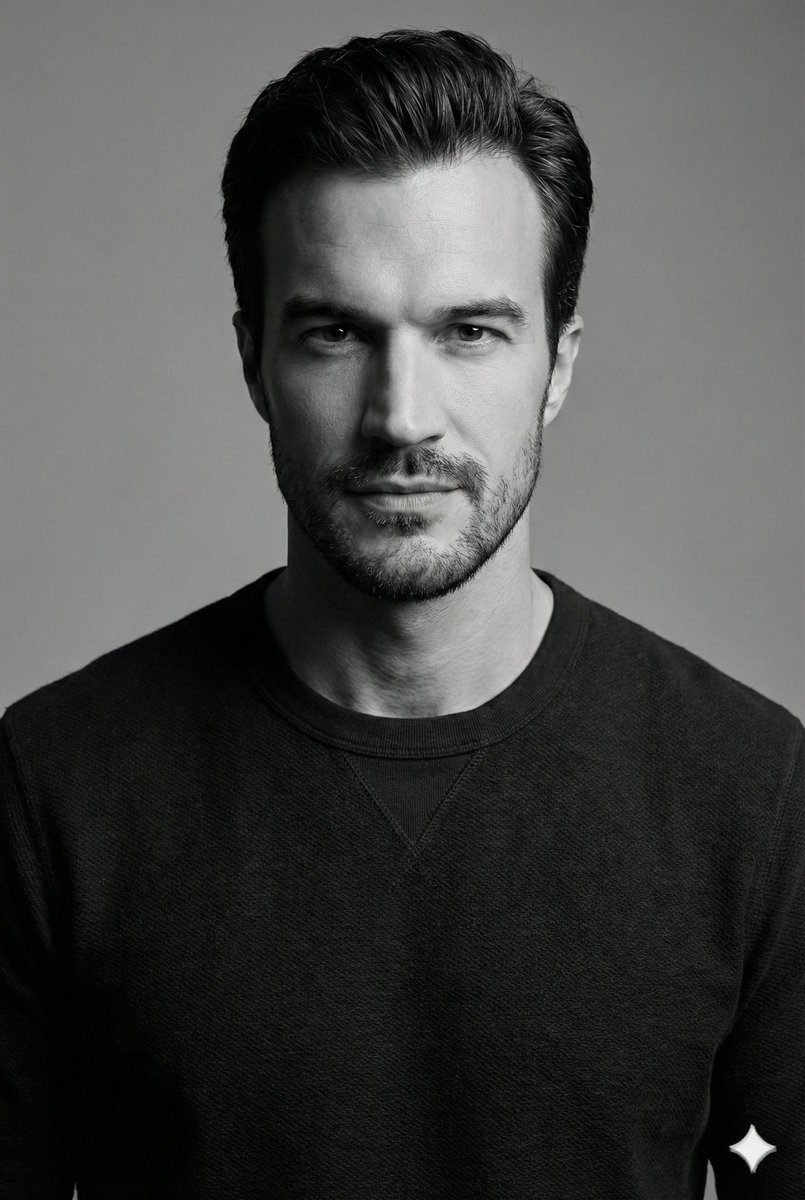
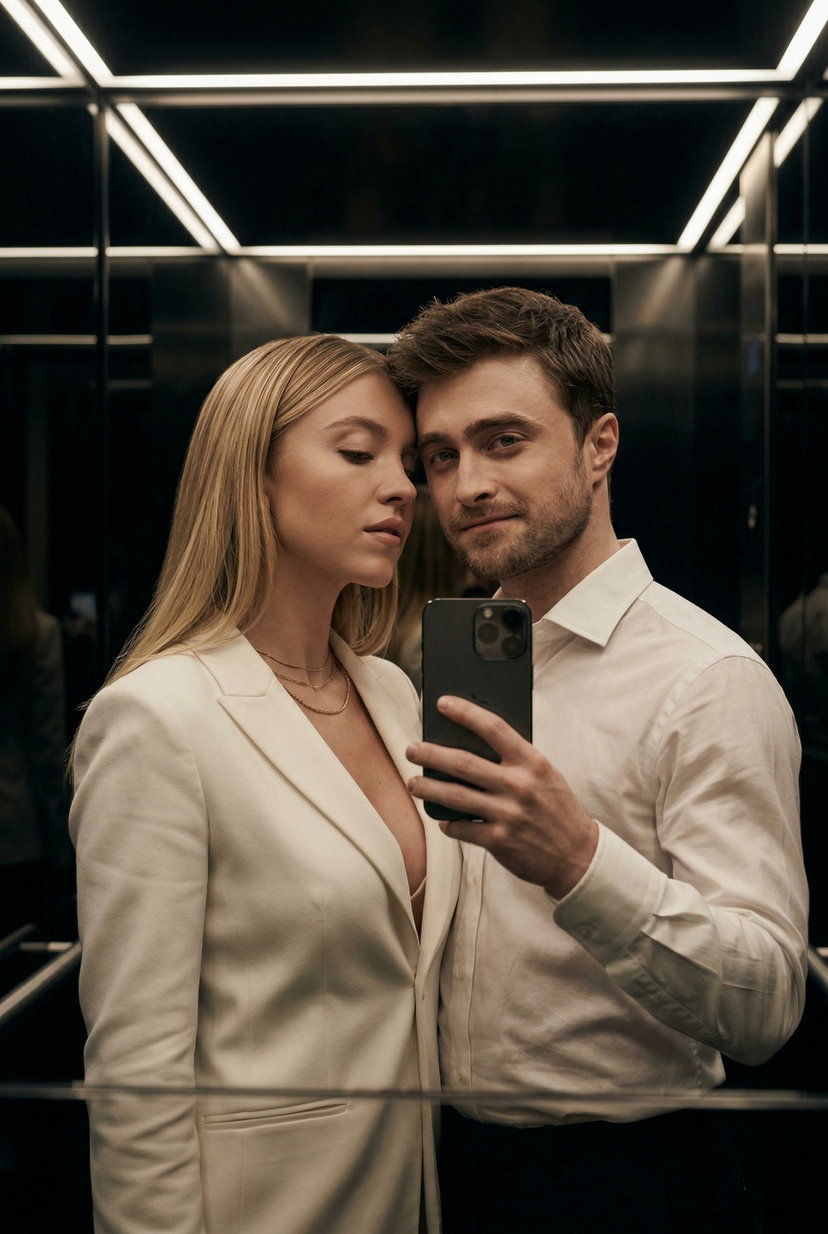
How do I use the Minimalist Studio Portrait with Horse template?
Choose the primary action to open PicX Studio with the available template settings. Review the model and format, personalize the creative direction, and generate when ready.
A striking and powerful minimalist studio portrait featuring a muscular man and a majestic black horse, designed with a luxury fashion editorial aesthetic. Change the subject, setting, or lighting one variable at a time.
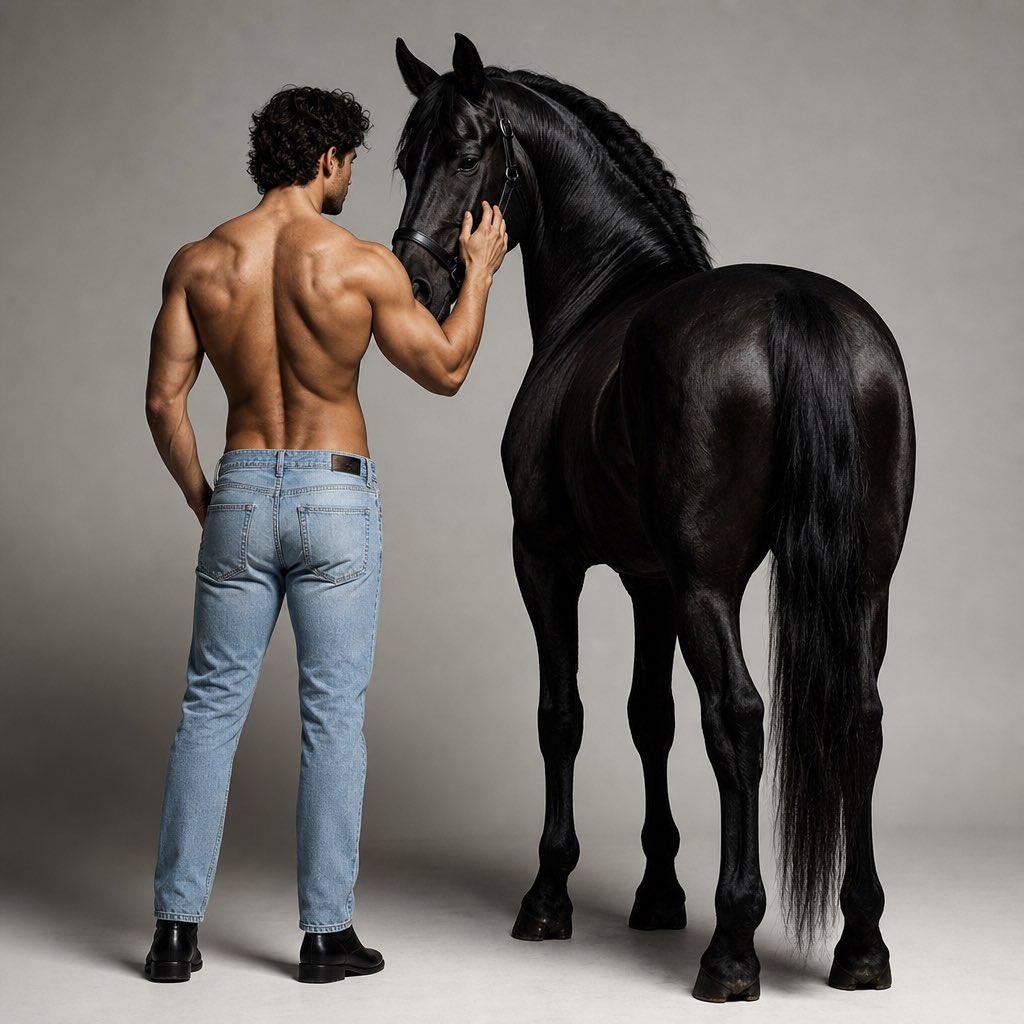
striking minimalist studio portrait of a {argument name="subject" default="muscular man"} standing beside a {argument name="animal" default="majestic black horse"}, captured from the back in a calm yet powerful pose. The man is shirtless, wearing {argument name="clothing" default="light blue denim pants"} @img1 with formal black shoes, his hand gently resting on the horse's head. His defined back muscles, natural posture, and slightly curly hair add a refined masculine elegance to the composition. The horse stands tall and graceful beside him with a glossy deep black coat, realistic anatomy, and a poised cinematic presence. The interaction between the man and the horse feels quiet, intimate, and powerful, creating a luxury editorial fashion campaign aesthetic with strong emotional depth. Set against a seamless light grey studio background with soft floor shadows, the image features cinematic lighting, rich RGB tones, natural skin texture, subtle highlights, and high contrast. Ultra-realistic details, sharp focus, clean composition, and photorealistic styling give the portrait a premium high-fashion campaign
Choose the primary action to open PicX Studio with the available template settings. Review the model and format, personalize the creative direction, and generate when ready.
Yes. You can change the subject, setting, lighting, mood, format, and available model controls before creating your image.
This template is free to open and customize. Generation usage is shown in PicX Studio before you create.
Start with GPT Image 2, which is the model associated with this template. You can compare another compatible model for a different finish.
© 2026 PicX Studio. All rights reserved.

Follow a topic to a crawlable collection of related PicX Studio templates.
43,474 public templates available. Verified via the PicX Studio public templates API; refreshed hourly.




![118-google-nano-banana-pro-skincare-product- — A professional skincare shot of a [product container] with [cap/lid], labeled [brand, product, descriptor, volume](/_next/image?url=https%3A%2F%2Fcdn.picxstudio.com%2Fuploads%2Fpost118_img0_332898b8-29ea-42a9-87ab-9ed746a3f944.jpg&w=828&q=100)




![69-untitled — FORMAT: 15s / 145 BPM / 14 SHOTS
SUBJECT: @[image1]
WARDROBE: Clean modern outfit
ENVIRONMENT: Street / indoor transitions
MOOD: Discovery → contr](/_next/image?url=https%3A%2F%2Fcdn.picxstudio.com%2Fuploads%2Fpost69_img0_d45faecf-38c3-4bcb-81a4-f6eb1cf42bb2.jpg&w=828&q=100)













![Minimalist Flat Vector Travel Poster — Premium minimalist flat-vector travel poster for {argument name="city name" default="[CITY_NAME]"}, 3:4 vertical format.](https://cms-assets.youmind.com/media/1787917359711_3ug846_HQX205cbMAA6F6S-300x400.jpg)