How do I use the Minimalist Studio Lifestyle Portrait template?
Edit the prompt in the box under the preview — the template's model and format are already selected — and press Generate. Your version appears right on this page.
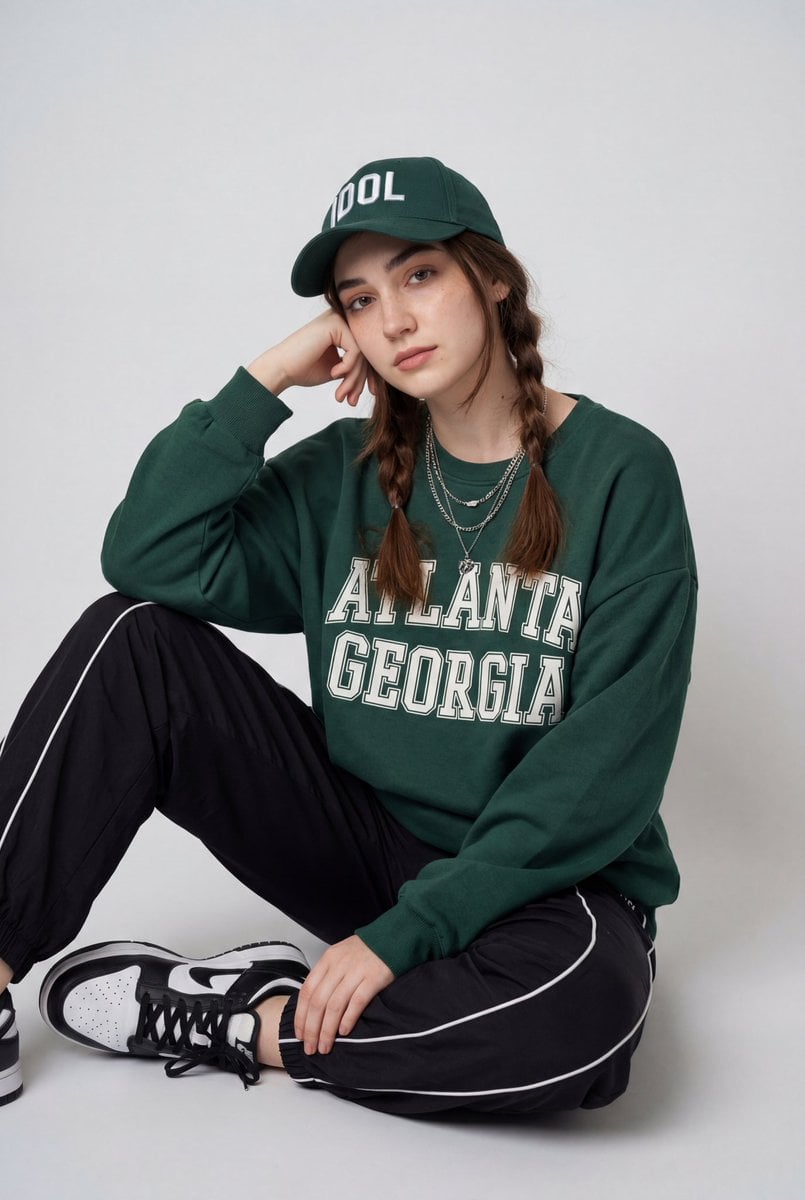
A high-end editorial portrait of a woman in a minimalist studio setting, featuring a blurred monochrome background for artistic depth.

A photorealistic lifestyle portrait of a {argument name="subject" default="beautiful young woman"} sitting cross-legged on a smooth floor in a modern minimalist studio, smiling softly at the camera. She has {argument name="hair style" default="long light brown hair styled in a loose side braid with soft face-framing strands"}, natural glowing skin, subtle makeup, defined brows, warm hazel eyes, and a gentle, confident expression. She wears a fitted black ribbed long-sleeve top, high-waisted light gray cuffed trousers, and chunky white sneakers. One elbow rests on her knee while her hand lightly touches her head, creating a relaxed editorial pose. Behind her is a large monochrome black-and-white portrait of herself, softly blurred, adding depth and an artistic gallery aesthetic. Soft diffused studio lighting, neutral gray tones, shallow depth of field, creamy bokeh, cinematic color grading, luxury fashion editorial, ultra-realistic skin texture, balanced composition, 85mm lens, f/1.8, HDR, 8K, premium magazine photography.
A photorealistic lifestyle portrait of a {argument name="subject" default="beautiful young woman"} sitting cross-legged on a smooth floor in a modern minimalist studio, smiling softly at the camera. She has {argument name="hair style" default="long light brown hair styled in a loose side braid with soft face-framing strands"}, natural glowing skin, subtle makeup, defined brows, warm hazel eyes, and a gentle, confident expression. She wears a fitted black ribbed long-sleeve top, high-waisted light gray cuffed trousers, and chunky white sneakers. One elbow rests on her knee while her hand lightly touches her head, creating a relaxed editorial pose. Behind her is a large monochrome black-and-white portrait of herself, softly blurred, adding depth and an artistic gallery aesthetic. Soft diffused studio lighting, neutral gray tones, shallow depth of field, creamy bokeh, cinematic color grading, luxury fashion editorial, ultra-realistic skin texture, balanced composition, 85mm lens, f/1.8, HDR, 8K, premium magazine photography.
Edit the prompt in the box under the preview — the template's model and format are already selected — and press Generate. Your version appears right on this page.
Yes. You can change the subject, setting, lighting, mood, format, and available model controls before creating your image.
Opening and editing this template is free. Generating uses credits, shown on the Generate button when you are signed in.
Start with GPT Image 2, which is the model associated with this template. You can compare another compatible model for a different finish.
Follow a topic to a crawlable collection of related PicX Studio templates.