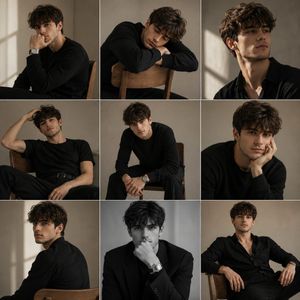
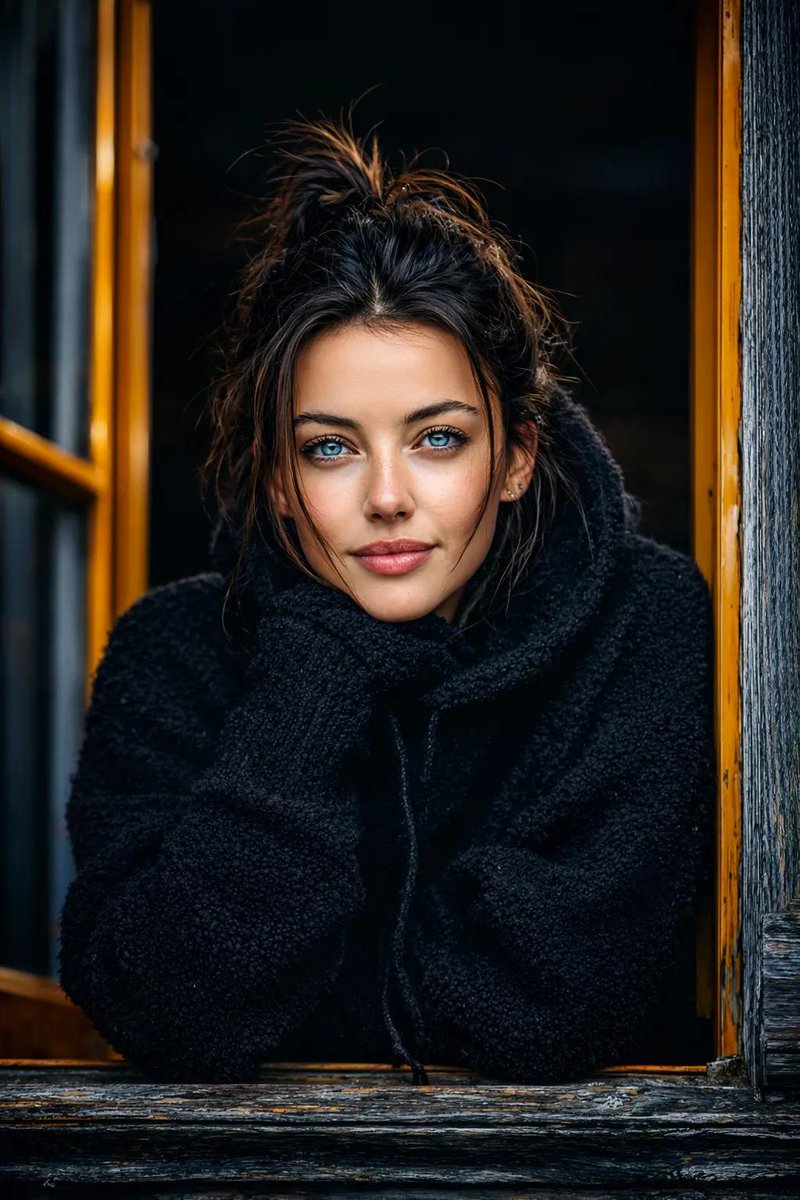
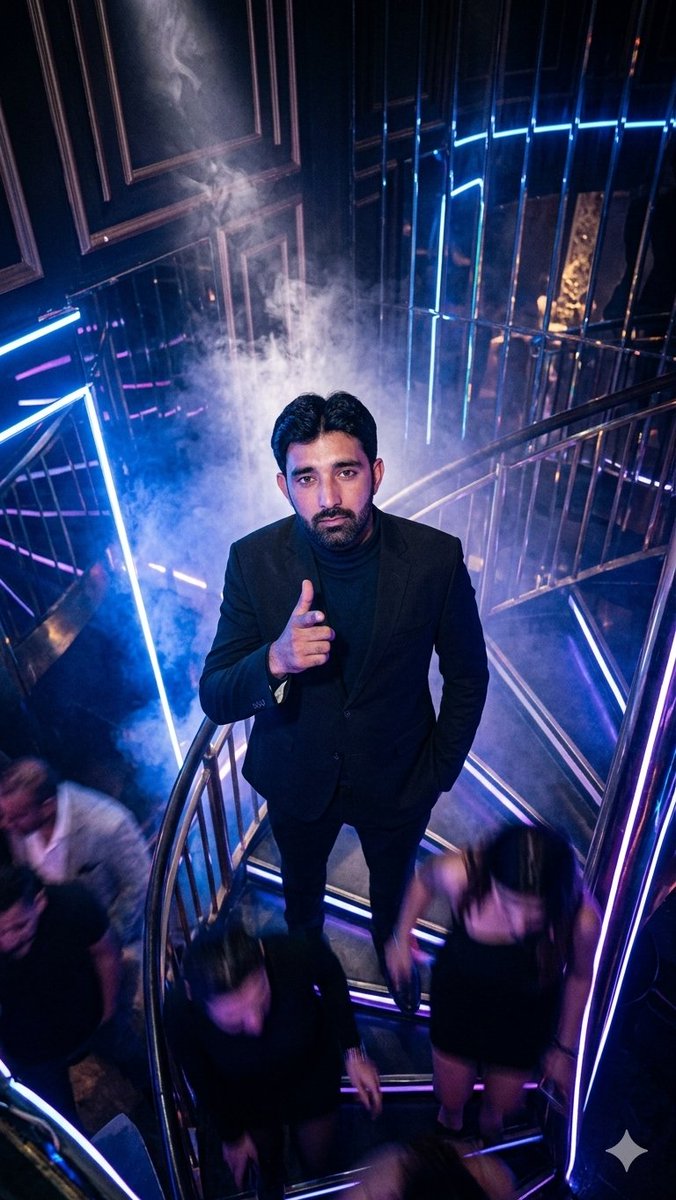
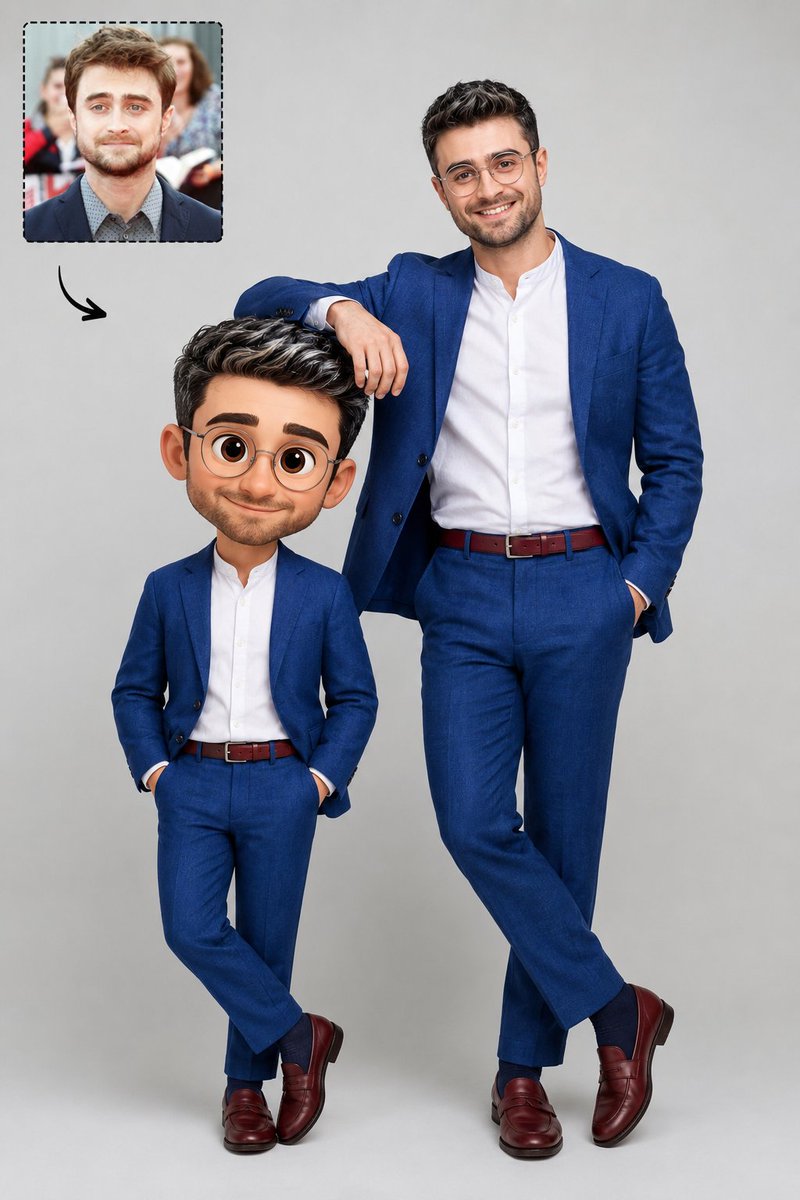
How do I use the Red Light Minimalist Studio Portrait template?
Choose the primary action to open PicX Studio with the available template settings. Review the model and format, personalize the creative direction, and generate when ready.
A high-contrast, moody fashion photography prompt featuring intense red lighting and a minimalist studio setup.
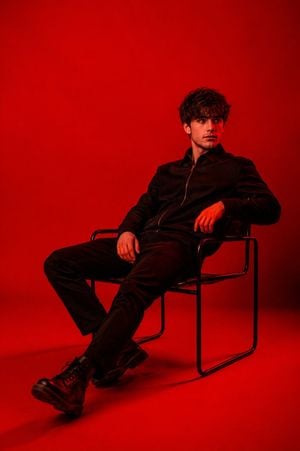
Photo Of Me, Wearing A {argument name="outfit" default="Black Zip-up Jacket, Black Pants And Black Boots"}, Sitting Relaxed And Reclined On A {argument name="furniture" default="Modern Thin Metal-frame Chair"} In A Minimalist Studio. He Is Leaning Back With Legs Stretched Forward, One Hand Resting On The Chair Arm, The Other On His Thigh, Looking To The Side With A Calm Expression, Dramatic Full-scene {argument name="lighting" default="Red Lighting"}, Entire Background And Floor Bathed In Intense Saturated Red Color, High Contrast, Cinematic Studio Portrait, Smooth Seamless Red Backdrop, Moody Atmosphere, Fashion Photography Style, Sharp Details, Professional Lighting
Choose the primary action to open PicX Studio with the available template settings. Review the model and format, personalize the creative direction, and generate when ready.
Yes. You can change the subject, setting, lighting, mood, format, and available model controls before creating your image.
This template is free to open and customize. Generation usage is shown in PicX Studio before you create.
Start with GPT Image 2, which is the model associated with this template. You can compare another compatible model for a different finish.
Follow a topic to a crawlable collection of related PicX Studio templates.