How do I use the Neon Gel Lighting Studio Portrait template?
Choose the primary action to open PicX Studio with the available template settings. Review the model and format, personalize the creative direction, and generate when ready.
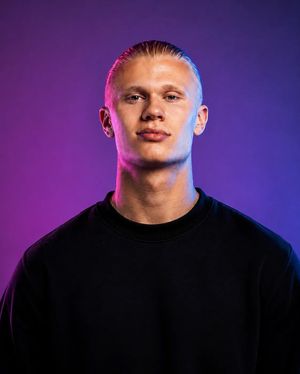
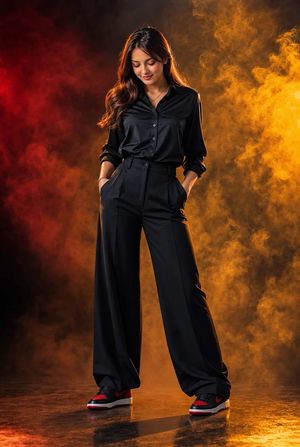
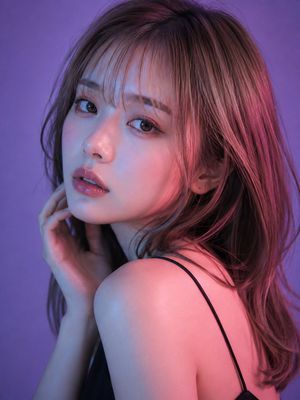
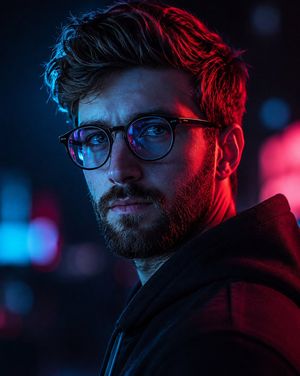
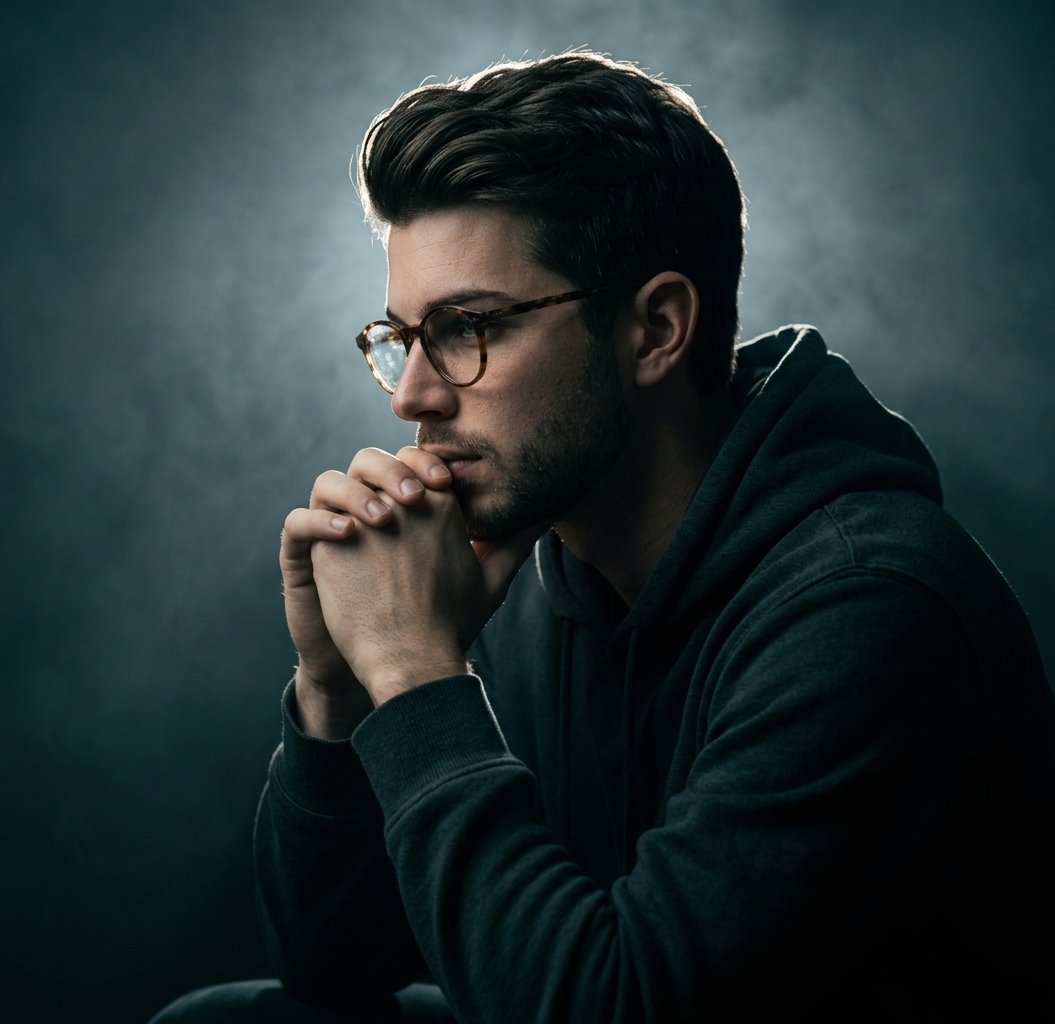
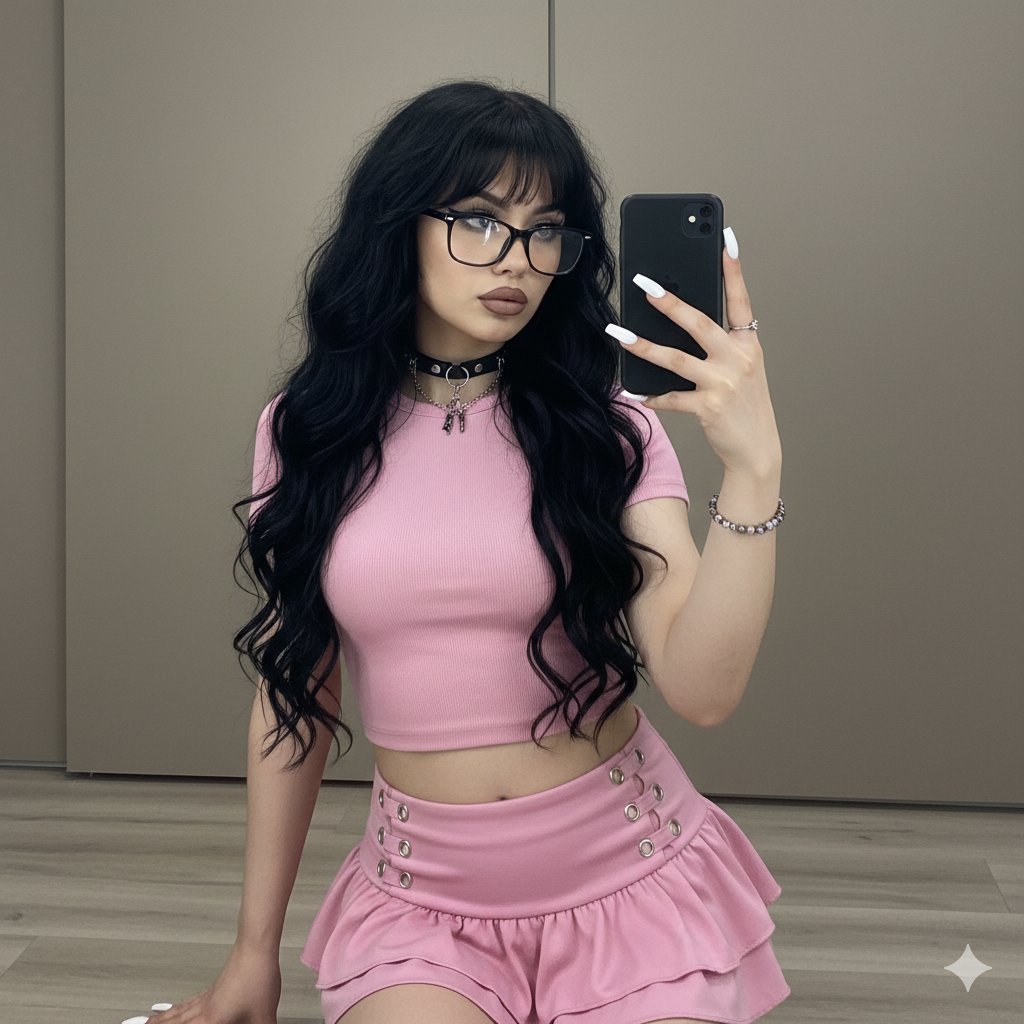
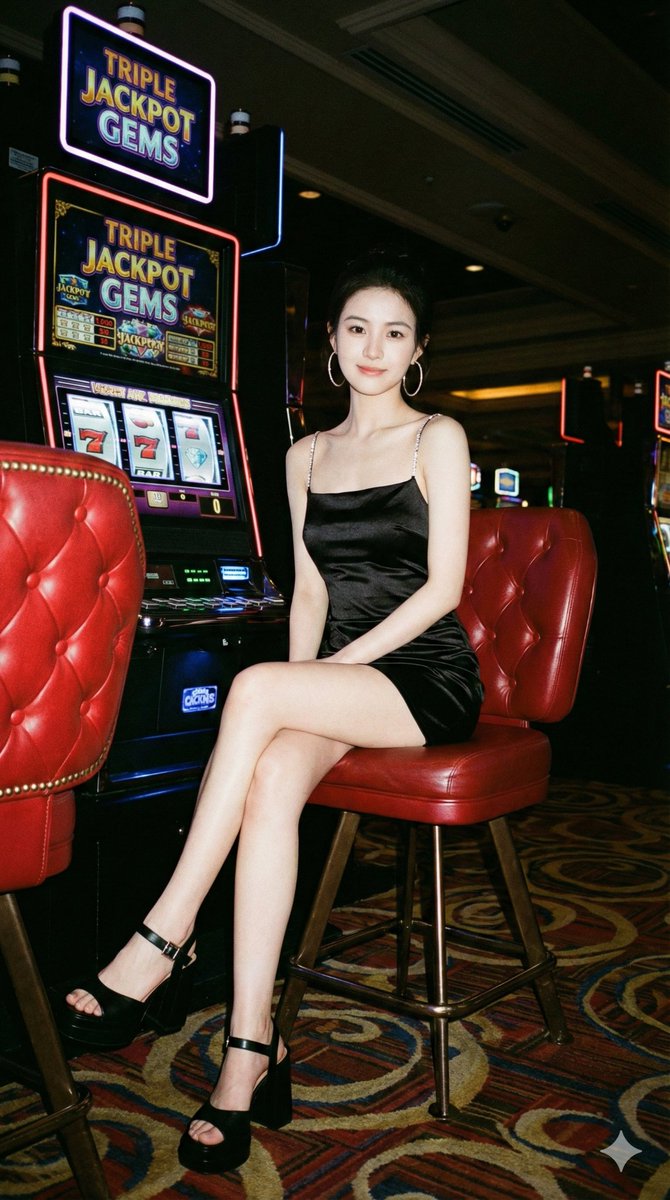
A hyper-photorealistic studio portrait prompt featuring dramatic red and blue neon gel lighting on a subject with CCD digicam grain and Portra 400 tones.
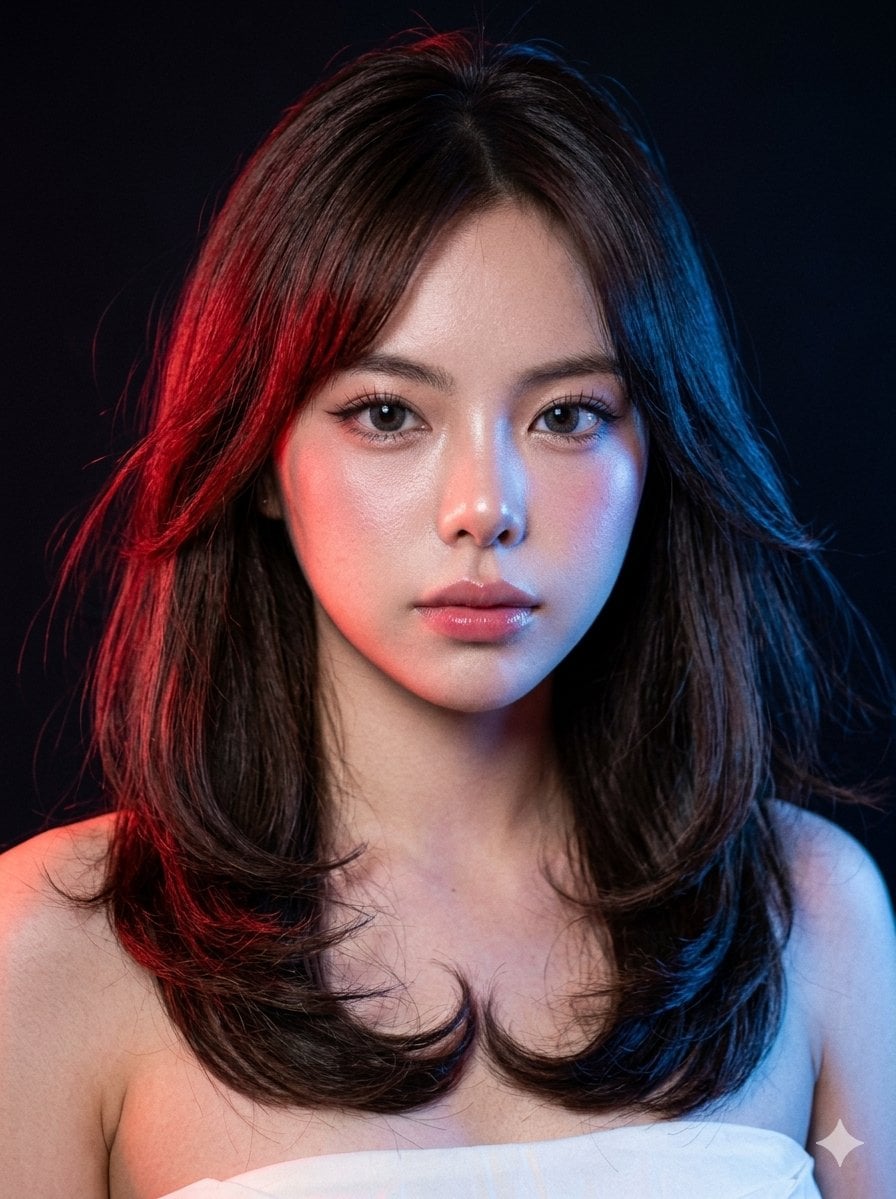
A hyper-photorealistic studio portrait of the same female subject under colored gel lighting. Scene: Dark background with {argument name="neon colors" default="red and blue"} neon lighting hitting opposite sides of her face, soft shadows and glow transitions. Camera settings: CCD digicam base with visible grain, slight color inconsistency enhanced by neon lights, direct flash subtly filling shadows. Portra 400 tones layered: warm skin balance maintained despite colored lighting, soft highlight roll-off. Makeup: Rosy complexion, dewy pores visible, feathery brows, thin wing liner, wispy lashes, grey contacts reflecting colored light, pink gloss lips. Hair: {argument name="hair style" default="Long layered hair with inward upward curls"}, softly moving, slightly windswept, catching colored light on edges. Negative prompt: no cyberpunk overgrading, no oversaturated neon, no plastic skin
Choose the primary action to open PicX Studio with the available template settings. Review the model and format, personalize the creative direction, and generate when ready.
Yes. You can change the subject, setting, lighting, mood, format, and available model controls before creating your image.
This template is free to open and customize. Generation usage is shown in PicX Studio before you create.
Start with Nano Banana 2, which is the model associated with this template. You can compare another compatible model for a different finish.
Follow a topic to a crawlable collection of related PicX Studio templates.